Best Subscription Manager App in 2026: 8 Apps Compared


Automatic detection and cancellation help · Starting price: $7 per month
How we put this together: we compare official feature and pricing pages, app store listings, privacy policies and public user reviews. Prices change, so check the provider's site before you pay.
Key takeaways
- Rocket Money is the strongest choice for people who want automatic detection and help with cancellation, while manual apps suit people who prefer not to link a bank account.
- Copilot Money and Monarch Money are better fits when subscription tracking is only one part of a wider budget.
- Bobby and Subby keep the job simple, with manual entry, renewal reminders and a low price or a free tier.
- Check if you need detection, reminders or cancellation help before you pay, because those three jobs are not the same.
Quick comparison
| Name | Who it suits | Starting price | Free option | |
|---|---|---|---|---|
| Rocket Money | Automatic detection and cancellation help | $7 per month | Yes | Visit |
 Copilot Money | Apple users who want a polished budget | $13 per month | Free trial | Visit |
 Monarch Money | Couples and households sharing one budget | $14.99 per month | Free trial | Visit |
 Simplifi by Quicken | Simple spending plans with subscription views | See website | Free trial | Visit |
 PocketGuard | A clear safe-to-spend figure | $12.99 per month | Yes | Visit |
 Bobby | Simple manual subscription reminders | See website | Yes | Visit |
 Subby | Manual tracking across devices | See website | Yes | Visit |
 PocketSmith | Long-range forecasts and calendar views | See website | Free trial | Visit |
The best subscription manager apps
The best subscription tracker app is the one you will actually check before a renewal lands. Some apps find charges for you, some rely on entries you type in, and some sit inside a full budget. We compared official feature pages, pricing pages and app store listings, and we kept the focus on subscription work rather than general budgeting alone.
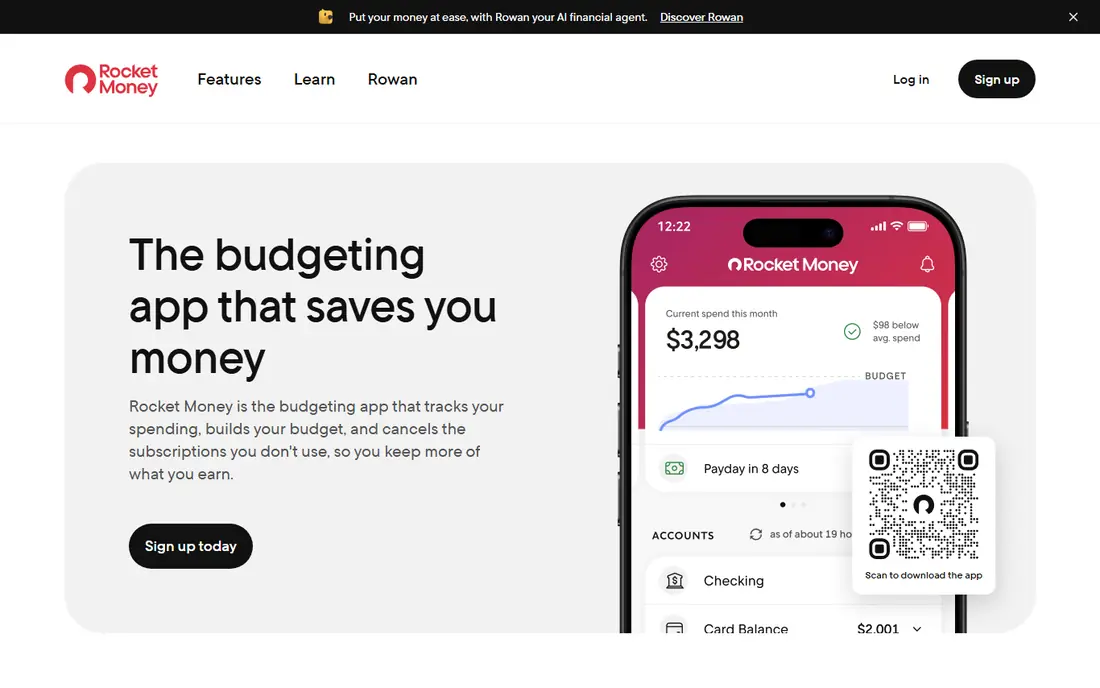
Rocket Money links to bank and card accounts, scans for recurring charges and puts them in one list with monthly and yearly totals. That automatic view is the main reason it leads this list. Many people forget a trial, a streaming add-on or a yearly charge, and a list built from real transactions catches those items faster than memory does.
The free tier covers tracking and spending views, which is enough for a first clean-up. Paid plans add cancellation help, bill negotiation and wider budgeting tools. The catch is that the free plan watches but does not act for you, so if you want someone else to cancel a service, you need to pay. Check the current paid range on the pricing page before you sign up, because it is presented as a sliding scale.
- Automatic detection of recurring charges
- Cancellation help on paid plans
- Useful free tier for tracking
- Cancellation and bill negotiation sit behind the paid plan
- The sliding paid price can confuse first-time buyers
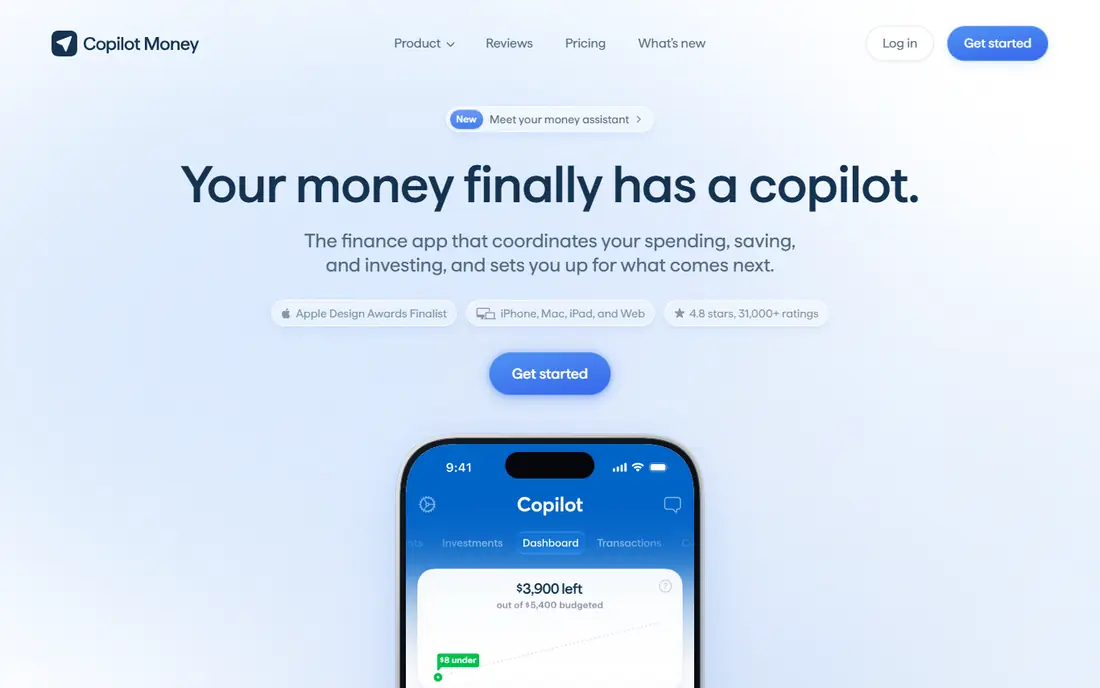
Copilot Money is a budgeting app first, with subscription tracking built into its view of recurring spending. It groups repeat charges, shows upcoming bills and helps you see which subscriptions are rising in cost. The design is calm and easy to read, which matters when you are reviewing a long list of small charges.
The trade-off is access. Copilot Money is made for iPhone, iPad and Mac, so Android users and mixed-device households should look elsewhere. It also has no lasting free tier, only a trial, so you should use that trial on a real month of spending before you commit. If you already live inside Apple products and want one app for budgets and subscriptions, it is a strong pick.
- Clean design and clear recurring transaction views
- Strong categorisation
- Good for daily money checks
- No permanent free tier
- Apple devices only, which limits households on mixed devices
Monarch Money suits a household that wants one shared picture of money. Partners can view the same budget, track recurring charges and see goals side by side, without passing spreadsheets back and forth. Subscription tracking sits inside that wider view, so a renewal is easier to judge against rent, food and savings in the same month.
That breadth is also the weakness. If your only job is to cancel two streaming services, Monarch Money is more app than you need, and the price reflects the full budgeting package. Use the trial to test the shared view with the person you share bills with. If only one person will open it, a cheaper subscription-only app may serve you better.
- Shared household views
- Recurring transaction tracking
- Investment and net worth views in the same app
- Higher price if you only want subscription tracking
- No permanent free tier
Simplifi by Quicken
Who it suits: Simple spending plans with subscription views
Simplifi by Quicken gives you a spending plan, a watchlist for bills and a view of recurring charges, all in a layout that stays simple. It is a good middle ground for people who want more than a list but less than a full finance platform. You can flag a bill, watch for a price change and see how subscriptions fit into the month ahead.
It does not offer the same done-for-you cancellation service as Rocket Money, so you will still cancel most services yourself. That is fine if you mainly need awareness and reminders. Check the current price and trial on the vendor site, because Simplifi has used first-year offers in the past and the renewal price matters more than the opening offer.
- Watchlists for recurring bills
- Simple spending plan view
- Lower price than many full budgeting apps
- Subscription features sit inside a budgeting app, not a dedicated cancellation service
- Pricing and trial terms change
PocketGuard answers a plain question: after bills and subscriptions, what can you spend without trouble this week. That focus makes it easy to use. Recurring charges are listed together, and the app subtracts them before it shows the remaining figure, so a forgotten subscription does not quietly eat into money you thought was free.
The free tier is enough to list subscriptions and get a first safe-to-spend figure. Paid plans add wider tracking and custom categories. PocketGuard will not suit people who want detailed investment views or complex household budgets. It suits people who want a quick, honest number and a tidy subscription list.
- Simple safe-to-spend view
- Subscription and bill tracking
- Useful free tier for a first review
- Less depth than a full budgeting platform
- Some advanced features need the paid plan
Bobby is for people who do not want to link a bank account to a finance app. You add each subscription by hand, set its billing cycle and price, and Bobby reminds you before it renews. That manual step takes a few minutes at the start, but it also keeps your banking details out of the app entirely.
The honest catch is upkeep. If you start a new trial and forget to add it, Bobby cannot warn you. It works best for people with a stable set of subscriptions who want a nudge before renewal day. If your subscriptions change often, an app with automatic detection will catch more.
- No bank linking needed
- Clear renewal reminders
- Simple and fast to set up
- Manual entry means you must add every subscription yourself
- No automatic detection of new charges
Subby takes the same manual approach as Bobby, with a clean list, renewal reminders and totals by week, month and year. It suits people who want to see the full cost of their subscriptions in one place without giving an app access to their accounts. The cross-device view helps if you check subscriptions on a phone and a computer.
Like all manual trackers, Subby is only as complete as your entries. A free trial you forgot to record will not appear. Set a habit of adding a subscription at the moment you sign up, and review the list once a month. That small routine makes a manual app work as well as an automatic one for most households.
- Manual tracking without bank access
- Reminders and totals across devices
- Simple list view
- Manual entry needs regular upkeep
- No cancellation service
PocketSmith stands out for planning. It shows bills on a calendar, projects balances into the future and helps you see how a yearly subscription affects cash flow months ahead. That view is useful for freelancers, seasonal workers and anyone whose income changes during the year.
The trade-off is complexity. PocketSmith has more settings and views than a simple reminder app, so it takes longer to set up. If you only want a list and a reminder, Bobby or Subby will feel lighter. If you want to know how subscriptions fit into the next six months, PocketSmith earns its place.
- Calendar view of upcoming bills
- Long-range forecasts
- Strong for planning ahead
- More complex than a simple reminder app
- Price and plan details need checking on the vendor site
How we picked these
We compared official feature pages, pricing pages and app store listings for apps that track subscriptions in a clear, current way. We favoured apps that are available now, that state their price or free tier plainly, and that serve a distinct need, from automatic detection to manual privacy-first tracking. We did not claim hands-on testing we did not do, and we left out apps whose current status or price we could not confirm from a vendor source.
What to check before you choose
Automatic or manual
Automatic detection catches trials and price rises you forgot. Manual entry keeps bank access out of the picture but needs upkeep. Pick the trade-off you will live with, not the one that sounds best in theory.
Cancellation help or reminders only
Some apps remind you and leave the cancellation to you. Others offer to cancel for you on a paid plan. If you know you delay cancellations, that service may be worth paying for. If you act fast on a reminder, it is not.
Yearly charges and trials
Yearly subscriptions cause the biggest surprises. Make sure your chosen app shows yearly totals and trial end dates clearly, and set a reminder a few days before any trial ends.
Price after the first year
Introductory prices and sliding scales can mislead. Check the renewal price, what the free tier actually includes, and if you can export or delete your data if you leave.
Frequently asked questions
What is the best app for managing subscriptions?
The best app for managing subscriptions depends on your main job. Rocket Money suits automatic detection and cancellation help, while Bobby and Subby suit manual tracking without bank linking. Copilot Money and Monarch Money suit people who also want a full budget.
Is there a best subscription tracker app with a free plan?
Yes. Rocket Money, PocketGuard, Bobby and Subby all offer a free tier, though the depth varies. Free tiers usually cover tracking and reminders, while cancellation help and wider budgeting tools sit behind paid plans.
Are the best subscription manager apps safe to link to a bank account?
Reputable apps use read-only connections through established account-linking providers, but linking still deserves care. Use a strong password, turn on two-factor sign-in where offered, and read the privacy policy before you connect an account. If that step worries you, choose a manual app instead.
What are the best subscription manager tools for couples?
Monarch Money is the strongest household pick here because it is built for shared budgets and shared views. PocketSmith also works for shared planning through its calendar and forecast views, though it takes more setup.
Can a subscription manager app cancel services for me?
Some can, on paid plans, and Rocket Money is the clearest example in this list. Others only remind you. Always check which services a cancellation feature covers, because some merchants require you to cancel directly.
Sources we checked (8)

Online Jobs is an independent blog about careers, online work, learning new skills and the tools that help people earn. More about us.
Keep reading
All posts
Top AI Financial Software
Searching for top AI financial software? We compared 9 AI finance tools for AP, spend, close, forecasting and bookkeeping to help teams choose wisely.

Quicken Alternatives
Compare the best quicken alternatives for Mac, Windows, and small business owners, from Monarch Money and YNAB to Copilot, Tiller, and Banktivity in 2026.
QuickBooks Online Alternatives
Looking for quickbooks online alternatives? We compared 8 accounting tools on invoicing, bank feeds, payroll, pricing and fit for small businesses today.