Best Subscription Management Apps in 2026: 8 Apps Compared


Automatic detection and cancellation help · Starting price: $7 per month
How we put this together: we compare official feature and pricing pages, app store listings, privacy policies and public user reviews. Prices change, so check the provider's site before you pay.
Key takeaways
- Bank-linked apps find recurring charges for you, while manual apps keep your bank details out of the picture.
- Rocket Money is the strongest pick if you want automatic detection plus help cancelling.
- TrackMySubs and ReSubs suit people who want a plain list, reminders, and no bank connection.
- Paid plans make sense only when cancellation help, budgeting, or a full money dashboard adds real value.
- Check the renewal date, the billing cycle, and the cancellation route before you pay for any tracker.
Quick comparison
| Name | Who it suits | Starting price | Free option | |
|---|---|---|---|---|
| Rocket Money | Automatic detection and cancellation help | $7 per month | Yes | Visit |
 Monarch Money | Full money dashboard | $14.99 per month | Free trial (7 days) | Visit |
 PocketGuard | Spending plus subscription views | $12.99 per month | Yes | Visit |
 Copilot Money | Clean Apple-focused money tracking | $13 per month | No | Visit |
 YNAB | Budget-led subscription control | $14.99 per month | Free trial (34 days) | Visit |
 Simplifi by Quicken | Subscriptions inside a budget | See website | Free trial (30 days) | Visit |
 TrackMySubs | Simple manual tracking on the web | Free | Yes | Visit |
 ReSubs | Private manual tracking | Free | Yes | Visit |
The best subscription management apps
Subscriptions tend to grow quietly, one free trial and one annual renewal at a time. The apps below help you see the full list in one place, spot charges you forgot, and act before the next payment date. Some link to your bank, and some rely on entries you add yourself.
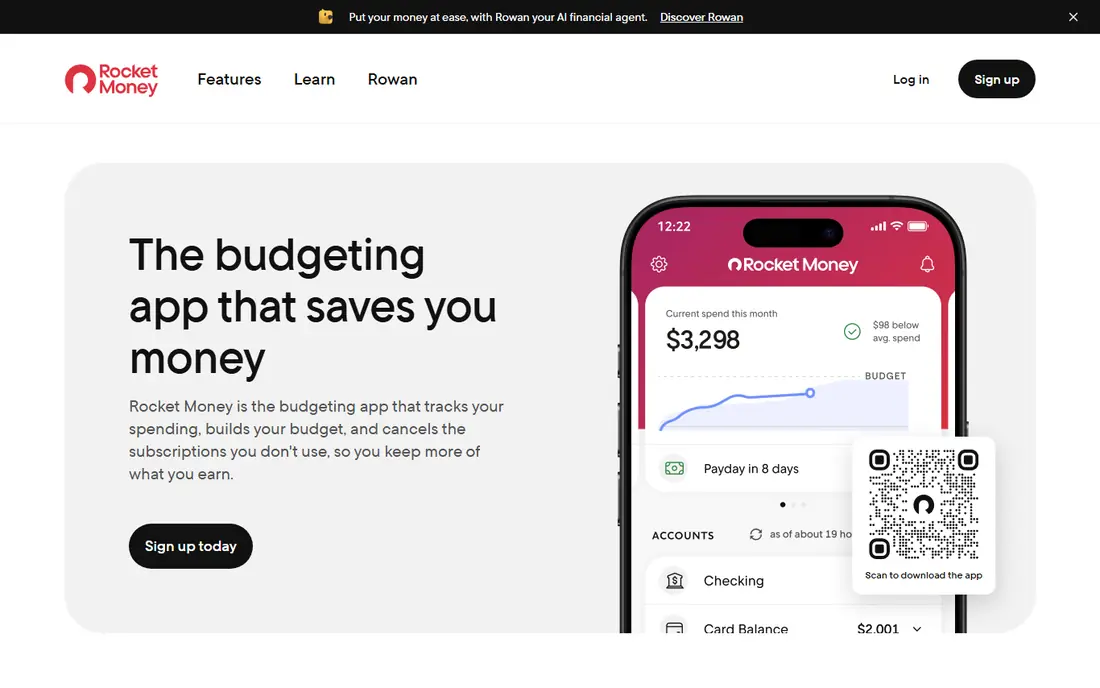
Rocket Money links to your bank and card accounts, then builds a list of recurring charges from your transactions. That approach catches subscriptions you may have forgotten, including annual charges that do not show up every month. The dashboard shows upcoming renewals, recent spending, and categories, so the list feels part of a wider money check rather than a separate chore. The paid plan adds a cancellation service and bill negotiation help, which matters if you have several services you want to drop and do not want to call each provider yourself. The free plan still gives useful tracking, so you can run an audit before deciding whether to pay. People who dislike bank linking should look at the manual options further down this list instead.
- Finds recurring charges from linked accounts
- Offers cancellation help on paid plans
- Includes spending and budget views
- Full cancellation help needs a paid plan
- Requires a bank connection for automatic detection
- Premium price varies by plan
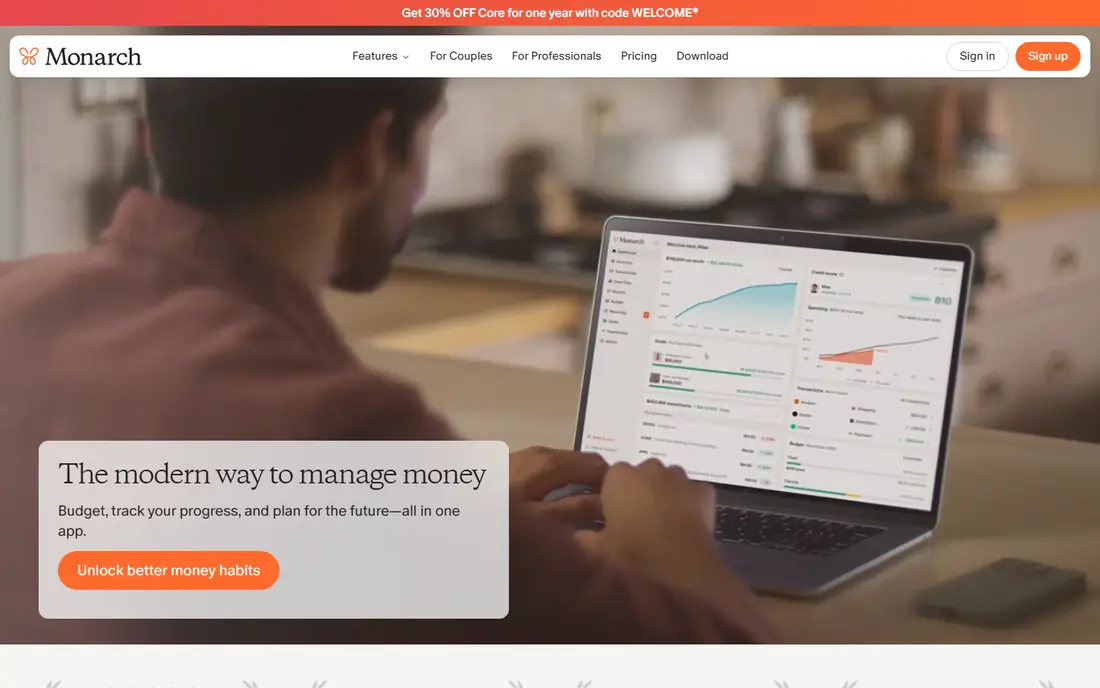
Monarch Money puts subscriptions inside a complete view of accounts, spending, investments, and cash flow. Recurring transactions are easy to spot in that wider picture, which helps when a subscription is only one part of a larger spending pattern. The layout is calm and readable, and goals, budgets, and reports sit in the same place. This is a better fit for someone who wants one money app rather than a single-purpose tracker. If you only need renewal reminders, the price will feel high for the job. For a household that wants shared access and a regular money review, the extra views can justify the cost.
- Clear net worth and cash flow views
- Recurring transaction tracking
- Shared access for a household
- No ongoing free plan
- Higher monthly price than a tracker alone
- Best value comes from using the full dashboard
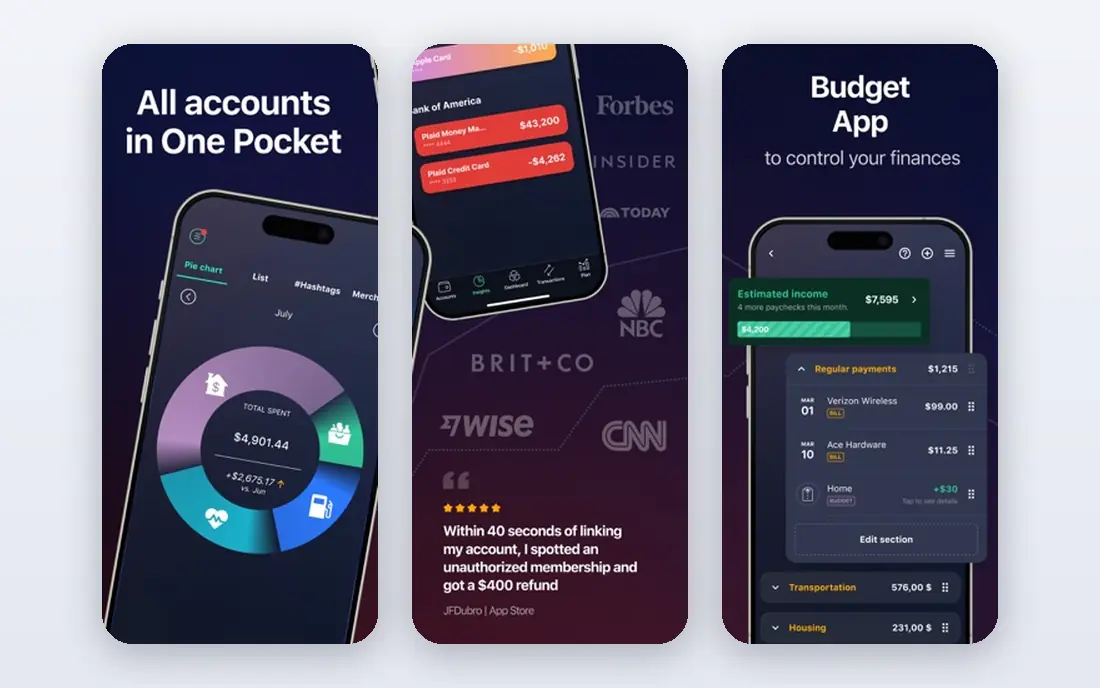
PocketGuard starts with a simple question, which is how much money is left after bills and goals. Subscriptions appear in that context, so a renewal is not just a line item but a cost that reduces what is available to spend. The app links accounts, groups spending, and flags recurring payments in a way that is easy to scan each week. The free plan covers basic tracking, while the paid plan adds more budgeting and planning tools. It suits people who want subscription control tied to day-to-day spending rather than a standalone list. Check which account connections work in your country before you rely on automatic detection.
- Shows what you can safely spend after bills
- Tracks recurring charges
- Includes budgeting and bill views
- Paid features sit behind a subscription
- Bank linking is needed for automatic views
- Some features vary by country
Copilot Money is built around a clean, visual view of transactions, and recurring payments stand out clearly in that feed. You can review subscriptions, spot price changes, and see how they fit with the rest of your spending. The app feels designed for people who check their money often and want the review to be quick. The trade-off is platform focus and price. It is mainly for Apple users, and there is no free tier to use long term. If you already live on an iPhone or Mac and want a polished money app, it is worth a look. If you need a free tracker or an Android-first app, the manual options below are a better match.
- Clear transaction and subscription views
- Smart categorisation
- Strong design on Apple devices
- No free plan
- Apple-focused, with limited options elsewhere
- Paid only, so try it before committing
YNAB, short for You Need A Budget, treats each subscription as a planned cost rather than a surprise. You set aside money for renewals in advance, including annual charges, so the payment does not land as a shock to your month. Scheduled transactions show what is due and when, which makes the renewal calendar part of the budget itself. This approach works well for people who already budget or want to start. It is less suited to someone who wants a quick list with no other money habits attached. The trial period is long enough to test whether the method fits your routine before you pay.
- Gives every dollar a job, including subscriptions
- Clear scheduled transaction views
- Strong budgeting method
- Learning curve for new budgeters
- Price is high for tracking alone
- Needs regular upkeep to stay accurate
Simplifi by Quicken brings subscriptions, bills, and spending into a single spending plan. You can watch recurring charges, set alerts, and see how they affect the money left for the rest of the month. The app is a natural next step for people who liked the old Mint style of tracking but want a current, supported product. Because it is a paid app after the trial, it makes most sense if you will use the budget and bill features as well as the subscription list. People who want only renewal reminders can get that free elsewhere. Check the current price on the vendor site before you sign up, since plans and offers change.
- Subscription and bill tracking in one app
- Spending plan and watchlists
- Bank and card connections
- No ongoing free plan
- Pricing can change
- Some features depend on account connections
TrackMySubs takes the opposite approach to the bank-linked apps on this list. You add each subscription yourself, with its cost, billing cycle, and renewal date, and the app reminds you before payment is due. That manual step is also its main strength, since no bank login is involved and the list contains only what you choose to track. The free tier covers a basic list, which is enough for many people with a handful of subscriptions. If you have dozens of services, you may need the paid tier for more entries. It is a good pick for anyone who values privacy, wants a web-based list, and is willing to spend a few minutes keeping it up to date.
- No bank connection needed
- Free tier for a basic list
- Reminders for upcoming renewals
- Manual entry means you must add each subscription
- No automatic charge detection
- Paid plan needed for more entries
ReSubs is a focused mobile tracker for people who want a clean list without handing over bank access. You enter subscriptions, set renewal dates, and get reminders before charges arrive. The app stays out of the way, which is the point, since the job is to remember renewals, not to manage a full budget. It will not find a forgotten charge on its own, so the list is only as complete as the entries you add. For many users, that trade-off is worth it for privacy and simplicity. Start with the free tier, add every subscription you can find in your email and statements, and review the list once a month.
- No bank connection required
- Free on mobile
- Focused subscription list and reminders
- Manual entry only
- No automatic detection
- Fewer money features than full budgeting apps
How we picked these
We compared official feature pages, pricing pages, and app store listings, along with public reviews and privacy policies, to check what each app actually does. We looked for a clear subscription list, renewal reminders, honest pricing, and a sensible approach to bank connections. We favoured a mix of automatic detection and manual tracking, since readers differ on how much access they want to give an app. We did not claim hands-on testing for every plan, and prices can change after publication, so check the vendor site before you pay. The list covers full money dashboards and single-purpose trackers, because the best choice depends on whether you want a whole budget or just a renewal list.
Choosing the right subscription tracker
Start with one question, which is whether you want the app to find subscriptions or you want to list them yourself. Bank-linked apps save time and catch forgotten charges, but they need account access. Manual apps take a little setup and stay private, but they miss anything you forget to add. Neither approach is right for everyone, so pick the one you will actually maintain.
Match the app to your list size
A handful of subscriptions fits any free manual tracker. A long list with annual renewals, family plans, and business tools benefits from automatic detection and a search view. Count your subscriptions first, including app store billing, streaming, software, and memberships, before you judge a free tier limit.
Check the cancellation route
Tracking alone does not save money unless you act on it. Some apps cancel for you, some give you steps and contact details, and some only remind you. If you know you will put off phone calls, a paid cancellation service may pay for itself. If you are happy to cancel directly, reminders alone are enough.
Review the price every few months
Subscription trackers can become another forgotten subscription. Set a calendar reminder to review the list, cancel what you no longer use, and check whether the paid plan still earns its fee. A short monthly review, tied to a bill date you already notice, keeps the list honest.
Frequently asked questions
What is the best subscription management app for most people?
Rocket Money is a strong default because it finds recurring charges automatically and offers cancellation help on paid plans. If you do not want bank linking, TrackMySubs or ReSubs give you a clear manual list with reminders. The best pick depends on how many subscriptions you have and how comfortable you are linking accounts.
Do subscription trackers need my bank login?
Not all of them do. Bank-linked apps need account access to detect charges automatically, while manual apps work from entries you add yourself. Manual apps cannot find a charge you forget to enter, so check your statements and email receipts when you first build the list. Read the privacy policy before linking any account.
Is there a genuinely free subscription tracker?
Yes, TrackMySubs and ReSubs offer free tiers for basic manual tracking, and Rocket Money and PocketGuard offer free plans with bank-linked views. Free tiers often limit entries or paid features, so check the limit against your real list size. A free plan that covers your subscriptions is better than a paid plan you never open.
How do I find subscriptions I forgot?
Search your bank and card statements for recurring charges, check app store subscriptions on your phone, and search your email for receipts and renewal notices. Add annual charges too, since they are easy to miss in a monthly view. Once the list is built, set reminders a few days before each renewal.
Can a subscription app cancel services for me?
Some paid plans offer cancellation help, where the service contacts the provider on your behalf, while others only remind you to cancel yourself. Cancellation rules vary by provider, and some services still need you to confirm or complete a final step. Read what the plan covers before you pay for that feature.
Sources we checked (8)

Online Jobs is an independent blog about careers, online work, learning new skills and the tools that help people earn. More about us.
Keep reading
All posts
Top AI Financial Software
Searching for top AI financial software? We compared 9 AI finance tools for AP, spend, close, forecasting and bookkeeping to help teams choose wisely.
Quicken Alternatives
Compare the best quicken alternatives for Mac, Windows, and small business owners, from Monarch Money and YNAB to Copilot, Tiller, and Banktivity in 2026.
GoFundMe Alternatives
Looking for GoFundMe alternatives? We compared 8 fundraising platforms on fees, campaign types, donor tools and who each platform suits best in 2026 today.