Best Software Wallet in 2026: 8 Wallets Compared

How we put this together: we compare official feature and pricing pages, app store listings, privacy policies and public user reviews. Prices change, so check the provider's site before you pay.
Key takeaways
- MetaMask, Trust Wallet and Coinbase Wallet are the easiest starting points for most people, because they are free, widely supported and easy to install.
- Phantom suits Solana-first users, Electrum suits Bitcoin-only users who want a light, long-running wallet, and Exodus suits desktop users who want a clear design.
- All eight wallets are free to download, but network fees and in-app swap fees still apply, so check the quoted amount before you confirm a swap.
- This is not financial advice. Software wallets carry more risk than hardware wallets, because the keys live on an internet-connected device, so guard your seed phrase and keep large balances offline where possible.
Quick comparison
| Name | Who it suits | Starting price | Free option | |
|---|---|---|---|---|
 MetaMask | Ethereum and EVM apps | Free | Yes | Visit |
 Trust Wallet | Multi-chain mobile use | Free | Yes | Visit |
 Exodus | Desktop users who want a clear design | Free | Yes | Visit |
 Electrum | Bitcoin-only users | Free | Yes | Visit |
 Phantom | Solana-first users | Free | Yes | Visit |
 Coinbase Wallet | Beginners moving from an exchange | Free | Yes | Visit |
 BlueWallet | Bitcoin and Lightning on mobile | Free | Yes | Visit |
 Atomic Wallet | Multi-asset desktop and mobile use | Free | Yes | Visit |
The best software wallets
The best software wallet is the one that supports the chains you actually use, keeps your keys under your control, and does not confuse you at the moment you send funds. We compared official feature pages, support pages and app store listings, and we focused on self-custody wallets: apps where you hold the recovery phrase, not an exchange. This is not financial advice, and no wallet here can make a token safe or profitable. Software wallets carry more risk than hardware wallets, because they run on a phone or computer connected to the internet. Write your seed phrase on paper, store it offline, never type it into a website or share it with support staff, and consider a hardware wallet for large or long-term holdings.
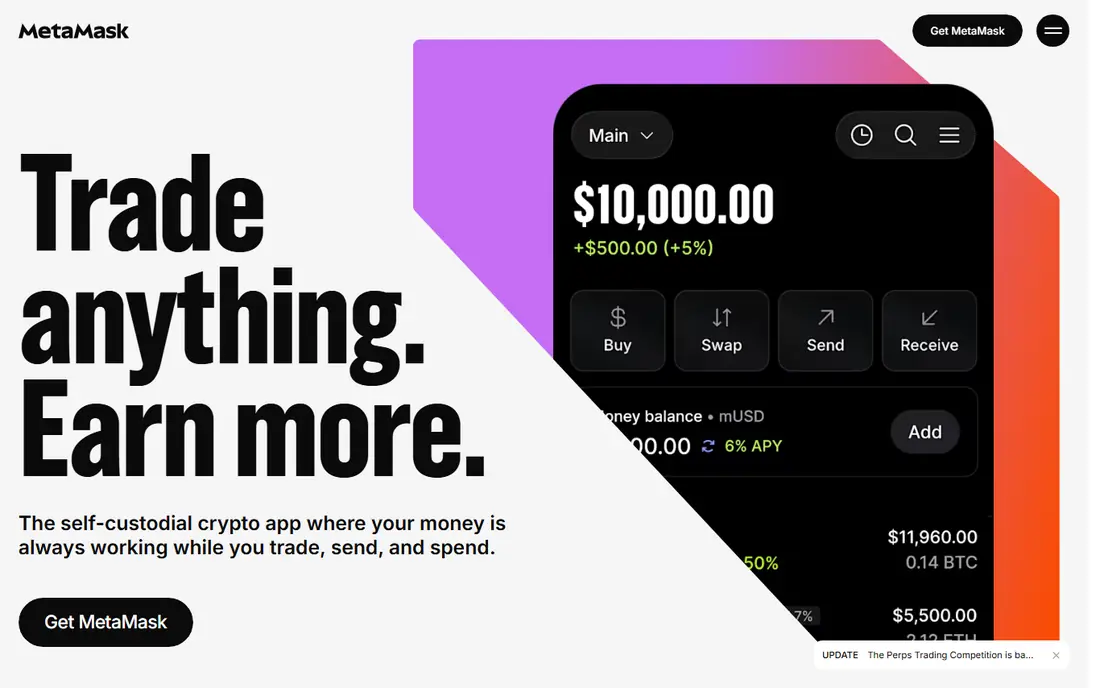
MetaMask is the default wallet for Ethereum and EVM-compatible chains, and that network effect matters. Most decentralised apps support it first, so you spend less time fixing connections and more time using the app you came for. It runs as a browser extension and a mobile app, and it can pair with common hardware wallets for signing, which adds a layer of protection for larger balances.
The catch is cost and complexity. MetaMask charges a published swap fee in addition to network gas, so compare the amount you receive before you confirm. Gas settings, network switching and token approvals also confuse new users. Start with a small amount, learn how approvals work, and keep your seed phrase offline.
- Widest support across Ethereum apps and EVM chains
- Browser extension and mobile app
- Hardware wallet pairing available
- In-app swap fee applies in the published terms
- Beginners can find network and gas settings confusing
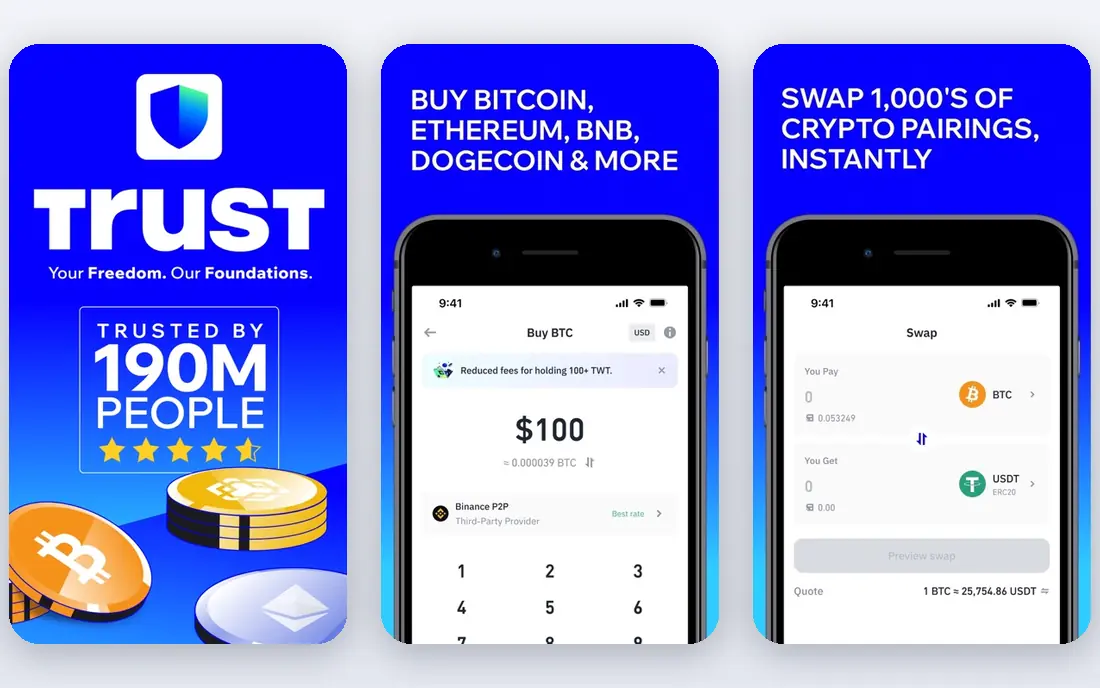
Trust Wallet suits people who mainly manage crypto on a phone and hold assets across many chains. It supports a wide range of networks, shows NFTs, offers staking for supported assets, and keeps the main actions, send, receive and swap, close at hand. For a first multi-chain wallet, that breadth in one app is convenient.
The honest catch is fee clarity. Trust Wallet states that it does not charge extra fees in some help material, while other sources note swap costs inside the quote, so you should compare the received amount on any swap rather than trusting a headline. It also works best as a mobile wallet. If you mainly use a desktop browser, MetaMask or Exodus may fit better.
- Wide multi-chain support on mobile
- Built-in staking and NFT views
- Simple mobile-first design
- Swap fee terms are less clearly published than some rivals
- Mobile-only focus suits phone users best
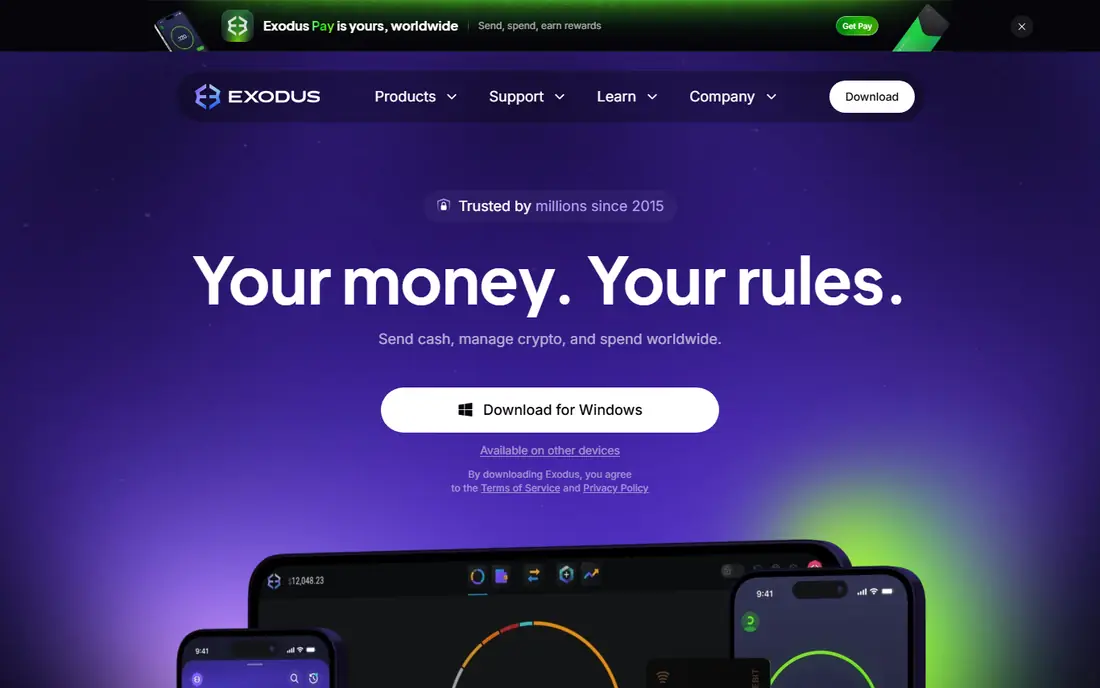
Exodus is the wallet to show a newcomer on a desktop computer. The layout is calm, balances and charts are easy to read, and swapping or staking a supported asset takes few steps. It runs on desktop and mobile, with a browser extension option, so you can check a balance on a phone and manage it properly on a computer.
The trade-off is swap pricing. Exodus exchange costs sit inside the rate you are quoted, which makes a swap look simple but harder to compare with another wallet at a glance. Always check the amount you will receive. Advanced users who want fully open source software may also prefer Electrum for Bitcoin or another open wallet for their main chain.
- Clear desktop and mobile design
- Wide asset support
- Built-in swaps and staking for supported assets
- Swap costs sit inside the exchange rate rather than as a separate line
- Closed source design concerns some advanced users
Electrum has served Bitcoin users for many years, and it stays focused on one job. It is light, fast and open source, with support for multisig wallets, cold storage setups and common hardware wallets. That focus makes it a strong choice for people who hold Bitcoin and want control without extra chains, tokens or built-in trading features.
The limit is scope and style. Electrum does not support other chains, and its interface feels technical beside Exodus or Phantom. Beginners may find setup, fee settings and address handling confusing at first. If you hold only Bitcoin and value a proven, focused tool, Electrum earns its place. If you hold many chains, pair it with a multi-chain wallet rather than forcing one wallet to do everything.
- Light and fast Bitcoin wallet
- Multisig and hardware wallet support
- Long-running and open source
- Bitcoin only
- Interface feels dated and technical for beginners
Phantom started as a Solana wallet and still feels best there. It handles Solana tokens, NFTs and staking in a clean interface, connects easily to Solana apps, and now supports other chains as well. For someone whose main activity is on Solana, Phantom is simpler and faster than a general wallet that treats Solana as one chain among many.
The catch is the same as with most built-in swaps: a published swap fee applies, so check the received amount before you confirm. Phantom has also expanded beyond Solana, which means EVM users may still prefer MetaMask for the widest app support. Choose Phantom when Solana is your main chain, not just one holding among many.
- Clean Solana-first design
- Fast swaps and staking
- Good NFT and app support on Solana
- In-app swap fee applies in the published terms
- Less depth than MetaMask for EVM-only users
Coinbase Wallet suits beginners who know the Coinbase name and want a self-custody wallet without a steep learning curve. Onboarding is clear, the app covers many chains, and it connects to a Coinbase exchange account for buying, though the wallet itself is separate and you still hold the recovery phrase. That separation matters: losing the phrase can still mean losing access, even though a familiar company made the app.
The catch is fees and confusion. Swap fees in published terms can reach up to about one percent, plus network gas, so compare quotes carefully. New users should also learn the difference between funds on the exchange, where Coinbase holds the keys, and funds in the wallet, where you hold them. That distinction is the whole point of self-custody.
- Familiar name and clear onboarding for beginners
- Wide chain support
- Easy link to Coinbase exchange accounts
- Self-custody wallet is separate from the exchange account, which confuses some new users
- Swap fees can reach the higher end in published terms
BlueWallet is a focused Bitcoin wallet for mobile, with Lightning support for fast, small payments. It keeps the main job simple: receive Bitcoin, send Bitcoin, and use Lightning where it fits. The open source design and clean layout appeal to Bitcoin users who want a phone wallet without multi-chain clutter.
The limits are scope and Lightning learning. BlueWallet does not cover other chains, and Lightning payments, while fast, need care around channels and liquidity for larger amounts. It works best as a spending and everyday Bitcoin wallet, paired with a hardware wallet or Electrum for larger, long-term holdings. Keep the seed phrase offline, as with every wallet here.
- Clean Bitcoin mobile wallet
- Lightning support
- Open source and focused design
- Bitcoin only
- Lightning use needs learning and channel care for larger amounts
Atomic Wallet covers many assets across desktop and mobile, with built-in swaps, staking for supported coins and a no-signup wallet setup. For a user who holds a varied set of coins and wants one app across devices, that breadth is convenient. It also keeps keys on the device, in line with self-custody practice.
The honest catch is caution. Atomic Wallet has faced public security reports in the past, so large holders should not treat it as a vault. Use it for varied, smaller holdings, check every swap quote, keep the seed phrase offline, and move large or long-term balances to a hardware wallet. That caution applies to all software wallets, but it matters more here.
- Wide asset support across desktop and mobile
- Built-in swaps and staking
- No account signup needed for the wallet itself
- Swap costs and rates need checking on each trade
- Past security reports mean large holders should use extra caution
How we picked these
We compared official feature pages, support pages and app store listings for self-custody software wallets that are live now and that support a clear user need, from EVM apps to Bitcoin-only use. We favoured free wallets with wide adoption, clear chain support and a published approach to fees, and we left out hardware-only products and exchange accounts, because those are different jobs. We did not claim hands-on testing we did not do, and we used Free where the download itself costs nothing, while noting that network and swap fees still apply.
What to check before you choose
Which chains you actually use
An EVM wallet will not help a Solana-first user, and a Bitcoin-only wallet will not hold other chains. List your holdings first, then shortlist wallets that cover them all.
Seed phrase safety
Write the phrase on paper, store it in a safe offline place, and never photograph it, email it or type it into a website. Anyone with the phrase can take the funds, and no support team can reverse that.
Swap quotes, not headlines
Compare the amount you will receive, after fees and gas, before you confirm a swap. A wallet with no download cost can still be costly on a bad swap quote.
Software or hardware for large balances
Use a software wallet for everyday amounts and app access. Use a hardware wallet for large or long-term holdings, and pair it with a software wallet only for signing where supported.
Frequently asked questions
What is the best wallet app for beginners?
MetaMask suits Ethereum app users, Trust Wallet suits multi-chain mobile users, and Coinbase Wallet suits beginners who know the Coinbase name. All three are free to download, so try one with a small amount first and learn how approvals and gas work.
What is the best software crypto wallet for Solana?
Phantom is the strongest Solana-first pick here, with clean token, NFT and staking support. Trust Wallet and Coinbase Wallet also support Solana, but Phantom feels more focused for daily Solana use.
What are the best software wallets for Bitcoin only?
Electrum suits desktop Bitcoin users who want multisig and hardware support, while BlueWallet suits mobile Bitcoin and Lightning use. Both are free and open source, and both should be paired with a hardware wallet for large holdings.
Is a software wallet safe?
A software wallet can be safe for everyday amounts if you guard the seed phrase, use a clean device, keep software updated and avoid phishing links. It still carries more risk than a hardware wallet, because keys live on an internet-connected device.
What is the best wallet app review advice for fees?
Do not judge a wallet by its download price alone, because all of these are free to download. Judge it by network gas and by the amount you receive on a swap, which is where the real cost appears.
Sources we checked (8)

Online Jobs is an independent blog about careers, online work, learning new skills and the tools that help people earn. More about us.
Keep reading
All posts
Top AI Financial Software
Searching for top AI financial software? We compared 9 AI finance tools for AP, spend, close, forecasting and bookkeeping to help teams choose wisely.

Quicken Alternatives
Compare the best quicken alternatives for Mac, Windows, and small business owners, from Monarch Money and YNAB to Copilot, Tiller, and Banktivity in 2026.
QuickBooks Online Alternatives
Looking for quickbooks online alternatives? We compared 8 accounting tools on invoicing, bank feeds, payroll, pricing and fit for small businesses today.