Best Software Supply Chain Security Tools in 2026: 8 Tools Compared

How we put this together: we compare official feature and pricing pages, app store listings, privacy policies and public user reviews. Prices change, so check the provider's site before you pay.
Key takeaways
- No single tool covers the whole supply chain, so most teams combine dependency scanning, artifact control, and pipeline checks.
- Snyk and Socket suit developer teams that want fast feedback in code workflows, while Sonatype and JFrog suit governance at scale.
- Chainguard and Anchore help with container images and bills of materials, which matter more as customers ask for proof of what shipped.
- Free tiers and open source tools are useful starting points, but enterprise policy, reporting, and support usually need paid plans.
- Start with an inventory of dependencies, pipelines, and artifacts before buying, since gaps in that inventory decide which tool helps most.
Quick comparison
| Name | Who it suits | Starting price | Free option | |
|---|---|---|---|---|
 Snyk | Developer dependency scanning | See website | Yes | Visit |
 Socket | Blocking malicious packages | $25 per developer per month | Yes | Visit |
 Chainguard | Hardened container images | See website | Yes | Visit |
 Sonatype | Repository governance | See website | Free trial | Visit |
 JFrog | Artifact management and scanning | See website | Free trial | Visit |
 GitHub Advanced Security | Code and secret scanning in GitHub | See website | No | Visit |
 Anchore | SBOM and container policy | See website | Free trial | Visit |
 Endor Labs | Reachability-based triage | See website | Yes | Visit |
The best software supply chain security tools
Software supply chain security covers everything from the open source packages you import to the build pipeline, the artifacts you ship, and the container images you run. Different tools cover different stages, so this list groups tools by stage rather than ranking one winner for every team. We compared official feature pages, pricing pages, and public documentation, and we noted where pricing is quote-based.
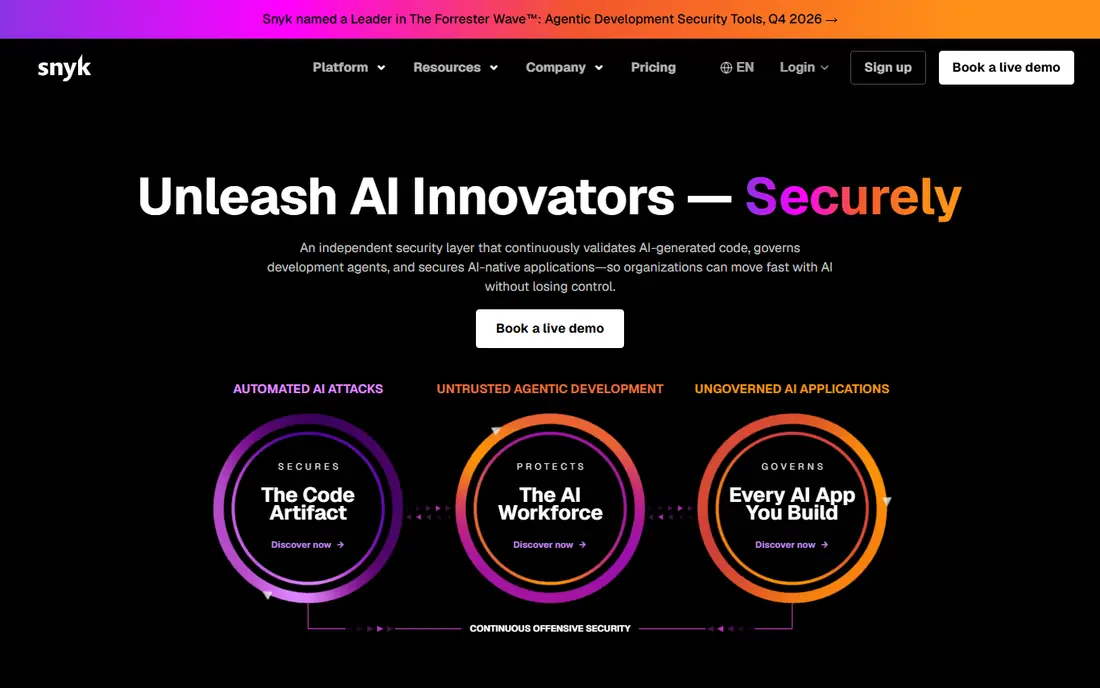
Snyk is the developer-first pick for dependency and code security. It scans open source packages, containers, code, and infrastructure files, and it surfaces fixes inside pull requests and developer tools, so developers can act without switching context. That workflow matters, since a scanner that only reports to a security team often creates a backlog that never shrinks. The free tier lets small teams and solo developers start without a sales process.
The catch is tuning and pricing. Without policy tuning, alert volume can overwhelm a team, especially on older projects with many dependencies. Larger teams will need a quote, so total cost depends on team size and products used. If your main gap is vulnerable dependencies in active code, Snyk is a strong starting point.
- Fast feedback inside developer workflows
- Covers code, dependencies, containers, and infrastructure
- Fix suggestions help developers act quickly
- Pricing is quote-based for larger teams
- Alert volume can be high without tuning
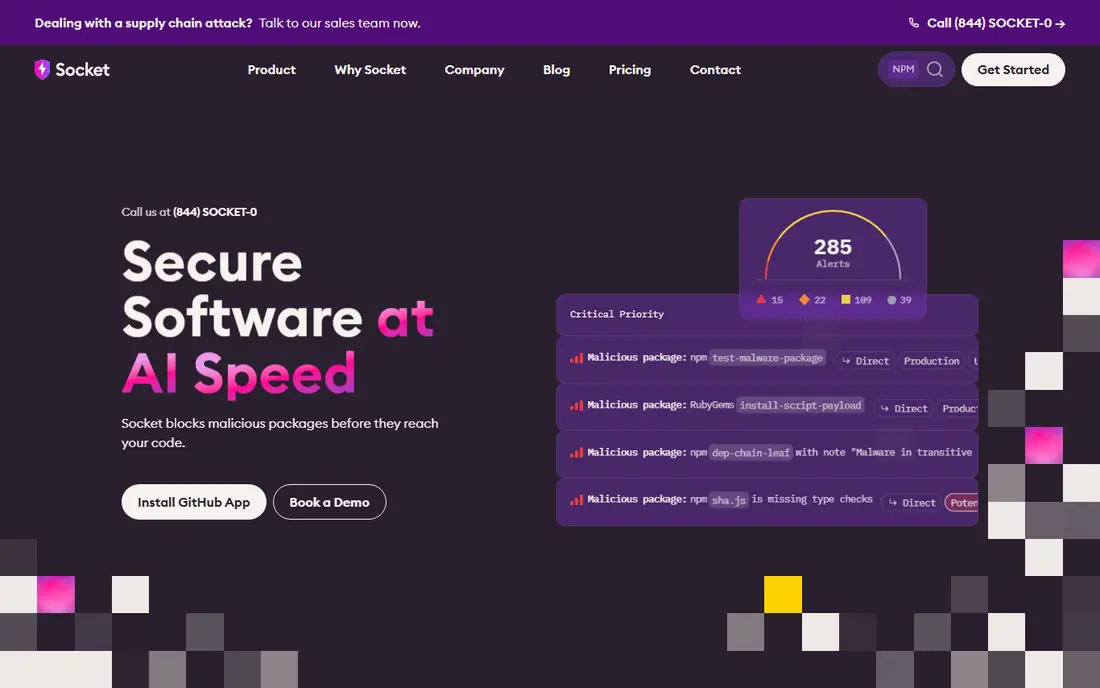
Socket fills a gap that traditional scanners miss: packages that are malicious by design, such as typosquat packages or packages with hidden install scripts. It analyses package behaviour and supply chain risk, not just known vulnerability lists, and it can block risky installs before they enter your codebase. For teams that install many open source packages, that early block is valuable.
Socket is narrower than a full platform, so it works best alongside a scanner such as Snyk or Sonatype rather than as a replacement for all checks. It also needs proper integration into install workflows to block bad packages reliably. If malicious packages worry you more than old known flaws, Socket deserves a place in your stack.
- Focuses on malicious packages, not just known flaws
- Good for npm, PyPI, and other ecosystems
- Clear risk signals for new packages
- Less broad than full platforms
- Needs workflow integration to block installs effectively
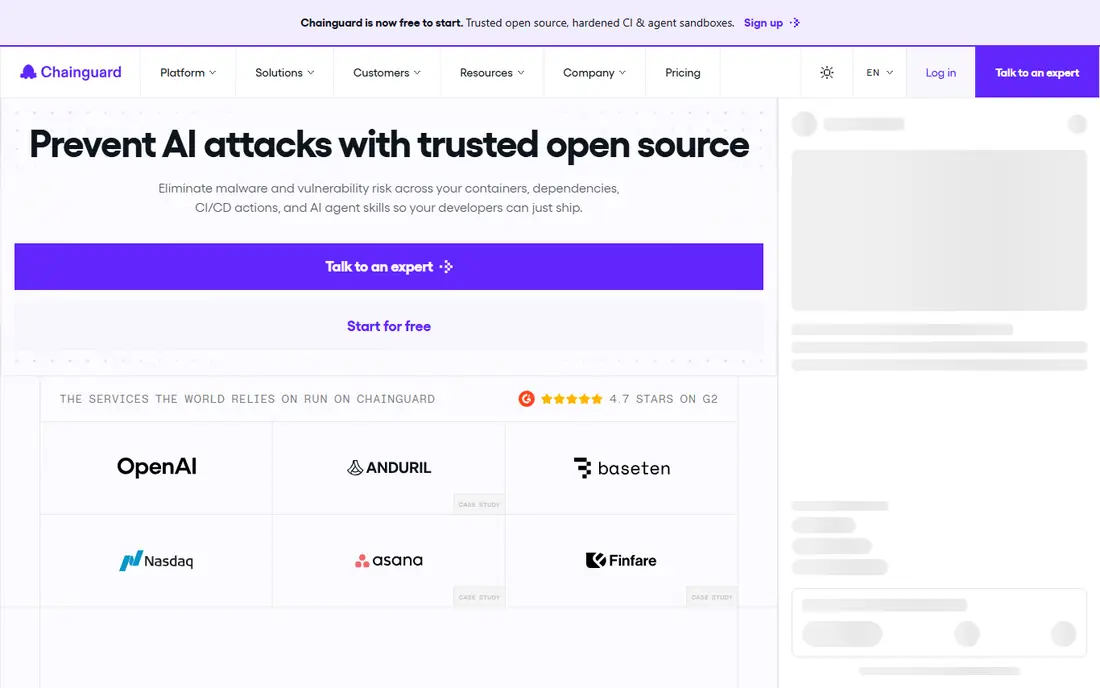
Chainguard takes a different approach: instead of scanning a vulnerable base image forever, it provides hardened, minimal images with far fewer vulnerabilities to patch. That can cut the weekly patching queue for teams that run many containers, and the included software bills of materials help answer customer and audit questions about what is inside an image. A free tier for a small number of images lets teams test the approach.
Migration is the honest cost. Moving existing services to new base images takes testing, especially for older apps with unusual dependencies. Pricing for larger catalogues is also quote-based, so get a clear quote for your image count. If container patching eats a lot of engineering time, Chainguard can change the maths in your favour.
- Low-vulnerability container images
- SBOMs included with images
- Reduces patching work for base images
- Migration effort for existing images
- Pricing is not simple for larger teams
Sonatype suits organisations that need governance, not just scanning. Its repository and lifecycle tools can block risky components before they reach developers, enforce licence and security policies, and give a clear view of open source use across many applications. That control matters for regulated industries and for companies that ship software to enterprise customers who ask about component risk.
The trade-off is scale and cost. Sonatype is an enterprise platform with quote-based pricing and a setup effort that suits larger teams better than a five-person startup. Smaller teams can start with free scanners and add Sonatype later as policy needs grow. If governance and audit evidence are top priorities, Sonatype is a leading pick.
- Strong policy control at repository level
- Good open source governance data
- Works across many ecosystems
- Enterprise pricing and setup
- Best value for larger organisations
JFrog combines artifact management with security scanning, which helps teams control what actually ships. Artifacts can be stored, scanned, signed, and promoted through stages, so only approved builds reach production. That custody trail matters when a customer asks which version shipped, what it contained, and if it was signed. The platform scales across teams, languages, and locations.
Complexity is the cost. JFrog is a large platform, and running it well takes planning, especially if you also use its security scanning features, which add cost. A free trial helps you test the core workflow, but get a full quote that includes security features before you budget. If artifact control is your main gap, JFrog is a strong candidate.
- Artifact repository plus security scanning
- Signing and promotion controls
- Scales across teams and sites
- Complex platform to run well
- Security features add cost on top of repository pricing
GitHub Advanced Security
Who it suits: Code and secret scanning in GitHub
GitHub Advanced Security is the natural pick for teams that already live in GitHub. Code scanning, secret scanning, dependency review, and related features run inside pull requests and repositories, so developers see findings where they already work. That native fit reduces tool sprawl and makes it easier to block a risky change before it merges.
The limit is scope and platform. It only helps GitHub repositories, and it is a paid add-on priced per active committer, so check the current price for your team size. Teams on other platforms will need a different scanner. If GitHub is your home, Advanced Security is an efficient way to add supply chain checks without a separate platform.
- Native scanning inside GitHub workflows
- Code scanning, secret scanning, and dependency review
- Easy for GitHub-based teams
- Only useful if you use GitHub
- Paid add-on cost per committer
Anchore helps teams produce and use software bills of materials, which are lists of components inside an application or image. Its open source tools, Syft for SBOM generation and Grype for vulnerability scanning, are free and widely used, while the enterprise platform adds policy, reporting, and management for larger teams. That mix makes Anchore a good bridge from free tooling to enterprise control.
Full policy enforcement still needs integration into build and deployment pipelines, and enterprise pricing is quote-based. Start with Syft and Grype in continuous integration to learn what your SBOMs contain, then evaluate the enterprise platform if you need central policy and reporting. If SBOMs and container policy are your priority, Anchore is a strong pick.
- Strong SBOM generation and management
- Container policy checks
- Open source tools Syft and Grype are free
- Enterprise pricing is quote-based
- Needs integration work for full policy enforcement
Endor Labs tackles alert fatigue by asking a useful question: can your code actually reach this vulnerable function? Many dependency alerts concern code paths your application never calls, and Endor Labs uses reachability analysis to push those lower down the list. That helps security teams focus on flaws that matter, especially in large codebases with many dependencies.
The tool needs code analysis to work well, and larger use is quote-based, so small teams should start with the free developer tool to test the concept. It works best alongside a scanner, not instead of one, since you still need a full inventory of dependencies. If triage noise is your main pain, Endor Labs can make a real difference.
- Prioritises flaws your code can actually reach
- Reduces noise from unused dependencies
- Good for large codebases
- Quote-based pricing for larger use
- Needs code analysis to work well
How we picked these
We compared official feature pages, pricing pages, and public documentation for tools that cover distinct supply chain stages: dependency ingestion, malicious package blocking, build and pipeline checks, artifact custody, container images, and SBOM management. We favoured tools that are actively maintained, that work in modern continuous integration workflows, and that offer a free tier, trial, or open source entry point. We did not claim hands-on testing, and we used See website where pricing is quote-based or not clearly published.
How to build a supply chain security plan
Start with an inventory, not a purchase. List your dependencies, your build pipelines, your artifact stores, and your container images, and note which of those you can already see clearly. Most teams find gaps in that inventory first, such as shadow pipelines, old images, or dependencies no one owns. Fixing visibility often matters more than buying another scanner.
Next, cover stages in order of risk. Block malicious packages at install time, scan dependencies in code workflows, sign and promote artifacts through clear stages, and use hardened images or SBOM checks for what ships. Add pipeline controls such as protected branches, reviewed changes, and secret scanning, since a secure dependency list means little if an attacker can change the build itself.
Finally, tune alerts and assign owners. A scanner that reports hundreds of findings with no owner will be ignored, so set policies for critical flaws, assign dependency owners by team, and review the highest-risk findings weekly. Track a small set of measures, such as time to fix reachable critical flaws and share of builds with a signed SBOM, rather than total alert counts. That focus keeps supply chain security practical instead of noisy.
Frequently asked questions
What is the best software supply chain security tool?
There is no single best tool, since the supply chain has several stages. Snyk and Socket suit dependency and malicious package risks, JFrog and Sonatype suit artifact and governance risks, and Chainguard and Anchore suit container and SBOM risks, so pick by your weakest stage.
What is the difference between SCA and supply chain security?
Software composition analysis, or SCA, checks open source dependencies for known flaws and licences. Supply chain security is broader, covering pipelines, build integrity, artifacts, signing, SBOMs, and runtime images, so SCA alone does not cover the full chain.
What is an SBOM and why does it matter?
An SBOM is a list of components inside software, similar to an ingredients list. It helps teams find affected components quickly after a new flaw is disclosed, and customers increasingly ask for SBOMs before they buy or deploy software.
Is there a free software supply chain security tool?
Yes, Snyk, Socket, Chainguard, and Endor Labs offer free tiers or developer tools, and Syft and Grype from Anchore are free open source tools. Free tools cover scanning and SBOM generation well, while enterprise policy and reporting usually need paid plans.
How do I start with supply chain security on a small team?
Start with dependency scanning in your code workflow, secret scanning, and SBOM generation in continuous integration. Add malicious package blocking if you install many packages, and use hardened base images if container patching takes a lot of time.
Sources we checked (8)

Online Jobs is an independent blog about careers, online work, learning new skills and the tools that help people earn. More about us.
Keep reading
All posts
Best Deepfake Detection Tools
Compare the best deepfake detection tools for 2026, from enterprise screening platforms to free browser checks, with pricing, media coverage, and honest limits.

n8n Alternatives
n8n alternatives compared for 2026, with Zapier, Make, Activepieces, and more, covering visual builders, code steps, self-hosting, and pricing models.

eBay Alternatives
Looking for ebay alternatives? We compared 9 marketplaces for sellers on fees, buyer reach, categories and ease of listing, to help you sell with confidence.