Best Small Business Payroll Software for Startups in 2026: 8 Tools Compared


Payroll plus HR in one friendly app · Starting price: $49 per month + $6 per person
How we put this together: we compare official feature and pricing pages, app store listings, privacy policies and public user reviews. Prices change, so check the provider's site before you pay.
Key takeaways
- Gusto is our overall pick for most startups because it pairs full-service tax filing with clear published pricing and simple onboarding.
- OnPay and Patriot suit tight budgets, while Rippling suits startups that want payroll, HR, and IT in one system from the start.
- Square Payroll is the natural choice for shops already using Square for payments, and QuickBooks Payroll suits teams already on QuickBooks.
- Always check whether tax filing is included at the entry price, since that one detail changes the real monthly cost.
Quick comparison
| Name | Who it suits | Starting price | Free option | |
|---|---|---|---|---|
| Gusto | Payroll plus HR in one friendly app | $49 per month + $6 per person | No | Visit |
 Rippling | Payroll inside HR and IT | See website | No | Visit |
 OnPay | One simple flat price | $49 per month + $6 per worker | No | Visit |
 Patriot Software | Tight budgets | $37 per month + $5 per worker | Free trial | Visit |
 Square Payroll | Square POS users | $35 per month + $6 per person | No | Visit |
 QuickBooks Payroll | QuickBooks Online users | $50 per month + $6.50 per employee | Free trial | Visit |
 SurePayroll | Small multi-state teams | See website | No | Visit |
 ADP Run | Scaling with compliance support | See website | No | Visit |
The best small business payroll software for startups
Payroll mistakes cost time, trust, and sometimes penalties. The tools below handle pay runs, tax calculations, and filings, and they differ mainly in price structure, HR depth, and how much hand-holding they offer a first-time founder.
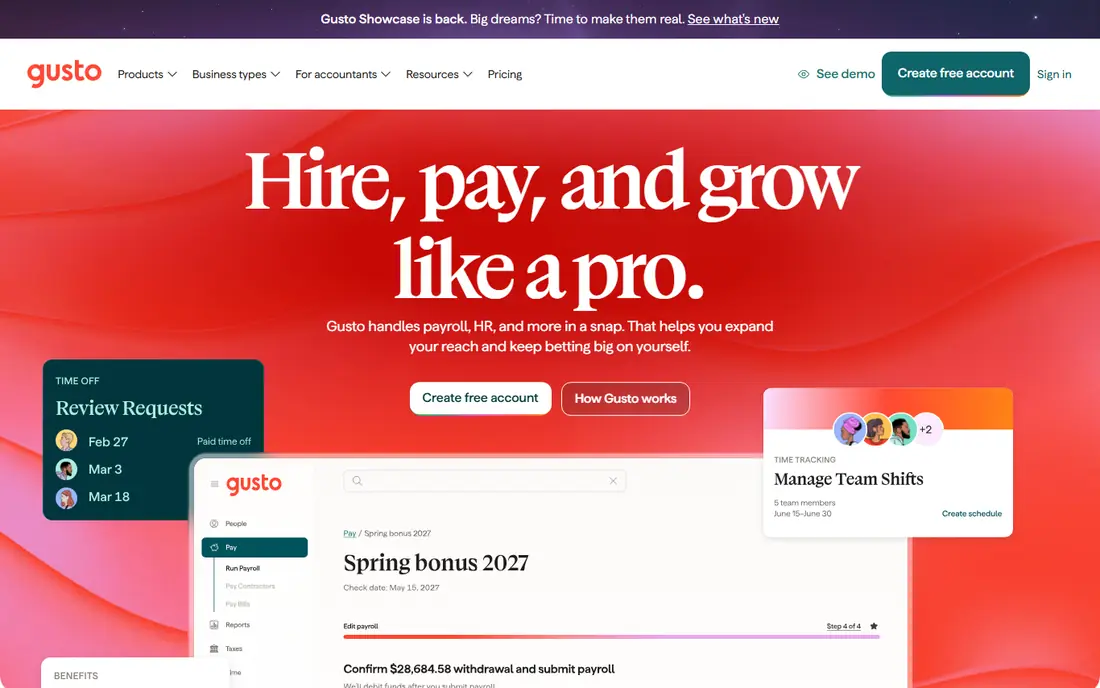
Gusto earns the top spot because it removes the most common startup payroll worry, which is getting taxes wrong. The Simple plan covers full-service federal and state tax filing, contractor payments, direct deposit, and onboarding where new hires enter their own tax and bank details. That self-serve onboarding saves founders a surprising amount of back-and-forth in the first weeks of a hire. Benefits, workers compensation, and time tracking can be added without switching vendors, so the system grows with the team. The catch is price at the smallest scale. A two-person startup still pays the base fee, which can feel steep for a tiny pay run. Gusto also focuses on US teams, so companies hiring abroad will need another solution for those workers. For domestic startups from about five to one hundred people, the mix of clarity and completeness is hard to beat.
- Full-service tax filing
- Employee self-onboarding
- Benefits and time tracking add-ons
- Cost adds up for very small teams
- Limited international payroll
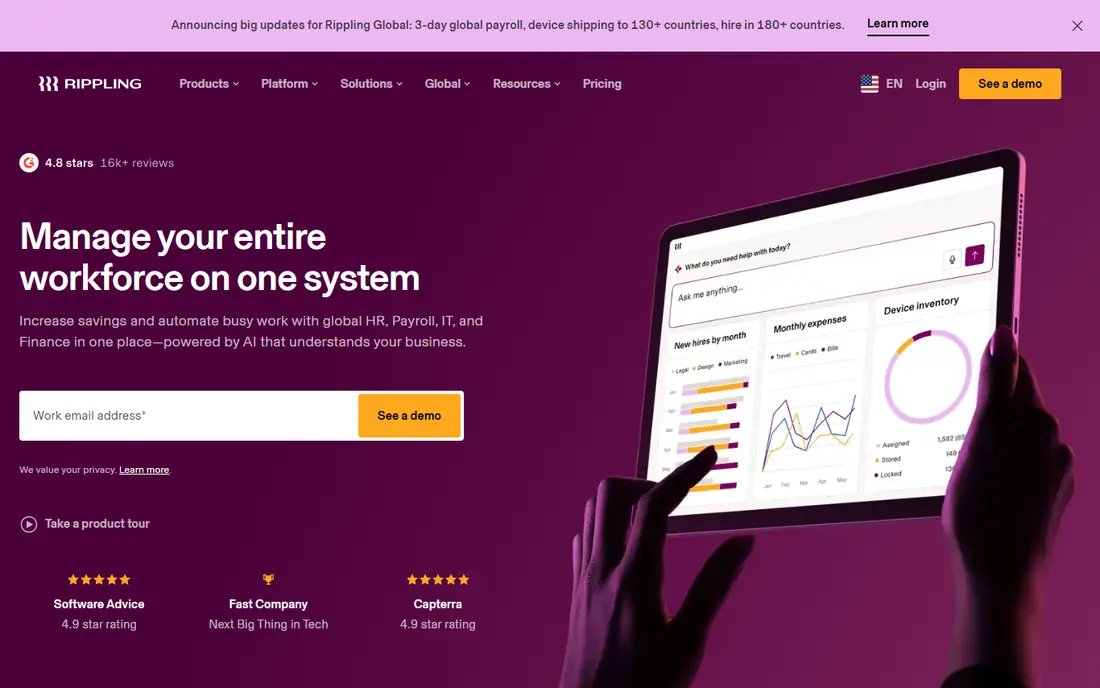
Rippling suits founders who want to build once and avoid re-platforming later. Payroll sits inside a wider system that also handles hiring, benefits, device management, and app access, so a new hire can be set up across payroll, HR, and IT in one flow. That automation pays off as headcount grows and manual setup starts to eat hours each week. The platform is modular, so teams can start with payroll and add modules over time. The trade-off is buying complexity. Pricing is quoted, and the full platform can feel large for a team of three that only needs to pay people correctly. Startups that plan fast hiring, or that already feel the pain of scattered HR and IT tools, will get the most from Rippling. Startups that only need payroll should compare its quote with simpler tools first.
- Payroll, HR, and IT in one platform
- Strong automation
- Scales well as headcount grows
- Quote-based pricing
- Can be more system than an early startup needs
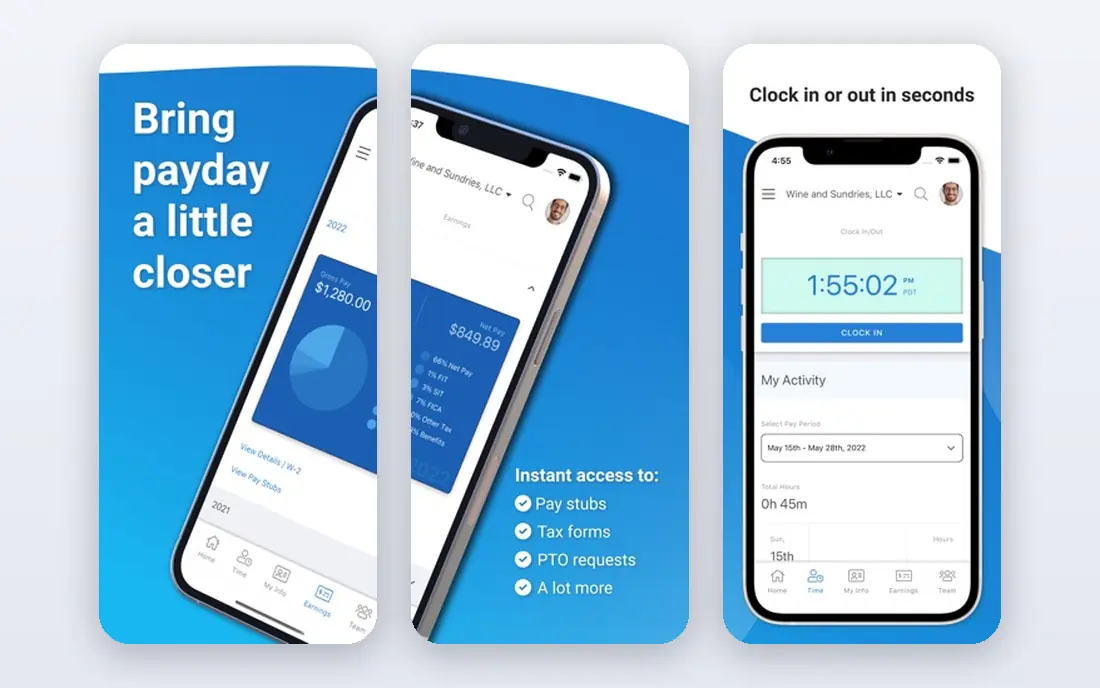
OnPay appeals to founders who dislike tier puzzles. There is one plan, and it includes full-service payroll and tax filing, so there is no need to work out which tier includes a needed feature. Pricing is published and easy to forecast as the team grows, which helps when cash is tight and every monthly cost is scrutinised. The product covers pay runs, contractor payments, benefits administration, and multi-state payroll without a long setup. The limit is breadth. OnPay does not match Gusto or Rippling on HR extras, hiring tools, or integrations, so teams that want a full HR suite will outgrow it sooner. For a startup that wants payroll done well at a predictable price, that narrower focus is a strength, not a flaw.
- Single plan with all features
- Full-service tax filing
- Simple pricing to budget
- Fewer HR extras than Gusto or Rippling
- Smaller third-party ecosystem
Patriot is the budget pick that still files taxes for you. The Full Service plan covers tax calculations and filings at a lower base price than most rivals, and the free trial lets founders test a real pay run before paying. That combination suits very small startups, solo founders with one or two employees, and businesses that watch every subscription. The product is straightforward rather than flashy, and it covers the core payroll job well. The trade-off shows up in integrations and HR depth. Teams that want deep links to many HR, scheduling, or benefits tools may find Patriot thinner than Gusto or Rippling. For a startup whose main goal is correct, affordable payroll, Patriot is a sensible place to start.
- Low entry price for full-service payroll
- 30-day free trial
- US-based support
- Fewer integrations
- Interface feels plainer than newer rivals
Square Payroll fits a specific startup shape very well. Cafes, restaurants, and retail shops already using Square for payments and point of sale can pull timecard hours straight into payroll, which cuts manual entry for hourly teams. Pay runs are unlimited, and the pricing is published and easy to follow. The setup is short for teams already in the Square system, since staff records and payment details are already in place. Outside Square, the case weakens. Square Payroll does not offer the HR breadth of Gusto or Rippling, and teams that do not use Square POS gain little from choosing it. For a Square shop hiring its first staff, though, it is often the simplest payroll choice available.
- Tight fit with Square POS and timecards
- Unlimited pay runs
- Simple for hourly teams
- Less HR depth
- Best value only for Square users
QuickBooks Payroll makes sense when the books already live in QuickBooks Online. Payroll entries flow into accounting without export files or double entry, and accountants who know QuickBooks can review payroll and books in one place. The Core plan covers full-service tax filing, direct deposit, and contractor payments, with higher tiers adding time tracking and benefits features. A free trial helps teams test the fit before committing. The catch is bundling. QuickBooks Payroll is sold with QuickBooks accounting, so the total monthly cost depends on the bundle chosen, and standalone payroll tools can look cheaper in isolation. For startups already paying for QuickBooks, adding payroll there is usually simpler and cleaner than running a separate system.
- Payroll inside the books
- Automatic tax filing on paid plans
- Familiar for accountants
- Pricing depends on the QuickBooks bundle
- Can be pricier than standalone payroll
SurePayroll has served small businesses for many years, and its strength is steady, multi-state payroll for teams of one to ten. It handles tax filings across states, which matters for startups with remote staff in different locations. Pay runs can be done from a phone, and the product includes reporting that accountants can use at year end. The trade-off is presentation. Pricing and plan details are less upfront than Gusto or OnPay, so founders should get a clear quote before signing. SurePayroll also offers less in the way of modern hiring and HR tools. For a small team spread across states that wants payroll handled without fuss, it remains a solid, proven option.
- Handles multi-state payroll
- Long track record with small businesses
- Mobile pay runs
- Pricing is not as transparent as some rivals
- Fewer modern HR extras
ADP Run is the big-brand safety net on this list. It brings deep payroll compliance knowledge, support for complex state rules, and a path to larger ADP platforms as the company grows. Startups in regulated industries, or those planning to scale past fifty or one hundred staff, may value that headroom and the human support that comes with it. Benefits, time tracking, and HR tools can be added as needs grow. The downside for early startups is the buying experience. Pricing is quoted, not published, and the platform can feel built for larger companies than a five-person team. Founders should only shortlist ADP Run if they expect fast growth or complex compliance needs, and they should compare the quote with simpler published-price tools first.
- Deep compliance expertise
- Scales to larger headcount
- Wide HR and benefits options
- Quote-based pricing
- Can feel heavy for a very small startup
How we picked these
We compared vendor pricing pages, product documentation, and public reviews, and we checked each vendor homepage to confirm the product is live. Prices shown are those published by the vendor at the time of research. Where a vendor quotes instead of publishing a price, we wrote See website rather than repeating a reviewer estimate as fact. Payroll rules and prices change, so check the vendor pricing page and confirm tax filing coverage before your first pay run.
How to choose payroll software for a startup
Start by listing who you pay and where they live. Employees, contractors, and staff in different states each add rules, and a tool that handles your mix cleanly will save more time than any extra feature. Next, confirm what full-service means on the plan you will actually buy. Some entry plans calculate taxes but leave filing to you, while full-service plans file and pay taxes for you. That difference is worth more than a small monthly saving.
Test with a real pay run
Use a trial to run payroll for your real team, including one contractor payment and one new hire onboarding if possible. Watch how long setup takes, how clearly tax filings are shown, and how easy it is to fix a mistake. A tool that looks simple in a demo can feel different with your own data.
Watch the per-person maths
Base fees hide the real cost for tiny teams, while per-person fees dominate as you grow. Work out the monthly total at your current headcount and at double that headcount. A tool that is cheapest at five people may not be cheapest at twenty, so pick for the next year, not just this month.
Frequently asked questions
What is the best payroll software for a small business?
Gusto is the best overall pick for most small businesses because it pairs full-service tax filing with clear pricing and simple onboarding. OnPay suits teams that want one flat price, and Patriot suits the tightest budgets. The best choice depends on team size, states covered, and whether you also need HR tools.
What is the best HR and payroll software for a small business?
Rippling is the strongest choice when payroll, HR, and IT need to live in one system, while Gusto covers payroll plus lighter HR well. If HR needs are basic, a payroll-first tool such as OnPay plus a separate hiring tool can cost less. Match the HR depth to what you will actually use each month.
Is there free payroll software for a small business?
Truly free full-service payroll is rare, and most free options cover only part of the job, such as accounting or contractor payments. Some tools offer free trials, and Wave offers free accounting with paid payroll add-ons in some regions. Always check whether tax filing is included before calling a plan free.
How much does small business payroll software cost?
Most small business payroll tools charge a monthly base fee plus a per-person fee, often in the range shown in our table. The total depends on headcount, states, and whether benefits or time tracking are added. Get a quote at your real headcount, not just the headline base price.
Do I still need an accountant if I use payroll software?
Payroll software handles calculations, filings, and records, but an accountant still helps with year-end planning, tax strategy, and unusual cases. Many startups use software for monthly payroll and an accountant for quarterly or annual review. That mix keeps costs down while keeping compliance covered.
Can payroll software handle contractors and employees together?
Yes, most tools on this list pay both employees and contractors, though contractor tax forms and filing rules differ. Check that the plan you choose includes contractor payments and year-end contractor forms, and confirm how contractors are counted in the per-person price.
Sources we checked (8)

Online Jobs is an independent blog about careers, online work, learning new skills and the tools that help people earn. More about us.
Keep reading
All posts
Top AI Financial Software
Searching for top AI financial software? We compared 9 AI finance tools for AP, spend, close, forecasting and bookkeeping to help teams choose wisely.

Quicken Alternatives
Compare the best quicken alternatives for Mac, Windows, and small business owners, from Monarch Money and YNAB to Copilot, Tiller, and Banktivity in 2026.
QuickBooks Online Alternatives
Looking for quickbooks online alternatives? We compared 8 accounting tools on invoicing, bank feeds, payroll, pricing and fit for small businesses today.