Best SEO Rank Checking Software in 2026: 8 Tools Compared

Free rank data for your own site · Starting price: Free
How we put this together: we compare official feature and pricing pages, app store listings, privacy policies and public user reviews. Prices change, so check the provider's site before you pay.
Key takeaways
- Rank checking software shows where your pages sit in search results for chosen keywords, so you can spot gains, drops, and competitor moves.
- Google Search Console is free and essential, but it shows average positions for your own site only, not competitor ranks.
- SERPWatcher suits beginners who want rank checking inside a wider SEO bundle, while Wincher suits small teams that want simple daily ranks.
- Semrush and Ahrefs suit teams that need rank checking plus keyword research, backlinks, and audits in one suite.
- Always check update frequency, keyword counting by device and location, and whether daily updates need a higher plan.
Quick comparison
| Name | Who it suits | Starting price | Free option | |
|---|---|---|---|---|
| Google Search Console | Free rank data for your own site | Free | Yes | Visit |
 SERPWatcher | Beginner-friendly rank checking bundle | $49 per month | Free trial | Visit |
 Wincher | Simple daily rank checking | See website | Free trial | Visit |
 Semrush | Rank checking inside a full suite | $139 per month | Free trial | Visit |
 Ahrefs | Rank checking plus backlink research | $129 per month | No | Visit |
 SE Ranking | Rank checking at volume | $129 per month | Free trial | Visit |
 Moz Pro | Small businesses learning SEO | $99 per month | Free trial | Visit |
 ProRankTracker | Free start with agency reporting | See website | Yes | Visit |
The best SEO rank checking software
SEO rank checking software tracks your keyword positions over time, so you can see whether content, technical fixes, or competitor changes moved your pages. We compared official pricing pages, feature pages, and help pages for tools that check ranks in Google and other search engines. Our pick for most small teams is Wincher, because it is simple, offers daily updates, and avoids suite complexity, while beginners on a bundle should look at SERPWatcher.
Rank data needs context. A single position check can vary by location, device, and personalisation, so compare trends over weeks, not one day. Use Google Search Console alongside any paid tool, since Search Console gives free, first-party data for your own site that paid trackers can only estimate.
Google Search Console is free and should be used by every site owner, because it shows the queries that bring traffic, clicks, impressions, and average position for your own pages. That first-party data is the most reliable check against a paid tracker, and it helps you spot which pages need content or technical work. It also flags indexing and mobile issues that affect ranks.
Search Console does not track competitor ranks, and it does not present rank history in the same daily tracker format as paid tools. It also averages positions over time, so a single day position can differ from the average shown. Use it as your free baseline, then add a paid tracker for competitor and daily trend data.
- Free
- First-party Google data for your own site
- Shows queries, clicks, and average position
- No competitor ranks
- No daily rank history in the same form as paid trackers
- Limited reporting
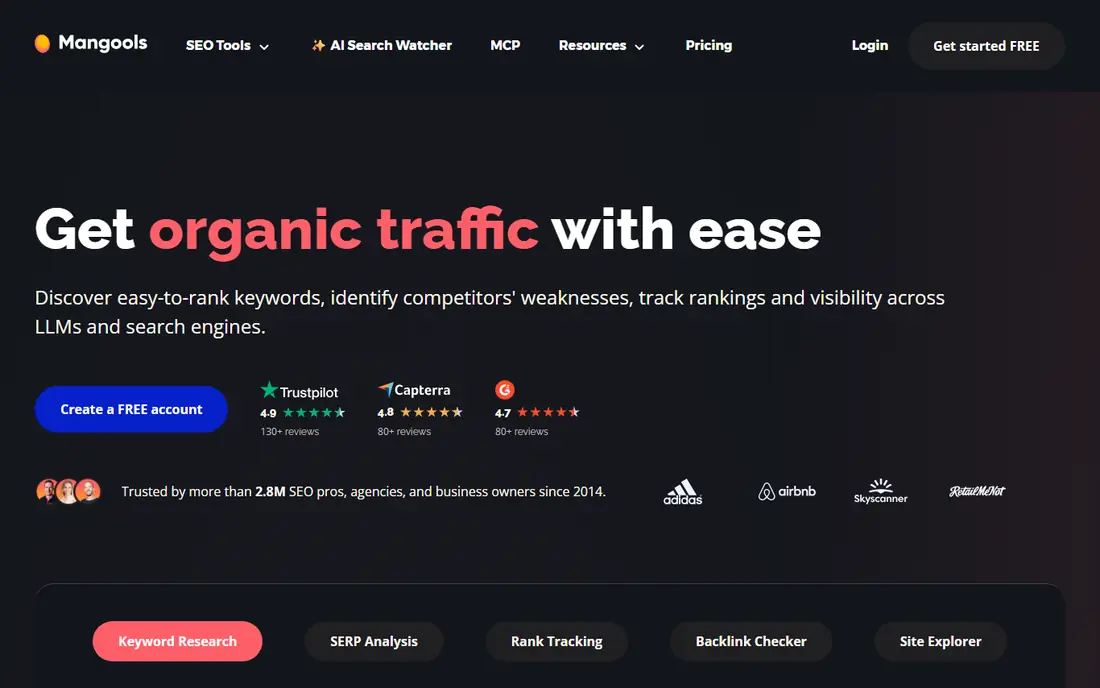
SERPWatcher, part of Mangools, offers rank tracking in a simple dashboard, bundled with keyword research, backlink, and site tools. That bundle suits freelancers and beginners who want several SEO tools for one price without learning a large suite. The interface is clear, and reports are easy to share with a client or a small team.
Update frequency is the main limit. Basic and Premium plans update weekly in recent listings, with daily updates on the Agency plan, so buyers who need daily ranks must choose the higher tier. SERPWatcher suits beginners who check ranks weekly and want a friendly bundle, rather than agencies that need daily data on every plan.
- Simple rank tracking
- Bundled with keyword research and other Mangools tools
- Easy reports
- Basic and Premium plans update weekly
- Daily updates need the Agency plan
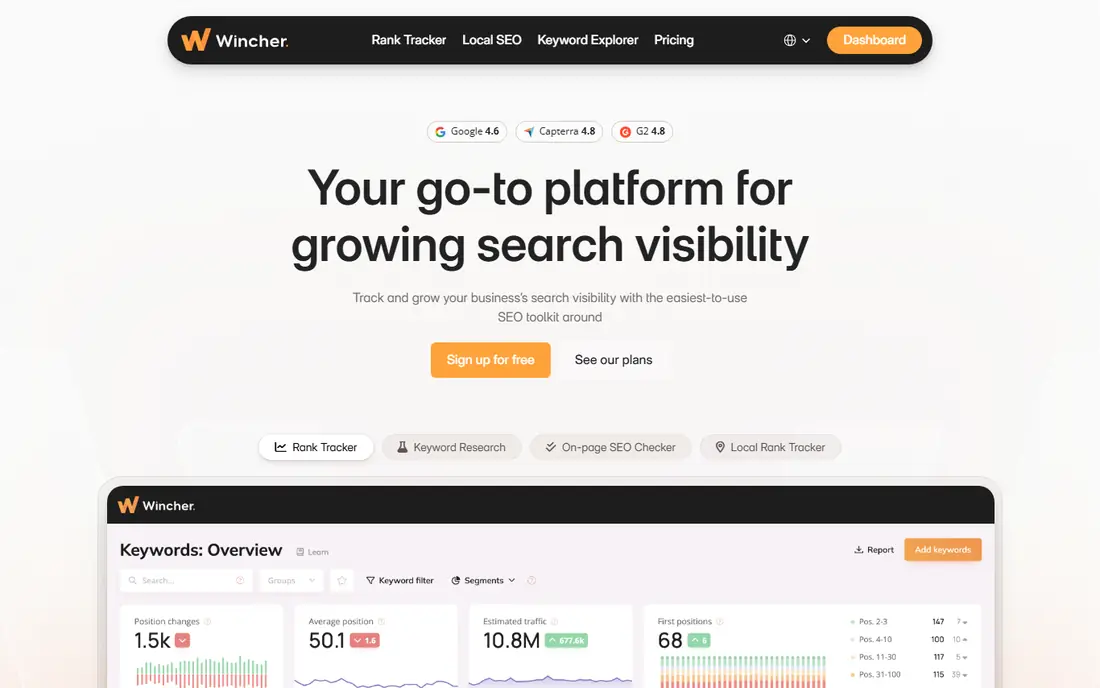
Wincher is a focused rank checker with daily updates, a clean dashboard, and tracking for SERP features and devices. Setup takes minutes, and the WordPress integration lets site owners check ranks from their admin area. Small teams that want daily ranks without a full suite often find Wincher the easiest tool to use each week.
Higher tiers are needed for API access, on-demand updates, and multiple users, so check the plan that covers your needs. Pricing also varies by currency in different listings, so confirm the price at checkout. For simple daily rank checking, Wincher is a strong, low-friction choice.
- Daily updates
- Clean dashboard
- SERP feature and device tracking
- WordPress integration
- API and on-demand updates need higher tiers
- Pricing varies by currency
Semrush Position Tracking offers daily rank updates inside a full SEO suite, with keyword research, competitor analysis, backlink data, and site audits. That breadth suits teams that already use Semrush for content and technical work, since ranks sit alongside the data that explains them. AI visibility features are also growing in importance for teams tracking AI answers.
Cost per keyword is higher than specialist trackers, because the price covers the suite, not only ranks. If you only need rank positions, a cheaper specialist may be better. If you need research, audits, and tracking together, Semrush is a practical all-in-one choice.
- Daily position tracking
- Deep keyword and competitor research
- Site audits and AI visibility features
- Higher cost per keyword than specialist trackers
- Suite can overwhelm a rank-only buyer
Ahrefs Rank Tracker sits inside a suite known for backlink and keyword research, with a large index and strong competitor comparison. Teams that care about links and content gaps as much as ranks will value the combined data. The rank tracker also shows SERP features and competitor positions for tracked keywords.
Rank updates are weekly by default on entry plans in recent listings, with daily options on higher tiers or add-ons, so buyers who need daily ranks should confirm the plan details. Ahrefs suits backlink-focused teams that check ranks weekly and use research data daily, rather than teams that need daily ranks on the cheapest plan.
- Strong backlink and keyword research
- Rank tracker with competitor comparison
- Large index
- Rank updates are weekly by default on entry plans
- Higher cost for daily-focused buyers
SE Ranking offers daily rank tracking at volume, with 2,000 keywords on its Core plan, plus audits, keyword research, and reporting. That capacity suits agencies and growing sites that track many keywords daily and need client-ready reports. White-label reports on all plans in recent listings also help agencies present data under their own brand.
The entry price is high for a freelancer with only a few dozen keywords, and the suite may feel broad if you only need ranks. For teams tracking hundreds or thousands of keywords, SE Ranking offers strong daily value per keyword.
- Daily updates
- 2,000 keywords on Core
- Audits, research, and white-label reports in the same plan
- Entry price is high for a single small site
- Suite breadth can feel broad for rank-only use
Moz Pro offers rank tracking, keyword research, site audits, and learning resources in a suite aimed at small businesses learning SEO. The interface is clear, and the learning material helps teams understand what rank changes mean and what to do next. That educational angle suits businesses without a dedicated SEO specialist.
Rank updates are weekly on entry plans in recent listings, so daily-focused buyers should check higher tiers or pair Moz with a daily tracker for money keywords. Moz Pro suits small businesses that want guided SEO learning alongside rank tracking, rather than agencies that need daily data at scale.
- Rank tracking plus keyword research and audits
- Learning resources
- Clear interface
- Rank updates are weekly on entry plans in recent listings
- Smaller index than larger suites
ProRankTracker offers rank tracking across multiple search engines, with a limited free tier and agency reporting features on higher tiers. The free start helps freelancers test the tool with a small keyword set before paying, while paid plans add more terms, locations, and reporting options. White-label reports suit agencies that send regular client updates.
Paid entry pricing is higher than the cheapest daily tools, so small sites should compare keyword limits carefully. The interface also feels less modern than newer rivals, though the tracking and reporting functions remain solid. For a free start with room to grow into agency reporting, ProRankTracker is worth a trial.
- Limited free tier
- Multi-engine tracking
- White-label reports and agency features on higher tiers
- Entry paid plan is higher than some rivals
- Interface feels dated to some users
How we picked these
We compared official pricing and feature pages for rank checking tools with a clear rank tracking offer, a working website, and a real user base. We favoured tools with free tiers or trials, clear keyword limits, and reporting features. We left out tools that only check a single rank on demand with no tracking history, tools with no published pricing or trial path, and tools whose update frequency could not be confirmed from their own pages.
What to check before you buy
Count keywords by device and location, not just by keyword name. One keyword on desktop and mobile in two cities can count as four slots, depending on the tool. Check update frequency on your exact plan, since weekly and daily plans are different products at different prices. Check whether competitor tracking, local pack tracking, and SERP feature tracking are included or sold separately.
Test accuracy against Search Console. Add a mix of branded, commercial, and informational keywords, then compare average positions over the same period. Check scheduled reports, exports, and alerts, since a tracker you never read will not help. A simple dashboard you check each week beats a complex suite you ignore.
Free versus paid rank checking
Free tools such as Google Search Console and the limited free tier of ProRankTracker suit a single site with a small keyword list. Paid tools suit teams that need competitor ranks, daily trends, local tracking, and client reports. Start free, learn which keywords matter, then pay only for the tracking you act on each month.
Frequently asked questions
What is SEO rank checking software?
SEO rank checking software tracks where your pages appear in search results for chosen keywords, over time and by location and device. It helps you spot gains after content or technical work, drops after an update, and competitor moves. Most tools also show SERP features, such as featured snippets and local packs, alongside plain positions.
What is the best free SEO rank checking software?
Google Search Console is the best free option for your own site, because it uses first-party Google data on queries, clicks, and average position. ProRankTracker also offers a limited free tier for tracking a small keyword set. Free tools cannot show competitor ranks in the same way as paid tools, so many teams pair Search Console with a paid tracker.
How often should rank checking software update?
Daily updates suit sites that publish often, manage clients, or face volatile results. Weekly updates suit stable sites with a small list and a tight budget. Check the update frequency on your exact plan, since some tools update weekly by default and only offer daily updates on higher tiers. Use daily tracking for money keywords and weekly tracking for the rest if budget is tight.
Why do different rank checkers show different positions?
Rank checkers vary by location, device, data centre, and check time, while your own Google results also reflect personalisation and history. Local packs, AI features, and SERP features can shift positions further. Compare trends over weeks and against Search Console average position, rather than judging a tool by a single manual search.
Can rank checking software track local and mobile ranks?
Yes, most paid tools on this list track ranks by location and device, though counting rules differ. One keyword on desktop and mobile in two cities may count as several slots, so model your real needs before buying. If local pack placement drives calls, check whether local tracking is included or needs a separate local tool.
Do I need rank checking software if I use Google Search Console?
Search Console is essential, but it only shows your own site, not competitor ranks, and it averages positions rather than showing a daily tracker history. A paid tracker adds competitor comparison, daily trends, local and mobile splits, and client reports. Many small sites start with Search Console alone, then add a paid tracker when competitor and trend data become useful.
Sources we checked (8)

Online Jobs is an independent blog about careers, online work, learning new skills and the tools that help people earn. More about us.
Keep reading
All posts
Best Daily Rank Tracking Service
Compare the best daily rank tracking services in 2026, with daily updates, keyword limits, and prices for freelancers, teams, and agencies alike. in detail.
Best AI Overviews Analysis Software
Best AI Overviews analysis software in 2026: we compare 8 tools that track AI Overview presence, citations, links and traffic impact, with prices and limits.
Best AI Mode Tracking Software
Best AI Mode tracking software in 2026: we compare 8 tools that track brand visibility in Google AI Mode, with prices, engines, prompt limits and fees.