Best Recipe Organizer Apps in 2026: 8 Apps Compared

How we put this together: we compare official feature and pricing pages, app store listings, privacy policies and public user reviews. Prices change, so check the provider's site before you pay.
Key takeaways
- Paprika suits cooks who want a searchable recipe library they own, with a one-time purchase per platform.
- Plan to Eat suits households that plan meals on a shared calendar and shop from one list.
- Samsung Food suits cooks who want a large recipe catalog plus planning and shopping in a free app.
- AnyList suits households that care most about shared lists, with recipe storage as a useful extra.
- Check import limits, platform costs, and offline access before you move hundreds of recipes into a new app.
Quick comparison
| Name | Who it suits | Starting price | Free option | |
|---|---|---|---|---|
 Paprika | Owned recipe library | $4.99 one-time | Yes | Visit |
 Plan to Eat | Shared meal calendar | $5.95 per month | Free trial | Visit |
 Samsung Food | Large catalog and planning | Free | Yes | Visit |
 AnyList | Shared lists and recipes | Free | Yes | Visit |
 Copy Me That | Cheap recipe clipping | Free | Yes | Visit |
 Recipe Keeper | Cross-platform recipe box | See website | Yes | Visit |
 BigOven | Community recipes and planning | Free | Yes | Visit |
 Mealie | Free self-hosted organizer | Free | Yes | Visit |
The best recipe organizer apps
A recipe organizer should save a recipe in seconds, find it months later, and turn it into a shopping list without extra work. The apps below cover owned libraries, shared household planning, large catalogs, and free self-hosted options, so the right pick depends on how you cook and who shops with you.
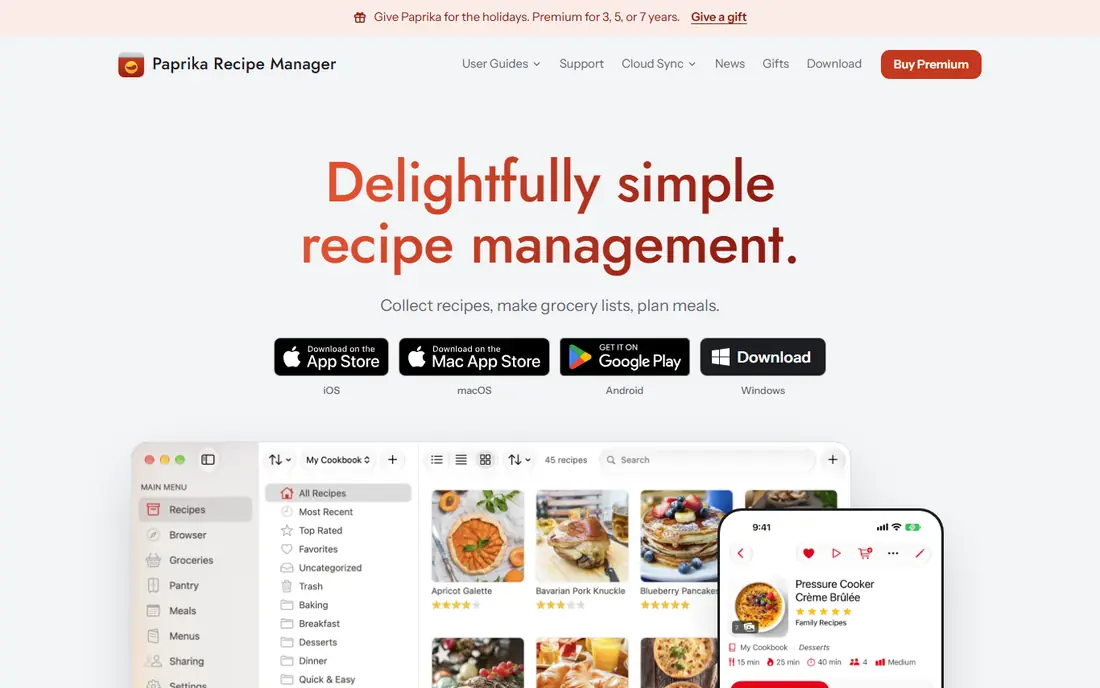
Paprika is our pick for cooks who want to own their recipe collection. Its browser clipper saves recipes from websites into a searchable library, stripping ads and formatting, and you can scale servings, convert units, and build grocery lists from planned meals. Pantry tracking helps you see what you already own before you shop, and saved recipes can be opened offline on supported devices.
The cost model needs a careful count. The iOS app starts near $4.99, while Mac and Windows versions are sold separately at higher prices, so a cook who wants phone plus desktop will pay more than the headline mobile price. There is also no web library, and newer subscription features for Paprika 4 need checking against what existing owners keep. Choose Paprika if a durable, searchable library matters most. Choose a subscription planner if you want a web calendar and household sharing as the core.
- One-click recipe saving from websites
- Searchable library with categories
- Meal planner, grocery lists, and pantry tracking
- Purchases are per platform, so phone plus desktop costs more
- No web library
- New subscription features need checking
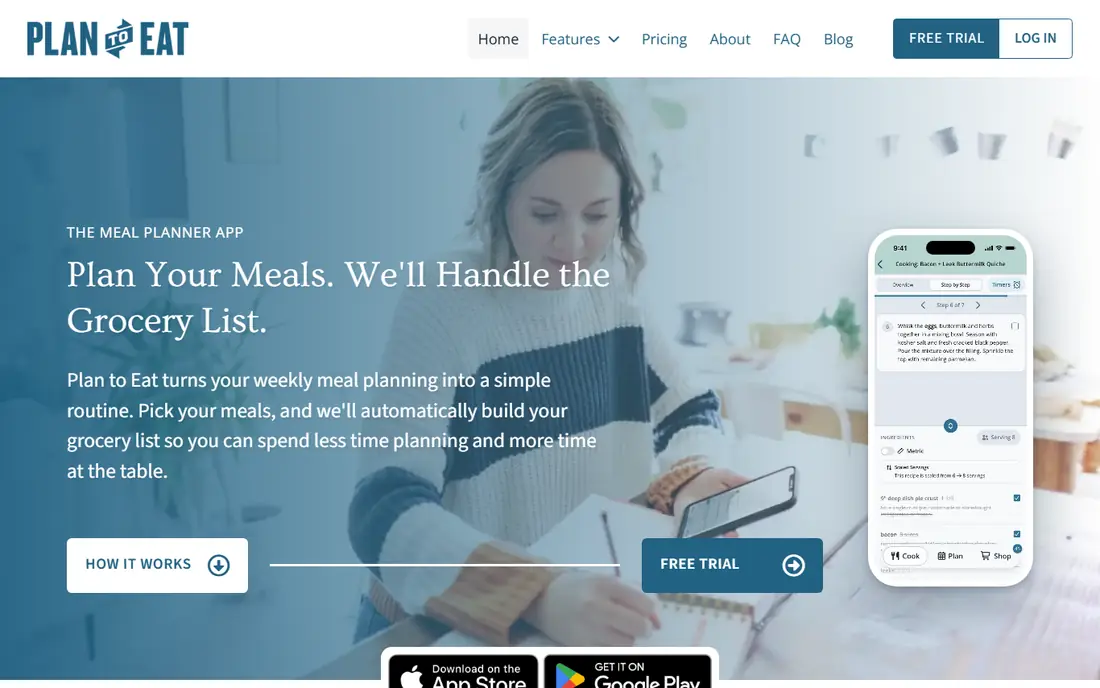
Plan to Eat suits households where one person plans and another shops or cooks. You import your own recipes, drag them onto a calendar, and the shopping list builds from the planned meals, with sync across family devices so everyone sees the same plan. That shared view reduces duplicate shopping and the nightly question of what to cook, which is the real value for busy households.
The trade is cost and catalog. There is no free ongoing plan, only a 14-day trial, and pricing near $5.95 per month or $49 per year adds up over time. There is also no built-in recipe catalog, so you must bring your own recipes or import them. Pick Plan to Eat if a shared calendar and list drive your cooking. Pick Paprika if you want a one-time library, or Samsung Food if you want a large catalog for free.
- Drag-and-drop meal calendar
- Recipes, plans, and lists sync across household devices
- Shopping list from planned meals
- No free ongoing plan, only a trial
- No built-in recipe catalog
- Monthly cost adds up over years
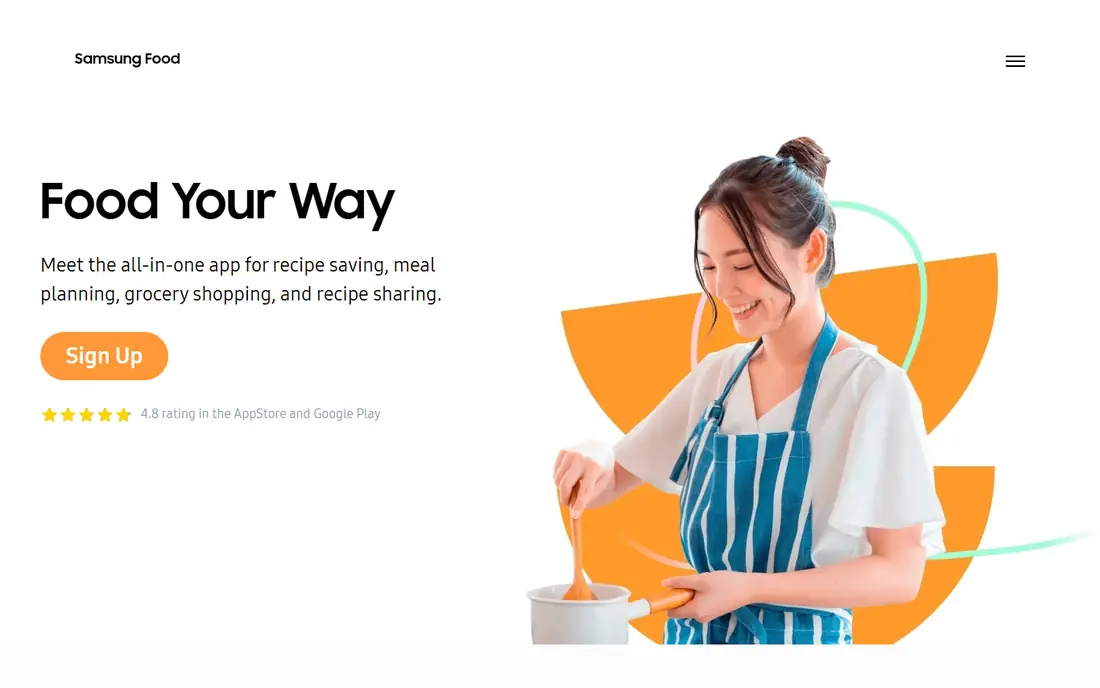
Samsung Food, formerly Whisk, suits cooks who want discovery and organization in one free app. The core app offers a large catalog of public recipes, a meal planner, shopping lists, and recipe saving, without a subscription for basic use. That combination makes it easy to test: you can search for dinner ideas, save favorites, plan the week, and shop from the list in one place.
The paid tier, Food+, adds AI-personalized recipes and plans, ingredient-list search, and pantry features, at about $6.99 per month or $59.99 per year, with a trial. Free users will see ads and miss those advanced features, but the core remains useful. Choose Samsung Food if you want a free catalog plus planning. Choose Paprika if you want an owned library without ads or subscriptions.
- Free core app with a large public recipe catalog
- Meal planner and shopping lists
- Ingredient search with paid Food+ tier
- Best features sit behind Food+
- Ads in the free tier
- Pantry search and AI plans need the paid tier
AnyList is the best pick for households that care most about shared lists. Free users can create lists and store recipes, share lists live with family members, and sync across devices, which solves the common problem of two people shopping from different lists. The Complete tier, near $9.99 per year for an individual or $14.99 per year for a household, adds a meal calendar and extra list features at a low cost.
Recipe organization is useful but simpler than Paprika. Import and editing work well for everyday recipes, but cooks with hundreds of saved recipes and complex categories may want Paprika for the library and AnyList for the list. That pairing is cheap and works well. Pick AnyList if shared lists drive your household. Pick Plan to Eat if the meal calendar is the main job, not the list.
- Free lists and recipe storage
- Live shared lists for households
- Complete tier adds meal calendar at a low yearly price
- Meal planner sits behind the paid tier
- Recipe import is simpler than Paprika
- No large built-in catalog
Copy Me That is the cheapest way to clip and organize recipes from the web. The free tier covers up to 40 recipes, and the paid tier costs about $1 per month, which undercuts almost every rival. Clipping, a meal planner, a shopping list, and a pantry list cover the core jobs, and the interface stays simple enough for a cook who does not want to learn a complex app.
The limits are connection and polish. Many features need an internet connection, and the design is plain beside Samsung Food or Paprika. A cook with a large library or a household that needs live shared lists may outgrow it. Choose Copy Me That if cost and simple clipping matter most. Choose Paprika if you want offline access and a richer library.
- Free to 40 recipes, then about $1 per month
- Recipe clipper, planner, shopping list, and pantry list
- Simple interface
- Needs an internet connection for many features
- Smaller feature set than larger apps
- Design is plain
Recipe Keeper suits cooks who use several platforms and want one recipe box across them. It runs on iOS, Android, Windows, and Mac, with recipe import from websites, a meal planner, shopping lists, and categories for organizing a growing collection. A free download lets you test the core, with a Pro upgrade for full features, including more storage and tools.
Pro pricing varies by platform, so check the price for each device you use before you commit, since a phone plus desktop total can exceed the headline mobile price. The community and catalog are also smaller than Samsung Food, so discovery is less of a strength. Pick Recipe Keeper if cross-platform access matters most. Pick Paprika if you want the deepest library tools on Apple and desktop platforms.
- Works across iOS, Android, Windows, and Mac
- Recipe import, planner, and shopping lists
- Pro upgrade for full features
- Pro pricing varies by platform
- Free tier limits need checking
- Smaller community than Samsung Food
BigOven suits home cooks who want community recipes beside their own collection. The app offers a large recipe collection from its community, a meal planner, grocery lists, and collections for organizing favorites, all with a free tier for basic use. That mix helps a cook who often searches for ideas, not just stores recipes they already know.
The free experience includes ads and limits, and the interface feels dated beside newer apps. Import and planner tools are also simpler than Paprika or Plan to Eat, so a cook with a large imported library may find the workflow slower. Choose BigOven if community discovery and free planning appeal to you. Choose Samsung Food if you want a larger, more modern free catalog, or Paprika if you want a richer owned library.
- Large community recipe collection
- Meal planner and grocery lists
- Recipe search and collections for home cooks
- Free tier includes ads and limits
- Interface feels dated
- Import and planner features are simpler than top rivals
Mealie is the free, open-source option for cooks who want full control and do not mind setup. You host it yourself, import recipes from websites, plan meals on a calendar, and build shopping lists, without a subscription or ads. That control appeals to privacy-minded cooks and to households that already run a home server for other tools.
Self-hosting is the barrier. Setup, updates, backups, and mobile access depend on your own skills and server, and there is no official support team to call when something breaks. A cook who wants a simple app store download should choose Paprika, Plan to Eat, or Samsung Food instead. Pick Mealie if you value free, open-source control and can host it yourself. Pick a hosted app if you want support and a simple setup.
- Free and open source
- Recipe import, planner, and shopping lists
- You control your data and hosting
- You host it yourself, so setup needs technical skill
- No official support team
- Mobile experience depends on your setup
How we picked these
We compared official product pages and app store listings for recipe import, library search, meal planning, shopping lists, pantry features, platform coverage, and pricing, and we kept only apps still offered and supported in October 2026. We favored apps that cover a distinct need, from owned libraries to shared household planning to free self-hosted use, and we wrote See website where platform pricing varies, rather than repeating a single platform price as the total cost. Offline access and import limits weighed heavily, since moving a large recipe collection is hard to undo.
How to choose a recipe organizer app
Start with how you cook, not with the longest feature list, since a library app and a planning app solve different problems.
Library first or planning first
If you save recipes from many sites and want to find them years later, choose a library app such as Paprika or Recipe Keeper. If you plan the week with family and shop from one list, choose a planning app such as Plan to Eat or AnyList. A cook who needs both can pair Paprika with AnyList for a low total cost.
Check import, offline, and platform costs
Test import with ten recipes from your usual sites before you move hundreds, and check whether saved recipes open offline. Count the total cost across every platform you use, since per-platform purchases and paid tiers can double the headline price.
Test the shopping list in a real shop
Plan a week, build the list, and use it in a store. Check whether items group by aisle, whether quantities scale with servings, and whether the list syncs live for a household shopper. A list that looks good at home but fails in the store will not survive a month.
Keep an export backup
Whatever app you choose, export your recipes regularly in a format you can read outside the app, if the app allows it. A recipe collection built over years is worth a backup, and an export makes switching apps far less painful if pricing or features change.
Frequently asked questions
What is the best recipe organizer app?
Paprika leads for an owned, searchable recipe library, while Plan to Eat leads for shared meal planning and Samsung Food leads for a free catalog plus planning. The best pick depends on whether library, planning, or discovery matters most to you.
What is the best app for storing recipes?
Paprika and Recipe Keeper suit storing recipes across devices, with Paprika offering deeper library tools and Recipe Keeper offering broad cross-platform coverage. Copy Me That offers the cheapest clipping option, with a free tier to 40 recipes and about $1 per month after that.
Is there a free recipe organizer app?
Yes, Samsung Food, AnyList, BigOven, Copy Me That, and Mealie all offer free tiers, with different limits on ads, imports, and planning features. Mealie is fully free but self-hosted, while Samsung Food offers the largest free catalog with planning included.
What is the best recipe saving app?
Paprika is a strong recipe saving app because its clipper extracts recipes cleanly from websites into a searchable library. Copy Me That and Recipe Keeper also save recipes from the web, with Copy Me That costing less and Recipe Keeper covering more platforms.
Can I plan meals and make a shopping list in one app?
Yes, Plan to Eat, Samsung Food, AnyList with its Complete tier, Paprika, and Mealie all turn planned meals into shopping lists. Plan to Eat leads for shared household calendars, while AnyList leads for live shared lists at a low yearly price.
What is the best recipe book app for families?
Plan to Eat and AnyList suit families best, with Plan to Eat offering a shared meal calendar and AnyList offering live shared lists and a low-cost household tier. A family that also wants a deep recipe library can pair either app with Paprika for recipe storage.
Sources we checked (8)

Online Jobs is an independent blog about careers, online work, learning new skills and the tools that help people earn. More about us.
Keep reading
All posts
Best Meat Delivery Services
Compare the best meat delivery services for 2026, from grass-fed boxes to premium Wagyu, with box sizes, sourcing, shipping costs, and honest trade-offs.

n8n Alternatives
n8n alternatives compared for 2026, with Zapier, Make, Activepieces, and more, covering visual builders, code steps, self-hosting, and pricing models.

eBay Alternatives
Looking for ebay alternatives? We compared 9 marketplaces for sellers on fees, buyer reach, categories and ease of listing, to help you sell with confidence.