Best Receipt Tracker App in 2026: 8 Tools Compared

How we put this together: we compare official feature and pricing pages, app store listings, privacy policies and public user reviews. Prices change, so check the provider's site before you pay.
Key takeaways
- Expensify is our pick for teams that need fast scanning plus expense reports, while Zoho Expense is the best free starting point.
- Dext suits accountants and growing businesses that need accurate capture, and Shoeboxed suits people who hate scanning.
- Free tiers from Expensify and Zoho Expense cover light use, but scan limits decide when you need a paid plan.
- Check that your tracker syncs cleanly with your accounting tool, since manual export wipes out most of the time saved.
Quick comparison
| Name | Who it suits | Starting price | Free option | |
|---|---|---|---|---|
 Expensify | Fast scanning plus reports | Free | Yes | Visit |
 Dext | Accountant-grade capture | See website | No | Visit |
 Shoeboxed | Mail-in scanning service | See website | No | Visit |
 Zoho Expense | Free team expense tracking | Free | Yes | Visit |
 QuickBooks Online | Receipts inside the books | See website | No | Visit |
 Wave | Receipts with free books | See website | Yes | Visit |
 Neat | Document and receipt organisation | See website | No | Visit |
 FreshBooks | Invoicing plus expenses | See website | No | Visit |
The best receipt tracker app
A good receipt tracker does more than store photos. It reads the merchant, date, and amount, files the receipt for tax time, and sends clean data to your books. The apps below differ in scan accuracy, free limits, and how well they handle teams.
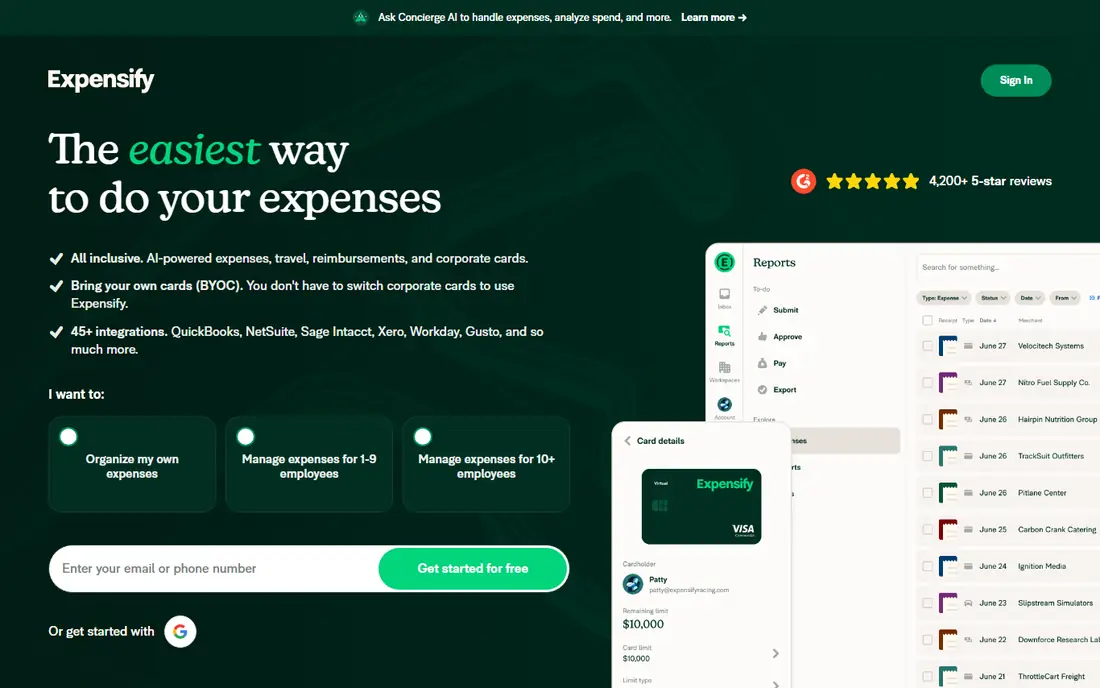
Expensify is the best receipt tracker for teams that need more than storage. Its SmartScan technology reads a receipt photo and pulls out merchant, date, and amount, then builds it into an expense report that managers can approve and finance can reimburse. The free plan lets individuals scan receipts, track mileage, and build reports without company approval, which makes it easy to test. Paid Collect plans start at $5 per member per month and add reimbursements, corporate card management, and QuickBooks or Xero integrations. The catch is that some features, such as full expense categorisation, sit behind paid plans. For a solo user, the free plan may be enough. For a team, budget for Collect and check how members are counted.
- SmartScan reads receipts quickly
- Free plan for individuals
- Strong approval and reimbursement workflows
- Full categorisation and accounting sync need paid plans
- Per-member pricing adds up for large teams
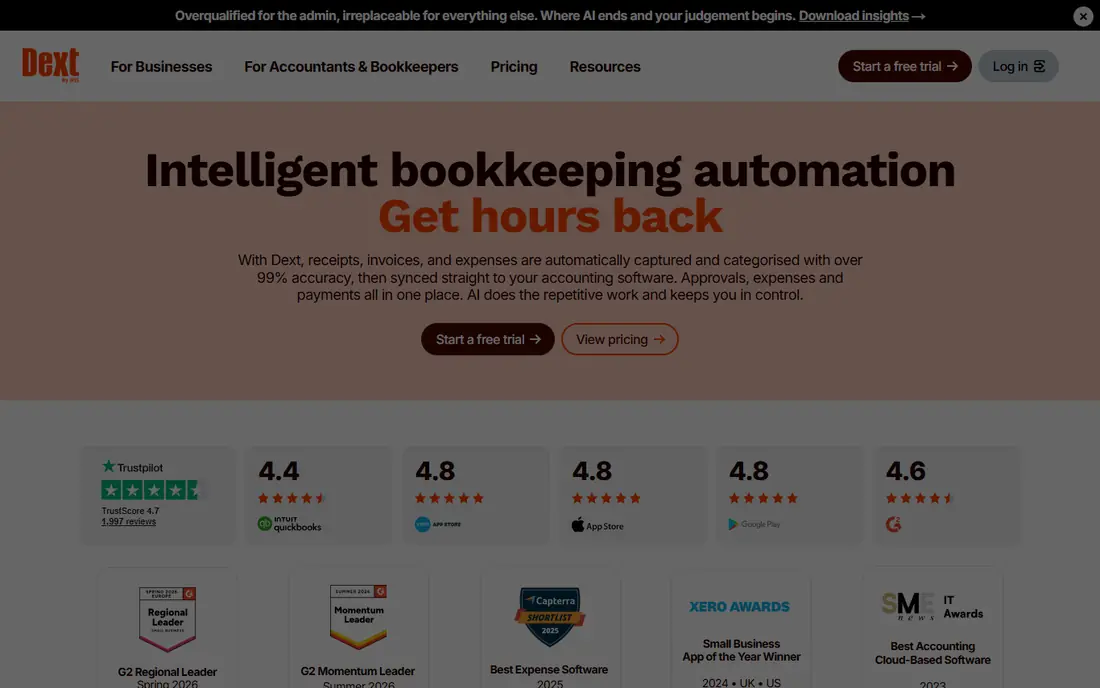
Dext, formerly Receipt Bank, is built for accuracy. It captures receipts, invoices, and bank statements, extracts the data, and publishes clean entries to accounting software. Accountants like it because the data arrives in a consistent format, with fewer corrections than cheaper scanners. That accuracy saves time at month end and at tax time, especially for businesses with many receipts each week. Pricing is quoted or listed by plan on the vendor site, and it sits above consumer trackers, which is why we list See website here. For a solo freelancer with ten receipts a month, Dext is more than needed. For a growing business, or a business working with an accountant, Dext is one of the most reliable capture tools available.
- High capture accuracy
- Strong for accountants and bookkeepers
- Good QuickBooks and Xero sync
- Higher price than consumer trackers
- Overkill for a solo user with few receipts
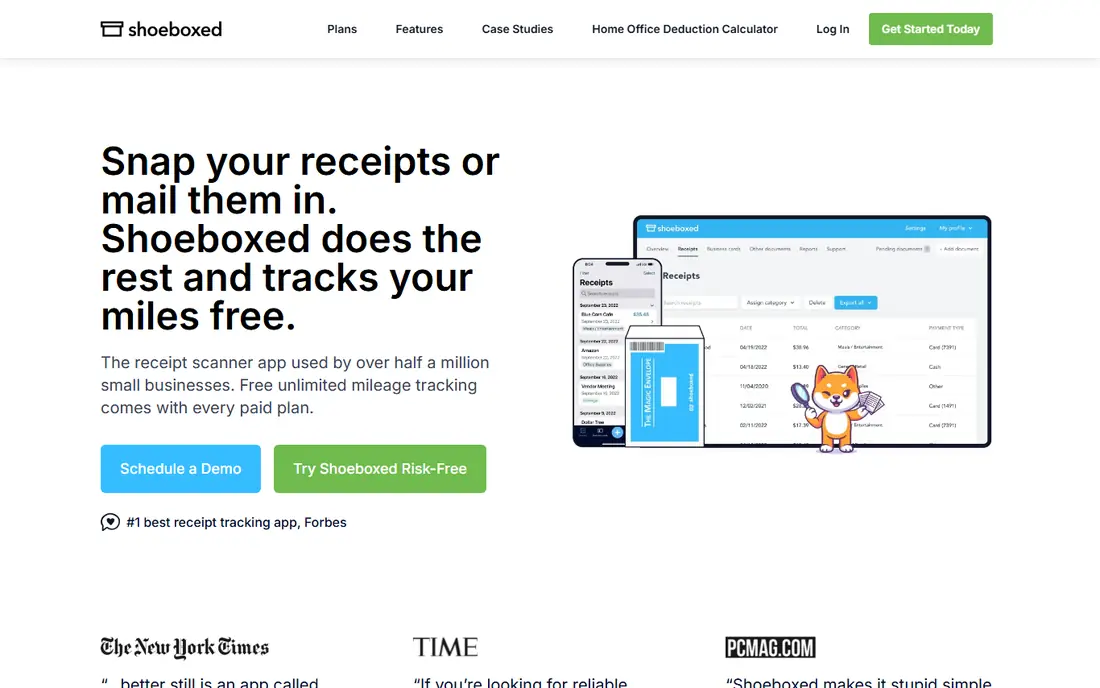
Shoeboxed suits people who will never scan receipts themselves. Its Magic Envelope service lets users stuff paper receipts into a prepaid envelope, mail it in, and receive digitised, categorised records back. Human-verified entry means the data gets a second look, which helps for tax records where accuracy matters. The app also covers mileage tracking and Gmail receipt import for digital receipts. Pricing is listed on the vendor site and starts above app-only trackers, reflecting the mail-in labour. The trade-off is speed. Mail-in scanning takes days, so it does not suit receipts needed for an urgent expense report. For busy owners who value time over instant results, Shoeboxed removes the whole scanning chore.
- Mail-in Magic Envelope service
- Human-verified data entry
- Mileage tracking included
- Monthly price higher than app-only trackers
- Slower than instant phone scanning for urgent receipts
Zoho Expense is the best free receipt tracker for a small team. The free plan covers up to three users, with auto-scan that reads merchant, date, and amount from receipt photos. That is enough for a tiny team or a freelancer testing expense tracking. Paid plans start around $4 to $5 per user per month and add more scans, approvals, and integrations. Zoho users get extra value, since Expense links to Zoho Books and other Zoho apps. The limit is scan volume. Free plans cap auto-scans per user per month, so a team with many receipts will need a paid plan sooner. For a small team that wants a genuine free start and a clear upgrade path, Zoho Expense is hard to beat.
- Free plan for up to three users
- Auto-scan with merchant and amount capture
- Good Zoho integration
- Free scan limits apply
- Best value inside Zoho apps
QuickBooks Online suits owners whose books already live in QuickBooks. Receipt capture lets users photograph a receipt, and QuickBooks matches it to a transaction and files it with the books, without a separate export step. That direct link cuts the manual work that makes receipt tracking fail in practice. Receipt features vary by QuickBooks plan, and pricing sits inside QuickBooks bundles, so we list See website here. The trade-off is that QuickBooks is accounting software first, not a dedicated scanner. Its capture accuracy and expense report workflows are good, but not as specialised as Dext or Expensify. For QuickBooks users, keeping receipts inside the books is usually simpler than adding another app.
- Receipt capture inside accounting
- Snap and match to transactions
- Familiar for accountants
- Needs a QuickBooks subscription
- Receipt features vary by plan
Wave suits micro-businesses that want free books and are willing to pay a little for receipt scanning. Its free accounting covers invoicing and bookkeeping, which is a strong starting point for freelancers and solo owners. Receipt scanning sits behind a paid add-on or the Pro plan, so users should check the current Wave pricing page for the exact cost. That change matters, since Wave was once known as a free receipt option. The product is simpler than Expensify on approvals and team workflows, so larger teams will outgrow it. For a solo owner who wants free books plus occasional receipt scanning, Wave remains a practical and low-cost choice.
- Free accounting for small businesses
- Receipt scanning on paid plans
- Invoicing included
- Receipt scanning is not free on the basic plan
- Fewer expense workflows than Expensify
Neat is more than a receipt scanner. It organises receipts, invoices, and documents in one searchable platform, with reports that help at tax time. That breadth suits owners who also struggle with paper invoices, contracts, and statements, not just receipts. Search and categorisation help find a document months later without digging through folders. Pricing is listed on the vendor site, often as a yearly plan, and it sits above simple app trackers. Team expense workflows, such as multi-level approvals, are thinner than Expensify. For a solo owner or small office that wants documents tidy in one place, Neat offers a broader solution than a receipt-only app.
- All-in-one document and receipt platform
- Good search and organisation
- Tax-time reports
- Higher yearly price than app-only trackers
- Fewer team expense workflows
FreshBooks suits freelancers and service businesses that invoice clients and track expenses in the same tool. Receipt capture on higher plans lets users photograph receipts and attach them to expenses, which can then be billed to a client or filed for tax. That link between expenses and invoicing saves time for consultants, designers, and tradespeople who bill costs back to clients. The catch is plan level. Receipt capture is not included on the lowest FreshBooks plan, so users must check which tier covers it. Accounting depth is also less than QuickBooks, so businesses with complex books may still need an accountant. For invoicing-first freelancers, FreshBooks keeps receipts close to the money they relate to.
- Receipt capture alongside invoicing
- Expense tracking tied to client billing
- Simple interface
- Receipt capture is not on the lowest plan
- Accounting depth is less than QuickBooks
How we picked these
We compared vendor pricing pages, product documentation, and public reviews, and we checked each vendor homepage to confirm the product is live. Prices shown are those published by the vendor. Where pricing varies by plan, bundle, or region, we wrote See website rather than presenting a single reviewer figure as fact. Scan limits and free tiers change, so check the current plan page for the exact limit before relying on a free tier.
How to choose a receipt tracker app
Start with volume and team size. A solo user with ten receipts a month can live on a free tier, while a team with two hundred receipts needs a paid plan with generous scan limits and approvals. Next, check the accounting link. A tracker that syncs cleanly to QuickBooks, Xero, or Zoho Books will save more time than a tracker with slightly better scanning but manual export. Test that sync with five real receipts before committing.
Check scan accuracy with your own receipts
Scan accuracy varies by receipt type. Faded thermal receipts, handwritten notes, and crumpled paper all challenge scanners. Test your worst receipts, not just clean ones, and see how much manual correction each app needs. An app that needs correction on every receipt is not saving time, even if it is free.
Keep tax records in mind
Tax authorities generally accept clear digital copies of receipts, provided the image is complete and legible. Keep the original image, not just the extracted data, and check retention rules for your location with a tax professional. A tracker that stores images with dates and categories makes tax time far easier than a photo folder on your phone.
Frequently asked questions
What is the best receipt tracking app for a small business?
Expensify is the best overall pick for small businesses that need scanning plus reports, while Dext suits businesses working closely with an accountant. Zoho Expense is best for a small team on a budget, thanks to its free plan. The right choice depends on volume, team size, and accounting software.
What is the best free receipt tracking app?
Zoho Expense and Expensify both offer genuine free plans for light use. Zoho Expense free covers up to three users with limited auto-scans, while Expensify free covers individual scanning and reports. For very light use, either works. For higher volume, a paid plan is needed.
What is the best receipt scanner app for a small business?
Dext offers the most accurate capture for accountants and growing businesses, while Expensify offers the fastest all-round scanning for teams. Shoeboxed suits owners who prefer mail-in scanning. Test each with your own receipts, since accuracy varies by receipt type.
Do receipt tracker apps work with QuickBooks?
Yes, most trackers on this list sync with QuickBooks, Xero, or both, though the depth of sync varies by plan. Expensify, Dext, and Zoho Expense all offer accounting integrations, and QuickBooks Online has capture built in. Confirm the exact sync for your plan before buying.
Are scanned receipts accepted for taxes?
In most cases, yes, provided the scanned image is complete, legible, and kept for the required retention period. Tax rules vary by country and by record type, so confirm local requirements with a tax professional. Keep original images alongside extracted data for audit purposes.
How many receipts can I scan for free?
Free scan limits vary. Zoho Expense free limits auto-scans per user per month, while Expensify free covers individual SmartScans with paid features behind Collect. Check the current plan page for exact limits, and work out your monthly receipt count before choosing a free tier.
Sources we checked (8)

Online Jobs is an independent blog about careers, online work, learning new skills and the tools that help people earn. More about us.
Keep reading
All posts
Top AI Financial Software
Searching for top AI financial software? We compared 9 AI finance tools for AP, spend, close, forecasting and bookkeeping to help teams choose wisely.

Quicken Alternatives
Compare the best quicken alternatives for Mac, Windows, and small business owners, from Monarch Money and YNAB to Copilot, Tiller, and Banktivity in 2026.
QuickBooks Online Alternatives
Looking for quickbooks online alternatives? We compared 8 accounting tools on invoicing, bank feeds, payroll, pricing and fit for small businesses today.