Best Receipt Scanner App in 2026: 8 Products Compared

How we put this together: we compare official feature and pricing pages, app store listings, privacy policies and public user reviews. Prices change, so check the provider's site before you pay.
Key takeaways
- Expensify and Zoho Expense are the strongest all round picks for freelancers and small teams, with real free options.
- Dext suits businesses that hand receipts to an accountant, while Shoeboxed suits paper backlogs that need mailing in.
- QuickBooks Online and Wave make sense when receipt capture should live inside accounting software already in use.
- Line item detail, email forwarding and accounting links matter more than raw scan speed for tax and audit work.
- Our pick for most solo workers is Zoho Expense on its free tier, moving to Expensify when team approvals become a regular need.
Quick comparison
| Name | Who it suits | Starting price | Free option | |
|---|---|---|---|---|
 Expensify Expensify | teams with approval workflows | See website | Yes | Visit |
 Zoho Expense Zoho Expense | small teams on a budget | See website | Yes | Visit |
 Dext Dext | accountant workflows | See website | Free trial | Visit |
 Shoeboxed Shoeboxed | paper receipt backlogs | See website | No | Visit |
 QuickBooks Online QuickBooks Online | existing QuickBooks users | See website | Free trial | Visit |
 Wave Wave | Wave accounting users | See website | Yes | Visit |
 SparkReceipt SparkReceipt | freelancers and small business | See website | Free trial | Visit |
 Foreceipt Foreceipt | very light receipt tracking | See website | Yes | Visit |
The best receipt scanner apps
These eight apps cover simple phone scans, full expense reports, accountant handoffs and paper mail in options.
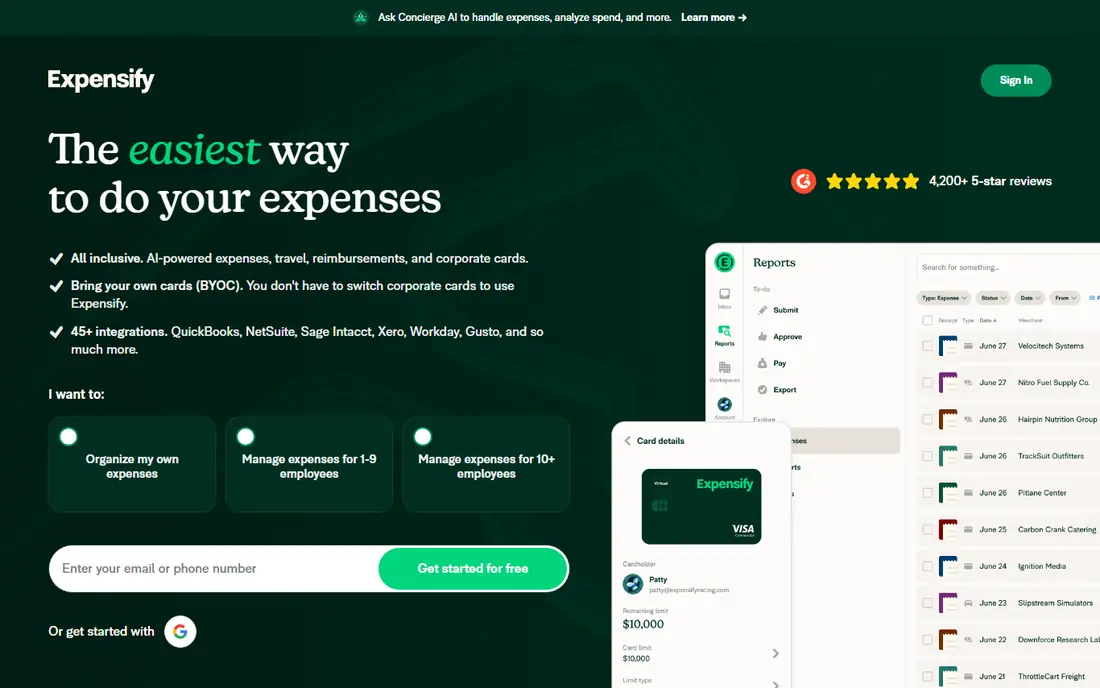
Expensify is the most familiar name in this category for a reason. Photograph a receipt and SmartScan pulls out the merchant and amount, then the app can match it to a card transaction and build an expense report. For teams, approvals and policies sit in the same place, which cuts down on chasing paper at month end. The catch is detail. If a business needs every line item split for tax or inventory reasons, Expensify may feel light, and team pricing adds up as headcount grows. For travel, meals and general expenses, though, it remains a fast and reliable default, especially for individuals who can start free.
- SmartScan receipt capture
- Card transaction matching
- Approval workflows
- Line item detail is limited
- Costs rise with each team member
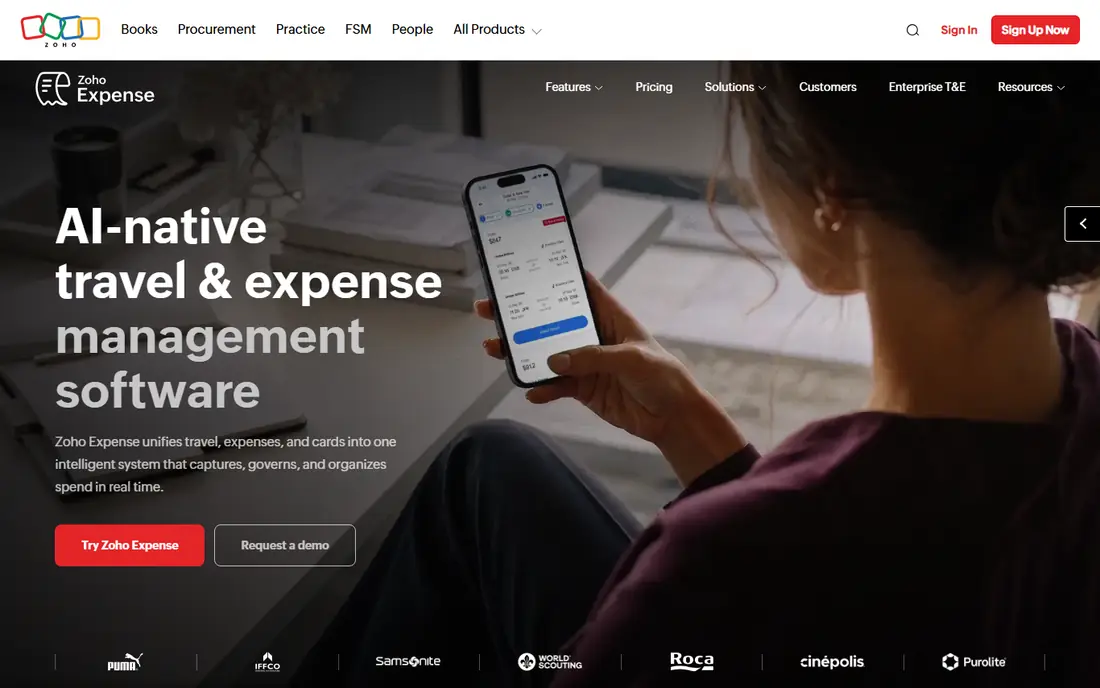
Zoho Expense is the value pick on this list. Its free plan supports a small team with real receipt scanning and expense reports, not a demo that stops after a few scans. Paid plans add more users, policies and automation, and the link to Zoho Books helps when expenses need to flow into accounts. The limit to watch is volume. Free scan counts and some advanced features sit behind paid tiers, so a business with hundreds of receipts a month should check the plan table before relying on the free tier. For a solo worker or a team of three, Zoho Expense is hard to beat on price and completeness.
- Free plan for up to three users
- Receipt scanning and reports
- Zoho Books link
- Scan limits on free plans
- Some features need a higher plan
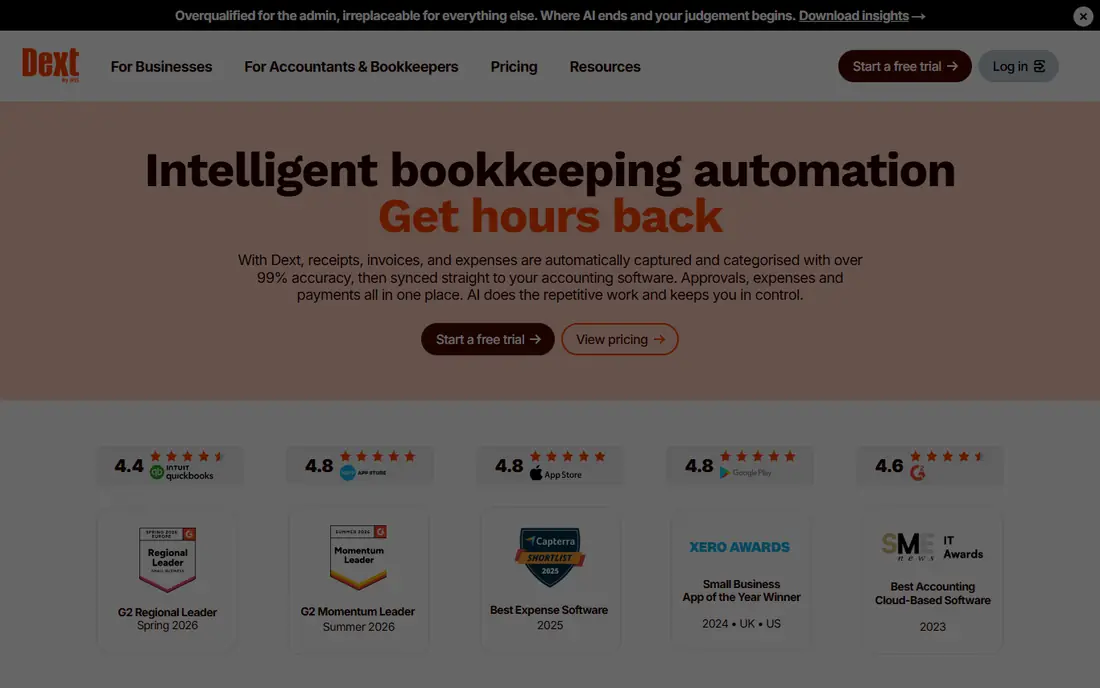
Dext, formerly Receipt Bank, is built for the accountant and client workflow. It captures receipts and invoices, extracts key data, fetches supplier documents where supported, and pushes clean data into major accounting tools. For a bookkeeper handling many clients, that pipeline saves hours of manual entry. For a solo freelancer, Dext can feel costly, since the buyer it was built for is usually a firm processing volume. If your accountant already uses Dext, joining their workflow makes sense. If not, a cheaper consumer app may cover the same scans for less, without the firm level features.
- Strong data extraction
- Supplier invoice fetch
- QuickBooks, Xero and Sage links
- Higher price for solo users
- Best value when an accountant uses it
Shoeboxed keeps one feature nobody else really offers: the Magic Envelope. Put paper receipts in a prepaid envelope, mail them in, and Shoeboxed scans, categorises and files them. That suits anyone with a drawer or box of old paper receipts, or a business that still receives most receipts on paper. The trade-off is time and price. Mail in scanning is slower than a phone photo, and there is no free plan, so the cost needs to be weighed against the time saved. For a fresh start with mostly digital receipts, a phone first app will be faster. For a backlog, Shoeboxed is the practical answer.
- Mail in Magic Envelope service
- Digital scans and categorising
- Useful for backlogs
- No free plan
- Mail in adds waiting time
QuickBooks Online suits businesses that already keep books in QuickBooks. Receipt capture lives inside the same system as invoices, expenses and reports, so a scanned receipt can be matched to a transaction without exporting data between apps. That closeness reduces errors at tax time. Buying QuickBooks just for receipt scanning is harder to justify, since the price covers a full accounting suite. New users also face a learning curve. If the business already pays for QuickBooks, use its capture first. If not, start with a dedicated scanner and only move when full accounting becomes a need.
- Receipt capture inside accounting
- Transaction matching
- Tax category help
- Full accounting price for capture alone
- Learning curve for new users
Wave appeals to very small businesses that want free accounting with a simple interface. Invoicing, payments and basic books can run without a monthly accounting fee, and receipt capture is available through paid options. That mix suits freelancers who need clean records without a large software bill. The catch is that receipt scanning itself is not free in the same way as the accounting base, so the total cost depends on the plan chosen. Wave also offers fewer advanced expense policies than Expensify or Dext. For a solo worker already on Wave, it is a natural fit. For a team with approvals, look elsewhere.
- Free accounting base
- Receipt capture on paid options
- Simple invoicing links
- Receipt scanning is paid
- Fewer advanced expense features
SparkReceipt is a focused receipt and expense app for freelancers and small business. Receipts can arrive by phone app, upload or email forwarding, and expenses are shown in a clear list that is easy to review before tax time. The design feels built for people who scan a steady stream of receipts, not for large finance teams. The limit is scale and integrations. Larger rivals connect to more accounting tools and offer deeper approval workflows, while SparkReceipt keeps things simpler. That simplicity is a strength for a solo worker who wants a tidy archive and clean reports, but a growing team may outgrow it.
- App, upload and email forwarding capture
- Clear expense views
- Small business focus
- Smaller integration range than larger rivals
- No permanent free plan
Foreceipt suits people with a small number of receipts who want a simple tracker, not a full expense platform. It covers the basics: scan or enter a receipt, store it, and review totals when needed. The price is low, and the free option covers very light use, which makes it a low risk way to start keeping records. The trade-off is depth. Teams, approvals, accountant pipelines and rich integrations are not the focus here. A freelancer with a handful of receipts a month will find Foreceipt enough. Anyone with daily receipts, staff expenses or an accountant workflow should pick a larger app from earlier in this list.
- Simple receipt tracking
- Low cost for light use
- Manual and scan options
- Limited team features
- Fewer accounting integrations
How we picked these
We compared official feature pages, pricing pages, app store listings and public reviews for apps that scan receipts and turn them into usable expense records. We favoured apps that are actively maintained, that support phone capture plus at least one other input such as email forwarding or upload, and that offer a free plan, trial or low cost entry for small users. We also weighed accounting links, since a scan that cannot reach the books still leaves manual work. We did not claim hands-on testing for every app, and we did not rank by review scores that change often. Instead, we looked at who each app is built for, where its free or trial offer stops, and what happens to a receipt after it is scanned. Prices change, so check the vendor site before buying, and trial the app with a real batch of receipts first.
Choosing the right receipt app
Start with volume and destination. Count receipts in a normal month, then check where they need to end up: a tax file, an expense report or an accountant system. A solo worker with twenty receipts a month has a different answer from a team filing two hundred, and buying for the wrong volume wastes money or creates manual work.
Check what the scan actually captures
Some apps capture merchant, date and total, while others also read line items and tax details. For simple expense reports, totals are enough. For tax, inventory or client billing, line items matter. Test with a faded receipt, a long receipt and a crumpled one, since real receipts are rarely perfect.
Think about the accountant handoff
If an accountant or bookkeeper handles the books, ask which app they already use. A shared workflow beats a nicer interface that creates export work every month. Dext and QuickBooks links matter here, while a solo filer can pick on price and ease alone.
Keep a backup habit
A scan is only useful if it can be found later. Check export options, cloud backup and search before committing. Keep original paper for large or disputed items until the tax period closes, and name files or categories in a way that makes sense months later, not just on scan day.
Frequently asked questions
What is the best receipt scanner app for money back or personal use?
For personal tracking, a simple app such as Foreceipt or the free tier of Zoho Expense or Expensify is usually enough. The goal is a tidy archive and clear totals, not team approvals. If the aim is cashback or rewards, check the card or bank app first, since receipt apps focus on records and expenses rather than rewards.
What is the best free receipt scanner app?
Zoho Expense offers a free plan for up to three users with real scanning and reports, and Expensify offers free personal use. Foreceipt also offers a free option for very light use. Free plans usually limit scan counts, so count monthly receipts before choosing, and expect to pay once volume grows.
What is the best receipt app for small business?
For most small businesses, Zoho Expense is the best value start, and Expensify is the best step up when approvals and card matching matter. Businesses that work with an accountant should check Dext, and businesses already on QuickBooks should use its built in capture. The right pick depends on team size and accounting setup.
Do receipt scanner apps work for tax records?
Receipt scanner apps can help organise tax records by storing scans, dates, amounts and categories in one place. They do not replace tax advice, and rules on record keeping vary by location and business type. Keep exports and, for large items, original documents, and check current tax guidance or ask an accountant before relying on scans alone.
Can I scan receipts by email as well as by phone?
Most apps on this list support email forwarding or upload in addition to phone capture. That helps when receipts arrive as email attachments or PDFs. Check the plan, since email capture and inbox links sometimes sit on paid tiers, and confirm which email address the app uses for forwarding before sending sensitive documents.
Sources we checked (8)

Online Jobs is an independent blog about careers, online work, learning new skills and the tools that help people earn. More about us.
Keep reading
All posts
Who Is the Best Company to Get Travel Insurance
Compare the best travel insurance companies, including World Nomads, Allianz Travel, SafetyWing and AXA, with coverage types, limits and who each suits.

Top AI Financial Software
Searching for top AI financial software? We compared 9 AI finance tools for AP, spend, close, forecasting and bookkeeping to help teams choose wisely.
Quicken Alternatives
Compare the best quicken alternatives for Mac, Windows, and small business owners, from Monarch Money and YNAB to Copilot, Tiller, and Banktivity in 2026.