Best Receipt App in 2026: 8 Apps Compared


Teams with expense reports · Starting price: $5 per user per month
How we put this together: we compare official feature and pricing pages, app store listings, privacy policies and public user reviews. Prices change, so check the provider's site before you pay.
Key takeaways
- Expensify suits teams that need receipt scanning plus expense reports and approvals in one app.
- Dext suits bookkeepers and accountants who process receipts for many clients and need clean, coded data.
- Shoeboxed suits people with mostly paper receipts, thanks to its mail-in scanning service.
- Zoho Expense offers the strongest free starting point for very small teams, while QuickBooks and Xero suit users who already keep books in those systems.
Quick comparison
| Name | Who it suits | Starting price | Free option | |
|---|---|---|---|---|
| Expensify | Teams with expense reports | $5 per user per month | Yes | Visit |
 Dext Dext | Bookkeepers and accountants | See website | No | Visit |
 Shoeboxed Shoeboxed | Paper receipts by mail | $9 per month | No | Visit |
 Zoho Expense Zoho Expense | Small teams on a budget | Free | Yes | Visit |
 QuickBooks Online QuickBooks Online | Receipts inside QuickBooks | See website | No | Visit |
 Xero Expenses Xero Expenses | Receipts inside Xero | See website | No | Visit |
 Veryfi Veryfi | High-volume receipt extraction | See website | No | Visit |
 FreshBooks FreshBooks | Freelancers with simple expenses | See website | No | Visit |
The best receipt app
A good receipt app does three jobs: it captures a clear photo or scan, it reads the merchant, date and amount accurately, and it sends that data to your expense report or accounting system without retyping. Some apps focus on scanning alone, while others are full expense platforms. We compared official pricing pages, scanning features and accounting integrations, and we only included apps that are still operating in 2026.
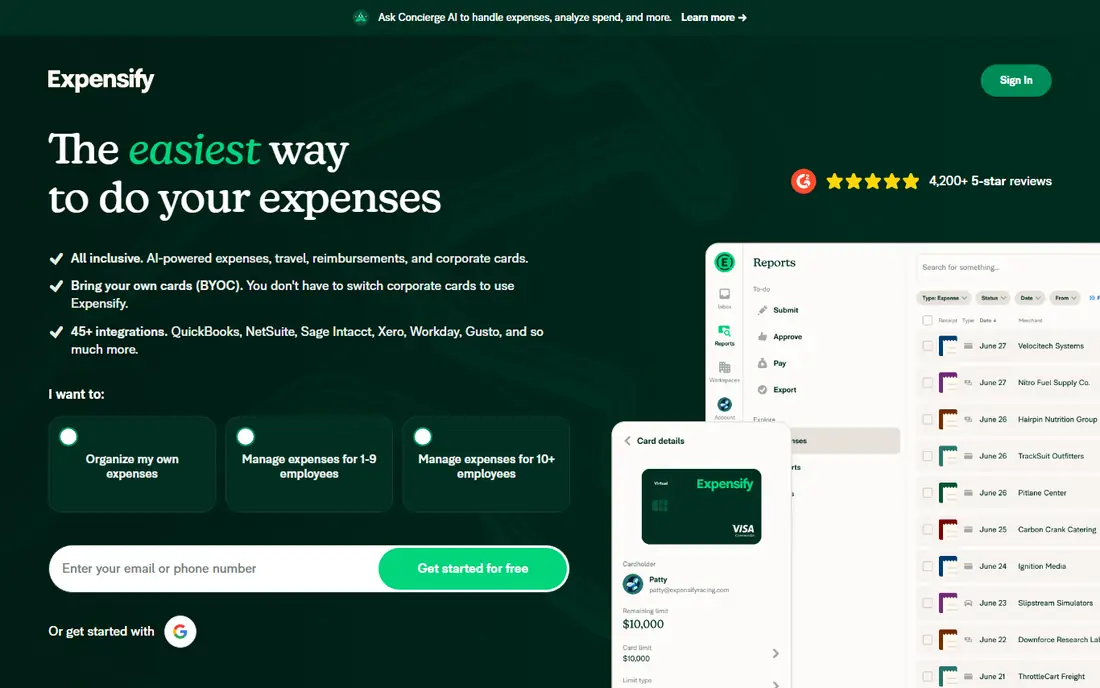
Expensify is the closest thing this category has to a default choice. Its SmartScan feature reads a photographed receipt, pulls out the merchant, date and amount, and, for teams, matches it to the right card transaction so nothing is counted twice. Individuals can use it free for personal receipts, while the Collect plan starts at $5 per user per month with unlimited scans. It also supports many currencies, which helps if you travel or bill internationally.
Expensify works best when receipts lead to expense reports and reimbursements, not just storage. Employees submit from a phone, managers approve in the app, and finance syncs approved reports to accounting. The main weakness is that scan accuracy is not perfect, especially on faded or crumpled receipts, so users should check the extracted amount before submitting. For most small and mid-size teams, that check is a small price for a fast submission loop.
- SmartScan capture from a photo
- Card matching for teams
- Integrations with QuickBooks, Xero and NetSuite
- Advanced controls sit on higher plans
- Occasional scan errors need manual correction
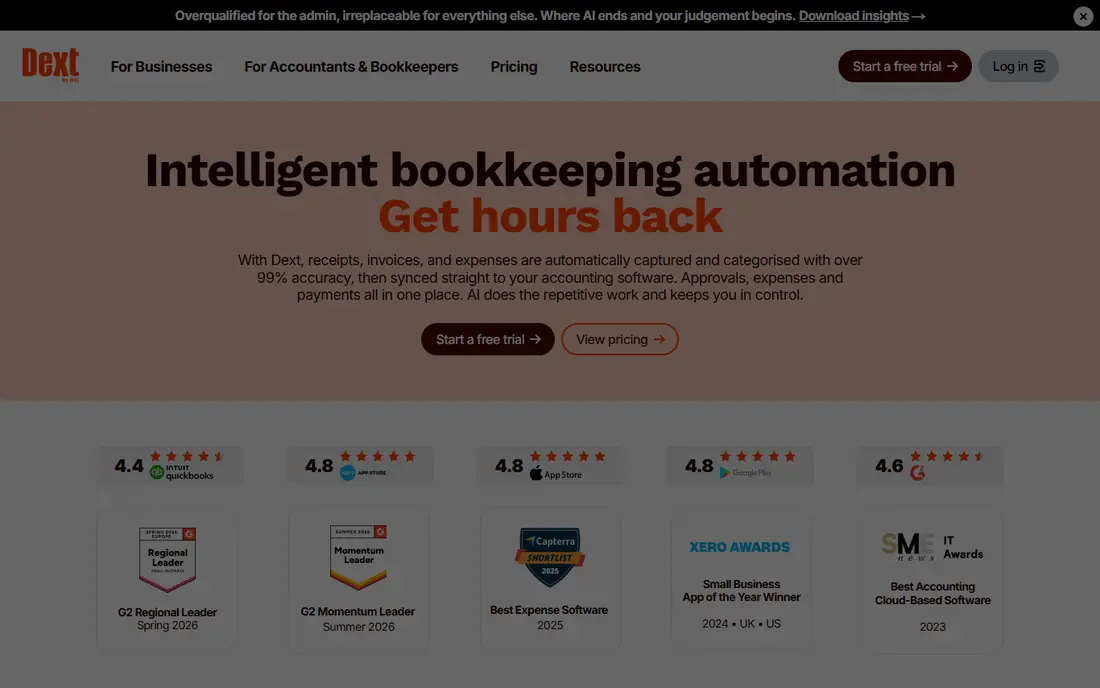
Dext, formerly Receipt Bank, is built for the accountant and client workflow. Clients photograph or forward receipts and invoices, Dext extracts and codes the data, and the bookkeeper reviews it before publishing to accounting software. It also fetches invoices from suppliers automatically, which reduces the chasing that usually fills a bookkeeper inbox. That workflow is why Dext costs more than a simple scanning app.
For an individual with a handful of receipts, Dext is more than needed. For a bookkeeper processing many clients, the time saved on coding, duplicates and supplier fetching can justify the price. Pricing is not a simple public list for every plan, so check the current Dext pricing page for your region and client volume before committing.
- High-accuracy capture for accountant workflows
- Automatic supplier invoice fetching
- Clean sync to QuickBooks, Xero and Sage
- Higher price than consumer apps
- Built for accountants rather than casual personal use
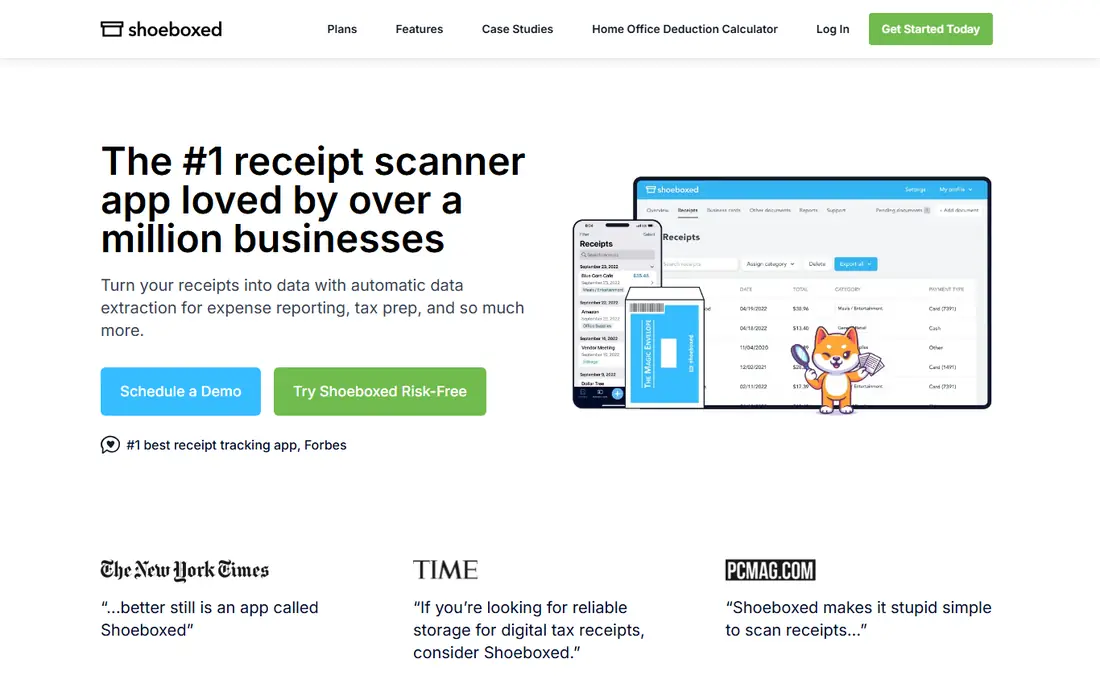
Shoeboxed is the survivor from the early receipt scanning era, and it kept the feature nobody else really offers: the Magic Envelope. You mail paper receipts in a prepaid envelope and Shoeboxed scans, categorizes and files them for you. The Starter plan starts at $9 per month, with higher plans at $29 and $79 per month by scan volume and user count. All plans include a 30-day money-back guarantee on the vendor pricing page.
Shoeboxed suits freelancers, contractors and small business owners whose receipts are still mostly paper and who want clean records for taxes. Digital scanning, mileage tracking and Gmail receipt import are included, so it is not only a mail-in service. The limits matter, though. Check your monthly scan volume against the plan, and confirm how long scans are stored on the tier you choose.
- Mail-in Magic Envelope for paper receipts
- Human-verified data entry
- Mileage tracking and Gmail receipt import
- No free plan
- Monthly scan limits apply by plan
- Storage terms vary by plan
Zoho Expense is the value pick in this roundup. Its free plan supports up to 3 users with receipt scanning and expense reports, not a stripped-down demo, and paid tiers start around $4 per user per month in many listings. It scans receipts in multiple languages and fits neatly if you already use other Zoho apps for CRM, books or projects.
Zoho Expense is less polished for large, complex approval chains than Expensify or a dedicated enterprise expense platform. For a very small team, a startup or a freelancer with occasional help, that trade-off is easy to accept. If your team grows past a handful of users or needs deep policy controls, compare the paid tiers carefully against Expensify before switching.
- Free plan for up to 3 users
- Real receipt scanning and expense reports
- Fits the wider Zoho suite
- Paid tiers start per user and add up for larger teams
- Some advanced controls need higher plans
QuickBooks Online includes receipt capture in its mobile app, which makes it the simplest choice for businesses that already use QuickBooks for bookkeeping. Photograph a receipt, review the extracted data and match it to a transaction or expense, all without exporting to another tool. That single-system flow reduces sync errors and keeps receipts attached to the books for tax time.
QuickBooks is not the right pick if you only need scanning. You are paying for accounting software, and receipt features vary by plan, so check the plan you use. For a QuickBooks user, however, adding a separate receipt app often adds cost and a sync step for little gain. Use the built-in capture first, and only add a specialist tool if volume or accuracy demands it.
- Receipt capture built into the books you already keep
- Automatic matching to transactions
- No second system to sync
- You need a QuickBooks subscription
- Receipt features vary by plan
- Not a standalone scanning app
Xero Expenses works the same way for Xero users. Employees photograph receipts in the Xero app, submit expense claims and route them for approval, and finance reconciles them against bank transactions in Xero. That integration is the main reason to choose it over a standalone app, because it keeps expense data, receipts and books in one place.
As with QuickBooks, the value depends on already using the accounting platform. A business that does not use Xero should not buy Xero just for receipt scanning. A Xero business with a small team, however, may find Xero Expenses covers its needs without a separate subscription, provided the plan includes the expense features it needs.
- Receipt capture inside Xero
- Expense claims and approvals
- Clean link to bank transactions
- Requires a Xero subscription
- Full expense features depend on plan
- Less suited to non-Xero users
Veryfi is different from the other apps here. It is primarily a data extraction service for developers and platforms that need to turn receipts, invoices and other documents into structured data at scale. Companies embed Veryfi into their own apps, accounting tools or expense workflows, rather than using it as a simple phone app for personal receipts.
That focus means pricing is aimed at API and enterprise use, and a casual user will find it confusing and expensive compared with Expensify or Zoho Expense. For a software company, a fintech or a large finance team that processes thousands of documents a month, Veryfi can be the right building block. For an individual or small team, choose a consumer-facing app instead.
- Developer-focused receipt and invoice extraction
- API for high volumes
- Strong data extraction for apps and platforms
- Priced for API and enterprise use
- Not a simple consumer scanning app
FreshBooks is accounting software for freelancers and service businesses, with receipt capture, expense tracking, invoicing and time tracking in one place. A freelancer can photograph a receipt, attach it to an expense and link it to a client or project, which helps at tax time and when billing expenses back to a client.
FreshBooks is not a dedicated expense approval platform for large teams. Its strength is simplicity for a solo operator or a very small team that already invoices through FreshBooks. If you need multi-level approvals, corporate cards or complex policy controls, Expensify or Dext will fit better. If you need simple, connected books, FreshBooks is a practical option.
- Receipt capture alongside invoicing and expenses
- Simple interface for freelancers
- Good for service businesses
- Receipt features are part of a wider accounting subscription
- Less suited to large team expense approval
How we picked these
We compared official pricing and feature pages, scanning methods and accounting integrations, and we excluded apps that are no longer operating or have been folded into another product without a standalone receipt app. We favored apps that are actively maintained in 2026, offer a clear way to store and export receipt data, and fit a distinct user, from solo freelancers to bookkeepers with many clients. Where pricing was not published as a simple list, we wrote See website rather than repeating an outdated figure.
How to choose a receipt app that saves time at tax time
Start with where your receipts end up. If you use QuickBooks or Xero, try the built-in capture first. If you use a bookkeeper, ask which tool they prefer, because Dext or a similar accountant workflow may save them hours and reduce your bill. If you are a solo freelancer, a free or low-cost app with good export options may be enough.
Next, test accuracy on your worst receipts, not your cleanest ones. Photograph a faded thermal receipt, a long grocery receipt and a handwritten total, and check how much correction each app needs. Accuracy on difficult receipts matters more than speed on easy ones, because corrections eat the time the app was meant to save.
Finally, check storage, export and retention. Confirm how long scans are kept, whether you can export originals and data, and what happens if you cancel. Tax rules vary by place, so keep a backup of important receipts outside any single app, and speak to a tax professional about retention rules for your situation. This article is general information, not tax advice.
Frequently asked questions
What is the best receipt app for small business?
Expensify is a strong all-round pick for teams that need expense reports, while Zoho Expense is the best value for very small teams. Dext suits businesses that work with a bookkeeper, and Shoeboxed suits businesses with mostly paper receipts. QuickBooks and Xero users should try the capture built into their accounting software first.
Are scanned receipts accepted for taxes?
In many places, tax authorities accept clear digital copies of receipts, and digitizing creates organized, searchable records that help at filing and during an audit. Capturing the tax line accurately matters, and retention rules vary by jurisdiction. Confirm local requirements with a tax professional, and keep backups of important receipts.
What is the best free receipt app?
Zoho Expense offers a free plan for up to 3 users with real scanning and expense reports. Expensify offers free use for individuals with personal receipts. Both are useful starting points, but check limits on users, scans and features before relying on a free tier for a whole team.
Do receipt apps work with QuickBooks and Xero?
Yes. Expensify, Dext and Zoho Expense sync with QuickBooks, Xero and other accounting systems, and QuickBooks and Xero also offer built-in capture. Always confirm the app connects to your specific accounting platform and plan before subscribing, because integration depth varies.
What happened to Wave Receipts?
Wave has changed its product lineup over time, and older receipt-only tools should not be assumed to still operate as standalone apps. This roundup only includes apps that are still operating in 2026 with a current receipt feature. If you used an older tool, export your receipts before switching, and test the new app with a small batch first.
Sources we checked (8)

Online Jobs is an independent blog about careers, online work, learning new skills and the tools that help people earn. More about us.
Keep reading
All posts
Who Is the Best Company to Get Travel Insurance
Compare the best travel insurance companies, including World Nomads, Allianz Travel, SafetyWing and AXA, with coverage types, limits and who each suits.

Top AI Financial Software
Searching for top AI financial software? We compared 9 AI finance tools for AP, spend, close, forecasting and bookkeeping to help teams choose wisely.
Quicken Alternatives
Compare the best quicken alternatives for Mac, Windows, and small business owners, from Monarch Money and YNAB to Copilot, Tiller, and Banktivity in 2026.