Best Portfolio Management Software in 2026: 8 Tools Compared

How we put this together: we compare official feature and pricing pages, app store listings, privacy policies and public user reviews. Prices change, so check the provider's site before you pay.
Key takeaways
- Empower is our pick for a free, broad view of accounts, allocation, and fees in one dashboard.
- Sharesight is the strongest choice for dividend tracking, corporate actions, and tax reporting.
- Kubera suits households with property, private holdings, and accounts in more than one country.
- Morningstar Investor is best when fund research matters more than simple tracking.
- A tracker does not manage your money for you, so check whether it links to your broker or needs manual entry.
Quick comparison
| Name | Who it suits | Starting price | Free option | |
|---|---|---|---|---|
 Empower | Free household dashboard | Free | Yes | Visit |
 Sharesight | Dividends and tax records | $7 per month | Yes | Visit |
 Kubera | Wealth across many asset types | See website | Free trial (see website) | Visit |
 Morningstar Investor | Fund and ETF research | $249 per year | Free trial (see website) | Visit |
 Monarch Money | Budgeting plus investments | See website | Free trial (see website) | Visit |
 Snowball Analytics | Rebalancing and dividends | See website | Yes | Visit |
 Stock Rover | Deep stock research | See website | Free trial (see website) | Visit |
 Quicken Premier | Desktop money management | See website | Free trial (see website) | Visit |
The best portfolio management software
We compared tools for account linking, asset coverage, dividend and tax reports, and how clearly they show fees and allocation. This is not financial advice. The tools below help you see what you own, but they do not tell you what to buy.
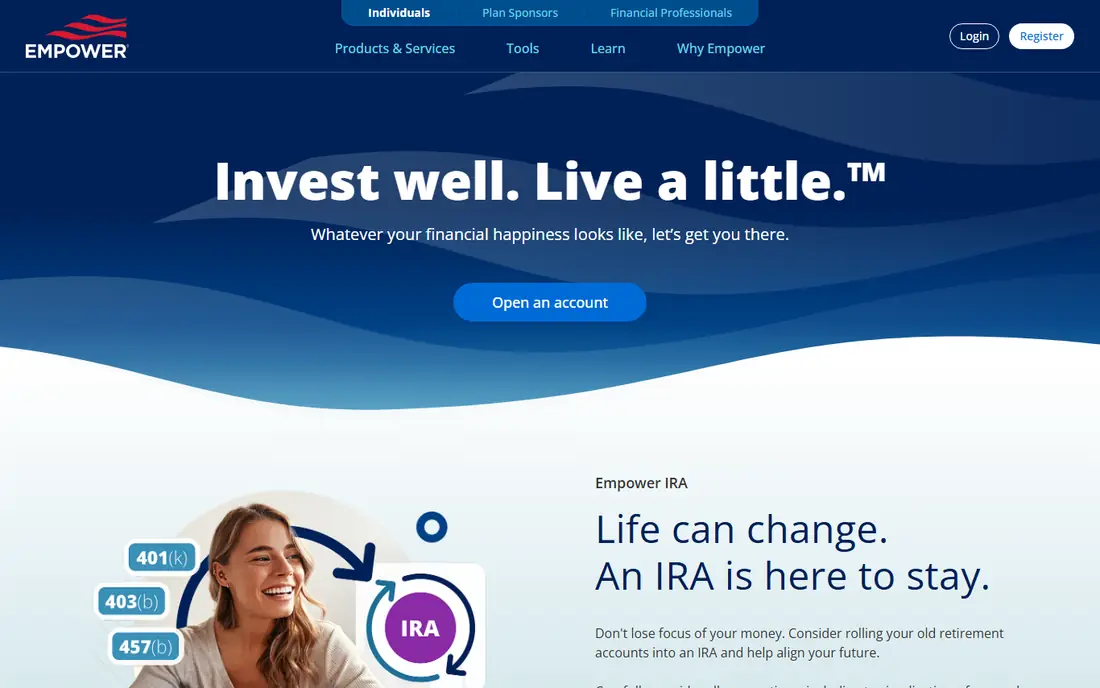
Empower, formerly known as Personal Capital, gives a broad household view without a subscription for its dashboard. You can link bank, brokerage, and retirement accounts, then see allocation, performance against benchmarks, and fund fees in one place. That overview helps when accounts are spread across several providers.
The free dashboard is not a full tax tool, and it will prompt you about advisory services. If you want a tracker and nothing else, you can use the dashboard and ignore the advice offers. For a first portfolio tool, its price and breadth are hard to beat.
- Free account aggregation
- Clear allocation and fee views
- Useful retirement planning tools
- Advisory services are sold separately and cost extra
- Some users want deeper tax lot detail
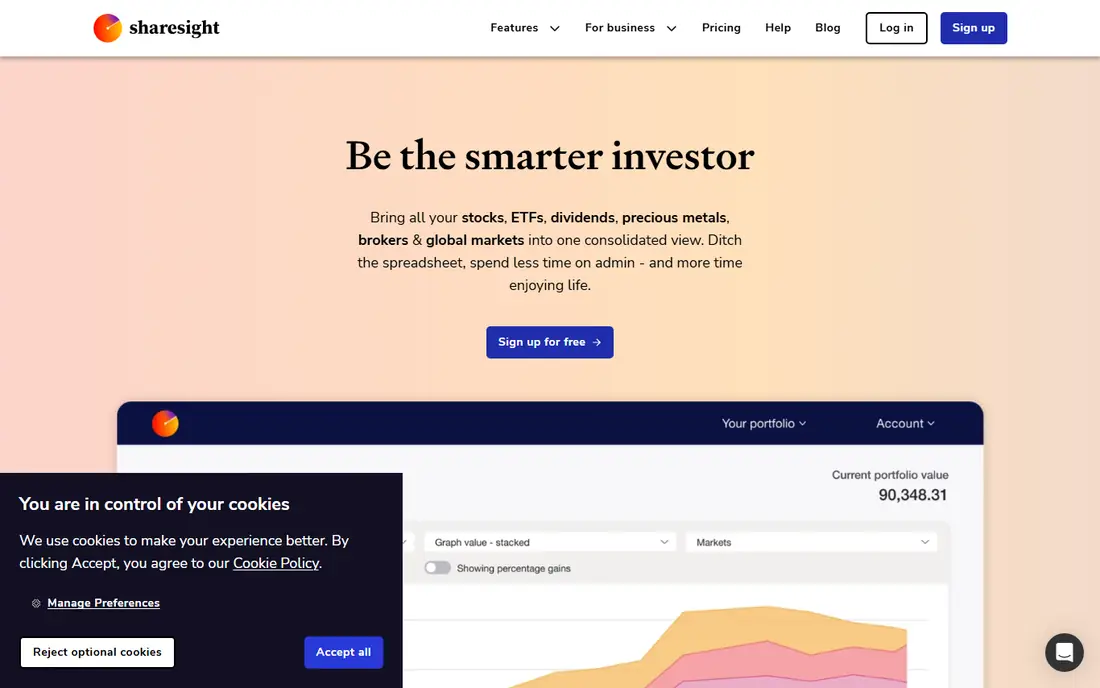
Sharesight is built for investors who care about records as much as returns. It tracks dividends, corporate actions such as splits and consolidations, and performance in a way that feeds into tax reports on paid plans. That matters at tax time, when a simple price chart is not enough.
Manual entry is still an option where a broker does not link directly. That takes setup time, but it also gives you control over cost basis and history. If you hold shares in several markets or reinvest dividends, Sharesight is the most record focused tool on this list.
- Automatic handling of splits and dividends
- Tax reports on paid plans
- Supports many markets
- Broker linking varies by country and broker
- Full tax features need a paid plan
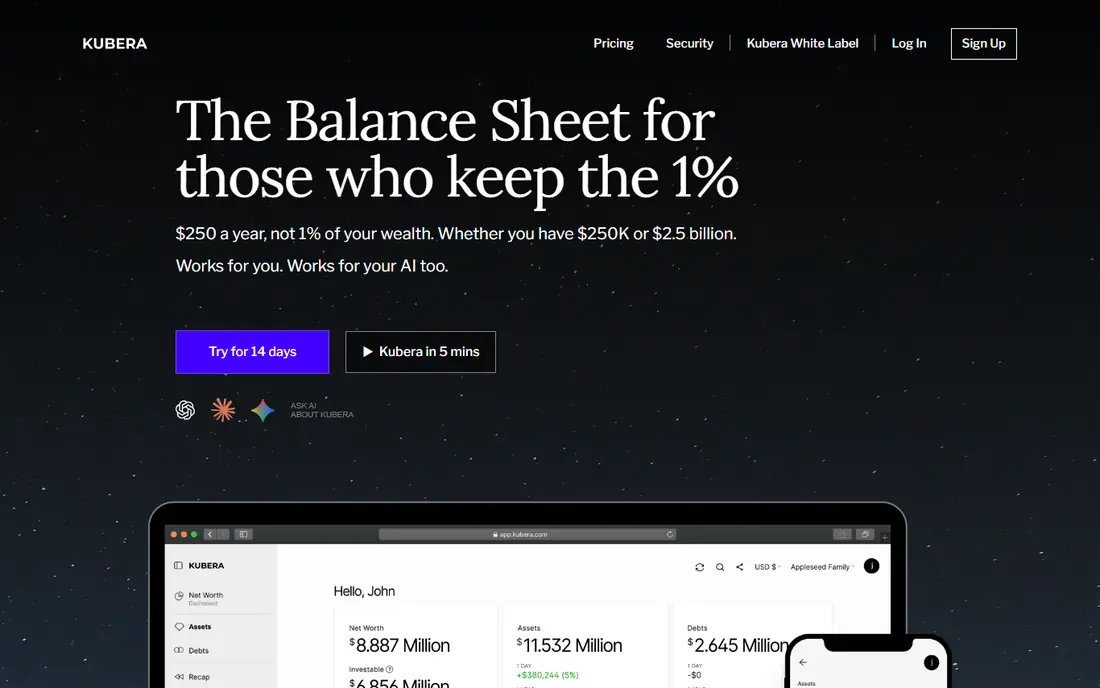
Kubera suits people whose wealth does not fit inside a brokerage account alone. You can track bank and brokerage accounts, crypto exchanges and wallets, property, vehicles, and private investments in one balance sheet. Multi currency support helps if you hold accounts in different countries.
That breadth comes at a premium price, and the value depends on how many asset types you actually hold. If you only own a pension and an index fund account, a free tracker will do the same job. For complex households, Kubera keeps the full picture in one place.
- Tracks property, crypto, and private holdings alongside accounts
- Multi currency views
- Recap reports over time
- No lasting free plan
- Price is high for investors with only a few accounts
Morningstar Investor is less a tracker and more a research service with portfolio tools attached. Portfolio X-Ray breaks a portfolio down by allocation, sector, region, fees, and stock overlap across funds. That view can reveal when three different funds hold many of the same companies.
Investors who mainly want a balance and a return chart may find it more than they need. Fund investors, though, get research depth that most trackers do not offer. Use the trial to test X-Ray on your own funds before you pay for a year.
- Deep fund and ETF analysis
- Portfolio X-Ray for overlap and fees
- Analyst ratings and reports
- Cost is high for simple tracking
- Personal finance tools are basic compared with budgeting apps
Monarch Money works well when investing is one part of a wider money picture. You can track accounts, budgets, bills, and net worth together, which helps when a portfolio decision affects cash flow or a savings goal. The dashboards are clear, and household sharing is a practical plus.
Specialist investors may miss deeper screening or tax lot tools. Monarch Money is best for people who want one app for daily money and long term holdings, rather than a research terminal. Check the trial to see whether your banks and brokers link cleanly.
- Investments, budgeting, and net worth in one app
- Clear dashboards
- Good for couples and households
- No lasting free plan
- Investment analysis is lighter than specialist research tools
Snowball Analytics focuses on income and balance. Its dividend views, earnings calendar, and rebalancing tools help investors who check whether a portfolio still matches its target mix. Broker linking covers many providers, and manual entry fills gaps where linking is not available.
The free tier is useful for testing, but serious dividend tracking usually needs a paid plan. Compare its dividend forecasts with your actual payouts for a few months, since forecasts are estimates, not promises. For income focused investors, the layout is clear and practical.
- Dividend calendar and forecasts
- Rebalancing tools
- Links to many brokers
- Paid plans are needed for full features
- Coverage varies by broker and market
Stock Rover is aimed at people who pick individual stocks and want to test ideas against data. Screening, charting, correlation views, and alerts go well beyond a basic tracker. You can link a brokerage portfolio and analyse risk, rebalancing, and fundamentals in one workspace.
That depth comes with a learning curve and a higher price on premium tiers. Beginners may find it busy at first. Stock investors who already use screeners will feel at home, while index fund holders may not need this level of detail.
- Strong screening and charting
- Portfolio analytics and alerts
- Useful for individual stock investors
- Price rises sharply on higher tiers
- Interface takes time to learn
Quicken Premier appeals to people who like a desktop record of their money. It combines budgeting, bill tracking, and investment analysis, with detailed registers for accounts and transactions. That structure suits users who keep careful records and prefer a file based workflow.
Connected services need an active subscription, so the cost is ongoing rather than a one off purchase. Mobile access exists, but the desktop experience is the main draw. If you want a single desktop home for money and investments, Quicken Premier remains a solid option.
- Long standing desktop software
- Combines budgeting, bills, and investments
- Detailed account registers
- Subscription is required for connected services
- Desktop focus suits some users less than a mobile app
How we picked these
We reviewed official feature pages, pricing pages, and app store listings, along with privacy policies and public reviews for linking coverage and report limits. We compared account linking, asset types, dividend and tax reporting, research depth, and price, and we favoured tools that state their limits plainly. We did not test live broker links for every provider, and linking success varies by bank, broker, and country.
This is not financial advice. Prices and plan names change, so confirm the current plan on the vendor site. A tracker shows past performance and current holdings, but past performance does not predict future returns.
What to check before you choose
Linking or manual entry
Check whether your broker and bank link directly. If they do not, ask how much manual entry you will accept each month. A tool you stop updating is worse than a simpler tool you keep current. Test linking during a trial with your real accounts.
Tax and dividend needs
If you need tax reports, dividend records, or corporate action history, prioritise those features over charts. Sharesight and similar record focused tools save time at tax time. If you only need allocation and returns, a free dashboard may be enough.
Cost against account size
A yearly fee makes sense when it saves hours or prevents errors. It makes less sense for a small, simple portfolio. Add up the subscription, any advice fees, and fund fees separately, since a tracker fee is only one part of total investing costs.
Frequently asked questions
What is the best investment management software for beginners?
Empower is a good starting point for beginners, since its dashboard is free and shows allocation, fees, and performance in one place. It does not require you to learn tax reporting or screening on day one. Start there, then move to a specialist tool only when you hit a clear limit, such as dividend tax reports.
What is the best portfolio tracking software for dividends?
Sharesight and Snowball Analytics are the strongest dividend focused choices here. Sharesight stands out for tax reports and corporate actions, while Snowball Analytics offers a clear dividend calendar and rebalancing views. Check which one links to your brokers, since that decides how much work stays manual.
What is the best portfolio management tool for multiple asset types?
Kubera is the best fit when you hold property, crypto, private investments, and accounts together. It is built as a balance sheet rather than a brokerage tracker. If your wealth sits mainly in stocks and funds, a cheaper tracker will cover you without the premium price.
What are the best portfolio management platforms for fund investors?
Morningstar Investor leads for fund research, thanks to Portfolio X-Ray and analyst coverage. Empower also works for fund holders who mainly want allocation and fee views. Choose Morningstar Investor when research drives decisions, and Empower when a clear overview is enough.
Is free portfolio management software good enough?
For many investors, yes. Free tools like Empower cover account aggregation, allocation, and performance well. Paid tools earn their fee when you need tax reports, multi currency views, private holdings, or deep research. Try a free tool first and note the exact feature you miss before you pay.
Does portfolio software give investment advice?
Some tools offer advice or advisory services for an extra fee, but most trackers on this list only show data. Treat any rating, score, or forecast as information, not a recommendation. This is not financial advice, and you should check independent sources or a qualified adviser before you change investments.
Sources we checked (8)

Online Jobs is an independent blog about careers, online work, learning new skills and the tools that help people earn. More about us.
Keep reading
All posts
Top AI Financial Software
Searching for top AI financial software? We compared 9 AI finance tools for AP, spend, close, forecasting and bookkeeping to help teams choose wisely.

Quicken Alternatives
Compare the best quicken alternatives for Mac, Windows, and small business owners, from Monarch Money and YNAB to Copilot, Tiller, and Banktivity in 2026.

GoFundMe Alternatives
Looking for GoFundMe alternatives? We compared 8 fundraising platforms on fees, campaign types, donor tools and who each platform suits best in 2026 today.