Best Platforms to Build Trading App in 2026: 8 Platforms Compared


Developers building United States stock and crypto trading apps · Starting price: See website
How we put this together: we compare official feature and pricing pages, app store listings, privacy policies and public user reviews. Prices change, so check the provider's site before you pay.
Key takeaways
-
- Alpaca suits fast starts on United States stocks and crypto, with paper trading for testing.
-
- Interactive Brokers suits global, multi-asset apps, but setup takes more time.
-
- Tradier suits options-centred apps, while OANDA suits forex-centred apps.
-
- QuantConnect suits research and backtesting before any live trading code.
-
- Every live app needs position limits, logging and a way to stop trading quickly.
Quick comparison
| Name | Who it suits | Starting price | Free option | |
|---|---|---|---|---|
| Alpaca | Developers building United States stock and crypto trading apps | See website | Yes | Visit |
 Interactive Brokers | Developers who need global markets and many asset types | See website | No | Visit |
 Tradier | Developers building United States options and equity apps | See website | No | Visit |
 Saxo | Developers building multi-asset apps for international users | See website | No | Visit |
 TradeStation | Developers who want charting, strategy tools and a brokerage API | See website | No | Visit |
 QuantConnect | Developers who need research and backtesting before live trading | See website | Yes | Visit |
 OANDA | Developers building forex-focused trading apps | See website | Yes | Visit |
 Coinbase Advanced Trade | Developers building crypto trading apps | See website | No | Visit |
The best platforms to build a trading app
Building a trading app means choosing a broker, a data source and a set of controls at the same time. The platforms below range from developer-first broker APIs to research and backtesting tools. We compared them on market coverage, API quality, sandbox access, data costs and how well each one fits a particular kind of app. This is not financial advice, and trading involves risk, including the risk of losing money.
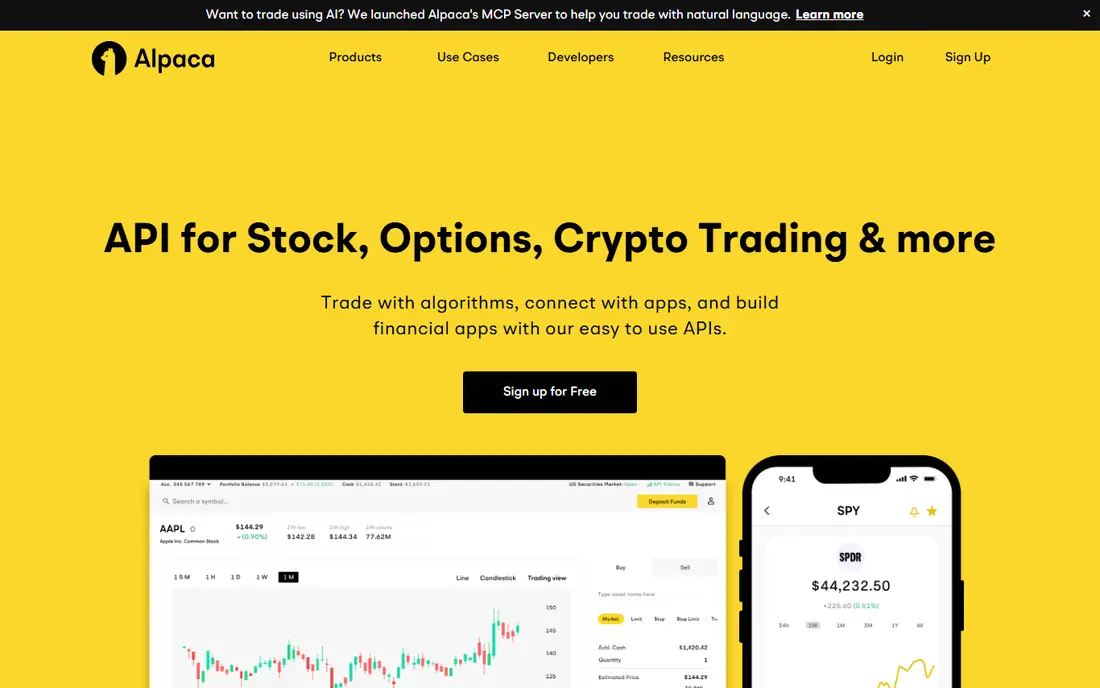
We start with Alpaca because it is often the fastest route to a working trading app. it offers a REST API and streaming data for stocks and crypto, plus a paper trading account for testing without real money. It fits solo developers and small teams who want clean docs and a sandbox. Paper results do not show real slippage, fills or outages, so live behaviour still needs careful testing. Start in paper trading, add position limits and a kill switch, and log every order before you connect real funds. In practice, the right test is a small, realistic job rather than a long feature list, because daily use shows where a tool helps and where it slows you down.
- Developer-friendly API
- Paper trading
- Modern documentation
- United States equities and crypto focus
- Market data tiers may cost extra
Interactive Brokers
Who it suits: Developers who need global markets and many asset types
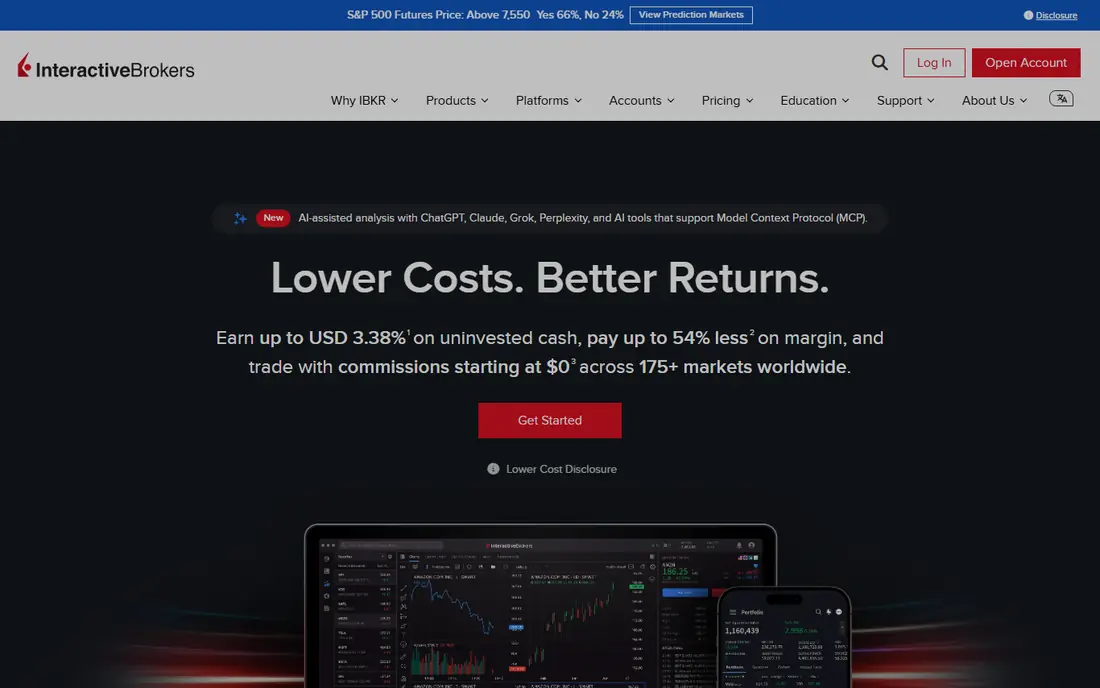
For many readers, Interactive Brokers is the first option worth a close look, since its coverage is wider than most rivals. it supports stocks, options, futures, forex and bonds across many markets, with APIs for desktop, web and FIX connections. It fits experienced teams building for more than one country or asset class. The learning curve is steep, and the API setup takes longer than a simple REST service. Map the markets you need first, confirm data fees, and test order types in a paper account. In practice, the right test is a small, realistic job rather than a long feature list, because daily use shows where a tool helps and where it slows you down.
- Very wide market and asset coverage
- Mature APIs
- Strong order types
- Setup is complex
- Market data fees and account rules need close reading
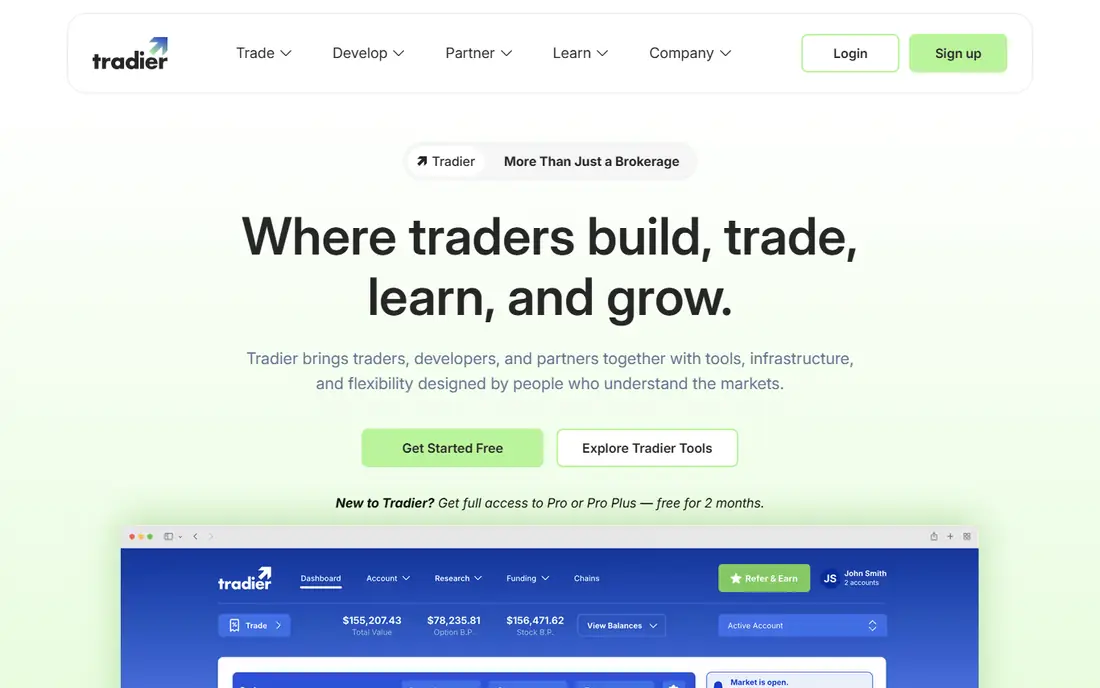
Consider Tradier when it is a strong fit for options-centred apps. it provides brokerage APIs for equities and options, with market data, streaming quotes and a developer sandbox. It fits teams whose app centres on options chains, spreads or active equity trading. Options pricing and margin rules are complex, so the API alone does not make a strategy safe. Test chains, expiries and order handling in the sandbox, and show risk clearly in the app. In practice, the right test is a small, realistic job rather than a long feature list, because daily use shows where a tool helps and where it slows you down.
- Strong options API
- Streaming data
- Sandbox for developers
- United States focus
- Brokerage features are narrower than full-service brokers
A good place to begin is Saxo, where it suits apps that serve users outside one home market. its OpenAPI covers trading, accounts and market data across stocks, bonds, forex, futures and more. It fits fintech teams that need a regulated bank-backed broker behind the app. Regional availability and data subscriptions need checking before you promise coverage. Confirm the markets, account types and data fees for your target countries early in the project. In practice, the right test is a small, realistic job rather than a long feature list, because daily use shows where a tool helps and where it slows you down.
- OpenAPI for many asset classes
- Trading and account services in one API
- Access and data costs vary by region and account type
TradeStation
Who it suits: Developers who want charting, strategy tools and a brokerage API
We include TradeStation here because it pairs a brokerage with long-standing strategy tools. it offers APIs alongside charting and strategy development, which helps teams that test ideas before they build an app. It fits traders who already use its platform and want to extend it. Its API and platform history can feel dated next to newer developer-first services. Check which API version fits your language, and keep strategy logic separate from order code. In practice, the right test is a small, realistic job rather than a long feature list, because daily use shows where a tool helps and where it slows you down.
- Strategy development tools
- Charting
- API access for trading apps
- United States focus
- API feels older than newer REST-first rivals
QuantConnect
Who it suits: Developers who need research and backtesting before live trading
Next up is QuantConnect, a choice that stands out because it is built for testing ideas before they reach an app. it lets developers research strategies in the cloud, backtest on historical data, and connect supported brokerages for live use. It fits teams that want evidence from backtests before they write trading code. Backtests can overfit past data, so strong past results do not prove future results. Use out-of-sample tests, realistic fees and slippage, and keep position sizing modest. In practice, the right test is a small, realistic job rather than a long feature list, because daily use shows where a tool helps and where it slows you down.
- Cloud backtesting
- Large historical data sets
- Strategy research tools
- Live brokerage support depends on the broker you connect
- Research focus first
Turning to OANDA, we find it is a practical choice for currency apps. it offers a REST API and practice accounts for forex trading, with streaming price data for app use. It fits teams building currency tools, converters with trading, or forex strategy apps. Forex trading carries high risk and margin rules vary, so risk controls matter from day one. Start with a practice account, limit borrowing in the app design, and surface margin clearly. In practice, the right test is a small, realistic job rather than a long feature list, because daily use shows where a tool helps and where it slows you down.
- REST API for forex
- Practice accounts
- Streaming rates
- Forex focus
- Other asset coverage is narrower than multi-asset brokers
Coinbase Advanced Trade
Who it suits: Developers building crypto trading apps
Another strong option is Coinbase Advanced Trade, where it is a direct route to crypto trading in an app. it provides APIs for spot crypto trading, account access and WebSocket market data. It fits teams building crypto portfolio or trading features rather than stock apps. Crypto prices move fast and custody rules differ from stock brokers, so user warnings matter. Use test flows, clear fee display and withdrawal safeguards before any live release. In practice, the right test is a small, realistic job rather than a long feature list, because daily use shows where a tool helps and where it slows you down.
- Crypto trading API
- Spot markets
- WebSocket data
- Crypto only
- Price swings and fees need clear handling in the app
How we picked these
We looked for platforms with a documented API or developer programme, a sandbox or paper account, and real brokerage or data access behind the app. We favoured clear documentation, official software kits where available, and honest notes on data fees. We did not judge platforms by promised returns, since no API can guarantee trading results. We also noted where coverage is narrow, so a team does not discover a missing market late in a project.
How to choose a trading app platform
Start with the market, not the brand. A platform that covers United States stocks will not help a forex app, and a crypto API will not help a bond app. List the instruments, countries and order types your app must support, then remove any platform that cannot cover them. That short list is usually much smaller than the full market. Next, test the developer experience. Read the docs, try the sandbox, and build one small flow: authentication, a quote, an order in paper mode, and an order status check. If that flow feels hard, the full app will feel harder. Also confirm data fees, rate limits and support hours, since those costs and limits shape the app design. Risk controls belong in the first version, not a later update. Add per-trade and daily limits, require confirmation for large orders, log every order and fill, and give the user a clear way to pause trading. This is not financial advice, and users should understand that trading can lose money. A clean, honest risk screen is part of good app design.
Frequently asked questions
What is the best platform to build a trading app?
There is no single best platform. Alpaca is a strong start for United States stocks and crypto, Interactive Brokers suits global multi-asset apps, and Tradier suits options apps. Match the platform to your markets first, then compare docs, sandbox access and data costs.
Do I need a broker API to build a trading app?
Yes, if users will place real orders through your app. A broker API handles accounts, orders and settlement. If your app only shows prices, charts or paper trading, a market data API may be enough for the first version.
Can I test a trading app without real money?
Most platforms on this list offer paper trading, practice accounts or sandboxes. Use them for order flow, error handling and risk controls. Paper results still differ from live trading, so test fills, delays and outages before launch.
How much does it cost to build a trading app?
Costs vary widely. Some APIs are free to start, but market data, hosting, monitoring and compliance can cost more than the API itself. Check data fees, rate limits and any per-trade charges before you budget. This is not financial advice.
Is building a trading app safe for beginners?
Building the app is a software project, but live trading carries financial risk. Start with paper trading, add strict limits, and keep user funds and risk warnings clear. Beginners should seek independent advice before trading with real money.
Sources we checked (8)

Online Jobs is an independent blog about careers, online work, learning new skills and the tools that help people earn. More about us.
Keep reading
All posts
Top AI Financial Software
Searching for top AI financial software? We compared 9 AI finance tools for AP, spend, close, forecasting and bookkeeping to help teams choose wisely.

Quicken Alternatives
Compare the best quicken alternatives for Mac, Windows, and small business owners, from Monarch Money and YNAB to Copilot, Tiller, and Banktivity in 2026.

GoFundMe Alternatives
Looking for GoFundMe alternatives? We compared 8 fundraising platforms on fees, campaign types, donor tools and who each platform suits best in 2026 today.