Best Payroll Services for Nonprofits in 2026: 8 Services Compared


Small nonprofits wanting payroll plus HR · Starting price: $49 per month
How we put this together: we compare official feature and pricing pages, app store listings, privacy policies and public user reviews. Prices change, so check the provider's site before you pay.
Key takeaways
- Gusto and OnPay are the simplest full-service payroll choices for small nonprofits, with published pricing and tax filing included.
- Patriot Software and Square Payroll suit very small teams and hourly workforces where budget is the main constraint.
- QuickBooks Payroll makes sense when the nonprofit already runs its books on QuickBooks Online.
- ADP Run and Paychex Flex suit larger nonprofits with multi-state payroll, benefits, and compliance needs, at quoted prices.
- Rippling suits nonprofits that want payroll inside a broader HR and IT platform as they grow.
- Payroll mistakes carry tax and compliance risk, so a full-service plan that files taxes is usually worth the extra cost.
Quick comparison
| Name | Who it suits | Starting price | Free option | |
|---|---|---|---|---|
| Gusto | Small nonprofits wanting payroll plus HR | $49 per month | No | Visit |
 OnPay | Simple, flat-price full-service payroll | $49 per month | No | Visit |
 Patriot Software | Tight budgets and very small teams | $37 per month | Free trial | Visit |
 Square Payroll | Hourly teams already on Square | $35 per month | No | Visit |
 QuickBooks Payroll | QuickBooks Online users | $50 per month | Free trial | Visit |
 Rippling | Payroll inside HR and IT | See website | No | Visit |
 ADP Run | Growing nonprofits with complex needs | See website | No | Visit |
 Paychex Flex | Dedicated support and benefits | See website | No | Visit |
The best payroll services for nonprofits
Nonprofit payroll looks simple until you add part-time staff, stipends, clergy housing allowances, grant-funded positions, and volunteers who become contractors. The services below all handle core payroll and tax filing, but they differ in price structure, HR depth, and how much hand-holding a small team gets. This is not tax or legal advice, and a nonprofit with unusual pay situations should check its plan with a qualified advisor.
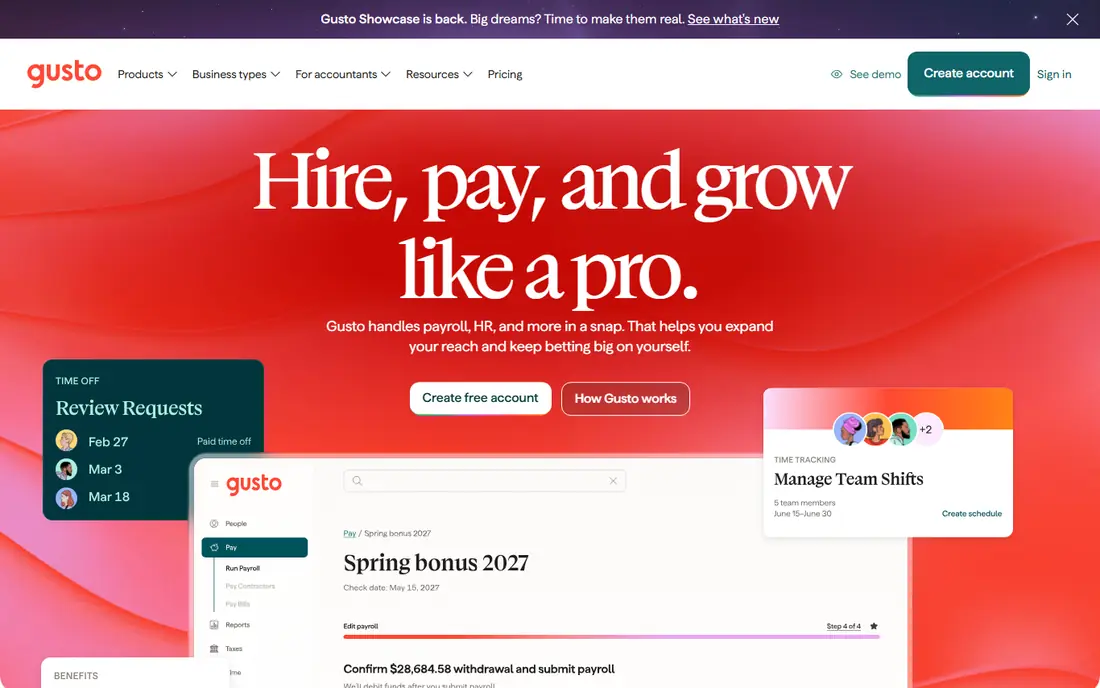
Gusto is the most popular payroll choice for small nonprofits because it combines full-service payroll with benefits, onboarding, and basic HR in a system a non-accountant can run. The Simple plan starts at $49 per month plus $6 per employee, and it covers tax filing, direct deposit, and W-2 and 1099 forms. Setup is guided, which helps a small team that does not have a payroll specialist.
The catch is scale. Per-employee fees mean the monthly bill grows with every hire, and larger nonprofits may find enterprise tools cheaper per head. Gusto also lacks the dedicated specialist model that Paychex offers. For a nonprofit with a handful of staff and a need for benefits and HR in one place, Gusto is our pick for most small teams.
- Full-service tax filing
- Benefits and HR tools in one place
- Simple setup for small teams
- Per-employee fees add up as headcount grows
- No free plan
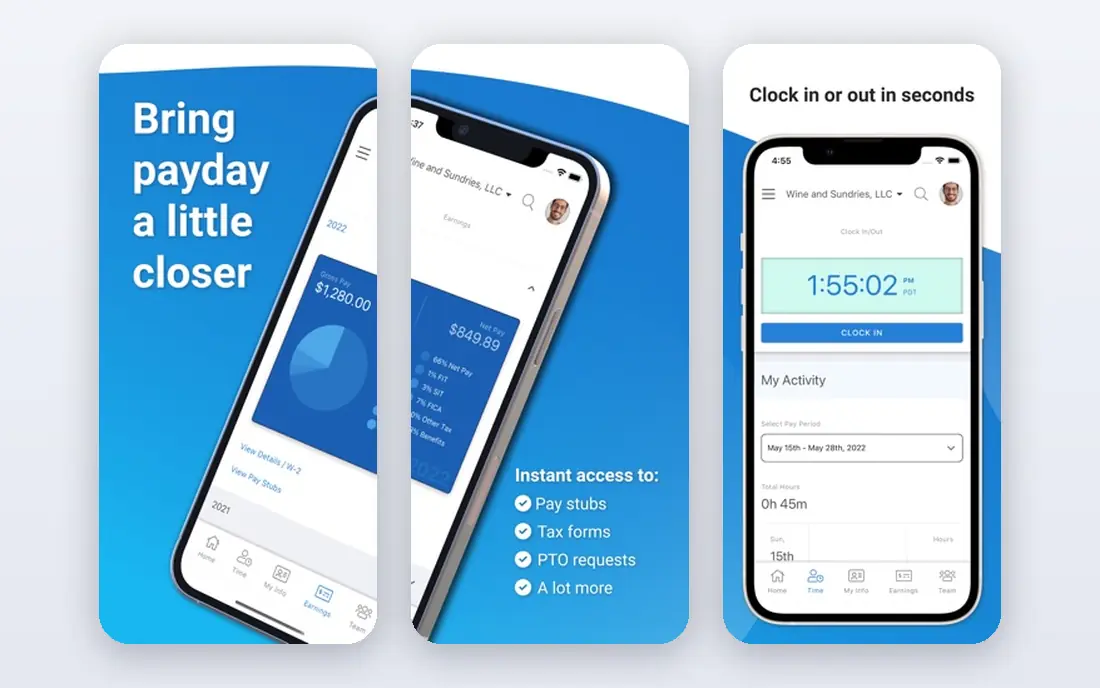
OnPay keeps payroll simple by offering one plan at $49 per month plus $6 per worker, with full-service tax filing, direct deposit, and year-end forms included. That single-plan approach removes the tier comparison that trips up many buyers, and it suits nonprofits that want payroll done well without choosing between five packages. Contractor payments and multi-state payroll are covered, which matters for grant-funded teams.
The trade-off is breadth. OnPay offers fewer HR and benefits extras than Gusto or Rippling, so a nonprofit that wants a full HR suite will need another tool. It also has no permanent free plan, though a first-month-free offer is often available. For a nonprofit that wants one clear price and reliable payroll, OnPay is hard to beat.
- Single plan with full-service payroll
- Tax filing included
- Simple pricing with no tier maze
- Fewer HR extras than Gusto or Rippling
- First month free is a promo, not a free plan
Patriot Software is the budget pick for a very small nonprofit that needs full-service payroll without a large monthly bill. The Full Service plan starts at $37 per month plus $5 per worker paid, and it covers tax filing, direct deposit, and year-end forms. A 30-day free trial lets a treasurer run a real pay cycle before paying.
The limit is scope. Patriot covers payroll well, but it lacks the HR, benefits, and onboarding depth of Gusto or Rippling, and support is mainly online. For a nonprofit with one to ten staff and a tight budget, that trade is usually worth it. For a growing team that needs HR tools, a larger platform will serve better.
- Low full-service price
- Simple payroll workflow
- 30-day free trial
- Fewer HR features than larger platforms
- Support is online-first
Square Payroll suits nonprofits that run a shop, cafe, thrift store, or event space on Square and pay hourly staff. The full-service plan starts at $35 per month plus $6 per person paid, and it covers tax filing, direct deposit, and time tracking that connects to Square shifts. For a retail or food-service nonprofit, that integration saves real time.
The catch is depth. HR features are basic compared with Gusto or Rippling, and a salaried professional team with complex benefits may outgrow Square quickly. Square also has no free plan. If your nonprofit already uses Square for sales and pays hourly workers, Square Payroll is a natural and affordable fit.
- Low base price
- Strong for hourly and shift workers
- Ties into Square point of sale
- HR features are basic
- Less suited to salaried, multi-state professional teams
QuickBooks Payroll is the obvious choice when a nonprofit already runs its books on QuickBooks Online, since payroll entries flow into the ledger automatically and there is no separate export to reconcile. The Core plan starts at $50 per month plus a per-employee fee, with tax filing, direct deposit, and W-2 and 1099 support. That integration saves a bookkeeper hours each pay cycle.
The total cost is the catch, since the bill includes both QuickBooks Online and payroll, and per-employee fees grow with headcount. A nonprofit that does not already use QuickBooks may find Gusto or OnPay cheaper. For a QuickBooks shop, though, the time saved on reconciliation usually justifies the price.
- Payroll inside QuickBooks Online
- Automatic journal entries
- Tax filing and year-end forms
- Total cost includes QuickBooks Online
- Per-employee fees add up
Rippling treats payroll as one part of a larger HR and IT platform, covering hiring, benefits, device management, and app access alongside pay runs. That breadth suits a nonprofit that is scaling fast and wants one system for the whole employee lifecycle, with automation that reduces manual onboarding work. Multi-state payroll and contractor payments are covered.
The downside is price and complexity. Rippling pricing is modular, so the payroll starting point varies and a full quote is needed, and a very small nonprofit will pay for features it never uses. For a growing nonprofit that already needs HR and IT tools, Rippling can replace several subscriptions at once. For a team of five, it is more than the job requires.
- Payroll plus HR, benefits, and IT onboarding in one system
- Strong automation
- Multi-state support
- Pricing is modular and quoted
- More system than a very small nonprofit needs
ADP Run is built for organizations that have outgrown simple payroll, with deep compliance support, multi-state tax handling, and reporting that suits larger finance teams. It handles complex pay situations, benefits, and time tracking, and its scale means a nonprofit can grow without switching systems. That depth is why many mid-size nonprofits land on ADP as they expand.
The trade-off is the buying process. Pricing is custom-quoted, so budgeting requires a sales conversation, and setup takes longer than a self-serve signup. Small nonprofits will find Gusto or OnPay faster and cheaper. For a nonprofit planning significant growth or operating in many states, ADP Run is a proven, scalable choice.
- Deep compliance and multi-state expertise
- Strong reporting
- Scales to larger teams
- Pricing is custom-quoted
- Sales process is longer than self-serve tools
Paychex Flex pairs payroll software with a dedicated payroll specialist, which appeals to nonprofit leaders who want a person to call when a pay run or tax question gets complicated. It covers full-service payroll, benefits administration, time tracking, and HR tools, with compliance support for multi-state teams. That human support is a real difference for a small team without a payroll expert.
The catch is price transparency. Paychex Flex is custom-quoted, so a nonprofit must request a quote to compare it fairly, and small teams may find self-serve tools cheaper. For a nonprofit that values a named specialist and benefits help alongside payroll, Paychex Flex is worth the quote request.
- Dedicated payroll specialist model
- Benefits and HR add-ons
- Strong compliance support
- Pricing is custom-quoted
- Can be pricier than self-serve rivals for small teams
How we picked these
We compared official feature pages, pricing pages, and public pricing summaries checked in October 2026, and we kept only services that exist and work today for US nonprofit payroll. Full-service tax filing was a key filter, since a nonprofit that files taxes itself takes on risk it rarely needs. Prices that are published are shown, and where a vendor only quotes, we used See website rather than guessing.
What nonprofits should check before signing
Start with your worker mix. Count employees, contractors, part-time staff, and seasonal workers, and ask each vendor how it handles each group, including 1099 forms for contractors and any special pay situations your nonprofit has. A service that handles salaried staff well may still struggle with hourly, grant-funded, or clergy pay, so test those cases in a demo.
Next, confirm tax filing coverage for every state where you have staff, and ask who is responsible if a filing is late or wrong. Full-service plans should file federal, state, and local taxes and handle year-end W-2 and 1099 forms, but the details vary. Finally, price the whole year, including base fees, per-employee charges, benefits admin, and time tracking, since a low base price can hide a high total.
A note on grant-funded positions
Grant-funded roles add a reporting layer, since payroll costs must often map to specific grants and programs. Ask whether the payroll tool exports cleanly to your accounting system by grant or program, and whether time tracking can split hours across grants. That export matters more than any single feature when audit season arrives.
Frequently asked questions
What is the best payroll software for nonprofit organizations?
Gusto is our pick for most small nonprofits, thanks to full-service payroll plus HR and benefits in one place. OnPay suits teams that want one simple flat price, while ADP Run and Paychex Flex suit larger nonprofits with complex, multi-state needs.
What is the best payroll service for nonprofits?
The best service depends on size. Small nonprofits do well with Gusto or OnPay, very small teams save money with Patriot Software, and growing nonprofits should compare ADP Run, Paychex Flex, and Rippling. Always confirm tax filing coverage for your states.
How much does payroll cost for a nonprofit?
Small-team payroll typically starts at $35 to $50 per month in base fees plus $5 to $6 per employee, based on published pricing from Square, Patriot, Gusto, and OnPay. Larger platforms such as ADP and Paychex are custom-quoted, so total cost depends on headcount and services.
Does Gusto work for nonprofits?
Yes. Gusto handles nonprofit payroll with full-service tax filing, direct deposit, and W-2 and 1099 forms, plus benefits and HR tools. Nonprofits with unusual pay situations should still confirm their specific needs with Gusto and a qualified advisor.
Can a nonprofit use Square Payroll?
Yes, especially if the nonprofit already uses Square for sales and pays hourly staff. Square Payroll offers full-service payroll at a low base price, with time tracking tied to Square shifts, though its HR features are more basic than larger platforms.
Sources we checked (8)

Online Jobs is an independent blog about careers, online work, learning new skills and the tools that help people earn. More about us.
Keep reading
All posts
Top AI Financial Software
Searching for top AI financial software? We compared 9 AI finance tools for AP, spend, close, forecasting and bookkeeping to help teams choose wisely.
Quicken Alternatives
Compare the best quicken alternatives for Mac, Windows, and small business owners, from Monarch Money and YNAB to Copilot, Tiller, and Banktivity in 2026.

GoFundMe Alternatives
Looking for GoFundMe alternatives? We compared 8 fundraising platforms on fees, campaign types, donor tools and who each platform suits best in 2026 today.