Best Online Payment Services in 2026: 9 Services Compared


Online stores and subscriptions · Starting price: 2.9% + $0.30 per transaction
How we put this together: we compare official feature and pricing pages, app store listings, privacy policies and public user reviews. Prices change, so check the provider's site before you pay.
Key takeaways
- Stripe and Square both charge 2.9% plus 30 cents for online card payments in the US, while PayPal standard card payments cost 2.99% plus 49 cents.
- PayPal Checkout costs more than PayPal standard card payments, at 3.49% plus 49 cents, so how buyers check out changes what you pay.
- If you already sell on Shopify, Shopify Payments removes a separate gateway bill, but its card rates still depend on your Shopify plan.
- Adyen and Authorize.net suit larger or more complex setups, while Payoneer and Wise fit businesses that pay or get paid across borders.
Quick comparison
| Name | Who it suits | Starting price | Free option | |
|---|---|---|---|---|
| Stripe | Online stores and subscriptions | 2.9% + $0.30 per transaction | No | Visit |
 PayPal PayPal | Buyer trust and fast setup | 2.99% + $0.49 per transaction | No | Visit |
 Square Square | Selling online and in person | 2.9% + $0.30 per transaction | No | Visit |
 Authorize.net Authorize.net | Established gateway needs | $25 per month | No | Visit |
 Braintree Braintree | PayPal-backed card processing | 2.59% + $0.49 per transaction | No | Visit |
 Adyen Adyen | Large global businesses | See website | No | Visit |
 Shopify Payments Shopify Payments | Shopify store owners | 2.9% + $0.30 per transaction | No | Visit |
 Payoneer Payoneer | Cross-border freelancers | See website | No | Visit |
 Wise Wise | Low-cost currency conversion | See website | No | Visit |
The best online payment services
Every service below can take card payments online, but they differ on fees, payout speed, and how much setup they demand. We compared official pricing pages, feature lists, and app store listings to sort the simple options from the ones built for scale.
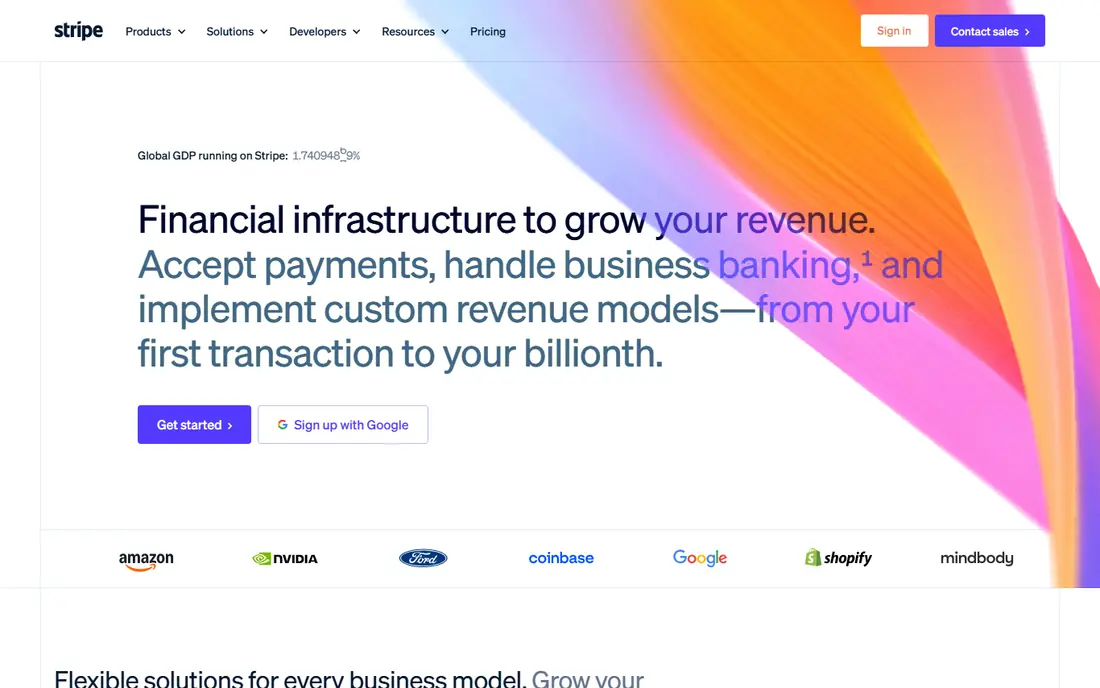
Stripe is our pick for most people selling online. Its standard US rate is 2.9% plus 30 cents per successful domestic card payment, with no setup or monthly fee, and international cards add 1.5% plus 1% when currency conversion is needed. Checkout, payment links, invoicing, and subscription billing all sit in one dashboard, which keeps a small team from stitching together several tools.
The honest catch is that Stripe is a platform first and a help desk second. Support runs through online channels, and the add-ons that larger businesses tend to want, such as Billing plans, Tax, and Radar upgrades, each carry their own price. If your sales are mostly domestic cards and you want predictable per-sale costs, Stripe is hard to beat. If you need a person on the phone for every question, look elsewhere.
- No monthly fee on standard pricing
- Strong subscription and invoicing tools
- Wide payment method support
- Support is mostly online
- Add-on products add separate fees
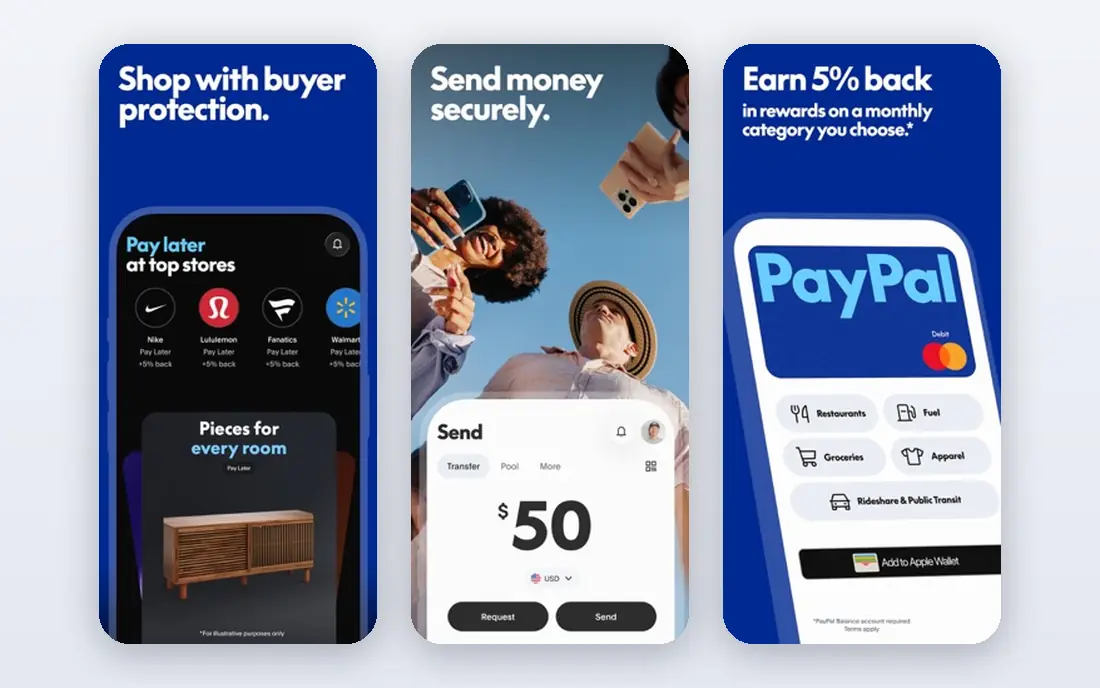
PayPal wins on recognition. Millions of buyers already have accounts, and many will complete a purchase faster when they see a familiar button. Standard card payments cost 2.99% plus 49 cents in the US, while PayPal Checkout runs 3.49% plus 49 cents, so routing card payments directly rather than through the Checkout button saves money at volume. There is no monthly fee for a standard business account.
The trade-off is control. PayPal can place holds on funds when it flags risk, and sellers sometimes find its dispute process less flexible than a dedicated processor. For a new store that needs trust on day one, PayPal is still a sensible first choice. For a high-volume store, pairing it with a lower-cost processor for cards often makes sense.
- Buyers already know and trust it
- Quick setup with no monthly fee
- Pay Later options built in
- Checkout rate is higher than standard card rate
- Account holds can frustrate sellers
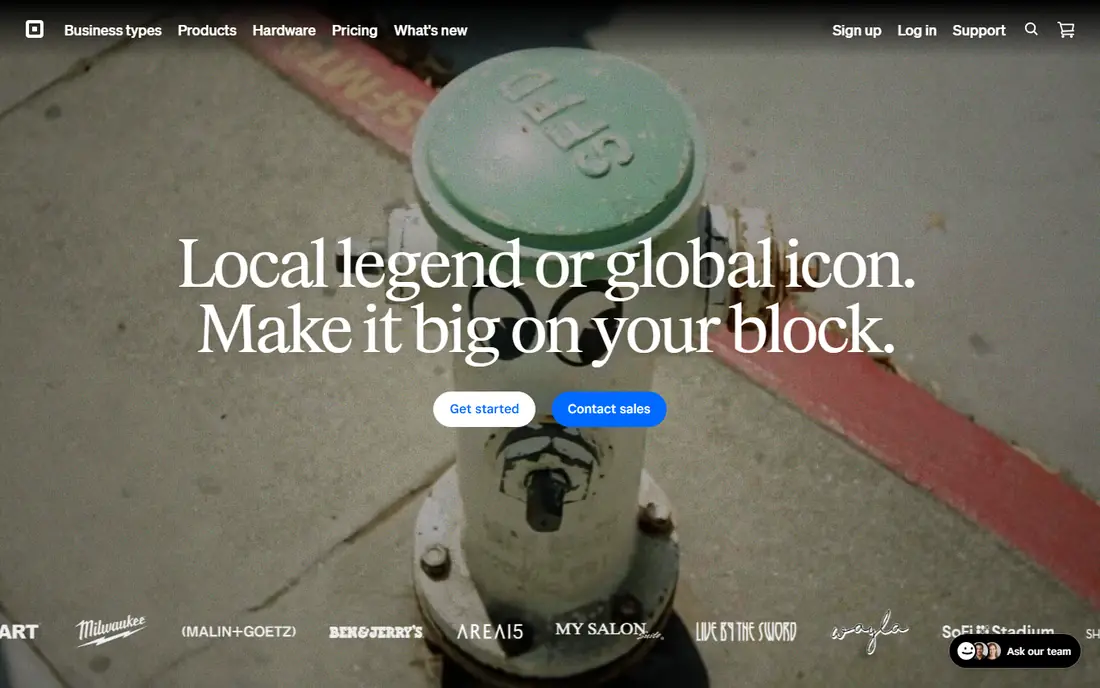
Square suits sellers who live in both worlds. A shop that takes cards at a counter and also sells online gets one dashboard, one set of reports, and a free online store to start with. Online payments cost 2.9% plus 30 cents, in-person payments cost 2.7% plus 5 cents, and funds usually land in one to two business days. Invoices, payment links, and Afterpay installments are included in the same account.
Square is less appealing if you only sell online, since its online rate offers no edge over Stripe and its feature set is geared toward retail. Some sellers also report sudden account reviews. Still, for a business that splits sales between a storefront and a website, Square keeps life simpler than running two processors.
- One account for online and in-person sales
- Free online store option
- Next-business-day transfers
- Online rate matches Stripe, so no savings there
- Account stability complaints are common
Authorize.net is a payment gateway rather than a full processor. The all-in-one plan costs 25 dollars per month plus 2.9% plus 30 cents per transaction, while the gateway-only plan is also 25 dollars per month and pairs with a separate merchant account. It supports recurring billing, invoicing, and fraud screening, and it plugs into a long list of shopping carts and merchant account providers.
That flexibility comes with a monthly fee that newer flat-rate services skip, and the dashboard shows its age. Authorize.net fits businesses that already have a merchant account relationship or need a gateway their existing systems already support. A brand-new seller with no merchant account will usually find Stripe or Square simpler and cheaper to start.
- Long track record as a gateway
- Works with many merchant accounts
- Solid fraud tools
- Monthly gateway fee on top of processing
- Setup feels dated next to newer rivals
Braintree is PayPal's developer-focused processor, and its headline rate of 2.59% plus 49 cents undercuts PayPal's own standard card rate. It accepts cards, PayPal, Venmo, and digital wallets through one integration, and its drop-in checkout keeps the technical work modest. There is no monthly fee on standard pricing, which makes it easy to test.
The catch is that Braintree is narrower than Stripe. Its subscription and marketplace tooling is thinner, and support still routes through PayPal's systems. It fits a business that wants PayPal acceptance plus a cheaper card rate, without needing Stripe's full product range. If you plan to build complex billing logic, Stripe remains the stronger pick.
- Lower card rate than PayPal standard
- Venmo and PayPal acceptance included
- Developer-friendly tools
- Owned by PayPal, so support overlaps
- Smaller feature set than Stripe
Adyen is the enterprise option on this list. It processes payments in many countries and currencies through a single platform, with local payment methods that matter abroad, from European bank transfers to wallets in Asia. Pricing uses an interchange-plus model, which can beat flat rates at high volume, but Adyen does not publish one simple rate card, so you need a sales conversation to get numbers.
That is also the weakness for small sellers. Onboarding expects a business with real volume and someone technical to manage the integration. A small store will find Stripe or Square faster to launch. A company selling in several countries at serious volume, though, will value Adyen's single contract and detailed reporting.
- One platform for many countries and payment methods
- Interchange-plus pricing for scale
- Strong data tools
- Pricing is not published as a simple flat rate
- Onboarding suits larger teams
Shopify Payments is the obvious choice if your store already runs on Shopify. It is built into checkout, so there is no third-party gateway to connect and no extra transaction fee from Shopify itself. On the Basic plan, online card payments cost 2.9% plus 30 cents, and higher plans bring that rate down. Shop Pay, Apple Pay, and Google Pay all work through the same checkout.
The limit is the platform lock-in. Shopify Payments does not exist outside Shopify, so a business that sells on several platforms still needs another processor for the rest. It is also worth noting that the Shopify plan itself is a monthly cost on top of processing. For a Shopify-only store, though, it is the simplest path to taking payments.
- No separate gateway fee for Shopify stores
- Built into checkout
- Supports Shop Pay installments
- Only works on Shopify
- Card rates depend on your Shopify plan
Payoneer is built for people who get paid across borders. Freelancers and sellers on marketplaces can receive funds in several currencies through local receiving accounts, then withdraw to a bank or spend with a Payoneer card. It is widely supported by freelance platforms, which means clients can pay you without either side setting up a full merchant account.
Fees are the weak spot. Payoneer's schedule covers receiving, withdrawal, conversion, and card use, and the total depends on the route the money takes, so check the pricing page for your exact flow before relying on it. For a US business selling only to US buyers, a domestic processor is cheaper. For a freelancer with clients on three continents, Payoneer solves a real problem.
- Receive payments from marketplaces and clients worldwide
- Local receiving accounts in several currencies
- Prepaid card option
- Fee schedule is complex
- Currency conversion costs add up
Wise is not a checkout tool, and we include it because many small businesses use it alongside one. A Wise Business account holds balances in several currencies, converts at the mid-market rate with the fee shown before you send, and pays suppliers abroad more cheaply than most banks. Invoices can be paid into local account details, which saves clients from international wire fees.
The honest limit is scope. Wise will not process card payments on your website, so it cannot replace Stripe or Square. Its strength is moving money you have already earned across currencies at a fair rate. Pair it with a card processor and you get the best of both: cheap checkout at home and cheap conversion abroad.
- Mid-market exchange rate with a clear fee shown upfront
- Business accounts in several currencies
- Fast transfers in many corridors
- Not a card checkout for a store
- Receiving card payments is not its job
How we picked these
We started from official pricing pages, feature lists, and app store listings for each service, and we kept only services that accept online payments for US businesses today. Fees quoted here are the standard published US rates from each vendor's own site, and where a vendor does not publish a simple rate we say so rather than guessing. We favored services with clear pricing, broad payment method support, and a track record of serving small businesses, while still including enterprise and cross-border options for readers whose needs are bigger or more international.
What to check before you choose
Start with how your buyers actually pay. A store selling only to US cardholders has different needs from a freelancer billing clients in Europe, and the cheapest headline rate is not always the cheapest total once international cards and currency conversion enter the picture.
Match the fee to your average sale
Flat per-transaction fees hit small sales hardest. On a 5 dollar sale, a 49 cent fixed fee is nearly 10 percent before the percentage even applies, which is why micropayment pricing or a lower fixed fee matters for digital goods and tips. On a 500 dollar invoice, the percentage dominates and the fixed fee barely registers.
Count the monthly costs too
A service with no monthly fee looks cheapest at low volume, but a monthly gateway or platform fee can pay for itself if it buys a lower percentage rate at high volume. Add up a typical month of your own sales, including international and refunded orders, before committing.
Test the payout timing
Next-business-day payouts help cash flow for a small shop, while a hold policy can hurt more than a slightly higher rate. Read the payout and reserve terms for any service you shortlist, and run a small live test before routing all sales through it.
Frequently asked questions
What is the best online payment service for a small business?
Stripe is our pick for most small businesses selling online, thanks to its flat 2.9% plus 30 cent rate, no monthly fee, and strong subscription tools. Square is a close alternative if you also sell in person, and PayPal is worth adding for buyer trust. The right answer depends on your sales channels and average order value, so compare a typical month of your own sales across two or three options.
What is the best payment processing software for online sales?
Payment processing software is the same market as online payment services, and the leaders are Stripe, PayPal, Square, and Adyen. Stripe and Square lead for simple flat-rate pricing, while Adyen suits larger businesses selling in many countries. If you need a gateway for an existing merchant account, Authorize.net remains a common choice.
What is the best online payment platform for international sales?
Adyen is the strongest platform for large international sales, with local payment methods and interchange-plus pricing. For smaller businesses, Stripe handles international cards with a 1.5% surcharge plus 1% for currency conversion, and Wise helps move converted funds cheaply. Payoneer fits freelancers who receive payments from clients and marketplaces abroad.
What is the best app for online payment as a freelancer?
Payoneer works well for freelancers with overseas clients, since it offers local receiving accounts in several currencies. For US clients, Stripe payment links and PayPal invoices are simpler and faster to set up. Wise is a good companion for converting foreign earnings at a fair rate.
Are online payment services safe?
The services on this list use encryption, fraud screening, and PCI compliance measures, and they are regulated as money transmitters or partner with regulated banks. Safety still depends on your own setup, so use strong passwords, turn on two-factor authentication, and never share account credentials. This is general information, not financial advice.
Do online payment services charge monthly fees?
Some do and some do not. Stripe, Square, PayPal, and Braintree charge no monthly fee on standard pricing, while Authorize.net charges 25 dollars per month for its gateway plans. Shopify Payments has no separate gateway fee, but it requires a paid Shopify plan. Always check whether add-on products carry their own monthly cost.
Sources we checked (9)
- https://stripe.com/pricing
- https://www.paypal.com/us/webapps/mpp/merchant-fees
- https://squareup.com/us/en/payments
- https://www.authorize.net/en-us/pricing.html
- https://www.braintreepayments.com
- https://www.adyen.com/pricing
- https://www.shopify.com/payments
- https://www.payoneer.com/pricing
- https://wise.com/us/business/

Online Jobs is an independent blog about careers, online work, learning new skills and the tools that help people earn. More about us.
Keep reading
All posts
Who Is the Best Company to Get Travel Insurance
Compare the best travel insurance companies, including World Nomads, Allianz Travel, SafetyWing and AXA, with coverage types, limits and who each suits.

Top AI Financial Software
Searching for top AI financial software? We compared 9 AI finance tools for AP, spend, close, forecasting and bookkeeping to help teams choose wisely.
Quicken Alternatives
Compare the best quicken alternatives for Mac, Windows, and small business owners, from Monarch Money and YNAB to Copilot, Tiller, and Banktivity in 2026.