Best Money Tracking Apps in 2026: 8 Apps Compared

How we put this together: we compare official feature and pricing pages, app store listings, privacy policies and public user reviews. Prices change, so check the provider's site before you pay.
Key takeaways
- YNAB suits readers who want a strict method for giving every dollar a job.
- Monarch suits households that want budgeting, net worth, and investments in one dashboard.
- Rocket Money, EveryDollar, and Goodbudget all offer a real free tier to start with.
- Copilot is Apple-focused, so Android users should shortlist Monarch, YNAB, or Rocket Money instead.
Quick comparison
| Name | Who it suits | Starting price | Free option | |
|---|---|---|---|---|
 YNAB | Strict zero-based budgeting | $14.99 per month | Free trial (34 days) | Visit |
 Monarch Money | Household money dashboard | $99.99 per year | Free trial (7 days) | Visit |
 Copilot Money | Apple users who value design | $95 per year | Free trial (1 month) | Visit |
 Rocket Money | Finding and cancelling subscriptions | Free | Yes | Visit |
 EveryDollar | Simple zero-based budgeting | Free | Yes | Visit |
 Goodbudget | Envelope budgeting | Free | Yes | Visit |
 PocketGuard | A safe-to-spend number | Free | Yes | Visit |
 PocketSmith | Forecasting and net worth tracking | See website | Free trial | Visit |
The best money tracking apps
This is not financial advice. These apps track spending, budgets, and accounts, and they do not replace advice from a qualified financial professional. We compared money tracking apps and software on bank sync, budgeting method, household sharing, and price, with a focus on tools that US readers can actually use today.
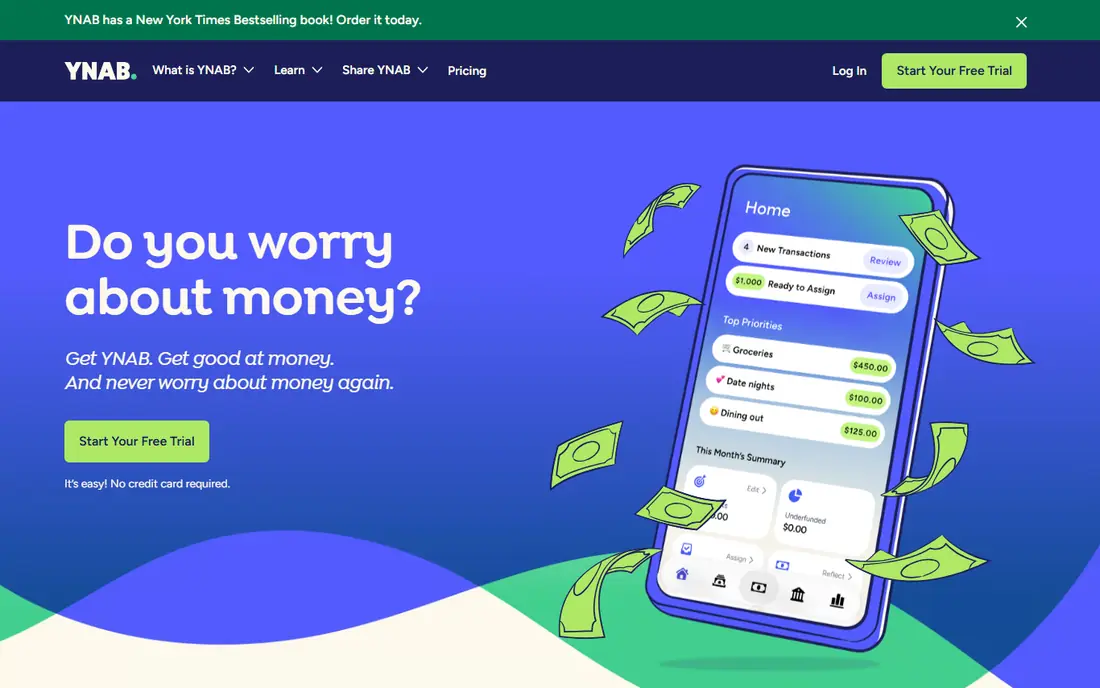
YNAB is the pick for readers who want a method, not just a spending chart. It fits strict zero-based budgeting well, and it is worth shortlisting if that description matches your situation.
Its zero-based approach asks you to assign every dollar before the month starts, which makes overspending visible early rather than at month end. That strength matters most when the team reviewing the bill is not the same team running the system, because both groups need the same numbers in plain form.
The catch is effort: the first two weeks take learning, and the price is higher than most rivals, so it fits readers who will use it weekly. Before you commit, ask for a trial on your own data, check how support responds, and confirm what happens when you outgrow the entry tier.
- Zero-based budgeting method
- Bank sync
- Debt payoff tools
- Shared budgets
- Steep learning curve at first
- No free tier beyond the trial
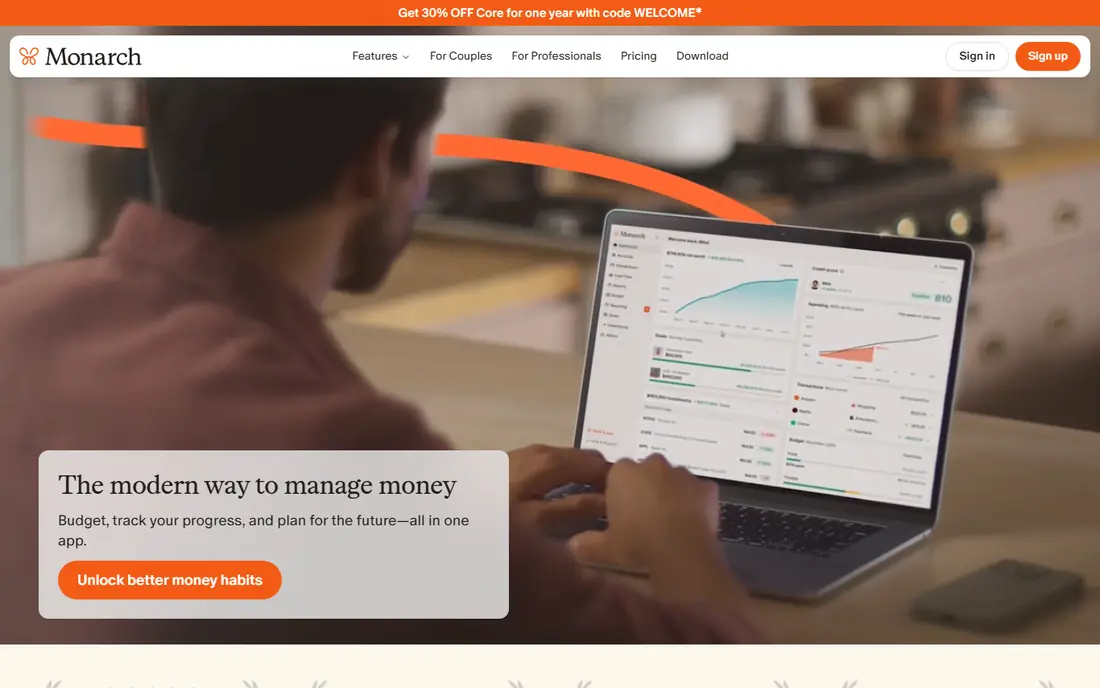
Monarch Money is the closest all-in-one dashboard for couples and households that want one clear view. It fits household money dashboard well, and it is worth shortlisting if that description matches your situation.
It connects bank, card, loan, and investment accounts, categorises transactions, and lets partners share a view without sharing every detail in the same way. In day to day use, the value shows up in fewer surprises, clearer ownership, and less time spent chasing down why a number moved.
The catch is price and trial length: there is no free tier, and seven days is short, so use the trial on a week when you can check it daily. Before you sign, test it with a small group, read the renewal terms, and confirm the features you need are in the plan you are buying, not a higher tier.
- Budgeting, net worth, and investments in one place
- Household sharing
- Recurring bill detection
- No free tier
- Trial is short at seven days
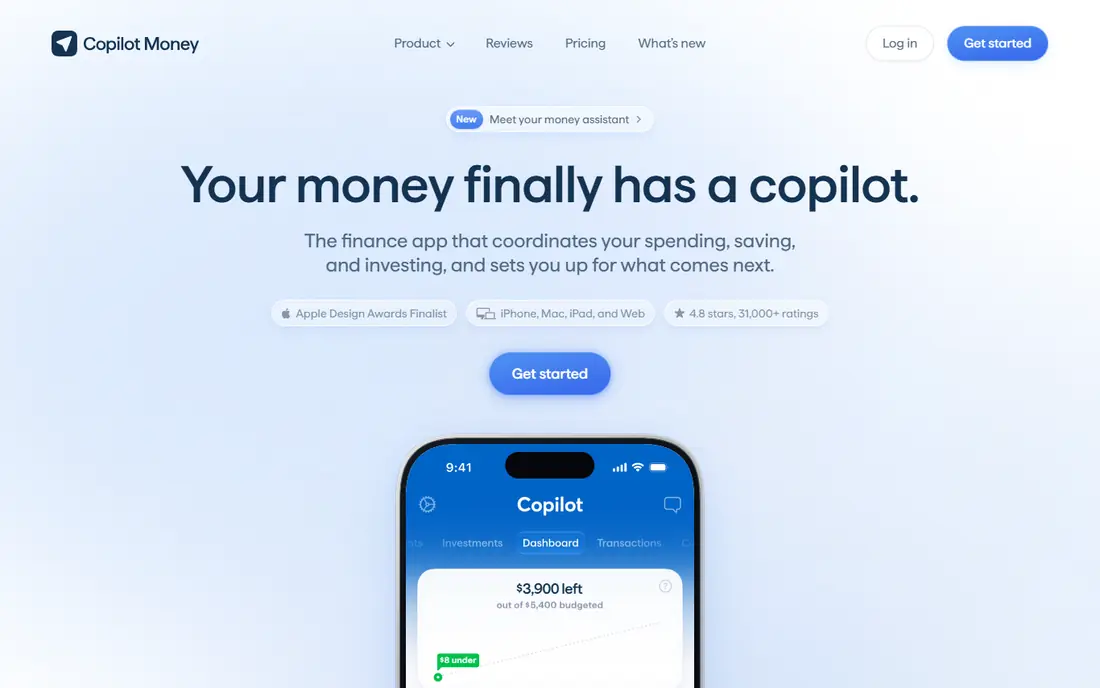
Copilot Money is a strong choice for readers who live on iPhone and Mac and want tracking to feel calm rather than cluttered. It fits apple users who value design well, and it is worth shortlisting if that description matches your situation.
Its design makes categories, budgets, and net worth easy to scan, and its month-long trial gives more time to judge it than most rivals. For a busy team, the practical benefit is less manual work and a clearer record of what changed and why.
The catch is platform: Android users are not served, so a mixed-device household should pick a cross-platform tool instead. Before you commit, run a short pilot, compare the total cost with add-ons included, and check how easy it is to export your data later.
- Clean Apple-focused design
- Automatic categorisation
- Budgeting and net worth views
- No Android app
- No free tier beyond the trial
Rocket Money is the easiest free start for readers whose main problem is forgotten subscriptions. It fits finding and cancelling subscriptions well, and it is worth shortlisting if that description matches your situation.
It surfaces recurring charges, groups spending, and offers premium tools for bill negotiation and fuller budgeting. That strength matters most when the team reviewing the bill is not the same team running the system, because both groups need the same numbers in plain form.
The catch is the free tier: it covers the basics well, but readers who want a full budgeting method may still need YNAB or Monarch alongside it. Before you commit, ask for a trial on your own data, check how support responds, and confirm what happens when you outgrow the entry tier.
- Free basic tracking
- Subscription detection
- Premium bill negotiation tools
- Budgeting is thinner on the free tier
- Bill negotiation takes a share of savings
EveryDollar suits readers who like a simple, Ramsey-style zero-based budget without a complex dashboard. It fits simple zero-based budgeting well, and it is worth shortlisting if that description matches your situation.
The free version works well for manual entry, and the layout keeps monthly planning to a single clear screen. In day to day use, the value shows up in fewer surprises, clearer ownership, and less time spent chasing down why a number moved.
The catch is sync: automatic bank connections sit behind Premium, so manual users should be honest about whether they will keep entering transactions. Before you sign, test it with a small group, read the renewal terms, and confirm the features you need are in the plan you are buying, not a higher tier.
- Simple zero-based budgets
- Free manual version
- Clear monthly planning
- Bank sync requires Premium
- Premium price is higher than some rivals
Goodbudget is the digital version of cash envelopes, and it suits readers who want spending limits they can see. It fits envelope budgeting well, and it is worth shortlisting if that description matches your situation.
Each envelope holds money for one purpose, which makes it hard to spend grocery money on something else without noticing. For a busy team, the practical benefit is less manual work and a clearer record of what changed and why.
The catch is limits: the free tier caps envelopes, and readers who want automatic bank sync may prefer a sync-first app. Before you commit, run a short pilot, compare the total cost with add-ons included, and check how easy it is to export your data later.
- Digital envelope budgeting
- Free tier
- Household sharing on paid plans
- Free tier caps envelopes
- Bank sync is not its main strength
PocketGuard answers one question well: after bills and goals, what is safe to spend right now. It fits a safe-to-spend number well, and it is worth shortlisting if that description matches your situation.
That single number helps readers who feel overwhelmed by full budgets, and its bill views help spot recurring costs. That strength matters most when the team reviewing the bill is not the same team running the system, because both groups need the same numbers in plain form.
The catch is depth: readers who want detailed investment tracking or complex household budgets will find it thinner than Monarch or YNAB. Before you commit, ask for a trial on your own data, check how support responds, and confirm what happens when you outgrow the entry tier.
- Single safe-to-spend figure
- Bill tracking
- Free tier to start
- Free tier is limited
- Fuller features need Plus
PocketSmith is a useful pick for readers who want to see future cash flow, not just past spending. It fits forecasting and net worth tracking well, and it is worth shortlisting if that description matches your situation.
Its calendar and forecasting views show upcoming bills and balances over time, which helps readers plan for large expenses before they arrive. In day to day use, the value shows up in fewer surprises, clearer ownership, and less time spent chasing down why a number moved.
The catch is price clarity: plans are quoted on the vendor site for this comparison, so check the current plan before committing, and expect a learning curve. Before you sign, test it with a small group, read the renewal terms, and confirm the features you need are in the plan you are buying, not a higher tier.
- Cash flow forecasting
- Net worth and investment views
- Calendar-based planning
- No free tier beyond trial
- Interface takes time to learn
How we picked these
We compared official product pages, pricing pages, and app store listings, and we checked that each homepage loads and matches the product named. We favoured apps that are actively maintained in 2026, that support US bank connections or clear manual entry, and that state their price and trial terms plainly. Where a price could not be verified from the vendor, we wrote See website rather than repeating a third-party figure.
Choosing a money tracking app you will still use in three months
Start with how you want to track. Automatic bank sync saves time, but it also means linking accounts, so readers who prefer privacy should shortlist manual apps such as Goodbudget or EveryDollar free. Next, pick a method you will follow: zero-based budgeting, envelope budgeting, or a simple dashboard with a safe-to-spend number. A method you ignore is worse than a simpler tool you check weekly. Check household needs too, since sharing, permissions, and device support differ, especially for Apple-only tools. Finally, test the free tier or trial with your real accounts for at least a week, and watch for sync errors, duplicate transactions, and categories that need constant fixing.
Frequently asked questions
What is the best app for tracking money?
The best app for tracking money depends on your goal. YNAB leads for strict budgeting, Monarch leads for a full household dashboard, and Rocket Money leads for free tracking. Try the free tier or trial before paying for a year.
What are the best apps for money tracking with bank sync?
YNAB, Monarch, Copilot, Rocket Money, and PocketGuard all offer bank sync on paid or free tiers, with limits that vary by plan. Check whether your bank connects cleanly during the trial, since sync quality varies by institution.
Is there a good free money tracking app?
Yes. Rocket Money, EveryDollar, Goodbudget, and PocketGuard all offer a free tier. Free tiers usually limit budgets, envelopes, or sync, so they suit readers who want basic tracking rather than a full planning system.
What is the best money tracking software for households?
Monarch is the strongest household pick in this group, with shared views, budgeting, and net worth in one place. Goodbudget also suits couples who prefer envelope budgeting, while YNAB supports shared budgets for a household that follows its method.
Is a money tracking app financial advice?
No. These apps organise and display your own financial data, and they do not give personalised investment or debt advice. For decisions about debt, investing, or retirement, speak to a qualified financial professional.
Sources we checked (8)

Online Jobs is an independent blog about careers, online work, learning new skills and the tools that help people earn. More about us.
Keep reading
All posts
Wise Alternatives
Compare the best Wise alternatives in 2026, from Revolut and Remitly to OFX and Xe, with fees, speed, cash pickup options, and honest trade-offs today.

Top AI Financial Software
Searching for top AI financial software? We compared 9 AI finance tools for AP, spend, close, forecasting and bookkeeping to help teams choose wisely.
Quicken Alternatives
Compare the best quicken alternatives for Mac, Windows, and small business owners, from Monarch Money and YNAB to Copilot, Tiller, and Banktivity in 2026.