Best Money Saving Apps in 2026: 9 Apps Compared

How we put this together: we compare official feature and pricing pages, app store listings, privacy policies and public user reviews. Prices change, so check the provider's site before you pay.
Key takeaways
- Chime is the best free money saving app, with round-ups and automatic paycheck saving built into a no-monthly-fee banking account.
- Acorns from 3 dollars a month is the easiest way to start investing spare change, rounding every purchase up to the nearest dollar.
- Oportun at 5.99 dollars a month moves money automatically based on your cash flow, so saving happens without decisions.
- Rocket Money's free tier finds forgotten subscriptions, while Premium from 7 dollars a month cancels them and negotiates bills.
- This article is general information only and is not financial advice; investment apps carry risk, and savings rates change with the market.
Quick comparison
| Name | Who it suits | Starting price | Free option | |
|---|---|---|---|---|
 Acorns Acorns | Round-up investing | $3 per month | No | Visit |
 Chime Chime | Free automatic saving | Free | Yes | Visit |
 Oportun Oportun | Hands-off auto-transfers | $5.99 per month | Free trial | Visit |
 Qapital Qapital | Goal-based saving rules | $3 per month | No | Visit |
 Rocket Money Rocket Money | Cutting subscriptions and bills | Free | Yes | Visit |
 Ally Bank Ally Bank | High-yield goal buckets | Free | Yes | Visit |
 SoFi SoFi | High-yield banking plus saving | Free | Yes | Visit |
 YNAB YNAB | Zero-based budgeting that saves | $14.99 per month | Free trial | Visit |
 Empower Empower | Seeing the full money picture | Free | Yes | Visit |
The best money saving apps
Saving money fails most often not from lack of willpower but from friction: transfers you must remember, goals you cannot see, and subscriptions quietly draining your balance. The best saving apps remove that friction by automating transfers, rounding up purchases, or cutting waste you did not know existed. We compared official pricing pages and feature lists from October 2026.
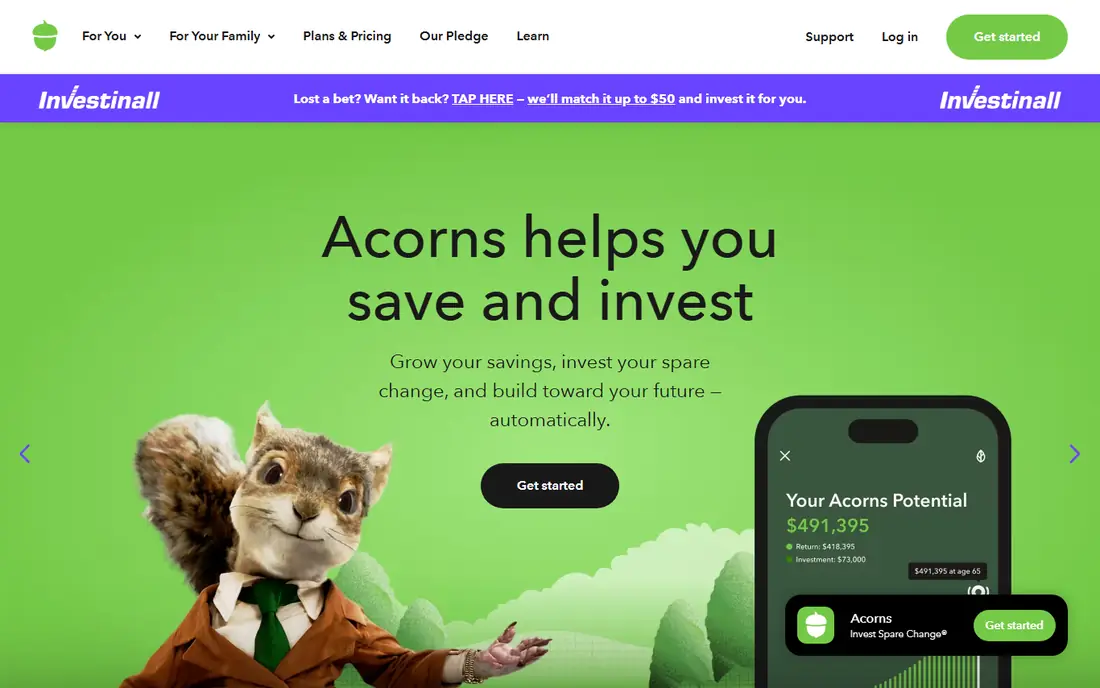
Acorns pioneered micro-investing. Link a debit or credit card, and every purchase rounds up to the nearest dollar, with the spare change invested in a diversified ETF portfolio matched to your risk tolerance. Buy a coffee for 2.60 dollars, and 40 cents goes to your investments. Recurring deposits and retirement accounts add to the habit.
Plans run 3, 6 and 12 dollars a month depending on features, with higher tiers adding checking, retirement and family accounts. The flat fee can feel steep when your balance is small, and investments can fall in value. For beginners who want saving and investing to happen without thinking, Acorns is the lowest-friction start.
- Signature Round-Ups invest spare change automatically
- Diversified ETF portfolios by risk level
- Found Money cash back from partner brands
- Flat 3 dollar monthly fee feels expensive on small balances
- Investing carries market risk
- No free plan
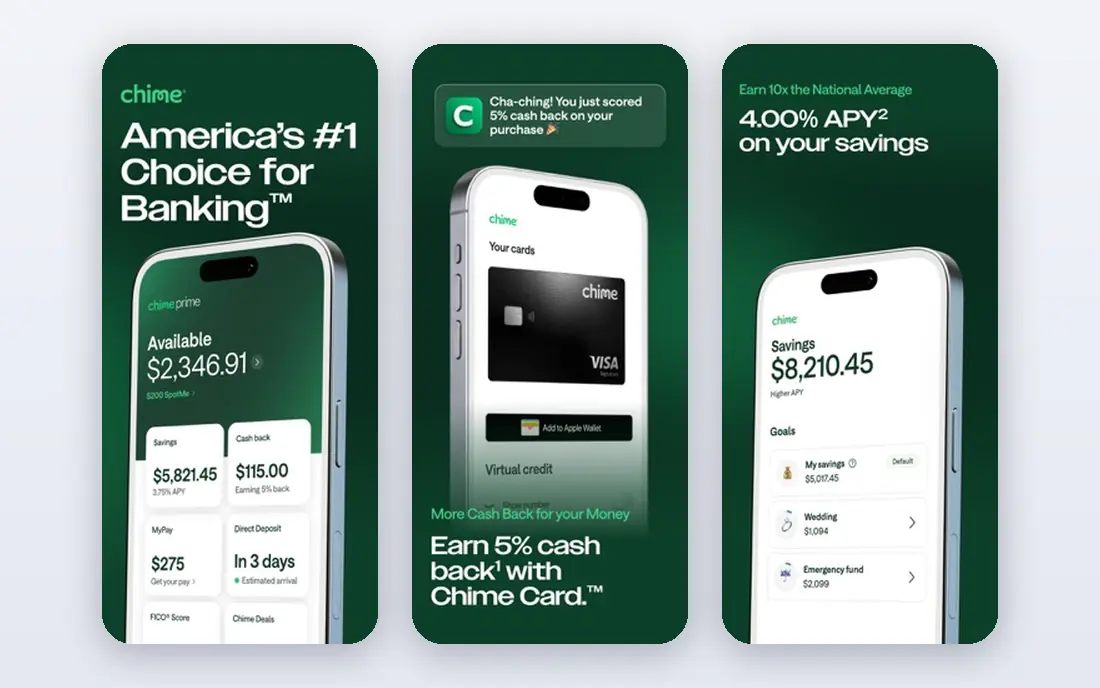
Chime is the best free money saving app because its saving tools come built into a no-monthly-fee checking and savings account. Round-Ups save the change from every debit card purchase, and Save When You Get Paid automatically moves a percentage of every direct deposit to savings. The savings account pays a competitive yield, recently around 2 percent APY, though rates vary.
There is no investing platform and no physical branch network. For everyday savers who want automatic saving without paying a subscription, Chime is the obvious choice, and it pairs well with a high-yield account elsewhere for larger balances.
- No monthly fees
- Round-ups and Save When You Get Paid automation
- High-yield savings account included
- Not an investing platform
- Savings rate varies by account type
- Online-only banking with no branches
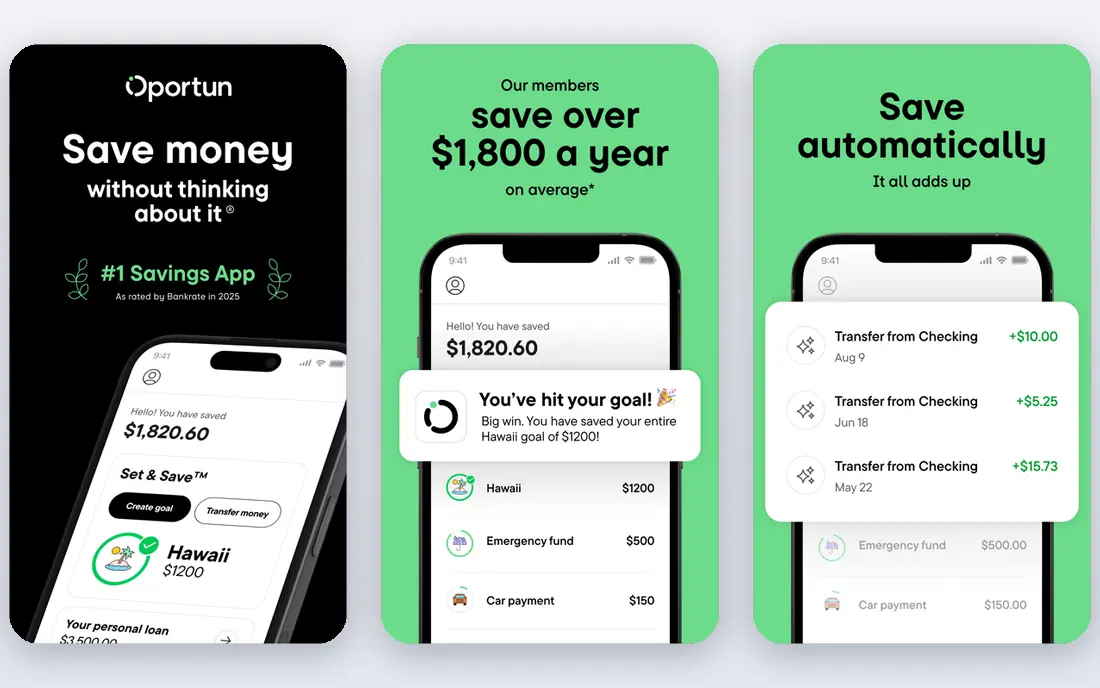
Oportun, formerly Digit, watches your income and spending, then moves small amounts to savings when your cash flow allows, without you deciding each time. That autopilot approach suits freelancers, gig workers and busy professionals whose income varies and who never get around to manual transfers.
A 30-day free trial is available, after which pricing is 5.99 dollars a month or 47.88 dollars a year. If your balance runs tight, watch the automation closely, since transfers you did not plan can surprise you. For truly hands-off saving, Oportun is the most automated option here.
- Algorithmic auto-transfers based on cash flow
- Autopilot saving for people who will not transfer manually
- Works for freelancers and gig workers
- 5.99 dollars a month, or 47.88 dollars a year, drags on small balances
- Automation needs monitoring if your balance runs tight
- No investing
Qapital turns saving into a game of rules. Set triggers like rounding up purchases, saving a fixed amount every payday, or saving when you skip a habit, and watch goal buckets fill with visual progress. Shared goals let couples and families save toward the same target together.
Plans run 3, 8 and 12 dollars a month depending on features, with partner and shared-goal features varying by plan. There is no free tier, so small balances feel the fee. For habit-driven savers who like visual tracking and custom rules, Qapital is the most engaging app here.
- If-this-then-save rules make saving fun and visible
- Goal buckets with shared goals
- Round-ups, schedules and triggers
- Paid plans from 3 dollars a month with no free tier
- Fee drag if you keep small balances
- Investing only on paid tiers
Rocket Money, formerly Truebill, saves money by cutting waste rather than moving money. The free tier links your accounts, categorizes spending and lists every recurring charge, showing exactly what subscriptions cost each month. Many users find forgotten subscriptions worth tens of dollars in the first week.
Premium, priced on a 7 to 14 dollar per month sliding scale, cancels subscriptions for you, negotiates bills like cable and internet, and adds Smart Savings, net worth tracking and credit monitoring. If your problem is money leaking out rather than money not saved, Rocket Money is the best tool here.
- Free tier scans accounts and lists every subscription
- Premium cancels subscriptions and negotiates bills
- Smart Savings automation
- Cancellation and bill negotiation require Premium from 7 dollars a month
- Pay-what-you-want pricing runs 7 to 14 dollars
- Bill negotiation takes a cut of savings
Ally Bank combines traditional banking security with modern goal saving. Its savings account charges no monthly fees and no minimum balance, pays a competitive high yield recently around 4.25 percent APY, and includes Savings Buckets: up to 30 virtual buckets within one account, each with its own goal and automatic contribution schedule.
Named goals are psychologically protected: you are less likely to raid a Car Repair Fund for a non-emergency than a generic savings account. Automation is simpler than Oportun or Qapital, with no AI-driven transfers. For goal-oriented savers who want interest plus organization at zero cost, Ally is excellent.
- Completely free with no monthly fees or minimums
- High-yield savings around 4.25 percent APY
- Up to 30 Savings Buckets per account
- Less sophisticated automation than specialized apps
- No AI smart saving
- Requires a separate bank relationship for some users
SoFi bundles high-yield banking with automated saving in one free app. Checking and savings accounts pay competitive interest, automatic transfers and round-ups move money to savings, and the same app covers investing, loans and credit monitoring. Direct deposit often earns the best rates.
The saving tools are simpler than Oportun's cash-flow automation or Qapital's rules, but the combination of yield, automation and an all-in-one financial app suits savers who want growth plus simplicity. For high-yield automated saving with banking included, SoFi is a strong free choice.
- Free high-yield checking and savings with automation
- Banking, investing and lending in one app
- Strong APY on savings
- Savings features are simpler than dedicated apps
- Best rates may require direct deposit
- Investing carries risk
You Need A Budget, or YNAB, saves money differently: by giving every dollar a job before you spend it. The zero-based method assigns income to categories and goals, tracks progress, and makes trade-offs visible, which changes spending behavior more durably than passive automation. Debt payoff tools and targets support larger goals.
Pricing is 14.99 dollars a month or 109 dollars a year, with a 34-day free trial and free access for students for a year. The learning curve is real. For people whose problem is overspending rather than under-saving, YNAB is the most effective app here, and it pairs well with Rocket Money for cutting waste first.
- Zero-based method forces intentional choices and accelerates debt payoff
- Strong goal and debt tools
- Free for students for a year
- 14.99 dollars a month or 109 dollars a year is the priciest here
- Steep learning curve
- No automatic round-up saving
Empower, formerly Personal Capital, saves money through visibility. Its free dashboard aggregates bank accounts, investments, loans and credit cards into one net worth and cash flow view, spotting money leaks, fees and idle cash that other tools miss. Seeing the full picture often changes behavior without any automation at all.
It is not a rules-based auto-saver, and its advisory service is a separate paid offering. For savers who want to understand where money goes before automating, Empower's free dashboard is the best starting point, and it pairs well with Chime or Acorns for the actual saving.
- Free dashboard with net worth and cash flow tracking
- Account aggregation across banks and investments
- Strong spending insights
- Not a rules-based auto-saver by default
- Advisory services are separate and paid
- Saving automation is limited
How we picked these
We compared official pricing pages, automation features and free tier terms from October 2026, favoring apps with clear pricing, real automation and distinct saving mechanisms. We checked that each official site belongs to the product. Savings rates change with the market, so confirm the current APY on each provider's page before opening an account. This article is general information only and is not financial advice.
What to check before you choose
Start with your saving problem. If you never transfer money, choose automation like Oportun or Chime. If you waste money on subscriptions, start with Rocket Money's free tier. If you overspend, YNAB's method helps most. If you want spare change invested, Acorns fits.
Next, weigh fees against balances. A 3 to 6 dollar monthly fee is trivial on a 5,000 dollar balance but eats a large share of a 100 dollar balance, so small savers should favor free options like Chime, Ally and SoFi. Finally, layer tools: many savers combine Rocket Money for waste-cutting, Chime or Ally for automatic saving, and Acorns for investing spare change, for a complete system under 10 dollars a month.
Frequently asked questions
What is the best money saving app overall?
Chime is the best free overall option, with automatic round-ups and paycheck saving at no monthly fee. Acorns is best for investing spare change, Oportun is best for hands-off automation, and Rocket Money is best for cutting subscriptions and bills.
What is the best free money saving app?
Chime, Ally Bank and SoFi all offer free automatic saving with high-yield accounts and no monthly fees. Rocket Money's free tier is best for finding subscriptions, and Empower's free dashboard is best for seeing your full financial picture.
How do round-up apps work?
Round-up apps link to your debit or credit card and round each purchase up to the nearest dollar, saving or investing the difference. A 2.60 dollar coffee saves 40 cents. The amounts look tiny individually but add up to hundreds of dollars a year for regular spenders.
What is the best money saving app for beginners?
Chime is best for beginners who want free automatic saving without complexity. Acorns is best for beginners who want to start investing with spare change. Both run in the background after a short setup, with no ongoing decisions required.
Can money saving apps really save me money?
Yes, when matched to your problem. Automation apps help people who never transfer money manually, with users reporting 300 to 600 dollars a month more saved than manual saving in some surveys. Subscription tools save money by cancelling forgotten charges. Budgeting apps save by changing spending behavior. The app you actually use beats the smarter app you abandon.
Are money saving apps safe?
Reputable apps use bank-level encryption, and bank accounts through Chime, Ally and SoFi are FDIC insured up to 250,000 dollars. Investment accounts through Acorns are SIPC protected, but investments can lose value. Use a unique password, enable two-factor authentication, and check that any app you link to your bank is one you trust.
Sources we checked (9)

Online Jobs is an independent blog about careers, online work, learning new skills and the tools that help people earn. More about us.
Keep reading
All posts
Who Is the Best Company to Get Travel Insurance
Compare the best travel insurance companies, including World Nomads, Allianz Travel, SafetyWing and AXA, with coverage types, limits and who each suits.
Top AI Financial Software
Searching for top AI financial software? We compared 9 AI finance tools for AP, spend, close, forecasting and bookkeeping to help teams choose wisely.
Quicken Alternatives
Compare the best quicken alternatives for Mac, Windows, and small business owners, from Monarch Money and YNAB to Copilot, Tiller, and Banktivity in 2026.