Best Money Advance Apps in 2026: 8 Apps Compared

How we put this together: we compare official feature and pricing pages, app store listings, privacy policies and public user reviews. Prices change, so check the provider's site before you pay.
Key takeaways
- EarnIn and MoneyLion offer advances with no mandatory monthly fee, though instant delivery may still cost extra.
- Dave and Brigit charge a monthly fee, so they suit people who borrow often rather than once in a while.
- Klover suits small, occasional advances with no subscription, but starting limits tend to be low.
- Chime MyPay and Albert only make sense if you already use, or plan to use, their linked bank account or wider app.
- This is not financial advice. Check the full fee page, the repayment date, and your bank balance before you take any advance.
Quick comparison
| Name | Who it suits | Starting price | Free option | |
|---|---|---|---|---|
 EarnIn | No mandatory monthly fee | Free | Yes | Visit |
 Dave | Budget tools plus advances | See website | No | Visit |
 Brigit | Overdraft prediction | $8.99 per month | No | Visit |
 MoneyLion | Advances plus banking tools | Free | Yes | Visit |
 Klover | Small occasional advances | Free | Yes | Visit |
 Albert | Advances plus money tools | See website | No | Visit |
 Chime MyPay | Existing Chime users | See website | No | Visit |
 Cleo | Advances plus budgeting chat | See website | No | Visit |
The best money advance apps
Money advance apps let you access part of an upcoming paycheck or a small sum before payday, usually in exchange for a fee, a subscription, or an optional tip. They are not loans in the usual bank sense, and they are not a fix for a regular shortfall. This is not financial advice, and no app here can promise approval or a set amount, since limits depend on your pay history and bank activity.
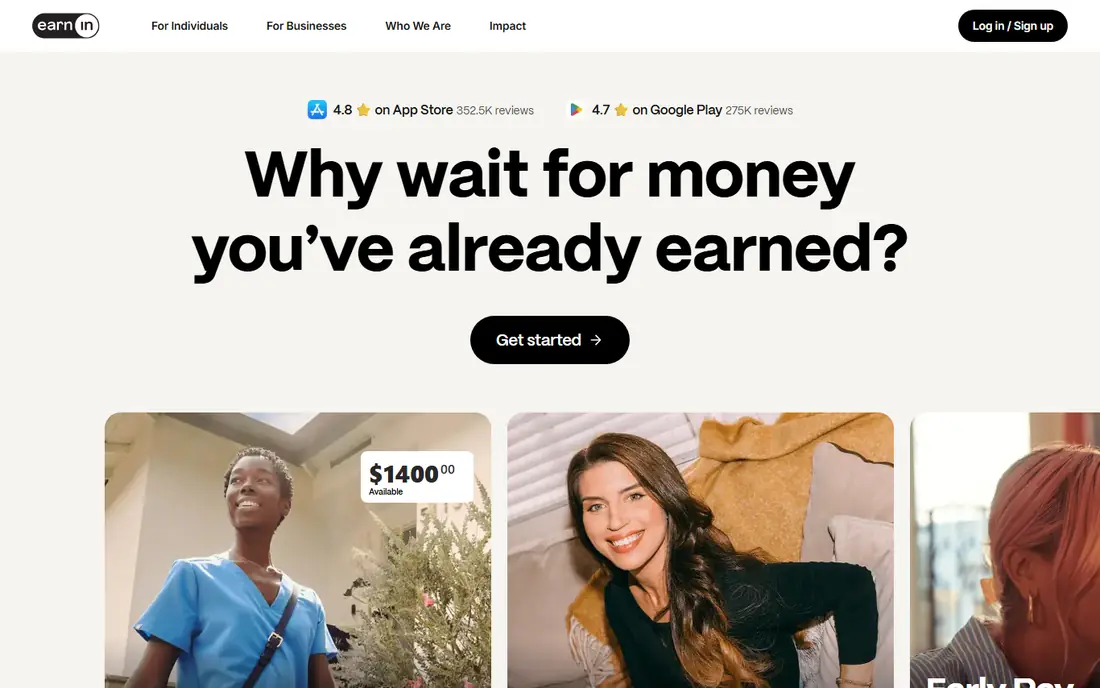
EarnIn is our pick for people who want an advance without a monthly charge. It bases access on pay you have already earned, and standard delivery over one to three business days can be free. Tips are optional, so you can choose not to add one, and that choice should not block a standard advance.
The catch is speed. If you need money at once, the instant delivery fee applies, and that fee can add up if you use it often. New users also tend to start with modest limits that rise only with a steady pay history. EarnIn fits best as an occasional bridge to payday, not as a weekly habit.
- No mandatory subscription
- Standard delivery can be free
- Links to your earned pay
- Instant delivery costs extra
- Limits start low for new users
- Needs regular pay deposits
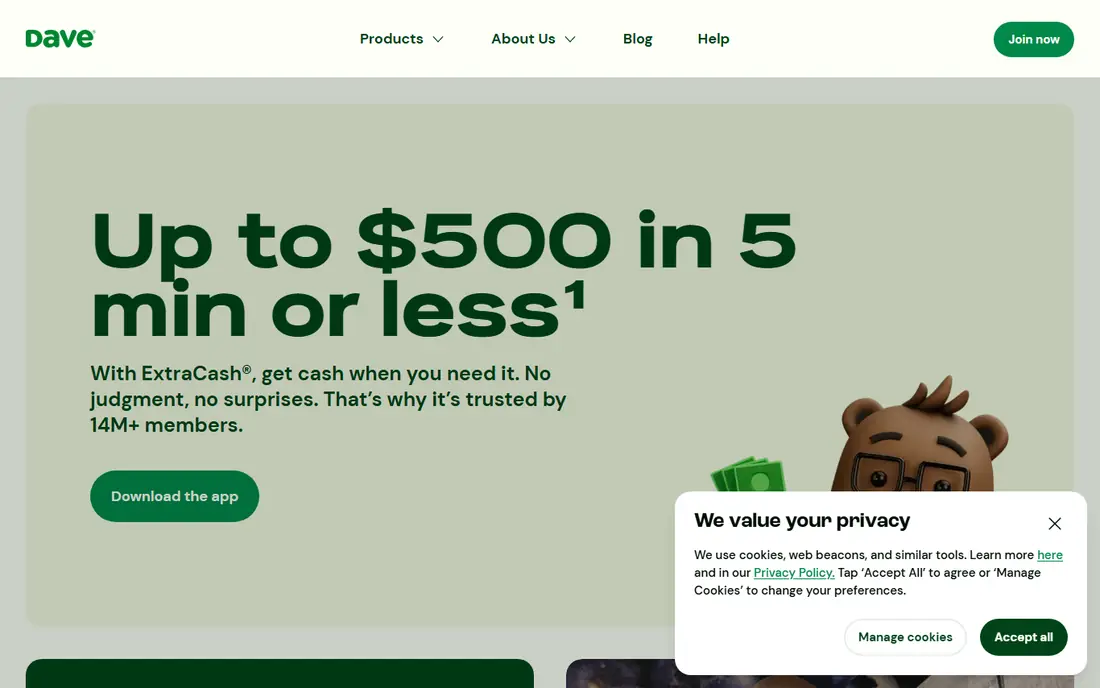
Dave pairs its ExtraCash advance with budgeting tools and a bank account option, which makes it feel more like a money app than a single-purpose advance tool. The app shows upcoming bills and account balance trends, and it can help you plan around payday. That wider view is useful if timing, rather than one bill, is the main problem.
You pay a monthly membership fee even in months when you do not borrow, so it only makes sense if you use the app regularly. Express delivery to an outside bank also costs extra. Check the current membership price and fee page on the Dave site before you sign up, since fees have changed over time.
- ExtraCash advances plus budgeting tools
- Side hustle job listings in the app
- Monthly membership fee applies
- Express delivery costs extra
- Advance limits vary
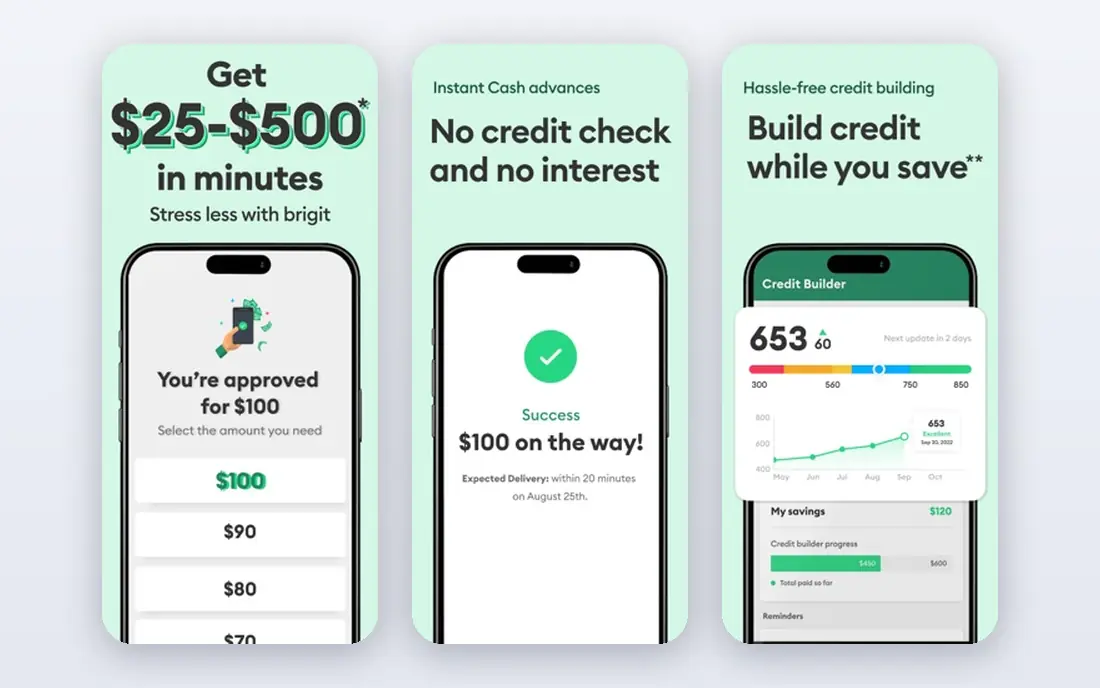
Brigit stands out for its warning system. It watches your linked bank account, predicts when a balance may run low, and can send an advance before an overdraft charge hits. That automatic timing is the main reason people stay with Brigit, even though cheaper advance options exist.
The downside is the subscription. Advances sit behind the Plus plan, which starts at $8.99 per month, with a higher Premium tier above it. If you borrow only once or twice a year, that yearly cost may exceed the value of the advances. Brigit fits people who want ongoing balance monitoring and borrow often enough to justify the fee.
- Predicts low balances and can send an advance automatically
- Budgeting and credit tools included
- Advance access needs a paid plan
- Monthly cost adds up for occasional borrowers
MoneyLion offers Instacash advances alongside a bank account, investing tools, and credit building products. The advance itself can be free on standard delivery, which makes it a fair comparison with EarnIn for people who do not want a subscription. The wider app also suits users who want banking and advances in one place.
Higher advance limits often require direct deposits into a MoneyLion account, so users who keep their main bank elsewhere may see a lower limit. Instant delivery fees also vary by amount and destination. If you already bank with MoneyLion, or you plan to, Instacash is a natural add-on. If not, compare its limit with EarnIn before you choose.
- Instacash advances with no mandatory fee
- Wider banking and investing tools in one app
- Higher limits often need a linked MoneyLion account
- Instant delivery fees vary
Klover suits people who need a small sum now and then and do not want another monthly bill. The base advance is free on standard delivery, and a points system lets you raise your limit by completing tasks in the app. For a $25 to $100 gap before payday, that structure can work without a subscription eating into the advance.
The limits are the main limit, so to speak. New users often qualify for far less than the headline maximum, and instant delivery fees rise with the amount. Klover also asks for bank connection and, for some features, data sharing, so read its privacy terms before linking an account. Use it for small, rare gaps, not for larger bills.
- No mandatory subscription
- Free standard delivery option
- Points can raise limits over time
- Starting limits are low
- Instant delivery fees can be high
- Some features involve data sharing
Albert combines cash advances with budgeting, automatic saving, and investing tools, so it appeals to people who want one money app rather than several. Advances can grow over time with a good repayment history, and the app includes tools that help you set money aside each pay period. That combination suits users who want help with both short-term gaps and longer-term habits.
The paid plan is the catch. The most useful features, including higher advance access, sit behind a subscription, so check the current plan price on the Albert site before you commit. Instant delivery also costs extra. Albert makes most sense if you will use its budgeting and saving tools every week, not just its advance feature.
- Cash advances up to a higher ceiling over time
- Budgeting, saving, and investing tools included
- Full features sit behind a paid plan
- Instant delivery fees apply
- Limits start low
Chime MyPay is not a standalone advance app. It is a feature inside a Chime account that lets qualifying members access part of an upcoming paycheck early. That integration is its main strength, since there is no extra app, no extra login, and repayment comes from the same account that receives your pay.
It only helps if you bank with Chime and meet its deposit rules, so it is not a pick for everyone. Limits depend on your deposit history, and instant delivery may carry a fee. If you already use Chime as your main account, MyPay is worth checking first. If you bank elsewhere, one of the standalone apps above will be simpler.
- Advances inside a bank account you may already use
- No separate advance app to manage
- Only useful if you bank with Chime
- Limits depend on qualifying deposits
- Instant fees may apply
Cleo takes a chat-first approach to money. You talk to the app about spending, bills, and saving, and it answers with insights and reminders. Cash advances sit alongside that budgeting help, which can make Cleo useful if you want guidance as well as a short-term sum. The tone is casual and direct, and the app is popular with younger users.
Advance access requires a paid plan, so check the current price on the Cleo site and weigh it against how often you borrow. The chat format is also a matter of taste: some people like it, others prefer a plain list of transactions. Pick Cleo if you want budgeting help in chat form and you borrow often enough to justify the plan.
- Chat-based budgeting help
- Cash advances alongside spending insights
- Advance access needs a paid plan
- Chat style will not suit everyone
How we picked these
We compared official fee pages, app store listings, and public reviews for leading US advance apps, and we kept only apps that clearly state their fee structure and repayment method. We favoured apps with a free standard delivery option or a clear monthly fee, and we excluded apps that hide fees behind vague claims. We also mixed no-subscription apps with paid apps, since a monthly fee can still be good value for frequent borrowers. This is not financial advice. Fees, limits, and eligibility change, so confirm the current terms on each vendor site before you borrow.
What to check before you take an advance
Start with the total cost, not the headline limit. Add any monthly fee, any instant delivery fee, and any optional tip you plan to leave, then compare that total with the amount you receive. A small advance with several fees can cost more, in proportion, than it first appears.
Repayment date and bank balance
Check the exact repayment date and make sure your expected pay or balance covers it. Advances are usually repaid in full on payday, which can leave the next pay period short and lead to another advance. If that pattern appears, pause and look at spending, bills, and other support options before borrowing again.
Alternatives worth trying first
Ask your employer about an early pay option, check whether a bill provider offers a payment plan, and see if a local credit union offers a small loan. Those routes often cost less than repeated advance fees. If you are facing a debt problem, a free debt advice service can help you work through options without adding new borrowing.
Eligibility and privacy
Most apps need a linked bank account and a history of regular deposits, and limits are set from that history. Read the privacy policy before linking an account, and check what data the app collects and shares. No app can promise approval, and a low first limit is normal.
Frequently asked questions
What is the best cash advance app with no monthly fee?
EarnIn and MoneyLion both offer advances with no mandatory monthly fee on standard delivery. Instant delivery still costs extra on both, so choose standard delivery when you can wait one to three business days.
How fast do money advance apps pay out?
Standard delivery usually takes one to three business days and is often free. Instant delivery to a debit card can arrive in minutes, but it carries a fee that varies by app and amount. Check the fee shown in the app before you confirm.
Do cash advance apps check credit?
Most advance apps do not run a hard credit check. Instead, they look at your bank activity and pay deposit history to set a limit. That is one reason first limits are often low, since the app has little history to judge by.
Can I get an advance without direct deposit?
Most apps in this list need regular pay deposits into a linked account to set a limit. Chime MyPay also needs qualifying deposits into a Chime account. Without regular deposits, approval is unlikely, and limits will be very low.
Are money advance apps safe?
Reputable apps use bank-level encryption and state their fees plainly, but any app linked to your bank account deserves a careful read of its privacy policy. Avoid apps that hide fees, promise a set amount before checking your history, or pressure you to tip.
What happens if I cannot repay on time?
Repayment is usually taken automatically on payday, so a short balance can lead to an overdraft or a failed payment. Contact the app support team before the due date if your pay will be late, and avoid taking a second advance to cover the first.
Sources we checked (8)

Online Jobs is an independent blog about careers, online work, learning new skills and the tools that help people earn. More about us.
Keep reading
All posts
Top AI Financial Software
Searching for top AI financial software? We compared 9 AI finance tools for AP, spend, close, forecasting and bookkeeping to help teams choose wisely.

Quicken Alternatives
Compare the best quicken alternatives for Mac, Windows, and small business owners, from Monarch Money and YNAB to Copilot, Tiller, and Banktivity in 2026.
QuickBooks Online Alternatives
Looking for quickbooks online alternatives? We compared 8 accounting tools on invoicing, bank feeds, payroll, pricing and fit for small businesses today.