Best Mobile Banking App in 2026: 8 Products Compared

How we put this together: we compare official feature and pricing pages, app store listings, privacy policies and public user reviews. Prices change, so check the provider's site before you pay.
Key takeaways
- Monzo and Starling Bank lead for UK users who want strong budgeting tools, instant notifications, and clear in-app controls.
- Chase UK suits people who want a simple current account with cashback and savings options in the same app.
- Revolut and Wise are stronger for travel and multi-currency spending, but they are not identical to a traditional UK bank account.
- Capital One, Ally Bank, and Chime cover US users who want a mobile-first account with early pay or broad ATM access.
- Check deposit protection, fees, and support routes before you move your main account, not just the app design.
Quick comparison
| Name | Who it suits | Starting price | Free option | |
|---|---|---|---|---|
 Monzo Monzo | Everyday UK budgeting | Free | Yes | Visit |
 Starling Bank Starling Bank | Reliable UK current account | Free | Yes | Visit |
 Chase UK Chase UK | Cashback and savings | Free | Yes | Visit |
 Revolut Revolut | Travel and multi-currency | Free | Yes | Visit |
 Wise Wise | International transfers | Free | Yes | Visit |
 Capital One Capital One | US mobile banking | Free | Yes | Visit |
 Ally Bank Ally Bank | US online banking | Free | Yes | Visit |
 Chime Chime | US fee-free banking | Free | Yes | Visit |
The best mobile banking app
We compared official feature pages, pricing and fee pages, app store listings, privacy policies, and public reviews for each provider. This guide focuses on the app experience, safety controls, and everyday features, not on interest rates or investment returns. This is not financial advice, and you should check the current terms for your country before opening an account.
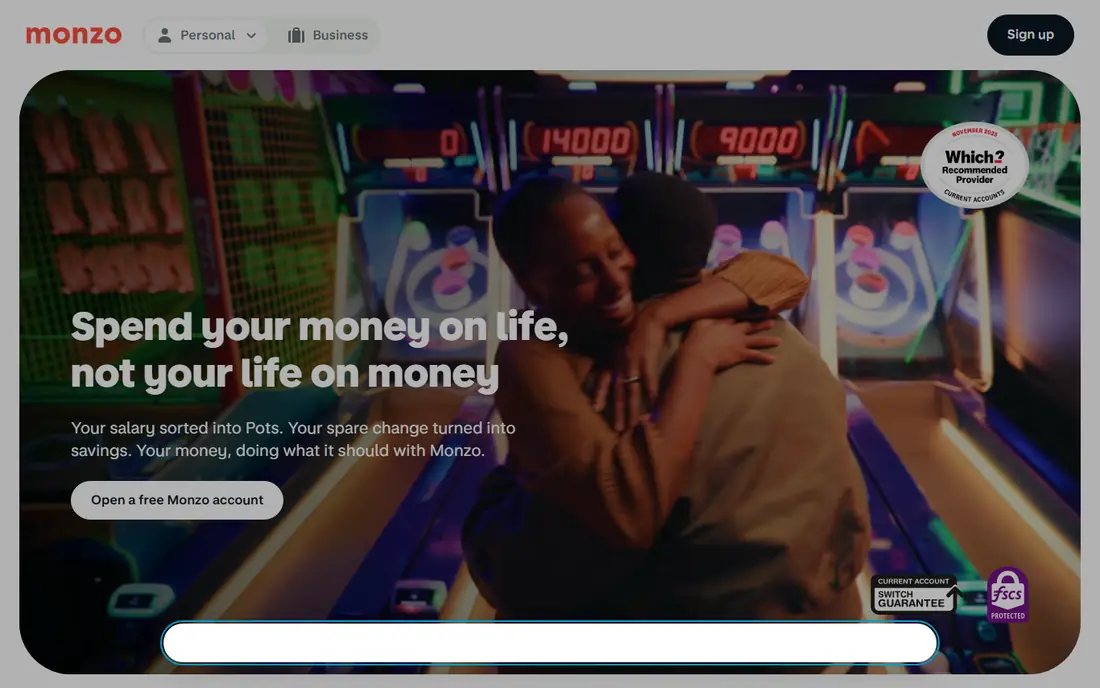
Monzo built its name on a clear, fast app that shows spending as it happens. You can sort money into Pots, set budgets by category, and freeze a card in seconds if it goes missing. Those tools help people who want to see where money goes without opening a spreadsheet or waiting for a monthly statement.
The core current account is free, and paid plans add extras such as higher allowances, insurance-style benefits, and interest features that change over time. Support is mainly in-app, which suits many users but may frustrate people who prefer a branch visit. If you live in the UK and want budgeting built into banking, Monzo is a strong first app to test.
- Instant spending notifications
- Pots for saving and budgeting
- Strong card controls and freeze tools
- No branches for face-to-face help
- Some features sit on paid plans
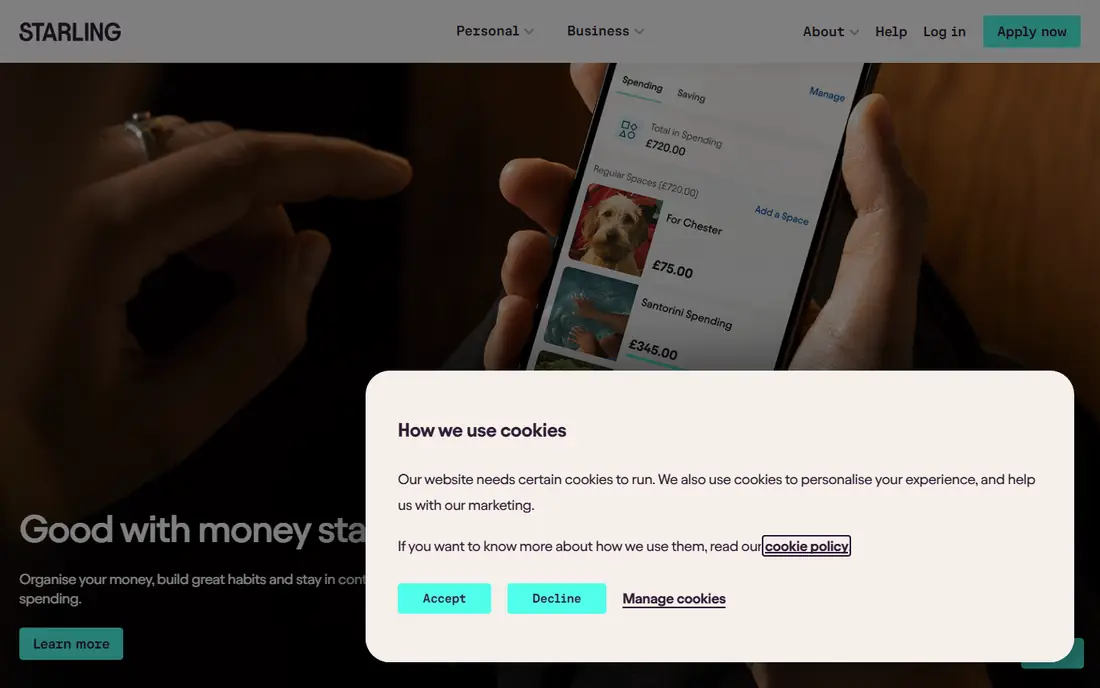
Starling Bank offers a calm, practical app that focuses on everyday banking done well. Spaces let you set money aside for bills or goals, Bills Manager helps keep direct debits separate, and spending alerts keep you informed without clutter. The app also supports joint accounts, business accounts, and cards for younger users, which makes it useful for a household as well as an individual.
The core account has no monthly fee, and the bank publishes service quality results that have placed it near the top for UK current accounts. That record matters, because a banking app must work on a bad day as well as a good one, when a card is lost or a payment looks wrong. If you want a steady, fee-free main account, Starling is a safe shortlist pick.
- Spaces and Bills Manager for organising money
- No monthly fee on the core account
- Strong service ratings in public surveys
- Fewer paid extras than some rivals
- Branch-free service may not suit everyone
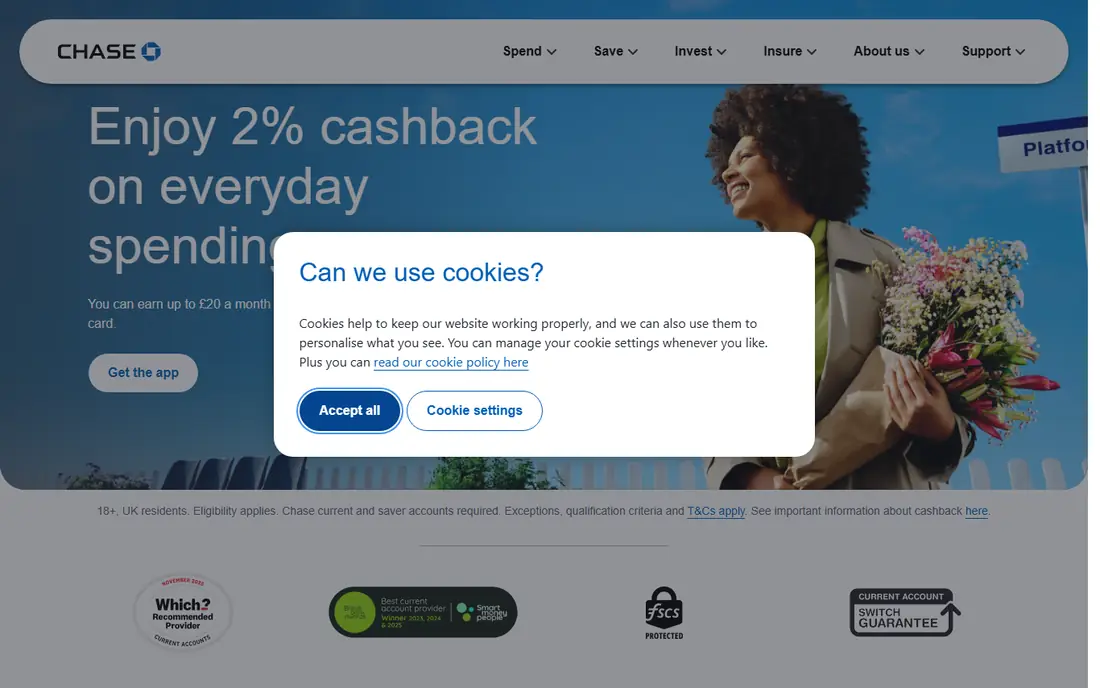
Chase UK is the UK arm of a large US bank, and its app keeps the basics simple. You can open a current account, track spending, set up a linked saver, and earn cashback on qualifying card spending when the current terms are met. That combination appeals to people who want rewards without a complex points scheme or a paid tier.
The catch is in the conditions. Cashback and saver rates can depend on eligibility, spending, and time limits, so read the current offer page before you count on a reward. Chase UK also has no traditional UK branch network, so support is digital and by phone. If you meet the terms and like a simple app, it is a useful option alongside Monzo and Starling.
- Simple current account setup
- Cashback on qualifying spending
- Linked savings options in the same app
- Cashback and saver terms have conditions
- UK-only service for this version
Revolut is best viewed as a powerful money app rather than a simple bank account. It lets you hold and spend in multiple currencies, set budgets, create virtual cards, and manage travel spending from one place. For frequent travellers, that range is hard to match in a single app, and the free standard plan covers many everyday needs.
The important check is protection and status in your country. In the UK, Revolut Bank UAB and other entities have different arrangements, so do not assume every balance has the same cover as a UK bank deposit. Read the entity and protection information on the Revolut site for your account type. If travel and currency tools matter most, Revolut earns a place, but keep your main salary account decision separate from its travel features.
- Multi-currency balances and cards
- Useful travel and budgeting tools
- Wide feature set in one app
- Deposit protection depends on the entity holding your money
- Support can feel less personal
Wise started as a transfer service, and that strength still shapes its app. You can hold balances in multiple currencies, get local account details for some currencies, and send money abroad with the fee shown upfront. That clarity helps freelancers, families supporting relatives abroad, and small businesses that pay suppliers in other currencies.
Wise is not trying to be every kind of bank, so check whether it covers the features you need, such as direct debits, cash deposits, or overdrafts in your country. If your main need is moving money across borders at a fair rate, Wise is a strong pick. If you need a full main account, pair it with a local bank app from this list.
- Clear transfer fees shown before you send
- Local account details in several currencies
- Useful for cross-border pay
- Not a full replacement for a main bank account for everyone
- Card and account features vary by country
Capital One suits US users who want a mobile app backed by a large bank. You can manage checking, savings, and cards in one app, view spending, set alerts, and use a wide ATM network. That mix helps people who sometimes need a branch or a cashier service that a digital-only provider cannot offer.
The app is less specialised than Monzo or Starling for budgeting, and the best features depend on the exact account you hold. Check the fee schedule for your account, since US banks often vary by product. If you live in the US and want a mainstream bank with a solid app, Capital One is a practical choice.
- Broad US banking and card app
- Useful spending insights
- Large ATM and branch network in the US
- Feature set varies by account type
- Some users find the app less focused than digital-only rivals
Ally Bank is an online-only US bank, and its app reflects that focus. You can open checking and savings accounts, organise savings into buckets, set alerts, and manage cards without visiting a branch. The absence of branches helps keep fees low on many accounts, which is a clear benefit for people who are comfortable banking online.
The trade-off is cash handling. Depositing cash is less direct than at a branch bank, so check the current options before you switch if you handle cash often. Ally also offers a range of other financial products, which can be useful, but keep the comparison focused on the app and account you will actually use. For US users who want a clean online bank, Ally is a strong option.
- Online-only model with no monthly maintenance fees on many accounts
- Useful savings tools
- Strong app controls
- No branches
- Cash deposits need a workaround
- Support is digital and by phone
Chime appeals to US users who want a simple, low-fee account with a clear app. You can get paid early when your employer uses direct deposit, set up automatic savings, and freeze your card from the app. The design is less cluttered than some large bank apps, which helps people who mainly check balances, move money, and track spending.
It is important to understand the structure. Chime itself is not a bank, and its banking services are provided by partner banks, so read the current disclosures about deposit insurance and account terms. That detail does not make it a bad choice, but it should be part of your check. If low fees and early pay matter most, Chime deserves a place on your shortlist.
- No monthly fees on the core account
- Early direct deposit features
- Simple app and card controls
- Chime is a financial technology company, not a bank
- Banking services are provided by partner banks
How we picked these
We compared official feature pages, fee and pricing pages, app store listings, privacy policies, and public reviews for each provider. We looked for clear safety controls, such as card freeze, biometric login, and fraud alerts, and for plain explanations of fees and deposit protection. We also favoured apps with a free core account, so you can test the experience before committing to a paid plan.
We did not claim hands-on testing, and we did not rank providers by a single store rating. Banking apps change often, and a rating can reflect an old version or a single outage. Where a fee, rate, or protection limit could not be confirmed on the vendor site at the time of writing, we pointed you to the vendor page rather than guessing a number. This is not financial advice, and rates and terms can change after publication.
What to check before you choose a banking app
Start with protection and access, not with colours or rewards. Check which legal entity holds your money, what deposit protection applies, and how you would recover access if your phone is lost. Then check fees for the actions you actually take, such as foreign spending, ATM use, overdrafts, and replacement cards. A free account can still cost money through those routes.
Safety and privacy checks
Look for biometric login, instant card freeze, transaction alerts, and a clear way to report fraud inside the app. Read the privacy policy for how transaction data is used, and check whether you can control marketing, data sharing, and connected apps. Turn on alerts for every transaction, and keep a second way to contact the provider that does not depend on the same phone.
Everyday features that matter
Test the features you will use weekly, such as budgeting, Pots or Spaces, bill tracking, and search for past payments. Check how the app handles joint accounts, savings goals, and scheduled payments, and whether support is available when you need it. A pretty app that makes a simple task hard will frustrate you fast, so try the free account for a month before moving direct debits.
Fees, limits, and support
Compare monthly fees, paid plan benefits, transfer limits, and ATM limits on the official fee page. Paid plans only make sense if you use the benefits they add, such as higher allowances or insurance-style extras, and the maths works for your spending. Also check support hours, in-app chat response times in public reviews, and whether phone support exists for urgent cases. Those details matter more than a welcome offer.
Frequently asked questions
What is the best mobile banking app?
There is no single winner for every country, because availability and protection differ by location. In the UK, Monzo and Starling Bank are strong all-round picks for budgeting and reliability. In the US, Capital One, Ally Bank, and Chime cover different needs, from branch access to low fees. Shortlist by country first, then by the features you use weekly.
What is the best mobile app for banking if I travel often?
Revolut and Wise are strong for travel, because they offer multi-currency balances, cards, and clearer cross-border fees than many local banks. Revolut covers a wider set of money features in one app, while Wise is especially clear on transfer fees. Check card fees, ATM limits, and protection for your account type before you rely on either app abroad.
Are mobile banking apps safe?
Major banking apps use encryption, biometric login, card freeze tools, and fraud alerts, and regulated banks publish security information on their sites. Safety also depends on your habits, such as keeping your phone locked, avoiding public Wi-Fi for sensitive actions, and never sharing a code sent by your bank. If a message asks you to move money urgently, contact the provider through the app or official number, not through a link in the message.
What are the best banking app features to look for?
Look for instant notifications, card freeze, spending categories, savings Pots or Spaces, bill tracking, and easy search for past payments. Also check support routes, transfer limits, and fee clarity for foreign spending and ATM use. A good app should make it easy to see, control, and recover your money, not just to spend it.
What is the best digital banking app with no monthly fee?
Monzo, Starling Bank, Chase UK, Ally Bank, and Chime all offer a free core account in their home markets, with paid plans as optional extras. Free does not mean every action is free, so check fees for ATM use, foreign transactions, and replacement cards. If you do not use paid benefits, a free core account is usually the better starting point.
Should I keep a traditional bank as well as a digital bank?
Many people keep both, with a digital app for daily spending and budgeting and a traditional bank for branch services, cash deposits, or complex needs. That split can give you a backup if one app is down or a card is lost. If you choose this route, keep track of where direct debits and salary payments go, so a payment is not missed during a switch.
Sources we checked (8)

Online Jobs is an independent blog about careers, online work, learning new skills and the tools that help people earn. More about us.
Keep reading
All posts
Who Is the Best Company to Get Travel Insurance
Compare the best travel insurance companies, including World Nomads, Allianz Travel, SafetyWing and AXA, with coverage types, limits and who each suits.
Top AI Financial Software
Searching for top AI financial software? We compared 9 AI finance tools for AP, spend, close, forecasting and bookkeeping to help teams choose wisely.
Quicken Alternatives
Compare the best quicken alternatives for Mac, Windows, and small business owners, from Monarch Money and YNAB to Copilot, Tiller, and Banktivity in 2026.