Best Mileage Tracker App in 2026: 8 Products Compared

How we put this together: we compare official feature and pricing pages, app store listings, privacy policies and public user reviews. Prices change, so check the provider's site before you pay.
Key takeaways
- MileIQ and Everlance lead for automatic tracking, with free tiers that cover a limited number of drives or trips each month.
- TripLog and Timeero suit teams and employers, with admin controls and reimbursement workflows that solo apps lack.
- Hurdlr and Zoho Expense bundle mileage into broader expense and tax work, which suits freelancers already using those tools.
- Driversnote suits drivers who need clean logs across countries, while Stride suits gig workers who want a free starting point.
- Our pick for most solo drivers is MileIQ for simplicity, or Everlance when expenses and receipts should live in the same app.
Quick comparison
| Name | Who it suits | Starting price | Free option | |
|---|---|---|---|---|
 MileIQ MileIQ | automatic drive detection | See website | Yes | Visit |
 Everlance Everlance | mileage plus expenses | See website | Yes | Visit |
 TripLog TripLog | team reimbursement | See website | Yes | Visit |
 Hurdlr Hurdlr | mileage plus tax estimates | See website | Yes | Visit |
 Driversnote Driversnote | clean logs across countries | See website | Yes | Visit |
 Stride Stride | free gig driver tracking | Free | Yes | Visit |
 Zoho Expense Zoho Expense | mileage inside Zoho expenses | See website | Yes | Visit |
 Timeero Timeero | field teams and GPS time tracking | See website | Free trial | Visit |
The best mileage tracker apps
These eight apps cover automatic detection, team reimbursement, tax estimates and free tracking for gig work.
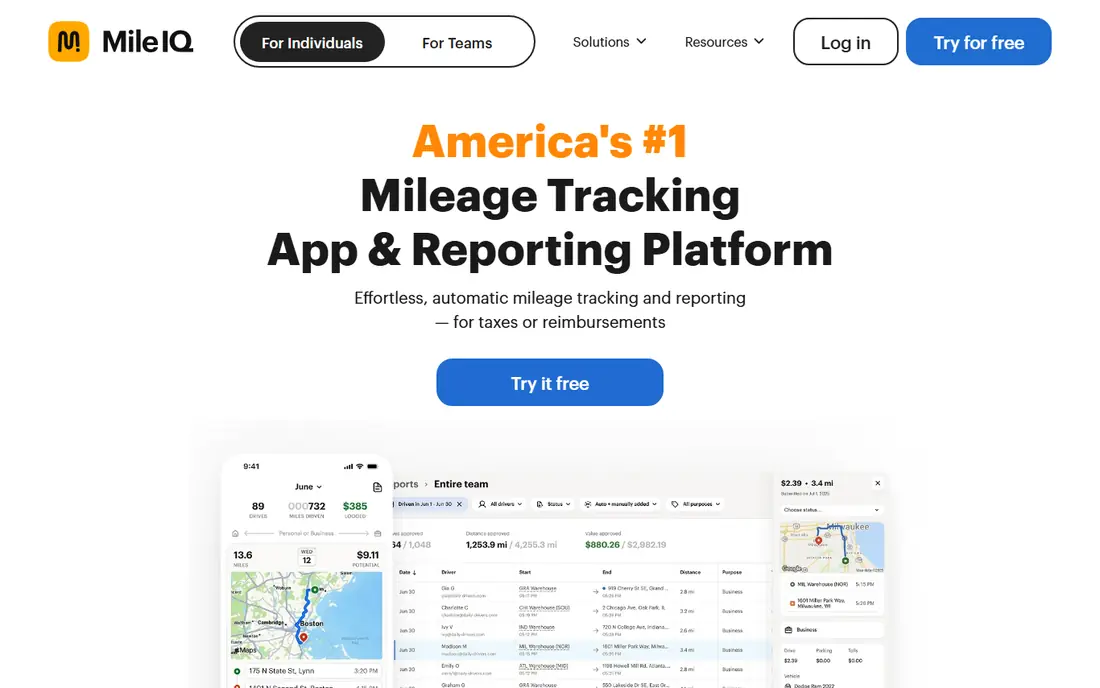
MileIQ is the simplest hands off pick on this list. It detects drives in the background, and users swipe to mark each drive as business or personal. That simple routine is why many solo owners stick with it, since it removes the need to remember to start and stop a trip. The catch is the free limit. A limited number of drives each month are free, and unlimited tracking needs a paid plan. MileIQ also focuses on mileage, not full expense tracking, so users who want receipts and bank sync in the same app should look at Everlance. For a clean mileage log, MileIQ is hard to beat.
- Automatic drive detection
- Simple swipe classification
- IRS style reports
- Paid plan needed for unlimited drives
- Focused on mileage only
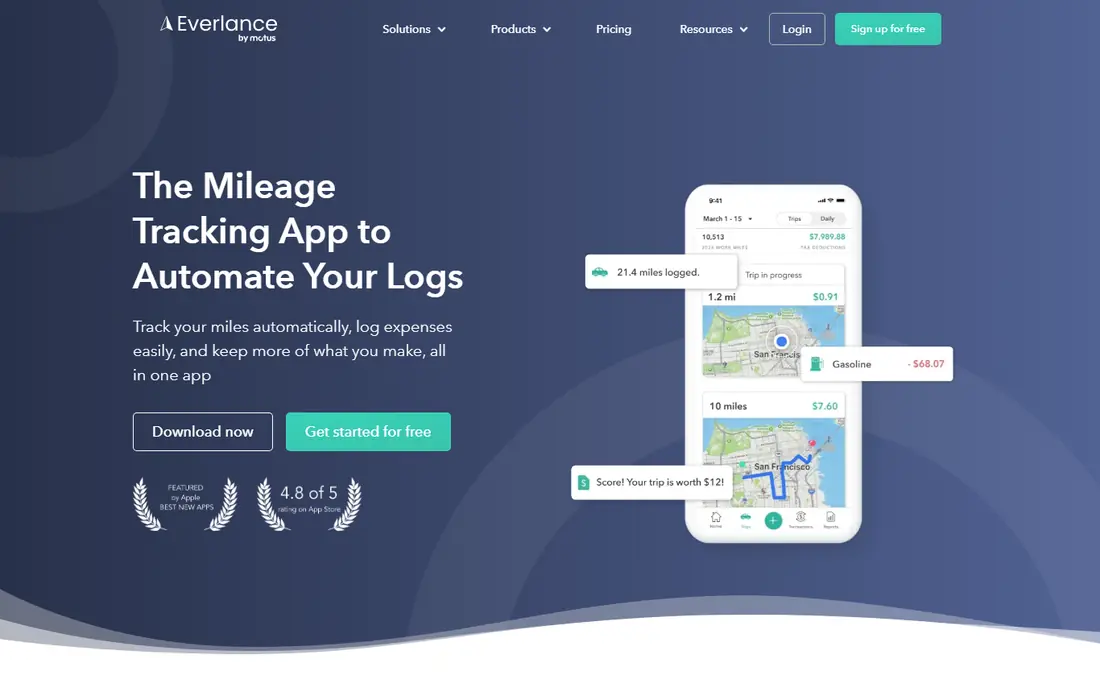
Everlance suits self employed workers who want mileage and expenses together. Trips are detected automatically, receipts can be added, and paid plans add bank and card sync plus richer reports. That single app view helps at tax time, when mileage, expenses and income need to be reviewed together. The free plan caps automatic trips, so heavy drivers will need a paid plan for unlimited detection. Manual trips remain an option, but manual entry defeats much of the benefit. For freelancers with a mix of driving and other expenses, Everlance offers the best balance on this list.
- Automatic trip detection
- Expense and receipt tracking
- Bank and card sync on paid plans
- Free automatic trips are capped
- Some features need a higher plan
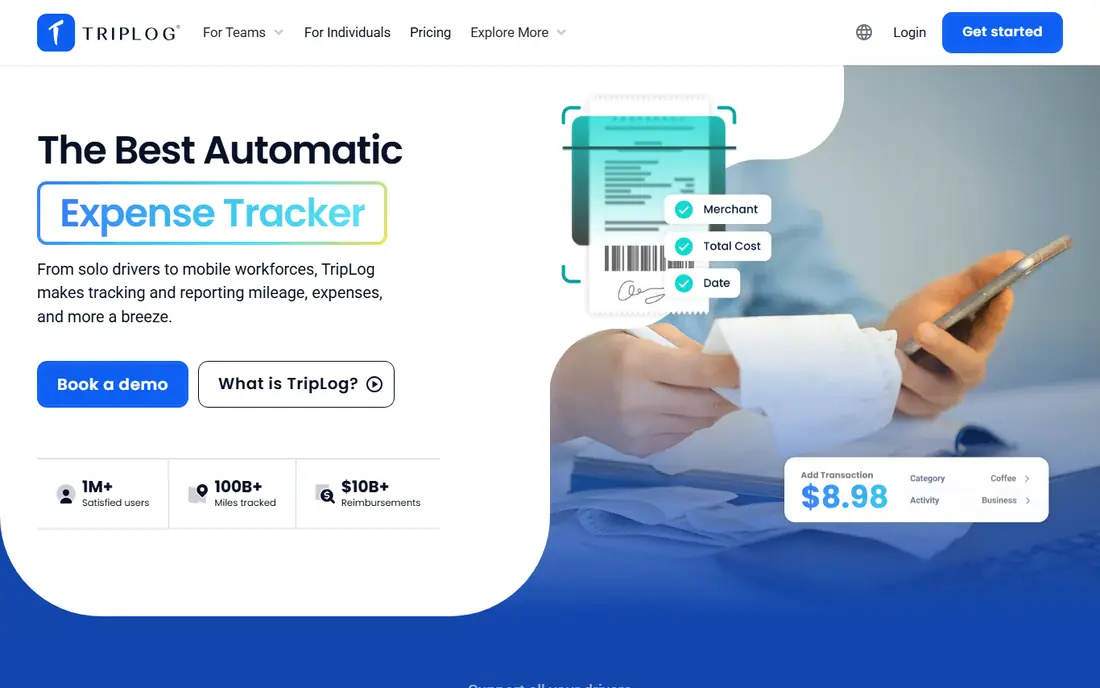
TripLog is built for companies that reimburse employee drivers. It offers automatic tracking, manual entry and other modes, plus admin controls for rates, policies and approvals. That structure matters when a business needs consistent logs across many drivers, not just one clean personal log. The trade-off is complexity. A solo driver will find TripLog heavier than MileIQ or Stride, and team pricing needs a budget check. For employers, though, the admin tools, reimbursement options and audit friendly reports justify the setup time, especially where mileage is a regular business cost.
- Several tracking modes
- Team admin controls
- Reimbursement workflows
- More setup than a solo app
- Team pricing adds up
Hurdlr appeals to freelancers who want a running view of tax, not just a mileage log. It tracks mileage and expenses, then gives a live estimate of tax based on income and deductions entered. That early view can help with quarterly payments and avoid a surprise at year end. The honest catch is that estimates are only as good as the data entered. Missed income or expenses will skew the result, and Hurdlr does not replace an accountant. Free manual tracking is useful, but automatic features sit on paid plans. For gig workers and freelancers, the tax view is still a strong reason to try it.
- Automatic mileage tracking
- Real time tax estimates
- Income and expense tracking
- Free plan limits some automation
- Tax estimates are not tax advice
Driversnote is a calm, focused mileage logger. It records trips automatically, lets users classify them, and produces clean reports that suit tax and employer needs in several countries. The interface is simple, and the reports are easy to share with an accountant or manager. The limit is scope. Driversnote does not try to be a full expense or tax platform, and free trips are capped each month. Drivers who cross borders, work for several clients or need a log that will stand up to review will value its clarity. Drivers who want receipts and bank sync should pair it with another tool or pick Everlance.
- Automatic trip logging
- Clear compliant reports
- Works across countries
- Free trips are capped
- Smaller expense feature set
Stride is the free starting point for gig drivers. It tracks mileage and helps users spot deductions, with a simple interface built for rideshare, delivery and freelance work. For a driver who wants to start logging today without a subscription, Stride removes the cost barrier. The trade-off is depth. Team controls, rich reimbursement workflows and deep reporting are not the focus, and some users may outgrow Stride as work grows. Still, a free log that is actually used beats a paid log that is ignored, and Stride is a good first step for occasional business driving.
- Free mileage tracking
- Simple gig worker focus
- Deduction tracking
- Fewer team features
- Limited reporting depth
Zoho Expense suits businesses already running on Zoho. Mileage can be recorded, converted to an expense and included in reports that flow toward Zoho Books, which keeps driving costs in the same system as other expenses. The free plan for small teams makes it easy to trial without a new subscription. The catch is that mileage is one feature inside a larger expense tool, so a driver who only needs a log may find the wider suite unnecessary. Free limits also apply to users and scans. For a Zoho business, though, keeping mileage inside the existing workflow is cleaner than adding a separate app.
- Mileage tracking inside expense reports
- Free plan for small teams
- Zoho Books link
- Mileage is part of a larger suite
- Free limits apply
Timeero fits field teams that need both time and mileage. It tracks where team members travel, segments trips, and links mileage to work time, which helps with payroll, billing and reimbursement. Managers get a clear view of field activity without asking staff to fill in manual logs. For a solo driver, Timeero is more tool than needed, and there is no permanent free plan, only a trial. For a service, delivery or field sales team, the combined time and mileage view can replace two separate tools. Check per user pricing against team size before committing, since costs scale with headcount.
- GPS mileage plus time tracking
- Segmented trip tracking
- Team admin tools
- No permanent free plan
- More than a solo driver needs
How we picked these
We compared official feature pages, pricing pages, app store listings and public reviews for apps that track business mileage and produce usable logs. We favoured apps that are actively maintained, that offer automatic detection or a clear manual option, and that produce reports suitable for tax or reimbursement use. We also weighed team controls, expense links and free plan limits, since those decide whether an app fits a solo driver or a whole team. We did not claim hands-on testing for every app, and we did not publish mileage rates or deduction totals as fixed facts, since rates and rules change. This is not tax advice. Check current mileage rules and record requirements for your situation, and ask an accountant before relying on a log for a tax filing.
Choosing the right mileage app
Start by counting drives. A driver with twenty business trips a month may fit a free plan, while a driver with two hundred will need unlimited tracking. That single count often decides the plan, and it is worth checking before paying for features that are not needed.
Automatic or manual tracking
Automatic detection saves time and catches forgotten trips, but it needs phone permissions and battery use. Manual entry is free and simple, but it relies on memory. Most drivers do best with automatic detection for business days and manual entry for odd trips, rather than relying on one method alone.
Check the report before you need it
Open a sample report early, and check that it shows dates, distances, start and end points, purpose and totals in a form an accountant or employer will accept. A log that looks good in the app but exports poorly will create work at tax time. Test export and sharing before the year end rush.
Keep the log honest and complete
Classify trips promptly, add a purpose note for business drives, and keep personal trips marked as personal. A complete, consistent log is far more useful than a perfect log for one month and gaps for the rest. Set a weekly five minute review to classify trips while the details are still fresh.
Frequently asked questions
What is the best mileage tracking app for small business?
For a small business with solo drivers, MileIQ is the simplest automatic pick, and Everlance is best when expenses should sit in the same app. For a team that reimburses drivers, TripLog or Timeero offer admin controls and workflows that solo apps lack. Match the app to driver count and reimbursement needs.
What is the best app for tracking mileage for work?
MileIQ and Everlance lead for automatic work tracking, with swipe classification and clean reports. Hurdlr adds tax estimates for freelancers, while Driversnote suits drivers who need compliant logs across countries. The best work app is the one that produces a report your employer or accountant will accept without extra work.
What is the best free mileage tracker app?
Stride offers free mileage tracking for gig workers, while MileIQ and Everlance offer free tiers with capped automatic drives or trips. Zoho Expense offers a free plan for small teams. Free plans work well for light use, but heavy drivers should expect to pay for unlimited automatic tracking.
How do mileage tracker apps work for taxes?
Mileage apps record business drives, distances and purposes, then produce a log that can support a mileage claim or deduction. Rules, rates and record requirements vary by country and tax situation, and apps do not give tax advice. Keep logs complete, classify trips promptly, and check current guidance or ask an accountant before filing.
Can mileage apps track trips automatically?
Yes, most apps on this list offer automatic detection using phone location, with a swipe or tap to classify each trip as business or personal. Automatic tracking needs location permission and can use battery, so check phone settings and the app privacy policy. Manual entry remains available for trips that automatic detection misses.
Sources we checked (8)

Online Jobs is an independent blog about careers, online work, learning new skills and the tools that help people earn. More about us.
Keep reading
All posts
Who Is the Best Company to Get Travel Insurance
Compare the best travel insurance companies, including World Nomads, Allianz Travel, SafetyWing and AXA, with coverage types, limits and who each suits.

Top AI Financial Software
Searching for top AI financial software? We compared 9 AI finance tools for AP, spend, close, forecasting and bookkeeping to help teams choose wisely.

Quicken Alternatives
Compare the best quicken alternatives for Mac, Windows, and small business owners, from Monarch Money and YNAB to Copilot, Tiller, and Banktivity in 2026.