Best Invoicing Software in 2026: 9 Tools Compared


Freelancers and service businesses · Starting price: See website
How we put this together: we compare official feature and pricing pages, app store listings, privacy policies and public user reviews. Prices change, so check the provider's site before you pay.
Key takeaways
- The best invoicing software depends on whether you need invoicing alone, invoicing plus time tracking, or invoicing inside full accounting.
- FreshBooks is the strongest invoicing first pick for freelancers and service businesses, while QuickBooks Online suits US small businesses that need full accounting.
- Wave, Zoho Invoice, Square Invoices, and Invoice Ninja offer genuinely free invoicing, with paid add ons for payments and payroll.
- Xero suits teams that want unlimited users without per seat fees, and Bonsai suits freelancers who also need contracts and proposals.
- Add payment processing fees to the subscription price before you compare, because they affect the real cost of getting paid.
Quick comparison
| Name | Who it suits | Starting price | Free option | |
|---|---|---|---|---|
| FreshBooks | Freelancers and service businesses | See website | Free trial | Visit |
 QuickBooks Online | US small business accounting | See website | Free trial | Visit |
 Xero | Unlimited users on every plan | See website | Free trial | Visit |
 Wave | Free invoicing for freelancers | Free | Yes | Visit |
 Zoho Invoice | Free invoicing for small teams | Free | Yes | Visit |
 Invoice Ninja | Open source invoicing control | Free | Yes | Visit |
 Square Invoices | In person sellers who invoice on the side | Free | Yes | Visit |
 Bonsai | Contracts, proposals, and invoicing | See website | Free trial | Visit |
 Zoho Books | Invoicing inside Zoho accounting | See website | Free trial | Visit |
The best invoicing software
Good invoicing software does three jobs well: it helps you send a professional invoice quickly, it reminds clients who have not paid, and it shows you what is owed without a spreadsheet hunt. The tools below differ in how much accounting, time tracking, and client workflow they add around those jobs, so pick the depth that matches your business, not the longest feature list.
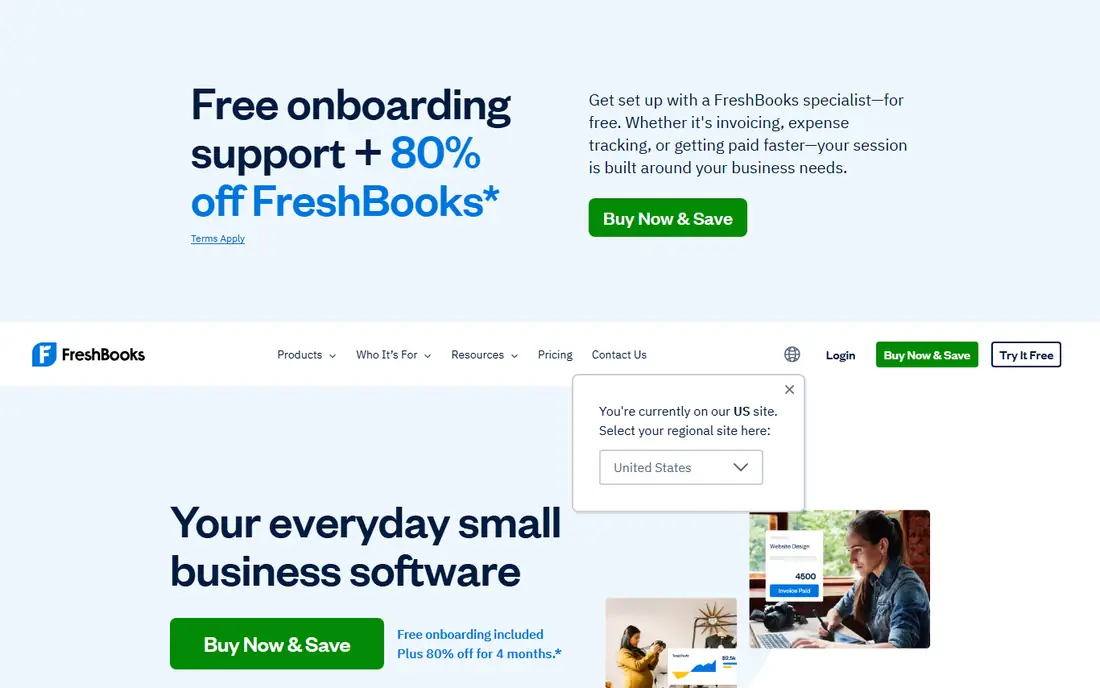
FreshBooks is the invoicing first pick for freelancers and service businesses. Invoices look professional, time can be tracked and billed from the same place, and clients can pay online without a confusing portal. Recurring invoices and automatic reminders reduce the chasing work that eats into billable hours. It is not a full accounting replacement for larger businesses. Reporting, inventory, and complex tax workflows are lighter than QuickBooks or Xero, so growing firms may need an accountant friendly export or a move later. Start with FreshBooks when invoicing and time billing are the core job, and check client limits on your tier as you grow.
- Clean invoicing and time tracking
- Client friendly payment pages
- Recurring invoices and reminders
- Paid plans rise with client numbers on some tiers
- Reporting is lighter than full accounting suites
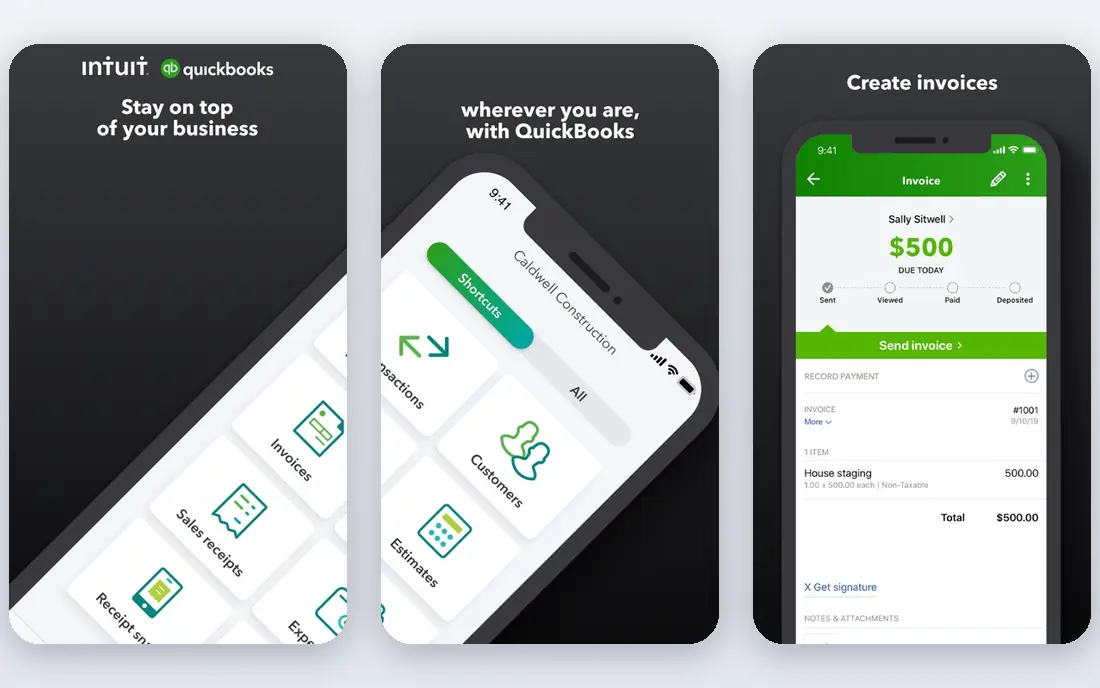
QuickBooks Online is the default for many US small businesses because accountants know it, banks connect to it, and invoicing sits inside a full accounting system. That matters when your business needs expenses, reconciliation, sales tax, and year end reports, not only invoices. The ecosystem of integrations and payroll add ons also grows with the business. The trade off is complexity and cost. New users can feel overwhelmed by settings, and payroll, payments, and higher tiers add to the base price. Choose QuickBooks when accounting depth matters, or when your accountant asks for it, and use the trial to set up one real invoice, payment, and expense before you commit.
- Widely used by US accountants
- Invoicing inside full bookkeeping
- Strong bank, tax, and payroll ecosystem
- Learning curve is steeper
- Paid plans and add ons raise the total cost
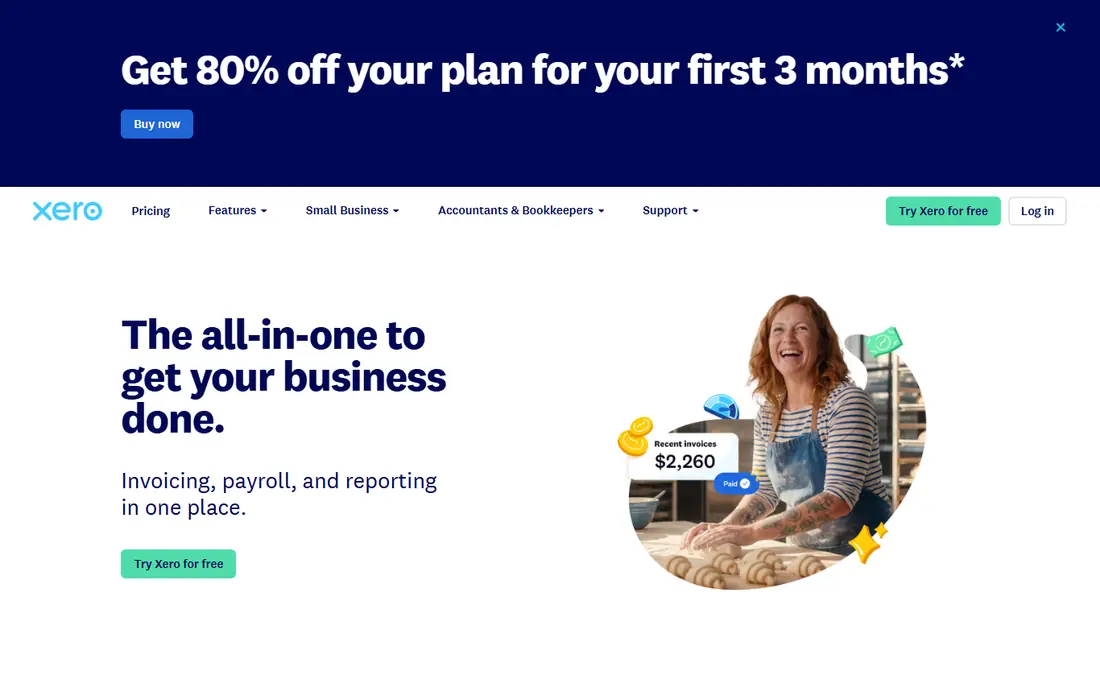
Xero suits teams and international businesses that dislike per seat pricing. Every plan allows unlimited users, which helps when an accountant, bookkeeper, and several staff all need access without multiplying the bill. Invoicing is clean, bank feeds update regularly, and multi currency support is stronger than many US focused tools. Lower tiers cap the number of invoices and bills, so check those limits against your monthly volume. US businesses that need deep payroll and sales tax features may still prefer QuickBooks. Choose Xero when team access and international work matter most, and test bank feeds with your real accounts during the trial.
- Unlimited users on every plan
- Clean invoicing and bank feeds
- Strong international and multi currency support
- Invoice and bill limits apply on lower tiers
- US payroll and tax features are lighter than QuickBooks
Wave is the best free starting point for freelancers and very small businesses. Invoicing and basic accounting are free, you can send unlimited invoices, and setup takes minutes. For a sole trader sending a few invoices a month, that covers the core job without a subscription. Wave earns money from payment processing and payroll add ons, so the free tier is not a full service for larger firms. Support is also lighter than paid tools, and advanced reporting is limited. Use Wave while your needs are simple, and move to FreshBooks, Xero, or QuickBooks when volume, reporting, or team access outgrow it.
- Free invoicing and accounting
- Unlimited invoices
- Simple setup for very small businesses
- Paid add ons for payments and payroll
- Support is lighter than paid competitors
Zoho Invoice is the strongest free dedicated invoicing tool for small businesses. It offers professional templates, recurring invoices, reminders, multi currency support, and a good mobile app, without requiring a full accounting suite. For a small team that only needs invoicing done well, that focus is an advantage. Check the current free plan limits on the pricing page, because they have changed over time. If you already use Zoho Books, CRM, or other Zoho apps, the integration value improves further. If you use a different accounting system, confirm that exports and payment connections work cleanly before you standardise on Zoho Invoice.
- Free plan with generous invoice limits
- Templates and automation
- Good mobile app
- Free plan limits and paid tiers have changed over time
- Integrations are strongest inside Zoho
Invoice Ninja suits businesses that want control over their invoicing data and costs. The hosted free tier covers core invoicing, while the open source version lets technical teams self host and customise. Quotes, expenses, tasks, and projects sit alongside invoices, which helps service businesses track work from quote to payment. The interface is functional rather than polished, and self hosting needs server skill and maintenance. Most small businesses should use the hosted version, and only self host if data control or customisation is a real requirement. Test a full invoice to payment cycle during the trial, including reminders and late fees.
- Free tier and open source option
- Customisable invoices
- Quotes, expenses, and projects in one place
- Setup for self hosting needs technical skill
- Interface is less polished than FreshBooks
Square Invoices fits businesses that sell in person and invoice occasionally, such as trades, salons, cafés, and market sellers. Invoices connect to Square payments and point of sale, so a customer can pay online or in person through the same system. That simplicity helps businesses that do not want a separate accounting app for occasional invoices. It is not a full accounting suite. Businesses with complex expenses, payroll, and tax reporting will still need QuickBooks, Xero, or an accountant. Choose Square Invoices when Square already handles your payments, and keep a separate accounting record if your volume grows beyond occasional invoicing.
- Free invoicing tier
- Strong fit with Square point of sale and payments
- Easy for in person businesses
- Accounting depth is limited
- Best value when you already use Square
Bonsai suits freelancers and small agencies who need the whole client workflow, not only invoices. Proposals can become contracts, contracts can become projects, and projects can become invoices, all in one place. That flow reduces the admin gap between winning work and getting paid, which is a common freelancer pain point. The cost needs checking for teams, because per user pricing adds up, and accounting depth is lighter than a dedicated suite. Use Bonsai when client workflow is your bottleneck, and pair it with an accountant friendly export or a separate accounting tool if your tax and reporting needs grow.
- Contracts, proposals, time tracking, and invoicing in one workflow
- Client portals
- Good for agencies and freelancers
- Price rises with team use
- Accounting features are lighter than QuickBooks or Xero
Zoho Books is the step up from Zoho Invoice when you need full accounting, not only invoices. It covers expenses, bank reconciliation, inventory basics, and reporting, while keeping invoicing clean and professional. For businesses already in the Zoho ecosystem, it offers good value and a single vendor for CRM, invoicing, and accounting. US businesses with complex payroll and sales tax needs should compare QuickBooks carefully. Zoho Books handles multi currency and international work well, but US specific payroll features are lighter. Test bank feeds, invoicing, and reporting with your real data during the trial, and confirm accountant access before you commit.
- Full accounting with invoicing
- Good multi currency support
- Strong value inside the Zoho suite
- US payroll and tax depth is lighter than QuickBooks
- Learning curve for new users
How we picked these
We compared official feature pages, pricing pages, app store listings, privacy policies, and public reviews, and we kept only invoicing tools that are still available and clearly able to send professional invoices in October 2026. We looked for a free tier or trial, recurring invoices and reminders, online payment options, and a readable export, rather than ranking on feature count alone. Prices change often, so we direct you to the vendor pricing page for the final figure. We also weighed the real cost of getting paid. A free invoice tool with high payment fees can cost more than a paid tool with lower fees, depending on volume, so our guide below helps you add subscription and payment costs together before you choose.
How to choose and get paid faster
Add subscription and payment fees together
Estimate your monthly invoice volume and average invoice value, then add payment processing fees to the subscription price. A tool that looks free can cost more than a paid tool if you process many card payments, while a paid tool can pay for itself if it shortens payment time. Check card, bank, and international payment fees separately.
Set payment terms and reminders before you need them
Write clear payment terms on every invoice, including due date, late fee policy where lawful, and payment methods. Turn on automatic reminders for overdue invoices, and send a polite personal follow up for large or late amounts. Most late payments are caused by unclear terms or a lost invoice, not by refusal to pay.
Keep invoicing and accounting connected
Even if you start with a free invoicing tool, keep a clean record of income, expenses, and taxes from day one. Export data regularly, reconcile bank payments monthly, and share access with your accountant before tax season. A tidy invoicing habit in October saves a painful cleanup in January. This is not financial advice. Tax and accounting rules vary by country and business type, so check with a qualified accountant for your situation before you rely on any tool for tax decisions.
Frequently asked questions
What is the best invoicing software for freelancers?
FreshBooks is the best paid pick for freelancers who bill time, while Wave and Zoho Invoice are the best free picks for simple invoicing. Choose FreshBooks when time tracking and client payments matter, and start free with Wave or Zoho Invoice when you send only a few invoices a month.
Is there really free invoicing software?
Yes. Wave offers free unlimited invoicing, Zoho Invoice offers a free plan, Square Invoices offers a free tier, and Invoice Ninja offers a free tier. Free tools earn money from payment processing or paid add ons, so check payment fees and limits before you rely on a free plan for high volume work.
What is the difference between invoicing and accounting software?
Invoicing software focuses on creating, sending, and tracking invoices and payments. Accounting software covers invoicing plus expenses, bank reconciliation, reporting, and tax preparation. Many businesses start with invoicing alone and move to QuickBooks, Xero, or Zoho Books when bookkeeping becomes a regular job.
How much does invoicing software cost?
Free tiers exist, and paid plans typically start from around $15 to $40 per month, depending on features and client limits. Add payment processing fees, usually a percentage plus a fixed fee per card transaction, to the subscription price to get the real monthly cost for your volume.
Can invoicing software handle recurring invoices?
Yes, most tools on this list support recurring invoices, including FreshBooks, QuickBooks, Xero, Wave, Zoho Invoice, and Bonsai. Set the schedule, payment terms, and reminder rules once, then check the first few recurring invoices manually to make sure amounts, dates, and client details are correct.
Which invoicing tool works best with an accountant?
QuickBooks Online is the safest choice in the US, because most accountants already use it. Xero is strong internationally and for teams that need unlimited users. Ask your accountant which tool they prefer before you commit, because their familiarity can save time and fees at year end.
Sources we checked (9)

Online Jobs is an independent blog about careers, online work, learning new skills and the tools that help people earn. More about us.
Keep reading
All posts
Top AI Financial Software
Searching for top AI financial software? We compared 9 AI finance tools for AP, spend, close, forecasting and bookkeeping to help teams choose wisely.
Quicken Alternatives
Compare the best quicken alternatives for Mac, Windows, and small business owners, from Monarch Money and YNAB to Copilot, Tiller, and Banktivity in 2026.

GoFundMe Alternatives
Looking for GoFundMe alternatives? We compared 8 fundraising platforms on fees, campaign types, donor tools and who each platform suits best in 2026 today.