Best Home Finance Software in 2026: 9 Tools Compared

How we put this together: we compare official feature and pricing pages, app store listings, privacy policies and public user reviews. Prices change, so check the provider's site before you pay.
Key takeaways
- Quicken is our pick for households that want detailed accounts, bills, and long term records in a desktop led product.
- YNAB suits households that want a strict monthly budget and a clear rule for every pound or dollar before it is spent.
- Monarch Money and Copilot Money suit households that want a clean modern dashboard with bank sync and shared access for partners.
- PocketSmith and Tiller suit households that like forecasts and spreadsheets, with more control over categories and projections.
- This is not financial advice. These tools track and organise money, they do not replace advice from a qualified financial adviser for debt, tax, or investment decisions.
Quick comparison
| Name | Who it suits | Starting price | Free option | |
|---|---|---|---|---|
 Quicken | Detailed household accounts | See website | Free trial | Visit |
 YNAB | Strict monthly budgeting | See website | Free trial | Visit |
 Monarch Money | Modern shared dashboard | See website | Free trial | Visit |
 Empower | Net worth and accounts view | Free | Yes | Visit |
 PocketSmith | Cash flow forecasts | See website | Yes | Visit |
 Tiller | Spreadsheet budgeting | See website | Free trial | Visit |
 Goodbudget | Envelope budgeting | Free | Yes | Visit |
 Simplifi | Simple daily money tracking | See website | Free trial | Visit |
 Copilot Money | Clean Apple focused tracking | See website | Free trial | Visit |
The best home finance software
Home finance software helps a household see where money goes, plan for bills, and keep accounts in one place. Some tools focus on strict budgets, some on net worth, and some on forecasts. We compared nine tools that are still active in October 2026, looking at bank sync, budgeting style, sharing, and price. This is not financial advice, and figures in any tool should be checked against bank statements.
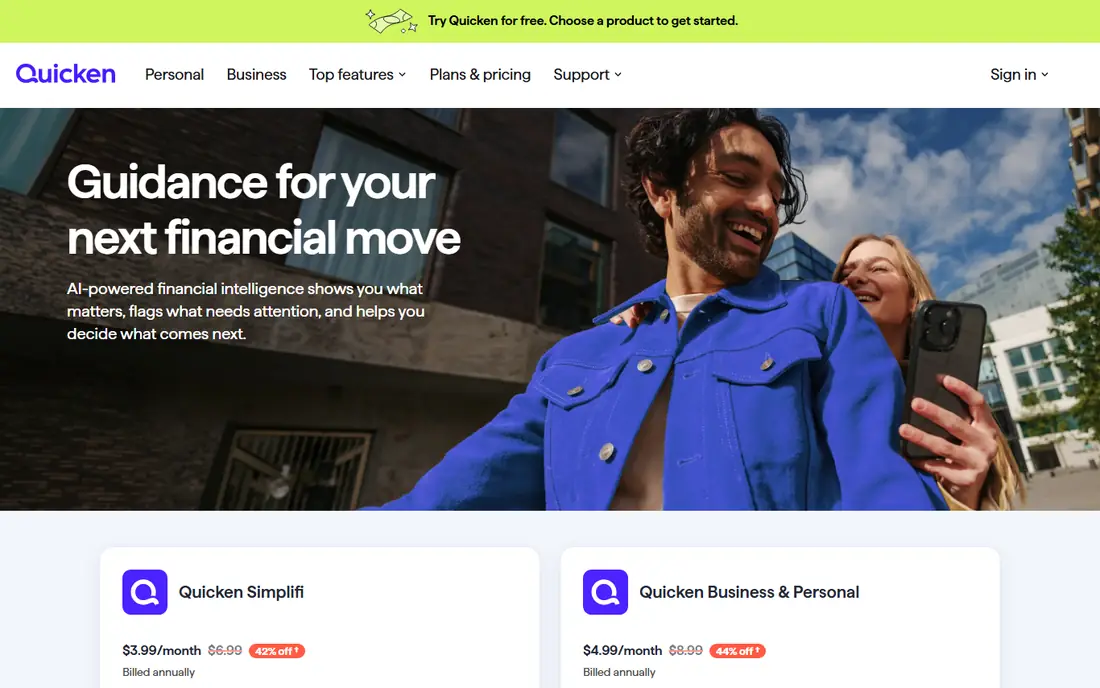
Quicken is the most complete household finance product on this list. It tracks bank accounts, credit cards, loans, bills, and investments, and it produces reports that show spending by category, payee, and time period. Households that want a single long term record, including past years, will value that depth.
The trade off is complexity and cost. Quicken is a subscription product, and the full interface takes time to learn. Households that only need a monthly budget may find YNAB or Simplifi simpler. Households that want detailed records and bill tracking in one place will find Quicken hard to beat.
- Long running desktop and web product for accounts, bills, and investments
- Detailed reports and categories
- Data stays in a full household file
- Subscription pricing
- Interface carries many features that new users may not need at first
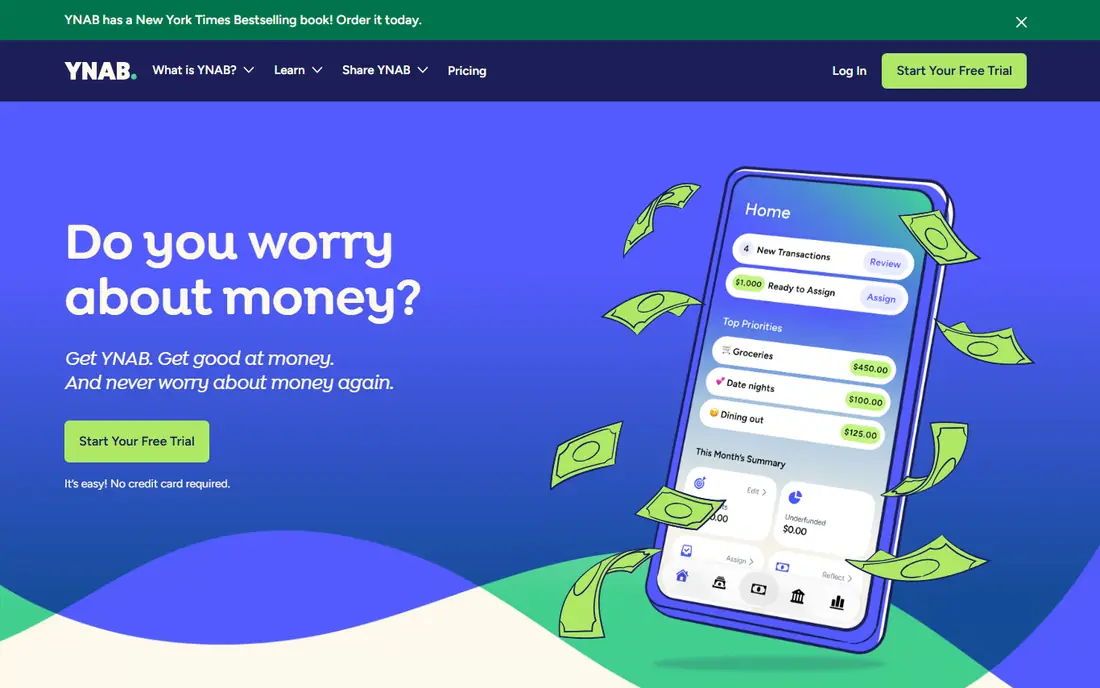
YNAB, short for You Need A Budget, is built around one idea, which is that income should be assigned to categories before it is spent. Users fund rent, food, transport, and savings from money already received, then adjust as the month changes. That discipline helps households that overspend mid month or struggle to save for irregular bills.
The method is the product as much as the app, and new users should expect a learning period. Bank sync helps, but manual entry teaches the habit faster for many people. If a household wants a strict budget rather than a passive spending report, YNAB is the strongest choice here.
- Clear method that assigns every unit of income a job
- Bank sync plus manual entry
- Strong learning resources and community
- Subscription cost
- Method takes a few weeks to feel natural
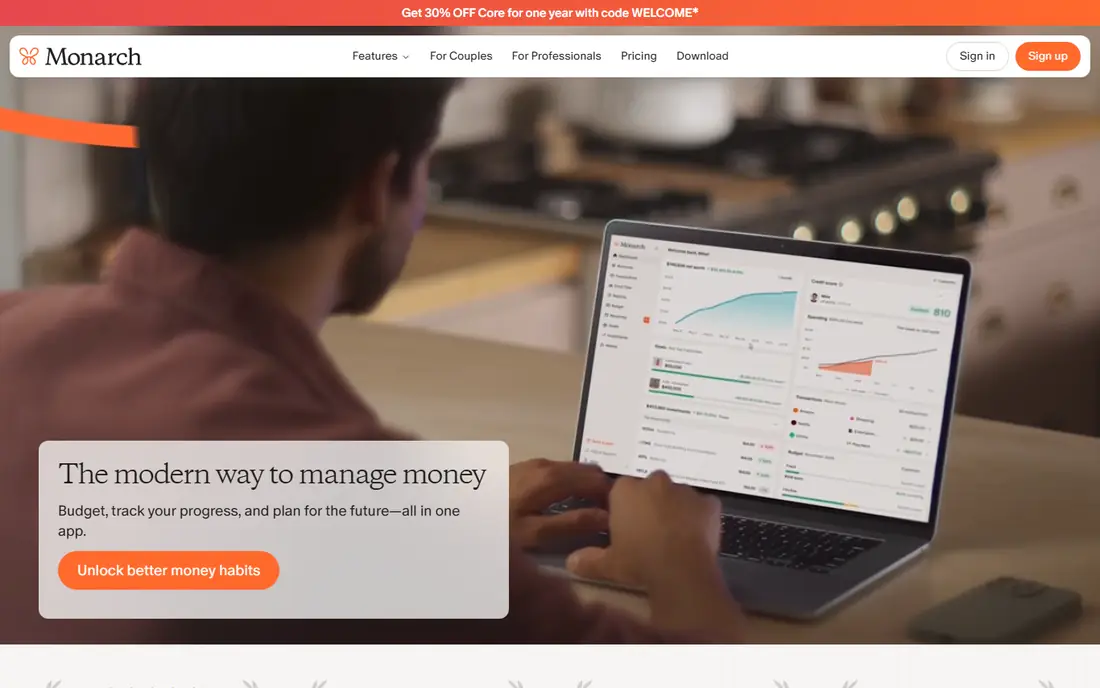
Monarch Money is a modern web and mobile dashboard for households that want a clear view without a steep learning curve. Accounts sync from banks, budgets track spending by category, and goals show progress toward savings targets. Partners can share access, which suits couples who manage money together but use separate devices.
Monarch does not push a single budgeting method as hard as YNAB, so households can use flexible budgets or simple tracking. That freedom is a plus for some and a drawback for others who want strict rules. For a clean, shared household dashboard, Monarch is a strong pick.
- Clean dashboard for accounts, budgets, and goals
- Shared access for partners
- Custom categories and reports
- Subscription cost
- No permanent free plan
Empower, formerly Personal Capital, offers a free dashboard that pulls bank, card, loan, and investment accounts into one net worth view. Households can track spending, cash flow, and investment allocation without paying for the basic dashboard, which makes it a good first step for people who mainly want to see the whole picture.
Budgeting in Empower is lighter than in YNAB or Monarch, and the free product sits beside paid advisory services, so expect occasional prompts about advice. This is not financial advice, and any investment view should be checked before acting on it. For a free net worth and account overview, Empower is hard to beat.
- Free dashboard for accounts, net worth, and spending
- Investment and retirement views
- Cash flow tracking
- Free product includes offers for advisory services
- Budgeting tools are lighter than YNAB
PocketSmith stands out for forecasting. Instead of only showing past spending, it projects future balances from scheduled income, bills, and budgets, so a household can see a shortfall weeks ahead. The calendar view makes irregular bills and annual payments easier to plan, which is where many budgets fail.
The free plan covers manual accounts and basic forecasting, while bank feeds sit on paid plans. That makes PocketSmith a good fit for planners who like detail and are willing to set up schedules. Households that want automatic sync from day one may prefer Monarch or Simplifi.
- Forecasts show future balances based on income and bills
- Calendar view for upcoming payments
- Bank feeds on paid plans
- Interface takes time to learn
- Full bank sync needs a paid plan
Tiller is for households that love spreadsheets. Each day, bank transactions flow into Google Sheets or Excel, and users build budgets, reports, and forecasts with formulas they control. That control suits people who have tried budgeting apps and found their categories or reports too rigid.
The drawback is effort. Tiller gives you a feed and templates, not a finished app, so a household must be willing to maintain a sheet. For spreadsheet users, that is a strength, because nothing is hidden behind an app menu. For others, a ready made dashboard will be easier to keep using.
- Bank transactions feed into Google Sheets or Excel
- Full control over categories and formulas
- Templates for budgets and net worth
- Needs comfort with spreadsheets
- No standalone app experience like Monarch
Goodbudget brings the old envelope method to a phone. Income is split into virtual envelopes for food, transport, rent, and fun, and spending reduces the envelope balance. That visual limit helps households that overspend in one category while another sits untouched, and shared envelopes let partners see the same balances.
Bank sync is limited, especially on the free plan, so most users enter transactions by hand or import files. That manual step suits the envelope method, because it forces a daily check, but it will frustrate households that want full automation. For a simple, free, shared budget, Goodbudget is a clear choice.
- Envelope method is easy to understand
- Free plan for basic envelopes
- Shared envelopes for partners and families
- No automatic bank sync on the free plan
- Manual entry takes discipline
Simplifi by Quicken is the simpler sibling of Quicken. It focuses on daily money life, namely spending, upcoming bills, subscriptions, and savings goals, without the full desktop depth of Quicken. Watchlists flag when a category approaches its limit, which helps households catch overspending early in the month.
Households that need detailed investment reports or long term records should choose Quicken instead. Households that want a tidy mobile and web tracker for everyday money will find Simplifi easier to maintain, because there are fewer menus and reports to manage.
- Clean daily view of spending, bills, and subscriptions
- Watchlists for spending categories
- Made by the Quicken team
- Less detailed than full Quicken
- Subscription cost with no permanent free plan
Copilot Money is a polished tracker for households that value design and clarity. Spending, budgets, subscriptions, and net worth appear in clean views, and smart categorisation reduces manual sorting. It suits people who check money on an iPhone or Mac and want an app that feels pleasant to open each day.
The Apple focus is both a strength and a limit, because Android and web users get a weaker experience. It also costs a subscription, so households should trial it against Monarch or Simplifi first. For Apple households that want a beautiful daily money app, Copilot is a strong option.
- Polished design and clear spending views
- Bank sync and smart categorisation
- Subscription and bill tracking
- Best experience on Apple devices
- Subscription cost with no permanent free plan
How we picked these
We looked for tools that are still active in October 2026, that serve households rather than businesses, and that offer bank sync, manual entry, or both. For each tool, we checked the vendor site for its budgeting style and pricing model, and we kept only tools with a working official homepage. We favoured tools with a clear household use case over generic finance apps.
We did not rank tools on claimed savings, because savings depend on income, spending, and habit, not on the app alone. This is not financial advice. Where a tool offers a trial, use it with real accounts for a full month, including a bill cycle, before paying for a year.
Choosing home finance software
Pick a budgeting style first
Strict envelope and YNAB style budgets suit overspenders, flexible dashboards suit trackers, and forecasts suit planners with irregular bills. The style matters more than the feature list.
Check bank sync in your country
Bank connections vary by country and bank, so confirm your main accounts connect during the trial. A tool that cannot sync your main bank will rely on manual entry.
Share access with care
If a partner shares the account, check who can see what and how changes are tracked. Shared access helps a household, but both partners should agree on categories and limits first.
Review monthly, not daily
Check the budget once a week and in full once a month. Daily checking can become stressful, while a monthly review catches patterns in time to adjust.
Frequently asked questions
What is the best finance software for home use?
Quicken suits detailed household records, YNAB suits strict budgeting, and Monarch Money suits a modern shared dashboard. The best finance software for home use depends on whether you need records, rules, or a simple daily view.
Is there free home finance software?
Yes, Empower offers a free dashboard for accounts and net worth, Goodbudget offers a free envelope plan, and PocketSmith offers a free plan for manual accounts. Paid tools usually add bank sync, forecasts, or fuller reports.
Can home finance software replace a financial adviser?
No, these tools track, organise, and forecast, but they do not give personal advice on debt, tax, pensions, or investments. This is not financial advice, and complex decisions deserve a qualified adviser.
How safe is bank sync?
Reputable tools use bank grade connections and read only access where available, but no system is risk free. Use strong passwords, two factor authentication, and check statements regularly, and remove accounts you no longer use.
What is the best home finance software for couples?
Monarch Money and Goodbudget both offer shared access, with Monarch giving a fuller dashboard and Goodbudget giving simple shared envelopes. Pick Monarch for detailed shared tracking and Goodbudget for a simple shared budget.
Do I need to link my bank account?
No, most tools allow manual entry or file import, and PocketSmith and Goodbudget work well without sync. Linking saves time, but manual entry can improve awareness of spending, especially when starting a new budget.
Sources we checked (9)

Online Jobs is an independent blog about careers, online work, learning new skills and the tools that help people earn. More about us.
Keep reading
All posts
Top AI Financial Software
Searching for top AI financial software? We compared 9 AI finance tools for AP, spend, close, forecasting and bookkeeping to help teams choose wisely.

Quicken Alternatives
Compare the best quicken alternatives for Mac, Windows, and small business owners, from Monarch Money and YNAB to Copilot, Tiller, and Banktivity in 2026.
QuickBooks Online Alternatives
Looking for quickbooks online alternatives? We compared 8 accounting tools on invoicing, bank feeds, payroll, pricing and fit for small businesses today.