Best Home Design Software in 2026: 9 Tools Compared

How we put this together: we compare official feature and pricing pages, app store listings, privacy policies and public user reviews. Prices change, so check the provider's site before you pay.
Key takeaways
- Planner 5D and HomeByMe are the easiest starting points for most homeowners, because they run in a browser and produce a usable 3D room fast.
- Sweet Home 3D is the only truly free option here with no paid tier, while most other tools use a free plan with limits on projects, renders, or exports.
- SketchUp Free and Home Designer suit larger ambitions, but they ask more of the user in learning time and, for Home Designer, in price.
- A home design app is not a substitute for measured plans or permit drawings, so use these tools for planning and presentation, then get professional drawings for structural work.
Quick comparison
| Name | Who it suits | Starting price | Free option | |
|---|---|---|---|---|
 Planner 5D Planner 5D | Easiest start for beginners | See website | Yes | Visit |
 HomeByMe HomeByMe | Photorealistic room renders | See website | Yes | Visit |
 RoomSketcher RoomSketcher | Measured floor plans | See website | Yes | Visit |
 SketchUp Free SketchUp Free | Learning real 3D modelling | Free | Yes | Visit |
 Sweet Home 3D Sweet Home 3D | Completely free offline design | Free | Yes | Visit |
 Floorplanner Floorplanner | Quick browser floor plans | Free | Yes | Visit |
 Homestyler Homestyler | Fast furnished room visuals | See website | Yes | Visit |
 Live Home 3D Live Home 3D | Apple device households | See website | Free trial | Visit |
 Coohom Coohom | Interior design with large catalogs | See website | Yes | Visit |
The best home design software
A good home design tool should let you draw a room to real measurements, move furniture without a fight, and see the result in 3D before you spend money. The tools below differ in how much structure, realism, and construction detail they offer, so the right pick depends on whether you are decorating one room or planning a whole house.
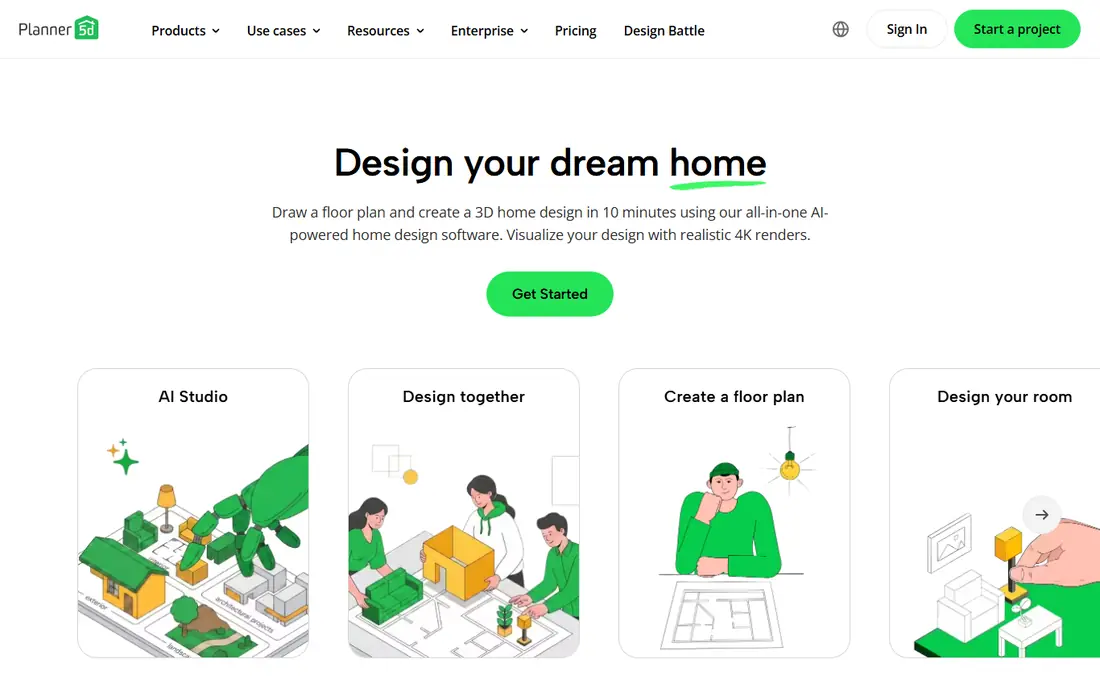
Planner 5D is where we would send a first time user. You draw walls, drop in furniture, and switch to 3D in minutes, and the mobile apps mean you can keep working from the sofa or the showroom. The catalog is large enough that most rooms look furnished rather than empty, which helps when you are testing a layout with a partner or a contractor.
The free plan is useful for trying layouts, but the fuller catalog and high quality renders are paid features. That is a fair trade for casual use, yet it can frustrate a user who builds a whole house for free and only then finds the best export locked. Use the free plan to learn the tool, then pay only if the renders will decide a real purchase.
- Browser and mobile apps
- Large furniture catalog
- 4K renders on paid plans
- Full catalog and best renders sit behind a subscription
- Not a construction tool
HomeByMe stands out for how a finished room looks. The renders are clean and bright, and the brand catalogs help when you want to see a specific sofa or table in place rather than a generic shape. For a homeowner choosing between two layouts or two colour schemes, that visual clarity is worth a lot.
The free plan limits the number of projects and the quality of renders, so it suits one or two rooms rather than a full house project. It is also better at showing a room than at producing measured construction detail. Treat it as a decision tool for decorating, not as a drawing tool for builders.
- Strong 3D visuals
- Brand catalogs
- Works in a browser
- Free plan limits projects and renders
- Closer to presentation than drafting
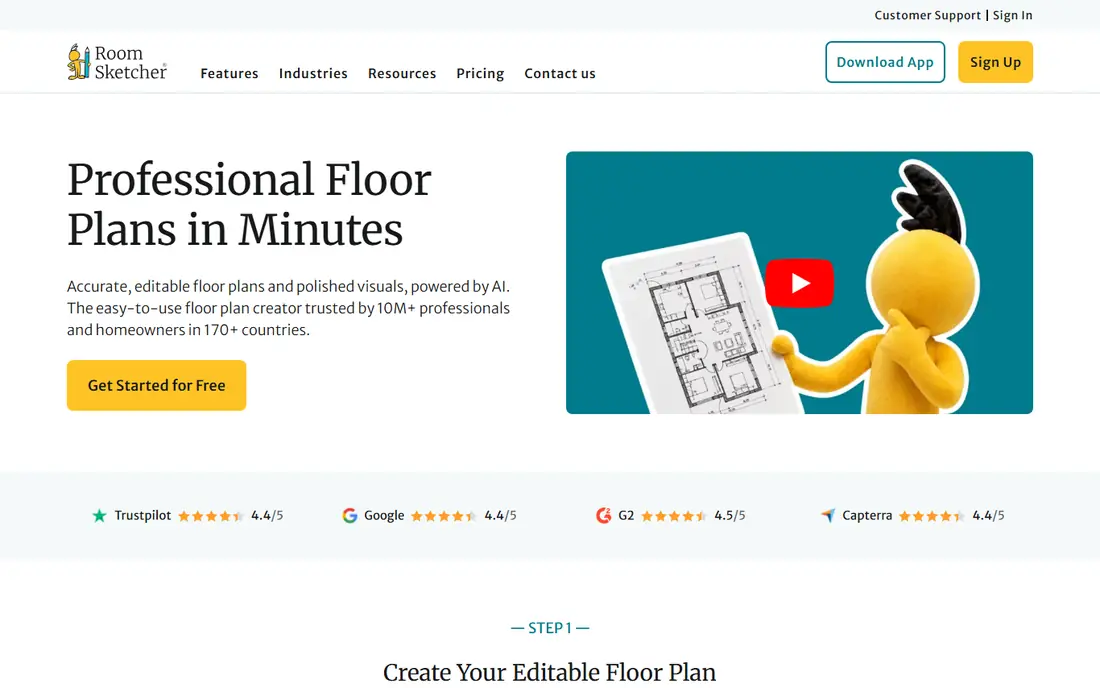
RoomSketcher feels more like a drafting tool than a decorating toy, and that is its strength. Drawing to measurements is straightforward, and the resulting plans look tidy enough to share with a contractor or an estate agent. The 3D view then helps non specialists understand a plan that might otherwise look abstract on paper.
The free version is deliberately limited, with a small number of projects and basic snapshots, so a larger project will need a paid plan. If your main need is one accurate plan for a single room or a small flat, the free tier may be enough. For a whole house, budget for the upgrade before you invest hours.
- Clean 2D drawing feel
- Measured plans
- Professional visuals on paid plans
- Free plan is narrow
- Best floor plan exports are paid
SketchUp Free is the odd one out here, because it is a modeller first and a room planner second. You build shapes rather than dropping ready made rooms into place, which takes longer at first but teaches skills that carry over to professional work. The library of shared models also helps, since you can add furniture, trees, and fittings without modelling every item.
Beginners who only want a bedroom layout by the weekend may find it fiddly. There is no simple furniture arranging workflow in the free web version, and precise work needs patience. If you enjoy learning a craft tool, or you plan to move into more serious design work, SketchUp Free is the best free route to real modelling.
- Real 3D modelling skills that transfer
- Large model library
- Browser based free version
- Steeper learning curve
- No drag and drop room planner feel
- Paid plans for pro features
Sweet Home 3D is the honest free choice. It is open source, it runs on Windows, Mac, and Linux, and there is no subscription waiting at the end of your project. You can draw a plan, furnish it, set sun position, and export images or a video walkthrough, all without an account or a paywall.
The look is dated compared with browser tools, and the interface takes a little learning. The catalog is also more generic than the brand heavy libraries elsewhere. If free and offline matter most, and you care more about a workable plan than a glossy render, Sweet Home 3D is hard to beat, and it stays free forever.
- Free with no paid tier
- Works offline
- Exports plans and videos
- Dated visuals
- Steeper learning curve
- Smaller modern catalog
Floorplanner is built for speed. You can sketch a plan in a browser, switch to 3D, and test furniture placement without installing anything. The free plan covers a handful of projects, which is enough for a single home or a few room ideas, and the interface stays out of the way.
The limits show up at export time, where higher resolution images and some features need a paid plan. Floorplanner is also more of a planning tool than a decorating showcase, so users who want photorealistic renders may prefer HomeByMe or Planner 5D. For quick, shareable plans, it is a solid and low friction pick.
- Fast browser planning
- 2D and 3D views
- Several free projects
- Higher resolution exports are paid
- Design limits on the free plan
Homestyler suits a user who wants a furnished room to look good quickly. The catalog is broad, the browser workflow is simple, and you can move from an empty room to a styled view without learning modelling. That speed helps when you are comparing furniture options or showing a partner a new scheme.
Free renders are limited in resolution, and the more polished outputs sit behind paid plans. Homestyler also leans toward interior presentation rather than measured construction plans. Use it for decorating decisions and mood, and use RoomSketcher or Sweet Home 3D when exact measurements matter most.
- Large furniture catalog
- Fast room visuals
- Browser based
- Free renders are limited in quality
- Advanced features are paid
Live Home 3D is the pick for a household that lives on Apple devices. The Mac, iPad, and iPhone apps feel native rather than adapted, and a project can move between devices without a browser compromise. The 3D views are polished, and the tool handles both floor plans and furnished rooms well.
The trade off is ecosystem. Windows and Android users get less from it, and the full feature set is paid rather than free. For an Apple household that wants one polished app across devices, Live Home 3D is a good fit. For a mixed device household, a browser tool will be simpler to share.
- Polished native apps for Mac, iPad, and iPhone
- Good 3D views
- Offline use
- Best experience inside the Apple ecosystem
- Paid features for full use
Coohom is aimed at interior design work, with a very large catalog and renders that suit client presentations. Homeowners who want to explore many furniture and finish options will find plenty to try, and designers will appreciate the presentation quality. The browser workflow keeps it accessible without a heavy install.
That breadth can feel like too much for a simple one room job, where Planner 5D or Homestyler gets you to an answer faster. Paid plans also gate the best renders and features. Coohom earns its place when a project is large, visual, or client facing, rather than when you only need a quick plan.
- Very large catalog
- Strong renders
- Tools for designers and homeowners
- Can feel complex for a single room
- Best features are paid
How we picked these
We compared official feature pages, pricing pages, and app listings for tools that design homes and rooms, not just single pieces of furniture. We favoured tools that let users draw to measurements, view a plan in 3D, and export or share the result, and we mixed free, browser, desktop, and mobile options. We used See website for prices that could not be confirmed as a stable public starting price from the vendor site at the time of writing, and we noted free plan limits plainly, since those limits decide whether a free tier is truly useful.
How to choose for your project
Start by naming the job. A decorating job needs furniture, colour, and renders, so Planner 5D, HomeByMe, or Homestyler will serve you best. A layout job needs accurate measurements and clean plans, so RoomSketcher, Floorplanner, or Sweet Home 3D is a better starting point. A building job needs construction detail, and none of these consumer tools replaces a professional drawing set, so use them to brief an architect or builder rather than to replace one.
Next, test with a real room before committing to a whole house. Draw the room you know best, add the furniture you already own, and check whether the measurements match reality. That one test reveals more than any feature list, because it shows how the tool handles doors, windows, and odd corners. If the test room feels wrong, switch tools early, before you have invested hours in a full plan.
Finally, check the export before you pay. A plan you cannot print, share, or send to a contractor is of limited use, and free tiers often limit exactly that step. Confirm what the paid plan adds in renders, exports, and project count, and only upgrade when the free tier has already proven the tool fits your way of working.
Frequently asked questions
What is the best home design app?
For most beginners, Planner 5D is the easiest start, while HomeByMe suits users who care most about realistic renders. If free matters most, Sweet Home 3D is the only option here with no paid tier at all. The best pick depends on whether you are decorating, planning a layout, or learning 3D modelling.
What is the best free house design software?
Sweet Home 3D is completely free and works offline, which makes it the clearest free answer. Planner 5D, HomeByMe, RoomSketcher, Floorplanner, and Coohom also offer free plans, but each limits projects, renders, or exports. Try two free plans on the same room and keep the one that feels easier.
What is the best software for home design on a phone?
Planner 5D, HomeByMe, and Live Home 3D all offer mobile apps, with Planner 5D and HomeByMe covering both iOS and Android. Floor plans are still easier on a larger screen, so use a phone for tweaks and viewing, and a laptop or tablet for the main drawing work.
Can home design software replace an architect?
No, not for structural work, permits, or construction drawings. These tools are excellent for planning layouts, testing furniture, and showing ideas clearly. For structural changes, extensions, or permit applications, get professional drawings from a qualified designer or architect.
Is SketchUp Free good for home design?
SketchUp Free is good if you want to learn real 3D modelling and build custom shapes, and it runs in a browser for personal use. It is less good as a quick room planner, because it lacks the drag and drop furniture workflow of Planner 5D or RoomSketcher. Choose it for modelling skill, not for the fastest room plan.
Sources we checked (9)

Online Jobs is an independent blog about careers, online work, learning new skills and the tools that help people earn. More about us.
Keep reading
All posts
Best Seed Companies
We compared 10 seed companies for US home gardeners, covering vegetable and flower seeds, packet prices, growing notes, and honest limits for each seller.

Best Platform Beds
We compared the best platform beds for 2026, from Thuma and Floyd to Zinus, Saatva and Burrow, with prices, weight capacities, sizes and honest trade-offs.

Best Apps for Interior Design
Best apps for interior design compared for 2026, including room planners, 3D design, floor plans and shopping tools, with pros, cons and pricing notes.