Best Free Tools to Edit Photo Background in 2026: 9 Tools Compared

How we put this together: we compare official feature and pricing pages, app store listings, privacy policies and public user reviews. Prices change, so check the provider's site before you pay.
Key takeaways
- Adobe Express is the best free starting point, because its background remover is free and exports a transparent PNG without a watermark on the free tier for static images.
- Remove.bg gives fast, accurate cutouts, but free downloads are low resolution, and its standalone site is due to close on 1 December 2026, with removal moving to Canva.
- PhotoRoom and Pixelcut suit online sellers who need studio backdrops, shadows, and marketplace-ready exports.
- Free almost always means a limit on resolution, export count, or fine-edge quality, so test with the size you actually need before choosing.
Quick comparison
| Name | Who it suits | Starting price | Free option | |
|---|---|---|---|---|
 Adobe Express | Free removal and quick designs | Free | Yes | Visit |
 remove.bg | Fast accurate cutouts | Free | Yes | Visit |
 PhotoRoom | Product photos for sellers | Free | Yes | Visit |
 Pixlr | Browser editing with layers | Free | Yes | Visit |
 Fotor | All-round photo editing | Free | Yes | Visit |
 Pixelcut | Mobile product photos | Free | Yes | Visit |
 PhotoScissors | Simple one-off cutouts | Free | Yes | Visit |
 Clipdrop | AI editing suite | Free | Yes | Visit |
 Erase.bg | Quick people and product cutouts | Free | Yes | Visit |
The best free tools to edit photo background
We compared official feature and pricing pages for tools that remove or replace a photo background without payment. Our pick for most people is Adobe Express, because the remover is free and the result drops straight into designs. PhotoRoom is the pick for sellers, while remove.bg remains a strong choice for a single fast cutout before its standalone site closes.

Adobe Express offers a free quick action that removes a background from a JPG or PNG and lets you download a transparent PNG. That free, watermark-free result for static images is rare among mainstream tools, and it makes Adobe Express the safest first try. Once the background is gone, you can place the subject on a color, a template, or a new image in the same editor.
The limit is control. The quick action does not offer the manual mask refinement you get in Photoshop, so hair, fur, and transparent objects can need extra work. You will also be nudged to sign in with an Adobe account. For social posts, thumbnails, flyers, and simple product images, Adobe Express is the best free balance of quality and ease.
- Free background remover
- Transparent PNG downloads
- Templates for posts and flyers
- Fine edges may need Photoshop
- Sign-in with an Adobe account is nudged
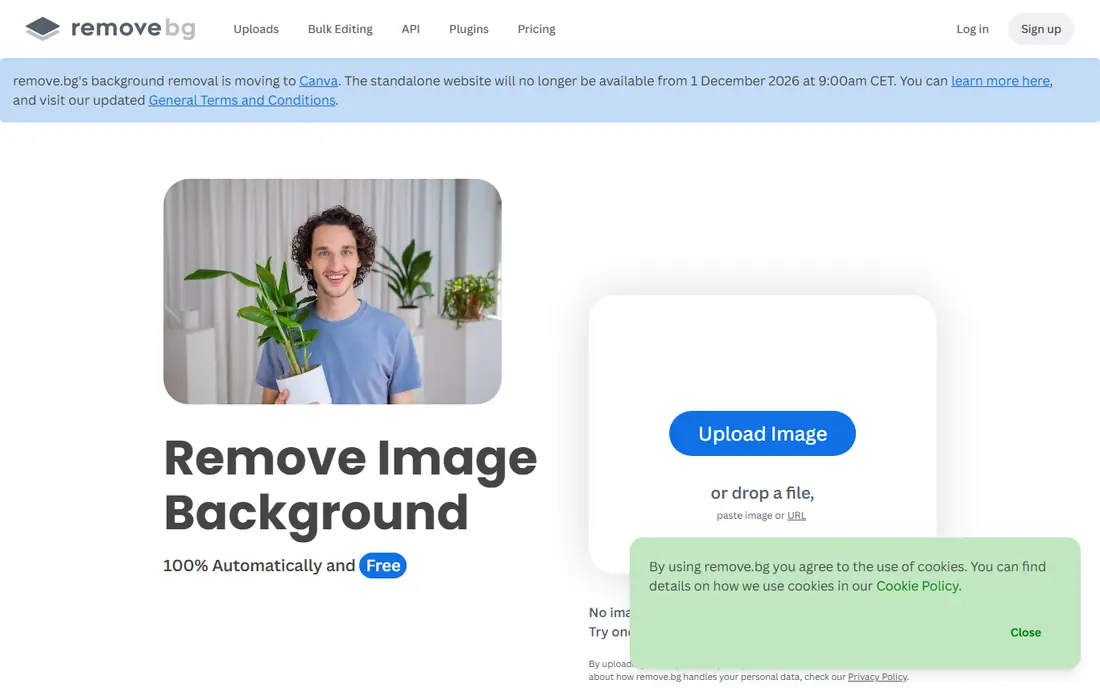
Remove.bg is known for accurate cutouts with little effort. Upload a photo, and the tool detects the subject and removes the background in seconds, with clean edges for many portraits and product shots. Desktop apps, plugins, and an API make it useful for teams that process many images, not just one at a time.
The catches are resolution and timing. Free downloads are limited to low-resolution previews, so full-resolution results need credits. Also, remove.bg has announced that its standalone website closes on 1 December 2026, with background removal moving to Canva, which owns it. Use it now for quick previews and small images, but do not build a long-term workflow around the standalone site alone.
- Strong subject detection
- Fast results
- Plugins and API for heavier use
- Free downloads are low resolution
- Standalone site closes on 1 December 2026
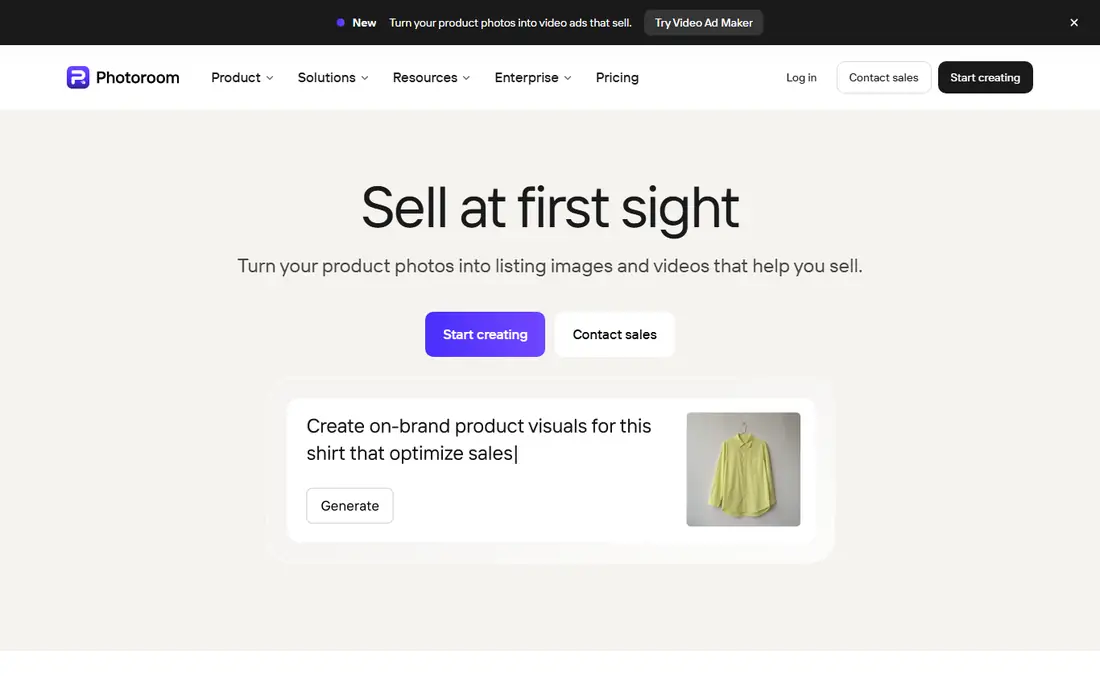
PhotoRoom is built for online sellers, and that focus shows after removal. You can add a clean studio backdrop, a shadow, and a template suited to marketplaces, then export a listing-ready image. The web tool and mobile apps work well together, so you can shoot on a phone, remove the background, and post without moving files between apps.
The limit is the free tier. Basic removal is free, but higher-resolution exports, batch editing, and some AI backgrounds sit on paid plans, and free accounts carry personal-use limits in many cases. Read the current terms before using free exports for a shop. For sellers who need many clean product shots, PhotoRoom is still one of the best tools to try first.
- Studio backdrops and shadows
- Batch editing on paid plans
- Strong mobile apps
- Best exports and batch tools need a paid plan
- Free plan is for personal use in many cases
Pixlr suits people who want to do more than remove a background. It is a browser editor with layers, so you can cut out a subject, place it on a new background, adjust colors, and add text in one place. That flexibility helps for social graphics, blog images, and simple composites where a one-click remover alone would not finish the job.
The trade-off is the free experience. The free version includes ads, and some advanced tools need a subscription. Pixlr also takes a little longer to learn than a single-purpose remover, since it is a full editor. If you already edit photos in a browser and want background control inside that workflow, Pixlr is a strong free choice.
- Layer-based browser editor
- Background removal plus full edits
- No install needed
- Free version shows ads
- Some advanced tools need a paid plan
Fotor combines a background remover with a general photo editor, so you can remove a background, improve lighting and color, and finish a design without switching tools. The interface is friendly for beginners, and templates help for social posts, cards, and marketing images. That all-in-one setup suits small business owners who edit photos a few times a week.
The limit is the free tier. Free use covers basic removal and editing, but higher-resolution exports and batch tools need a paid plan. Fine edges on hair and fur can also need manual touch-ups. For everyday edits where background removal is one step among many, Fotor is a practical free pick.
- Background remover plus filters and templates
- Easy interface
- Batch options on paid plans
- Free exports have limits
- Best features need a paid plan
Pixelcut is a mobile-first editor for creators and online sellers. It removes backgrounds quickly, adds studio-style backdrops, and helps produce clean product shots from phone photos. Many users like that free exports can be watermark-free, which is not true of every free tool in this list.
The catch is scale. Batch editing, higher-resolution exports, and some AI backgrounds sit on paid plans, so sellers with large catalogs will need to pay. Desktop users may also prefer a browser tool like Adobe Express or Pixlr. For phone-based sellers who need a quick, clean product photo, Pixelcut is an excellent free starting point.
- Fast mobile product editing
- AI backgrounds
- Watermark-free exports on free tier in many cases
- Best batch and AI features need a paid plan
- Mobile-first design may not suit desktop users
PhotoScissors is a simple tool for people who just want a cutout, without templates or a design suite. Upload a photo, mark what to keep and what to remove if needed, and download the result. A manual brush helps with tricky edges, which is useful when automatic removal misses part of a subject or keeps part of the background.
The limit is scope. PhotoScissors does not offer the design templates, batch tools, or marketplace features of PhotoRoom or Pixelcut. Free online use also has limits, so frequent users may need a paid plan or desktop version. For a single, simple cutout, its clarity is a real advantage.
- Simple interface
- Online and desktop options
- Manual brush for tricky edges
- Free online use has limits
- Fewer design templates than larger editors
Clipdrop, from Stability AI, bundles background removal with other AI image tools, including cleanup, relighting, and upscaling. That suite suits creators who want to remove a background and then fix lighting or remove an unwanted object in the same session. The browser interface keeps the workflow simple, with no install needed.
The catch is free limits. Free use covers a limited number of actions, and the fuller suite needs a paid plan. Clipdrop is best for users who value the extra AI tools, not just removal. If you only need a cutout, Adobe Express or remove.bg will be faster and simpler.
- Background removal inside a wider AI suite
- Cleanup and relighting tools
- Browser based
- Free use is limited
- Full suite needs a paid plan
Erase.bg is a straightforward remover for people and product photos. Upload an image, let the tool remove the background, and download a transparent PNG or place the subject on a new background. The lack of a complex editor is a benefit for users who want a result in under a minute.
The limit is resolution and depth. Free downloads are limited in resolution, and Erase.bg does not offer the design, batch, or marketplace tools of larger editors. For a quick profile photo, a simple product cutout, or a social post, it works well. For high-resolution print work or large catalogs, a paid plan or a desktop editor will serve you better.
- Simple upload and removal
- Good for people and products
- No complex editor to learn
- Free downloads have resolution limits
- Fewer editing tools than larger suites
How we picked these
We compared official feature and pricing pages for tools with a genuine free option for background removal in October 2026. We favored tools that export a usable result without payment, even if full resolution needs a paid plan, and we noted those limits clearly. We excluded tools where background removal is only available on a paid plan with no free trial, and we flagged the planned closure of the remove.bg standalone site, since that affects long-term planning.
How to get a clean background edit for free
Start with the subject and the size you need. A tool that looks free for a social post may not be free at print size, so test one image at the resolution you will actually use. For hair, fur, and transparent objects, expect to do a manual touch-up or accept a slightly soft edge, since no free automatic tool handles every edge perfectly.
Next, choose the background with purpose. A plain white background suits marketplaces, a solid brand color suits social posts, and a simple scene suits lifestyle content. Avoid busy backgrounds that fight with the subject, and keep shadows consistent with the light in the original photo. Finally, export as PNG when you need transparency, and as JPG when the background is filled and file size matters. Saving the cutout separately means you can reuse it later without removing the background again.
Frequently asked questions
What is the best free tool to edit a photo background?
Adobe Express is the best free starting point for most people, because its remover is free and exports a transparent PNG. PhotoRoom is better for sellers who need studio backdrops, while remove.bg is best for a single fast cutout. Test each tool with your own photo, since results vary by subject and lighting.
Can I remove a photo background for free without a watermark?
Yes, in some cases. Adobe Express offers watermark-free removal on its free tier for static images, and Pixelcut offers watermark-free exports on its free tier in many cases. Other tools may limit resolution or add a watermark on free exports, so check the export before you rely on a tool for client work.
How do I change a photo background instead of just removing it?
Remove the background first, then place the subject on a new color, image, or scene in the same editor. Adobe Express, Pixlr, Fotor, PhotoRoom, and Pixelcut all support this step. For a realistic result, match the light direction and shadow of the new background to the original photo.
Why does my cutout look rough around hair?
Hair, fur, and transparent objects are hard for automatic tools, because fine strands blend with the background. Try a tool with a manual erase and restore brush, such as PhotoScissors or a full editor like Pixlr, and zoom in to fix edges. For high-stakes work, a desktop editor with manual masking will give a cleaner result than any free automatic tool.
Is remove.bg still free in 2026?
Remove.bg still offers free previews, but full-resolution downloads need credits. Its standalone website is due to close on 1 December 2026, with background removal moving to Canva. If you rely on remove.bg, plan to switch to Adobe Express, PhotoRoom, or Canva before that date.
Sources we checked (9)

Online Jobs is an independent blog about careers, online work, learning new skills and the tools that help people earn. More about us.
Keep reading
All posts
Best Tool to Colorize Photos Online
Compare the best tool to colorize photos online, with free previews, style filters and repair tools to help you bring old black and white photos to life.
Best Free Tool to Recolor Image
Compare the best free tool to recolor image files, with AI object recolor, brush tools and tint options to help you change colors without using Photoshop.

n8n Alternatives
n8n alternatives compared for 2026, with Zapier, Make, Activepieces, and more, covering visual builders, code steps, self-hosting, and pricing models.