Best Financial Reporting Software in 2026: 8 Tools Compared

Small business all-round reporting · Starting price: See website
How we put this together: we compare official feature and pricing pages, app store listings, privacy policies and public user reviews. Prices change, so check the provider's site before you pay.
Key takeaways
- QuickBooks Online and Xero cover most small business reporting needs, with profit and loss, balance sheet, and cash flow reports built in.
- Sage Intacct and Oracle NetSuite suit larger, multi-entity companies that need consolidation, dimensions, and audit trails.
- FreshBooks and Zoho Books are simpler and cheaper starting points for freelancers and small service firms.
- Wave offers a genuinely free entry point, while Datarails adds planning and board-ready reporting on top of your existing accounting data.
- This article is general information only and is not financial advice. Check reporting rules and tax treatment with your accountant before you rely on any report.
Quick comparison
| Name | Who it suits | Starting price | Free option | |
|---|---|---|---|---|
| QuickBooks Online | Small business all-round reporting | See website | Free trial | Visit |
 Xero | Collaborative small business accounting | See website | Free trial | Visit |
 Sage Intacct | Multi-entity mid-market reporting | See website | No | Visit |
 Oracle NetSuite | Enterprise consolidated reporting | See website | No | Visit |
 FreshBooks | Freelancers and service firms | See website | Free trial | Visit |
 Zoho Books | Low-cost small business reporting | See website | Yes | Visit |
 Wave | Free starter accounting | Free | Yes | Visit |
 Datarails | Planning and board-ready reports | See website | No | Visit |
The best financial reporting software
Good financial reporting software does more than print a profit and loss statement. It should pull clean data from your bank, invoices, and bills, let you slice results by department or location, and produce reports your accountant, board, or lender will trust. The tools below range from simple small business accounting to full enterprise consolidation, so the right pick depends on your size and on how complex your reporting really is.
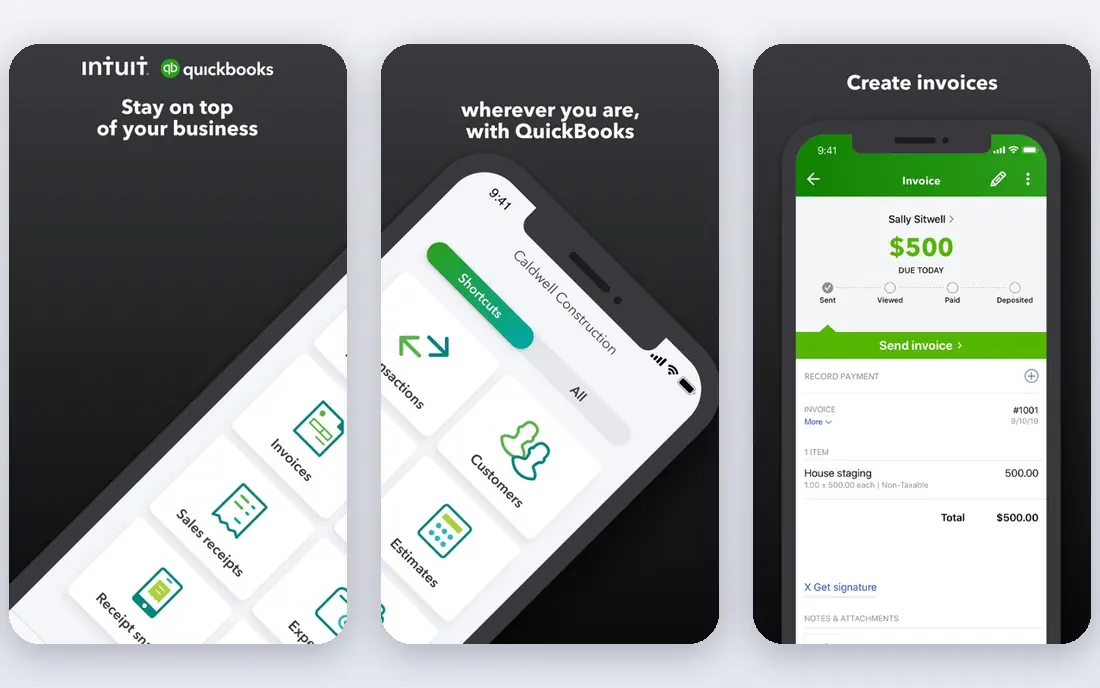
QuickBooks Online is the default choice for many United States small businesses, and reporting is a big reason why. You get standard profit and loss, balance sheet, and cash flow reports, plus sales, tax, and budget reports you can filter by date, customer, or class. Reports can be customised, saved, and shared with your accountant, which cuts down on the end-of-month scramble for numbers.
The catch is price creep. The entry plan covers the basics, but multi-user access, advanced reporting, and inventory features push you into higher tiers. If you run a single-location business with straightforward books, the core reports will likely be enough. If you manage several entities or need deep custom dimensions, look at Sage Intacct or NetSuite before you commit.
- Wide report library with custom options
- Large accountant network in the United States
- Many bank and app integrations
- Higher tiers get expensive as you add users
- Some advanced reports sit behind pricier plans
- Interface can feel crowded
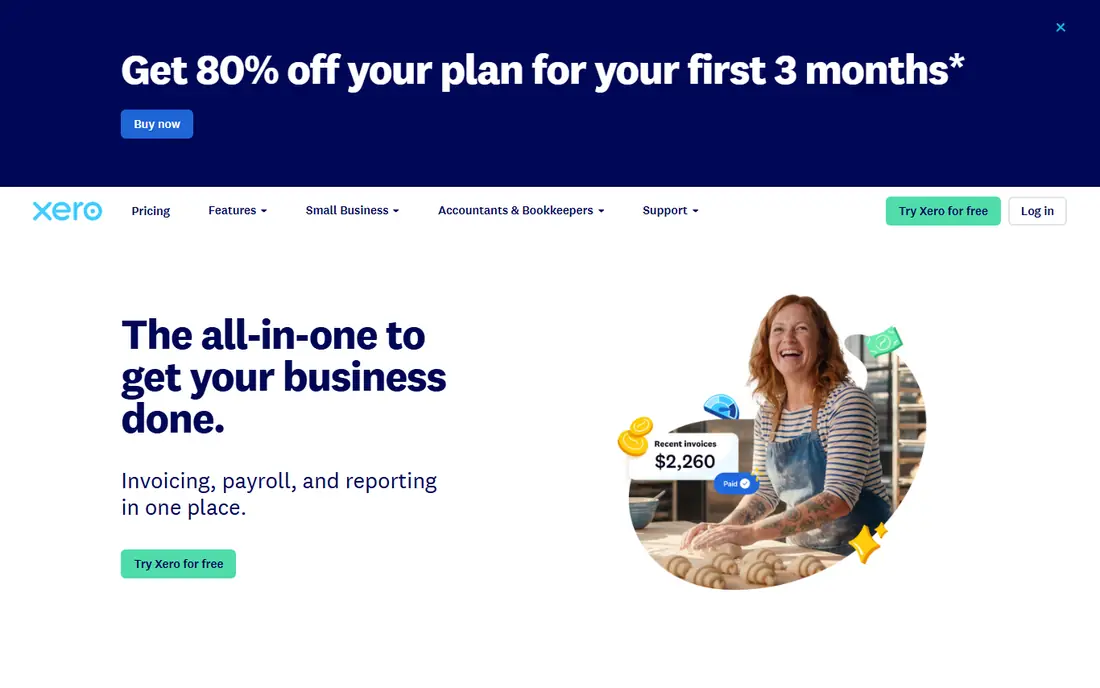
Xero suits small businesses where several people need access to the books at once, such as an owner, a bookkeeper, and an outside accountant. Most plans include unlimited users, and the report set covers profit and loss, balance sheet, cash flow, aged payables and receivables, and budget tracking. Bank feeds and reconciliation are smooth, which keeps the underlying data trustworthy.
United States users should check payroll and sales tax support for their state before switching, since Xero started in markets outside the United States and still shows gaps there. Reporting itself is clear and presentable, and the dashboard gives a quick read on cash position without digging through menus. For a distributed small team that values collaboration over deep enterprise features, Xero is a strong pick.
- Unlimited users on most plans
- Clean dashboard and report templates
- Strong bank reconciliation
- Payroll support varies by state
- Some advanced reporting needs add-ons
- United States tax tools are thinner than QuickBooks
Sage Intacct is built for companies that have outgrown a single set of books. Its dimensional reporting lets you tag transactions by department, location, project, or customer, then slice reports without maintaining a maze of separate charts of accounts. Consolidation across entities, intercompany transactions, and approval workflows are core strengths, not add-ons bolted on later.
That power comes with a heavier setup. Pricing is quoted rather than published, and implementation usually involves a partner and a planned migration. For a company with one entity and simple books, Intacct is overkill. For a growing firm with several entities, nonprofits with fund reporting, or a finance team tired of spreadsheet consolidation, it is one of the most capable options on this list.
- Strong multi-entity consolidation
- Dimensional reporting by department or location
- Built-in audit trails
- Quote-only pricing
- Implementation takes time and planning
- Smaller firms may find it more than they need
NetSuite is not just reporting software. It is a full enterprise resource planning system, and its reporting draws on finance, inventory, orders, and customer data in one place. That gives larger companies real-time consolidated views across subsidiaries, currencies, and locations, with dashboards and saved searches that finance teams can tailor heavily. If your reporting problem is really a systems problem, NetSuite addresses the root cause.
The trade-off is cost and complexity. Pricing is quoted, implementation can take months, and you will need staff or a partner who knows the system well. Small businesses should not start here. Mid-market and enterprise firms that already need ERP, and that want reporting tied directly to operations, will get the most value from it.
- Full ERP with finance, inventory, and CRM in one system
- Real-time consolidated reporting
- Scales to global operations
- Quote-only pricing and long implementation
- Needs trained administrators
- Smaller firms will pay for features they never use
FreshBooks is aimed at people who sell their time and skills rather than stock. Invoicing, expense capture, and time tracking feed into profit and loss, expense, and tax summary reports that are easy to read without an accounting background. For a freelancer who needs to know what they earned, what they spent, and what they owe at tax time, that clarity is worth more than a hundred extra report types.
Larger firms will notice the limits. There is no deep multi-entity consolidation, and inventory management is basic. FreshBooks also works best when your accountant is comfortable with it, so check that before you move. If your business is service-based and small, FreshBooks keeps reporting simple without dumbing it down to uselessness.
- Simple invoicing and expense tracking
- Readable reports for non-accountants
- Good time tracking for service work
- Reporting is lighter than QuickBooks or Xero
- Inventory features are limited
- Larger teams may outgrow it quickly
Zoho Books is the value pick in this roundup. A free plan covers smaller businesses, and paid plans add features at prices that usually undercut QuickBooks and Xero. Reports cover profit and loss, balance sheet, cash flow, sales, and inventory, and the interface is clean enough for owners who do their own books. If you already use Zoho CRM or Zoho Inventory, the shared data makes reporting smoother still.
The gaps are worth noting. Payroll sits in a separate Zoho product, and some advanced reporting options only appear on higher tiers. Support response times draw mixed comments in public reviews, so test the free plan with real data before you commit. For cost-conscious small firms, though, Zoho Books delivers the core reports well at a fair price.
- Free plan for smaller firms
- Solid standard reports
- Works well with other Zoho apps
- United States payroll needs a separate Zoho product
- Support can be slower than rivals
- Advanced features vary by plan
Wave is the best free starting point for a sole trader or tiny business that needs real books without a monthly bill. Accounting and invoicing are free, and the reports cover profit and loss, balance sheet, cash flow, and sales tax summaries. That is enough to track the health of a small business and to hand clean numbers to an accountant at year end.
Wave is not a growth platform in the same way as Xero or Intacct. Reports are standard rather than deeply customisable, and payroll costs extra where it is available. If your business is small and your reporting needs are simple, start here and upgrade only when Wave clearly limits you. Spending nothing to learn what reports you actually use is a sensible first step.
- Free accounting and invoicing
- Simple reports for very small firms
- Easy to start with no card required for core tools
- Reporting is basic compared with paid rivals
- Payroll is a paid add-on and limited by state
- No phone support on the free plan
Datarails takes a different approach from the rest of this list. Instead of replacing your accounting software, it sits on top of it and turns spreadsheet-based reporting into a live, connected process. Finance teams keep working in Excel-style models, while Datarails pulls in actuals, tracks versions, and produces dashboards and board packs that update when the numbers change. For companies still living in spreadsheets at month end, that bridge is valuable.
It is not a standalone bookkeeping tool, so you still need an accounting system underneath. Pricing is quoted, and the product suits finance teams rather than solo owners. If your reports need forecasts, scenarios, and polished board presentations, and your team already thinks in spreadsheets, Datarails is worth a demo. If you just need a clean profit and loss statement, start with one of the accounting tools above.
- Turns spreadsheet models into live reports
- Strong budgeting and forecasting tools
- Board-ready dashboards and visuals
- Quote-only pricing
- Works best alongside an existing accounting system
- Needs finance staff who know Excel well
How we picked these
We compared official feature pages, pricing pages, and report libraries for each tool, and we favoured products that are live and supported in the United States in October 2026. We checked whether each tool produces the core financial statements, how it handles multi-entity or multi-location reporting, and whether pricing is published or quoted. We also weighed public user reviews for setup effort and support quality, and we left out tools that only offer generic dashboards without real accounting data behind them.
How to choose the right reporting tool
Start with your reporting audience. A lender or board will want audited-style statements, clean reconciliations, and consistent categories, while an owner-manager mainly needs cash flow, margins, and overdue invoices. List the reports you actually produce each month, then check them against each shortlisted tool before you buy. A long feature list means little if the three reports you rely on are awkward to build or sit behind the most expensive plan.
Match the tool to your size
Single-entity small firms do well with QuickBooks Online, Xero, Zoho Books, or Wave, depending on budget and accountant preference. Growing firms with several entities, departments, or locations should shortlist Sage Intacct and NetSuite, and budget for implementation help. Finance teams that live in spreadsheets and need forecasts should look at Datarails on top of their accounting system, not instead of it. Moving up a tier too early wastes money, while staying too long on a simple tool wastes time at every close.
Check data quality before fancy reports
Reports are only as good as the data behind them. Before you judge any tool, connect your bank feeds, reconcile a full month, and check that invoices, bills, and payroll land in the right categories. Ask whether the tool supports approval workflows, audit trails, and user permissions, since those controls protect report accuracy as your team grows. Finally, confirm export options, because you will want to share reports with accountants, lenders, and board members in formats they can actually open.
Frequently asked questions
What is the best financial reporting software for small businesses?
For most small businesses, QuickBooks Online or Xero is the safest starting point, with broad report libraries and strong accountant support in the United States. Zoho Books suits tighter budgets, and Wave suits very small firms that want free core accounting. Pick the one your accountant already knows, since that saves time at every close and at tax time.
What is the best software for financial reporting at larger companies?
Sage Intacct suits mid-market firms with multiple entities, thanks to dimensional reporting and consolidation tools. Oracle NetSuite suits larger firms that also need inventory, orders, and customer data in the same system. Both are quote-priced and need planned implementation, so get a demo with your own chart of accounts before deciding.
Is there free financial reporting software?
Yes. Wave offers free accounting and invoicing with standard reports, and Zoho Books offers a free plan for smaller firms. Free tools cover profit and loss, balance sheet, and cash flow basics, but advanced consolidation, forecasting, and multi-user controls usually require a paid plan. Start free, then upgrade when a specific report or control becomes a regular need.
What reports should financial reporting software produce?
At minimum, it should produce a profit and loss statement, a balance sheet, and a cash flow statement, plus aged receivables and payables. Growing firms also need budget against actual reports, department or location breakdowns, and sales tax summaries. Check that you can filter by date and category, save custom versions, and export reports for your accountant or board.
Do I need separate planning software as well?
Not always. Most accounting tools include basic budgeting and forecast reports that suit small firms. Larger finance teams that build scenarios, board packs, and driver-based forecasts often add a tool like Datarails on top of their accounting system. If your monthly close still runs through many linked spreadsheets, that extra layer can save real time and reduce errors.
Is this article financial advice?
No. This article is general information about software features and pricing, not financial advice. Reporting rules, tax treatment, and audit requirements vary by business type and location, so discuss your specific situation with a qualified accountant or financial adviser before making decisions based on any report.
Sources we checked (8)

Online Jobs is an independent blog about careers, online work, learning new skills and the tools that help people earn. More about us.
Keep reading
All posts
Top AI Financial Software
Searching for top AI financial software? We compared 9 AI finance tools for AP, spend, close, forecasting and bookkeeping to help teams choose wisely.
Quicken Alternatives
Compare the best quicken alternatives for Mac, Windows, and small business owners, from Monarch Money and YNAB to Copilot, Tiller, and Banktivity in 2026.

GoFundMe Alternatives
Looking for GoFundMe alternatives? We compared 8 fundraising platforms on fees, campaign types, donor tools and who each platform suits best in 2026 today.