Best Face Swap Video Tools in 2026: 9 Tools Compared

How we put this together: we compare official feature and pricing pages, app store listings, privacy policies and public user reviews. Prices change, so check the provider's site before you pay.
Key takeaways
- The best face swap video tools differ mainly in output quality, video length limits, and how much control you get over lighting and motion.
- Mobile apps suit short social clips, while web and desktop tools suit longer edits and higher resolution exports.
- Only use these tools with your own face, licensed footage, or the clear permission of every person shown. Do not swap a real person's face without consent.
- Free plans are useful for a first test, but watermarks, short clips, and credit limits are common.
- Check the price on the vendor site before you pay, because plans and credit bundles change often.
Quick comparison
| Name | Who it suits | Starting price | Free option | |
|---|---|---|---|---|
 Magic Hour | All round creative video work | See website | Yes | Visit |
 Reface | Quick mobile swaps | See website | Yes | Visit |
 DeepSwap | Simple web video swaps | See website | Free trial | Visit |
 Vidnoz AI | Talking and marketing video | See website | Yes | Visit |
 Akool | Business video personalisation | See website | Free trial | Visit |
 HeyGen | Avatar led video | See website | Yes | Visit |
 Remaker AI | Fast photo and video swaps | See website | Yes | Visit |
 FaceSwapper | One off casual swaps | See website | Yes | Visit |
 FaceFusion | Local open source control | Free | Yes | Visit |
The best face swap video tools
We focused on tools that handle video, not photo only apps, and that are still available in October 2026. Consent matters more than realism here. A tool is only a good pick if you use it for your own content, for a willing collaborator, or for licensed material, and if you label synthetic media clearly where a platform asks for that.

Magic Hour is the easiest starting point if you want more than a single swap. You can move from a swap into lip sync, talking photo work, or an upscale without exporting to a different service, which keeps a short project together. That breadth is helpful for creators who make ads, social clips, and test versions of the same video. The trade off is choice. New users may need a few minutes to find the right workflow, and credit use rises with longer or higher resolution video. Start with a short clip, check how skin tone and lighting hold up when the subject moves, and only then commit to a paid plan.
- Broad video toolset in one place
- Face swap sits beside lip sync and upscaling
- No signup needed to try some tools
- The full toolset can feel busy at first
- Higher quality output uses credits
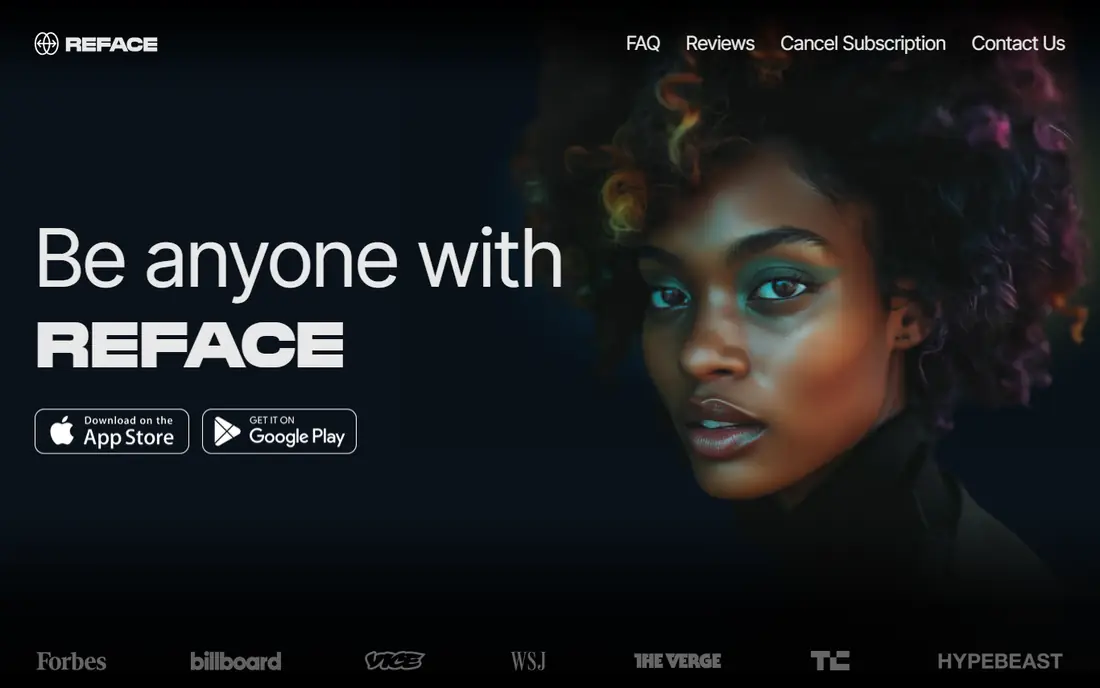
Reface is built for speed on a phone. You pick a template or a short clip, add your own face with permission, and get a shareable result in minutes. That makes it a good fit for casual content, birthday clips, and light social posts where polish matters less than timing. It is less suited to long or detailed projects. Templates decide much of the framing and motion, so you cannot always fix a mismatch in lighting or angle. If you need a clean export for paid work, check the paid tier and its watermark rules first.
- Very fast mobile workflow
- Large template library
- Simple sharing to social apps
- Templates limit creative control
- Free output may carry a watermark
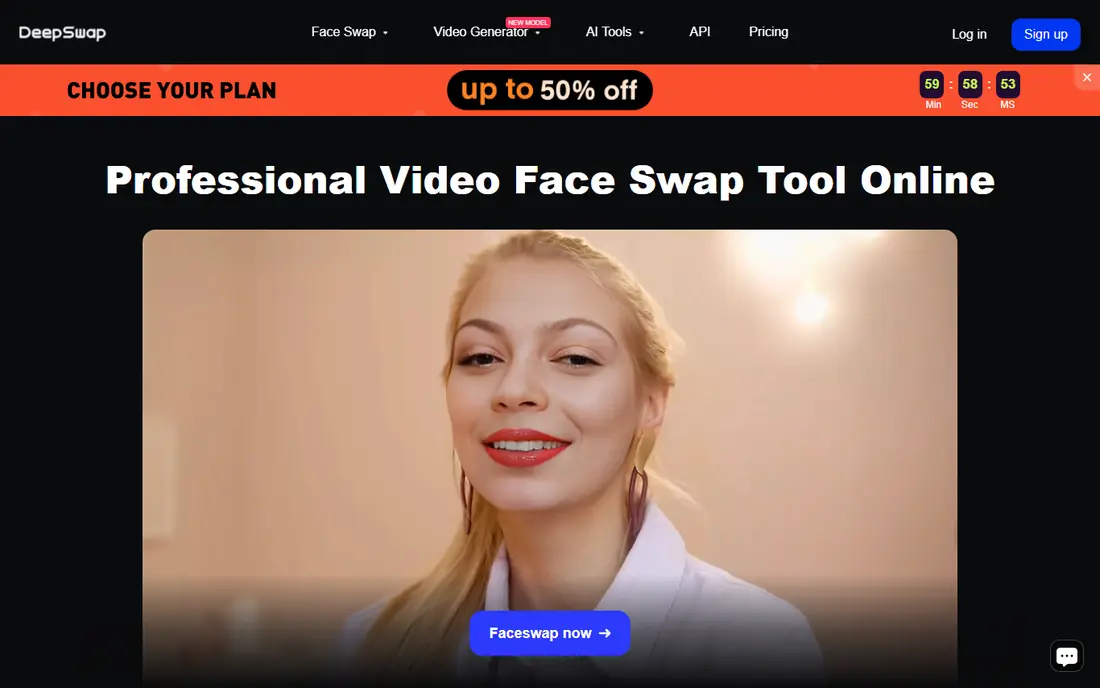
DeepSwap keeps the process plain. Upload a clip, add the face you have rights to use, and process the result in the browser. There is no desktop install to manage, which suits creators who work across computers or who only need swaps occasionally. Results depend heavily on the source. Clear, front facing footage with steady lighting gives the most natural result, while fast head turns and shadows expose the swap. Test one representative clip before you process a full set, and keep the original files so you can redo a weak section.
- Straightforward web interface
- Handles video and photo swaps
- Batch style workflow for repeated clips
- Quality varies with source footage
- Paid plan needed for regular use
Vidnoz AI suits small teams that need a face swap inside a wider video workflow. You can pair a swap with avatars, voice work, and templates for product or training style clips, rather than treating the swap as a standalone trick. That makes it practical for repeatable content formats. The free tier is best treated as a trial. Daily limits run out quickly on longer projects, so plan your tests in advance. For business use, confirm the commercial terms on the pricing page and keep written permission from anyone whose face appears in the final video.
- Wide avatar and video toolset
- Multi face support on some tools
- Useful for short marketing clips
- Free daily limits are tight
- Some features sit behind higher tiers
Akool is aimed at teams rather than casual users. Its strength is personalised video at scale, for example swapping a presenter into approved campaign footage or localising a clip for different markets. When the footage and the faces are both licensed, that workflow can save a reshoot. Smaller creators may find the price and setup heavier than they need. Ask for a clear quote, test the exact video length and resolution you plan to publish, and check how the platform handles consent and data retention before you upload sensitive footage.
- Built for marketing and enterprise use
- Face swap plus avatar and translation tools
- API options for teams
- Pricing is geared to business budgets
- Setup takes longer than a mobile app
HeyGen is best understood as an avatar platform with face tools, not as a pure swap app. If your project is a presenter led explainer, a training video, or a product walkthrough, an avatar built from your own likeness or an approved presenter can be more reliable than swapping into found footage. That focus is also its limit. People who only want a quick swap into an existing clip may find the avatar workflow indirect. Use HeyGen when the presenter, script, and voice matter as much as the face, and keep consent records for any real person used as a model.
- Strong avatar video tools
- Multilingual voice options
- Clean studio style output
- Face swap is secondary to avatars
- Free credits are limited
Remaker AI is a practical middle ground between a mobile toy and an enterprise suite. The browser workflow is fast, multi face swaps cover group clips, and you can test an idea without installing software. That suits creators who need a result the same day. It is not a full editor, so colour correction, cutting, and sound still belong in your usual editing app. Export the swap, check it frame by frame around cuts and head turns, and only then add titles and music. That order saves time when a swap needs a second pass.
- Quick browser based swaps
- Supports video, photo, and multi face work
- Low friction start
- Free credits run out on longer clips
- Advanced editing is limited
FaceSwapper is the tool to try when you are still deciding whether face swap video is worth your time. The process is short, the interface asks little of you, and a single clip is enough to judge whether the quality fits your project. For personal clips using your own face, that simplicity is the point. For paid or public work, look elsewhere. You get fewer controls for lighting, resolution, and motion, and longer clips are more likely to show artefacts. Treat a good result here as a proof of concept, then move to a stronger tool for the final version.
- Very low friction
- No account needed for some uses
- Good for a first test
- Limited control over quality
- Not built for professional projects
FaceFusion is different from every other pick on this list because it runs on your own machine. That gives you control over files, processing, and cost, and it suits developers, researchers, and editors who already work with command line or desktop video tools. It also means you are responsible for safe and lawful use. The barrier is real. Installation, model downloads, and GPU requirements take time, and support comes from documentation and community help rather than a help desk. Only choose FaceFusion if you are comfortable with that setup, and only use it with faces you own or have permission to use.
- Runs locally for privacy and control
- No subscription for the core tool
- Flexible for technical users
- Setup needs technical skill
- You need a capable computer for video work
How we picked these
We compared official feature pages, pricing pages, app store listings, privacy policies, and public reviews, and we only kept tools that clearly support video in October 2026. We favoured tools with a clear homepage, a stated free or trial option, and a workflow a normal creator can complete without specialist video effects training. We did not rank tools on user counts or awards, because those figures are hard to verify and change quickly. We also weighed consent and safety. A tool that makes non consensual swaps easy is not a recommendation, even if its output looks smooth. Our list therefore frames every use around your own face, a willing collaborator, or licensed footage, and we suggest keeping permission in writing for any public or commercial project.
Choosing the right tool for your project
Match the tool to the clip length
Short social clips suit mobile and browser tools, while longer edits suit web suites or a local tool. A swap that looks fine for five seconds can break down at thirty seconds, especially when the subject turns, laughs, or moves through changing light. Test the longest, hardest section first, not the easiest opening shot.
Check resolution and export rules before you pay
Some free plans cap resolution, add a watermark, or limit daily credits. Those limits matter more than the headline price. Read the pricing page for export size, commercial use, and credit expiry, and run one export at your target resolution before you buy a bundle.
Keep consent and labelling in the workflow
Get clear permission from every real person whose face appears, keep that permission with the project files, and label synthetic media where the platform or client requires it. If a person withdraws permission, do not publish or keep distributing the clip. That habit protects the people in your videos and protects your channel or business too.
Frequently asked questions
What is the best face swap video app for beginners?
Reface and Remaker AI are the easiest starts, because both keep the steps short and work well for short clips. Use your own face for the first tests, check the result on a phone screen and a larger screen, and move to Magic Hour or Vidnoz AI when you need more control or longer exports.
Can I use face swap tools for free?
Yes, several tools offer a free plan or trial, but free output often carries a watermark or a credit limit. That is enough to test quality and workflow. For regular publishing, a paid plan usually gives cleaner exports and longer clips.
Do face swap tools work on long videos?
Some do, but quality and processing time rise with length. Long clips need steady lighting and clear faces to hold up, and browser tools may cap duration on free plans. Split a long project into sections, test the hardest section, and consider a desktop or local tool for feature length work.
Is face swapping legal?
It depends on consent, the purpose, and local law. Swapping your own face, or a face with clear permission, for a lawful creative project is very different from swapping a real person without permission, or creating misleading content about them. When in doubt, get written permission and legal advice for commercial use.
How do I get a natural looking face swap?
Use clear, well lit, front facing source footage, match skin tone and lighting as closely as you can, and avoid fast head turns in the first test. Check the result around cuts, smiles, and profile angles, because those moments reveal most mismatches. If the source is poor, no tool will fully rescue it.
Should I label a face swapped video?
Yes, in most public and commercial contexts. A short label such as synthetic media, or a note in the description, helps viewers understand what they are seeing and reduces the risk of misleading them. Platforms and clients increasingly expect that transparency.
Sources we checked (9)

Online Jobs is an independent blog about careers, online work, learning new skills and the tools that help people earn. More about us.
Keep reading
All posts
Best YouTube Alternatives
Compare the best YouTube alternatives for creators and viewers, from Vimeo and Twitch to Rumble, Nebula, and PeerTube, with honest trade-offs for 2026.
Best AI Video Maker App
Looking for the best ai video maker app? We compare 8 apps for short-form clips, avatar videos, captions, and editing, including free options for creators.

ZoomInfo Alternatives
The best ZoomInfo alternatives in 2026, compared on price, free plans, data coverage, and which tool fits small teams or large sales teams best in detail.