Best Expense Tracking Software in 2026: 8 Tools Compared

How we put this together: we compare official feature and pricing pages, app store listings, privacy policies and public user reviews. Prices change, so check the provider's site before you pay.
Key takeaways
- Ramp is our pick for card-first companies, thanks to a strong free tier with cards, expenses, and bill pay.
- Expensify suits teams that want to keep their existing bank and card program while fixing expense reports.
- Zoho Expense is the budget pick, with a free plan for up to three users and low paid pricing.
- Brex offers a strong free tier for startups that want cards, banking, and spend controls together.
- Navan is the best choice when travel booking and expenses should live in one system.
Quick comparison
| Name | Who it suits | Starting price | Free option | |
|---|---|---|---|---|
 Ramp | Card-first automation | Free | Yes | Visit |
 Brex | Startups and global teams | Free | Yes | Visit |
 Expensify | Keeping existing cards | $5 per user per month | No | Visit |
 Zoho Expense | Budget small teams | $4 per user per month | Yes | Visit |
 Navan | Travel plus expenses | $15 per user per month | Yes | Visit |
 SAP Concur | Large enterprises | See website | No | Visit |
 BILL Spend and Expense | Free spend controls | Free | Yes | Visit |
 Sage Expense Management | Sage and QuickBooks teams | $11.99 per user per month | No | Visit |
The best expense tracking software
Good expense tracking software captures receipts fast, checks them against policy, routes approvals, and pushes clean data into accounting. We compared official pricing pages, receipt capture, card options, approval tools, and accounting integrations for the tools below. This is not financial advice, and card approval depends on each vendor checks.
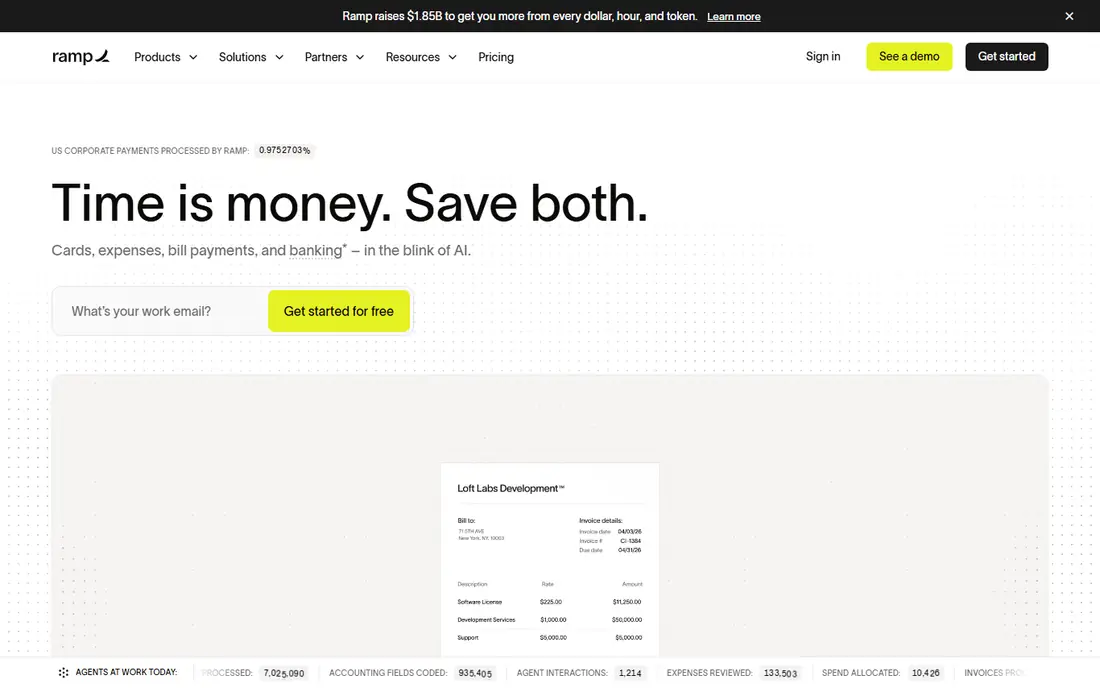
Ramp spread fast among startups because its free tier is unusually complete. Unlimited corporate cards, expense management, bill pay, and travel booking cost nothing on the base plan, and receipts are matched automatically while policies are enforced at the point of spend. Cashback on card purchases can offset other costs for higher-spend companies.
The qualification bar is the catch. Ramp underwrites the card on business bank balance and cash flow rather than a personal guarantee, so very early companies with thin balances can be declined. Deeper ERP integrations and multi-entity tools sit on the paid plan. If you qualify and your accounting needs are mainstream, the free tier is hard to beat.
- Free tier includes cards, expenses, bill pay, and travel
- Automatic receipt matching
- Cashback on card spend
- Card approval depends on business bank balance and cash flow
- Deeper ERP integrations need the paid plan
- Paid plan adds a platform fee
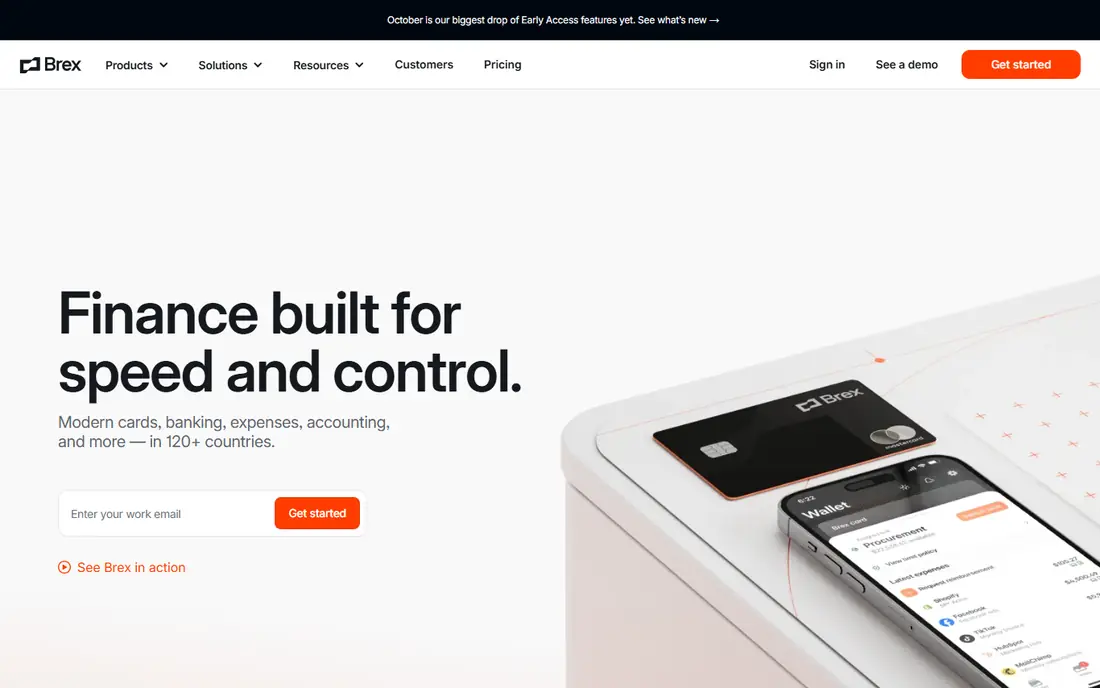
Brex pairs corporate cards with banking and spend management, which suits startups that want money movement and expenses in one place. The free essentials plan covers cards, expense tracking, and basic controls, while Premium adds deeper approvals, custom policies, and advanced reporting. Global teams benefit from multi-currency support and controls by team, vendor, and category.
As with Ramp, approval depends on your business profile, and the free plan will not cover every enterprise need. Teams that need advanced ERP workflows or multi-entity management should check the Premium tier. For a growing startup that wants cards plus banking together, Brex is a strong, low-cost start.
- Free essentials plan with cards and spend controls
- Banking and treasury tools in the same account
- Global spend support
- Premium features cost $12 per user per month
- Card approval depends on business profile
- Some advanced controls sit on Premium
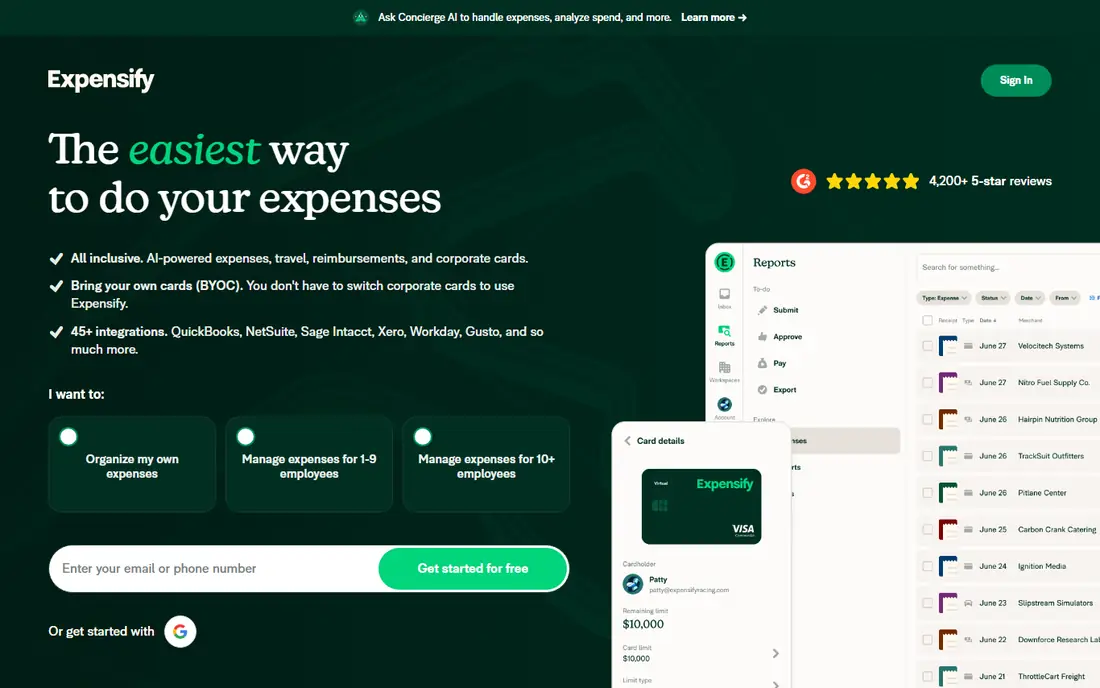
Expensify is the classic expense tool for teams that do not want to switch cards. Employees snap receipts, the app codes and submits them, and managers approve from the app or chat. Integrations with common accounting systems keep the month-end close tidy, and the tool handles reimbursements for out-of-pocket spend as well as card spend.
The price is per member, and advanced controls sit on the higher Control plan, so compare Collect and Control against your approval needs. Teams that want a single card program plus expenses may prefer Ramp or Brex. Teams that want to keep their current bank and cards will find Expensify the least disruptive switch.
- Works with your existing cards and banks
- Strong receipt scanning and chat-based expense handling
- Good accounting integrations
- No permanent free plan for teams
- Paid plans needed for advanced controls
- Card and travel features are add-ons for some teams
Zoho Expense is the budget pick for a small team that wants proper expense tracking without a card switch or a high monthly bill. Receipt capture, approvals, mileage, and accounting sync cover the basics well, and the free plan lets a tiny team start at no cost. Paid plans stay cheap while adding more scans, users, and controls.
Scan limits and feature tiers are the main limits, so check the plan that matches your monthly receipt volume. Large firms with complex policies and multi-entity needs will outgrow Zoho Expense. For a small business, especially one already using Zoho Books, it is excellent value.
- Free plan for up to three users
- Low paid pricing
- Works with any card and with Zoho Books
- Advanced features need higher tiers
- Receipt scan limits on the free plan
- Less suited to large enterprise policy needs
Navan, formerly TripActions, suits companies where travel is a large share of spend. Staff book flights and hotels inside policy, expenses flow from the same trip, and finance sees travel and non-travel spend together. That link cuts the usual gap between a booked trip and the expense report that follows weeks later.
Companies that rarely travel will pay for a travel system they do not need, and the expense plan price applies once you pass the free starter user limit. For a team that travels regularly, though, the combined booking and expense view saves real finance time and improves policy compliance.
- Travel booking and expense capture in one system
- Cards and controls for travelling staff
- Useful for companies under 300 employees with free starter users
- Expense plan pricing applies beyond the free starter users
- Travel focus may be more than non-travelling teams need
- Setup takes care for policy rules
SAP Concur is the enterprise standard for a reason. It handles complex approval chains, global tax and policy rules, travel booking, and audit trails at a scale that smaller tools cannot match. Integration with SAP and other large ERP systems keeps finance data consistent across a global business.
That depth comes with cost and complexity. Pricing is quote-based, implementation takes planning, and small teams will find the interface heavy for simple receipt capture. If you run a large, global, policy-heavy operation, Concur is the safe enterprise choice. If you run a small team, pick a lighter tool from this list.
- Deep travel and expense policy controls for large firms
- Broad global and ERP integration
- Audit and compliance tools
- Quote-based pricing
- Implementation is a project
- Interface can feel heavy for small teams
BILL Spend and Expense, formerly Divvy, gives small teams free cards with built-in budgets, which is a strong draw. Managers set limits by team or category, employees spend within those limits, and receipts and coding flow into the expense system. Integration with BILL bill pay helps firms that already use BILL for payables.
Card features require the BILL card, so teams that want to keep an existing card program should look at Expensify or Zoho Expense instead. Travel booking is also thinner than Navan. For a small team that wants free spend controls without a monthly licence, BILL is a practical pick.
- Free plan with employee cards and budgets
- Spend controls by team and category
- Integrates with BILL bill pay and accounting tools
- Requires the BILL card for card features
- Advanced features sit on paid tiers where offered
- Less travel depth than Navan
Sage Expense Management, formerly Fyle, is built for teams that want real-time card tracking without changing cards. Employees submit expenses from common chat and email tools as well as the app, and finance sees spend as it happens rather than at month end. Sync with Sage Intacct, Sage 300, and QuickBooks keeps accounting clean.
The starting price is higher than budget rivals, and US ACH payouts for reimbursements sit on the higher Business plan. A minimum user count also applies on some plans, so tiny teams should check terms. For a Sage or QuickBooks firm that wants card flexibility, it is a strong, modern choice.
- Works with existing cards, so no card switch needed
- Direct card integrations and real-time tracking
- Strong Sage and QuickBooks sync
- Higher starting price than Zoho Expense
- ACH payouts need the higher Business plan
- Minimum user count applies on some plans
How we picked these
We compared official pricing pages, receipt capture, card requirements, approval workflows, reimbursement options, and accounting integrations, and we favoured tools that are widely used by US small businesses and still actively maintained. We included card-first, card-flexible, travel-bundled, and enterprise options, so different firms can find a fit. We did not claim hands-on testing, and prices vary by billing period, so check the vendor page before you buy.
How to choose expense software that staff will use
Start with how expenses actually happen in your firm. If most spend goes on company cards, a card-first tool such as Ramp or Brex will capture data with the least effort. If most spend is out of pocket, focus on receipt scanning, mileage, and reimbursement speed instead. The best tool is the one employees use without chasing.
Next, check approvals and policy before you buy. Test a multi-level approval, a policy breach, and a rejected receipt, and see how clearly the app explains each step to staff. A tool that confuses employees will create more finance work, not less, even if the feature list looks complete.
Finally, confirm the accounting flow end to end. Run a sample expense from capture to approval to accounting sync to reimbursement, and check coding, tax handling, and reporting. Ask about implementation help and support hours too, since month-end problems rarely wait for business hours.
Frequently asked questions
What is the best expense tracking software for small business?
Ramp is our pick for card-first small businesses, thanks to its free tier, while Zoho Expense is the best budget pick for teams that want to keep existing cards. Expensify suits teams that want a classic expense tool without switching cards. Pick based on whether you will use a new card program or keep your current one.
What software is best for tracking expenses and receipts?
Expensify, Zoho Expense, and Ramp all offer strong receipt scanning, with automatic matching on card transactions in Ramp and Brex. Sage Expense Management also stands out for real-time card tracking without a card switch. Test receipt capture with your own receipts, including faded and long receipts, before you commit.
Is there free expense tracking software for small teams?
Yes, Ramp, Brex, and BILL Spend and Expense offer free plans with cards and controls, while Zoho Expense offers a free plan for up to three users. Free plans have limits on features, users, or integrations, so check what sits on paid tiers. For a tiny team with simple needs, a free plan can cover daily expense tracking well.
Do I need a new corporate card to use expense software?
No, Expensify, Zoho Expense, and Sage Expense Management work with your existing cards, while Ramp, Brex, and BILL require their own cards for card features. Card-first tools capture data more automatically, but card-flexible tools cause less disruption. Choose based on how much change your team can handle at once.
How does expense software handle reimbursements?
Most tools route an approved out-of-pocket claim to finance, then to accounting, then to payment, either by bank transfer or payroll, depending on the tool and plan. Sage Expense Management offers US ACH payouts on its Business plan, while other tools vary by plan and region. Confirm payout method, timing, and fees before you promise staff a reimbursement timeline.
Sources we checked (8)

Online Jobs is an independent blog about careers, online work, learning new skills and the tools that help people earn. More about us.
Keep reading
All posts
Top AI Financial Software
Searching for top AI financial software? We compared 9 AI finance tools for AP, spend, close, forecasting and bookkeeping to help teams choose wisely.
Quicken Alternatives
Compare the best quicken alternatives for Mac, Windows, and small business owners, from Monarch Money and YNAB to Copilot, Tiller, and Banktivity in 2026.

GoFundMe Alternatives
Looking for GoFundMe alternatives? We compared 8 fundraising platforms on fees, campaign types, donor tools and who each platform suits best in 2026 today.