8 Best Customer Support Software Platforms for Teams of Every Size

How we put this together: we compare official feature and pricing pages, app store listings, privacy policies and public user reviews. Prices change, so check the provider's site before you pay.
Key takeaways
- The best customer support software depends on channels first: email, chat, phone, and self-service have different costs.
- AI features often bill separately, through per-resolution or per-session charges, so check usage costs as well as seat prices.
- Small email-first teams can start free or low cost, while large multi-channel teams need stronger routing and reporting.
- A shared inbox, a help centre, and clear ticket routing matter more than a long feature list.
- The best customer support platform for your team is the one agents will use every day without workarounds.
Quick comparison
| Name | Who it suits | Starting price | Free option | |
|---|---|---|---|---|
 Zendesk Zendesk | Large multi-channel teams | See website | Free trial | Visit |
 Freshdesk Freshdesk | Growing teams on a budget | See website | Free trial | Visit |
 Intercom Intercom | Chat-first SaaS support | See website | Free trial | Visit |
 Help Scout Help Scout | Small email-first teams | See website | Yes | Visit |
 Zoho Desk Zoho Desk | Budget teams in the Zoho system | See website | Yes | Visit |
 HubSpot Service Hub HubSpot Service Hub | Teams already using HubSpot CRM | See website | Yes | Visit |
 Front Front | Shared inbox collaboration | See website | Free trial | Visit |
 LiveAgent LiveAgent | Chat plus ticketing in one place | See website | Free trial | Visit |
The best customer support software
We compared the best customer support tools on channels, ticketing, self-service, automation, and pricing structure. The best customer support software solutions below range from a simple shared inbox to a full contact centre platform.
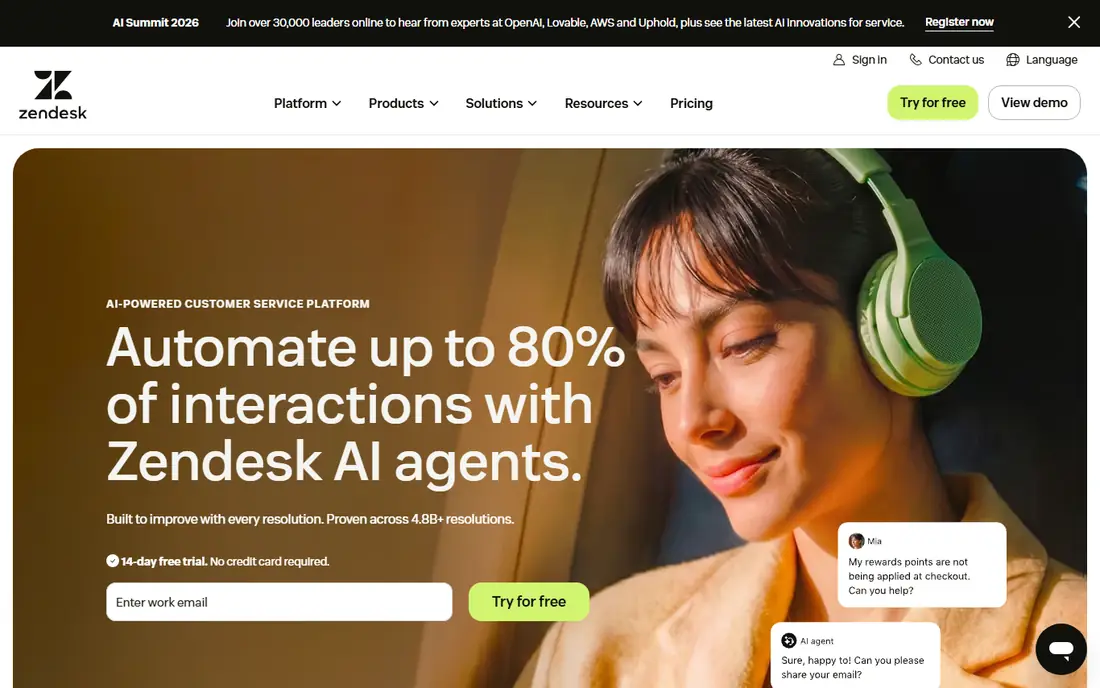
Zendesk fits a large team that handles email, chat, phone, and social in one queue. Its routing, triggers, and views help a manager send each ticket to the right group, track service levels, and spot repeat issues. The marketplace also adds integrations for CRM, phone, and analytics tools that larger firms already use. The honest catch is total cost. Seat prices are only part of the bill, because AI agents and advanced workflows can sit on higher plans or add-ons. Zendesk earns its place when volume, channels, and reporting needs are high. A five-person email team will likely find a simpler tool faster to run.
- Deep ticketing and routing
- Wide channel coverage
- Strong reporting and marketplace apps
- Costs rise with add-ons and AI features
- Setup takes time
- Smaller teams may pay for depth they do not use
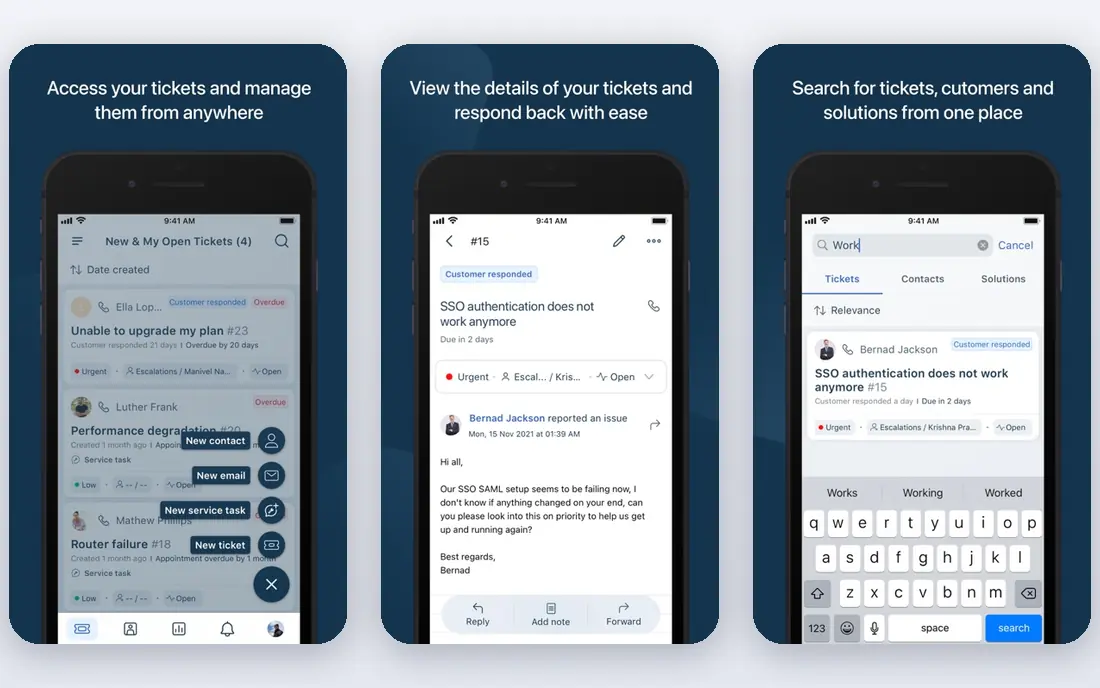
Freshdesk fits a growing team that wants a proper helpdesk without an enterprise price tag. Tickets, canned replies, and a customer-facing help centre cover the daily work, and automation rules can route repeat requests without manual sorting. For many small and mid-size firms, that mix is enough to replace a shared mailbox. The weakness is plan boundaries. Chat, phone, and fuller AI help sit on higher tiers, so a team that grows into those channels should budget for the step up. Check what Freddy AI sessions cost at your volume before you promise a fixed support budget. Freshdesk still stands out as a best customer support tool for value, provided you price the plan you will actually use.
- Clear ticket workflow
- Built-in knowledge base
- Lower entry cost than enterprise suites
- Omnichannel and AI features need higher plans
- AI sessions can add usage costs
- Reporting depth varies by plan
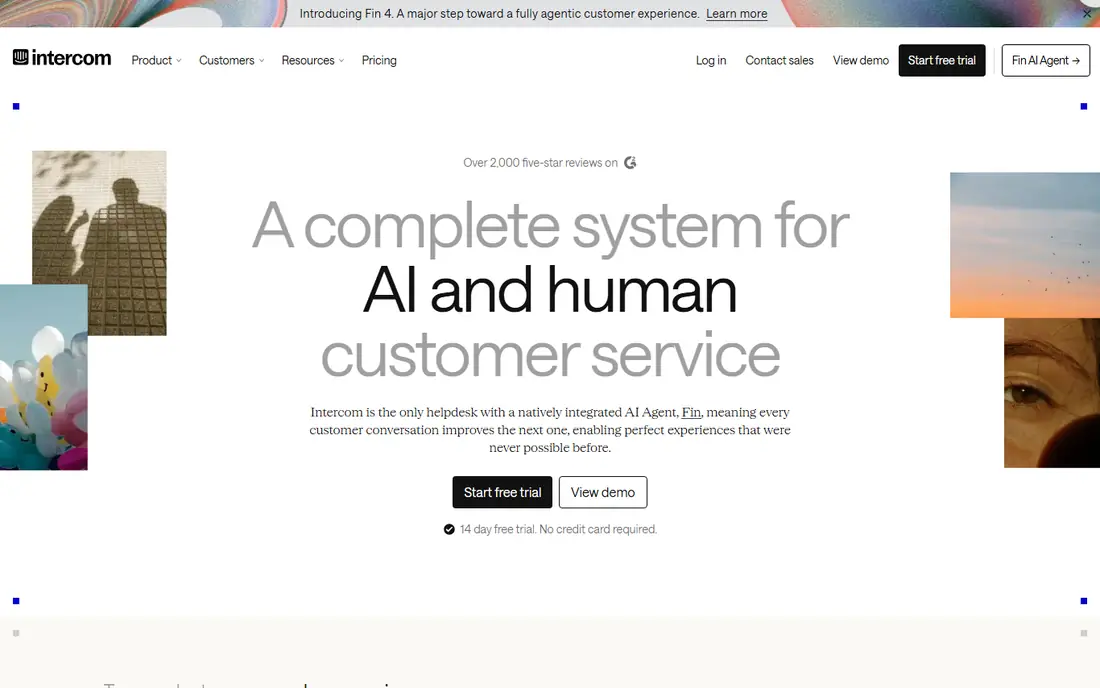
Intercom fits a software company that supports users inside its own product. The messenger, help centre, and AI agent work together, so a user can get an answer without leaving the app. Fin can resolve common questions from help centre content, and hand off harder cases to a human with context intact. The catch is usage pricing. Fin outcomes are billed in addition to seats, so a spike in questions during a launch or outage can lift the monthly bill. Set a budget and a review point for AI resolutions before launch week. Intercom is a strong best customer support platform for digital-first teams that accept that usage model.
- Strong in-app messenger
- Fin AI agent for common questions
- Proactive messages and product tours
- AI resolutions bill separately
- Costs can rise with volume
- Less suited to phone-heavy support
Help Scout fits a small team that lives in email and wants support to feel personal. The shared inbox hides ticket numbers and internal notes from customers, so replies read like normal email. Docs gives customers a simple place to find answers, and workflows can assign and tag mail without a complex setup. The weakness is scale and voice. A team that needs a full phone queue or complex multi-brand routing will outgrow it. AI Answers also adds a per-resolution charge, so test it on a small set of help centre articles first. For an email-first team under ten agents, Help Scout is one of the easiest tools on this list to adopt.
- Clean shared inbox
- Free plan for small teams
- Docs knowledge base feels simple for customers
- Phone support is limited
- Advanced routing needs higher plans
- AI Answers bills per resolution
Zoho Desk fits a budget team, and it fits best of all when the firm already uses Zoho CRM, Books, or Projects. Tickets can show customer and order context from those apps, which saves agents from switching tabs. The free plan for three users also makes it a low-risk way to move from a shared mailbox to a real queue. The honest catch is complexity. Zoho Desk has many modules and settings, and a team that uses it alone may face more setup than a simpler inbox tool. Still, for cost per seat, it is hard to beat as a best customer service tool for small firms that want a full helpdesk.
- Low seat cost
- Free plan for very small teams
- Deep links to other Zoho apps
- Interface can feel busy
- Some AI features bill by usage
- Best value needs other Zoho tools
HubSpot Service Hub fits a firm that already runs sales and marketing on HubSpot. Support tickets sit on the same customer timeline as deals and past messages, so an agent can see the full story before replying. That shared view helps when a support issue affects a renewal or an upsell conversation. The catch is the step from free tools to paid service features. Starter covers basics, but fuller automation, routing, and reporting sit higher, and Professional can carry an onboarding fee. HubSpot is a strong pick as a best customer support platform when the CRM link is the main gain. If you do not use HubSpot elsewhere, a standalone helpdesk may cost less.
- Native CRM timeline
- Shared inbox and ticketing
- Free tools for very small teams
- Professional plan onboarding can add cost
- Best reporting needs higher tiers
- Pricing rises with seats
Front fits account, success, and support teams that share inboxes and need to work a message together. Internal comments, assignments, and shared drafts keep replies consistent without forwarding mail around the office. It also suits teams that handle support alongside partnerships or operations mail in the same tool. The weakness is that Front is an inbox first, not a full ticket system. Teams that need strict service levels, complex routing, or deep support analytics may miss those controls. Use Front when collaboration on messages is the bottleneck, and use a dedicated helpdesk when ticket structure is the bottleneck.
- Collaborative shared inboxes
- Internal comments and assignments
- Works across email and other channels
- Less structured ticketing than Zendesk or Freshdesk
- Costs rise for larger teams
- Reporting is lighter
LiveAgent fits a small or mid-size team that wants chat, email, and calls without buying three tools. Visitors can start a chat on the site, and agents can turn that chat into a ticket when follow-up is needed. The built-in call options also help a team that still takes phone calls but cannot justify a separate contact centre. The honest catch is polish. LiveAgent covers a lot, but its design and AI help are not as refined as Intercom or Zendesk. For a team that values breadth and price over the latest AI features, that trade is reasonable. Check the chat and call limits on the plan you pick, since those limits shape the real monthly cost.
- Live chat and ticketing in one account
- Built-in call centre options
- Lower cost than large suites
- Interface feels dated in places
- AI features are lighter than rivals
- Advanced reporting needs higher plans
How we picked these
We compared official feature pages, pricing pages, help centre docs, and public reviews for each product. We weighed channel coverage, ticketing quality, self-service options, automation, AI pricing structure, and ease of setup for the team size each tool serves. We did not claim hands-on testing. Where a price could not be confirmed on the vendor site at the time of writing, we wrote See website.
How to choose the right platform
Start with channels, not features. List where customers contact you today: email, site chat, in-app messages, phone, or social. Then list where they will contact you in a year. A tool that covers only email will force a second tool later, and that split queue costs more in agent time than a slightly higher seat price now.
Price the whole bill
Seat price is the headline, not the total. Add AI resolution or session charges, phone minutes, extra brands or help centres, and onboarding fees. Ask each vendor for a cost estimate based on your ticket volume and your AI usage, not just your headcount. A tool that looks cheap per seat can cost more once AI usage is included.
Test self-service first
A good help centre and a clear contact form cut tickets before they reach an agent. During a trial, publish five common answers, test search on mobile, and watch whether customers find them. The best customer self service software is the one customers actually use, with short answers, clear steps, and a visible way to reach a human when the answer does not help.
Run a real trial with real tickets
Give two or three agents a trial inbox, real past tickets, and your service level targets. Measure time to first reply, time to resolve, and how often agents need a workaround. That trial tells you more than a demo, because it shows routing gaps, missing integrations, and reporting limits before you migrate the whole team.
Frequently asked questions
What is the best customer support software for a small business?
For a small email-first team, Help Scout or Zoho Desk are strong starts, because both offer free plans and simple setup. For a chat-first software firm, Intercom may fit better despite higher usage costs. The best customer support software for a small business is the one that covers its main channel at a predictable cost.
What is the best customer support platform for large teams?
Zendesk suits large multi-channel teams that need routing, reporting, and integrations across brands. HubSpot Service Hub suits large teams already on HubSpot CRM. Large teams should trial routing, permissions, and reporting with real ticket volumes before they choose.
What are the best customer service tools for self-service?
Help Scout Docs, Freshdesk, Zendesk, and Intercom all offer help centres, but the result depends on content quality. Write short, task-based articles, link them from product pages and replies, and review search terms each month. Self-service works when customers can find an answer in under a minute.
Do I need AI in customer support software?
AI helps most with repeat questions, ticket routing, and summaries. It helps least when answers need account checks, judgement, or empathy. Start AI on a narrow set of articles, measure resolution quality and cost per resolution, and expand only where both improve.
How much does customer support software cost?
Costs vary by seats, channels, and AI usage. Small teams can start free, mid-size teams often pay per agent per month, and large teams pay more for routing, reporting, and AI add-ons. Always ask for a total based on your ticket volume, not just a seat quote.
Can I switch tools without losing ticket history?
Most tools offer imports or exports, but history, tags, and custom fields rarely move cleanly. Plan a migration window, export old tickets for reference, and keep the old system readable for a few months. Test the import with a small batch before a full move.
Sources we checked (8)

Online Jobs is an independent blog about careers, online work, learning new skills and the tools that help people earn. More about us.
Keep reading
All posts
Zoom Alternatives
Zoom alternatives compared for 2026: Google Meet, Microsoft Teams, Webex, Jitsi and more for free calls, large meetings and webinars for teams and classrooms.

Top Rated Poster Maker Software
Top rated poster maker software compared for 2026: Canva, Adobe Express, VistaCreate, PosterMyWall and more for events, sales and classrooms for US users.

Surfshark Alternatives
Looking for Surfshark alternatives? We compare 8 VPN services on price, privacy, streaming, and device limits to help you find a VPN that fits your needs.