Best Cloud Accounting Software in 2026: 8 Platforms Compared

Widest accountant and app support · Starting price: See website
How we put this together: we compare official feature and pricing pages, app store listings, privacy policies and public user reviews. Prices change, so check the provider's site before you pay.
Key takeaways
- Cloud accounting means your books live online, so you, your bookkeeper, and your accountant can all work from the same figures.
- QuickBooks Online suits firms that want the widest accountant support, while Xero suits teams that need unlimited users.
- Wave and Zoho Books cover the budget end, with free routes for small businesses that meet their plan limits.
- Bank feeds, mobile receipt capture, and automatic reconciliation save more time than any single report feature.
- Check data export, user permissions, and backup options before you move years of records to any cloud platform.
Quick comparison
| Name | Who it suits | Starting price | Free option | |
|---|---|---|---|---|
| QuickBooks Online | Widest accountant and app support | See website | Free trial | Visit |
 Xero | Teams and multi-currency firms | $27 per month | Free trial | Visit |
 Wave | Free cloud books for solos | Free | Yes | Visit |
 Zoho Books | Automation at low cost | Free | Yes | Visit |
 Sage Accounting | Established firms and inventory | See website | Free trial | Visit |
 FreshBooks | Service firms and time billing | See website | Free trial | Visit |
 FreeAgent | UK freelancers and small firms | See website | Free trial | Visit |
 Kashoo | Simple books for non-accountants | See website | Free trial | Visit |
The best cloud accounting software
Cloud accounting software runs in a browser, stores your data online, and updates across devices without installs or manual backups. That matters when an accountant needs access, when you invoice from a phone, or when a laptop fails the week before a tax deadline. The eight platforms below all work this way, with different strengths on price, depth, and ease of use.
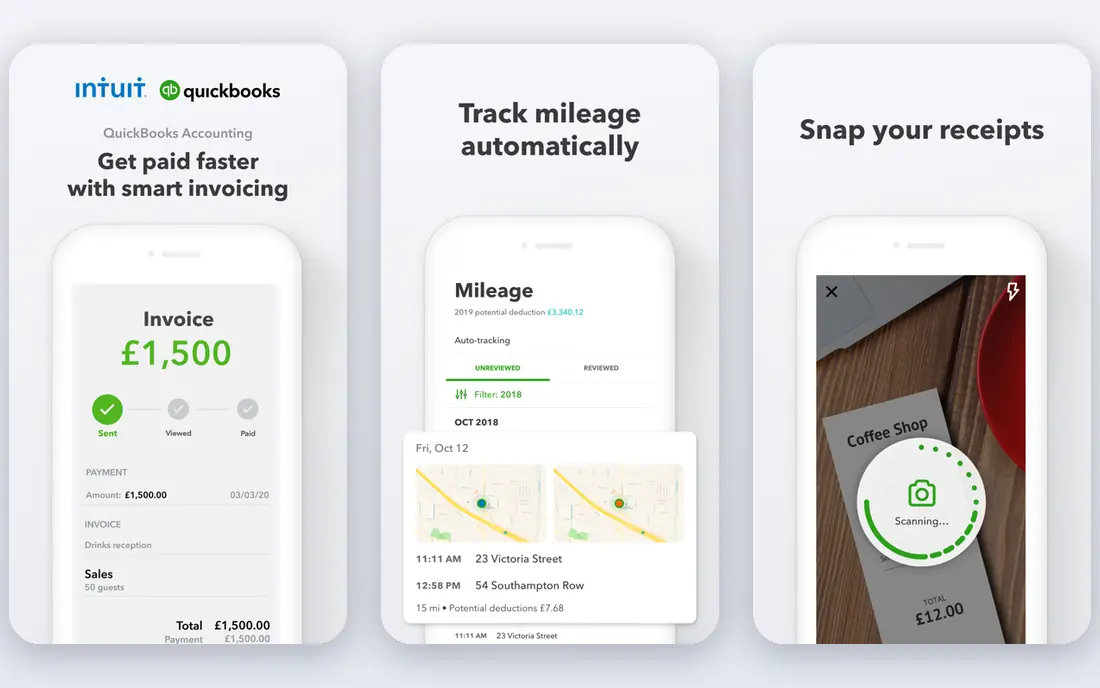
QuickBooks Online is the cloud standard many accountants already know. Invoices, expenses, bank feeds, payroll add-ons, and reports all share one ledger, and the app marketplace covers point of sale, time tracking, inventory, and industry tools. That breadth means a growing firm rarely hits a wall that forces a painful migration.
Solo users may find the menus and settings more than they need, and entry pricing has climbed over recent years, so compare plans on the vendor site rather than trusting an old guide. For a firm that works with an external accountant, QuickBooks familiarity alone can save hours at year end, since the accountant already knows where everything lives.
- Largest accountant network
- Deep reporting
- Huge integration library
- Pricing has risen
- Interface can overwhelm a solo user
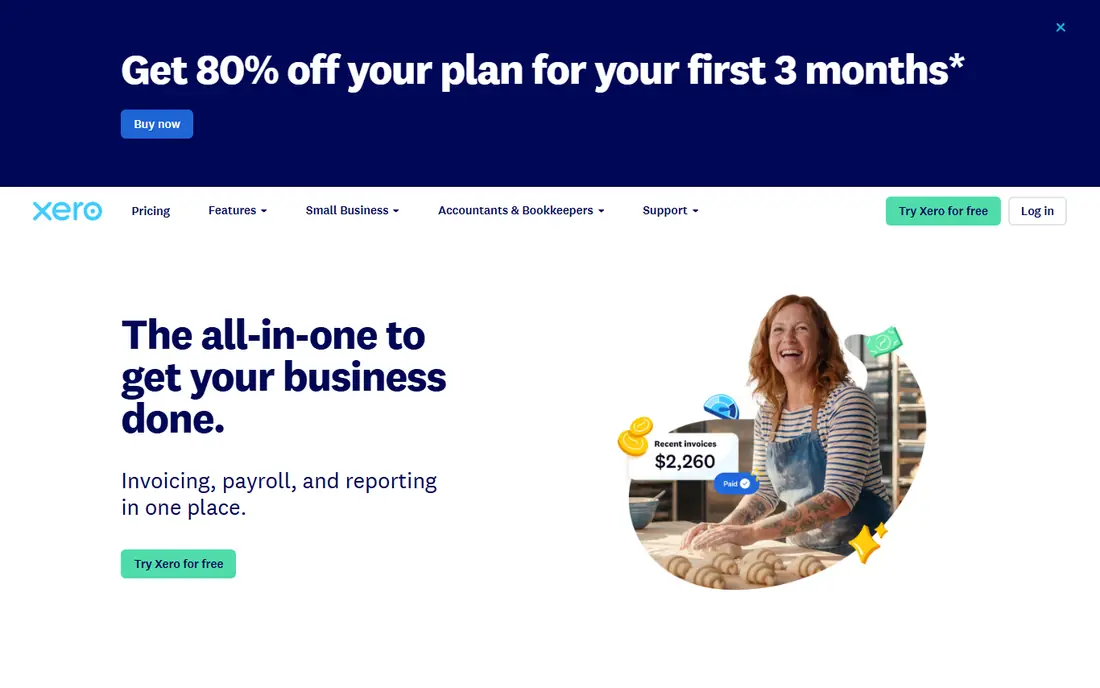
Xero gives teams a cleaner cloud experience. Unlimited users on every plan means a bookkeeper, an accountant, and staff can all access the books without per-seat fees, and bank reconciliation stays quick once rules are set. Multi-currency support is stronger than most rivals at this price, which helps firms that buy or sell abroad.
The entry plan caps monthly invoices and bills, so a busy firm needs a higher tier. Xero also relies on add-ons for payroll in some regions, which adds cost and setup. For a growing team that values shared access and tidy reconciliation, Xero is a strong cloud pick.
- Unlimited users on every plan
- Clean bank reconciliation
- Strong multi-currency handling
- Invoice caps on the lowest plan
- Payroll is an add-on in some regions
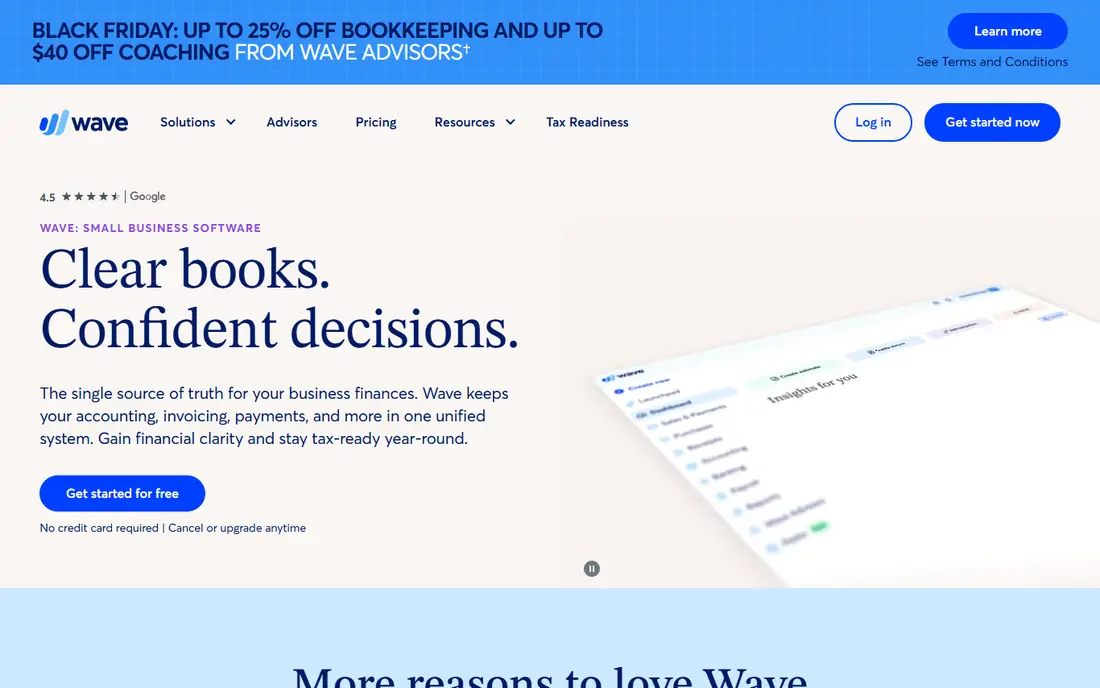
Wave proves that cloud accounting does not have to cost a monthly fee. A solo business can run invoices, expenses, and basic reports online at no subscription cost, with a mobile app for checking balances and sending invoices away from a desk. Setup is quick, and the interface avoids accounting jargon where it can.
Paid plans now cover some bank feed and payroll features, so check what your plan includes before relying on automatic feeds. Wave also suits smaller operations better than larger firms, since reporting and user controls are lighter than QuickBooks or Xero. For a new business watching costs, it is a sensible cloud start.
- Free accounting, invoicing, and receipts
- Simple interface
- Mobile app for on-the-go books
- Some bank feed features need a paid plan
- Support is thinner than paid rivals
Zoho Books brings automation to small firms at a low price. Workflows can approve bills, send reminders, and categorise transactions without manual steps, and the free plan covers businesses under its revenue threshold. A client portal lets customers view invoices and pay online, which shortens the payment cycle.
Firms outside the Zoho world get less from the platform, since its deepest links run to Zoho CRM, Inventory, and Mail. Paid plans stay competitive as a firm grows, so the free tier is a genuine starting point rather than a trap. For a cost-conscious firm that likes automation, Zoho Books deserves a trial.
- Free plan under a revenue threshold
- Workflow automation
- Client portal and payment links
- Best inside the Zoho suite
- Fewer third-party integrations than the leaders
Sage Accounting moves the vendor long history in desktop accounting into the cloud. Invoices, bank feeds, and reports sit alongside stock control on higher plans and tax tools that suit UK and international firms. Multi-user access and accountant links keep the books shared without passing files back and forth.
New users should allow learning time, since Sage packs more structure into its screens than a freelancer tool. Pricing and plan names also vary by country, so confirm the local offer. For an established firm that needs inventory and a vendor with deep support history, Sage is a steady cloud choice.
- Long small-business track record
- Inventory on higher plans
- Cash flow and VAT tools
- Steeper learning curve
- Pricing varies by country
FreshBooks works in the cloud as a billing-first platform. Service firms can track time, bill it to a project, send a polished invoice, and accept payment online, all from a browser or phone. The client portal keeps invoices, payments, and messages in one place, which cuts down on email chasing.
Full accounting depth is lighter than QuickBooks or Xero, so product sellers and firms with complex reporting may need more. Client limits on lower plans also matter for agencies with many small clients. For a service firm whose main job is billing time and getting paid, FreshBooks is a clean cloud fit.
- Polished invoicing and client portal
- Strong time tracking
- Expense and project billing
- Lighter full accounting depth
- Client limits on lower plans
FreeAgent is a cloud tool built for freelancers and very small firms. Invoices, expenses, and time tracking feed into a tax timeline that shows UK deadlines and estimates, which removes much of the guesswork from self-assessment and company filings. Bank feeds keep daily entry light, and the mobile app covers invoicing on the go.
Larger firms will find it too simple, and firms outside the UK should check local tax support before choosing it. For a UK freelancer who wants books, invoices, and tax dates in one calm online place, FreeAgent remains a strong pick.
- Freelancer-friendly design
- UK tax timeline
- Invoicing with payment links
- Less suited to larger firms
- Strongest in the UK market
Kashoo targets owners who want simple cloud books without learning accounting. Income, expenses, invoicing, and basic reports are laid out plainly, and the mobile app is strong for capturing receipts and checking balances. A non-accountant can set it up and run it without a training course.
Advanced reporting, inventory, and payroll depth are limited, so a growing firm may outgrow Kashoo. Its integration range is also smaller than QuickBooks or Xero. For a micro-business that wants tidy online books and nothing more, Kashoo simplicity is the point, not a drawback.
- Very simple setup
- Clear income and expense tracking
- Strong mobile app
- Limited advanced reporting
- Smaller integration range than the leaders
How we picked these
We searched vendor pricing pages, feature pages, and app store listings, then filtered for software that is truly cloud-based in October 2026, with browser access, bank feeds, and multi-user or accountant access. We compared starting prices and free plans where vendors publish them, and we wrote See website where pricing varies by country or plan. We also weighed mobile apps, data export, and support, since cloud software is only useful when you can reach help and leave with your data. We did not claim hands-on testing of every plan.
What to check before moving to the cloud
Test bank feeds with your actual bank, since feed reliability varies by bank and region. Check user permissions: who can view, edit, approve, and export, and whether your accountant gets a free accountant seat. Test the mobile app for the tasks you do away from a desk, such as invoicing and receipt capture, since a weak app undermines the whole cloud promise.
Security and backup questions
Ask where data is stored, how backups work, and how you export a full history if you leave. A good cloud vendor offers two-factor sign-in, clear permission controls, and a full export of transactions, customers, and invoices. Keep your own periodic exports as well, since no vendor should be the only copy of your financial history.
Plan for growth, not just today
A tool that fits a solo owner may strain with five staff, stock, or multi-currency sales. Check the next plan up: its price, its user model, and whether upgrading keeps your data and settings intact. Moving platforms later costs time and risks errors, so a little headroom now saves a migration later.
Frequently asked questions
What is the best cloud accounting software?
QuickBooks Online suits firms that want the widest accountant support, Xero suits teams that need unlimited users, and Wave or Zoho Books suit small firms watching costs. The best pick depends on team size, invoice volume, and whether your accountant already uses a platform.
What is the best platform for cloud accounting for a small business?
For a very small business, Wave offers free cloud books, and Zoho Books offers a free plan under a revenue threshold with more automation. For a growing small business, Xero or QuickBooks Online give deeper reporting and more integrations. Start free if you can, and upgrade when limits bite.
Is cloud accounting software safe?
Reputable cloud vendors use encryption, backups, and two-factor sign-in, and they usually protect data better than a single office computer. Check where data is stored, who can access it, and how you export it. Use strong passwords, two-factor sign-in, and limited user permissions for staff.
Can my accountant access my cloud accounting software?
Yes, all the tools here offer accountant access, and several offer free accountant seats. Invite your accountant during the trial, and ask them which platform they prefer, since their familiarity can save time and fees at year end. Confirm what your accountant can view and edit before sharing access.
Do I need internet access to use cloud accounting software?
Yes, for full access, since the books live online. Most tools offer mobile apps that cache some data, but creating invoices, reconciling banks, and running reports need a connection. Firms with unreliable internet should check offline options or keep a local backup of key records.
What happens to my data if I cancel cloud accounting software?
Most vendors let you export transactions, customers, and invoices before or shortly after cancellation, but access terms vary. Export a full history before cancelling, and confirm how long read-only access lasts. Never cancel before you have a complete export saved outside the platform.
Sources we checked (8)

Online Jobs is an independent blog about careers, online work, learning new skills and the tools that help people earn. More about us.
Keep reading
All posts
Top AI Financial Software
Searching for top AI financial software? We compared 9 AI finance tools for AP, spend, close, forecasting and bookkeeping to help teams choose wisely.

Quicken Alternatives
Compare the best quicken alternatives for Mac, Windows, and small business owners, from Monarch Money and YNAB to Copilot, Tiller, and Banktivity in 2026.
QuickBooks Online Alternatives
Looking for quickbooks online alternatives? We compared 8 accounting tools on invoicing, bank feeds, payroll, pricing and fit for small businesses today.