Best Business Process Automation Software in 2026: 8 Products Compared

How we put this together: we compare official feature and pricing pages, app store listings, privacy policies and public user reviews. Prices change, so check the provider's site before you pay.
Key takeaways
- Zapier and Make cover most small-team automation between SaaS apps without code.
- Microsoft Power Automate is the natural fit for teams already on Microsoft 365.
- UiPath and Automation Anywhere suit enterprise robotic process automation, including work inside older desktop software.
- Nintex, Appian, and n8n suit process-led work where forms, approvals, and governance matter more than simple app connections.
- Start with one painful, repeated process and measure time saved before automating across the company.
Quick comparison
| Name | Who it suits | Starting price | Free option | |
|---|---|---|---|---|
 Zapier | No-code SaaS automation for small teams | See website | Yes | Visit |
 Make | Visual workflows on a budget | See website | Yes | Visit |
 Microsoft Power Automate | Microsoft 365 organisations | See website | Free trial | Visit |
 UiPath | Enterprise RPA and desktop automation | See website | Yes | Visit |
 Automation Anywhere | Cloud RPA with AI agents | See website | Free trial | Visit |
 Nintex | Forms, workflows, and document automation | See website | Free trial | Visit |
 Appian | Low-code process applications | See website | Free trial | Visit |
 n8n | Developer-friendly, self-hostable automation | See website | Yes | Visit |
The best business process automation software
Business process automation covers two different jobs: connecting apps, and running a full process with approvals, forms, and audit trails. The tools below span both, from simple cross-app workflows to enterprise platforms that model a process from start to finish.
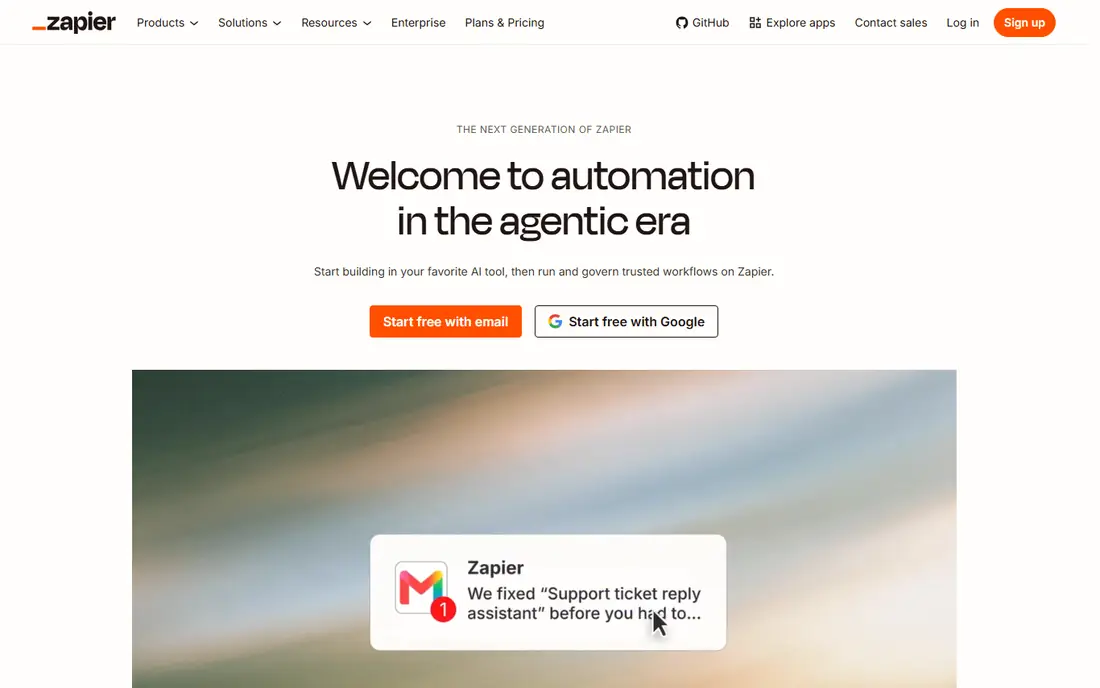
Zapier connects thousands of apps and moves data between them when a trigger event happens, such as a new form entry, a new sale, or a new row in a sheet. Small teams use it to remove copy-and-paste work, send notifications, create tasks, and keep records in sync. The visual builder makes it possible for non-technical staff to build a first workflow in an afternoon.
The limit appears when workflows grow complex or task volume grows large. Branching logic, error handling, and high-volume runs need careful design and a higher plan. Zapier is still the best starting point for most small teams, because the app coverage is broad and the learning curve is short. Test one workflow at real volume before rolling it out widely.
- Very large app catalogue
- Easy multi-step workflows
- No code needed for most tasks
- Costs rise with task volume
- Complex logic can become hard to manage
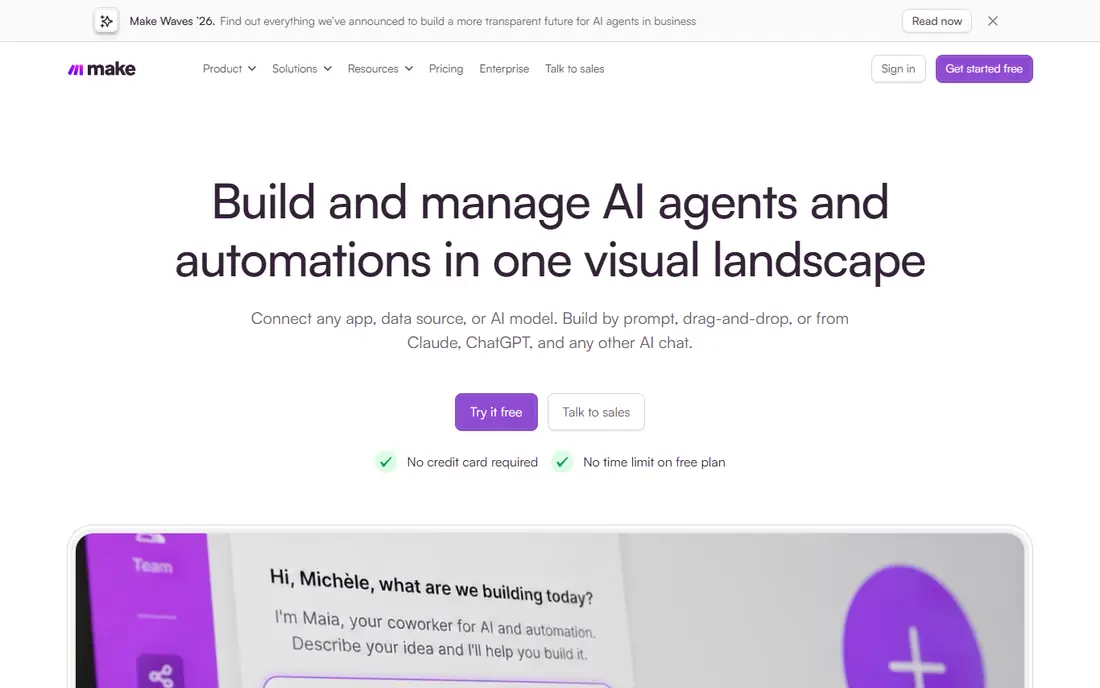
Make, formerly Integromat, builds workflows as visual scenarios with modules, filters, routers, and data tools. It suits teams that want more control over data transformation and branching than a simple trigger-and-action tool provides. The free plan lets teams test real scenarios before paying, and paid plans are often competitive for teams that run many operations each month.
Make rewards a bit of patience. The visual layout makes complex flows easier to follow once you learn it, but first-time users may need a few hours to feel comfortable. It is a strong choice when Zapier feels too simple or too costly at volume, and when the team is willing to invest in learning a more flexible builder.
- Visual scenario builder
- Good value for high-volume workflows
- Strong API and data handling
- Interface takes a little longer to learn
- Some app modules are less polished than Zapier
Microsoft Power Automate automates tasks across Microsoft 365, Dynamics, SharePoint, Teams, and many third-party apps. Teams use it for approvals, notifications, document handling, and data sync, often starting from templates. Desktop flows add robotic process automation for tasks inside Windows apps, which helps when an older system has no API.
The strongest case is a company already paying for Microsoft 365, where automation can sit inside existing licences and security controls. Teams outside that estate may find a neutral tool simpler. Check which plan your Microsoft licence already includes, since that changes the extra cost and the features available.
- Deep Microsoft 365 and Teams integration
- Cloud and desktop flows
- AI Builder options
- Best value inside Microsoft licensing
- Non-Microsoft apps can need extra connectors
UiPath is built for robotic process automation, where software robots carry out repetitive steps inside desktop and web applications, including systems without a modern API. It also supports API automation, document understanding, and AI agents for more complex work. Large teams use it to automate finance, operations, and back-office processes at scale, with central control over robots and schedules.
UiPath is more than a small team needs for simple app connections, but it is a strong choice when the work lives inside legacy software or needs strict audit and control. A community edition helps individuals learn and test, while enterprise plans add orchestration and governance. Start with a well-defined, high-volume process and a clear owner before expanding.
- Mature RPA platform
- Attended and unattended robots
- Large automation library and community
- Enterprise pricing and governance need planning
- Simple SaaS workflows may be overkill
Automation Anywhere provides cloud-based robotic process automation with AI agents that can read documents, follow rules, and complete multi-step tasks. It suits enterprises that want to run automation without managing a large on-premises setup, and that need central control over bots, schedules, and audit logs. Document automation is a common starting point, especially for invoices, forms, and claims.
The platform works best when a team first maps and cleans up the process, then automates it. Automating a broken process at scale only creates errors faster. Buyers should ask for a pilot scope, the governance model, and how document accuracy is measured on their own document types.
- Cloud-native RPA platform
- AI agents for document and task work
- Central bot management
- Pricing is by quote
- Implementation needs process design, not just bot building
Nintex covers the full process picture: map a process, build forms, route approvals, generate documents, and automate follow-up steps. It suits teams in regulated or approval-heavy work, where a clear audit trail matters as much as speed. SharePoint, Microsoft 365, and Salesforce users often choose Nintex because it fits those environments well.
Nintex is less suited to a team that only wants to connect two SaaS apps. Its value shows when a process has several approvers, documents, and rules that must be followed every time. During evaluation, build one real approval process end to end, including exceptions and rejected requests, to see how the platform handles the awkward cases.
- Strong workflow, forms, and document generation
- Good Microsoft and Salesforce links
- Process mapping tools
- Pricing is by quote
- The full suite can be large for a single workflow
Appian is a low-code platform for building process applications that combine workflows, data, forms, and automation in one place. It suits enterprises that need a custom application for case work, approvals, or service delivery, rather than a set of disconnected automations. Process models, rules, and interfaces can be built and changed faster than with traditional code, while keeping central governance.
Appian is an enterprise choice, not a quick fix for a single app connection. It fits when a team needs a lasting application with many users, complex rules, and audit needs. Ask for examples in your sector, the skills needed to maintain the application, and how changes are tested before release.
- Low-code process applications
- Strong case management
- Enterprise security and governance
- Pricing is by quote
- Projects need skilled builders for best results
n8n is an open workflow automation tool that teams can self-host or run in the cloud. It combines a visual builder with code steps, which gives technical teams full control over APIs, data transformation, and custom logic. The self-hosted community edition is free, which makes it attractive for developers and for teams that want to keep data inside their own infrastructure.
The trade-off is responsibility. Self-hosting means your team handles updates, security, and uptime. Cloud plans remove that burden but add a subscription cost. n8n suits teams with technical skills that want control and flexibility, and that find simpler tools too limiting for API-heavy work.
- Self-hosted community edition
- Visual and code options
- Flexible API handling
- Self-hosting needs technical care
- Cloud pricing is in euros and varies by plan
How we picked these
We reviewed official feature pages, pricing pages, and product documentation, plus public review summaries for process automation tools in 2026. We kept tools that are actively sold and that cover a clear automation job, from SaaS app connections to RPA and full process applications. Where a vendor does not publish a single starting price, we wrote See website rather than repeating an old or third-party figure. That keeps the comparison useful for quote-based enterprise platforms.
Choosing by process type, not by feature count
Start by naming the process, not the tool. A simple data sync between two apps needs a different tool from a multi-step approval with documents and audit trails. A desktop task inside an old system needs RPA, while a cloud app task usually needs an API workflow. Sorting processes into those three buckets will narrow the shortlist faster than comparing long feature lists.
Count tasks, users, and exceptions
Automation cost often depends on task volume, users, or runs, not just the monthly plan. Estimate how many times the process runs each month, how many people use it, and how often exceptions happen. A tool that looks cheap at low volume can become costly at scale, while a quote-based enterprise tool can be better value for high-volume, governed work.
Design for failure, not just success
Every automation will fail at some point, whether an API changes, a file is missing, or an approver is away. Check how each tool logs errors, retries failed runs, and alerts an owner. A good design includes a clear owner, a fallback manual step, and a weekly review of failed runs. That discipline matters more than the number of connectors on a marketing page.
Start small and prove the saving
Pick one repeated process with a clear time cost, automate it, and measure the time saved over four weeks. That result makes it easier to win support for the next process and to choose the right plan size. It also reveals whether the process itself needs fixing before it is automated at scale.
Frequently asked questions
What is the best business process automation software for small business?
Zapier is often the best starting point for small teams, because it connects many apps and needs no code. Make is a strong alternative when workflows are more complex or task volume is high. Choose the tool that covers the apps you already use, then test one real workflow before paying for a larger plan.
What is the best platform for business process automation in a large company?
Large companies often need more than app connections. UiPath and Automation Anywhere suit RPA work, while Nintex and Appian suit process applications with approvals, forms, and governance. Microsoft Power Automate suits companies already standardised on Microsoft 365. The right platform depends on whether the main work is desktop RPA, cloud workflows, or full process applications.
What is the difference between BPA and RPA?
Business process automation is the wider term for automating a whole process, including forms, approvals, data movement, and rules. Robotic process automation is one method inside BPA, where software robots mimic human steps inside applications. A company may use both: workflows for cloud apps, and robots for older systems without APIs.
Do I need code to use business process automation software?
Not for most small-team tools. Zapier, Make, and Power Automate offer visual builders and templates that need no code for common workflows. Code helps for custom API work, complex data handling, and enterprise platforms such as Appian and n8n. Start with no-code tools, and add code only where a workflow truly needs it.
How do I measure the return on automation?
Track time saved per run, error rate, and cycle time before and after automation. Multiply time saved by run volume and by a realistic hourly cost, then subtract the tool and maintenance cost. Also track softer gains, such as faster approvals and fewer missed follow-ups, but keep the main case based on time and errors.
Which tools offer a free plan for business process automation?
Zapier, Make, and n8n offer free options, with limits on tasks, runs, or hosting. UiPath offers a community edition for learning and small-scale use. Free plans are useful for testing, but check the limits carefully, since production volume usually needs a paid plan.
Sources we checked (8)

Online Jobs is an independent blog about careers, online work, learning new skills and the tools that help people earn. More about us.
Keep reading
All posts
Best rpa software
We compared the best rpa software platforms in 2026 for automating routine work, from UiPath and Power Automate to smaller tools, with pricing notes today.

n8n Alternatives
n8n alternatives compared for 2026, with Zapier, Make, Activepieces, and more, covering visual builders, code steps, self-hosting, and pricing models.

eBay Alternatives
Looking for ebay alternatives? We compared 9 marketplaces for sellers on fees, buyer reach, categories and ease of listing, to help you sell with confidence.