Best BI Tools for Financial Institutions in 2026: 9 Tools Compared


Microsoft-first institutions · Starting price: Free
How we put this together: we compare official feature and pricing pages, app store listings, privacy policies and public user reviews. Prices change, so check the provider's site before you pay.
Key takeaways
- Power BI is our pick for most financial institutions, because its price, Microsoft integration and governance controls suit banks and insurers at scale.
- Tableau leads on visual analysis and executive dashboards, though its per-user cost runs higher than Power BI.
- Looker suits institutions that need governed, code-defined metrics, especially those already on Google Cloud and BigQuery.
- ThoughtSpot and Sigma suit finance teams that want self-service answers without waiting on analysts for every question.
- For regulated data, governance matters more than charts: row-level security, audit logs, SSO and a single definition of each metric should decide the shortlist.
Quick comparison
| Name | Who it suits | Starting price | Free option | |
|---|---|---|---|---|
| Microsoft Power BI | Microsoft-first institutions | Free | Yes | Visit |
 Tableau Tableau | Executive dashboards | See website | Free trial | Visit |
 Looker Looker | Governed metrics on BigQuery | See website | Free trial | Visit |
 ThoughtSpot ThoughtSpot | Search-driven self-service | See website | Free trial | Visit |
 Qlik Sense Qlik Sense | Associative exploration | See website | Free trial | Visit |
 Sigma Sigma | Spreadsheet-style live analysis | See website | Free trial | Visit |
 Domo Domo | Unified data and dashboards | See website | Free trial | Visit |
 Looker Studio Looker Studio | Low-cost departmental reporting | Free | Yes | Visit |
 Metabase Metabase | Open-source team reporting | Free | Yes | Visit |
The best BI tools for financial institutions
Banks, insurers, lenders and asset managers do not buy BI tools for pretty charts alone. They buy them for trusted numbers: one definition of revenue, one definition of risk exposure, access controls that satisfy auditors, and a clear trail of who saw what. We compared official feature pages, pricing pages and documentation, judging each tool on governance, security, live versus imported data, finance-friendly features, ease of use and total cost. This is a software comparison, not financial advice, and pricing for enterprise BI changes often, so where a price was not confirmed on the vendor's own page, we list it as See website.
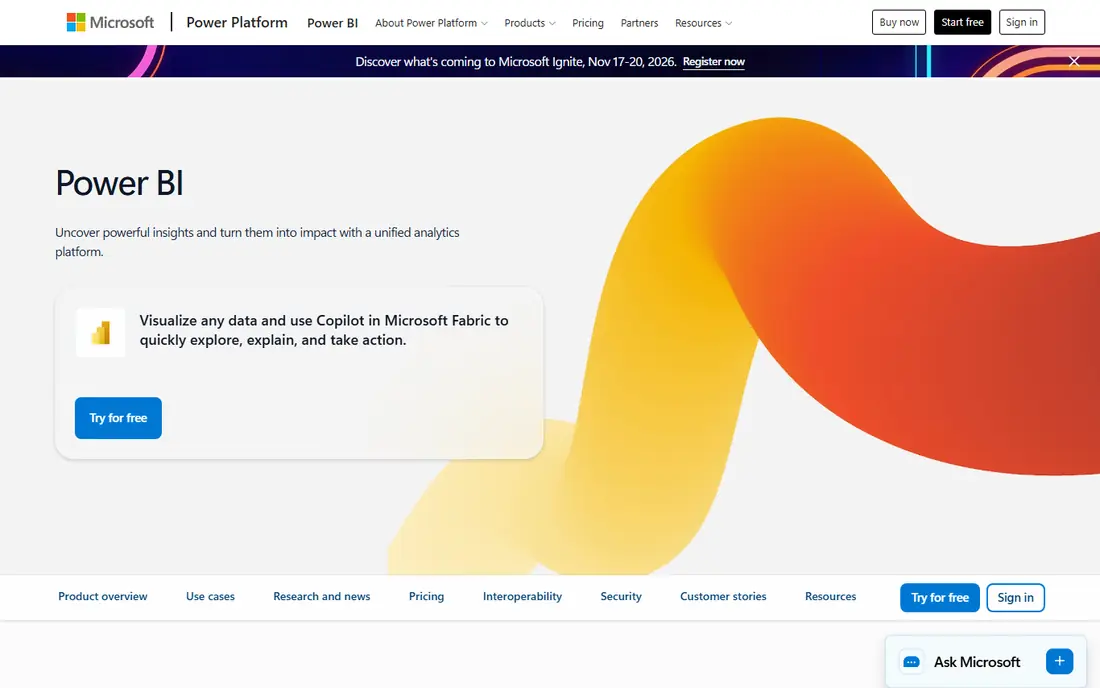
Power BI is our pick for most financial institutions because it balances price, reach and control. Finance teams already live in Excel, and Power BI turns those models into shared dashboards without forcing a new platform on the whole firm. Row-level security, workspace governance and Microsoft Entra ID integration give compliance teams the controls they expect.
The cost catch is licensing shape: viewers as well as creators may need paid licences depending on how content is shared, so a firm with thousands of readers must model total cost, not just the headline per-user price. Advanced AI features also need paid capacity. For a Microsoft-centred institution, though, Power BI is the pragmatic default.
- Low per-user price for Pro
- Deep Microsoft 365, Excel and Azure integration
- Row-level security and governance controls
- Viewer licensing costs add up at scale
- Advanced AI features need paid Fabric capacity
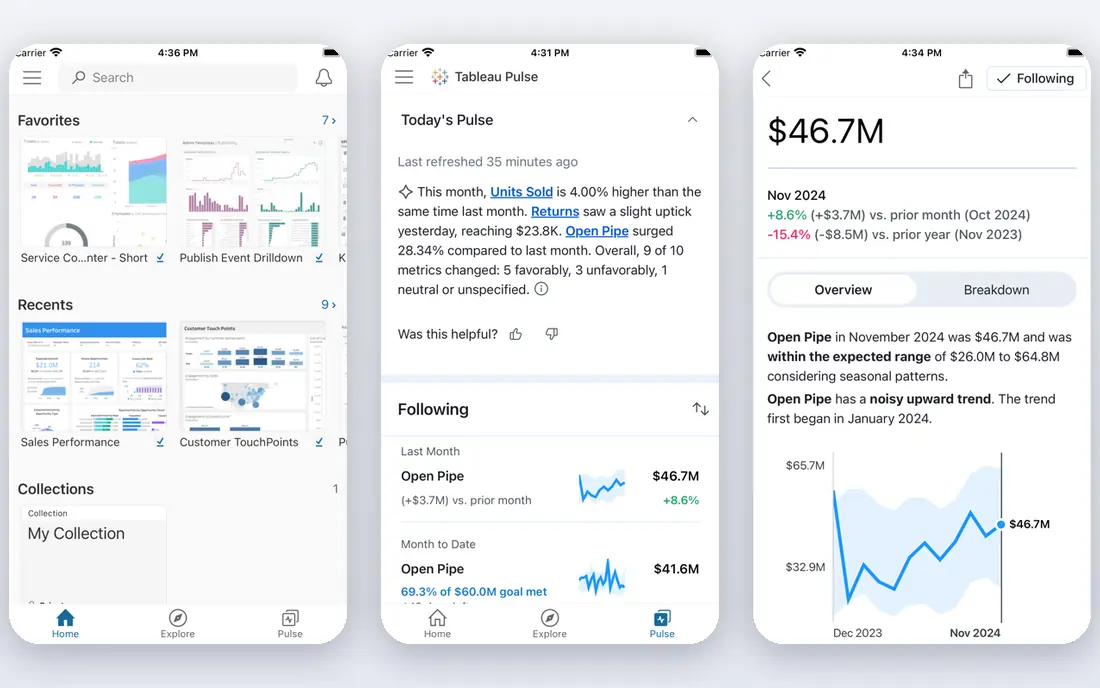
Tableau remains the benchmark for visual analysis in finance. Executives get dashboards they actually read, analysts get a deep tool for exploration, and the visual polish helps in board papers and investor reporting. Live connections and extracts both work well, so teams can choose freshness or speed per dataset.
The price is the honest drawback: role-based licensing costs more per user than Power BI, especially for large viewer populations. Metric governance also needs care, since Tableau's freedom lets teams define the same number differently unless Enterprise controls are enforced. For dashboard-led institutions with budget, Tableau is still superb.
- Outstanding visual analysis and dashboards
- Strong community and learning resources
- Flexible live or extract data options
- Higher per-user cost than Power BI
- Governed metric definitions need discipline and Enterprise features
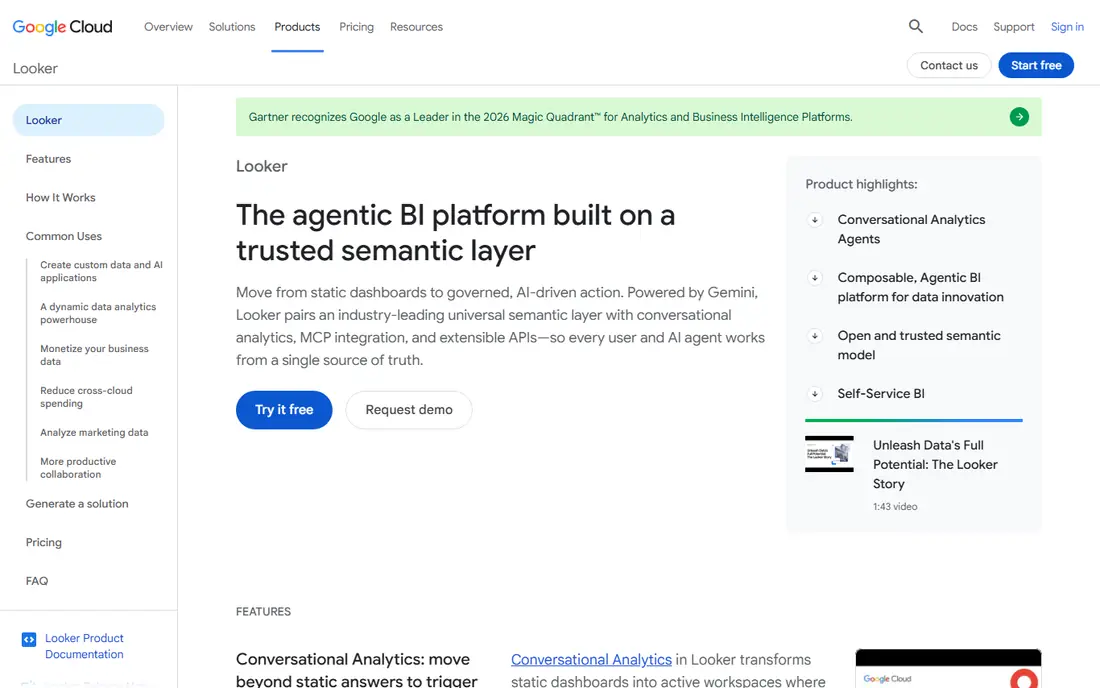
Looker is the governance-first choice. Its modelling language, LookML, lets a data team define each metric once, in code, under version control, so every dashboard and report uses the same definition. For a bank or insurer where a disputed number can become a regulatory problem, that single definition is worth a great deal.
The costs are real: Looker is quote-priced, entry costs run high, and it needs engineering support to model well. Business users also face a steeper learning curve than ThoughtSpot or Power BI. For BigQuery-centred institutions that prize metric control above all, Looker is the right investment.
- LookML defines metrics once in code, under version control
- Strong access controls
- Live on database data
- High entry price and needs data engineering support
- Steeper learning curve for business users
ThoughtSpot suits finance teams tired of waiting in an analyst queue. A manager types a question in plain language, such as loan volume by region this quarter, and gets a chart built from governed data. Its AI features add summaries, anomaly alerts and follow-up questions, which help non-technical leaders explore without learning a query language.
The catch is data readiness: search works brilliantly on clean, well-modelled data and poorly on messy sources. Per-user pricing also adds up across a large institution. For firms with solid data foundations that want self-service, ThoughtSpot cuts reporting backlogs fast.
- Search-style questions return charts instantly
- AI analyst features
- Strong row and column security
- Needs clean, well-modelled data to shine
- Per-user pricing adds up for large viewer groups
Qlik Sense has long served banks and insurers, and its associative engine remains distinctive: selecting a value instantly shows what is related and what is excluded across all connected data. That helps risk and finance analysts spot patterns that a fixed dashboard would hide. Deployment options cover cloud and on-premises, which matters for institutions with strict data residency rules.
Setup takes real effort, and the interface feels less fresh than Tableau or ThoughtSpot. For institutions that already run Qlik, or that value associative exploration and deployment flexibility, it remains a serious enterprise option.
- Associative engine reveals relationships across datasets
- Strong on-premises and cloud options
- Good governance features
- Setup effort is significant
- Interface feels less modern than newer rivals
Sigma is built for finance teams that think in spreadsheets. Its interface feels familiar to anyone who lives in Excel, yet it queries live warehouse data instead of stale extracts, so numbers stay current. Input tables even allow controlled write-back, which suits budgeting and planning workflows inside a governed tool.
Pricing is quote-only, which makes budgeting harder, and heavy usage can raise warehouse compute bills. For finance and operations teams that want spreadsheet comfort with live data and proper access controls, Sigma bridges the gap between Excel and enterprise BI nicely.
- Spreadsheet-like interface finance users already understand
- Live on warehouse data
- Input tables allow write-back
- Quote-only pricing
- Warehouse compute costs grow with usage
Domo pitches itself as a complete data platform, not just a dashboard tool: connectors bring data in, preparation cleans it, and dashboards, apps and alerts sit on top. For a financial institution consolidating scattered reporting tools, that breadth is attractive, and unlimited-user options on some plans suit firms with many occasional viewers.
The quote-only pricing makes head-to-head comparison difficult, and consumption-based costs need watching as usage grows. Institutions that want one platform from ingestion to dashboard, with strong mobile access for executives, should shortlist Domo.
- Connectors, preparation, dashboards and apps in one platform
- Consumption-based pricing with unlimited users on some plans
- Mobile-friendly
- Quote-only pricing makes comparison hard
- Consumption costs need careful monitoring
Looker Studio is the low-cost entry point for a finance team that needs a decent dashboard this week. It is free for standard use, connects easily to Google Sheets and BigQuery, and sharing is simple. A small team, a subsidiary or a single department can report well without a procurement cycle.
It is not an enterprise BI platform for regulated reporting. Governance, metric control and audit features are far weaker than Looker, Power BI or Tableau, so metric drift is a real risk at scale. Use Looker Studio for departmental reporting, and keep regulated, firm-wide numbers on a governed platform.
- Free for standard use
- Easy Google Sheets and BigQuery reporting
- Simple sharing
- Weaker governance and metric control than Looker
- Not suited as an enterprise-wide regulated reporting platform
Metabase is the best open-source BI option for a finance team that wants control. The free version covers dashboards, questions and alerts, the question builder suits non-technical users, and self-hosting keeps data inside your own infrastructure. Small institutions and internal teams can run serious reporting for very little money.
Governance is lighter than Power BI, Tableau or Looker, so a regulated firm must add discipline and paid tiers for serious use. For a cost-conscious institution, a subsidiary, or a team that values open source and self-hosting, Metabase is a strong and honest choice.
- Open-source version is free
- Easy question builder for non-technical users
- Self-hosting option for data control
- Lighter governance than enterprise rivals
- Large regulated deployments need the paid tiers and careful setup
How we picked these
We compared official feature pages, pricing pages and documentation, judging each tool on governance and access control, security and audit features, live versus imported data, finance-relevant strengths, ease of use and total cost for a financial institution. We weighted governance above visual flair, since a beautiful dashboard built on an untrusted number is a liability in finance. Where a paid price was not confirmed on the vendor's own page, we list it as See website. We did not claim hands-on testing, and we did not invent user counts or ratings.
Governance checklist before you buy
Before signing, confirm five things with each vendor. First, row-level and column-level security, so a branch manager sees only their own book. Second, single sign-on and audit logs, so access is controlled and traceable. Third, a governed metric layer, so revenue means the same thing in every report. Fourth, data residency and deployment options that match your regulator's expectations. Fifth, total cost at your real user count, including viewers, not just analysts.
Run a pilot on one real reporting problem, such as monthly management accounts or credit risk reporting, and measure both accuracy and time saved. A tool that passes a demo but fails on your own messy data is not a bargain at any price.
Deployment and compliance notes
Regulated institutions should involve compliance and information security early, not after a pilot succeeds. Ask where data is processed and stored, how long it is retained, and whether the vendor's AI features send data to outside models. Keep regulated reporting and casual exploration on separate footing where needed, and document which system holds the official number for each key metric.
Frequently asked questions
What is the best BI tool for financial institutions?
Microsoft Power BI is our pick for most financial institutions, thanks to price, Microsoft integration and governance controls. Tableau leads on dashboards, Looker leads on governed metrics, and ThoughtSpot leads on self-service search.
How much do BI tools cost for a bank?
Costs vary enormously by user count and licensing model. Power BI and ThoughtSpot publish per-user prices, while Looker, Sigma and Domo are quote-priced, so a bank should model total cost at its real viewer and creator counts before choosing.
What governance features matter most in finance BI?
Row-level security, single sign-on, audit logs, a single governed definition for each metric, and clear data residency matter most. These controls satisfy auditors and stop different teams reporting different versions of the same number.
Is Looker Studio enough for a financial institution?
Looker Studio suits departmental or low-stakes reporting, but its governance and metric controls are too weak for firm-wide regulated reporting. Keep official financial numbers on a governed platform such as Power BI, Tableau or Looker.
Can BI tools work with live banking data?
Yes. Looker, Sigma and ThoughtSpot query live warehouse data, while Power BI and Tableau offer both live connections and extracts. Live data keeps numbers current, but it needs well-modelled sources and performance planning for large datasets.
What is the best free BI tool for finance teams?
Metabase's open-source version and Looker Studio are the strongest free options. Metabase suits teams that want self-hosting and control, while Looker Studio suits Google-centred teams that need quick, simple dashboards.
Sources we checked (9)

Online Jobs is an independent blog about careers, online work, learning new skills and the tools that help people earn. More about us.
Keep reading
All posts
Who Is the Best Company to Get Travel Insurance
Compare the best travel insurance companies, including World Nomads, Allianz Travel, SafetyWing and AXA, with coverage types, limits and who each suits.

Top AI Financial Software
Searching for top AI financial software? We compared 9 AI finance tools for AP, spend, close, forecasting and bookkeeping to help teams choose wisely.

Quicken Alternatives
Compare the best quicken alternatives for Mac, Windows, and small business owners, from Monarch Money and YNAB to Copilot, Tiller, and Banktivity in 2026.