Best Automated Trading Platform in 2026: 9 Platforms Compared


Forex automation with Expert Advisors · Starting price: Free
How we put this together: we compare official feature and pricing pages, app store listings, privacy policies and public user reviews. Prices change, so check the provider's site before you pay.
Key takeaways
- MetaTrader 5 and cTrader are the cheapest routes into automation, because both are free through a broker with large libraries of ready-made robots.
- NinjaTrader and TradeStation suit futures and stock traders who want a free platform plus serious backtesting, while Interactive Brokers suits coders who want many markets through one API.
- TradingView and TrendSpider are the best no-code and low-code routes, with Pine Script and visual rules instead of a full programming language.
- Always backtest, then paper trade, before risking real money. A strategy that looks good on one historical period can fail badly on the next.
Quick comparison
| Name | Who it suits | Starting price | Free option | |
|---|---|---|---|---|
| MetaTrader 5 | Forex automation with Expert Advisors | Free | Yes | Visit |
 NinjaTrader | Futures automation with a free platform | Free | Yes | Visit |
 TradeStation | EasyLanguage strategy automation | Free | Yes | Visit |
 Interactive Brokers | Multi-asset API trading | Free | Yes | Visit |
 TradingView | Pine Script strategies and alerts | $14.95 per month | Yes | Visit |
 TrendSpider | No-code technical automation | $82 per month | Free trial | Visit |
 QuantConnect | Research-grade quant backtesting | Free | Yes | Visit |
 Alpaca | API-first stock trading | Free | Yes | Visit |
 cTrader | Forex automation in C# | Free | Yes | Visit |
The best automated trading platforms
A short disclaimer first: this is not financial advice, and automated trading carries risk, including the risk of losing money quickly if a strategy, data feed or connection fails. Automation removes emotion from execution, but it does not remove risk from markets. Every platform here should be tested with paper trading before real capital is used.
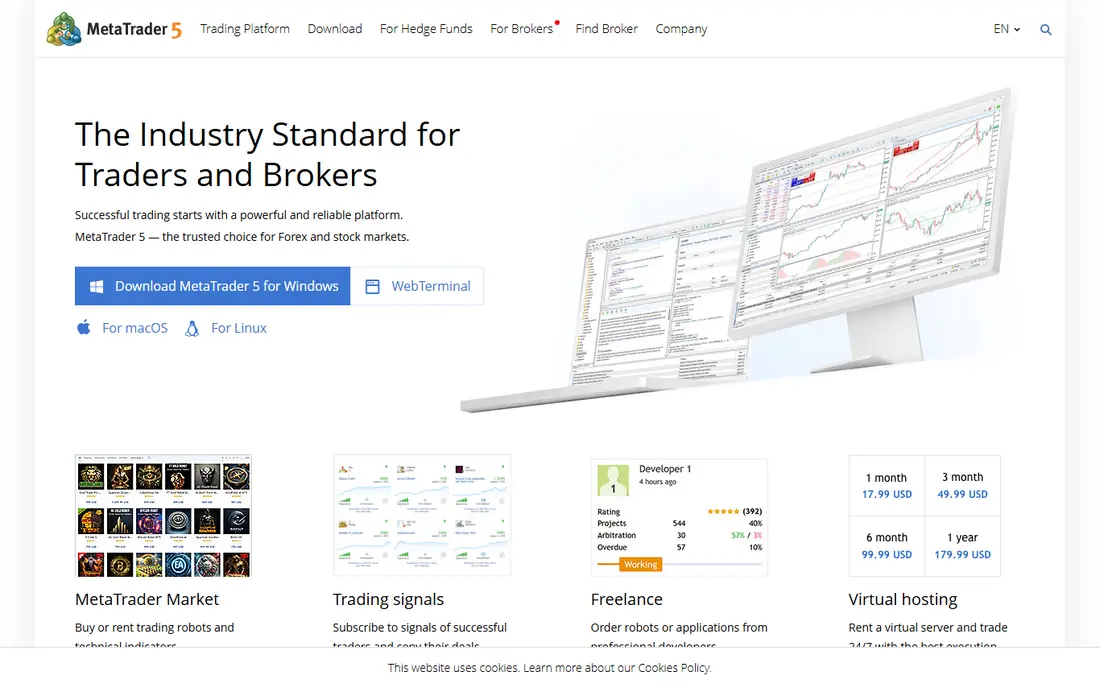
MetaTrader 5, usually called MT5, is the most widely used automated trading platform in the world, and for forex traders it is the default starting point. Expert Advisors run strategies automatically, the strategy tester backtests them on historical data, and a large marketplace offers ready-made robots and indicators. The platform itself is free through your broker, so the cost is in spreads and commissions, not software.
The platform shows its age. The interface feels dated next to TradingView, and your experience depends heavily on your broker's spreads, execution and regulation. MT5 also focuses on forex and CFDs rather than US stocks. For a forex trader who wants automation without paying for software, it remains the most practical first step.
- Free through most forex brokers
- Huge Expert Advisor library
- Built-in strategy tester
- Dated interface
- Broker quality varies
- Mainly forex and CFDs
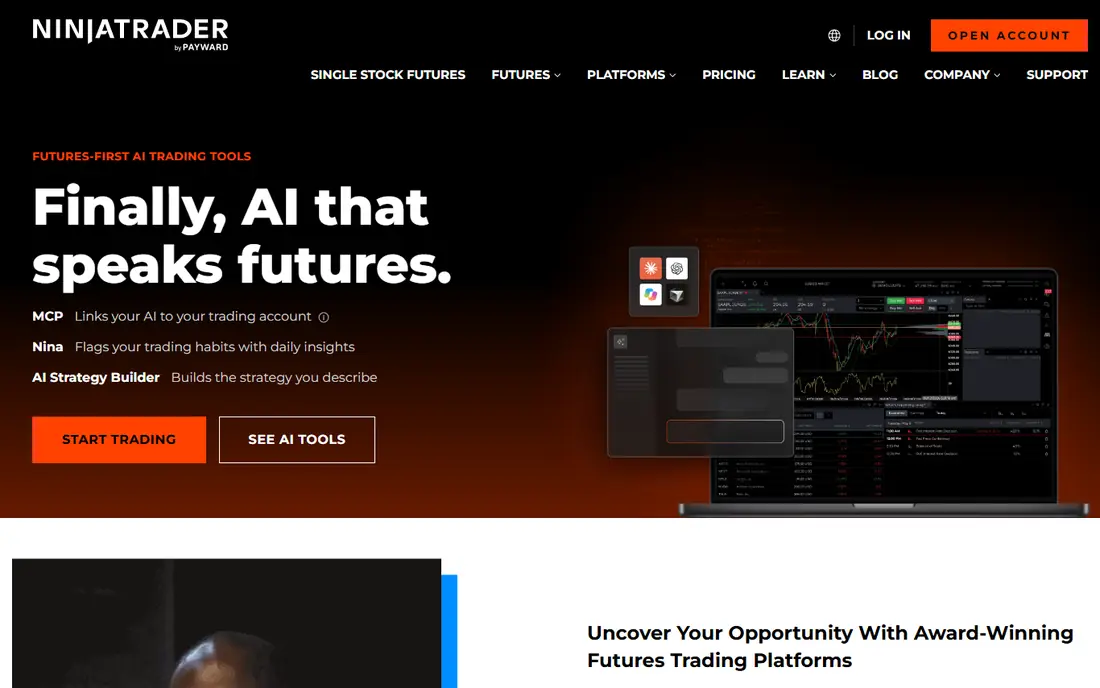
NinjaTrader is the futures trader's automation platform. The core platform is free for charting, backtesting and simulated trading, with paid licence options that lower commissions for active traders. NinjaScript, based on C#, gives serious control over strategies, indicators and order handling, and the order flow and charting tools are built for fast futures markets.
The focus is also the limit. NinjaTrader is built around futures and options, so stock-only traders will find less here than on TradeStation or Interactive Brokers. Coding in NinjaScript also takes real effort. For a futures trader who wants a professional platform without a monthly software fee, NinjaTrader is the strongest free starting point.
- Free platform for charting, backtesting and simulation
- Strong futures support
- NinjaScript in C#
- Futures-focused
- NinjaScript needs coding skill
- Commissions on top of free platform
TradeStation suits traders who want to code strategies without learning a full programming language. EasyLanguage reads close to plain English, which lowers the barrier to writing, testing and automating a strategy, and the backtesting tools are mature. The platform itself is free with a funded brokerage account, and stock and ETF commissions are $0 on the TS SELECT plan.
Costs appear elsewhere. Futures, options and market data fees apply on top of the free platform, and parts of the interface feel older than newer rivals. TradeStation is the best pick for a US stock or futures trader who wants readable strategy code and a broker and platform in one account.
- EasyLanguage is easier than C# or Python
- Strong backtesting
- Commission-free stocks on select plans
- Futures and options costs add up
- Platform feels dated in places
Interactive Brokers, or IBKR, is the platform for coders who want everything through one API. Stocks, options, futures, forex and bonds across global markets are available, API access is free, and IBKR Lite offers $0 commissions on US stocks for US users. That breadth makes it the backbone for many serious automated strategies.
Complexity is the price. Trader Workstation packs a lot into every screen, and building a reliable API strategy needs programming skill plus care around order handling, error cases and market data subscriptions. Beginners should start with paper trading and a simple strategy. For an experienced coder who wants many markets in one place, IBKR is hard to beat.
- Huge range of markets
- Free API access
- Low commissions on many products
- Complex platform
- API work needs coding skill
- Data fees vary
TradingView is where most traders design strategies, even if they execute elsewhere. Charts are excellent, Pine Script lets you write and backtest a strategy in a few dozen lines, and alerts can send webhooks to automation services that place orders at a broker. The Essential plan starts at $14.95 per month, with a free Basic plan for learning Pine Script.
The honest limit is execution. TradingView is not a full broker, so live automation usually needs a third-party bridge, which adds cost and a point of failure. Real-time data for some exchanges also costs extra. As a design and testing home for strategies, TradingView is the best in this list. As a standalone execution platform, it needs help.
- Best charts in this list
- Pine Script is easy to learn
- Alerts can trigger automation via webhooks
- Not a broker itself
- Automation needs a bridge service
- Real-time data fees add up
TrendSpider automates the tedious part of technical trading: drawing trendlines, spotting patterns and testing whether a setup worked historically. You build rules visually, backtest them, and set alerts that can feed into automation tools, all without writing code. For a technical trader who does not code, that combination is rare.
The price is the barrier. Plans start at $82 per month, with a paid 14-day trial rather than a free tier, so casual traders will struggle to justify it. TrendSpider also adds little for fundamental traders. For an active technical trader who will use it daily, the time saved on chart work can justify the cost. For everyone else, TradingView's free plan is the better first step.
- Automatic trendlines and pattern detection
- Backtesting without code
- Strong alerts
- No free plan, only a paid trial
- Price is steep for casual traders
- Technical analysis focus
QuantConnect is the research platform in this list. It offers serious backtesting across equities, options, futures, forex and crypto, with Python and C# support and large historical datasets in the cloud. A free tier lets you research and backtest, and live trading connects to supported brokerages. For a coder building a strategy properly, with realistic fills and slippage modelling, QuantConnect is the most rigorous option here.
Rigour comes with difficulty. QuantConnect assumes you can code, understand backtest pitfalls such as overfitting, and manage a live deployment. It is not a place to copy a strategy and press go. For a developer or quant-minded trader, it is the best research home. For a beginner, start with TradingView or TradeStation first.
- Institutional-grade backtesting
- Python and C# support
- Large historical datasets
- Needs coding skill
- Live trading needs a brokerage connection
- Learning curve is steep
Alpaca is a broker built for developers. Its API is free, paper trading is free, and retail stock commissions are $0, which makes it a low-cost way to take a coded strategy live. Documentation is clean, and Python, JavaScript, Go and C# libraries are supported. For a coder who wants to automate US stocks without a heavy platform, Alpaca is the simplest live route.
The limits are scope and surface. Alpaca covers stocks, ETFs, options and crypto, not the global multi-asset range of Interactive Brokers, and it has no full charting and strategy design platform of its own. Pair Alpaca with TradingView for design, or use it standalone if you already code. Either way, paper trade first and watch order handling closely in the first live weeks.
- Free API and paper trading
- $0 stock commissions for retail
- Clean developer docs
- Stocks, ETFs, options and crypto only
- Needs coding
- No charting platform like TradingView
cTrader is the modern alternative to MetaTrader 5 for forex automation. Its interface is cleaner and faster feeling, cBots let you automate strategies in C#, and cloud execution options mean a strategy can run without your computer staying on. The platform is free through participating brokers, so cost again sits in spreads and commissions.
Broker choice is narrower than MT5, and the ready-made robot marketplace is smaller, so you may need to code more yourself. For a forex trader who likes C# and wants a cleaner platform than MT5, cTrader is the better daily experience. For the widest broker and robot choice, MT5 still wins.
- Free through brokers
- CBots automate in C#
- Clean interface and fast execution
- Fewer brokers than MT5
- Mainly forex and CFDs
- Smaller robot marketplace
How we picked these
We compared official platform pages, pricing pages, broker terms and documentation for platforms that support automated order execution, strategy backtesting or alert-based automation, and we kept only platforms actively available in 2026. We covered forex, futures, stocks and no-code routes, rather than listing only one market, and we noted where a platform needs a broker, a bridge service or coding skill to automate fully. Prices are the lowest published plan or the free platform offer, and trading costs such as spreads, commissions and data fees are flagged where they change the real cost.
Automating without losing control
Backtest honestly, then paper trade
A backtest that only covers a rising market proves little. Test across rising, falling and flat periods, include realistic commissions and slippage, and watch for overfitting, where a strategy is tuned so tightly to the past that it fails on new data. Paper trade the survivors for at least a few weeks before risking real money.
Plan for failure, not just profit
Automation fails in boring ways: a lost connection, a data gap, a broker outage or a bug at 3am. Set position limits, daily loss limits and alerts for failed orders, and know how to stop a strategy manually. A kill switch you have tested is worth more than a cleverer strategy you have not.
Keep one strategy live at a time when starting
Running five untested strategies at once makes it impossible to tell which one works and which one is losing money. Start with one simple strategy, learn its behaviour in live conditions, and only add a second once the first is understood. Complexity is easy to add later, and hard to untangle after a bad week.
Frequently asked questions
What is the best automated trading platform?
MetaTrader 5 is the best free starting point for forex automation, NinjaTrader leads for futures, and Interactive Brokers leads for multi-asset API trading. TradingView is the best design tool for Pine Script strategies, while QuantConnect suits coders who want research-grade backtesting. The best platform depends on your market and whether you code.
What is the best automated trading app for beginners?
TradingView is the most beginner-friendly route, because Pine Script is easy to learn and the free plan covers strategy design and backtesting. TradeStation is a good next step for traders who want broker execution with readable EasyLanguage code. Beginners should paper trade for weeks before using real money on any platform here.
Can you automate trading for free?
Yes, up to a point. MetaTrader 5, cTrader, NinjaTrader's core platform, QuantConnect's free tier and Alpaca's API are all free to use, although spreads, commissions and market data fees still apply. TradingView's free plan covers design and testing, but live automation usually needs a paid plan or a bridge service.
Is automated trading profitable?
It can be, but most automated strategies fail, and past backtest results do not guarantee future profits. Profitable automation usually comes from a simple, well-tested idea, realistic costs, strict risk limits and ongoing monitoring. Treat any seller promising guaranteed automated profits as a warning sign, and never risk money you cannot afford to lose.
What is the best platform for automated stock trading?
For US stocks, Alpaca suits coders who want a free API, TradeStation suits traders who prefer readable EasyLanguage, and Interactive Brokers suits traders who want many markets through one API. TradingView plus a bridge service is a workable route for Pine Script users. Paper trade on your chosen platform before committing real capital.
Sources we checked (9)

Online Jobs is an independent blog about careers, online work, learning new skills and the tools that help people earn. More about us.
Keep reading
All posts
Top AI Financial Software
Searching for top AI financial software? We compared 9 AI finance tools for AP, spend, close, forecasting and bookkeeping to help teams choose wisely.

Quicken Alternatives
Compare the best quicken alternatives for Mac, Windows, and small business owners, from Monarch Money and YNAB to Copilot, Tiller, and Banktivity in 2026.
QuickBooks Online Alternatives
Looking for quickbooks online alternatives? We compared 8 accounting tools on invoicing, bank feeds, payroll, pricing and fit for small businesses today.