Best Apps for Tracking Spending in 2026: 8 Apps Compared

How we put this together: we compare official feature and pricing pages, app store listings, privacy policies and public user reviews. Prices change, so check the provider's site before you pay.
Key takeaways
- YNAB suits people who want a hands-on budget method, while Monarch Money suits households that want a clear net worth view.
- Copilot and Simplifi suit Apple and Quicken users respectively, with strong automatic transaction tracking.
- Rocket Money adds subscription tracking and bill help, while Goodbudget suits envelope budgeting without bank links.
- This article is general information only, not financial advice, and bank connection quality varies by bank and region.
Quick comparison
| Name | Who it suits | Starting price | Free option | |
|---|---|---|---|---|
 YNAB | hands-on budgeting | See website | Free trial | Visit |
 Monarch Money | households and net worth | See website | Free trial | Visit |
 Copilot | automatic tracking on Apple devices | See website | Free trial | Visit |
 Rocket Money | subscriptions and bills | Free | Yes | Visit |
 Simplifi by Quicken | automatic tracking plus planning | See website | Free trial | Visit |
 PocketSmith | cash flow forecasting | See website | Free trial | Visit |
 Goodbudget | envelope budgeting | Free | Yes | Visit |
 EveryDollar | simple zero-based budgeting | Free | Yes | Visit |
The best apps for tracking spending
Tracking spending works when it fits your habits. Some people want every transaction categorized automatically, while others want to assign each dollar a job by hand. The apps below cover both styles, plus subscription tracking and cash flow forecasting. We compared official pricing pages, feature pages and app store listings, and we use See website where pricing could not be verified cleanly. This is general information only, not financial advice.
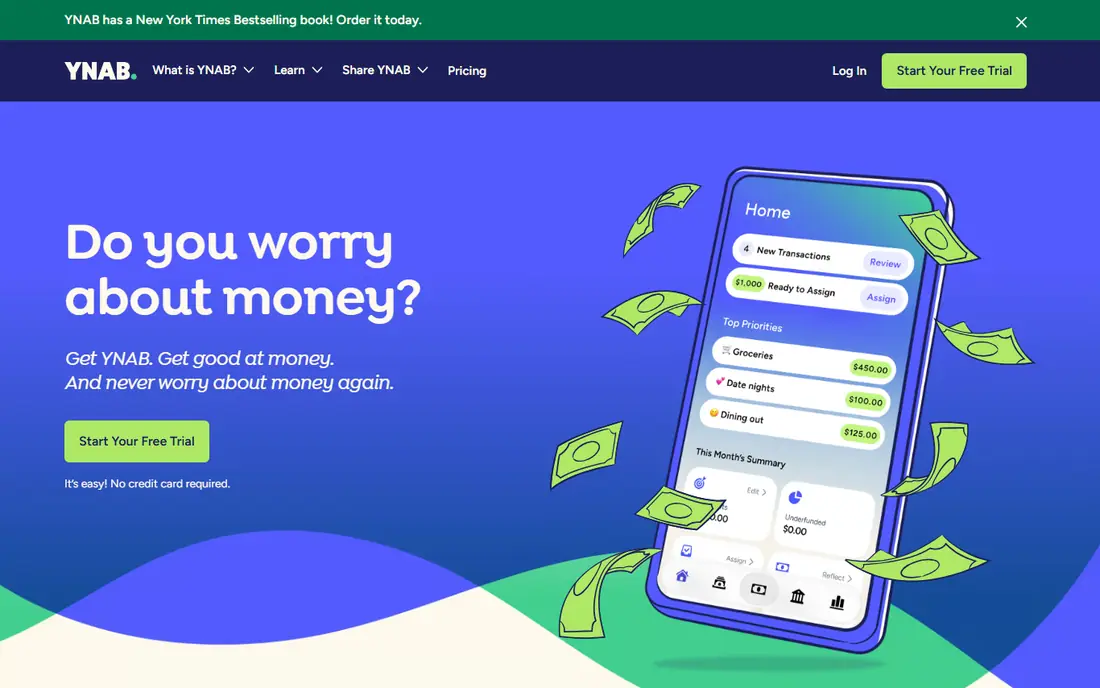
YNAB, short for You Need A Budget, asks you to give every dollar a job before you spend it. That hands-on method suits people who overspend without noticing, since the app forces a plan for rent, food, savings and fun before the month starts. Goals, debt payoff tools and reports show progress over time, and learning guides help new budgeters stick with the method.
The method takes effort. If you want fully automatic tracking with little input, YNAB will feel like work, and its subscription costs more than a simple tracker. Bank connections also vary by bank. For readers ready to budget actively, YNAB is our pick for changing spending habits, not just watching them.
- Clear zero-based budgeting method
- Strong goal and debt tools
- Helpful learning resources
- Needs regular manual attention
- Price is higher than simple trackers
- Bank sync quality varies
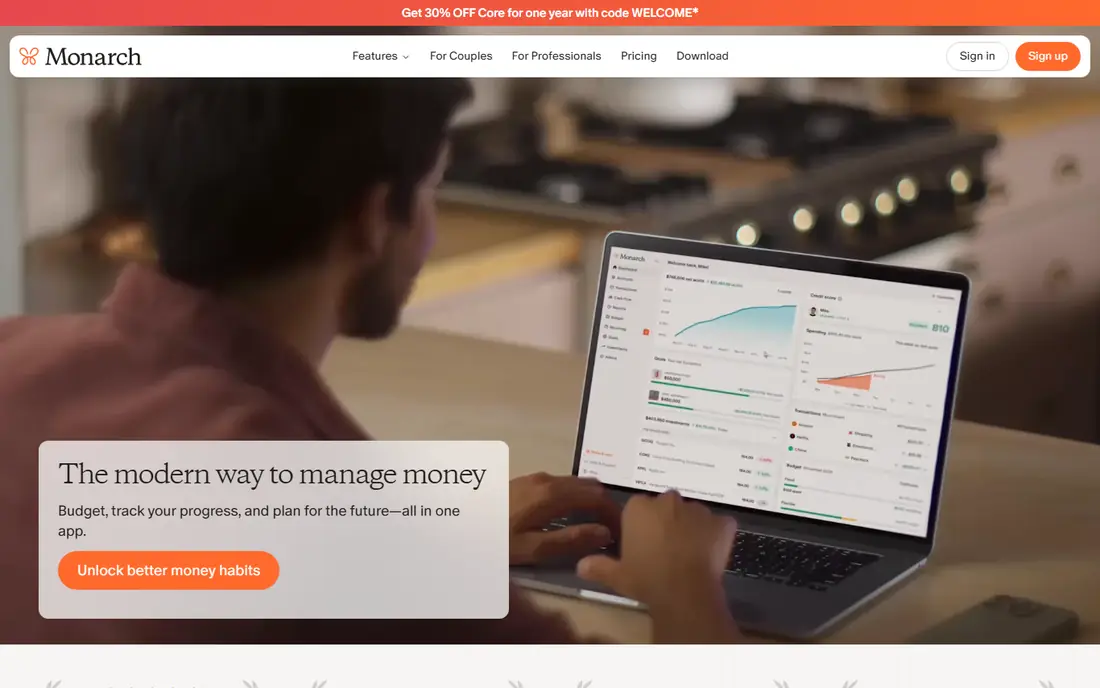
Monarch Money gives households a clear view of accounts, spending and net worth in one dashboard. Partners can share an account, set budgets together and track goals, which suits couples and families managing money jointly. Custom dashboards let you focus on spending, savings or investments without digging through menus.
There is no permanent free plan, only a trial, so budget for a subscription after testing. Bank sync quality varies, as with every tracker here. For a household that wants a shared, visual view of money, Monarch is a strong, modern pick.
- Clear net worth and cash flow views
- Household sharing
- Customizable dashboards
- No permanent free plan
- Bank sync varies
- Some users want deeper investment tools
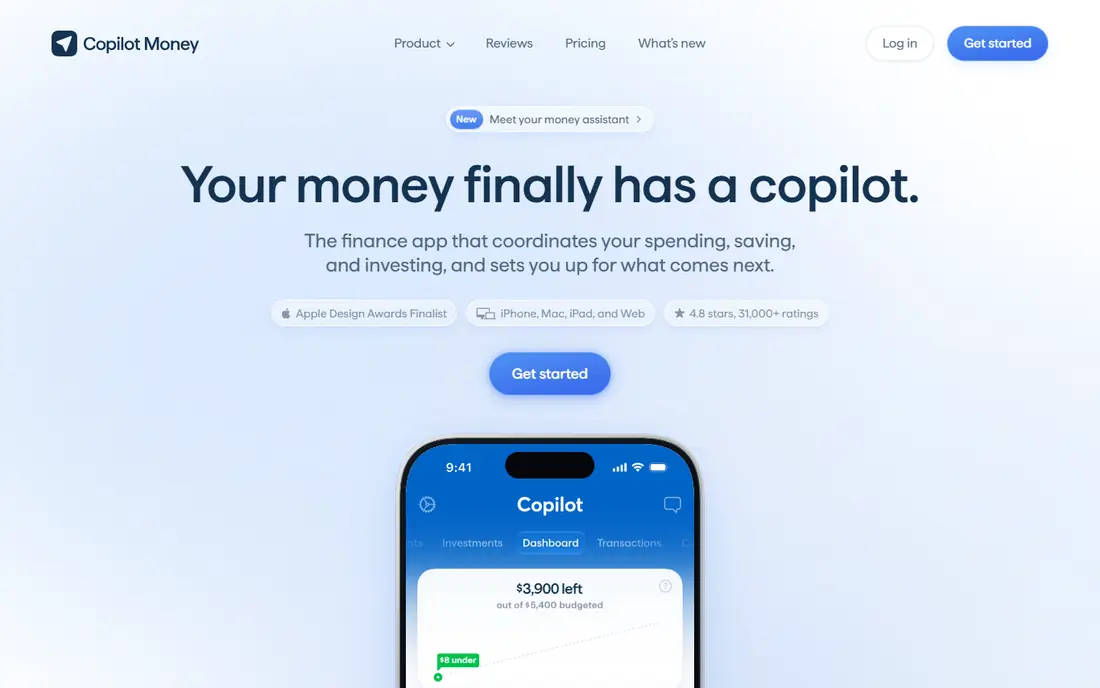
Copilot is built for Apple users who want automatic tracking with a polished design. Transactions import, categorize and appear in clear charts, while budgets and insights highlight where money goes each month. The iPhone, iPad and Mac apps feel consistent, which helps daily checking become a habit.
Apple-only design is the main limit. Android and web users should pick another tool here. There is also no permanent free plan, only a trial. For an Apple household that wants automatic tracking without manual budgeting, Copilot is a top pick.
- Polished Apple apps
- Automatic categorization
- Clear spending insights
- Apple-only for full apps
- No permanent free plan
- Web access is limited compared with rivals
Rocket Money stands out for subscriptions. It finds recurring charges, flags price rises and helps cancel services you no longer use, which can save more than the app costs for many households. Spending tracking, budgets and alerts cover the daily job too, with a free tier to start.
Premium features sit behind a paid plan, and bill negotiation services take a share of savings when they succeed, so read those terms before using them. Some features also focus on US bills and banks. For readers whose main leak is forgotten subscriptions, Rocket Money is the most useful pick here.
- Subscription tracking and cancellation help
- Bill negotiation tools
- Spending alerts
- Premium features need a paid plan
- Bill negotiation takes a fee on savings
- Some tools are US-focused
Simplifi blends automatic tracking with forward planning. A spending plan shows what is left after bills and savings, while projected balances warn you before a low week. That mix suits people who want automation plus a sense of what comes next, without the full hands-on method of YNAB.
There is no permanent free plan, only a trial, and the interface packs a lot onto each screen. Quicken history gives it support depth that newer apps lack. For a user who wants automatic tracking with planning tools, Simplifi is a balanced, capable choice.
- Automatic tracking with spending plans
- Projected cash flow
- Quicken support history
- No permanent free plan
- Interface can feel busy
- Some users prefer YNAB method depth
PocketSmith excels at looking ahead. Cash flow forecasts show future balances based on scheduled income, bills and budgets, so you can spot a tight month before it arrives. Scenario tools let you test a job change, a move or a large purchase against your forecast. That forward view sets it apart from trackers that only show the past.
Forecasting takes setup and learning, and bank feed quality varies outside its core regions. The interface is denser than Copilot or Monarch. For planners, freelancers with uneven income and households facing a big decision, PocketSmith offers the deepest forecast tools here.
- Strong cash flow forecasts up to years ahead
- Scenario planning
- Detailed transaction tools
- Learning curve for forecasts
- Bank feeds vary by region
- Interface is denser than rivals
Goodbudget digitizes envelope budgeting. You divide money into envelopes for rent, groceries, transport and fun, then record spending against each envelope. That visual limit helps people who overspend in one category without noticing. A free tier covers basic envelopes, and the app works without linking a bank account, which suits privacy-conscious users.
Manual entry is the trade-off. Without bank sync, you must log transactions yourself, which takes discipline. Reports are also simpler than in Monarch or PocketSmith. For a household that wants envelope budgeting and does not mind manual entry, Goodbudget is a calm, low-cost pick.
- Simple envelope method
- Free tier available
- Works without bank links
- No automatic bank sync on free tier
- Manual entry takes time
- Reports are simpler than rivals
EveryDollar keeps zero-based budgeting simple. You plan income and spending for the month, assign every dollar, and track progress in a clean monthly view. The free tier covers manual budgeting, which is enough to test whether the method suits you. That simplicity appeals to new budgeters who find YNAB or PocketSmith overwhelming.
Automatic bank connections sit on a paid plan, so free users enter transactions by hand. Feature depth is also lighter than YNAB, especially for debt and goal planning. For a first budget app, EveryDollar is an easy, low-pressure start.
- Simple zero-based budget setup
- Free tier available
- Clear monthly plan view
- Automatic bank sync needs a paid plan
- Features are simpler than YNAB
- Some tools are US-focused
How we picked these
We compared official pricing pages, feature pages and app store listings, and we favored apps that still operate, support transaction tracking or manual budgeting, and publish clear pricing and bank connection information. We included automatic trackers, hands-on budget tools and envelope apps, since readers search for all three styles. We did not claim hands-on testing, and we based our notes on vendor documentation and public product information. This article is general information only, not financial advice.
How to choose the right app
Start with your style, not the feature list. If you ignore manual entry, pick an automatic tracker like Copilot, Monarch or Simplifi. If you need discipline, pick a hands-on tool like YNAB or EveryDollar. If subscriptions drain your budget, start with Rocket Money. Trial bank connections with your actual banks, since sync quality decides whether an automatic app helps or frustrates.
Check privacy and export terms too. Confirm what data the app stores, whether you can export transactions, and what happens if you cancel. Set a weekly check-in, even with an automatic app, since categories still need occasional fixes. The best tracker is the one you open each week, not the one with the longest feature list.
Frequently asked questions
What is the best app for tracking spending?
YNAB suits hands-on budgeters, Monarch Money suits households that want a net worth view, and Copilot suits Apple users who want automatic tracking. Rocket Money suits subscription tracking. Your budgeting style and devices decide the best fit.
What are the best spending tracking apps with bank sync?
Copilot, Monarch Money, Simplifi and Rocket Money all offer bank connections and automatic transaction import, though sync quality varies by bank. YNAB and PocketSmith also support connections, with manual entry as a fallback. Test your own banks during a trial before you pay.
Is there a free app for tracking spending?
Yes. Rocket Money, Goodbudget and EveryDollar offer free tiers, while other apps offer trials. Free tiers often limit bank sync or envelope counts, so check what is included. A free manual app can work well if you log spending regularly.
What is the best app for spending tracking on iPhone?
Copilot is built for Apple devices and offers polished iPhone, iPad and Mac apps with automatic tracking. Monarch Money and YNAB also offer strong iPhone apps. Android users should pick Monarch, YNAB, Rocket Money or Simplifi instead.
Can a spending tracker help me save money?
It can help you see where money goes, which is the first step to saving, but no app saves money on its own. Set a spending plan, review it weekly, and act on what you find, such as cancelling unused subscriptions. If debt or financial hardship is involved, consider advice from a qualified professional.
Sources we checked (8)

Online Jobs is an independent blog about careers, online work, learning new skills and the tools that help people earn. More about us.
Keep reading
All posts
Top AI Financial Software
Searching for top AI financial software? We compared 9 AI finance tools for AP, spend, close, forecasting and bookkeeping to help teams choose wisely.

Quicken Alternatives
Compare the best quicken alternatives for Mac, Windows, and small business owners, from Monarch Money and YNAB to Copilot, Tiller, and Banktivity in 2026.
QuickBooks Online Alternatives
Looking for quickbooks online alternatives? We compared 8 accounting tools on invoicing, bank feeds, payroll, pricing and fit for small businesses today.