Best App to Cancel Subscriptions for Free in 2026: 9 Apps Compared


Bank-connected detection plus cancellation help · Starting price: See website
How we put this together: we compare official feature and pricing pages, app store listings, privacy policies and public user reviews. Prices change, so check the provider's site before you pay.
Key takeaways
- Rocket Money offers the most useful free tier, with bank-connected detection and tracking.
- Bobby and Subby are free manual trackers that protect privacy by skipping bank access.
- Premium cancellation help exists, but it usually costs money and does not cover every provider.
- Charges billed through Apple, Google, or PayPal often must be cancelled at that platform.
- A free tracker plus direct cancellation beats paying for help you do not need.
Quick comparison
| Name | Who it suits | Starting price | Free option | |
|---|---|---|---|---|
| Rocket Money | Bank-connected detection plus cancellation help | See website | Yes | Visit |
 Trim | Bill negotiation plus subscription review | See website | Free trial | Visit |
 Bobby | Simple manual tracking on iPhone | Free | Yes | Visit |
 Subby | Lightweight manual tracking on Android | See website | Yes | Visit |
 TrackMySubs | Manual tracking for teams and small businesses | See website | Free trial | Visit |
 Hiatus | Linked-account review plus supported cancellation help | See website | Free trial | Visit |
 PocketGuard | Budgeting plus subscription spotting | See website | Free trial | Visit |
 Monarch Money | Full finance app with subscription tracking | See website | No | Visit |
 Quicken Simplifi | Recurring payment tracking for Quicken users | See website | Free trial | Visit |
The best apps to cancel subscriptions for free
No app can magically cancel every subscription for free, because many providers require you to cancel in your own account. What a good app can do is find the charges, remind you before renewal, and guide you to the right cancellation page. The nine options below are honest about that limit, and they differ in whether they detect charges automatically or rely on you to enter them.
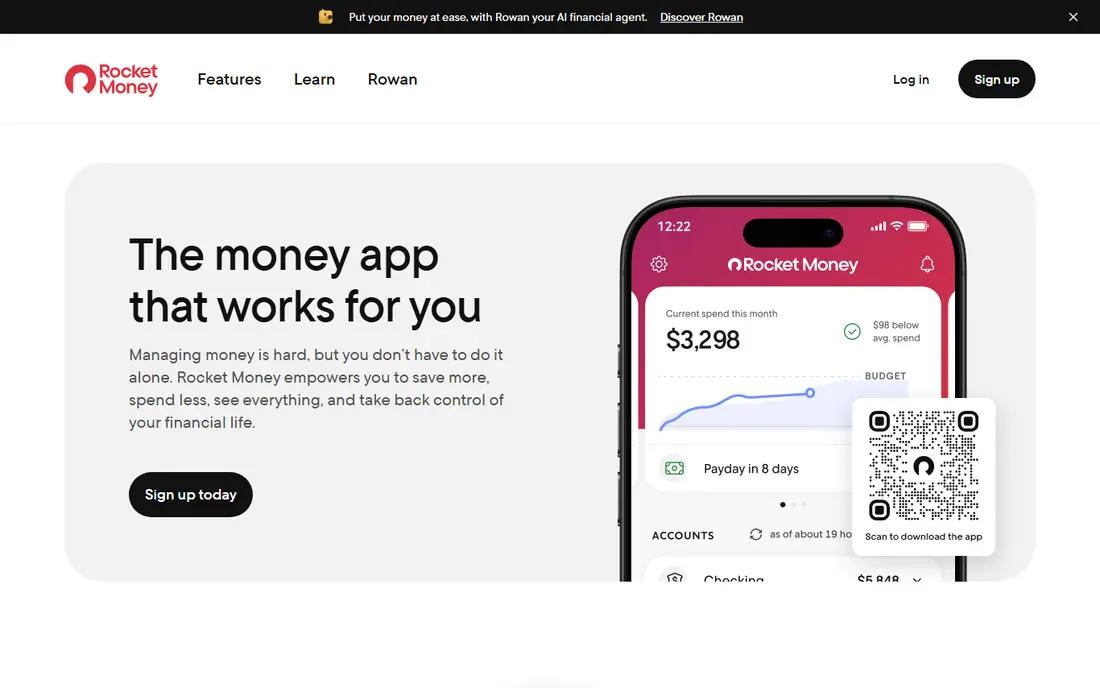
Rocket Money is the best starting point for a full subscription audit. It scans linked bank and card accounts for recurring charges, so forgotten subscriptions surface without manual entry. The free plan covers tracking, while Premium adds help with eligible cancellations and bill negotiation.
The catch is that the most-wanted help sits behind Premium, and some services billed through Apple, Google, or PayPal must be cancelled at that platform. Check your next statement after any cancellation request, since a request does not always stop a payment at once.
- Auto-detects recurring charges
- Subscription tracking on the free plan
- Cancellation help on Premium
- Cancellation help needs Premium
- Some providers require you to cancel directly
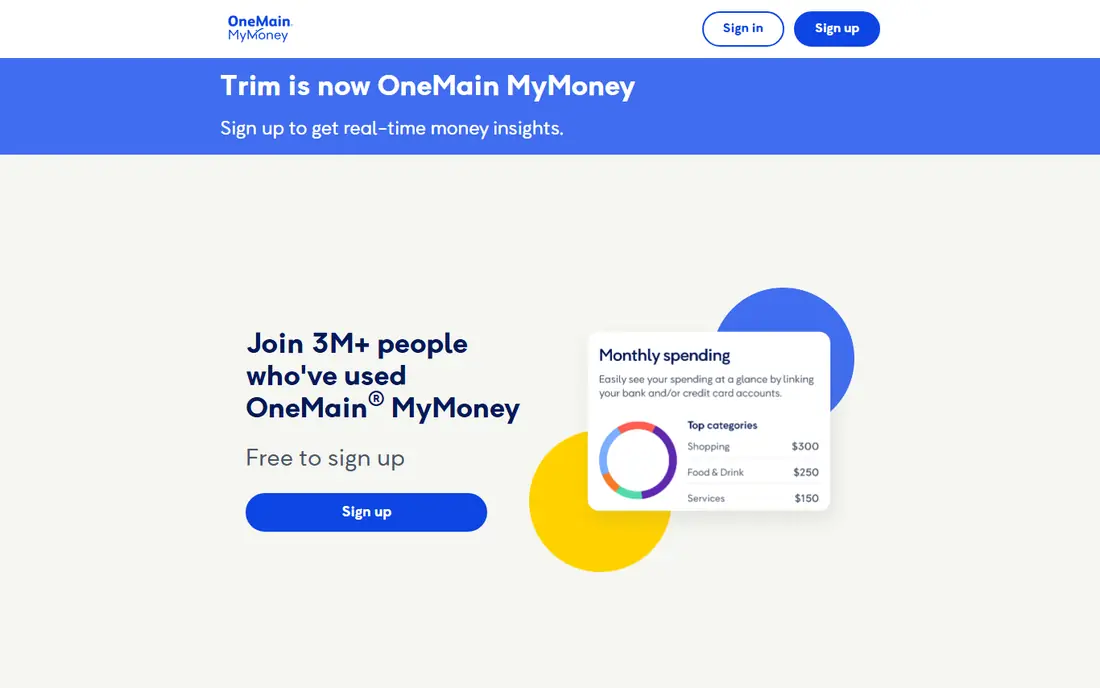
Trim suits people who want negotiation as well as tracking. Beyond listing subscriptions, Trim looks for bills it can negotiate, which can save money on services you want to keep. Its dashboard keeps recurring spending in one view, so you can spot creep before it grows.
The catch is coverage. Not every provider can be cancelled or negotiated by Trim, and its focus is US users. If you mainly need a list, a free manual tracker may be enough.
- Negotiates bills
- Reviews recurring spending
- Simple dashboard
- Cancellation help is limited for some providers
- US focus
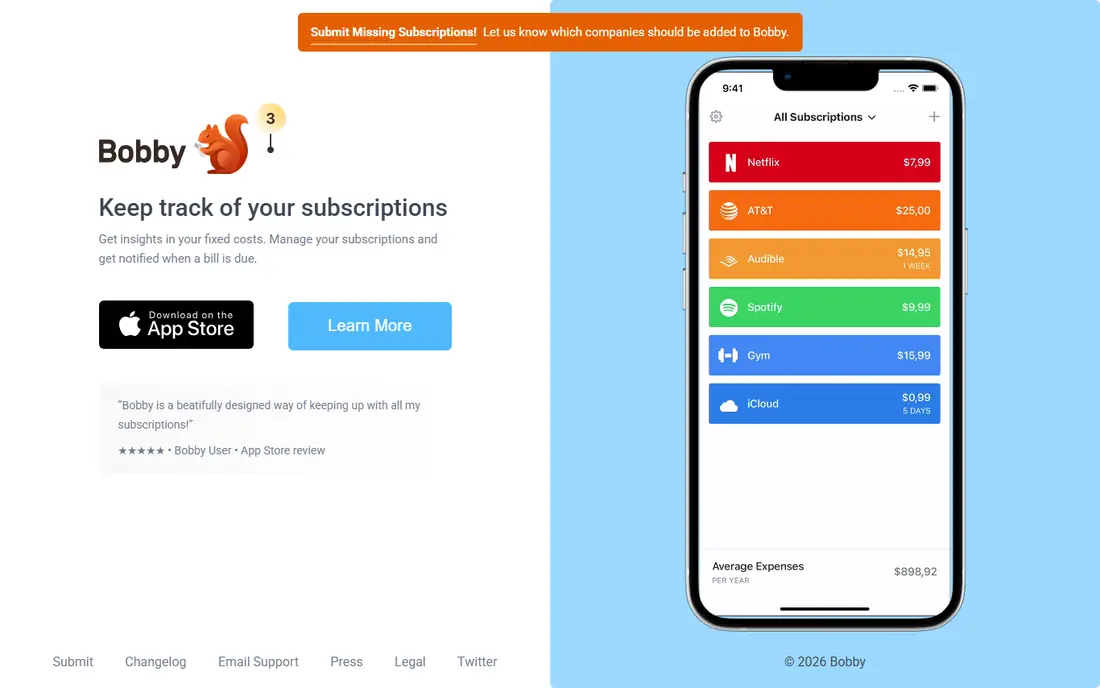
Bobby is the private, simple option for iPhone users. It does not connect to your bank, so your financial data stays out of the app. You enter subscriptions by hand, set renewal reminders, and see upcoming charges at a glance.
The catch is manual work and iOS only. If you forget to add a subscription, Bobby cannot find it. For a small, stable set of subscriptions, that trade buys real privacy.
- Clean manual tracker
- Renewal reminders
- Low one-time Pro upgrade
- IOS only
- No auto-detection
- You must enter every subscription
Subby is the Android answer to Bobby. It offers a lightweight manual tracker with renewal reminders, without asking for bank access. That makes it a good fit for Android users who want a list, not a finance app.
The catch is the same as any manual tracker: it only knows what you enter. Keep it updated when you start or end a trial, or the reminders will drift from reality.
- Simple Android tracker
- Renewal reminders
- No bank connection needed
- No auto-detection
- Features vary by version
TrackMySubs fits small teams that share subscription costs. Its web dashboard, team access, and reports suit a business that needs to know who owns each tool and when it renews. That oversight helps stop duplicate tools across a team.
The catch is price and manual entry. You pay for team features, and you still enter subscriptions yourself. For a household, a free phone app is usually simpler.
- Web-based tracking
- Team access
- Reminders and reports
- No bank auto-detection
- Paid plans for full features
Hiatus is a useful second option for linked-account detection. It brings recurring expenses from linked accounts into one view, and Premium adds specialists who can help cancel supported services. That help can save time on providers with awkward cancellation flows.
The catch is limits. Hiatus cannot finish every cancellation, and it cannot list charges on accounts you have not linked. Check whether it can help with your specific service before paying for Premium.
- Finds recurring expenses in linked accounts
- Premium cancellation help
- Some providers require direct cancellation
- Account coverage can be incomplete
PocketGuard suits users who want subscriptions inside a wider budget. It spots recurring transactions in linked accounts and places them beside budgets and spending limits, so a subscription is judged against your whole month, not in isolation. Manual additions cover charges it misses.
The catch is cancellation. PocketGuard guides you to cancel yourself rather than doing it for you. If you want a concierge, Rocket Money Premium or Hiatus Premium fit better.
- Spots recurring transactions
- Budgeting and spending limits
- Manual additions
- Cancellation is guidance, not a concierge service
- Full features need a paid plan
Monarch Money is for people who want subscriptions inside a complete money app. It tracks recurring transactions alongside budgets, accounts, and investments, so you can see how subscriptions affect savings goals. That context helps when you decide what to cut.
The catch is price and scope. There is no free plan, and you pay for a full finance app even if you only want tracking. It is worth it if you will use the budgeting tools daily.
- Recurring transaction tracking
- Budgeting and investments in one app
- Manual additions
- No free plan
- Subscription tracking is one feature among many
Quicken Simplifi fits households that already like Quicken-style budgeting. It finds recurring payments from linked accounts, builds a spending plan around them, and reminds you about bills. That structure helps families plan around renewals instead of reacting to them.
The catch is that it is a paid budgeting app, not a free cancellation tool. If you only need to cancel one subscription, start with a free tracker or cancel directly with the provider.
- Finds recurring payments
- Spending plan
- Bill reminders
- No free plan
- Best for users who want a full budgeting app
How we picked these
We compared official feature pages, pricing pages, and app store listings, and we checked that each vendor homepage loads and matches the product named. We favored tools that are still offered in October 2026, that fit the topic without stretching the definition, and that publish clear pricing or a clear route to a quote. Where a price was not published on the vendor site, we wrote See website instead of guessing. We did not claim hands-on testing we did not do, and we treated public reviews as background only, not as proof of a feature.
How to cancel subscriptions without paying for help
Start with a free audit. Link an account to Rocket Money, or list every subscription by hand in Bobby or Subby, then check statements for the last three months. Trials you forgot are the most common surprise, so search your email for welcome and trial messages too.
Next, cancel at the source. For app store subscriptions, cancel in Apple or Google settings. For direct subscriptions, use the provider account page, and save the confirmation email or screenshot. If an app offers to cancel for you, still check your next statement.
Finally, set reminders. A renewal reminder a week before billing gives you time to decide, while a reminder on the day itself is often too late. Review the list every three months, since new trials creep in quietly.
Frequently asked questions
What is the best free app to cancel subscriptions?
Rocket Money has the most useful free tier, because it auto-detects recurring charges from linked accounts. Bobby is the best free manual option if you do not want to link a bank account.
Can an app cancel subscriptions for me for free?
Usually not. Free tiers track and remind, while cancellation help is often a paid feature. Even paid help cannot cancel every service, since some providers require the account holder to cancel directly.
How do I cancel subscriptions billed through Apple?
Open Apple settings, go to subscriptions, and cancel there. Google Play subscriptions work the same way in the Play Store. A third-party app cannot cancel these for you.
Is it safe to link my bank account to Rocket Money?
Rocket Money uses bank-level security for linked accounts, but linking still gives a third party read access to transactions. If that worries you, use a manual tracker such as Bobby or Subby instead.
How often should I review my subscriptions?
Review them every three months, and check before any annual renewal. A quick review catches trials, price rises, and duplicate tools before they cost another year.
Sources we checked (9)

Online Jobs is an independent blog about careers, online work, learning new skills and the tools that help people earn. More about us.
Keep reading
All posts
Wise Alternatives
Compare the best Wise alternatives in 2026, from Revolut and Remitly to OFX and Xe, with fees, speed, cash pickup options, and honest trade-offs today.

Top AI Financial Software
Searching for top AI financial software? We compared 9 AI finance tools for AP, spend, close, forecasting and bookkeeping to help teams choose wisely.
Quicken Alternatives
Compare the best quicken alternatives for Mac, Windows, and small business owners, from Monarch Money and YNAB to Copilot, Tiller, and Banktivity in 2026.