Best App to Cancel Subscriptions in 2026: 8 Apps Compared


Automatic detection and cancellation · Starting price: $7 per month
How we put this together: we compare official feature and pricing pages, app store listings, privacy policies and public user reviews. Prices change, so check the provider's site before you pay.
Key takeaways
- Rocket Money is the strongest pick for automatic detection and concierge cancellation, though cancellation sits on its paid plan.
- Bobby is the best free manual tracker if you prefer not to link bank accounts.
- PocketGuard, Monarch Money, Copilot Money, Simplifi and YNAB track subscriptions as part of wider budgeting, which suits people who want one finance app.
- This is not financial advice. Check fees, bank linking terms and cancellation rules before you connect any account.
Quick comparison
| Name | Who it suits | Starting price | Free option | |
|---|---|---|---|---|
| Rocket Money | Automatic detection and cancellation | $7 per month | Yes | Visit |
 Bobby | Manual tracking without bank linking | Free | Yes | Visit |
 PocketGuard | Simple spending and subscription view | $74.99 per year | Yes | Visit |
 Monarch Money | Shared household budgeting | $99.99 per year | Free trial | Visit |
 Copilot Money | iPhone budgeting and tracking | $95 per year | Free trial | Visit |
 Simplifi | Budgeting with subscription tracking | $35.88 per year | Free trial | Visit |
 YNAB | Strict budgeting with subscription control | $109 per year | Free trial | Visit |
 DoNotPay | Automated cancellation requests | See website | No | Visit |
The best app to cancel subscriptions
Subscriptions creep up quietly. A streaming trial, a fitness app and a software plan can add up to a large monthly total before you notice. The best app to cancel subscriptions depends on how much help you want: automatic detection from linked accounts, a manual list you control, or a service that contacts providers for you. We compared official pricing pages, feature pages and app store listings to build this list. This is not financial advice, and linking a bank account always deserves a careful read of privacy and security terms.
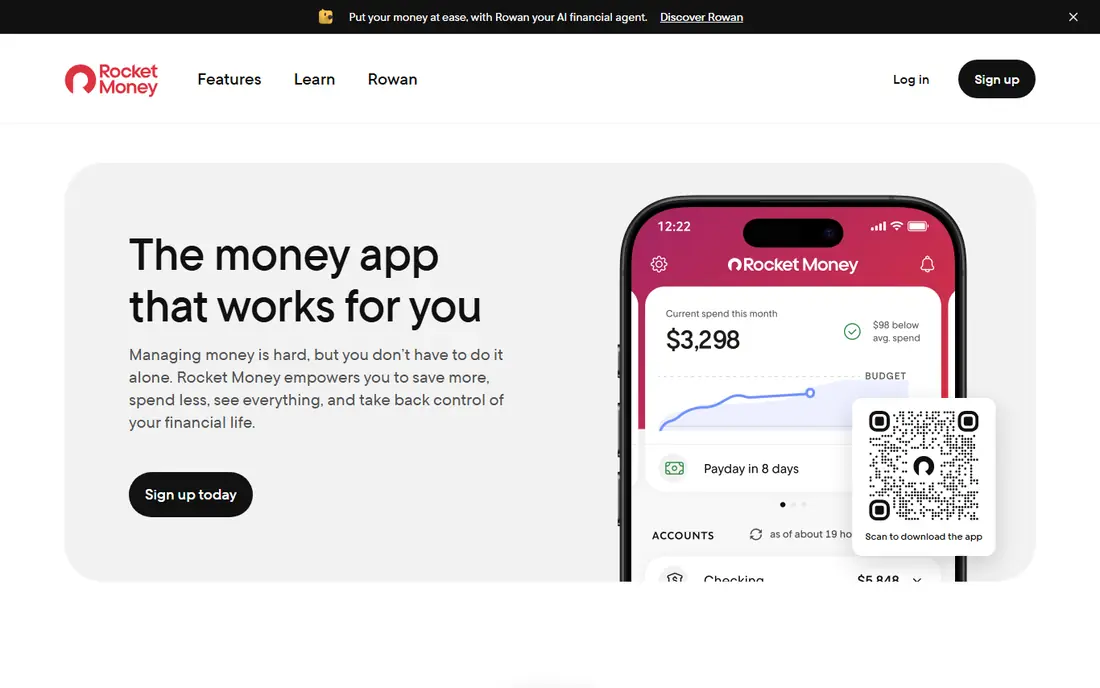
Rocket Money, formerly Truebill, is the first app most people should try for subscription control. Link bank and card accounts, and it scans transactions to find recurring charges, then shows them in one dashboard with monthly totals. That automatic detection is its main advantage, since many people discover subscriptions they had forgotten.
The catch is that the free tier tracks but does not cancel for you. Premium, priced on a sliding scale starting around $7 per month, adds a cancellation service where the team contacts providers on your behalf, plus bill negotiation for cable, internet and phone bills. If you are comfortable linking accounts and want hands-off help, Rocket Money is the strongest overall pick. If you only want awareness, the free tier still gives you a clear picture.
- Automatically finds recurring charges
- Premium cancels subscriptions for you
- Bill negotiation on Premium
- Cancellation and negotiation are paid features
- Premium price varies on a sliding scale
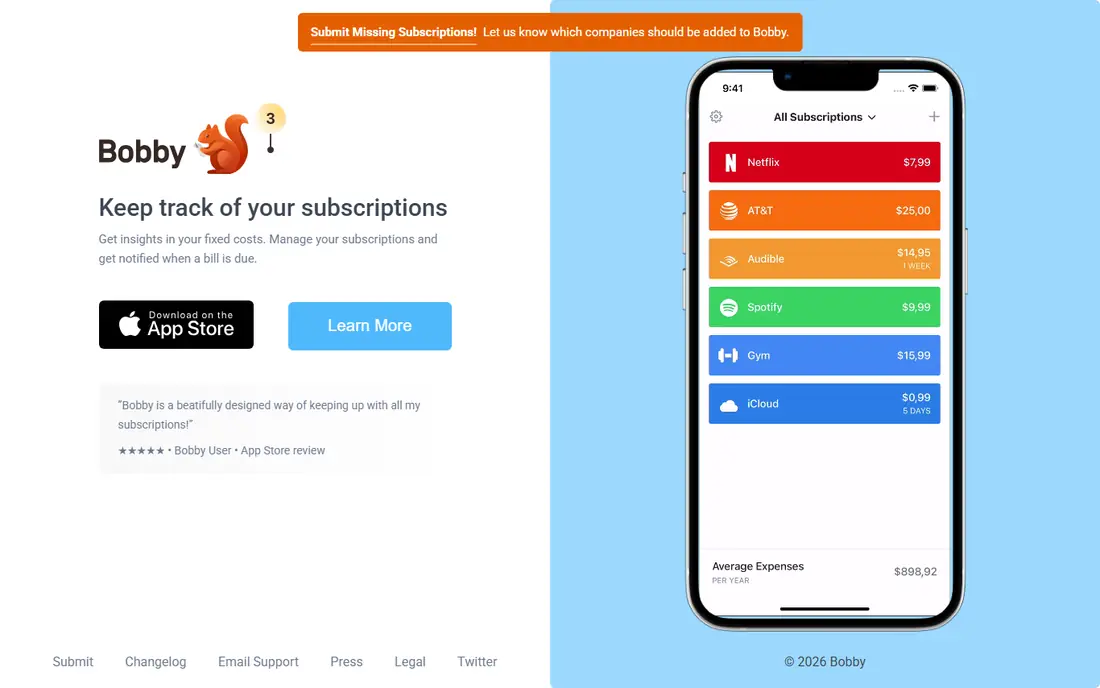
Bobby is the privacy-friendly alternative for people who do not want to link bank accounts. You add each subscription manually, with its price and renewal date, and Bobby shows upcoming renewals and monthly totals. That manual work is also its strength: you stay in control of the list, and no third party sees your transactions.
Bobby does not detect forgotten subscriptions or cancel them for you, so it suits people who already know what they pay for and want reminders before renewals. Paid extras are low cost and cover widgets and export. If privacy matters more than automation, Bobby is the best free starting point.
- No bank linking needed
- Clean manual list with renewal dates
- Very low cost for paid extras
- Does not auto-detect subscriptions
- Does not cancel for you
- IPhone focused
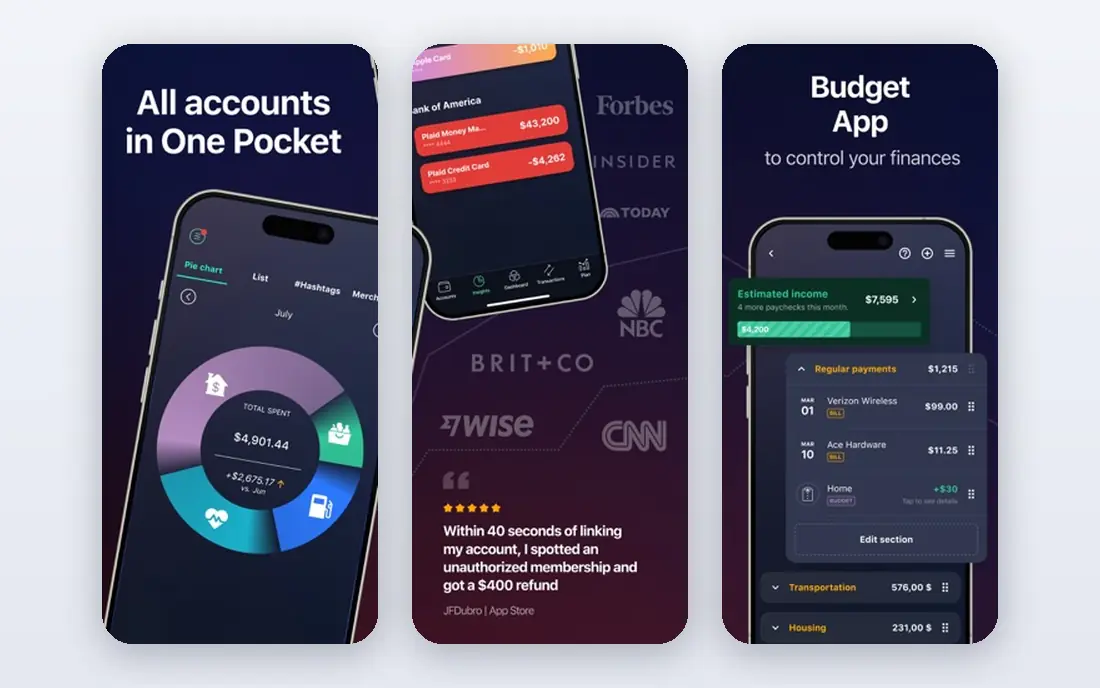
PocketGuard tracks spending and subscriptions together, and its main selling point is a simple number for what you can safely spend after bills and goals. That framing helps people who want to cut subscriptions as part of a wider budget, not just list them. Recurring charges appear in the same view as daily spending, so the total cost of subscriptions is hard to ignore.
It does not offer the same concierge cancellation service as Rocket Money Premium, so you will usually cancel yourself using the details it surfaces. For a reader who wants budgeting plus subscription awareness in one app, PocketGuard is a good middle ground between a manual tracker and a full finance platform.
- Clear view of what is safe to spend
- Subscription list alongside budgeting
- Simple interface
- Cancellation is manual in most cases
- Annual price adds up if you only want tracking
Monarch Money is a budgeting platform where subscription tracking sits inside a wider household finance view. Couples can share one dashboard, see recurring charges, cash flow and goals together, and decide which subscriptions to keep as a household. That shared view is useful when subscriptions are spread across two people's cards.
Monarch does not focus on concierge cancellation, so expect to cancel unwanted services yourself. The annual price is also higher than a single-purpose tracker. Choose Monarch if you want a full budgeting home and subscription control is one part of it, not if you only need a cancellation tool.
- Strong shared dashboard for couples and households
- Clear subscription and cash flow views
- Good categorisation
- No free plan beyond a trial
- Annual cost is high if you only want cancellation help
Copilot Money is an iPhone-first budgeting app with strong categorisation and a clear view of recurring charges. Subscriptions appear alongside spending trends, so you can see which charges repeat, how much they total each month, and whether a price has changed. The design is polished and easy to scan, which helps for a quick monthly review.
Android users should look elsewhere, since Copilot is built around Apple devices. Cancellation is also a manual step, using the information the app surfaces. For iPhone users who want a premium budgeting app with subscription tracking included, Copilot is a strong, if pricey, choice.
- Clean iPhone design
- Smart categorisation
- Clear recurring charge views
- IPhone and Mac focused, with limited Android support
- Annual subscription with only a trial free
Simplifi by Quicken offers budgeting, spending views and a subscription list from linked accounts. That combination gives you a low-cost way to audit recurring charges alongside daily spending, without paying for a premium budgeting platform. For readers who want one simple finance app, that breadth is appealing.
Simplifi is not a cancellation service, so you will cancel unwanted subscriptions yourself using the details it surfaces. It also has no ongoing free plan beyond a trial, so budget for the annual price if you keep it. If you want simple budgeting plus subscription tracking at a low annual cost, Simplifi is a solid option.
- Clear subscription list from linked accounts
- Budgeting and spending views in one app
- Low annual price
- Cancellation is manual
- Trial only, with no ongoing free plan
YNAB, short for You Need A Budget, takes a different approach: every dollar gets a job, including every subscription. That method forces a monthly decision about each recurring charge, which is exactly what many people need to cut waste. The app, guides and community help beginners learn the method, though it takes a few weeks to feel natural.
YNAB does not cancel subscriptions for you, and its annual price is the highest here. It suits readers who want to change spending habits, not just list subscriptions. If you only want a quick cancellation, Rocket Money or Bobby will be faster and cheaper.
- Strict zero-based method that forces subscription choices
- Strong education and support
- Clear category budgeting
- Steep learning curve for beginners
- Highest annual price in this list
- No concierge cancellation
DoNotPay is a consumer automation service that can help with cancellation requests, including services that make cancelling difficult by phone or buried settings. That focus suits people stuck with a provider that resists online cancellation. It also covers other consumer tasks, such as disputes and requests, which adds value beyond subscriptions.
It is not a budgeting or tracking app, so it will not give you the ongoing subscription dashboard that Rocket Money or Monarch provide. Pricing has changed over time, so we list See website rather than a figure that may be out of date. Use DoNotPay for a specific hard cancellation, and pair it with a tracker for ongoing control.
- Automates cancellation and consumer requests
- Covers many services beyond subscriptions
- Useful for hard-to-cancel services
- Pricing and plan terms change often
- Not a budgeting app, so tracking is limited
How we picked these
We compared official pricing pages, feature pages and app store listings for apps that help people find, track or cancel subscriptions, and we kept only products that are available now. We favoured a mix of automatic detection, manual tracking and wider budgeting apps, so readers with different privacy preferences and budgets can find a fit. Where pricing was unclear or changing, we wrote See website rather than guessing. This is not financial advice.
What to check before you choose
Decide first whether you will link bank accounts. Automatic detection finds forgotten subscriptions, but it requires sharing transaction access with a third party. Read the privacy and security page, confirm whether access is read-only, and check how to disconnect an account. If that trade-off feels wrong, choose a manual tracker such as Bobby and spend twenty minutes listing subscriptions from statements.
Next, check what the paid plan actually does. Some apps only track on the free tier and charge for cancellation or negotiation, while others charge for budgeting features you may not need. Finally, confirm cancellation yourself after any service claims to have cancelled for you. Check the provider account and the next statement, since a missed cancellation can cost another month.
A simple monthly routine
Set a monthly reminder to review subscriptions, even if you use an automatic app. Open the list, ask whether each service was used in the past month, and cancel anything that was not. That routine, more than any single app, is what keeps subscription costs down over time.
Privacy and security
Use strong, unique passwords and two-factor authentication for finance apps, and review connected accounts regularly. Remove access for apps you no longer use, and keep an eye on statements after linking a new service. If an app asks for more access than it needs, choose a simpler alternative.
Frequently asked questions
What are the best apps to cancel subscriptions?
Rocket Money leads for automatic detection and concierge cancellation on its paid plan. Bobby leads for manual tracking without bank linking. PocketGuard, Monarch Money and Copilot Money suit people who also want budgeting, while Simplifi offers linked tracking. The best app depends on whether you want automation or privacy.
What is the best cancel subscription app that is free?
Bobby is the best free manual tracker, and Simplifi offers linked tracking on its trial and paid plans. Rocket Money also has a useful free tier for detection, though cancellation requires Premium. For a fully free route, a manual list plus direct cancellation through each provider still works well.
Can an app cancel subscriptions for me?
Some can, on paid plans. Rocket Money Premium offers a cancellation service, and DoNotPay automates cancellation requests for hard cases. Always confirm cancellation in the provider account and on your next statement, since no service can guarantee every provider will process a request at once.
Do I have to link my bank account?
No. Manual trackers such as Bobby work without bank linking, and you can also audit statements yourself. Automatic detection needs linked accounts to find recurring charges, so weigh convenience against privacy. Choose read-only connections where offered, and disconnect accounts you no longer use.
How do I find subscriptions I forgot about?
Check bank and card statements for recurring charges, search email for receipts and trial confirmations, and review app store subscriptions on your phone. An automatic app can speed this up, but a careful statement review over two or three months catches most forgotten charges.
Is it safe to use a subscription cancellation app?
Reputable apps use bank-level security and read-only connections, but no service is risk-free. Read privacy terms, use two-factor authentication, and avoid sharing full login details where a secure connection option exists. This is not financial advice, and you should check current terms before connecting an account.
Sources we checked (8)

Online Jobs is an independent blog about careers, online work, learning new skills and the tools that help people earn. More about us.
Keep reading
All posts
Wise Alternatives
Compare the best Wise alternatives in 2026, from Revolut and Remitly to OFX and Xe, with fees, speed, cash pickup options, and honest trade-offs today.

Top AI Financial Software
Searching for top AI financial software? We compared 9 AI finance tools for AP, spend, close, forecasting and bookkeeping to help teams choose wisely.
Quicken Alternatives
Compare the best quicken alternatives for Mac, Windows, and small business owners, from Monarch Money and YNAB to Copilot, Tiller, and Banktivity in 2026.