Best App for Tracking Weekly Spending in 2026: 9 Apps Compared

How we put this together: we compare official feature and pricing pages, app store listings, privacy policies and public user reviews. Prices change, so check the provider's site before you pay.
Key takeaways
- A weekly check works better than a monthly review for most people, because small overspending is easier to correct after seven days than after thirty.
- Apps that sync with your bank save time, while manual apps suit people who do not want to link accounts or who prefer to enter each purchase by hand.
- YNAB is our pick for people who want a clear method, while Monarch Money suits households that want a shared dashboard and a broad financial view.
- Goodbudget and EveryDollar offer useful free starting points, but bank sync and fuller reports sit behind paid plans.
- Price alone is a poor guide here, because the app you open each week is worth more than a cheaper app you ignore.
Quick comparison
| Name | Who it suits | Starting price | Free option | |
|---|---|---|---|---|
 YNAB | A clear weekly budgeting method | See website | Free trial | Visit |
 Monarch Money | Shared household finances | See website | Free trial | Visit |
 Copilot Money | Apple users who want a clean dashboard | See website | Free trial | Visit |
 PocketGuard | Seeing what is safe to spend | See website | Yes | Visit |
 Goodbudget | Digital envelope budgeting | Free | Yes | Visit |
 EveryDollar | Simple manual budgeting | Free | Yes | Visit |
 Simplifi by Quicken | Spending forecasts and reports | See website | Free trial | Visit |
 Rocket Money | Finding subscriptions and waste | Free | Yes | Visit |
 Spendee | Shared wallets and simple tracking | Free | Yes | Visit |
The best app for tracking weekly spending
We focused on one habit: opening the app once a week, seeing what you spent, and adjusting the week ahead. That ruled out tools that only show a monthly total, and it favoured apps with clear weekly views, category totals, and alerts when a category runs hot.
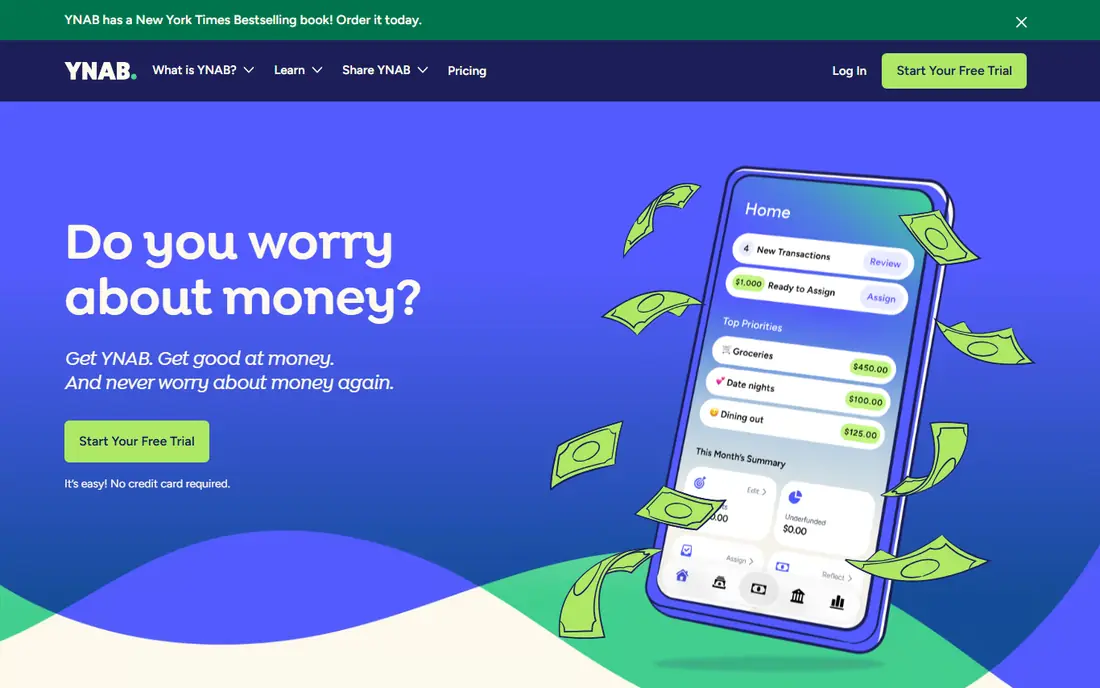
YNAB, short for You Need A Budget, asks you to assign money to categories before the month starts, then move money between categories when plans change. That structure makes a weekly review simple: you look at each category, see what is left, and decide what the next seven days can hold. It also handles irregular costs well, because you can set aside a little each week for annual bills, car repairs, and holidays.
The downside is effort. YNAB is a method as much as an app, and the first few weeks can feel slow while you learn its rules for credit cards and overspending. If you only want a passive dashboard, it will feel like too much work. If you have tried passive tracking and still overspent, the extra structure is exactly what makes it useful.
- Gives every dollar a job before you spend it
- Strong handling of irregular bills
- Shared budgets for households
- Takes a few weeks to learn
- Costs more than simpler apps
- Needs regular check-ins to work well
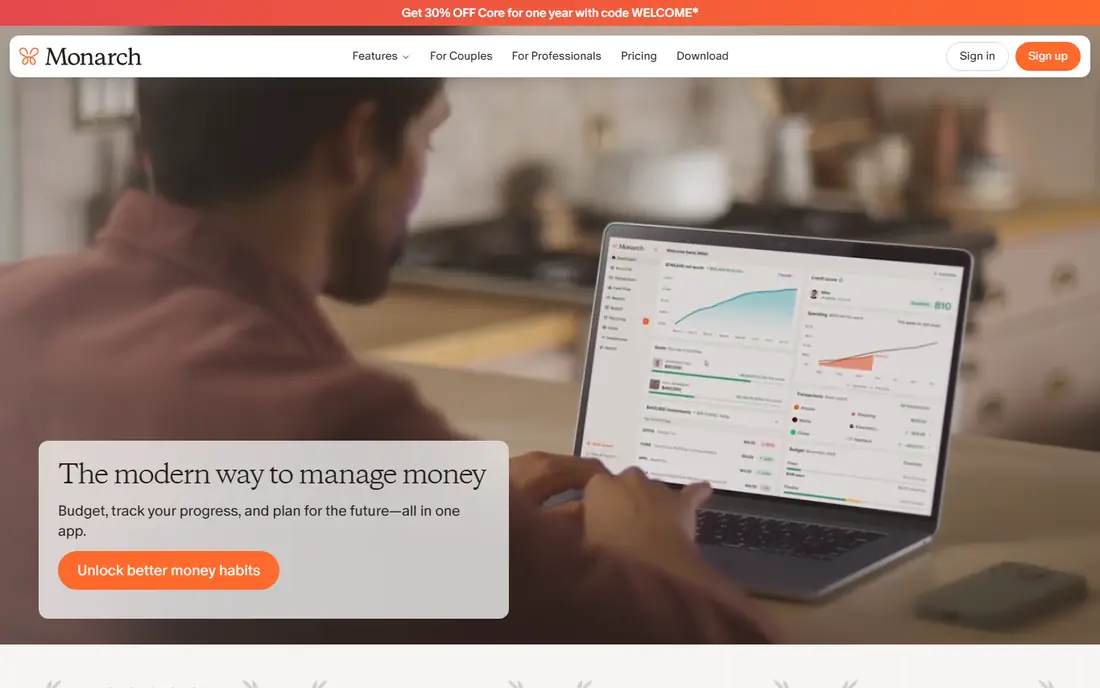
Monarch Money pulls bank, card, loan, and investment accounts into one dashboard, which makes a weekly review fast for a couple or a household. You can see spending by category, check upcoming bills, and review net worth in the same place, rather than switching between a budget app and a banking app. Shared access means both partners see the same numbers, which reduces the usual argument about who spent what.
The main catch is that there is no free tier, so you pay from the start after a short trial. Single users who only want spending totals may find the investment and net worth sections more than they need. For households that want one shared view of money, though, Monarch is one of the most complete options here.
- Shared dashboard for partners
- Tracks accounts, investments, and net worth
- Flexible categories and reports
- No free tier
- Trial is short
- Some features suit larger households more than single users
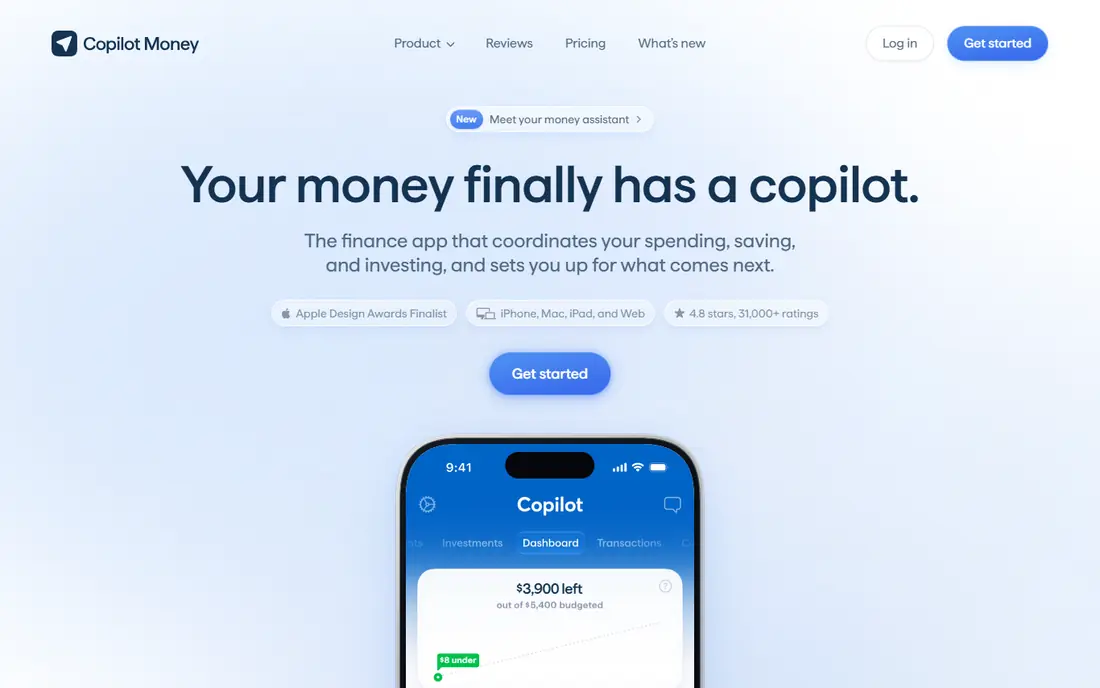
Copilot Money is built for Apple devices and the web, and its design is a real strength. Spending is easy to read at a glance, categories are simple to adjust, and weekly totals do not get buried under charts you never use. It also tracks investments and net worth, so it can replace a separate dashboard for many Apple households.
The limit is platform. There is no Android app, so mixed-device households cannot both use it fully. It is also paid only after the trial, which makes it a harder sell if you are not sure you will stick with a budgeting app. If your household is all Apple, Copilot is one of the pleasantest weekly apps to open.
- Clear design and weekly spending views
- Tracks investments and net worth
- Strong categorisation
- No Android app
- Paid only after trial
- Some banks sync less smoothly than others
PocketGuard answers one question well: after bills and savings, what can you safely spend this week? That figure sits at the front of the app, which makes a weekly check quick and concrete. It also tracks bills and subscriptions, so a forgotten charge is less likely to surprise you mid-month.
The free tier covers the basics, but fuller features and unlimited categories sit behind the paid plan. People who want zero-based budgeting or detailed envelope planning may find PocketGuard too light. For people living close to payday who need a guardrail rather than a full budgeting system, that simplicity is a strength.
- Shows a clear safe-to-spend figure
- Tracks bills and subscriptions
- Simple weekly view
- Free tier is limited
- Reports are basic
- Some users want deeper budgeting tools
Goodbudget turns the old cash envelope system into digital envelopes for groceries, transport, fun money, and bills. You fill each envelope, spend from it, and see at a glance which envelopes are running low. Because the free version does not require bank sync, it suits people who are wary of linking accounts or who mostly spend cash.
Manual entry is the trade-off. Typing in each purchase takes a few minutes a day, and a skipped week can leave your envelopes out of date. Bank sync is available on the paid plan, but it is not as smooth as on sync-first apps. Goodbudget is best for people who find that the act of entering spending is what actually changes their habits.
- Classic envelope method made digital
- Works without bank sync
- Shared envelopes for households
- Manual entry takes time
- Bank sync is a paid extra
- Free tier limits envelope numbers
EveryDollar keeps budgeting deliberately simple. You create categories, set amounts, and track spending against them, with a clean layout that does not demand a tutorial. The free version works by manual entry, which makes it a low-risk way to try budgeting for a month before paying for anything.
Bank sync, automatic transaction import, and fuller features require the paid plan, so free users do more typing. The app is also less detailed than YNAB or Monarch for investments, debt payoff planning, or irregular income. For a first budget, or for a household that wants a simple weekly check, EveryDollar is an easy place to start.
- Very easy to start
- Free manual version
- Clear monthly and category totals
- Bank sync needs the paid plan
- Reports are basic
- Less suited to complex finances
Simplifi by Quicken is a good middle ground between a simple tracker and a full budgeting method. It syncs accounts, categorises spending, and forecasts what is coming next, including bills and expected income. That forecast view helps a weekly review feel forward-looking rather than just a record of what already went wrong.
The pricing needs care, because first-year offers and renewal prices can differ, so check the current price before subscribing. The range of reports can also feel busy at first. If you like seeing next week as well as last week, Simplifi is a strong, lower-cost paid option.
- Forecasts cash flow and upcoming bills
- Clear spending reports
- Tracks accounts in one place
- Paid only after trial
- Promo pricing can confuse
- Interface takes a little learning
Rocket Money starts from a different angle: it finds the subscriptions and recurring charges eating your money each week. That makes it useful as a first step, because cancelling one or two forgotten subscriptions can free more money than a month of careful category tracking. It also tracks spending by category and shows upcoming bills.
As a full budget, it is lighter than YNAB or Monarch, and the paid features are where the deeper tools sit. Bill negotiation, where offered, can save money but is not free in every case, so read the terms. Rocket Money is best for people who suspect waste in subscriptions and want a quick win before committing to a stricter budget.
- Finds subscriptions and recurring charges
- Tracks spending by category
- Bill negotiation feature available
- Full budgeting is lighter than rivals
- Some features cost extra
- Bill negotiation takes a cut of savings where applicable
Spendee suits people who share spending, whether with a partner, a housemate, or a travel group. Shared wallets let each person log spending into a common pot, which makes a weekly review of shared costs much easier than comparing bank statements. The design is clean, and manual entry works well for cash and for accounts that do not sync.
Bank sync coverage varies, and US users should check that their banks connect before paying. The budgeting tools are also simpler than YNAB, with less help for irregular bills or debt planning. For shared weekly tracking, especially for a trip or a household pot, Spendee is a friendly and flexible choice.
- Shared wallets for couples and groups
- Clean weekly and monthly views
- Manual and synced options
- Bank sync coverage varies by country
- Deeper budgeting is limited
- Paid plan needed for full features
How we picked these
We compared official feature pages, pricing pages, and app store listings, and we kept only apps that are available in the United States and that support a genuine weekly review, whether by sync, manual entry, or both. We favoured apps with clear pricing, a usable free tier or trial, and a distinct approach, from strict envelope budgeting to passive dashboard tracking. We did not claim hands-on testing, and we did not include apps that have been discontinued.
What to look for in a weekly spending app
Decide first whether you will link your bank accounts. Sync saves time and catches forgotten card spending, but it costs money on most good apps and it requires trust in the app's security. Manual entry is free on several apps here and it can change habits, but it only works if you enter purchases most days. Be honest about which type you are before you pay.
Next, check the weekly view itself. Can you see this week by category in one screen, without digging through monthly reports? Does the app warn you when a category is close to its limit? A weekly alert is more useful than a pretty monthly chart, because it gives you time to adjust. Also check whether a partner or housemate can share the budget, whether cash spending is easy to add, and whether the app handles irregular bills by spreading them across weeks.
Finally, use the trial properly. Connect your accounts, set categories based on last month's real spending rather than ideal numbers, and open the app at the same time each week for three weeks. If you have not opened it by week three, it is the wrong app, no matter how good its reviews are. Cancel before the trial ends if it is not working, and keep the categories you built, because they transfer easily to a simpler app.
Frequently asked questions
What is the best app for tracking weekly spending?
For most people, Monarch Money or YNAB are the strongest starting points, depending on style. Monarch suits households that want a shared dashboard with little daily work, while YNAB suits people who want a strict method and are willing to check in often. Goodbudget is the best free manual option.
Can I track weekly spending for free?
Yes, with limits. Goodbudget, EveryDollar, PocketGuard, Rocket Money, and Spendee all offer free tiers, usually with manual entry or limited sync. Free tiers work well for a simple weekly check, but bank sync and fuller reports usually need a paid plan.
Is it safe to link my bank account to a budgeting app?
Reputable budgeting apps use established account connection services and read-only access, and they state their security practices on their sites. Read the privacy policy before linking, use a strong unique password and two-factor authentication, and avoid apps that ask for your bank login through an unusual or unbranded screen.
How often should I check my spending?
Once a week is enough for most people, plus a quick look after a large purchase. A fixed weekly time, such as Sunday evening, works better than checking constantly, because it turns budgeting into a routine rather than a source of daily worry.
What if I overspend in one week?
Move money from another category, cut a flexible category for the next week, or accept a smaller overspend and reset the following week. A single bad week is normal, and the point of weekly tracking is to catch it early, not to achieve a perfect month.
Sources we checked (9)

Online Jobs is an independent blog about careers, online work, learning new skills and the tools that help people earn. More about us.
Keep reading
All posts
Top AI Financial Software
Searching for top AI financial software? We compared 9 AI finance tools for AP, spend, close, forecasting and bookkeeping to help teams choose wisely.

Quicken Alternatives
Compare the best quicken alternatives for Mac, Windows, and small business owners, from Monarch Money and YNAB to Copilot, Tiller, and Banktivity in 2026.
GoFundMe Alternatives
Looking for GoFundMe alternatives? We compared 8 fundraising platforms on fees, campaign types, donor tools and who each platform suits best in 2026 today.