Best App for Banking in 2026: 8 Apps Compared

How we put this together: we compare official feature and pricing pages, app store listings, privacy policies and public user reviews. Prices change, so check the provider's site before you pay.
Key takeaways
- Chime is the best fee-free daily banking app for people who want no monthly fees and early direct deposit.
- Ally Bank is the best app for savers who want strong savings tools and buckets without branch visits.
- Chase is the best full-service app for people who want branches, ATMs and a wide product range beside a strong mobile app.
- Capital One is the best hybrid choice, with a polished app, no-fee checking options and physical locations in many areas.
- This is not financial advice. Fees, interest rates and eligibility change, so check the bank terms for your account before you open one.
Quick comparison
| Name | Who it suits | Starting price | Free option | |
|---|---|---|---|---|
 Chime Chime | Fee-free daily banking | Free | Yes | Visit |
 Ally Bank Ally Bank | Savings growth and buckets | Free | Yes | Visit |
 Capital One Capital One | Hybrid digital and branch banking | Free | Yes | Visit |
 Chase Chase | Full-service banking with branches | Free | Yes | Visit |
 Bank of America Bank of America | Large branch network and rewards | Free | Yes | Visit |
 SoFi SoFi | Banking plus investing in one app | Free | Yes | Visit |
 Revolut Revolut | Travel and multi-currency spending | Free | Yes | Visit |
 Varo Varo | Simple fee-free banking with savings tools | Free | Yes | Visit |
The best apps for banking
A banking app has to handle everyday money safely: deposits, payments, transfers, card controls, alerts and support when something goes wrong. We compared official feature pages, pricing and fee pages, app store listings and public reviews, and we kept apps that are available now, offer a real bank account or a partner bank account, and state their fees and features plainly. This is not financial advice, and interest rates and fees change often.
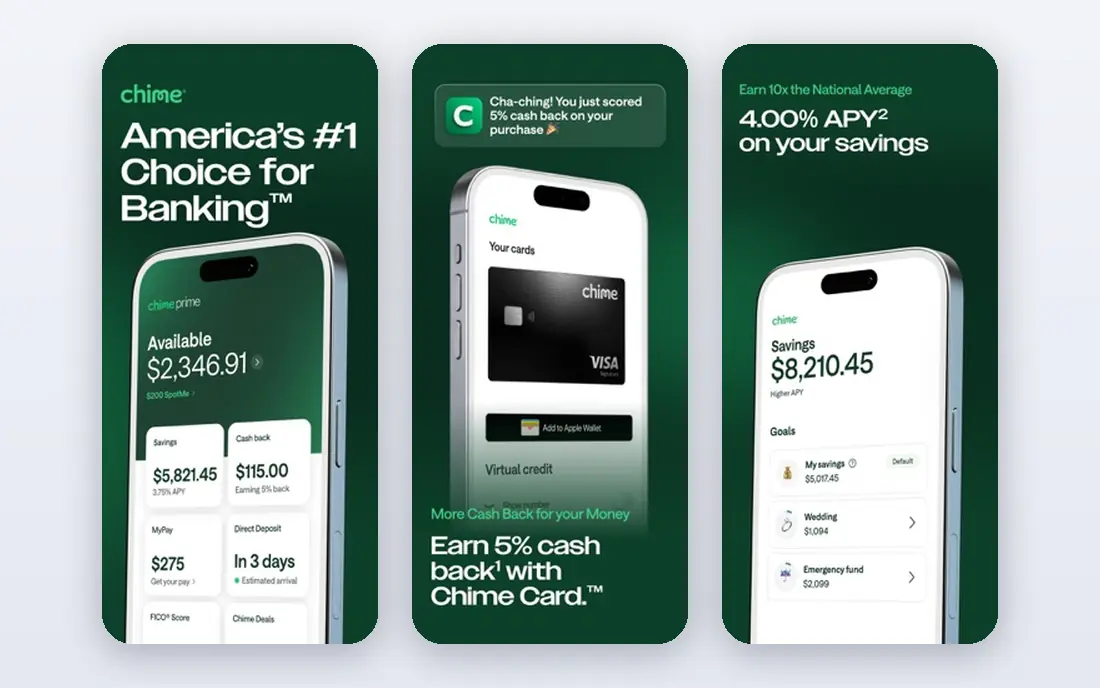
Chime fits people who want simple, fee-free daily banking on a phone. Its spending account has no monthly fee and no minimum balance in its core terms, and direct deposit can arrive up to two days early, depending on the payer. Automatic savings tools, instant transaction alerts and card controls help you spot spending quickly, and peer-to-peer payments sit inside the same app.
The catch is support and scope. Chime has no branches, so cash deposits and in-person help work differently than at a traditional bank, and some features require qualifying direct deposit. Banking services are provided by partner banks, so check which partner holds your account and confirm deposit insurance details in the app before you move your main income there.
- No monthly fees on core accounts
- Early direct deposit
- Automatic savings tools and instant alerts
- No physical branches
- Some features depend on direct deposit
- Chime is a financial technology company, not a bank, with partner banks providing accounts
Ally Bank fits savers who want to organise money by goal without visiting a branch. Its savings buckets let you split one savings account into named goals, such as an emergency fund, a holiday or a deposit, while its checking account supports mobile deposit, transfers and card controls. The app is clean, and its budgeting views help you see where money goes without a separate finance app.
The honest weakness is cash and in-person service. Ally is online only, so depositing cash requires a workaround, and complex needs such as a cashier cheque or a safe deposit box are not part of its model. Interest rates also move with the market, so a rate that looks strong today may change. If you rarely need a branch and you save regularly, Ally is a strong fit.
- No monthly maintenance fees on core accounts
- Savings buckets for goals
- Strong mobile deposit and transfer tools
- No physical branches
- Cash deposits are limited
- Interest rates change with the market
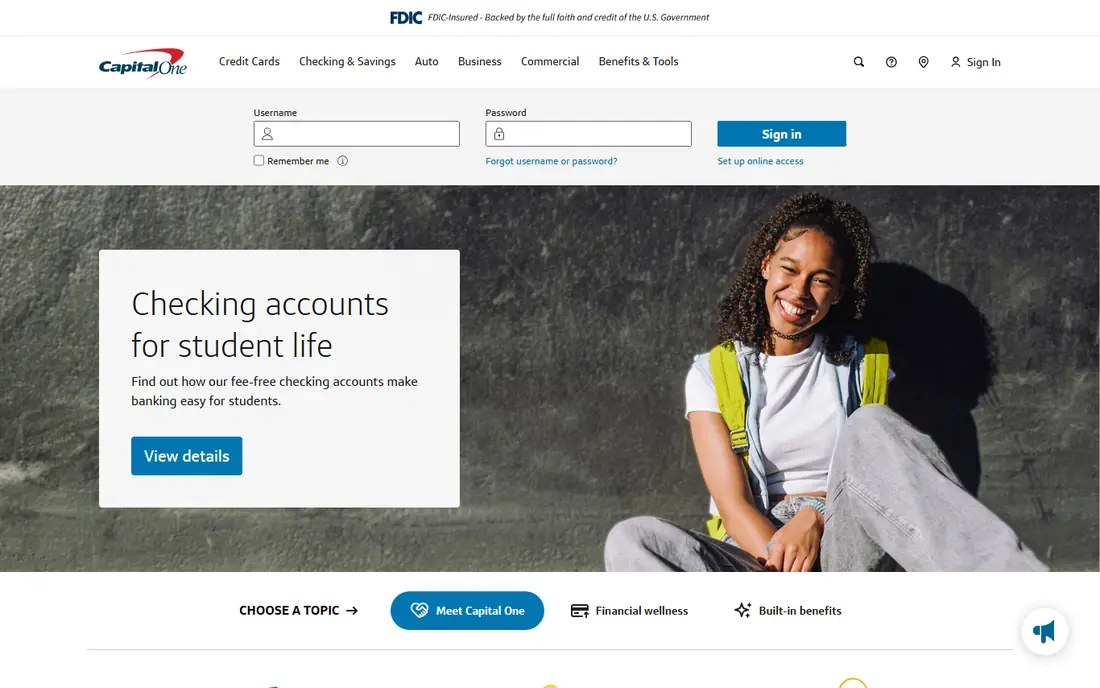
Capital One fits people who want a strong app plus the option of a physical location. Its 360 checking and savings accounts have no monthly fees in their core terms, and the mobile app covers deposits, Zelle transfers, card locking, alerts and CreditWise credit score tracking. Capital One cafes and branches in many cities give you a place to talk to staff, which digital-only banks cannot offer.
The trade-off is consistency by region. Branch and cafe coverage varies, so check your area before you assume in-person help is nearby. Savings rates also depend on the exact product you choose, so compare the rate for your account type rather than a headline rate for a different product.
- Polished mobile app
- No-fee checking options
- CreditWise credit monitoring
- Branches and cafes in many areas
- Savings rates vary by product
- Branch coverage is uneven by region
- Some advanced features sit in separate apps
Chase fits people who want everything in one bank. Its mobile app covers checking, savings, credit cards, investments through J.P. Morgan, Zelle transfers, mobile deposit, card controls and branch and ATM locations. That breadth matters if you want a mortgage, a business account, a credit card and daily banking with one login, and its branch network is the largest among the banks on this list for many US readers.
The catch is fees. Some Chase checking accounts carry a monthly fee that can be waived with qualifying direct deposit, a minimum balance, or other conditions, depending on the account. If you meet a waiver condition, Chase is excellent value. If you do not, a fee-free digital bank may be cheaper for simple daily banking.
- Very large branch and ATM network
- Strong app with Zelle, deposits and rewards tracking
- Wide product range
- Some checking accounts have a monthly fee unless waived
- App can feel crowded with many products
Bank of America fits customers who already use its cards or investments and want them in one app. Its mobile banking app covers deposits, bill pay, Zelle, card controls and the Erica assistant, which can answer questions and help with common tasks. Merrill access for investing sits beside banking, which suits customers who want to see accounts and investments together.
The honest weakness is fees and complexity. Some checking accounts have monthly fees that can be waived with direct deposit or a minimum balance, and the app carries many products, which can make simple tasks harder to find. If you qualify for a fee waiver and value branches, Bank of America is strong. If you want the simplest free account, a digital bank may be cleaner.
- Large branch and ATM network
- Erica virtual assistant
- Merrill investment access
- Zelle and mobile deposit
- Some accounts have monthly fees unless waived
- Interface can feel busy
- Savings rates vary by account
SoFi fits people who want banking, investing and borrowing tools in one place. Its checking and savings accounts have no monthly fees in core terms, and the app adds investing, automated savings, budgeting views and access to loans and financial planners. That breadth suits graduates and professionals who are building savings, investments and credit at the same time.
The trade-off is focus. SoFi is not a branch bank, so cash handling and in-person help are limited, and its wide product range can feel like more than a simple banking app needs to be. If you only want a checking account and a card, a simpler app may be easier. If you want one financial hub, SoFi is a strong contender.
- No-fee checking and savings in core terms
- Investing, loans and financial planning in one app
- Automatic savings tools
- No physical branches
- Product range can distract from simple banking
- Rates and loan terms vary by eligibility
Revolut fits travellers and people who hold or spend in more than one currency. Its standard plan is free in many regions, and the app lets you hold, exchange and spend in multiple currencies, set budgets, freeze cards instantly, and track spending by category. That combination is hard to match with a single-currency domestic bank, especially for frequent travel or cross-border work.
The catch is limits and local status. Free plan exchange allowances, ATM limits and fees vary by plan and country, and Revolut banking status and deposit protections differ by region, so check the terms for your country before you hold a large balance there. For travel spending and multi-currency budgeting, Revolut is excellent. For a main domestic salary account, a local bank may be simpler.
- Multi-currency accounts and exchange in the app
- Instant spending alerts
- Budgeting and savings features
- Travel-friendly cards
- Free plan limits on exchange and ATM use
- Banking status and protections vary by country
- Premium plans add cost
Varo fits people who want a simple, fee-free bank account with clear savings tools. As a chartered bank in the US, Varo offers checking and savings with no monthly fees in core terms, early direct deposit, instant alerts and a straightforward app. Its savings and credit builder tools suit customers who are building a financial base and want automation without complexity.
The honest weakness is scope. Varo has no branches, and some features, such as cash advances or higher savings rates, depend on direct deposit, eligibility or account activity. Its product range is also smaller than Chase or Bank of America. If you want simple daily banking and you are comfortable online only, Varo is a clean choice.
- No monthly fees on core accounts
- Early direct deposit
- Savings tools and cash advances for eligible customers
- No physical branches
- Some features require direct deposit or eligibility
- Smaller product range than large banks
How we picked these
We compared official feature pages, fee schedules, app store listings and public reviews, and we kept apps that offer a real account in October 2026, state core fees plainly, and cover a clear use case, from fee-free daily banking to travel spending. We mixed digital banks with large branch banks, because the best banking app depends on whether you value branches, savings tools, travel features or a single financial hub. Fees, rates and eligibility change, so check the bank terms for your region and account type before you open an account. This is not financial advice.
How to choose a banking app
A banking app should fit how you actually use money, not just how it looks in screenshots. Use the checks below with your last three months of transactions, and the right choice will become clear.
Check fees against your real behaviour
List the fees you actually pay now: monthly fees, ATM fees, overdraft fees and foreign transaction fees. Then check whether each app waives those fees for your behaviour, such as direct deposit or a minimum balance. An app that is free for a salaried worker with direct deposit may not be free for a freelancer with irregular income, so match the waiver to your pattern.
Decide whether you need a branch
If you deposit cash regularly, need certified funds, or want in-person help for complex tasks, a branch bank such as Chase, Bank of America or Capital One is safer. If you bank entirely on a phone, pay by card and transfer, and rarely handle cash, a digital bank such as Chime, Ally or Varo will usually be cheaper and simpler.
Test security and support before you move your salary
Turn on biometric login, transaction alerts and card locking on day one, and test support with a small question before you move your main income. Check how quickly you can freeze a card, dispute a transaction and reach a human, because those moments matter more than a clean home screen. Keep your old account open until direct deposits and bills have moved successfully.
Frequently asked questions
What is the best app for banking?
It depends on your needs. Chime is best for fee-free daily banking, Ally is best for savers, Chase is best for full-service banking with branches, and Capital One is best for a hybrid of app quality and physical locations. If you travel often, Revolut is best for multi-currency spending. Pick by fees, branch needs and savings tools, not by app store rank alone.
Which banks have the best mobile apps?
Chase, Capital One, Bank of America, Chime, Ally and SoFi all rank highly in app store listings for features such as mobile deposit, Zelle, card controls and alerts. The best app for you is the one tied to the account you actually use, with fees you can waive and support you can reach. Test the app with a small account before you move your main banking.
What is the best banking app with no fees?
Chime, Ally, Varo and SoFi all offer core checking accounts with no monthly fees, while Capital One 360 also offers no-fee checking options. No-fee usually means no monthly maintenance fee, not no fees at all, since ATM, overdraft and foreign transaction fees can still apply. Read the fee schedule for your account type and check waiver conditions.
Which bank app is best for savings?
Ally Bank is a strong pick for savers, thanks to savings buckets and a clean app, while SoFi and Varo also offer automatic savings tools. Interest rates change with the market and vary by account, so compare the current rate for the exact savings product you would open. This is not financial advice, and a higher rate today does not guarantee a higher rate next month.
Are mobile banking apps safe?
Major banking apps use encryption, biometric login, card controls and instant alerts, and deposits at insured banks are protected up to the legal limit in their country. Your habits matter too: use a strong unique password, turn on two-factor authentication where available, avoid banking on public Wi-Fi, and freeze your card immediately if you lose it. Check deposit insurance details for your specific bank and account.
Can I open a bank account fully in an app?
Yes, many banks on this list let you open an account in the app with identity checks, though requirements vary by bank and country. You may need a government ID, a selfie check, and proof of address, and some accounts require an initial deposit. If an application is declined or needs extra checks, the bank will usually explain the next steps in the app or by email.
Sources we checked (8)

Online Jobs is an independent blog about careers, online work, learning new skills and the tools that help people earn. More about us.
Keep reading
All posts
Best Whole Life Insurance Companies
We compared the best whole life insurance companies on dividends, cash value, riders and financial strength, so buyers can shortlist wisely in 2026 today.

Best Trading Apps for Beginners
Compare the best trading app for beginners, with $0 stock commissions, fractional shares, education, paper trading and account types explained in 2026 now.
Best Trading App
We compared the best trading apps for beginners and active traders on fees, tools, accounts and ease of use, so you can pick a platform that fits your plan.