Best app bank accounts in 2026: 9 accounts Compared

How we put this together: we compare official feature and pricing pages, app store listings, privacy policies and public user reviews. Prices change, so check the provider's site before you pay.
Key takeaways
- Monzo and Starling Bank offer the strongest all-round free app banking for everyday UK use, with budgeting tools built into the app.
- Revolut suits frequent travellers and people who hold or spend in more than one currency.
- Chase stands out for cashback on everyday spending, subject to its current terms and caps.
- Kroo and Zopa Bank are worth a look if you want a simple free account with fewer extras to learn.
- Always check deposit protection, overdraft terms, and overseas fees before you switch, because headline features can hide real costs.
Quick comparison
| Name | Who it suits | Starting price | Free option | |
|---|---|---|---|---|
 Monzo | All-round everyday banking | Free | Yes | Visit |
 Starling Bank | Fee-free overseas spending | Free | Yes | Visit |
 Revolut | Multi-currency spending | Free | Yes | Visit |
 Chase | Cashback on spending | Free | Yes | Visit |
 Kroo | Simple free banking | Free | Yes | Visit |
 Zopa Bank | Simple fee-free banking | Free | Yes | Visit |
 Wise | Holding many currencies | See website | Yes | Visit |
 Lloyds Bank | High street plus app | Free | Yes | Visit |
 Nationwide | Branch access plus app | Free | Yes | Visit |
The best app bank accounts
An app bank account should do more than show a balance. The best ones give instant notifications, clear spending categories, easy ways to save, and simple controls for cards and payments. The accounts below are all managed mainly from a phone app, though some also offer branch or web access.
This is not financial advice. Deposit protection, interest, cashback, and fees change over time, so check the provider site and its current terms before you open or switch an account.

Monzo is our pick for the best app bank account for most people. The app makes everyday money easy to follow, with instant alerts when you pay, spending broken into categories, and pots that let you set money aside for bills or goals. That clarity helps whether you are tracking a weekly shop or trying to keep a monthly budget on track.
The catch is that Monzo is app-first by design. If you prefer to talk to someone in a branch, you will need another bank for that. Paid plans add travel, phone, and other perks, but the free account already covers the core job well. For most everyday users, that combination is hard to beat.
- Instant spending notifications and clear categories
- Savings pots and budgeting tools in the app
- Paid tiers add extra perks for some users
- No branches for face-to-face help
- Some useful extras sit behind paid plans
- Overseas cash withdrawal limits apply on the free plan
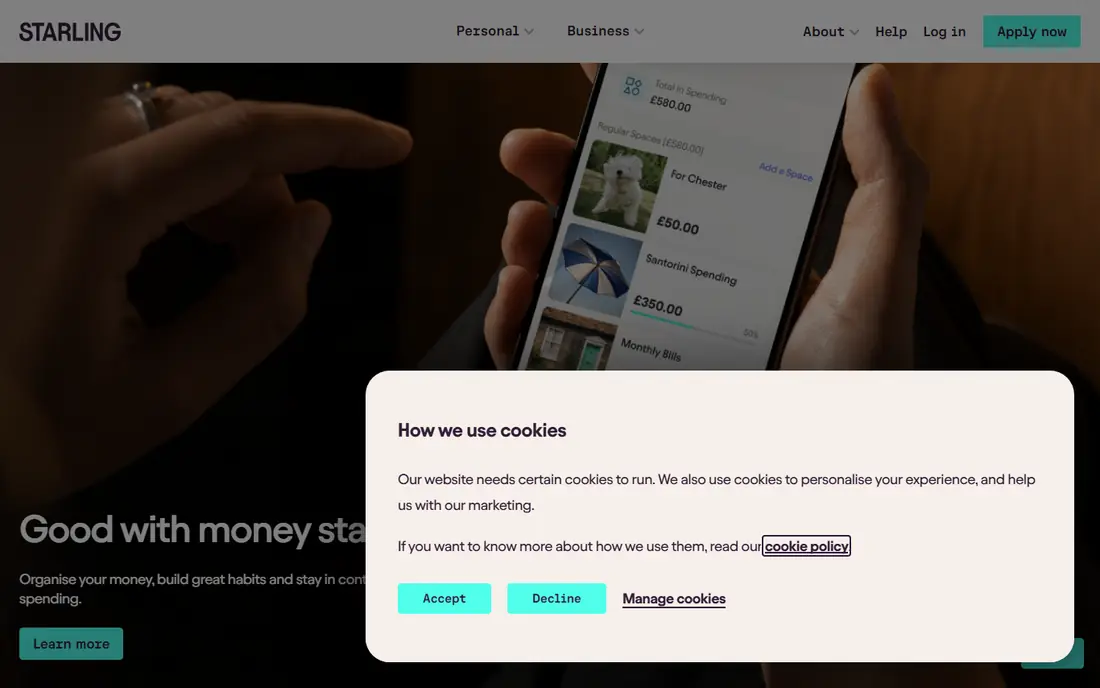
Starling Bank appeals to people who want a free account without a long list of conditions. Spending abroad is a particular strength, because many everyday overseas card payments do not carry the extra fee that some banks add. That makes it a strong second account for travel, as well as a solid main account at home.
Inside the app, you can set savings goals, split money into spaces, and get instant notifications. Starling does not try to be a rewards app first, so shoppers chasing cashback may prefer Chase. For clean, low-cost banking with strong overseas use, Starling is one of the safest choices here.
- No monthly fee for the standard account
- Fee-free spending abroad on many transactions
- Useful spaces for saving and budgeting
- Branch access is limited
- Some customers may miss cashback rewards offered elsewhere
- Business features are separate from personal banking
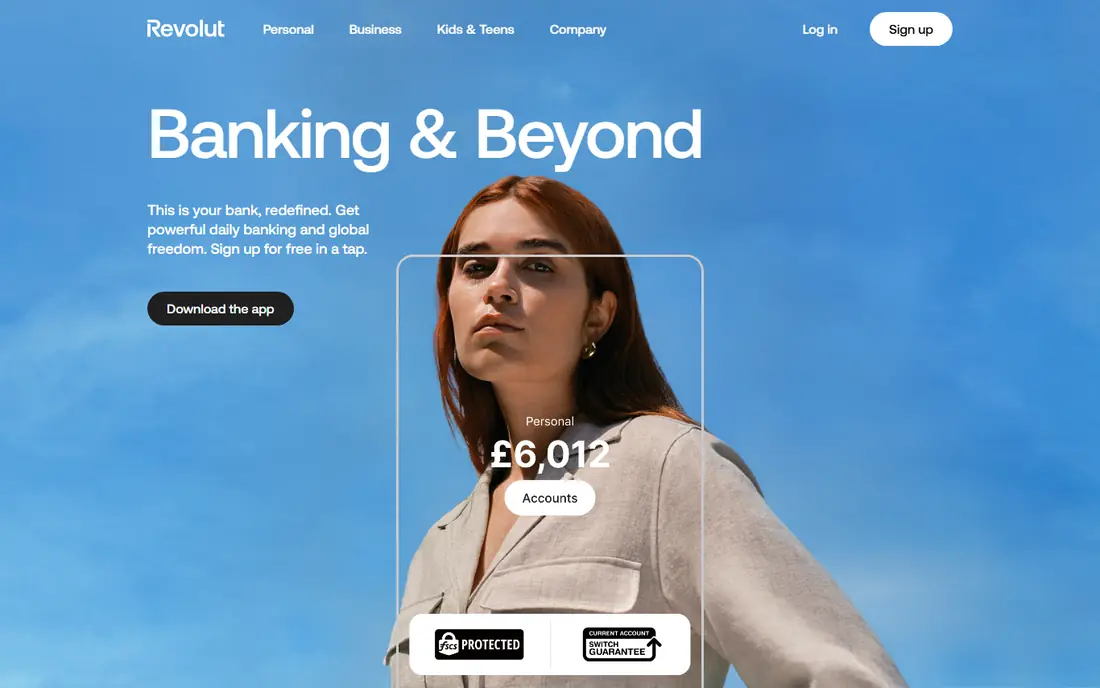
Revolut is best viewed as a money app with banking features, rather than a simple current account. You can hold balances in different currencies, exchange money in the app, and use virtual cards for online shopping. For people who travel, work across borders, or buy from overseas shops, that flexibility is genuinely useful.
The free Standard plan covers a lot, but limits and weekend exchange mark-ups can catch new users out. Read the plan terms for the currencies you actually use, and check whether a paid tier would save money on your typical travel pattern. Used with care, Revolut is a powerful travel companion. Used without checking limits, it can cost more than a simpler account.
- Hold and exchange many currencies in one app
- Useful travel and budgeting features
- Wide range of paid plans for heavier users
- Free plan limits on some currency exchanges and withdrawals
- Feature set can feel complex at first
- Terms vary by plan and region
Chase is the pick if cashback matters more than exotic travel features. Everyday spending on the debit card can earn money back, within the caps and terms Chase sets at the time. That reward, combined with no monthly fee, makes Chase an attractive main or second account for regular shoppers.
The app itself is clean and easy to use, with separate savings accounts you can open alongside the current account. Chase has no UK branches, so support is digital. If you spend steadily and stay within the cashback rules, the return adds up. If you rarely use a debit card, the main advantage fades and another free account may suit you better.
- Cashback on everyday debit card spending, subject to terms
- No monthly fee
- Simple app with savings accounts linked to the main account
- Cashback caps and eligibility rules apply
- No branches in the UK
- Some features are tied to the Chase app ecosystem
Kroo suits people who want banking to stay simple. The account is free, the app is easy to follow, and bill splitting with friends is built in rather than added through a separate app. Overseas spending is also a plus, which helps on short trips without needing a specialist travel card.
Kroo does not offer the same breadth of savings, investment, or business tools as Monzo or Revolut. That is a fair trade for many users, because fewer features can mean fewer decisions. If you want one clean account for everyday spending and shared costs, Kroo deserves a place on your shortlist.
- Free account with a straightforward app
- Fee-free spending abroad on many transactions
- Social features for splitting bills
- Fewer extra products than larger banks
- No branches
- Paid perks are limited compared with bigger rivals
Zopa Bank, known to many for loans and savings, also offers a simple app-based current account. The appeal is low friction. You open the account in the app, manage payments there, and keep savings products in the same place if you use them. That tidy setup suits people who do not want to juggle several banking apps.
Travellers may find Zopa less tailored than Starling or Revolut, because its strength is everyday simplicity rather than multi-currency tools. For a main account used for bills, shopping, and saving, that simplicity is a plus. Check current interest and fee terms on the Zopa site, since savings terms change with the market.
- Free account with a clear app
- Savings products available alongside the current account
- Straightforward everyday banking
- Less feature depth for travellers than Revolut or Starling
- No branch network
- Some tools depend on the wider Zopa product range
Wise fits a different need from the banks above. It is strongest when you need to receive, hold, or send money in more than one currency, with local account details for several major currencies. Freelancers paid from abroad, families sending money overseas, and frequent travellers often use Wise alongside a main bank account.
Do not assume Wise replaces every current account feature. Direct debits, overdrafts, and branch services are not its focus. Use it for the currency job it does well, keep a main bank account for bills and everyday banking, and check the fee shown for each transfer before you confirm it.
- Hold and send money in many currencies
- Local account details for several currencies
- Transparent fee display before you send
- Not a full UK current account replacement for everyone
- Some features and fees vary by currency
- Card and account terms differ by region
Lloyds Bank is the choice for people who want an app but do not want to give up branches. The Classic account is free to hold, the app covers payments, notifications, and budgeting basics, and you can still visit a branch when a problem needs a face-to-face conversation. That mix suits households that share an account or need in-person help at times.
App-first banks often feel slicker for budgeting and travel, so Lloyds wins on access rather than novelty. If branch access, a long product range, and familiar support matter to you, Lloyds is a strong, low-risk pick. Check the fee schedule for overseas use and overdrafts, since those costs vary by account.
- Full app banking plus branch access
- Wide product range including savings and mortgages
- Established support channels
- App tools feel less modern than app-first rivals for some users
- Best perks often sit on paid accounts
- Overseas fees need checking
Nationwide offers a similar balance to Lloyds, with app banking backed by branches across the UK. The FlexAccount is a straightforward free current account for many users, and Nationwide often runs cashback or switching offers, though those change and carry conditions. As a building society, Nationwide is owned by its members rather than shareholders, which some customers prefer.
The app covers the essentials well, even if it lacks some of the playful budgeting touches of Monzo. If you want a main account you can manage on your phone and still visit in person, Nationwide is a dependable option. Read the current account terms for pay-in rules and overdraft charges before you switch.
- App banking plus a large branch network
- Member-owned building society structure
- Savings and mortgage products in one place
- Cashback and travel perks vary by account and offer period
- App design is practical rather than playful
- Some features require a monthly pay-in
How we picked these
We checked official bank and provider pages for account fees, free-plan terms, overseas spending rules, and deposit protection information, along with app store listings for mobile features. We kept only accounts that are open to new UK customers in October 2026 and can be managed mainly from an app. Where a fee or perk was not clearly confirmed on the provider site, we used See website or described the term in general language rather than stating a figure.
We also gave weight to everyday usefulness over headline offers. A switching bonus or short-term cashback rate is useful, but it should not outweigh monthly fees, overseas charges, or a lack of budgeting tools that you will use every week.
Choosing the right app bank account
Start with how you actually use money. If most spending is in the UK, a free account with strong budgeting tools may matter more than currency features. If you travel often, overseas fees and exchange limits should come first. If you share bills, look for pots, spaces, or bill-splitting tools that make shared costs less awkward.
Check protection and fees before you switch
Confirm whether deposits are covered by the Financial Services Compensation Scheme, up to its current limit, and whether that cover applies to the exact account and provider you choose. Then check overdraft rates, overseas transaction fees, and cash withdrawal limits. Those three areas are where a free account can still cost money.
Test the app with a second account first
You do not need to switch everything at once. Open a second account, move a small amount of spending to it, and see how notifications, categories, and payments feel over a few weeks. That trial tells you more than any feature list, and it leaves your main bills untouched while you decide.
Keep one account for bills and one for spending
Many people find it easier to keep bills in one account and everyday spending in another. A pot, space, or separate account for bills reduces the risk of spending money that is already committed. App banks make this split easy, but the habit matters more than the tool.
Frequently asked questions
What is the best app bank account?
For most UK users, Monzo or Starling Bank are the strongest all-round choices, because both are free, easy to use, and include budgeting tools. Revolut is better for multi-currency use, and Chase is better if cashback on everyday spending is your main goal.
What is the best app bank account for travel?
Starling Bank and Revolut are the strongest travel picks in this list, thanks to fee-free or low-cost overseas spending and currency tools. Check withdrawal limits and exchange terms for your destination, since free-plan limits can differ by currency and by day of the week for some providers.
Are app bank accounts safe?
App banks that are authorised in the UK and covered by the Financial Services Compensation Scheme offer the same deposit protection limit as high street banks for eligible deposits, subject to the scheme rules. Check the provider page for its authorisation and protection status, use strong app security, and keep your phone locked.
Can I open a best app bank account for free?
Yes, all the standard accounts in this list can be opened without a monthly fee, though some providers offer paid tiers with extra perks. You may still pay for overdrafts, overseas transactions beyond free limits, or replacement cards, so read the fee page before you rely on the account for travel.
Do I need to close my old bank account to switch?
No. You can keep an old account open and use a new app account alongside it, which is a useful way to test the app. The Current Account Switch Service can move payments and close the old account for you if you decide to switch fully, and it includes a guarantee for payments that go to the old account.
Which app bank is best for budgeting?
Monzo is our pick for budgeting, with instant notifications, spending categories, and pots that separate money for bills and goals. Starling Bank also offers spaces and clear spending views, while Chase and Kroo cover the basics in a simpler app that some users prefer.
Sources we checked (9)
- https://monzo.com/pricing/
- https://www.starlingbank.com/current-account/
- https://www.revolut.com/pricing/
- https://www.chase.co.uk/gb/en/current-account/
- https://www.kroo.com/
- https://www.zopa.com/current-account
- https://wise.com/pricing/
- https://www.lloydsbank.com/current-accounts.html
- https://www.nationwide.co.uk/current-accounts/

Online Jobs is an independent blog about careers, online work, learning new skills and the tools that help people earn. More about us.
Keep reading
All posts
Top AI Financial Software
Searching for top AI financial software? We compared 9 AI finance tools for AP, spend, close, forecasting and bookkeeping to help teams choose wisely.

Quicken Alternatives
Compare the best quicken alternatives for Mac, Windows, and small business owners, from Monarch Money and YNAB to Copilot, Tiller, and Banktivity in 2026.
QuickBooks Online Alternatives
Looking for quickbooks online alternatives? We compared 8 accounting tools on invoicing, bank feeds, payroll, pricing and fit for small businesses today.