Best AI Video Maker App in 2026: 8 Apps Compared

How we put this together: we compare official feature and pricing pages, app store listings, privacy policies and public user reviews. Prices change, so check the provider's site before you pay.
Key takeaways
- CapCut is our pick for free short-form editing, with AI captions, effects, and easy mobile export.
- InVideo suits marketers who want a prompt-to-video draft they can edit, rather than starting from a blank timeline.
- Synthesia and HeyGen lead for avatar presenters and training videos, where filming a person is not practical.
- VEED and Descript suit editors who work with real footage and need captions, transcripts, and clean cuts.
Quick comparison
| Name | Who it suits | Starting price | Free option | |
|---|---|---|---|---|
 CapCut | Free short-form editing | Free | Yes | Visit |
 InVideo | Prompt-to-video drafts | $20 per month | Yes | Visit |
 Synthesia | Avatar training videos | $18 per month | Yes | Visit |
 HeyGen | Avatar videos and translation | $24 per month | Yes | Visit |
 VEED | Browser editing and subtitles | $10 per month | Yes | Visit |
 Descript | Text-based editing | $16 per month | Yes | Visit |
 Runway | Generative video clips | $12 per month | Yes | Visit |
 Pictory | Text-to-video for marketers | $23 per month | Free trial | Visit |
The best ai video maker app
AI video apps now cover three different jobs: generating new clips, creating avatar presenters, and editing footage you already filmed. We chose apps that still work in 2026, offer a usable free tier or trial, and suit a distinct creator, marketer, or team.
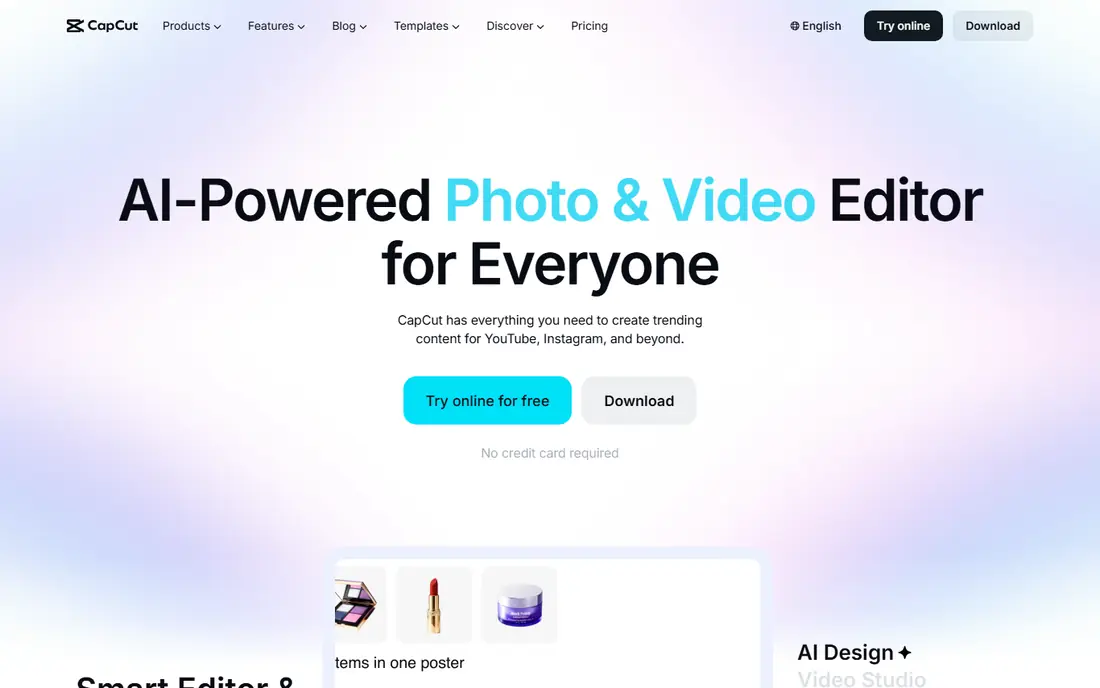
CapCut is the easiest place to start if you film on your phone and post short videos. The free editor covers trimming, captions, effects, transitions, and music, and exports are sized for vertical platforms without extra work. AI captions alone save a lot of time for creators who post often.
Paid plans add more AI effects, cloud storage, and higher export options, but the free tier is genuinely usable for regular posting. If you need avatar presenters or long training videos, look at Synthesia or HeyGen instead. For short-form social video, CapCut is our pick.
- Full mobile and desktop editor for free
- AI captions and background removal
- Easy export for TikTok, Reels, and Shorts
- Some AI features and assets need a paid plan
- Watermarks and limits vary by plan and region
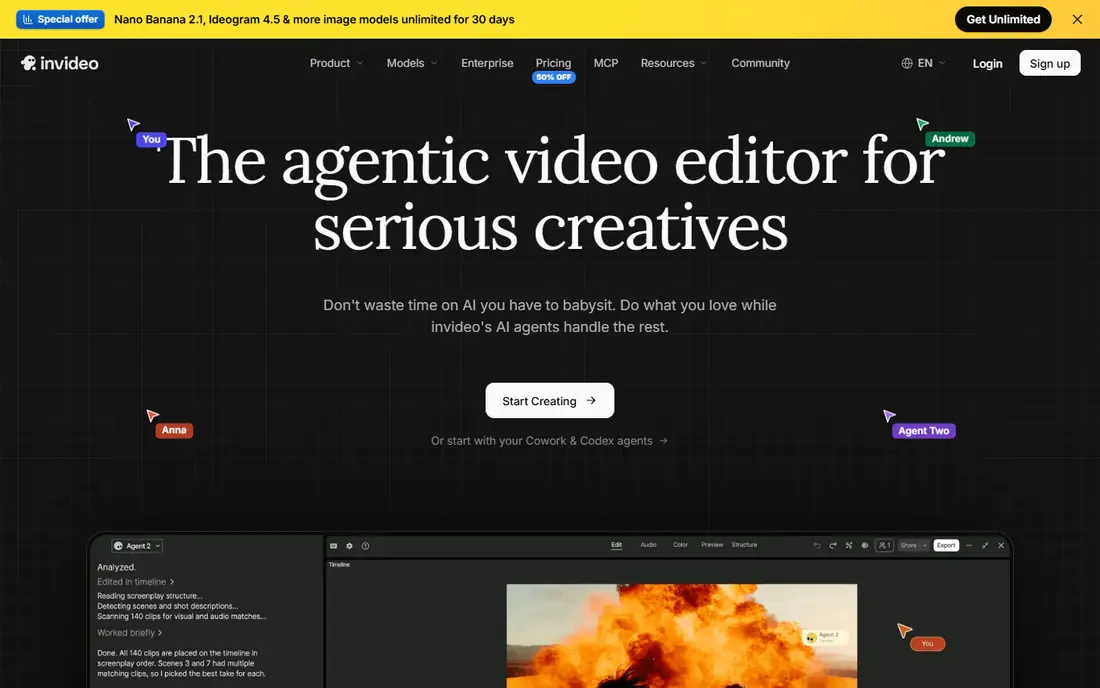
InVideo suits marketers who stare at a blank timeline and want a starting point. You type a prompt or paste a script, and the tool builds a draft with stock footage, text, and voiceover. From there, you edit scenes, swap clips, and adjust the script by chat, which is faster than building every scene by hand.
The first draft is rarely publish-ready, so budget time for review, fact-checking, and brand edits. Voiceover quality and stock choices vary by topic, and free exports carry a watermark. As a draft machine for social and explainer videos, InVideo is a strong choice.
- Turns a prompt or script into a first draft
- Stock footage and voiceover built in
- Chat-based editing for quick changes
- Drafts still need human editing
- Watermark on free exports
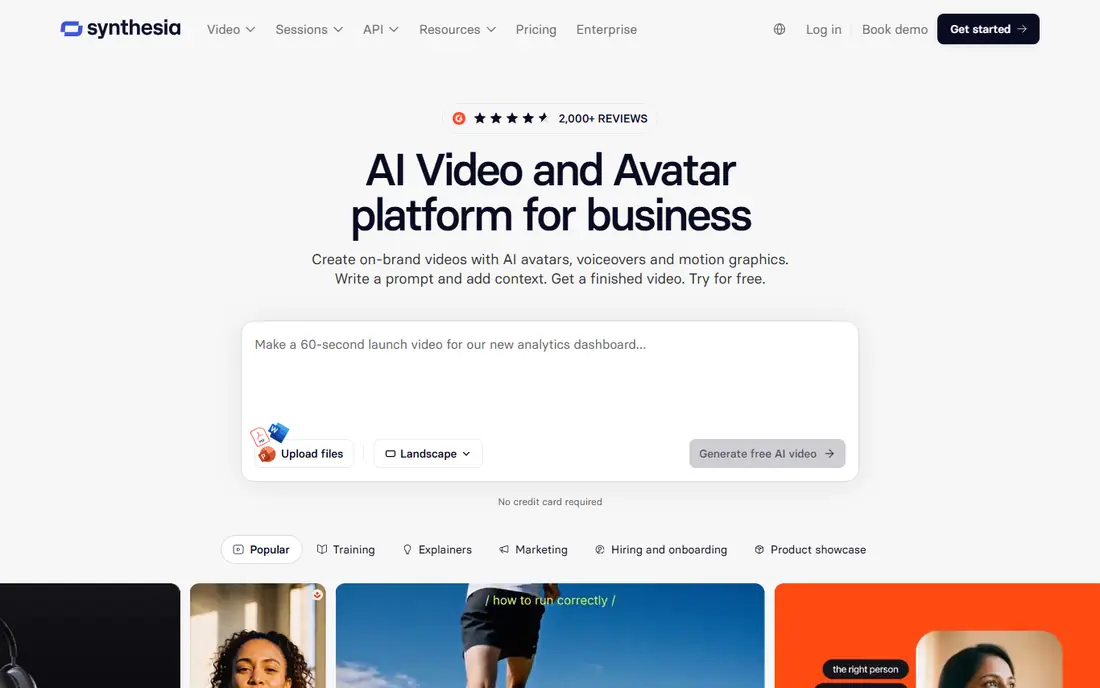
Synthesia is built for a clear problem: training videos that need updating often, in several languages, without booking a studio each time. You write a script, pick an avatar, and generate a presenter video that you can update by editing text. That workflow suits onboarding, compliance, and product training.
The trade-off is warmth. An avatar presenter will not replace a real person for a personal message or a sales pitch, and viewers can tell the difference. For standard training content that changes often, the time saved is large, and the consistent style helps a team keep videos current.
- Stock avatars for training and onboarding
- Multilingual scripts without filming
- Consistent presenter style across videos
- Avatar videos can feel less personal than real presenters
- Minutes and features are capped by plan
HeyGen overlaps with Synthesia, but it leans more toward marketing, demos, and translation. You can create an avatar video, translate it into other languages, and keep the presenter style consistent across versions. That helps small teams reach a global audience without filming each language separately.
Free access is limited, so test it with one short video before committing. Longer videos and higher quality need paid plans, and costs rise with minutes. For teams that need avatar videos in several languages, HeyGen is worth comparing directly with Synthesia on the same script.
- Large avatar range and realistic voices
- Video translation for global teams
- Good for marketing and product demos
- Free plan is limited to a few short videos
- Higher plans needed for longer videos
VEED suits creators and small teams who edit in a browser and need subtitles fast. You upload footage, generate captions, clean up audio, and export for social platforms, all without installing desktop software. Subtitle styles and translation options are a particular strength for social video.
The free plan is useful for testing, but exports are limited in resolution and carry a watermark. Paid plans raise those limits and add team features. If your main job is editing real footage with clear captions, VEED is a practical, low-friction choice.
- Browser editor with no install needed
- Strong auto-subtitles and translation
- Team editing and sharing tools
- Free exports are lower resolution with a watermark
- Generative video is limited compared with Runway
Descript changes editing for talking-head videos and podcasts. You transcribe the recording, delete words from the transcript, and the video cuts itself to match. Removing filler words, pauses, and mistakes becomes a text task, which is much faster than scrubbing a timeline for many creators.
For cinematic effects or heavy visual work, a traditional editor or Runway will suit you better. Descript shines when the words carry the video: tutorials, interviews, explainers, and podcasts. Try the free plan with a real recording, and judge it on time saved, not on effects.
- Edit video by editing a transcript
- Good for podcasts and talking-head videos
- Filler-word removal saves editing time
- Less suited to complex visual effects
- Generative video features depend on plan
Runway is the pick for creators who want to generate footage itself, not just edit it. You can turn a text prompt or an image into a short clip, control camera moves, and restyle footage. That suits B-roll, concept visuals, social effects, and short creative pieces where filming is impractical.
Clips are short, so Runway is not a full video maker for a ten-minute explainer on its own. Pair generated clips with an editor such as CapCut, VEED, or Descript for the final video. For generative creativity, Runway remains one of the strongest tools available.
- Strong text-to-video and image-to-video tools
- Camera and shot controls for creators
- Useful for B-roll and concept clips
- Clips are short, so longer videos need editing elsewhere
- Credit system limits heavy use
Pictory suits marketers with written content that deserves a video version. Paste a blog post or script, and Pictory builds scenes with stock footage, captions, and voiceover. That repurposing workflow helps teams turn one article into a social video, a short explainer, and a teaser without filming.
Creative control is narrower than in CapCut or VEED, and the output needs a human pass for scene choices and brand fit. For teams that publish a lot of written content and want video versions at scale, Pictory is a useful, focused tool.
- Turns blog posts and scripts into videos
- Stock footage and voiceover included
- Good for repurposing written content
- Less control than a timeline editor
- Free access is a trial, not a full free plan
How we picked these
We compared official feature pages, pricing pages, and app listings, and we favoured apps that are available now and that cover a distinct video job. We excluded tools that had closed or that existed only as an API, and we checked free tiers and trials rather than assuming every app is free. Prices are starting paid prices, and we mark trial-only access as Free trial.
How to choose an AI video app
Start with the source material. If you film footage, choose an editor such as CapCut, VEED, or Descript. If you have a script but no footage, choose InVideo or Pictory. If you need a presenter without filming, choose Synthesia or HeyGen. If you need new footage from a prompt, choose Runway.
Free versus paid
Free plans are good for testing, but check export quality, watermarks, and minute or credit limits before you plan a series. A free app that watermarks every video may cost you more in rework than a low paid plan. Test one full video, from draft to export, on the free tier before you commit.
Rights and disclosure
Check the licence for stock footage, music, and voices, especially for commercial use. Label AI-generated presenters or footage where your platform or audience expects disclosure, and fact-check any script claims before publishing, since AI tools can invent details.
Frequently asked questions
What is the best ai video maker app for free?
CapCut is our pick for free video making, since its free editor covers captions, effects, and social export without a subscription. VEED and Descript also offer free tiers, but with export limits, so test your full workflow before choosing.
What are the best free ai video maker apps for social media?
CapCut leads for short-form social video, with VEED and InVideo as strong options for captioned clips and prompt-based drafts. Check watermark and resolution limits on free plans, since those affect whether a video looks ready to post.
What is the best ai video creator app for training videos?
Synthesia is best for training videos, with HeyGen close behind for marketing and translation needs. Both let you update a video by editing text, which saves refilming when procedures or products change.
What are the best ai video maker tools for marketers?
InVideo and Pictory suit marketers who want script-to-video drafts, while CapCut and VEED suit teams that edit real footage for social channels. Choose by source material: script, blog post, or filmed footage.
What is the best ai video maker software for generative clips?
Runway is best for generative clips, with text-to-video, image-to-video, and camera controls for short creative shots. Use it alongside an editor for longer videos, since Runway clips are short by design.
Do AI video apps need a subscription?
Not always, but most useful features sit behind paid plans. CapCut, VEED, Descript, and Runway offer free tiers, while Pictory offers a trial. Check minutes, credits, export quality, and watermarks before you rely on a free plan for regular posting.
Sources we checked (8)

Online Jobs is an independent blog about careers, online work, learning new skills and the tools that help people earn. More about us.
Keep reading
All posts
Best YouTube Alternatives
Compare the best YouTube alternatives for creators and viewers, from Vimeo and Twitch to Rumble, Nebula, and PeerTube, with honest trade-offs for 2026.

ZoomInfo Alternatives
The best ZoomInfo alternatives in 2026, compared on price, free plans, data coverage, and which tool fits small teams or large sales teams best in detail.

Zoom Alternatives
Zoom alternatives compared for 2026: Google Meet, Microsoft Teams, Webex, Jitsi and more for free calls, large meetings and webinars for teams and classrooms.