Best AI tool for finance reports in 2026: 9 Tools Compared

How we put this together: we compare official feature and pricing pages, app store listings, privacy policies and public user reviews. Prices change, so check the provider's site before you pay.
Key takeaways
- Cube, Datarails and Vena suit finance teams that want to keep working in spreadsheets while automating reporting and planning.
- Fathom and Jirav suit smaller companies and accounting firms that need management reports, forecasting and cash flow views.
- Power BI and Tableau suit teams that need custom dashboards across many data sources, with AI help for analysis.
- Most FP&A tools hide pricing behind sales calls, so budget for implementation and onboarding as well as licences.
- This is not financial advice, and AI output for finance reports still needs human review, reconciliation and audit checks before it is shared.
Quick comparison
| Name | Who it suits | Starting price | Free option | |
|---|---|---|---|---|
 Cube Cube | Spreadsheet-native planning | $1,500 per month | No | Visit |
 Datarails Datarails | Excel-based FP&A automation | See website | No | Visit |
 Fathom Fathom | Management reporting | $44 per month | Free trial (14 days) | Visit |
 Vena Vena | Microsoft-centric planning | See website | No | Visit |
 Planful Planful | Mid-market close and planning | See website | No | Visit |
 Workiva Workiva | Regulated reporting | See website | No | Visit |
 Microsoft Power BI Microsoft Power BI | Custom finance dashboards | $14 per month | Yes | Visit |
 Tableau Tableau | Design-led data analysis | $75 per month | Free trial | Visit |
 Jirav Jirav | Reporting and forecasting together | See website | No | Visit |
The best AI tools for finance reports
We compared official feature pages, pricing pages, documentation and public reviews for tools that are live in October 2026. The list covers FP&A platforms, management reporting, regulated reporting and business intelligence, because finance reports range from a board pack to a cash flow forecast, and no single tool covers every case equally well.
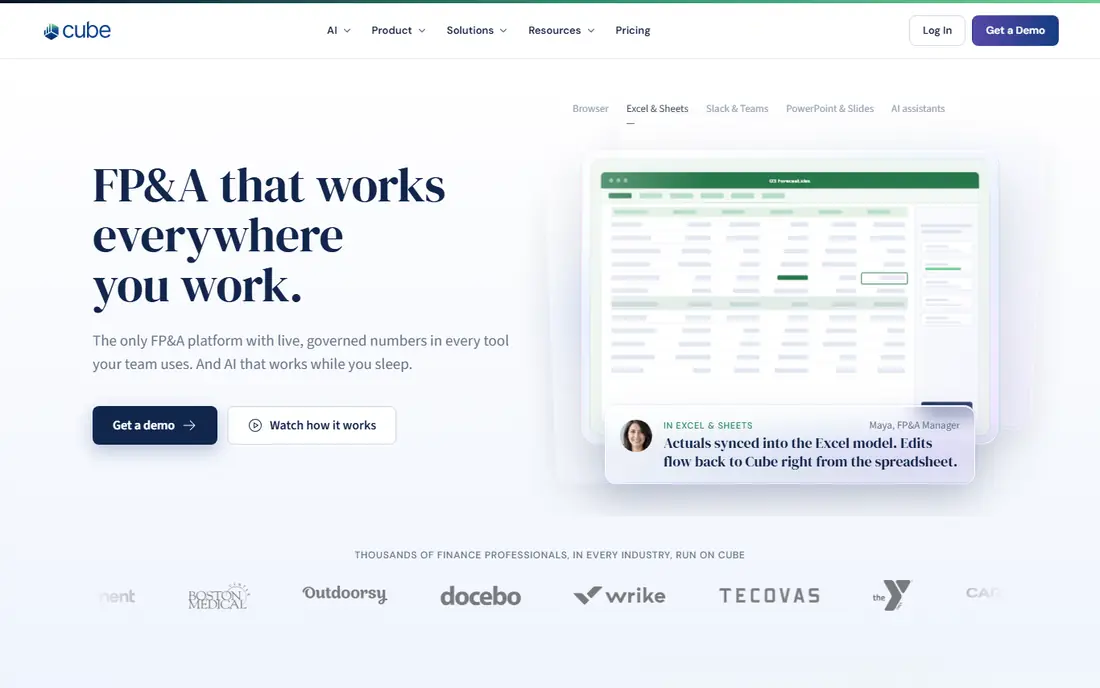
Cube lets finance teams plan, report and forecast inside Excel and Google Sheets, while keeping a central, governed source of truth behind the spreadsheets. That model suits teams that refuse to leave spreadsheets, but that need version control, permissions and live data instead of emailed files. AI features help with analysis, variance explanations and forecasting, within that spreadsheet workflow.
Cube Go plans start at $1,500 per month on published pricing, with no free plan, only demos for larger plans. That price puts Cube out of reach for very small companies, and implementation still needs time and data work. Choose Cube if your finance team lives in spreadsheets and you need governed planning at scale.
- Works inside Excel and Google Sheets
- Central source of truth for planning
- AI-assisted analysis
- High starting price for small teams
- Implementation takes time
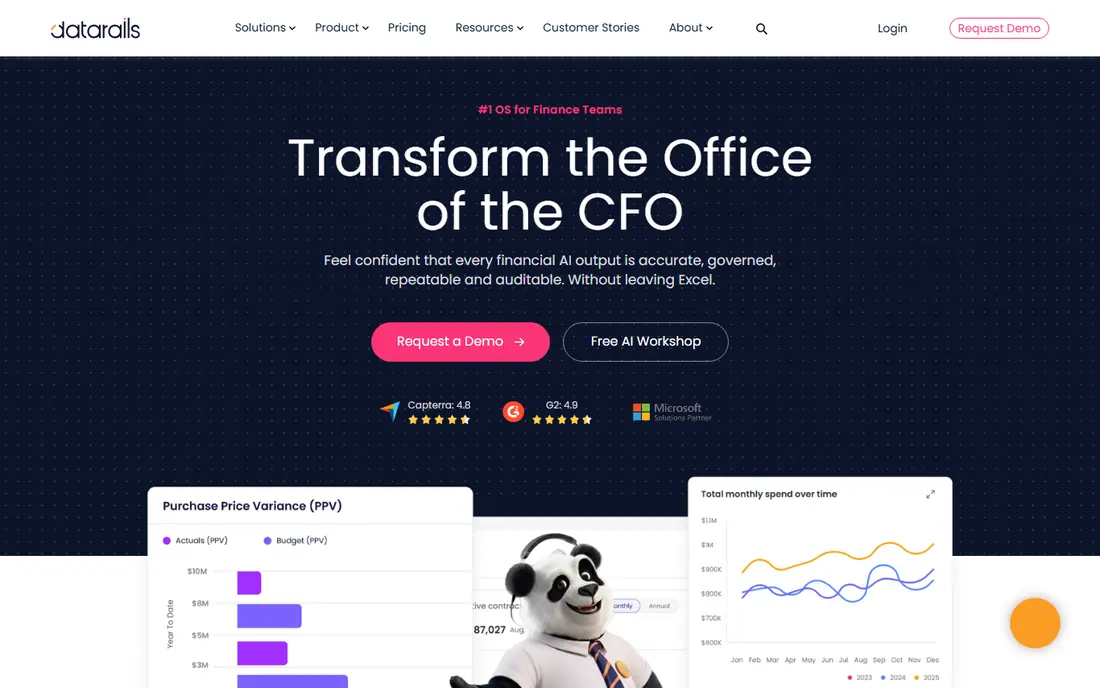
Datarails automates budgeting, forecasting and reporting for finance teams that work in Excel, pulling data from accounting, CRM and other systems into live reports and dashboards. It offers scenario analysis, budget versus actual variance tracking and an AI chatbot for asking questions about financial data. That automation cuts manual copy work and reduces version errors.
Pricing is quote-based, with no published starting price and no free plan, only demos. Datarails also keeps Excel at the centre, so teams that want a modern standalone dashboard may prefer Power BI or Tableau. Choose Datarails if Excel is your finance home and you want automation without changing that workflow.
- Automates Excel reporting and consolidation
- Dashboards and variance analysis
- AI chatbot for data questions
- Pricing is quote-based
- Enhances spreadsheets rather than replacing them
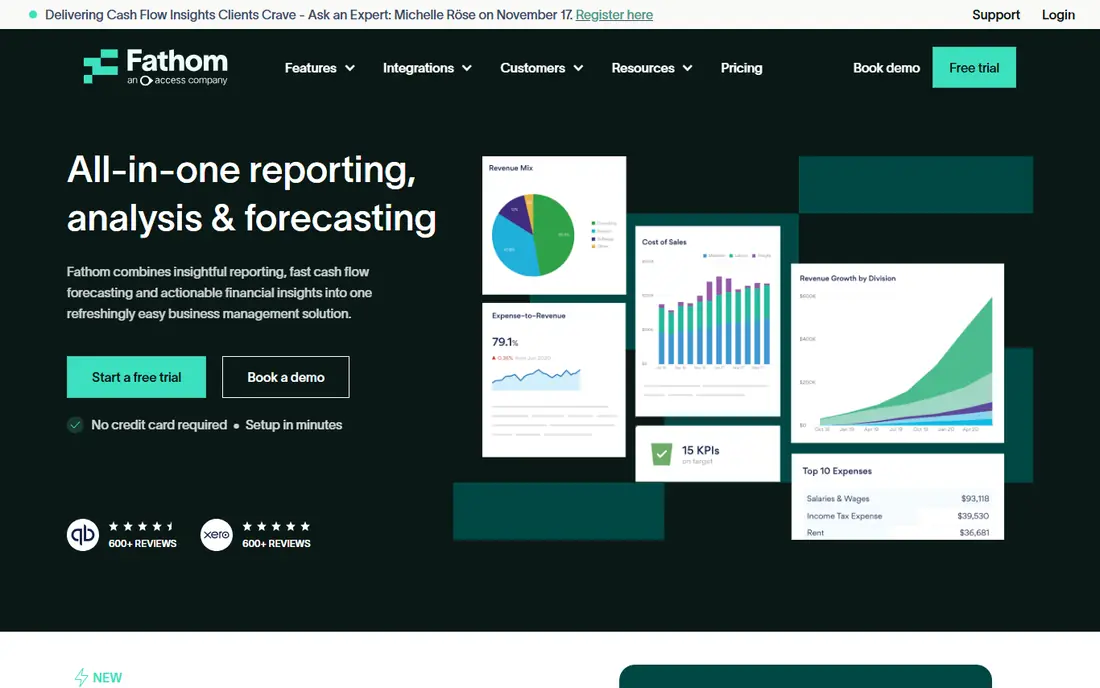
Fathom turns accounting data into management reports, KPI dashboards, cash flow forecasts and board-ready packs, with a focus on accounting firms and multi-entity businesses. Reports are visual and easy to share with owners who are not accountants, and forecasting tools help show future cash positions. A 14-day free trial is available, with Starter plans from $44 per month.
Pricing varies by company count and plan, so check the current pricing page for your firm size. Fathom is less suited to large enterprise planning across many departments than Anaplan-style platforms. Choose Fathom if you need clear, shareable management reports and forecasts for small to midsize companies.
- Clear management reports and KPIs
- Cash flow forecasting
- Multi-entity reporting
- Pricing varies by company count
- Less suited to enterprise planning alone
Vena offers planning, budgeting, forecasting and reporting inside Excel, with workflow, approval and audit features for midsize and enterprise finance teams. It suits organisations standardised on Microsoft 365, where Excel, Teams and SharePoint already form the working environment. AI features help with report creation, analysis and data checks, within that governed workflow.
Pricing is quote-based, with Professional and Complete plans listed without a simple starting price, and no free plan. Implementation also takes time, especially for multi-department planning. Choose Vena if your team is Microsoft-centric and you need controlled, Excel-based planning at scale.
- Excel-native planning for midsize teams
- Workflow and approval controls
- AI-assisted reporting
- Pricing is quote-based
- Best fit is Microsoft 365 shops
Planful combines financial close, consolidation, planning, budgeting and reporting in one platform for mid-market companies. That breadth suits finance teams that want the close and the forecast in the same system, with workflows, approvals and audit trails. Reporting tools help build board packs, variance reports and forecasts from the same data.
Pricing is quote-based and implementation needs time, especially for consolidation and multi-entity work. Planful is not a small business tool, and it will feel heavy for a single-company report. Choose Planful if you need close plus planning together, and you have a mid-market finance team to run it.
- Close, consolidation and planning in one platform
- Reporting and forecasting
- Workflow controls
- Pricing is quote-based
- Setup needs finance and IT time
Workiva suits regulated reporting, including financial filings, ESG reports and other controlled documents that need collaboration, version control and audit trails. Teams can link data to reports, track changes and manage approvals in one platform, which reduces copy errors in high-stakes filings. AI features help with drafting, checking and summarising within that controlled workflow.
Pricing is enterprise-level and quote-based, with no free plan. Workiva is not a cheap FP&A or dashboard tool for small teams, and it does not replace Cube or Datarails for planning. Choose Workiva if your finance reports face regulatory, audit or filing requirements that demand control and traceability.
- Controlled reporting for regulated filings
- Collaboration and audit trails
- ESG and financial reporting
- Enterprise pricing
- Not a general FP&A tool for small teams
Microsoft Power BI lets teams build custom finance dashboards from many sources, including Excel, accounting systems and databases, with visuals for revenue, costs, cash flow and KPIs. Pro plans start at $14 per user per month billed annually, with a free account for personal use, while sharing dashboards needs a paid licence. Copilot features can help generate visuals, summarise data and answer questions about a report.
Power BI rewards teams that invest in data modelling and dashboard design. A poorly modelled dataset will produce confusing reports, no matter how good the AI help is. Choose Power BI if you are a Microsoft shop and you need flexible, custom finance dashboards at a low starting price.
- Low starting price for Pro
- Strong Microsoft integration
- Copilot AI help for analysis
- Sharing needs a paid licence
- Dashboard design takes skill
Tableau offers visual data analysis for finance reports, with drag-and-drop visuals, calculations and dashboards that suit design-led teams. Creator plans start at $75 per user per month, with a free trial, and the platform connects to spreadsheets, databases and cloud sources. AI features help explore data, explain trends and build visuals faster.
Tableau costs more than Power BI at the starting tier, and advanced analysis still needs data skills. It suits teams that value visual exploration and multi-cloud data, rather than a pure Microsoft stack. Choose Tableau if visual analysis and cross-source reporting matter more than the lowest licence price.
- Strong visual analysis
- Works across many data sources
- AI-assisted exploration
- Higher starting price than Power BI
- Learning curve for advanced analysis
Jirav combines budgeting, forecasting, reporting and dashboarding for small to midsize companies and accounting firms that offer FP&A advisory. Driver-based models let teams link revenue, headcount and other drivers to forecasts, and reports can be shared with owners and clients. That combination suits firms that want reporting and forecasting together without an enterprise platform.
Pricing is not published as a simple tier list on the vendor site, so request a quote for your company count and use case. Jirav is smaller than enterprise rivals, which can mean faster support but also a smaller ecosystem. Choose Jirav if you need a practical FP&A tool for a smaller company, with reporting and forecasting in one place.
- Budgeting, forecasting and reporting in one tool
- Driver-based models
- Accounting firm options
- Pricing is not published in a simple tier list
- Smaller vendor than enterprise rivals
How we picked these
We compared official feature pages, pricing pages, documentation and public reviews for tools that are live in October 2026. We kept tools that offer AI-assisted finance reporting, planning or analysis in a real sense, from FP&A platforms to BI tools, and we dropped tools that only offered bookkeeping without reporting or forecasting. Prices come from vendor pricing pages where a starting price was clear, and we wrote See website where a vendor did not publish a simple plan.
We weighed data integration, reporting quality, forecasting, audit controls and price transparency, because those factors decide whether a finance report can be trusted and shared. We did not claim hands-on testing, and we did not rank by AI claims alone, because many vendors claim AI features that amount to a chatbot or a summary tool. Ask for a demo on your own data before you buy, and check how the tool handles reconciliation and audit trails.
Using AI finance reports safely
Always reconcile AI output to source data
AI can draft a variance explanation, a forecast or a board summary, but it can also misread a sign, a period or a category. Reconcile totals to your accounting system, check period dates, and review any AI explanation against the underlying numbers before you share a report. A report that looks polished but does not tie to source data will damage trust fast.
Keep audit trails and human approval
Use tools that log who changed a forecast, when a report was run, and which data version it used. Keep a human approval step for board packs, filings and external reports, and keep the underlying data and assumptions with the report. AI should speed up drafting and analysis, not replace the control steps that finance reports need.
Start with one report type, then expand
Pick one painful report, such as a monthly management pack or a cash flow forecast, and pilot a tool on that report for a full cycle. Measure time saved, errors found and whether owners understood the report better. Expand only after that pilot proves value, because a tool that works for one report type may not suit every finance need.
Frequently asked questions
What is the best AI tool for finance reports?
Cube is a strong choice for spreadsheet-native FP&A teams, Fathom is a strong choice for management reporting at smaller companies, and Power BI is a strong choice for custom dashboards. The best tool depends on whether you need planning, management reports, regulated filings or dashboards, so start with the report type, not with the AI label.
Can AI write finance reports on its own?
AI can draft summaries, variance explanations and forecasts, but it should not publish a finance report on its own. Human review, reconciliation to source data and approval are still needed, especially for board packs, filings and external reports. Use AI to speed up drafting and analysis, and keep humans in control of the final numbers.
How much do AI finance tools cost?
Costs range widely. Power BI Pro starts at $14 per user per month, Fathom starts at $44 per month, Tableau Creator starts at $75 per user per month, and Cube starts at $1,500 per month. Many FP&A tools are quote-based and cost far more, plus implementation time. Request a quote for your company size and data sources before you budget.
Do I need to leave Excel to use AI finance tools?
No. Cube, Datarails and Vena are built around Excel, so you can keep working in spreadsheets while adding automation, governance and AI help. Power BI, Tableau and Fathom offer standalone dashboards and reports, which suit teams that want to move beyond spreadsheets. Choose by your team workflow, not by a claim that Excel is outdated.
What data sources do these tools connect to?
Most tools connect to accounting systems such as QuickBooks and Xero, spreadsheets, CRM systems and databases, with the exact list varying by vendor. Check the integration list for your accounting and ERP systems before you buy, and ask how often data refreshes. A tool that cannot connect to your source system will need manual imports, which defeats the automation benefit.
Is AI safe for regulated finance reports?
AI can help with drafting and checking, but regulated reports need controlled data, version history, approvals and audit trails, which Workiva and similar platforms provide. Do not paste sensitive financial data into a public AI chatbot without checking your company policy and the tool privacy terms. Keep regulated reports inside a controlled platform with human approval.
Sources we checked (9)

Online Jobs is an independent blog about careers, online work, learning new skills and the tools that help people earn. More about us.
Keep reading
All posts
Who Is the Best Company to Get Travel Insurance
Compare the best travel insurance companies, including World Nomads, Allianz Travel, SafetyWing and AXA, with coverage types, limits and who each suits.

Top AI Financial Software
Searching for top AI financial software? We compared 9 AI finance tools for AP, spend, close, forecasting and bookkeeping to help teams choose wisely.

Quicken Alternatives
Compare the best quicken alternatives for Mac, Windows, and small business owners, from Monarch Money and YNAB to Copilot, Tiller, and Banktivity in 2026.