Best AI Home Design App in 2026: 9 Apps Compared

How we put this together: we compare official feature and pricing pages, app store listings, privacy policies and public user reviews. Prices change, so check the provider's site before you pay.
Key takeaways
- Planner 5D is the best all-round AI home design app, combining free 2D and 3D floor planning with AI design tools and a large furniture catalog.
- Homestyler gives away the most for free, with unlimited 1K renders and over 100,000 free 3D models on its free plan.
- RoomGPT is the fastest way to restyle a room photo, with credit packs from 9 dollars for 30 redesigns and no subscription required.
- Photo restylers are great for ideas but cannot tell you whether furniture fits; floor planners like Planner 5D and Homestyler can.
- Only Planner 5D and Homestyler keep a permanent free plan among the tools compared here; most AI photo tools offer a handful of free designs, then charge.
Quick comparison
| Name | Who it suits | Starting price | Free option | |
|---|---|---|---|---|
 Planner 5D Planner 5D | All-round 2D and 3D design | Free | Yes | Visit |
 Homestyler Homestyler | Free realistic 3D renders | Free | Yes | Visit |
 RoomGPT RoomGPT | Fast photo restyles | $9 one-time | Free trial | Visit |
 HomeDesigns AI HomeDesigns AI | Broadest photo redesign styles | $22 per month | No | Visit |
 REimagineHome REimagineHome | Virtual staging with real products | $19 per month | Free trial | Visit |
 Collov AI Collov AI | Quick listing staging | $19 per month | Free trial | Visit |
 Interior AI Interior AI | High-volume virtual staging | $49 per month | No | Visit |
 DecorMatters DecorMatters | Social design and AR preview | Free | Yes | Visit |
 IKEA Kreativ IKEA Kreativ | Placing real IKEA furniture | Free | Yes | Visit |
The best AI home design apps
AI home design apps split into two kinds. Photo restylers take a picture of your room and return a redesigned version in a new style, which is fast and fun but cannot tell you whether a sofa fits. Floor planners let you build a measured 2D and 3D model of your space, which is slower but useful when you are buying furniture or talking to a contractor. We compared official pricing pages and feature lists from October 2026, favoring tools with clear free tiers and honest limits.
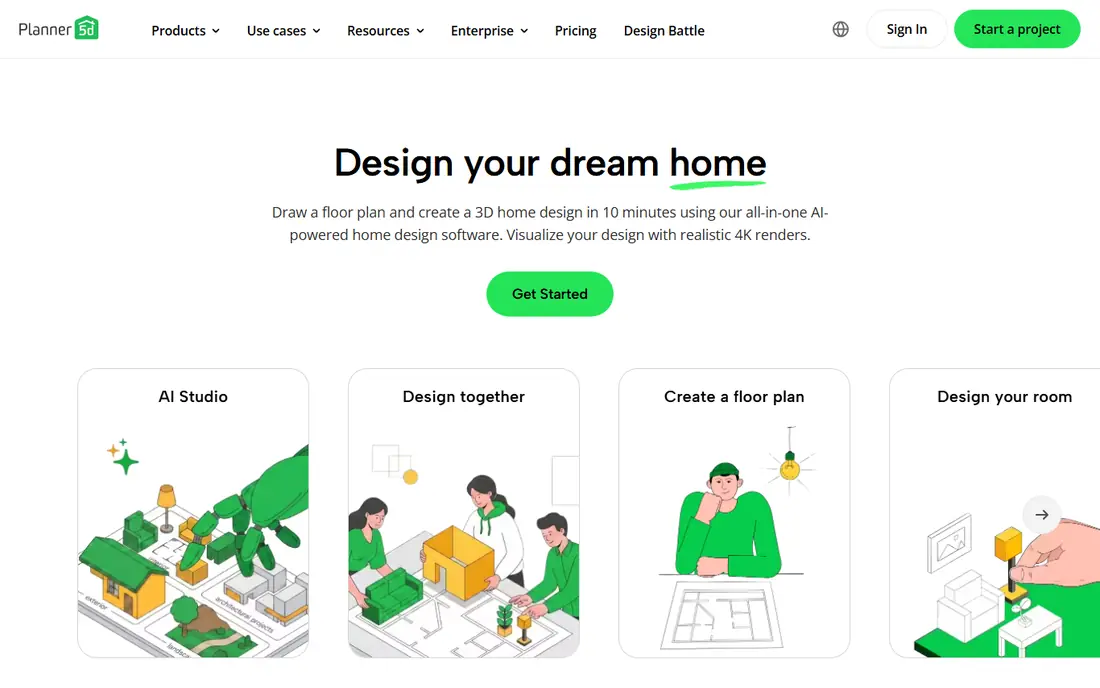
Planner 5D is the best all-round home design app here. The free plan includes unlimited projects, 2D and 3D editing and roughly half the furniture catalog, which is enough to plan a real room. AI features include a design generator, AI plan recognition that turns an uploaded floor plan into 3D, and room scanning from your phone camera.
Premium costs 19.99 dollars a month or 59.99 dollars a year and opens the full catalog of more than 10,000 items plus AI Studio credits, while the Professional plan at 399.99 dollars a year adds 4K renders and CAD export for designers. If you want one app that handles both ideas and measurements, Planner 5D is our top pick.
- Free plan with unlimited projects and 2D/3D editing
- AI design generator and room scanning
- Works on web, mobile and desktop
- Free catalog covers about half the furniture library
- Full catalog and 4K renders need paid plans
- Monthly price adds up fast
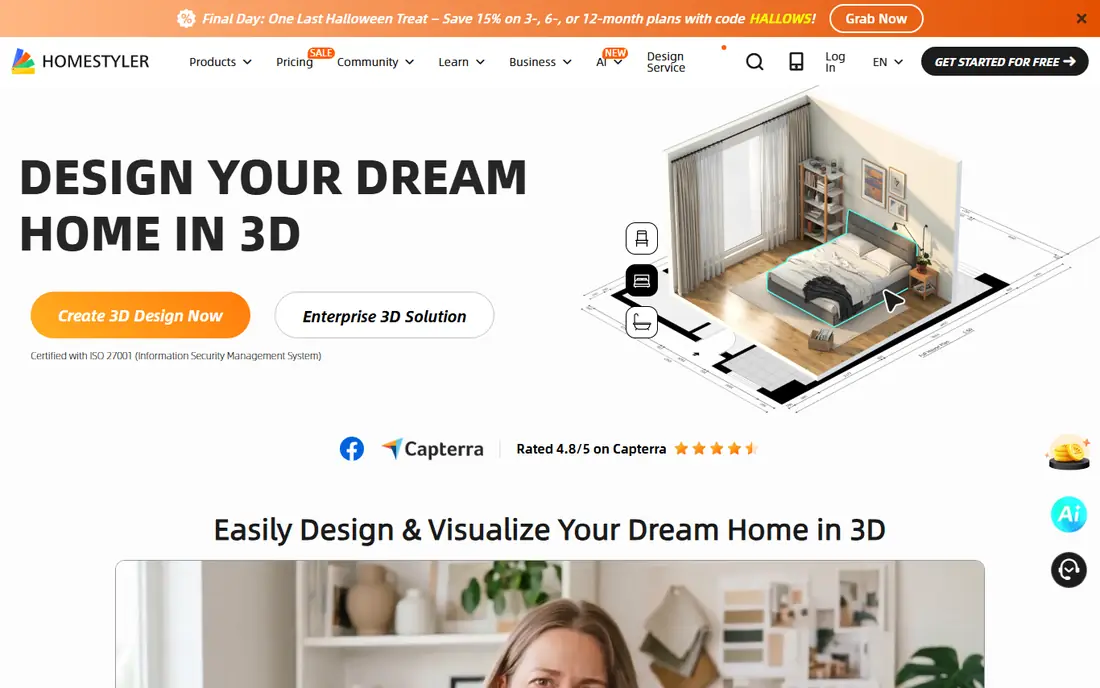
Homestyler gives away more than any other design app here. The free plan includes unlimited 1K renders and more than 100,000 free 3D models and materials, which is enough to see a lifelike picture of your redesigned room without paying. The drag-and-drop builder is straightforward, and the app runs on web and mobile.
Sharper renders cost extra: 2K renders are 99 cents and 4K renders are 1.99 dollars when bought one at a time, while Pro+ starts at 6.80 dollars a month and adds 75 renders each at 2K and 4K plus AI credits. If you care most about how a room will look and want to start free, Homestyler is the best choice.
- Free plan with unlimited 1K renders and over 100,000 free models
- Easy drag-and-drop 3D builder
- AI design tools on paid plans
- You build the room in 3D rather than uploading a photo
- Sharper 2K and 4K renders cost extra
- Pro+ features need a subscription

RoomGPT is the fastest way to see your room in a new style. Upload one photo, pick a style, and get a redesigned image back, with before-and-after views to compare. The free tier offers one redesign, and credit packs cost 9 dollars for 30 redesigns, 19 dollars for 100 and 29 dollars for 200, with no subscription required.
That credit model suits occasional users who want a few ideas, not a monthly bill. The downside is that the output is a flat image, not an editable floor plan, and the AI sometimes distorts awkward rooms, shrinking furniture or bending walls. For quick inspiration, RoomGPT is hard to beat. For planning a renovation, pair it with Planner 5D.
- Simplest upload-and-redesign workflow
- Credit packs with no subscription
- 1 free redesign to try it
- No permanent free plan
- AI can distort room geometry on awkward rooms
- Output is an image, not an editable plan
HomeDesigns AI covers the broadest range of design work in this list. Upload a photo of any room, choose from more than 80 styles on the Standard plan, and get a photoreal render in about 30 seconds. It handles interiors, exteriors, gardens and patios, and its Precision tool edits one area of a photo while keeping the rest unchanged.
Standard costs 22 dollars a month for 100 design credits, Pro costs 29 dollars for 1,000 credits and 160-plus styles, and Expert costs 37 dollars for 2,000 credits and 200-plus styles. Yearly billing saves up to 62 percent in the first year, but plans renew at the standard annual price, so check the renewal terms. For the widest style range in a photo restyler, HomeDesigns AI leads.
- 80-plus styles on the entry plan, 200-plus on Expert
- Redesigns your actual photo rather than inventing a new room
- Precision editing of one area
- No free plan
- Yearly renewal at full price after a first-year discount
- Narrow or awkward rooms can distort
REimagineHome is built for homeowners and real estate professionals who need fast redesigns and virtual staging from photos. Upload a room photo, pick a style, and get a staged or redesigned version back, with Pro plans linking to real products you can buy and batch processing for multiple listings at once.
The free trial offers 5 designs with no card required, and paid plans range from 19 to 119 dollars a month depending on volume and features. For sellers staging a listing or homeowners testing a renovation look, REimagineHome is a strong, practical choice, especially with its shoppable product links.
- 5 free designs with no card required
- Virtual staging with real shoppable products
- Batch processing for real estate listings
- Paid plans run from 19 to 119 dollars a month
- Free designs end after 5
- Best features sit on higher tiers
Collov AI focuses on quick restyling and virtual staging, with unlimited regeneration on every plan so you can keep trying variations until one looks right. That matters because AI renders often need several attempts, and tools that charge per render punish experimentation.
Plans start at 19 dollars a month billed yearly, and the trial offers 5 watermarked photos. The style range is narrower than HomeDesigns AI, and pricing is subscription-only rather than credit-based. For real estate staging and fast restyles, Collov AI is a solid, focused option.
- Fast restyling with unlimited regeneration on every plan
- Focused virtual staging for real estate
- 5 trial photos to test it
- Trial photos are watermarked
- Subscription-only pricing
- Narrower style range than HomeDesigns AI
Interior AI is the volume tool for virtual staging. Its minimal interface produces fast renders, and the Pro plan allows up to 1,000 designs a month, which suits real estate agents staging many listings. The tool keeps room structure better than many rivals, though no AI image tool guarantees that walls and windows stay exactly in place.
Pricing starts at 49 dollars a month or 349 dollars a year, with no free plan. That is steep for a homeowner redesigning one room, but reasonable for an agent producing dozens of stagings monthly. For high-volume staging, Interior AI is the professional pick.
- Fast renders with a minimal interface
- Up to 1,000 designs a month on Pro
- Strong virtual staging for agents
- No free plan
- 49 dollars a month is steep for casual users
- Yearly plan at 349 dollars is the better value
DecorMatters is the hobbyist's design app. It is free to download with in-app purchases, offers AR preview so you can see furniture in your actual room through your phone camera, and includes social features for sharing designs, joining challenges and getting feedback from other users.
Its AI tools are lighter than RoomGPT or HomeDesigns AI, and the social feed quality varies. But for casual decorators who want to experiment, preview furniture in AR and share ideas, DecorMatters is the most fun free option on this list.
- Free app with in-app purchases
- Social features for sharing designs and getting feedback
- AR preview of furniture in your room
- AI features are lighter than dedicated restylers
- In-app purchases add up
- Design community quality varies
IKEA Kreativ solves a specific problem well: will this IKEA furniture actually fit and look right in my room? Scan your room with your phone, remove existing furniture digitally, and place real IKEA products to scale, with accurate dimensions and finishes. It is free inside the IKEA app and on the web.
The obvious limit is that it only works with IKEA products, so it cannot plan a room full of other brands. Room scans also need decent lighting and a clear space to work well. If you are furnishing with IKEA, Kreativ is the most practical tool here, and it pairs well with Planner 5D for full room planning.
- Free inside the IKEA app and web
- Scan your room and place real IKEA products to scale
- Remove existing furniture digitally
- Only works with IKEA products
- Room scans need good lighting and clear space
- Limited to IKEA's catalog
How we picked these
We compared official pricing pages, free tier terms and feature lists from October 2026, favoring tools with clear pricing, usable free options and distinct strengths. We checked that each official site belongs to the product. Prices and free allowances change often in this category, so confirm the current plan in the app or on the pricing page before subscribing.
What to check before you buy
First, decide whether you need ideas or measurements. Photo restylers like RoomGPT and HomeDesigns AI are best for inspiration and staging. Floor planners like Planner 5D and Homestyler are best for checking what fits and talking to contractors. Most renovation projects benefit from one of each.
Next, test the same photo in two tools before paying. AI image tools handle room geometry differently, and one may keep your walls and windows intact while another distorts them. Use free trials and free designs for that test, and only subscribe to the tool whose output still looks like your room.
Finally, watch subscription terms. Several tools discount the first year and renew at full price, and credit packs expire on some plans. For a one-room project, a credit pack from RoomGPT may cost less than a month of any subscription.
Frequently asked questions
What is the best AI home design app for free?
Planner 5D and Homestyler offer the best free plans, with Planner 5D giving unlimited projects and 2D/3D editing, and Homestyler giving unlimited 1K renders. RoomGPT offers one free redesign, and REimagineHome offers 5 free designs. For ongoing free use, Planner 5D and Homestyler are the only permanent free options here.
What is the best AI app to redesign a room from a photo?
RoomGPT is fastest and simplest for a quick photo restyle, with credit packs from 9 dollars. HomeDesigns AI offers the widest style range, with 80-plus styles on its entry plan. For virtual staging, Interior AI and REimagineHome are stronger, with volume plans for agents.
Can AI home design apps tell me if furniture fits?
Photo restylers cannot reliably tell you whether furniture fits, since they produce images rather than measured models. Floor planners like Planner 5D and Homestyler can, because you build a measured 2D and 3D model with real dimensions. IKEA Kreativ also places real products to scale in a scan of your room.
What is the best AI home design app for real estate staging?
Interior AI is best for high-volume staging, with up to 1,000 designs a month on Pro. REimagineHome is best for staging with real shoppable products, and Collov AI is best for quick staging with unlimited regeneration. All three offer faster turnaround than traditional staging photography.
Do AI home design apps keep my room's walls and windows?
No AI image tool guarantees it. Interior AI and REimagineHome market structure-keeping modes, but any image model can move a window or bend a wall. Test the same photo in two tools and keep the result that still looks like your room, and use a floor planner for anything that needs accurate dimensions.
How much does an AI home design app cost?
Free plans cover Planner 5D, Homestyler, DecorMatters and IKEA Kreativ. Photo restylers start at 9 dollars for a RoomGPT credit pack, 19 dollars a month for REimagineHome and Collov AI, 22 dollars a month for HomeDesigns AI, and 49 dollars a month for Interior AI. Planner 5D Premium costs 59.99 dollars a year.
Sources we checked (9)

Online Jobs is an independent blog about careers, online work, learning new skills and the tools that help people earn. More about us.
Keep reading
All posts
Best Seed Companies
We compared 10 seed companies for US home gardeners, covering vegetable and flower seeds, packet prices, growing notes, and honest limits for each seller.

Best Platform Beds
We compared the best platform beds for 2026, from Thuma and Floyd to Zinus, Saatva and Burrow, with prices, weight capacities, sizes and honest trade-offs.

Best Home Design Software
Best home design software compared, including free home design apps for floor plans, 3D rooms, and full house layouts, with prices and limits explained.