Best AI App for Landscape Design in 2026: 9 Apps Compared


Phone design with augmented reality · Starting price: $29.99 per month
How we put this together: we compare official feature and pricing pages, app store listings, privacy policies and public user reviews. Prices change, so check the provider's site before you pay.
Key takeaways
- Photo-based AI tools are best for fast ideas, while 3D planning tools are better when you need measurements, planting lists, or a plan a crew can follow.
- Planner 5D offers the lowest paid entry point here, while iScape and DreamzAR suit phone-first design with augmented reality views.
- Yardzen is a design service, not just an app, and its per-project price reflects human designer input alongside AI tools.
- AI output is a starting point, not a construction plan: check plant suitability, drainage, slopes, and local rules before you build.
Quick comparison
| Name | Who it suits | Starting price | Free option | |
|---|---|---|---|---|
| iScape | Phone design with augmented reality | $29.99 per month | Yes | Visit |
 Planner 5D | Low-cost 3D outdoor planning | $4.99 per month | Yes | Visit |
 DreamzAR | Chat-based design refinement on a phone | $19.99 per month | No | Visit |
 REimagine Home | Quick photo restyles | See website | Yes | Visit |
 Gardenly | AI garden concepts and plant lists | $4.50 per month | No | Visit |
 Neighborbrite | Free basic photo renders | Free | Yes | Visit |
 Yardzen | Full design service with a designer | $995 per project | No | Visit |
 SketchUp Free | Free 3D modeling in a browser | Free | Yes | Visit |
 GardenPlan by AI | AI garden planning with 3D editing | See website | Yes | Visit |
The best AI app for landscape design
AI design apps fall into two groups: tools that restyle a photo of your yard, and tools that help you build a measured 3D plan. We compared official pricing pages, feature lists, and app store listings, and we marked prices as See website where vendors price by credits or custom quotes. Prices below reflect annual billing where a vendor offers it, unless stated otherwise.
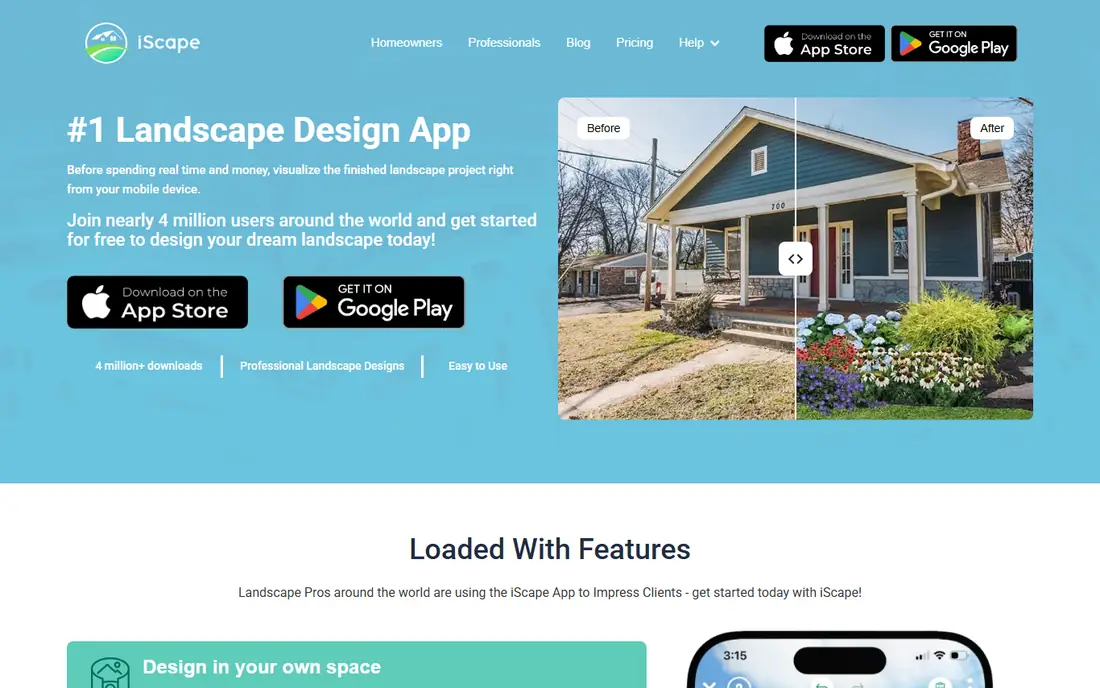
iScape is the most contractor-friendly phone app on this list, because it goes beyond a pretty picture. You can design on a photo of your own yard, view the result in augmented reality on site, and, on Pro plans, generate a material inventory and a PDF proposal with pricing and business details. That bridge from idea to quote is why many professionals use it with clients.
The cost is the drawback, at $29.99 per month or $299.99 per year for Pro, and the free version gives only reduced access to the plant library. Android support is also thinner than iOS, with 2D design rather than the full feature set. If you need a phone tool that can support a real quote, iScape earns its price. If you only want ideas, a cheaper photo tool may do.
- Augmented reality view on a photo
- Plant library
- Pro proposals with material lists
- Highest monthly subscription here
- Full 3D features are iOS-first
- Free plan limits the plant library
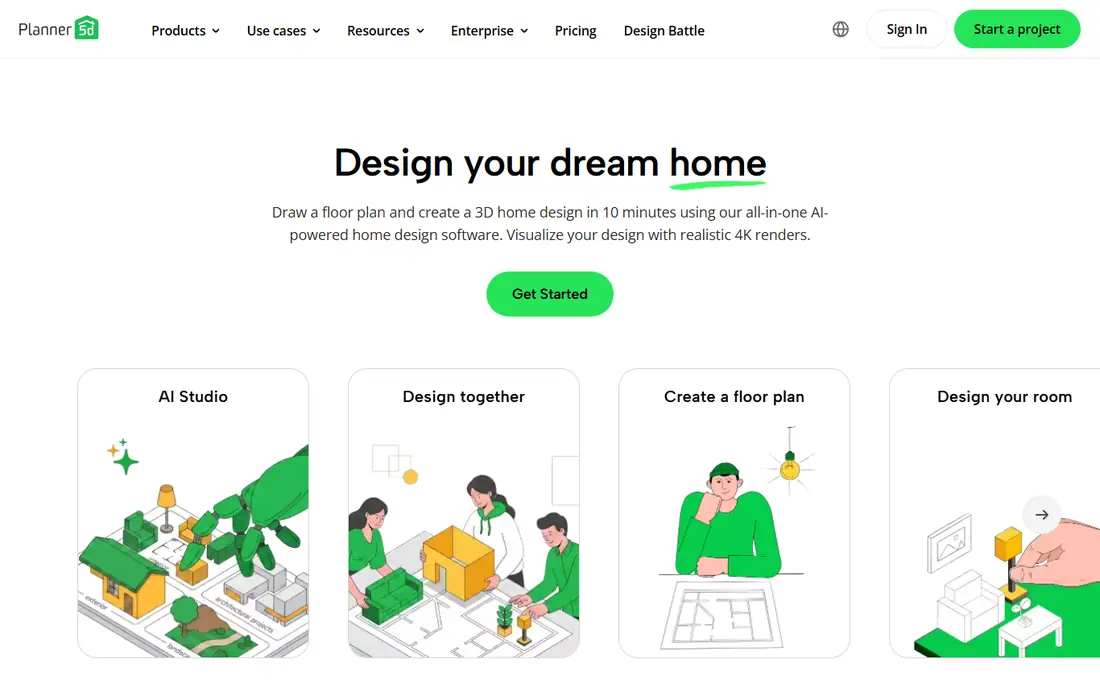
Planner 5D is the quickest route from an idea to a presentable 3D view, and its Premium price of $4.99 per month billed annually undercuts nearly every rival here. You can shape a house shell, add a patio and planting, and render the result, using an AI designer that builds a starting point from your dimensions. The free plan allows unlimited projects with about half the catalog, which is generous for testing ideas.
The limit is depth. The outdoor catalog suits a concept view rather than a serious planting plan, and there is no real grading or drainage modeling for sloped or complex sites. For homeowners who want to compare layouts, show a partner or contractor an idea, and keep costs low, Planner 5D is the best value on this list.
- Low Premium price
- Unlimited free projects
- AI designer and Smart Wizard
- Works on web and mobile
- Plant and outdoor catalog suits concepts, not detailed planting plans
- No grading or drainage modeling
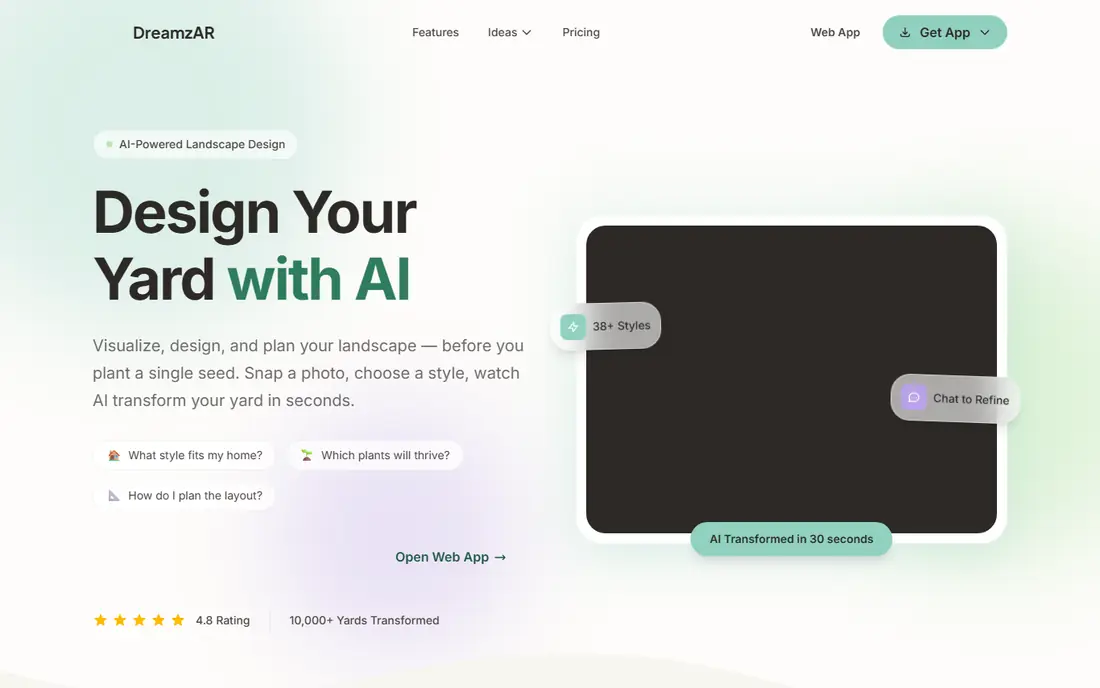
DreamzAR stands out for how you change a design. Instead of regenerating from scratch when something is wrong, you describe the change in chat and the app applies it, which matches how people actually revise a garden plan. A plant library of more than 2,000 plants and an augmented reality walk-through on your phone help you judge scale and planting before you buy anything.
There is no published free tier, so the entry price is $19.99 per month or $199 per year, which is a lot to commit before you know whether it handles your yard well. It is also phone-first, so laptop-based planning feels secondary. If you like refining by conversation and you work mainly on a phone, DreamzAR offers the most natural editing flow here.
- Chat editing for design changes
- Large plant library
- Augmented reality walk-through
- No published free tier
- Annual price is $199 per year
- Phone-first workflow
REimagine Home is the fastest way to see a different version of your outdoor space. Upload a photo, pick a style, and get a restyled image in minutes, with a small number of free designs to test the result before paying. That speed suits homeowners at the idea stage, or sellers and agents who want a fresh exterior view for a listing.
The output is an image, not a plan you can build from, with no measurements, planting list, or material quantities. Paid plans vary by credits and subscription, so check the current REimagine Home pricing page for the design count you need. Use it to choose a direction, then move to Planner 5D, SketchUp, or a professional for a buildable plan.
- Fast photo restyles
- Free designs to test
- Simple web workflow
- Output is a concept image, not a measured plan
- Paid plans price by credits or subscription
Gardenly offers AI garden concepts at a low annual-billed price of $4.50 per month, with plant suggestions matched to climate, which is a practical step beyond a generic pretty image. For homeowners who want planting ideas that stand a chance in their local conditions, that matching matters more than another style filter. Concepts arrive quickly, so you can compare several directions in one sitting.
There is no free tier, so you pay before you see a full result, and the output remains a concept rather than a detailed construction drawing. Pair Gardenly with a local nursery check for plant availability and soil needs. For low-cost, climate-aware ideas, it is a strong budget pick.
- Low annual-billed price
- Climate-matched plant suggestions
- Fast concept images
- No free tier
- Concept focus rather than detailed construction drawings
Neighborbrite is the lowest-risk way to try AI outdoor design, since its free plan offers unlimited basic renders. Upload a photo, generate a concept, and compare styles without a subscription or a credit pack, which suits homeowners who are still deciding whether AI design helps them at all. The workflow is simple enough for anyone comfortable with a phone photo.
Pro features, higher-quality renders, and fuller tools sit behind a paid plan priced around $15 per month, and the output is still a render rather than a plan with measurements. For idea generation at no cost, Neighborbrite is hard to beat. For a buildable plan, move to a 3D tool once you have chosen a direction.
- Unlimited basic renders on the free plan
- Simple photo-based workflow
- Low-risk way to test AI design
- Pro features need a paid plan
- Output is a render, not a measured plan
Yardzen is different from every other tool here: it is a design service, not just an app, pairing AI inspiration tools with a human designer who creates a plan for your whole yard. The result includes a layout, planting guidance, and a plan you can hand to a contractor, which is why the price starts at $995 per project rather than a monthly app fee. For a full-yard redesign, that human review catches problems an app alone would miss, such as slopes, drainage, and sun patterns.
The price and timeline are the drawbacks. You wait for a designer, revise through a service process, and pay far more than any subscription on this list. If you only want ideas for one bed or patio, an app is enough. If you are redesigning a whole yard and want a plan you can build from, Yardzen is the most complete option here.
- Human designer input alongside AI tools
- Buildable plan and plant list
- Good for full-yard projects
- Per-project price is far higher than app subscriptions
- Not an instant app result
SketchUp Free gives you real 3D modeling in a browser at no cost, which suits homeowners and students willing to learn basic modeling. You can build a yard to scale, place structures, paths, and planting, and use the large 3D Warehouse model library for furniture and features. Measurements are precise, so a plan can actually guide a build, unlike a photo render.
The learning curve is real, and the free web version limits export formats, while the paid Go plan costs $129 per year for fuller features. There is no built-in AI plant guidance, so you need to research plant suitability yourself. For users who want control and accuracy over AI speed, SketchUp Free is the most capable no-cost tool here.
- Free browser-based 3D modeling
- Large model library
- Precise measurements possible
- Learning curve for 3D modeling
- Free version limits export formats
- No AI plant guidance built in
GardenPlan by AI pairs AI-generated garden plans with a 3D editor, so you can start from an AI suggestion and then adjust beds, paths, and planting yourself. The freemium model lets you test the 3D editor before paying, and the combination suits homeowners who like an AI starting point but want to shape the final layout by hand. Typical annual costs reported for premium use fall in a modest range, but check the current GardenPlan by AI pricing page, since plans and credits change.
Premium features, higher-resolution output, and fuller AI options sit behind paid plans, so the free tier is best for testing rather than finishing a large project. For a middle path between a photo render and a full design service, GardenPlan by AI offers a useful balance of speed and control.
- AI planning plus a 3D editor
- Freemium start
- Useful for comparing garden layouts
- Premium features sit behind a subscription
- Pricing varies by plan and credits
How we picked these
We compared official pricing pages, feature lists, and app store listings for AI outdoor design tools that are live and maintained in 2026, and we covered photo restyles, 3D planning, phone AR tools, and a full design service. We favored tools with a usable free tier or trial where possible, and we noted where output is a concept image rather than a measured plan, since that difference changes what you can build from it. Plant suitability, drainage, and local rules still need a human check, whatever tool you use.
Choosing by project size
For a quick idea, start with Neighborbrite or REimagine Home at low or no cost. For a patio or single area, Planner 5D or GardenPlan by AI gives you a 3D view you can adjust. For phone-first design with a quote in mind, test iScape or DreamzAR. For a precise DIY plan, learn SketchUp Free. For a full-yard project you plan to build soon, Yardzen gives you a designer-reviewed plan that an app alone cannot match.
Frequently asked questions
What is the best AI app for landscape design?
Planner 5D is the best low-cost starting point for 3D planning, iScape suits phone-first design with quotes, and Yardzen suits full-yard projects that need a designer. Photo tools such as REimagine Home and Neighborbrite are best for fast ideas. Choose by whether you need an idea, a 3D plan, or a buildable design.
What is the best AI landscape design app for beginners?
Planner 5D and Neighborbrite are the easiest beginner starting points, since both offer free tiers and simple workflows. Planner 5D adds 3D planning, while Neighborbrite focuses on fast photo renders. Beginners should start free, test on a real photo or plan, and only pay once a tool clearly fits their project.
What is the best AI landscape design software for professionals?
iScape is the strongest professional phone tool here, thanks to AR views, plant libraries, and Pro proposals with material lists. SketchUp suits professionals who need precise 3D modeling, while Yardzen suits designers who want a service model. Professionals should test output on a real client site before relying on any tool for quotes.
Can AI design a garden plan I can build from?
Photo restyle tools cannot, since they produce images without measurements. 3D tools such as Planner 5D and SketchUp can produce a measured layout, and Yardzen provides a designer-reviewed plan. Even then, check plant suitability, drainage, slopes, utilities, and local rules before digging or ordering materials.
Are AI garden design apps free?
Some are, at least in part. Neighborbrite offers free basic renders, Planner 5D offers a free tier with unlimited projects, SketchUp Free offers free browser modeling, and REimagine Home offers free designs to test. iScape, DreamzAR, Gardenly, and Yardzen need payment for full use, so check free limits before you build a project around an app.
How much does AI garden design software cost?
Costs range from free tiers to $4.50 per month for Gardenly and $4.99 per month for Planner 5D on annual billing, $19.99 per month for DreamzAR, and $29.99 per month for iScape Pro, while Yardzen starts at $995 per project. Credit packs and per-project fees can change the total, so compare the cost for your project size, not just the headline price.
Sources we checked (9)

Online Jobs is an independent blog about careers, online work, learning new skills and the tools that help people earn. More about us.
Keep reading
All posts
Best Seed Companies
We compared 10 seed companies for US home gardeners, covering vegetable and flower seeds, packet prices, growing notes, and honest limits for each seller.
Best Platform Beds
We compared the best platform beds for 2026, from Thuma and Floyd to Zinus, Saatva and Burrow, with prices, weight capacities, sizes and honest trade-offs.

Best Home Design Software
Best home design software compared, including free home design apps for floor plans, 3D rooms, and full house layouts, with prices and limits explained.