Best AI Accounting Software in 2026: 8 Products Compared


US small businesses on a familiar ledger · Starting price: See website
How we put this together: we compare official feature and pricing pages, app store listings, privacy policies and public user reviews. Prices change, so check the provider's site before you pay.
Key takeaways
- QuickBooks Online, Xero and Zoho Books remain the practical defaults, with AI assistants layered onto ledgers accountants already know.
- Digits and Puzzle are AI-native options built around automation from the start, rather than AI added to an older ledger.
- Wave and Zoho Books offer genuinely free routes, making them the cheapest way to start simple books.
- Docyt suits multi-location businesses that need continuous reconciliation, while FreshBooks suits service businesses built around invoicing.
- AI handles routine categorisation and matching well, but tax strategy, audits and complex decisions still need a qualified accountant.
Quick comparison
| Name | Who it suits | Starting price | Free option | |
|---|---|---|---|---|
| QuickBooks Online | US small businesses on a familiar ledger | See website | Free trial | Visit |
 Xero | Cloud bookkeeping with strong bank matching | See website | Free trial | Visit |
 Zoho Books | Cost-conscious businesses and freelancers | $15 per month | Yes | Visit |
 Digits | AI-native always-on bookkeeping | See website | Free trial | Visit |
 Puzzle | Startups wanting real-time financials | See website | Free trial | Visit |
 Docyt | Multi-location continuous accounting | See website | No | Visit |
 Wave | Freelancers needing free simple books | Free | Yes | Visit |
 FreshBooks | Service businesses and invoicing | See website | Free trial | Visit |
The best AI accounting software
AI accounting software does not remove accounting. It reduces the manual work inside it: categorising transactions, matching bank feeds, chasing invoices, flagging anomalies and drafting reports. The tools here differ in how far automation goes, how much human review they expect, and how well they fit your accountant. We compared them on automation, ledger quality, integrations and total cost. This is not financial advice, and tax decisions should still go through a qualified professional.
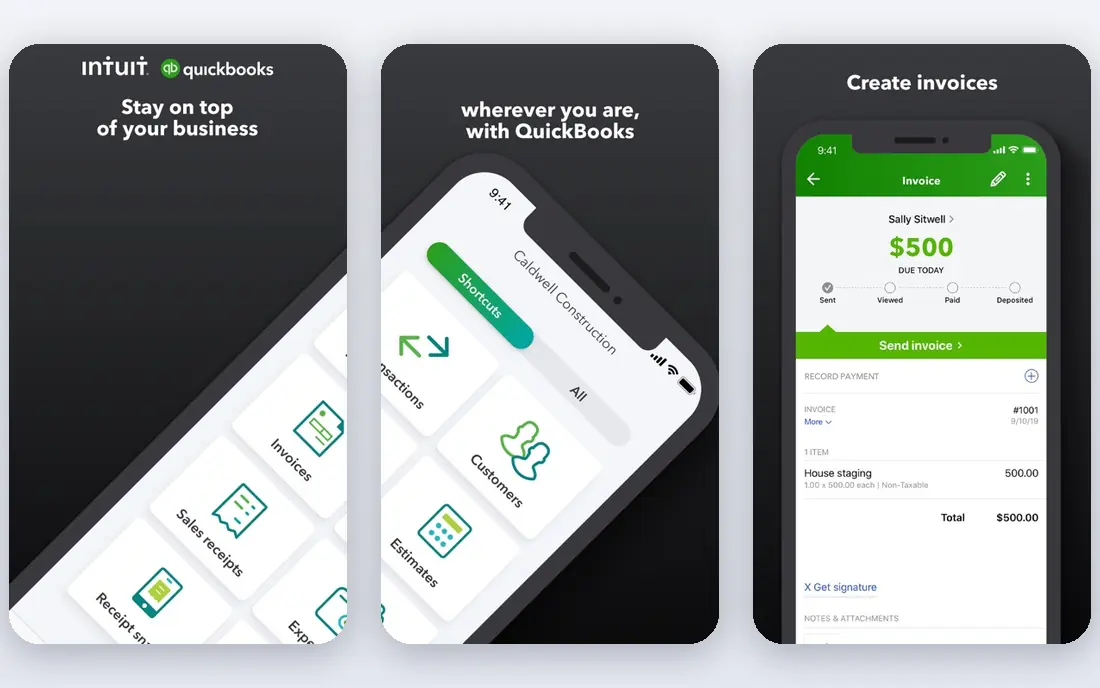
QuickBooks Online is the default ledger for many US small businesses, and that familiarity is a practical advantage. Most accountants know it, most banks connect to it, and hundreds of apps integrate with it. Its AI features, under Intuit Intelligence, help categorise transactions, surface anomalies and answer finance questions in chat, with more advanced workflows on higher plans. The catch is tiering. Entry plans cover core bookkeeping, but deeper automation, reporting and payroll features sit on higher tiers, so the real cost depends on what you actually need. QuickBooks fits best for US small businesses that want a ledger their accountant already uses, with AI help on routine work. Trial it with your real bank feed and a month of transactions, and confirm which AI features your chosen plan includes before you commit.
- Widest accountant familiarity
- Large app ecosystem
- AI categorisation and chat help
- Higher tiers cost more
- Some AI features sit behind plan upgrades
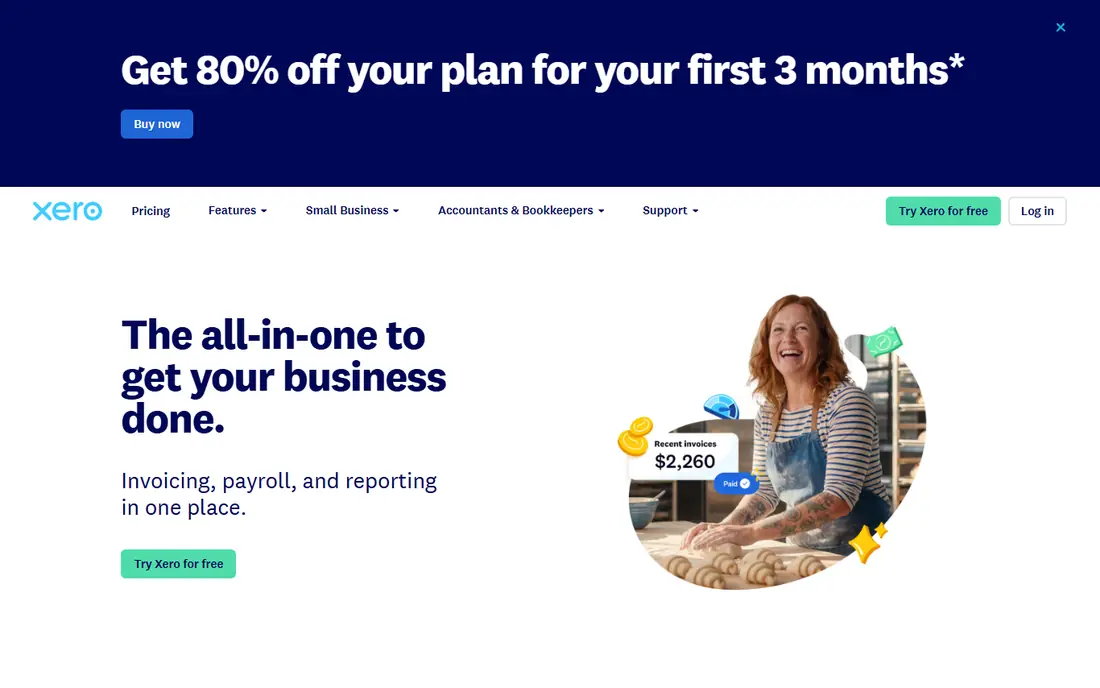
Xero is a cloud ledger known for a clean interface and strong bank reconciliation. Its AI assistant, JAX, helps with chat-based questions and bookkeeping tasks, and bank matching learns from your past categorisation to reduce manual entry. Multi-currency support and a large app marketplace make Xero a strong choice for businesses that trade across borders or use many connected tools. Payroll is not available in every country, and some features need add-ons, so the total cost can rise above the headline plan price. Xero fits best for small businesses that want a modern cloud ledger, strong reconciliation and an accountant-friendly system outside the US QuickBooks default. Check your country's payroll and plan details on the vendor page, and test bank matching with your real accounts during the trial.
- Clean interface
- Strong bank reconciliation
- Large app marketplace
- Multi-currency
- Payroll availability varies by country
- Add-ons can raise total cost
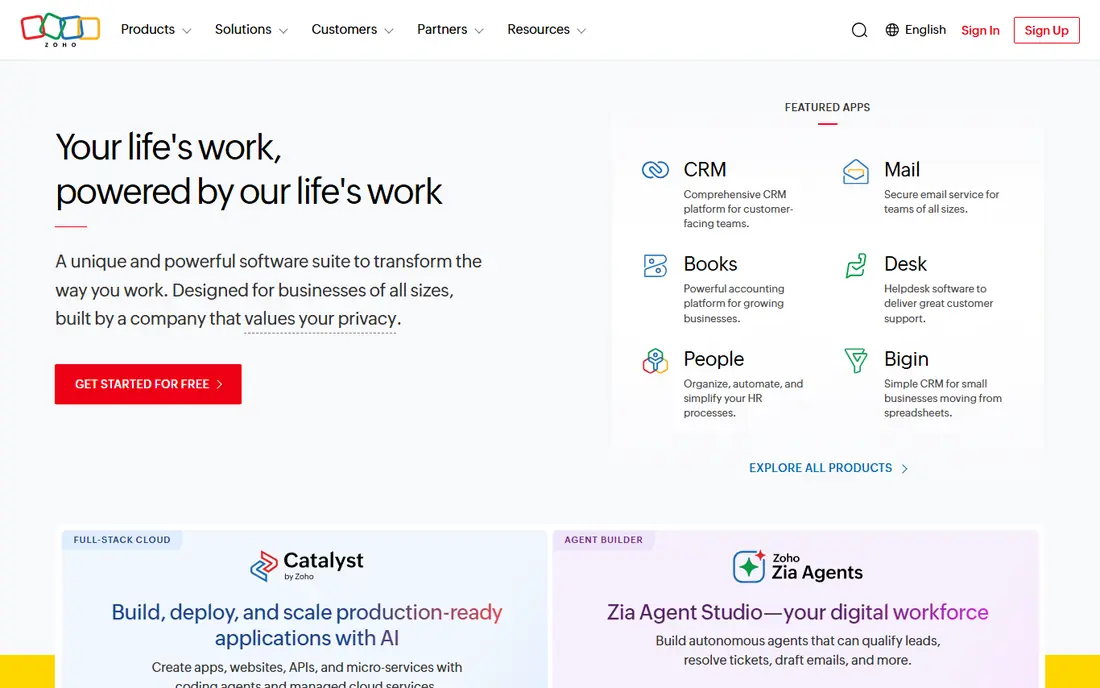
Zoho Books offers one of the best value routes into AI-assisted accounting. A free plan covers small businesses with modest needs, and paid plans start low, with automation for invoicing, expense tracking, bank reconciliation and reporting. Businesses already using Zoho CRM, Zoho Inventory or other Zoho apps gain from the shared ecosystem, with data flowing between tools without extra connectors. The accountant network is smaller than QuickBooks or Xero in some regions, so check whether your accountant works with Zoho Books before you switch. Advanced automation and multi-user features also need higher tiers. Zoho Books fits best for freelancers, small businesses and cost-conscious teams who want capable books without a high monthly bill. Start on the free plan, and upgrade only when transaction volume or user needs exceed it.
- Free plan for small use
- Low paid entry price
- Zoho ecosystem links
- Smaller accountant network than QuickBooks or Xero in some regions
- Advanced features need higher tiers
Digits is built as an AI-native ledger, meaning automation sits at the centre rather than as an add-on. Transactions are categorised continuously, financial views update in near real time, and the system aims to keep books current without a month-end catch-up. For a business owner who wants to see cash, profit and runway without waiting for a monthly close, that always-on view is appealing. Digits is newer than the large ledgers, so accountant familiarity and app integrations are thinner in some areas. Pricing also needs confirmation on the vendor page, since plans have changed. Digits fits best for small and mid-size businesses that want modern automation and that are willing to check accountant support before switching. Run it in parallel with your current ledger for a month to compare categorisation quality.
- Ledger designed around AI
- Continuous categorisation
- Clear financial views
- Newer ecosystem than QuickBooks or Xero
- Pricing needs vendor confirmation
Puzzle is a modern ledger built for startups, with real-time financials, automated categorisation and integrations with startup tools such as Stripe and payroll systems. The goal is books that stay current as money moves, so founders and investors can see runway, burn and revenue without waiting for a bookkeeper to close the month. That speed suits venture-backed and fast-growing companies. Puzzle is less suited to complex inventory, manufacturing or multi-entity accounting than larger enterprise systems. Pricing needs confirmation on the vendor page. Puzzle fits best for startups that want modern, real-time books and that value a clean ledger over a large legacy ecosystem. Check whether your accountant supports Puzzle, and test its handling of your specific revenue and expense types during a trial.
- Real-time ledger for startups
- Modern integrations
- Investor-ready views
- Startup focus may not suit complex inventory or multi-entity needs
- Pricing needs confirmation
Docyt targets multi-location and multi-entity businesses that need books to stay reconciled continuously, not just at month end. Its AI handles document capture, categorisation and reconciliation, with accountant review steps for accuracy. For a restaurant group, a retail chain or a franchise network, that continuous model reduces the backlog that builds up across sites. Entry cost is higher than a simple small business ledger, and Docyt is more system than a freelancer needs. It fits best for businesses with several locations or entities, high transaction volume and a need for consolidated views. Ask about onboarding, entity pricing and accountant review workflow before you sign, since those details drive both cost and accuracy in a multi-entity setup.
- Continuous reconciliation
- Multi-entity support
- Document handling and AI review
- Higher entry cost
- Overkill for a single-location freelancer
Wave offers free accounting and invoicing for freelancers and solopreneurs, with paid add-ons for payments and payroll where available. The interface is simple, the core books cover income, expenses and invoices, and the price makes it easy to start without a subscription. For a freelancer with straightforward finances, Wave covers the essentials well. AI depth is lighter than in QuickBooks, Xero or Digits, and advanced reporting, inventory and multi-user features are limited. Wave fits best for freelancers and very small businesses with simple books who want a free start. If your business grows into payroll, inventory or complex reporting, plan a move to a fuller ledger rather than stretching Wave beyond its design.
- Free invoicing and accounting
- Simple interface
- Good for solopreneurs
- Limited AI depth
- Fewer advanced features
- Support options limited on free plan
FreshBooks focuses on service businesses: freelancers, agencies and consultants who bill clients by project or by hour. Invoicing, time tracking, expense capture and client payments sit at the centre, with AI-assisted features for expense and invoice handling. The interface is easy to learn, and client-facing documents look professional without extra design work. Full accounting depth is lighter than QuickBooks or Xero, and inventory-heavy businesses will find gaps. FreshBooks fits best for service businesses where invoicing and time tracking matter more than complex ledger work. Check whether your accountant can work from FreshBooks reports, and confirm which automation features your plan includes, since they vary by tier.
- Strong invoicing and time tracking
- Easy client billing
- Clean interface
- Less full accounting depth than QuickBooks or Xero
- Inventory features limited
How we picked these
We selected software that is live in October 2026, that offers AI-assisted categorisation, reconciliation or reporting, and that a small business can actually buy or trial. We included large ledgers, AI-native ledgers, a multi-location system and a free option, because small businesses face very different needs. We weighted automation quality, bank connectivity, accountant familiarity, reporting, integrations and total cost. We did not rank on AI claims alone, since vendors describe similar features in very different ways. Where a price was not clearly published, we wrote See website. Confirm the current pricing page, plan features and your country's payroll and tax support before you choose, since those details change and affect the real cost.
How to trial AI accounting safely
Run a parallel trial. Connect your bank feed to the trial ledger, import a month of real transactions, and compare categorisation, matching and reports against your current books. Count how many transactions need manual fixing, how long reconciliation takes, and whether reports match your accountant's expectations. A tool that looks fast in a demo can still need heavy correction on your real data. Set controls before you rely on automation. Review AI-categorised transactions weekly at first, lock sensitive settings, limit who can approve payments, and keep your accountant in the loop during the trial. Never let AI alone approve large payments, tax filings or payroll changes. A short trial note, with error rates and time saved, gives a fair verdict and helps your accountant support the switch.
Questions to ask vendors
Ask how bank matching learns, how anomalies are flagged, whether AI suggestions need approval, how data exports work, and how the tool handles your tax region. Ask about support hours, onboarding help and accountant access. Clear answers on data export and approval controls matter more than a long list of AI feature names, since they protect your books if you later switch tools.
Frequently asked questions
Can AI accounting software replace my accountant?
No. AI handles data entry, categorisation and routine reconciliation well, but tax strategy, audits and complex decisions still need a qualified human accountant. Use AI to reduce manual work and to give your accountant cleaner books, not to replace professional advice. This is not financial advice.
What is the cheapest AI accounting software?
Wave offers free accounting and invoicing for simple needs, and Zoho Books offers a free plan plus a low paid entry price. The cheapest option depends on your transaction volume, invoicing needs and whether you need payroll or advanced reporting. Compare total cost, including add-ons, before choosing on price alone.
Does QuickBooks have AI?
Yes. QuickBooks Online includes AI-assisted categorisation, anomaly detection and chat help under Intuit Intelligence, with more advanced workflows on higher plans. Check your plan on the vendor page, since AI features vary by tier and region.
Does Xero charge extra for its AI assistant?
Xero has stated that there is currently no additional charge for subscribers to use its JAX chat experience, while reserving the right to change terms in future. Check the current vendor terms before you rely on that position, since pricing and terms can change.
Will AI accounting work with my bank?
Most tools connect to thousands of banks through secure data providers, but coverage varies by country and bank. Check the vendor's bank list for your specific accounts before committing, and test the connection during a trial with real transactions.
Is my financial data safe with AI accounting tools?
Reputable vendors use encryption and read-only bank connections, but you should still enable two-factor authentication, limit user permissions and review data access regularly. Choose established providers, read the data policy for your plan, and ask your accountant about controls for sensitive financial data.
Sources we checked (8)

Online Jobs is an independent blog about careers, online work, learning new skills and the tools that help people earn. More about us.
Keep reading
All posts
Top AI Financial Software
Searching for top AI financial software? We compared 9 AI finance tools for AP, spend, close, forecasting and bookkeeping to help teams choose wisely.
Quicken Alternatives
Compare the best quicken alternatives for Mac, Windows, and small business owners, from Monarch Money and YNAB to Copilot, Tiller, and Banktivity in 2026.

GoFundMe Alternatives
Looking for GoFundMe alternatives? We compared 8 fundraising platforms on fees, campaign types, donor tools and who each platform suits best in 2026 today.