Best Accounting Software for Startups in 2026: 9 Tools Compared

Widest accountant support · Starting price: See website
How we put this together: we compare official feature and pricing pages, app store listings, privacy policies and public user reviews. Prices change, so check the provider's site before you pay.
Key takeaways
- Start with the tool your accountant can use, because a clean handover saves more than a small monthly saving.
- Free plans suit pre-revenue startups, but check invoice, bank feed and user limits before you rely on them.
- Service startups need strong invoicing and time tracking, while product startups need inventory and sales tax handling.
- Investor-ready reports matter early for funded startups, even if daily bookkeeping looks simple.
- Payroll, tax and multi-currency support should be checked during a trial, not after you have months of data in the system.
Quick comparison
| Name | Who it suits | Starting price | Free option | |
|---|---|---|---|---|
| QuickBooks Online | Widest accountant support | See website | Free trial | Visit |
 Xero | Teams without per-seat fees | See website | Free trial | Visit |
 FreshBooks | Service billing and time tracking | See website | Free trial | Visit |
 Wave | Free core bookkeeping | Free | Yes | Visit |
 Zoho Books | Low-cost automation | Free | Yes | Visit |
 Bench | Done-for-you bookkeeping | See website | No | Visit |
 Pilot | Funded startup bookkeeping | See website | No | Visit |
 Puzzle | Modern startup ledger | See website | Free trial | Visit |
 Sage | Growing product businesses | See website | Free trial | Visit |
The best accounting software for startups
Startup accounting is not just about recording income and expenses. It is about invoices that get paid, books an accountant or investor can trust, and reports that show cash, burn and runway without a spreadsheet rebuild each month.
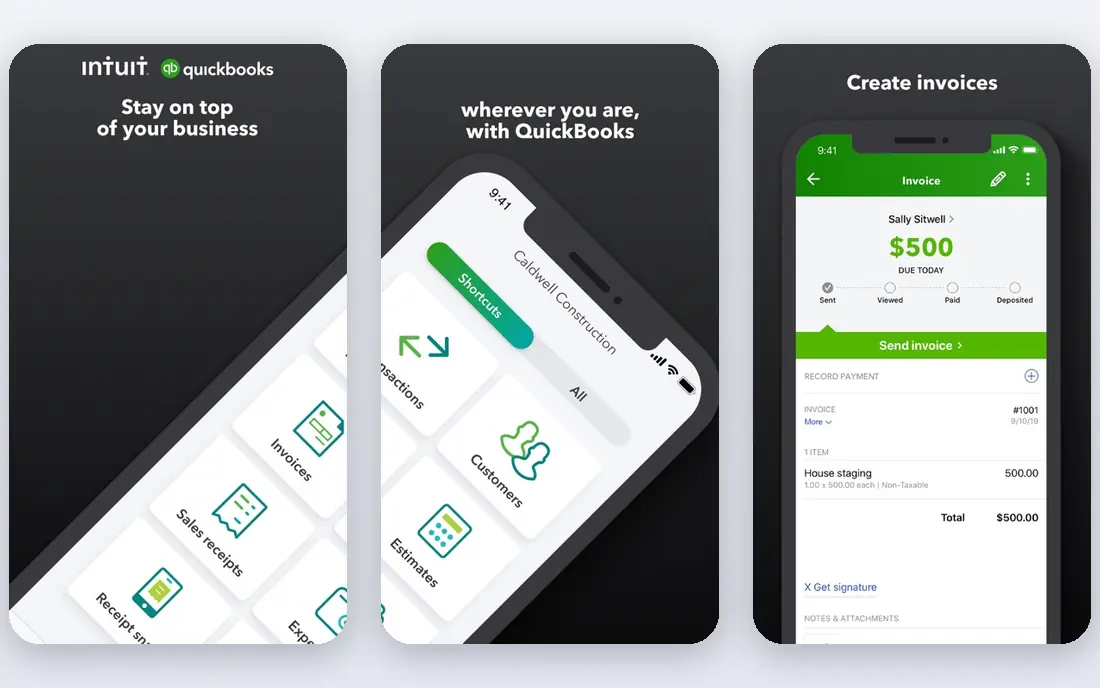
QuickBooks Online is the safe default for many US startups because accountants, bookkeepers and investors already know it. That familiarity matters when you hand over books at tax time or during fundraising, because fewer questions arise about file formats and reports. Invoicing, expense tracking, bank feeds and financial reports are all present, with payroll available as an add-on in many plans. The cost and complexity grow as you add users and features, so a solo founder may pay for depth that is not yet needed. QuickBooks also takes a little learning, especially around chart of accounts and reconciliation. If you plan to work with an external accountant, that learning curve is often worth it, because the accountant can guide setup from the start.
- Large accountant network
- Many integrations
- Invoicing, expenses and reports in one place
- Price rises with tiers
- Interface can feel busy for a first-time founder
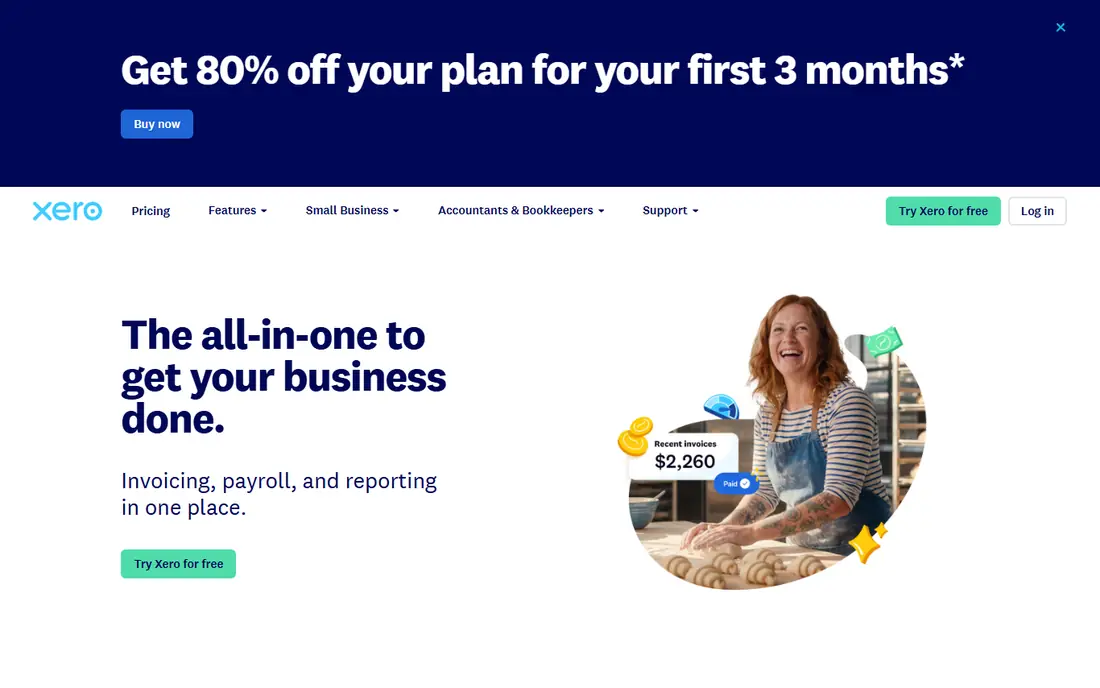
Xero suits startups where several people need access to the books, because plans do not charge per seat in the same way as some rivals. That model helps a founder, a co-founder and a bookkeeper work in the same system without watching user costs rise. The interface is clean, bank feeds are strong, and the integration list covers many payment, payroll and inventory tools. Entry plans cap invoices and bills, so a fast-growing startup may need to upgrade sooner than expected. US payroll is also handled through partners rather than as a native feature in every plan. Xero is best for teams that value shared access and clean books, and who check plan caps against expected invoice volume.
- Unlimited users on plans
- Clean interface
- Strong bank feeds and integrations
- Invoice and bill caps on entry plans
- US payroll needs a partner in many cases
FreshBooks is built around getting paid for services. Invoices look professional, clients can pay online, time can be tracked to a project, and late payment reminders reduce chasing. For agencies, consultants and freelancers who become startups, that billing focus often matters more than deep ledger features in the early months. Pure accounting depth is lighter than QuickBooks or Xero, especially for inventory, complex reporting or multi-entity work. Lower plans also cap billable clients, so a growing agency may need a higher tier. FreshBooks fits service startups where revenue comes from time and projects, not from selling stocked products.
- Excellent invoicing
- Time tracking
- Client portal for service businesses
- Lighter pure accounting depth
- Client caps on lower plans
Wave is the strongest free starting point for a pre-revenue startup or a side project. Core accounting and unlimited invoicing cost nothing, and setup is simple enough for a founder with no accounting background. That low barrier helps a new business keep books from day one, rather than leaving records in a spreadsheet until tax time. The free plan has limits that matter as volume grows. Automatic bank feeds may need a paid plan, and payroll and support options are more limited than on paid rivals. Wave is best as a starting tool, with a planned move to QuickBooks, Xero or Zoho Books when invoice volume, payroll or accountant needs grow.
- Free core accounting and invoicing
- Simple setup
- Suitable for pre-revenue work
- Bank feeds need a paid plan in many cases
- Support and payroll options are limited
Zoho Books offers a genuinely useful free plan for businesses under a revenue limit, plus paid plans that add automation for invoicing, reminders, bank feeds and reporting. That combination suits cost-conscious startups that still want workflow rules, such as automatic payment reminders and recurring invoices. If you already use Zoho CRM, mail or other Zoho apps, the shared data adds further value. The trade-off is ecosystem fit. Outside Zoho, the integration list is thinner than QuickBooks, and some users may need a connector for a specific payment or payroll tool. Zoho Books fits startups that want low cost and automation, and that are comfortable working mainly inside one vendor family.
- Free plan for smaller businesses
- Strong automation
- Works well with other Zoho apps
- Full value needs the Zoho ecosystem
- Some integrations are thinner than QuickBooks
Bench is not just software, it is a bookkeeping service with software included. A dedicated team records transactions, reconciles accounts and prepares monthly reports, which suits founders who want books handled rather than learning accounting themselves. That hands-off model can save hours each month and reduce errors from rushed entries. Cost is higher than software alone, and founders who like to control every entry may find the service model restrictive. Bench also suits US businesses best, so check tax and entity fit before signing. For a founder whose time is better spent on sales and product, Bench trades money for time and accuracy.
- Bookkeeping done by a team
- Monthly reports
- Tax-ready books at year end
- Monthly cost is higher than software alone
- Less control for hands-on founders
Pilot targets funded startups that need books an investor, board or auditor can trust. It pairs software with a finance team that handles bookkeeping, accrual accounting and financial reporting, including burn and runway views that matter to venture-backed companies. That depth helps during fundraising and board reporting, when clean, consistent numbers are essential. Pricing scales with monthly expenses, so Pilot costs more than a self-service tool and may be too much for a bootstrapped startup. It fits companies that have raised funding, have complex transactions, or expect rapid growth and want finance handled professionally from an early stage.
- Investor-grade reporting
- Dedicated finance team
- Scales with startup growth
- Higher cost
- Pricing scales with monthly expenses
Puzzle is a modern accounting platform built with startups in mind. It presents a ledger with reports that founders actually check, such as cash, burn and runway, alongside standard profit and loss and balance sheet views. The interface feels newer than legacy tools, and automation reduces manual categorisation for common startup transactions. As a newer platform, Puzzle has a smaller integration list than QuickBooks or Xero, so check whether your bank, payment and payroll tools connect cleanly. It also focuses mainly on US startups. For a tech startup that wants modern reporting without hiring a full finance team yet, Puzzle is a credible option to trial.
- Startup-focused reports
- Modern interface
- Burn and runway views
- Newer platform with a smaller integration list
- US focus
Sage suits startups that sell products and need inventory, order and sales handling alongside accounting. As product volume grows, tracking stock, suppliers and sales tax becomes as important as invoicing, and Sage handles that depth better than service-focused tools. Established support and a long vendor history also help when a business needs to scale. The learning curve is steeper than Wave or FreshBooks, and simpler startups may find Sage more than they need at first. Sage fits product startups that expect inventory complexity, or service startups that plan to add products later and want one system that can grow with them.
- Strong inventory and product features
- Scalable plans
- Established vendor
- Learning curve
- Some plans cost more than simpler rivals
How we picked these
We compared official feature pages, pricing pages, app store listings, privacy policies and public reviews. We looked at invoicing, bank feeds, payroll options, multi-currency support, reporting quality, accountant access and integration depth. We favoured tools with a free plan or trial, clear plan limits and reports a founder can read without an accounting degree. We did not claim hands-on testing. Where pricing varied by region or promotion, we wrote See website rather than locking in a single figure that might not apply to your location or plan. Check the vendor pricing page for your country during a trial, and confirm payroll and tax support for your entity type.
How to choose startup accounting software
Start with cash, not just profit
A startup can be profitable on paper and still run out of cash. Pick a tool that shows bank balance, outstanding invoices, upcoming bills and runway clearly. Reconcile bank accounts monthly, even if transactions look simple, because small errors compound over a year.
Match the tool to how you earn money
Service startups should test invoicing, time tracking and client payments first. Product startups should test inventory, sales tax and supplier bills first. Funded startups should test accrual reports, board reporting and investor-ready exports first. The tool that wins on your revenue model is the right tool, even if another tool wins a general ranking.
Trial with real data
Run a trial with real bank feeds, real invoices and a real month-end close. Check how payroll, tax and multi-currency behave, and ask your accountant to review the trial books. A tool that looks simple in a demo can still fail on your specific transactions, and a trial is the cheapest place to find that out.
Frequently asked questions
What is the best bookkeeping software for startups?
QuickBooks Online is the most widely supported choice, Xero suits teams that need many users, and Wave suits pre-revenue startups at no cost. The best pick depends on whether you work with an accountant, how many users need access, and whether you bill for time or sell products.
Is free accounting software safe for a startup?
Free plans from Wave and Zoho Books can be safe for early-stage bookkeeping if you reconcile regularly and back up data. Check limits on invoices, bank feeds and users, and plan a move to a paid plan before those limits block your workflow. Free does not mean unprofessional, but it does mean you must manage limits yourself.
What is the best startup accounting software for funded companies?
Pilot and Puzzle are built for funded startups, with investor-ready reports and startup metrics such as burn and runway. QuickBooks Online and Xero can also work for funded companies, especially with an accountant or fractional finance lead. The key test is whether board and investor reports can be produced without manual rebuilding.
Do I need payroll in my accounting software?
Payroll can sit inside accounting software or in a separate payroll tool, as long as the two sync cleanly. Check whether payroll is native, an add-on or a partner integration, and confirm tax filing support for your location. A mismatch here causes more work than any other accounting gap.
How much should a startup pay for accounting software?
Early startups often pay nothing to a modest monthly fee for software alone, while done-for-you services cost several hundred dollars a month or more. Compare the total cost, including payroll, payment processing and accountant time, not just the software subscription. A slightly higher software cost can be cheaper if it saves accountant hours.
When should a startup switch accounting software?
Switch when invoice volume, user count, inventory needs or reporting needs exceed your current plan, or when your accountant cannot work efficiently in the tool. Plan the switch at a month or quarter end, export all data first, and run both systems in parallel for one cycle if possible.
Sources we checked (9)

Online Jobs is an independent blog about careers, online work, learning new skills and the tools that help people earn. More about us.
Keep reading
All posts
Top AI Financial Software
Searching for top AI financial software? We compared 9 AI finance tools for AP, spend, close, forecasting and bookkeeping to help teams choose wisely.

Quicken Alternatives
Compare the best quicken alternatives for Mac, Windows, and small business owners, from Monarch Money and YNAB to Copilot, Tiller, and Banktivity in 2026.

GoFundMe Alternatives
Looking for GoFundMe alternatives? We compared 8 fundraising platforms on fees, campaign types, donor tools and who each platform suits best in 2026 today.