Best Accounting Software for Small Businesses in 2026: 9 Tools Compared

Most US small businesses · Starting price: $38 per month
How we put this together: we compare official feature and pricing pages, app store listings, privacy policies and public user reviews. Prices change, so check the provider's site before you pay.
Key takeaways
- QuickBooks Online is the safest default for many US small businesses because accountants know it and integrations are broad.
- Xero suits teams that need unlimited users and clean bank reconciliation, especially across currencies.
- FreshBooks suits freelancers and service businesses that live in invoices and time billing.
- Wave and Zoho Books offer genuine free routes for very small businesses, with clear limits to check.
- Sage, FreeAgent, and Patriot add depth for inventory, UK-focused businesses, and payroll-led teams.
Quick comparison
| Name | Who it suits | Starting price | Free option | |
|---|---|---|---|---|
| QuickBooks Online | Most US small businesses | $38 per month | Yes | Visit |
 Xero | Teams and multi-currency | $25 per month | No | Visit |
 FreshBooks | Service billing | $23 per month | Free trial | Visit |
 Wave | Free solo accounting | Free | Yes | Visit |
 Zoho Books | Budget accounting | Free | Yes | Visit |
 Sage Accounting | Inventory and growing firms | See website | Free trial | Visit |
 FreeAgent | UK freelancers and small firms | See website | Free trial | Visit |
 Patriot Software | Payroll-led small teams | See website | Free trial | Visit |
 KashFlow | Simple UK bookkeeping | See website | Free trial | Visit |
The best accounting software for small businesses
Accounting software should do three jobs well: record income and expenses accurately, make invoicing and payment easy, and produce reports your accountant and tax filings can rely on. The nine tools below differ on price, user limits, inventory depth, and payroll, so the right pick depends on your business shape.
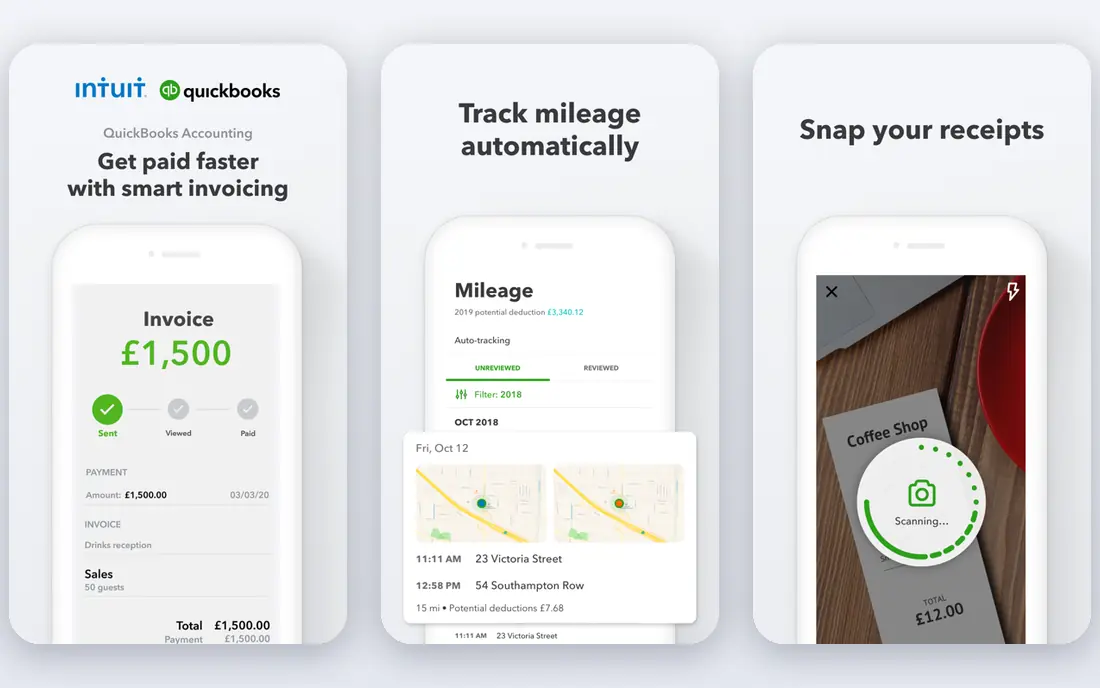
QuickBooks Online is the default recommendation for many US small businesses for a practical reason: most accountants already use it. That familiarity reduces time at tax season, since your bookkeeper can work directly in your books without export workarounds. Integrations with banks, payment tools, payroll, and industry apps are also broad. Invoicing, expense tracking, bank reconciliation, and reporting are strong across plans, and higher plans add inventory and project profitability. The catch is price and complexity. Entry plans are costlier than Xero or FreshBooks in some comparisons, and the full feature set can overwhelm a solo operator who only needs invoices and expenses.
- Broad accountant support
- Deep integrations
- Inventory and reporting on higher plans
- Higher cost than rivals
- Learning curve for new users
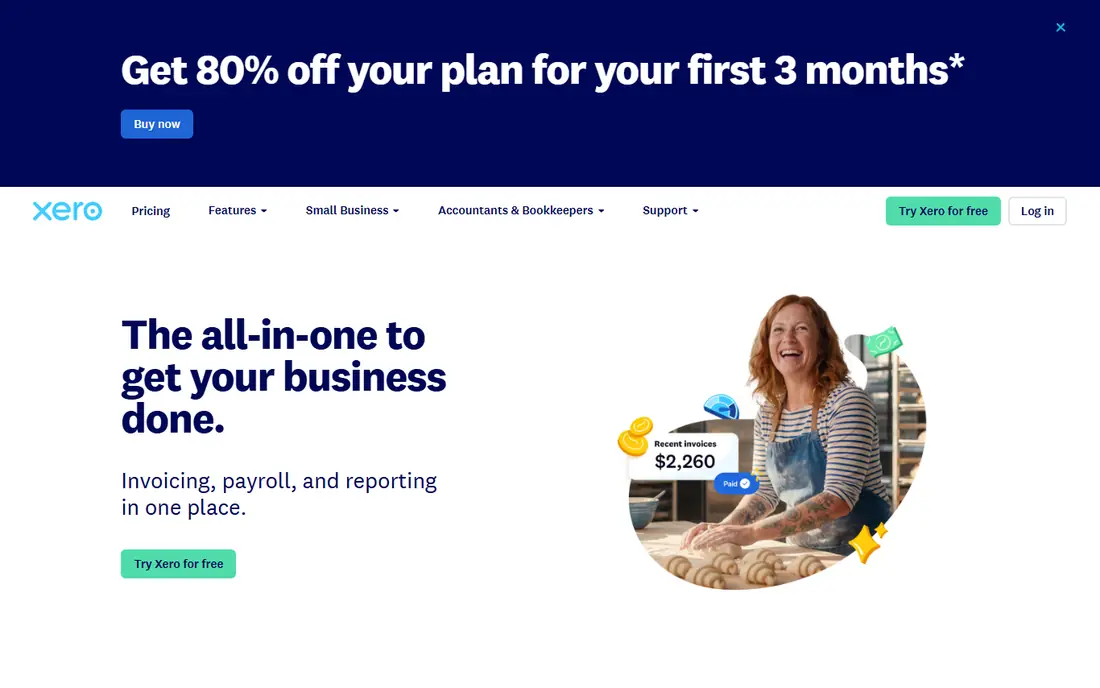
Xero appeals to teams that need several people in the books without paying per seat. Accountants, bookkeepers, and staff can all access the same data, which suits growing firms and multi-entity businesses. Bank reconciliation is widely praised for speed and clarity, and multi-currency handling suits international trade. Quotes, invoices, and expense tools are straightforward, and the app ecosystem is broad. The catch is entry-plan limits. The lowest plan caps invoices and bills, so a busy business may need the mid-tier plan sooner than expected. US payroll also runs through partners such as Gusto, rather than as a native Xero payroll product.
- Unlimited users on plans
- Clean bank reconciliation
- Strong multi-currency support
- Entry plan caps invoices and bills
- Payroll in the US runs through partners
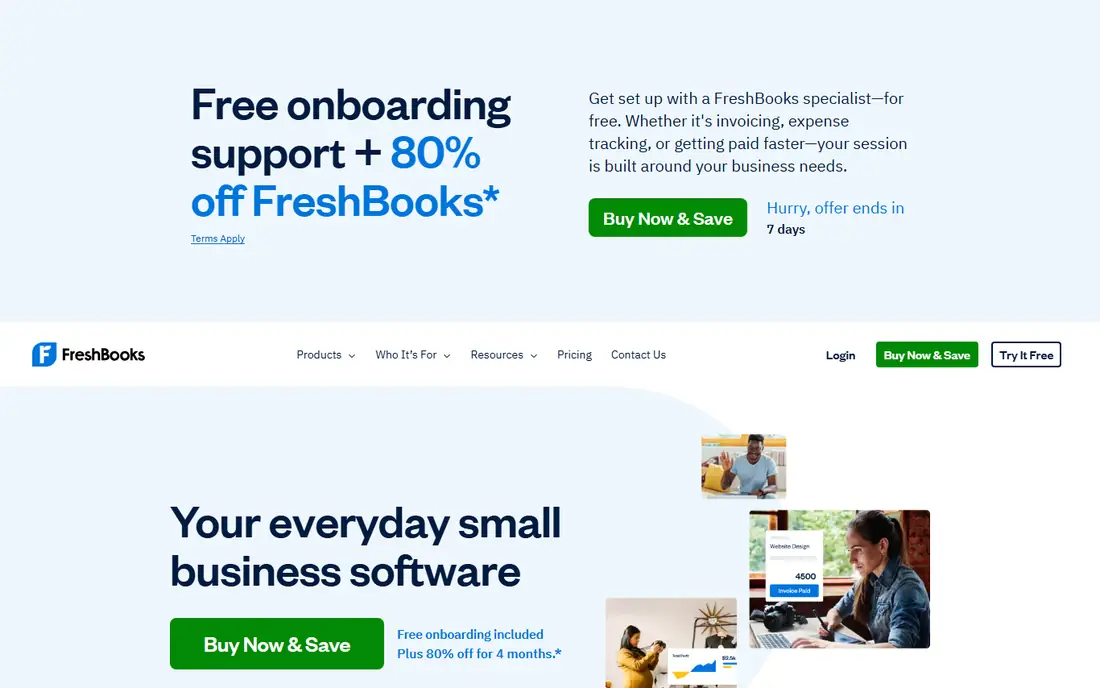
FreshBooks is built for service businesses that bill by hour, project, or retainer. Invoices look polished, clients can pay online, and time tracking feeds directly into billing. That flow suits freelancers, agencies, consultants, and tradespeople who spend more time invoicing than managing stock. Expenses, estimates, and reports cover the core needs of a service firm without accounting jargon. The catch is scale and inventory. Lower plans limit billable clients, and businesses that sell products or need deep inventory control will find QuickBooks or Xero stronger. For service billing, however, FreshBooks remains one of the easiest tools to use daily.
- Excellent invoicing
- Time tracking for service work
- Easy client payment
- Client limits on lower plans
- Lighter inventory and pure accounting depth
Wave is the best free starting point for solo operators and side businesses. You can send unlimited invoices, track income and expenses, and keep double-entry books without a monthly fee. That makes it ideal for testing a business idea or handling a small client list before revenue justifies a paid tool. The catch is paid extras. Automatic bank feeds, payroll, and some payment features sit behind paid plans or fees, so a growing business may eventually pay anyway. Support is also lighter than QuickBooks or Xero. Still, for a freelancer with simple finances, Wave covers the essentials at no monthly cost.
- Free invoicing and bookkeeping
- Double-entry accounting
- Easy for solo operators
- Bank feeds and payroll need paid add-ons
- Support and features are lighter than paid rivals
Zoho Books offers strong accounting per dollar, with a free plan for businesses under a revenue threshold and affordable paid plans above it. Automation for recurring invoices, payment reminders, and bank feeds reduces manual work, and reports cover profit, tax, and cash flow clearly. Integration with Zoho CRM, inventory, and other Zoho apps helps businesses that already use that ecosystem. The catch is ecosystem fit. Businesses outside Zoho may get less value, and free-plan limits on revenue and users mean growing firms will move to paid plans. For cost-conscious small businesses, however, Zoho Books is hard to ignore.
- Free plan for small revenue businesses
- Strong automation
- Integrates with Zoho apps
- Full value depends on Zoho ecosystem
- Free plan has revenue and user limits
Sage Accounting suits product businesses and growing firms that need more than basic invoicing. Inventory tracking, stock control, and detailed reporting help businesses that sell goods, manage suppliers, and track margins across product lines. Sage also has a long track record with accountants in the UK and other markets. Bank feeds, invoicing, and VAT handling are solid for small firms. The catch is pricing clarity and feel. Plans and prices vary by region, and the interface can feel more traditional than Xero or FreshBooks. Product businesses that need inventory depth will find that trade worthwhile.
- Inventory depth
- Strong reporting
- Long history in small business accounting
- Pricing varies by plan and region
- Interface can feel traditional
FreeAgent is designed for UK freelancers, contractors, and small limited companies. It handles UK tax timelines, self-assessment estimates, and company filings in a way that feels tailored rather than generic. Time tracking and project views help service businesses bill accurately. The dashboard gives a clear view of tax owed, cash flow, and outstanding invoices, which many sole traders value. The catch is geography and inventory. FreeAgent is less suited to US businesses, and product businesses needing deep stock control should look at Sage or QuickBooks instead.
- Built for UK tax and freelancers
- Clear dashboard
- Time and project tracking
- Less suited to US businesses
- Inventory features are limited
Patriot Software suits US small businesses that hire staff early and want payroll and accounting from one vendor. Payroll runs, tax filings, and time tracking sit next to basic accounting, which reduces the need to reconcile two systems at month end. That simplicity helps owners who do payroll themselves and want clear steps. The catch is accounting depth. Businesses with complex inventory, multi-entity reporting, or broad app integrations will find QuickBooks or Xero stronger. For a payroll-led small team, Patriot offers a practical, focused alternative.
- Simple payroll and accounting in one place
- US tax support
- Clear pricing structure
- Accounting depth trails QuickBooks and Xero
- Integrations are narrower
KashFlow is a straightforward UK accounting tool for small businesses that want clean books without a steep learning curve. Invoicing, expenses, bank feeds, and VAT reports cover daily needs, and a payroll add-on suits small teams that pay staff. Support for UK accounting practice is a strength for local firms. The catch is ecosystem size. KashFlow has fewer third-party integrations than Xero or QuickBooks, and complex businesses may outgrow it. For a UK small business with simple needs, however, its clarity is a genuine advantage.
- Simple UK bookkeeping
- Invoicing and VAT tools
- Payroll add-on available
- Smaller app ecosystem than Xero or QuickBooks
- Less suited to complex businesses
How we picked these
We compared web search results, official pricing pages, feature pages, and public reviews for accounting tools that work for small businesses in October 2026. We looked for invoicing, bank reconciliation, expense tracking, reporting, and a clear free, trial, or entry paid route. We included US and UK options, free tools, and product-focused tools, rather than only the largest vendors. Where a vendor page did not give a clear starting price, we wrote See website instead of repeating a third-party figure, and we noted trial status where no ongoing free plan exists.
Choosing accounting software that lasts
Match the tool to how you earn money
Service businesses should prioritise invoicing and time billing, which points to FreshBooks or FreeAgent. Product businesses should prioritise inventory, which points to QuickBooks, Xero, or Sage. Solo operators with simple income should start free with Wave or Zoho Books and upgrade only when limits bite.
Check your accountant first
Ask your accountant which tools they support before you buy. A tool your accountant knows well will save hours at year end and reduce filing errors. If you do not yet have an accountant, QuickBooks and Xero give you the widest choice of professionals to work with later.
Test bank feeds and invoicing with real data
Connect a bank feed, send a test invoice, and run a profit report during a trial. Check whether transactions categorise correctly, whether invoices look professional, and whether reports make sense without manual fixes. Those three tests reveal more than a long feature list.
Frequently asked questions
What is the best accounting software for small businesses?
QuickBooks Online suits most US small businesses, Xero suits teams and multi-currency firms, and FreshBooks suits service businesses. Wave and Zoho Books suit very small businesses on a budget. The best pick depends on whether you sell services or products, how many users need access, and whether you have an accountant already.
Is there free accounting software for small businesses?
Yes. Wave offers free invoicing and bookkeeping, and Zoho Books offers a free plan for businesses under a revenue threshold. Both have limits on paid features such as bank feeds, payroll, or user counts, so check those limits before relying on a free plan for a growing business.
Do I need accounting software if I use a spreadsheet?
A spreadsheet can work for a handful of transactions, but it becomes risky as volume grows. Accounting software adds bank feeds, invoice tracking, tax reports, and audit trails that spreadsheets lack. Once you have regular clients, expenses, or tax filings, dedicated software usually saves time and reduces errors.
Does accounting software include payroll?
Some tools include payroll as an add-on, while others partner with payroll providers. QuickBooks and Patriot offer payroll options, Xero US payroll runs through partners, and Wave and Zoho offer payroll in various forms by region. Check payroll coverage, tax filing support, and cost for your location before choosing.
How much should a small business pay for accounting software?
Many small businesses pay between $20 and $80 per month for a core plan, with free options at the low end and higher plans for inventory, payroll, or many users. Promotions often cut the first months, so compare the regular list price, not only the introductory offer, and check payment processing fees separately.
Can I switch accounting software later?
Yes, but migration takes time. Most tools offer import for customers, suppliers, and opening balances, while historical transactions may need accountant help. Switching is easiest at a financial year end, when you can start clean books in the new system and keep old records for reference.
Sources we checked (9)
- https://quickbooks.intuit.com/pricing/
- https://www.xero.com/pricing/
- https://www.freshbooks.com/pricing
- https://www.waveapps.com/pricing
- https://www.zoho.com/books/pricing/
- https://www.sage.com/pricing/
- https://www.freeagent.com/pricing/
- https://www.patriotsoftware.com/pricing/
- https://www.kashflow.com/pricing/

Online Jobs is an independent blog about careers, online work, learning new skills and the tools that help people earn. More about us.
Keep reading
All posts
Top AI Financial Software
Searching for top AI financial software? We compared 9 AI finance tools for AP, spend, close, forecasting and bookkeeping to help teams choose wisely.

Quicken Alternatives
Compare the best quicken alternatives for Mac, Windows, and small business owners, from Monarch Money and YNAB to Copilot, Tiller, and Banktivity in 2026.
QuickBooks Online Alternatives
Looking for quickbooks online alternatives? We compared 8 accounting tools on invoicing, bank feeds, payroll, pricing and fit for small businesses today.