Best Accounting Software for Self Employed in 2026: 8 Tools Compared

Tax tracking for one-person businesses · Starting price: $20 per month
How we put this together: we compare official feature and pricing pages, app store listings, privacy policies and public user reviews. Prices change, so check the provider's site before you pay.
Key takeaways
- Wave and Zoho Books are the best free starting points, while FreshBooks suits freelancers who live on client invoices.
- QuickBooks Solopreneur is built around tax tracking for one-person businesses, and Xero suits self-employed people planning to grow.
- Hurdlr and Keeper focus on expenses, mileage, and tax write-offs rather than full bookkeeping.
- Bonsai adds contracts and proposals, which helps freelancers who need client paperwork as well as invoices.
Quick comparison
| Name | Who it suits | Starting price | Free option | |
|---|---|---|---|---|
| QuickBooks Solopreneur | Tax tracking for one-person businesses | $20 per month | Free trial | Visit |
 FreshBooks | Freelancers who invoice clients | $23 per month | Free trial | Visit |
 Wave | Free bookkeeping | Free | Yes | Visit |
 Xero | Self-employed people planning to grow | $25 per month | Free trial | Visit |
 Zoho Books | Free books under a revenue limit | Free | Yes | Visit |
 Hurdlr | Mileage and gig-worker expenses | Free | Yes | Visit |
 Keeper | Finding tax write-offs | $199 per year | Free trial | Visit |
 Bonsai | Contracts, proposals, and invoices | $25 per month | Free trial | Visit |
The best accounting software for self employed workers
This is not tax advice. Tax rules vary by state and by business type, so check with a qualified tax professional before you rely on any estimate in these tools. The best accounting software for self employed people, sole proprietors, independent contractors, and solopreneurs keeps income, expenses, invoices, and tax estimates in one place, without charging for payroll or inventory features a one-person business may never use.
QuickBooks Solopreneur
Who it suits: Tax tracking for one-person businesses
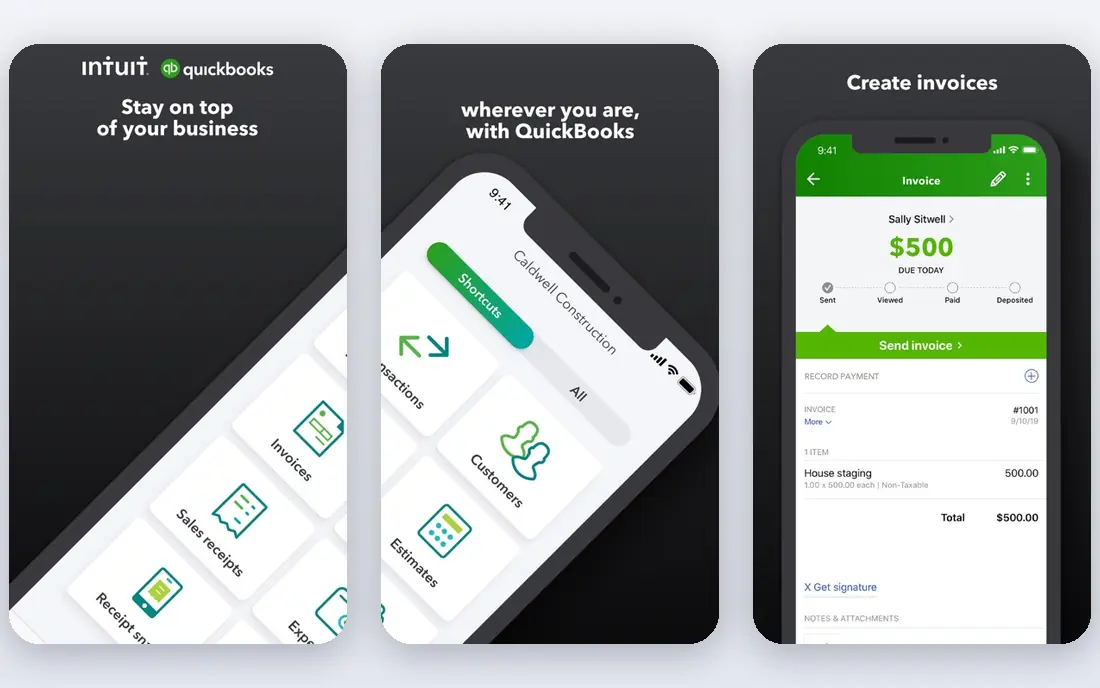
QuickBooks Solopreneur is made for people who work alone and want tax season to feel less painful. It separates business from personal transactions, tracks mileage, and estimates quarterly taxes based on your income. That focus is useful if your main worry is setting aside the right amount, rather than producing formal financial statements.
The limit is scope. Solopreneur is simpler than QuickBooks Online, so a business that later hires staff or needs deeper reports may need to move up. For a solo worker starting out, though, the tax-first design is a clear advantage, and the QuickBooks name means many accountants already know the system.
- Separates business and personal spending
- Mileage tracking
- Quarterly tax estimates
- Not full double-entry accounting
- Fewer invoicing features than FreshBooks
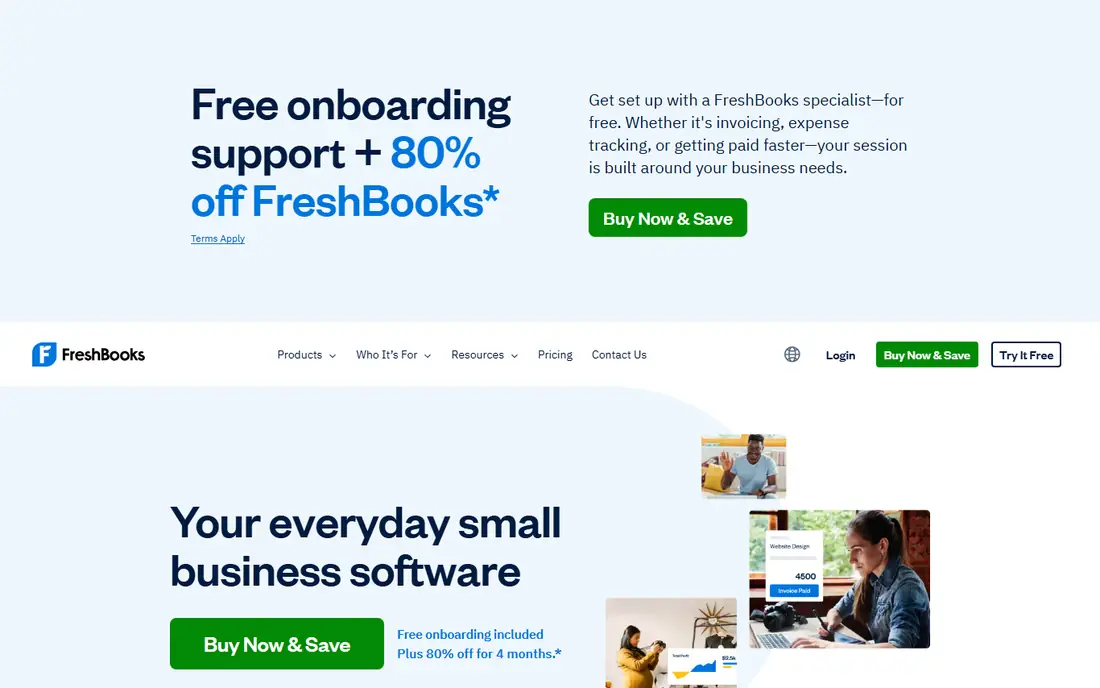
FreshBooks is the strongest pick for service freelancers who bill by project or by hour. Invoices look professional, time can be turned into an invoice in a few clicks, and clients can pay online. Expense tracking and mileage tools cover the day-to-day record keeping that a solo business needs.
Watch the client cap. The Lite plan allows only five billable clients, so a freelancer with a wider client base will need a higher plan. If most of your work comes from a handful of regular clients, that cap may never matter. If you juggle many small clients, price the Plus plan before you commit.
- Clean invoicing
- Time tracking
- Expense and mileage tools
- Lite plan caps billable clients at five
- Price rises with clients
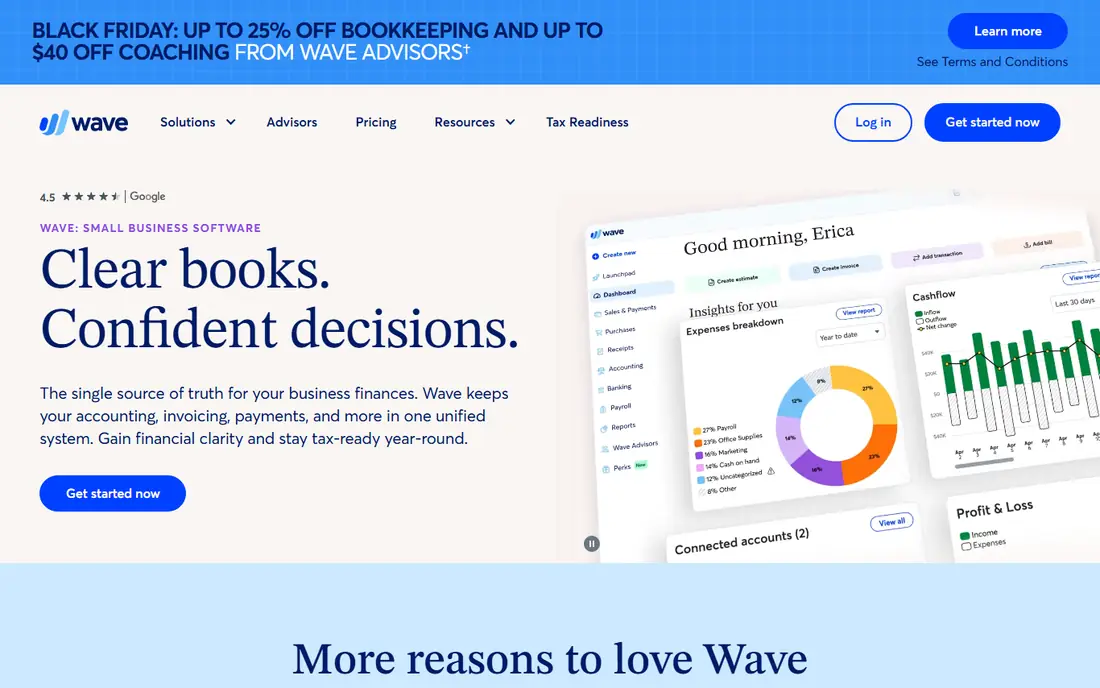
Wave is the best choice when budget is the main concern. Its Starter plan is free and covers unlimited invoices, estimates, bills, and bookkeeping records, which is enough for many very small businesses. The interface is simple, and the reports cover income, expenses, and sales tax basics.
The free plan does require more manual work, since automatic bank connections sit on the paid Pro plan. Payment processing and payroll are also paid extras. If you are comfortable entering transactions by hand, or you have few transactions each month, Wave gives you real bookkeeping for no monthly fee.
- Free invoicing and bookkeeping
- Unlimited invoices
- Simple reports
- Manual bank entry on the free plan
- Payroll and payments cost extra
Xero suits a self-employed person who expects to grow into a small company. It offers strong bank reconciliation, clean reports, and unlimited users, so an accountant or bookkeeper can work in the same file without an extra seat charge. Its app marketplace also adds payroll, payments, and industry tools as you need them.
The Early plan is limited, with caps on invoices and bills that a busy freelancer could hit. Xero is also pricier than Wave or Zoho Books. If you plan to stay solo with simple needs, a free tool may serve you better. If growth, an accountant, or multi-currency work is on the horizon, Xero is worth the extra cost.
- Strong bank reconciliation
- Unlimited users
- Accountant-friendly reports
- Early plan caps invoices and bills
- Higher price than free options
Zoho Books offers one of the most generous free plans in accounting, for businesses with annual revenue under $50,000. That plan covers invoicing, expenses, and reports, and it is real double-entry accounting rather than a stripped-down tracker. For a new freelancer, that is a strong start at no cost.
The catch is the threshold. Once revenue passes $50,000, you move to a paid plan, starting around $15 to $20 per month depending on billing. Zoho Books also works best if you use other Zoho apps, though it stands alone fine. If your revenue is under the limit and likely to stay there for a while, this is excellent value.
- Free plan for revenue under $50,000
- Full accounting features
- Good mobile app
- Free plan ends above the revenue limit
- Best value inside the Zoho suite
Hurdlr is aimed at gig workers, drivers, couriers, and freelancers with many small expenses. Its standout feature is automatic mileage tracking, which can save a lot of manual logging for anyone who drives for work. It also tracks income across gig platforms and estimates taxes based on what you earn.
Hurdlr is not a replacement for full bookkeeping. If you need detailed reports, inventory, or client invoicing at scale, pair it with another tool or choose a fuller option. As a companion for expenses and mileage, though, it fills a gap that general accounting tools often handle less well.
- Automatic mileage tracking
- Gig income tracking
- Simple tax estimates
- Not full accounting software
- Invoicing is limited
Keeper focuses on one job: finding expenses you can deduct. It scans your spending, flags likely write-offs, and helps you track them through the year, which can make a real difference at tax time for freelancers who mix personal and business spending. It also offers tax filing support for users who want help finishing the return.
Keeper does not send invoices or manage client billing, so it works best alongside an invoicing tool such as Wave or FreshBooks. If your main pain is missed deductions rather than invoicing, that focused approach is a strength, not a weakness. Just be clear that you are buying a tax tool, not a full ledger.
- Scans spending for write-offs
- Simple expense tracking
- Tax filing help
- No invoicing
- Not a full bookkeeping system
Bonsai suits freelancers who need client paperwork as much as they need invoices. You can send a proposal, turn it into a contract, track time, and invoice from the same account, which cuts down on separate tools and missed steps. The client portal also gives clients one place to view documents and pay.
Accounting depth is the trade-off. Bonsai covers income and expenses, but it is not as strong on tax estimates or formal reports as QuickBooks or Xero. Freelancers who want one tool for the whole client workflow will like it. Those who need detailed tax planning should pair it with a tax-focused tool or an accountant.
- Contracts and proposals included
- Invoicing and time tracking
- Client portal
- Tax features are limited
- Accounting reports are basic
How we picked these
We compared official pricing pages, free plans, and feature lists for tools aimed at sole proprietors, independent contractors, and solopreneurs, and we kept only products that exist and work today. We looked for invoicing, expense tracking, mileage, bank connections, and tax estimates, and we favored tools with a clear solo plan rather than a team plan with solo features bolted on. Prices change often, so confirm the current plan on the vendor site before you buy.
How to choose the right tool for your work
Start with how you earn. If clients pay you by invoice, pick a tool with strong invoicing and time tracking, such as FreshBooks or Bonsai. If you earn through gig platforms or driving, mileage and expense capture matter more, so Hurdlr or Keeper may help most. If you sell products or plan to hire, a fuller system such as Xero will last longer.
Next, check the limits that actually affect you. Client caps, invoice caps, revenue limits on free plans, and manual versus automatic bank imports all change the real cost. A free plan that caps invoices at a low number is not free for a busy freelancer. Run your last three months of transactions through the limits of each shortlisted plan before you decide.
Finally, think about tax time from day one. Separate business spending, log mileage as you go, and set aside tax money regularly, even if the tool estimates it for you. Bring your accountant into the tool early if you have one, since a system your accountant can access will save you fees later. The best tool is the one you will actually update every week.
Frequently asked questions
What is the best accounting software for sole proprietors?
QuickBooks Solopreneur suits many sole proprietors because it focuses on separating spending, tracking mileage, and estimating quarterly taxes. FreshBooks is better if invoicing is your main task, while Wave is the best free option for simple books. Your work type matters more than any single ranking.
What is the best self employed accounting software with a free plan?
Wave offers free invoicing and bookkeeping with no revenue cap, and Zoho Books offers a free plan for revenue under $50,000. Hurdlr also has a free plan for mileage and expense tracking. Check whether automatic bank imports are included, since that feature often sits on paid plans.
Do I need accounting software if I am self employed?
You do not legally need software, but it makes tax time far easier. Good software tracks income, expenses, and mileage, produces reports, and helps you estimate quarterly taxes. A spreadsheet can work for very simple cases, yet most self-employed people outgrow it once clients and expenses multiply.
What is the best accounting app for independent contractors?
FreshBooks and Bonsai suit independent contractors who invoice clients, while Hurdlr suits contractors with heavy mileage or gig income. QuickBooks Solopreneur is a good middle ground for tax tracking. Pick based on whether invoicing, mileage, or tax estimates cause you the most trouble today.
Can accounting software file my taxes for me?
Some tools, such as Keeper, offer tax filing help, and others produce reports your accountant can use. Most accounting software does not replace a tax professional, especially for complex cases. Use the software to keep clean records, then confirm deductions and filing choices with a qualified adviser.
Sources we checked (8)

Online Jobs is an independent blog about careers, online work, learning new skills and the tools that help people earn. More about us.
Keep reading
All posts
Top AI Financial Software
Searching for top AI financial software? We compared 9 AI finance tools for AP, spend, close, forecasting and bookkeeping to help teams choose wisely.
Quicken Alternatives
Compare the best quicken alternatives for Mac, Windows, and small business owners, from Monarch Money and YNAB to Copilot, Tiller, and Banktivity in 2026.

GoFundMe Alternatives
Looking for GoFundMe alternatives? We compared 8 fundraising platforms on fees, campaign types, donor tools and who each platform suits best in 2026 today.