Best Accounting Software for Restaurants in 2026: 8 Options Compared


Multi-site restaurant groups · Starting price: See website
How we put this together: we compare official feature and pricing pages, app store listings, privacy policies and public user reviews. Prices change, so check the provider's site before you pay.
Key takeaways
- Restaurant365 is our pick for multi-site restaurants that need accounting, inventory, labor and daily profit reporting in one system.
- QuickBooks Online suits single-site restaurants and small groups that want a familiar, flexible general accounting system.
- Xero is a strong alternative for small restaurants that want clean invoicing, bank feeds and accountant access.
- MarginEdge helps restaurants control food costs and invoices, but it works alongside an accounting system rather than replacing one.
- The deciding factor is usually POS and payroll integration, so confirm those connections before you choose a system.
Quick comparison
| Name | Who it suits | Starting price | Free option | |
|---|---|---|---|---|
| Restaurant365 | Multi-site restaurant groups | See website | No | Visit |
 QuickBooks Online | Single-site and small groups | See website | Free trial | Visit |
 Xero | Small restaurants wanting clean books | See website | Free trial | Visit |
 Sage Intacct | Larger groups needing deep finance | See website | No | Visit |
 FreshBooks | Small restaurants focused on invoicing | See website | Free trial | Visit |
 Zoho Books | Low-cost books for small restaurants | See website | Yes | Visit |
 Wave | Solo and very small food businesses | Free | Yes | Visit |
 MarginEdge | Food cost and invoice control | See website | No | Visit |
The best accounting software for restaurants
Restaurant accounting is different from general small business accounting. Sales come through a POS system, food and labor costs move daily, tips and payroll need care, and multi-site owners need a profit view by location. We compared official product pages and documentation for systems that handle those restaurant needs, from general accounting tools to restaurant-specific platforms.
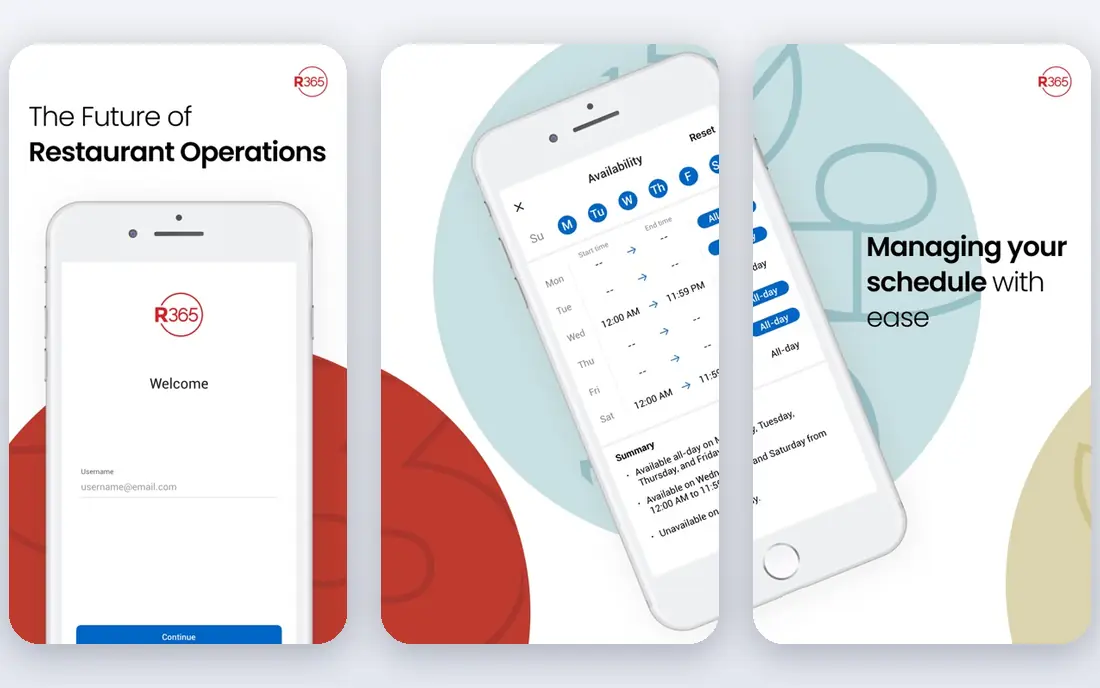
Restaurant365 is built for restaurants that have outgrown general accounting software. It connects POS sales, inventory, labor and accounting, so owners can see a daily profit picture by location instead of waiting for month-end. Accounts payable automation, recipe costing and scheduling tools sit in the same platform, which helps multi-site groups control food and labor costs.
The trade-off is scale and price. Pricing is custom, and implementation takes planning, especially when you connect several POS systems and locations. A single café with simple books will not need this depth. But for a growing group or franchise that needs daily numbers and consolidated reporting, Restaurant365 is the most restaurant-specific system on this list.
- Purpose-built for restaurant accounting and operations
- Daily profit reporting by location
- Wide POS, vendor and bank integrations
- Custom pricing through sales
- More system than a single small restaurant needs
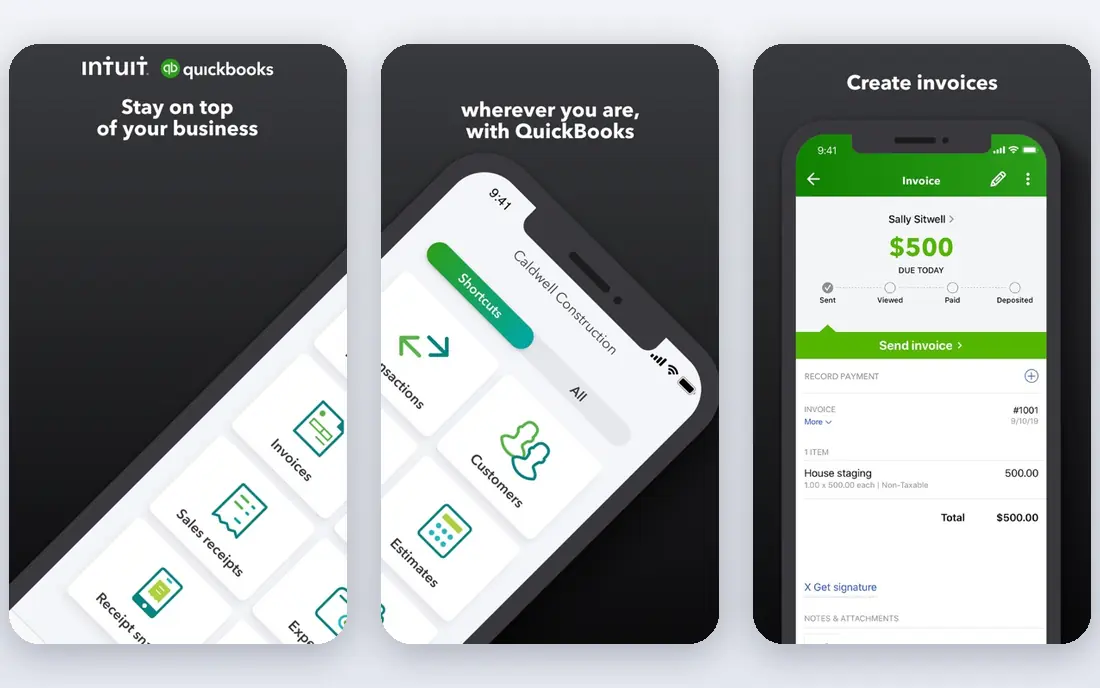
QuickBooks Online is the default accounting system for many small restaurants, and for good reason. It covers invoicing, expenses, payroll, bank reconciliation and tax reports, and most accountants can review it without extra training. The app ecosystem adds POS connections, inventory tools and scheduling, so a small restaurant can build a workable setup around it.
The limit is restaurant depth. QuickBooks does not give you a native daily restaurant profit view tied to food and labor costs, and multi-site reporting needs workarounds or extra tools. For a single restaurant or a small group with straightforward needs, it remains a flexible and well-supported choice. For a larger group, compare Restaurant365 or Sage Intacct first.
- Familiar accounting with wide app support
- Good invoicing, payroll and reporting options
- Many accountants already know it well
- No native daily restaurant profit reporting
- POS and inventory links often need third-party apps
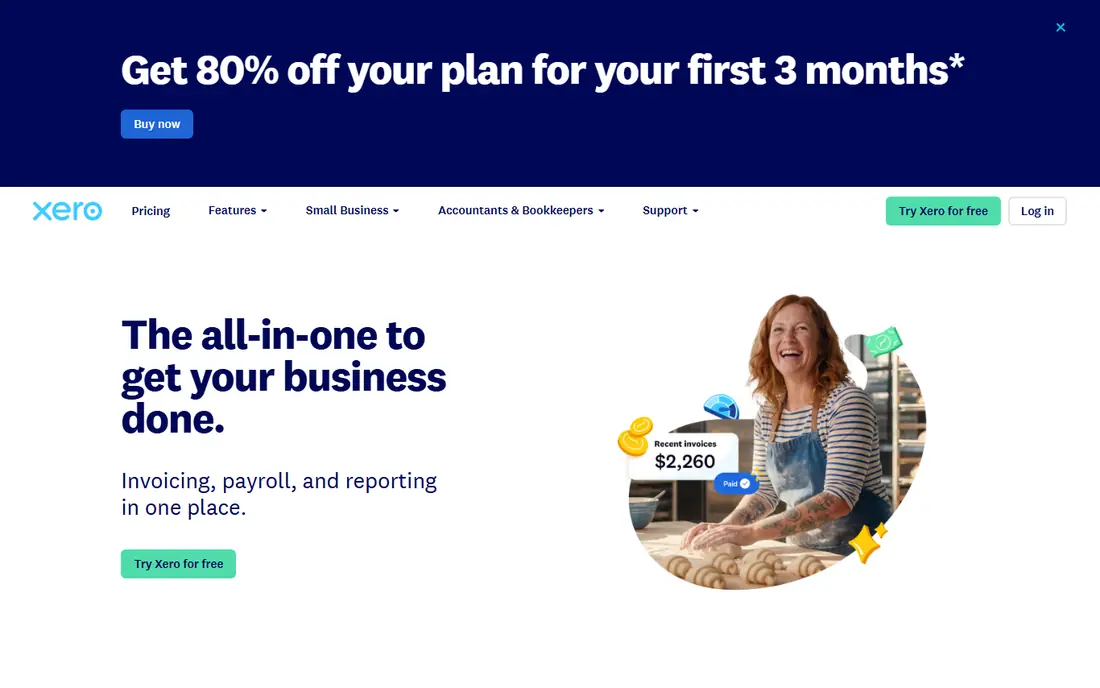
Xero suits small restaurants that want tidy books without a heavy system. Bank feeds and reconciliation keep daily sales and expenses up to date, invoicing covers catering and wholesale work, and accountants can log in directly. POS and inventory connections come through the app marketplace, which gives you choice without forcing a single bundle.
As with QuickBooks, restaurant-specific views such as daily food cost reporting will need an add-on or a separate tool. Check payroll coverage for your state, and confirm that your POS connects cleanly before you commit. For a small restaurant that values clean books and accountant collaboration, Xero is a strong and affordable option.
- Clean bank feeds, invoicing and reconciliation
- Easy accountant access and multi-user control
- App ecosystem for POS and payroll
- Restaurant-specific reporting needs add-ons
- Payroll coverage varies by location
Sage Intacct is a cloud financial system for larger restaurant groups, franchises and multi-brand operators. Its strength is multi-entity accounting: consolidations, intercompany transactions and reporting by location, brand or region. Groups that need strict financial controls, approvals and audit trails will find it more capable than general small business tools.
It is not a small restaurant tool. Pricing is custom, implementation takes time, and it works best when paired with restaurant operations tools for POS, inventory and labor. If your group is growing, adding brands or preparing for outside investment, Sage Intacct gives finance leaders the control they need. Smaller operators should start with a simpler system.
- Strong multi-entity and consolidation reporting
- Deep financial controls for growing groups
- Good fit for franchise and multi-brand operators
- Custom pricing and longer implementation
- More finance system than a small restaurant needs
FreshBooks fits a small food business that bills for catering, private events or wholesale orders. Invoices look professional, clients can pay online, and you can track event costs and time in one place. For a café with a catering side business, or a small bakery selling to local shops, that invoicing focus can matter more than full restaurant operations features.
It is not a restaurant operations platform. Inventory, recipe costing and POS reporting are limited, so a busy dine-in restaurant will need other tools alongside it. Choose FreshBooks when invoicing and client payments are your main accounting job, and choose a restaurant-specific system when daily food and labor control is the priority.
- Simple invoicing for catering and private events
- Time and project tracking for event work
- Friendly interface for owners without accounting training
- Limited restaurant inventory and POS depth
- Not built for multi-site restaurant operations
Zoho Books is a low-cost way for a small restaurant to keep proper books. It covers invoicing, expenses, bank reconciliation and reports, and the free tier helps very small food businesses get started. If you already use Zoho apps for sales, inventory or customer management, the connections between them can save manual entry.
Restaurant depth is limited, so POS sales, recipe costing and daily profit views will need separate tools or integrations. For a small restaurant with straightforward books and a tight budget, Zoho Books is a practical choice. For a multi-site group, a restaurant-specific platform will serve you better.
- Low-cost plans with a free tier for small firms
- Invoicing, expenses and bank feeds included
- Connects to other Zoho apps for sales and stock
- Restaurant-specific features need add-ons
- Interface takes a little learning
Wave suits a food truck, market stall or solo café owner who needs free core accounting. Invoicing, expense tracking and receipt capture cost nothing, and bank connections handle much of the routine work. For a very small food business testing a new venture, that free start is a real advantage.
Growth brings limits. Payroll is a paid add-on, advanced reporting is limited, and multi-site or complex inventory needs will outgrow Wave quickly. Use it while your books are simple, and plan to move to QuickBooks, Xero or a restaurant platform when you add staff, sites or wholesale work.
- Free core accounting and invoicing
- Simple receipt capture and bank connections
- Easy start for food trucks and market stalls
- No free payroll and limited advanced reporting
- Not suited to multi-site operations
MarginEdge deserves a place here with an honest note: it does not replace your accounting software. Instead, it sits between your POS, your invoices and your accounting system, processing invoices, tracking food costs and giving you a daily profit view. For a restaurant owner who watches food cost closely, that daily view can catch problems weeks before month-end reports do.
The catch is that you still need QuickBooks, Xero, Sage Intacct or a similar system for bank reconciliation, tax reporting and full financial statements. MarginEdge is best as a companion tool for restaurants that already have accounting covered but need better cost control. If you need one system for everything, start with Restaurant365 or a general accounting tool first.
- Restaurant-only invoice processing and food cost tracking
- Daily profit views from POS and invoice data
- Connects to many POS and accounting systems
- Does not replace a full accounting system
- Pricing is custom and sales-led
How we picked these
We compared official product pages and documentation for accounting systems used by restaurants in 2026, from general cloud accounting to restaurant-specific platforms. We favored systems with POS connections, payroll options and reporting by location, and we included a food-cost companion tool because food cost control is a core restaurant accounting job. We left out POS-only systems that do not handle full bookkeeping.
We did not claim hands-on restaurant testing, and we did not invent prices or feature claims. Where a vendor does not publish a price, we wrote See website. Check the current pricing page and confirm POS, payroll and bank connections for your setup before you buy.
What to check before you choose restaurant accounting software
The right system depends on how your restaurant actually sells, buys and pays staff each week.
Confirm POS and payroll connections first
Ask whether your exact POS system syncs sales, tenders, tips and discounts automatically, and how payroll handles tips, overtime and multi-state rules if relevant. A system with a weak POS link will create manual entry every day, which defeats the purpose of switching.
Decide how much food cost control you need
A single café may only need monthly food cost reporting, while a multi-site group needs daily prime cost views and recipe costing. If food cost is your main worry, compare Restaurant365 and MarginEdge closely. If invoicing and general books matter more, a general accounting tool may be enough.
Plan for growth and accountant access
Choose a system your accountant can use and that can add locations without a full rebuild. Ask about multi-location reporting, user permissions and data export, so you are not locked in if you switch later. A system that fits today but blocks growth will cost more in a second migration.
Frequently asked questions
What is the best accounting software for a small restaurant?
For a small restaurant, QuickBooks Online or Xero usually offer the best balance of price, features and accountant support. Restaurant365 fits larger groups, while Wave suits very small food businesses with simple books. The right pick depends on your POS system, payroll needs and whether you need daily food cost reporting.
What is the best restaurant accounting software for multi-site groups?
Restaurant365 is our pick for multi-site groups, because it combines accounting, inventory, labor and daily profit reporting by location. Sage Intacct suits larger groups that need deep multi-entity finance and consolidation. Both require a sales conversation and a planned implementation, so allow time for setup and training.
What is the best accounting software for restaurant business accounting?
A restaurant business needs sales, food costs, labor, tips and payroll handled together. General tools such as QuickBooks Online and Xero cover the books, while Restaurant365 and MarginEdge add restaurant-specific cost control. Many restaurants use a general accounting system plus a food-cost tool, rather than expecting one product to do everything perfectly.
Does MarginEdge replace QuickBooks?
No, MarginEdge works alongside an accounting system rather than replacing it. It processes invoices, tracks food costs and gives daily profit views, while QuickBooks or a similar system handles bank reconciliation, tax reporting and full financial statements. Use MarginEdge for cost control and keep a full accounting system for the formal books.
What software do restaurants use for bookkeeping?
Small restaurants commonly use QuickBooks Online, Xero, FreshBooks, Zoho Books or Wave for bookkeeping, often with a POS connection. Larger groups use Restaurant365 or Sage Intacct, sometimes with MarginEdge for food cost control. The common pattern is a core accounting system plus POS and payroll connections, with extra tools added for inventory and cost tracking.
Sources we checked (8)

Online Jobs is an independent blog about careers, online work, learning new skills and the tools that help people earn. More about us.
Keep reading
All posts
Top AI Financial Software
Searching for top AI financial software? We compared 9 AI finance tools for AP, spend, close, forecasting and bookkeeping to help teams choose wisely.
Quicken Alternatives
Compare the best quicken alternatives for Mac, Windows, and small business owners, from Monarch Money and YNAB to Copilot, Tiller, and Banktivity in 2026.

GoFundMe Alternatives
Looking for GoFundMe alternatives? We compared 8 fundraising platforms on fees, campaign types, donor tools and who each platform suits best in 2026 today.