Best Accounting Software for Invoicing in 2026: 9 Apps Compared

Full accounting with invoicing built in · Starting price: See website
How we put this together: we compare official feature and pricing pages, app store listings, privacy policies and public user reviews. Prices change, so check the provider's site before you pay.
Key takeaways
- Invoicing quality varies more than accounting depth does, so pick the tool whose invoice workflow you will use every day rather than the one with the longest feature list.
- Wave and Zoho Books offer genuinely free routes for small operations, while QuickBooks Online and Xero suit businesses that need fuller reporting and accountant support.
- Recurring invoices, payment reminders, and card payment links matter more to cash flow than template design alone.
- Entry prices change often and promotions distort them, so confirm the current plan price on the vendor site before you commit.
- If your accountant already uses one platform, that familiarity can save more time than a slightly lower monthly fee elsewhere.
Quick comparison
| Name | Who it suits | Starting price | Free option | |
|---|---|---|---|---|
| QuickBooks Online | Full accounting with invoicing built in | See website | Free trial | Visit |
 Xero | Growing teams and multi-currency work | $27 per month | Free trial | Visit |
 FreshBooks | Freelancers and service billing | See website | Free trial | Visit |
 Wave | Solo operators on a tight budget | Free | Yes | Visit |
 Zoho Books | Value and automation inside Zoho | Free | Yes | Visit |
 Sage Accounting | Established small firms and stock tracking | See website | Free trial | Visit |
 Square Invoices | Fast payment collection | Free | Yes | Visit |
 Zoho Invoice | Free invoicing without full accounting | Free | Yes | Visit |
 FreeAgent | Freelancers and small UK firms | See website | Free trial | Visit |
The best accounting software for invoicing
Invoicing is where accounting software earns its keep for many small businesses. A good invoice goes out fast, looks professional, reminds the client on its own, and lands in your books without a second round of data entry. The nine tools below all do that job, but they differ on price, accounting depth, and who they are built for.
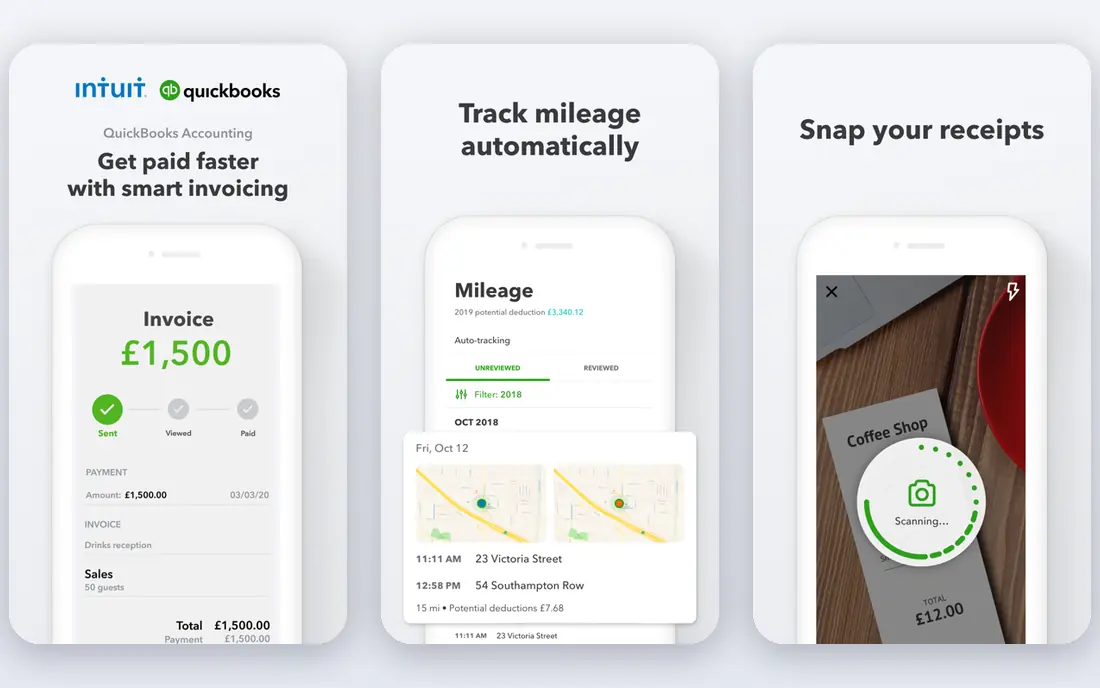
QuickBooks Online sits at the top of this list because it ties invoicing directly to the rest of the books. When a client pays, the payment, the invoice status, and the accounts receivable record all update together, which cuts down on manual matching at month end. Estimates convert to invoices, recurring schedules handle repeat clients, and reminders chase late payers without you having to remember each due date.
The trade-off is scale and price. A solo freelancer who sends five invoices a month may never use the reporting, inventory, or project tools that come with the higher tiers. For a growing firm with staff, stock, or an external accountant, that depth becomes a real advantage, since most accountants already know the platform. Check the current plan structure carefully, because plan names, user limits, and prices have changed more than once in recent years.
- Deep reporting and accountant support
- Large integration library
- Recurring invoices and payment reminders
- Entry pricing has risen over time
- The interface can feel heavy for a one-person business
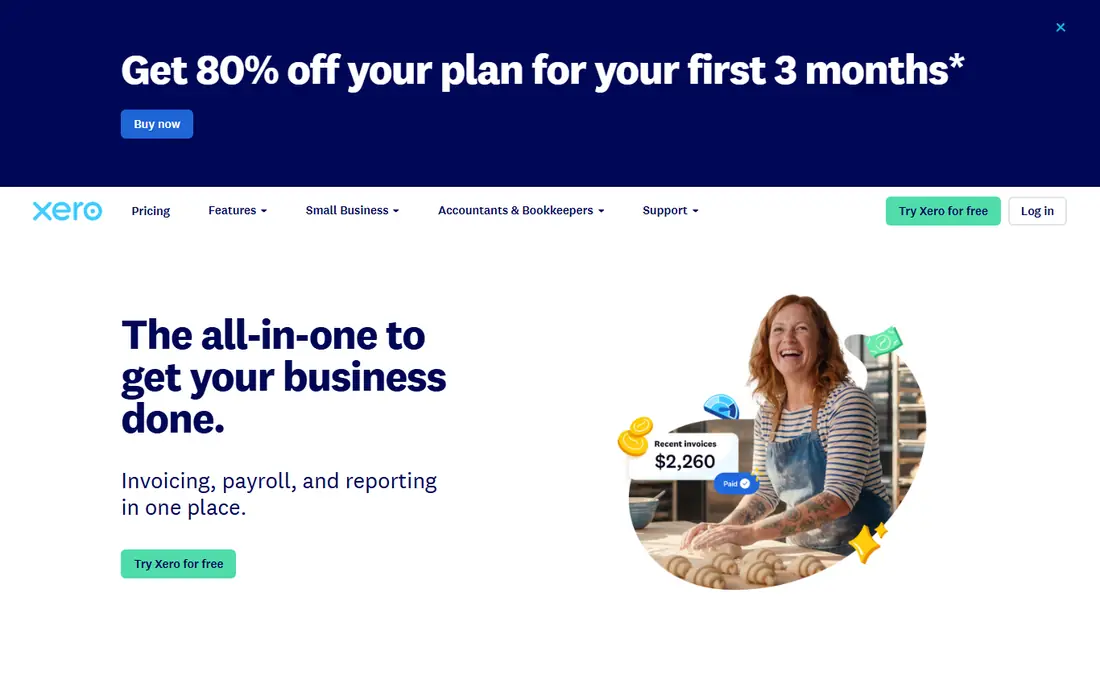
Xero takes a cleaner approach to the same problem. Its dashboard puts cash in, cash out, and overdue invoices in one view, and its bank feeds match transactions with a light touch once rules are set up. For teams, the unlimited user model is a genuine saving, since you do not pay per seat just to let a bookkeeper or a second team member look at the books.
Invoicing itself is straightforward, with quotes, repeating invoices, and online payment options. The catch sits on the entry plan, which limits the number of invoices and bills you can send each month, so a busy firm will need a higher tier. Xero also shines for businesses that invoice in more than one currency, where its handling of exchange rates and foreign balances is stronger than most rivals at this price.
- Unlimited users on every plan
- Strong bank reconciliation
- Good multi-currency support
- Invoice and bill caps apply on the lowest plan
- Payroll is an add-on in some regions
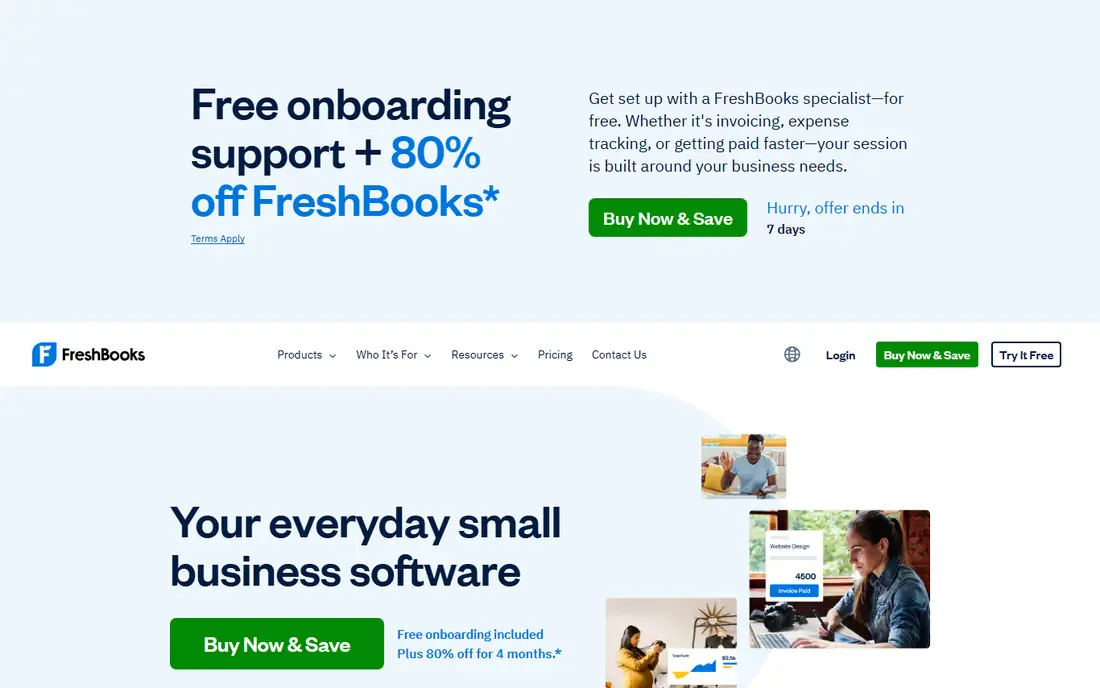
FreshBooks was built around getting service businesses paid, and it still shows. Invoices look clean, clients can pay online from the invoice itself, and time tracked against a project can flow straight onto a bill. That matters for consultants, designers, and agencies whose income is hours and project fees rather than stock on shelves.
Behind the polished front end, the accounting is simpler than QuickBooks or Xero. That is a plus if bookkeeping has always felt like a chore, and a limit if you need detailed inventory control or complex reporting. Freelancers who bill by the hour or by the project will feel at home here. Product sellers and firms with layered reporting needs should trial it against a fuller accounting platform before switching.
- Polished client-facing invoices
- Strong time tracking
- Simple late fee and reminder options
- Lighter on full double-entry accounting depth
- Client limits on lower plans
Wave is the pick for a new business that needs proper invoices and books without a monthly bill. You can create and send invoices, record estimates, track expenses, and run basic reports at no subscription cost. The interface stays simple, which helps if you handle your own books and do not want to learn accounting jargon first.
The honest limit is that free does not mean everything is included. Automatic bank feeds and some payroll features have moved to paid plans in recent years, so check what your plan covers before you rely on it. Payment processing and payroll, where available, carry their own fees. Even with those limits, Wave remains a strong starting point, and a business can outgrow it later without having lost money on software it did not need.
- Free core accounting and invoicing
- Simple setup
- Unlimited invoices on the free tier
- Some bank feed features sit behind a paid plan
- Support options are thinner than paid rivals
Zoho Books gives small businesses a surprising amount of accounting for no money, provided revenue sits under the free plan threshold. Invoices, estimates, recurring billing, and a client portal all come as standard, and automation rules can handle approvals, reminders, and categorisation. For a business already using Zoho CRM, Zoho Mail, or Zoho Inventory, the shared data is a real time saver.
The catch is ecosystem gravity. Zoho Books works best when the rest of your stack is Zoho too, and firms built around other tools may find fewer native integrations than QuickBooks or Xero offer. Pricing for paid plans is also competitive, so a business that outgrows the free tier does not face a steep jump. If low cost and automation matter more than brand familiarity, Zoho Books deserves a trial.
- Free plan for businesses under a revenue threshold
- Good automation and workflows
- Client portal included
- Full value depends on the wider Zoho suite
- Fewer third-party integrations than the biggest rivals
Sage has served small businesses for decades, and its accounting software carries that history into the cloud. Invoices, quotes, and bank reconciliation sit alongside VAT and tax handling that suits firms in the UK and other regions where Sage is well established. Higher plans add inventory tracking, which helps product sellers who also need invoicing.
New users should allow time to learn the layout, since Sage packs more accounting structure into its screens than a freelancer tool does. Pricing also varies by country and plan, so the figure you see in one region may not match another. For an established firm that values stock control, payroll options, and a vendor with a long support history, Sage is a steady choice rather than a flashy one.
- Long track record in small business accounting
- Inventory features on higher plans
- Cash flow forecasting tools
- Learning curve is steeper than the simplest tools
- Plan names and pricing vary by country
Square Invoices suits businesses that already take card payments or sell in person. You can send an invoice from a phone, add a deposit or milestone schedule, and let the client pay by card from the invoice link. That speed matters for trades, event suppliers, and service firms where a job is finished and payment should follow the same day.
It is not a replacement for a full ledger. You will still want accounting software or a bookkeeper for tax reporting, bank reconciliation, and year-end accounts. Think of Square Invoices as the payment front end: excellent at collecting money, limited as a bookkeeping system. Businesses that already run Square for point of sale get the most from it, since sales, invoices, and payments share one account.
- Free invoicing with card payment links
- Deposits and milestone billing
- Strong point-of-sale links
- Not a full accounting system
- Reporting is lighter than dedicated accounting tools
Zoho Invoice answers a narrower question than Zoho Books: what if you only need to invoice well? The free plan covers estimates, recurring invoices, expenses, time tracking, and a client portal, which is enough for many freelancers and small service firms. Invoices look professional, and clients can pay online where payment gateways are connected.
The limit is clear, and it is worth stating plainly. Zoho Invoice is not a full accounting system, so businesses that need a general ledger, detailed financial reports, or stock control will need Zoho Books or another accounting platform alongside it. For a freelancer who already hands bookkeeping to an accountant, that split can work well. For a firm that wants one system for everything, start with Zoho Books instead.
- Free invoicing with recurring billing
- Time and expense tracking
- Client portal
- No full double-entry accounting
- Caps apply to users and invoice volume on the free plan
FreeAgent is built for freelancers, contractors, and very small firms, and its design reflects that. Invoices, expenses, and time tracking feed into a tax timeline that shows what is due and when, which is a genuine help for UK sole traders and small limited companies. The interface avoids accounting jargon where it can, and bank feeds keep day-to-day entry light.
Scale is where FreeAgent shows its limits. Larger firms with departments, layered approvals, or heavy inventory will find it too simple. It is also strongest in the UK, so businesses elsewhere should check local tax and payroll support before choosing it. For a UK freelancer who wants invoicing, expenses, and tax dates in one calm place, FreeAgent remains a strong contender.
- Clear freelancer-focused design
- Tax timeline and filing support in the UK
- Invoicing with payment links
- Less suited to larger firms or complex stock
- Availability and features vary by region
How we picked these
We started with web search across vendor pricing pages, feature pages, and app store listings, then checked each product against the same tests: it must still exist and work in October 2026, it must offer real invoicing rather than a bolt-on afterthought, and its pricing or free plan must be traceable to the vendor site or a clear statement that pricing is quote-based. We compared invoice creation, recurring billing, reminders, payment options, and how cleanly paid invoices update the books. We also weighed public reviews and help documentation, since support quality matters when a payment goes wrong. We did not claim hands-on testing of every plan, and where a price could not be verified on the vendor site at the time of writing, we wrote See website rather than guessing.
What to check before you pick an invoicing tool
A short trial tells you more than a feature table, so use it well. Send a real invoice to yourself, set a recurring schedule, and watch what happens when it is paid and when it is overdue. Check whether your bank connects cleanly, whether your accountant can access the books, and whether tax rates for your region are handled without workarounds.
Match the tool to your invoice volume
A freelancer sending ten invoices a month has different needs from a firm sending two hundred. Low plans with invoice caps look cheap until the cap forces an upgrade mid-year. Count your monthly invoices, quotes, and repeat clients before you compare prices, and pick a plan with headroom.
Check payment fees separately from subscription fees
The monthly subscription is only part of the cost. Card processing, bank transfer fees, and payment gateway charges add up, and they vary by vendor and region. Ask what a typical invoice costs you end to end, including the subscription share, before you judge which tool is cheapest.
Plan the exit as well as the entry
Export a sample invoice list, customer list, and transaction history during your trial. A tool that locks your data behind a paid export or a support ticket will cost you later. The best tools here let you leave with your records intact, which is a good sign of how they treat customers in general.
Frequently asked questions
Which accounting software is best for invoicing?
There is no single winner for every business. QuickBooks Online and Xero suit firms that need full accounting alongside invoicing, FreshBooks suits service billing, and Wave or Zoho Books suit small operations watching costs. Pick based on invoice volume, whether you need stock or payroll, and whether your accountant already uses the platform.
What is the best accounting software with invoicing tools for freelancers?
FreshBooks, Wave, and Zoho Invoice all fit freelancers well. FreshBooks leads on polished client billing and time tracking, Wave leads on free core accounting, and Zoho Invoice leads on free recurring billing. A freelancer who bills hourly should lean toward FreshBooks, while one who wants free books should lean toward Wave.
Does free accounting software with invoicing really stay free?
Free plans stay free only within their limits, which usually cover revenue, users, or invoice volume. Wave and Zoho Books both offer free tiers, but paid features such as payroll, advanced bank feeds, or extra users cost extra. Read the free plan limits before you move your whole business onto one.
Can I take card payments from an invoice?
Yes, most tools here let clients pay by card from an invoice link, and Square Invoices is built for exactly that. Check the processing fee and the payout timing, since those vary by vendor and region. Also confirm which card types and local payment methods your clients actually use.
Should I choose accounting software or invoicing-only software?
Choose full accounting software if you need a ledger, tax reports, and bank reconciliation in one place. Choose invoicing-only software such as Zoho Invoice or Square Invoices if an accountant handles your books and you only need to bill and collect. The wrong choice usually shows up at tax time, when records have to be rebuilt by hand.
How do recurring invoices and reminders work?
Recurring invoices send on a schedule you set, such as monthly for a retainer, and reminders follow up automatically when a due date passes. Most tools here let you set reminder timing and wording, and some add late fees. Set reminders up during your trial, since a tool that chases payment for you is worth more than a pretty template.
Sources we checked (9)

Online Jobs is an independent blog about careers, online work, learning new skills and the tools that help people earn. More about us.
Keep reading
All posts
Top AI Financial Software
Searching for top AI financial software? We compared 9 AI finance tools for AP, spend, close, forecasting and bookkeeping to help teams choose wisely.

Quicken Alternatives
Compare the best quicken alternatives for Mac, Windows, and small business owners, from Monarch Money and YNAB to Copilot, Tiller, and Banktivity in 2026.
QuickBooks Online Alternatives
Looking for quickbooks online alternatives? We compared 8 accounting tools on invoicing, bank feeds, payroll, pricing and fit for small businesses today.