Best accounting software for contractors in 2026: 9 tools Compared


Most small contractors · Starting price: $38 per month
How we put this together: we compare official feature and pricing pages, app store listings, privacy policies and public user reviews. Prices change, so check the provider's site before you pay.
Key takeaways
- QuickBooks Online remains the safest default for small contractors, with project tracking on higher tiers and wide accountant support.
- A general tool works for invoicing and books, but true job costing, progress billing and AIA forms need a construction specialist.
- FreshBooks at $23 per month suits solo contractors who mainly need clean invoicing and time tracking.
- Zoho Books and Wave keep entry costs low, with Zoho offering a free tier and Wave offering free core accounting.
- Quote based tools like Foundation and Sage 100 Contractor only make sense once job costing drives daily decisions.
Quick comparison
| Name | Who it suits | Starting price | Free option | |
|---|---|---|---|---|
| QuickBooks Online | Most small contractors | $38 per month | No | Visit |
 FreshBooks FreshBooks | Solo contractors and invoicing | $23 per month | No | Visit |
 Zoho Books Zoho Books | Low cost books with inventory | Free | Yes | Visit |
 Wave Wave | Free core accounting | Free | Yes | Visit |
 Xero Xero | Larger office teams | See website | No | Visit |
 Knowify Knowify | Trade contractors and AIA billing | $99 per month | No | Visit |
 Foundation Software Foundation Software | Job costing and payroll for trades | See website | No | Visit |
 Sage 100 Contractor Sage 100 Contractor | Established construction firms | See website | No | Visit |
 Buildertrend Buildertrend | Residential builders and remodelers | See website | No | Visit |
The best accounting software for contractors
We compared official pricing pages, feature pages, app store listings and public reviews. Prices below are list prices in US dollars unless stated, and discounts for new customers can change the first months.
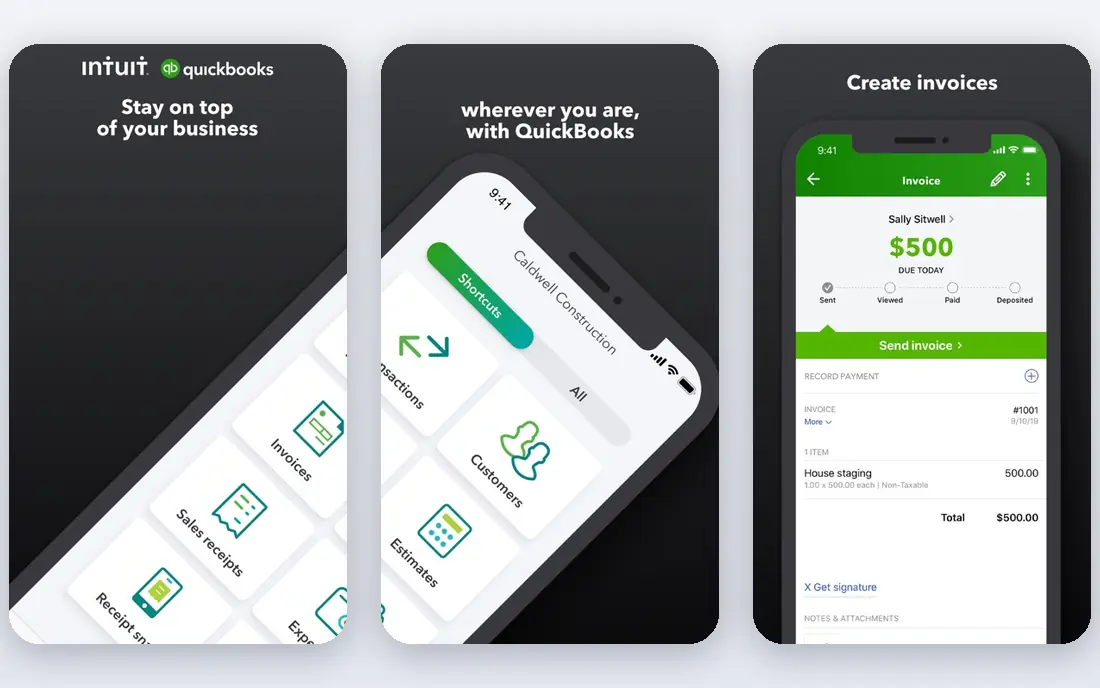
QuickBooks Online is our pick for most people because it solves the boring parts well. Bank feeds, invoicing, expense tracking and tax reports are mature, and most accountants already know the system, which makes year end handover far less painful. Simple Start starts at $38 per month, while Plus at $140 per month adds project profitability and inventory for firms that need to track jobs properly.
The catch is tier creep. A contractor who starts on Simple Start for invoicing may need Plus for job tracking, then payroll as an add-on, and the monthly total soon looks very different from the entry price. Price the tier you will actually use for a full year, not the cheapest plan on the page.
- Widest accountant support in the US
- Project profitability and inventory on Plus and higher
- Progress invoicing and payment reminders
- Project features sit on pricier tiers
- The entry plan allows only one user
- Costs climb as you add payroll and users
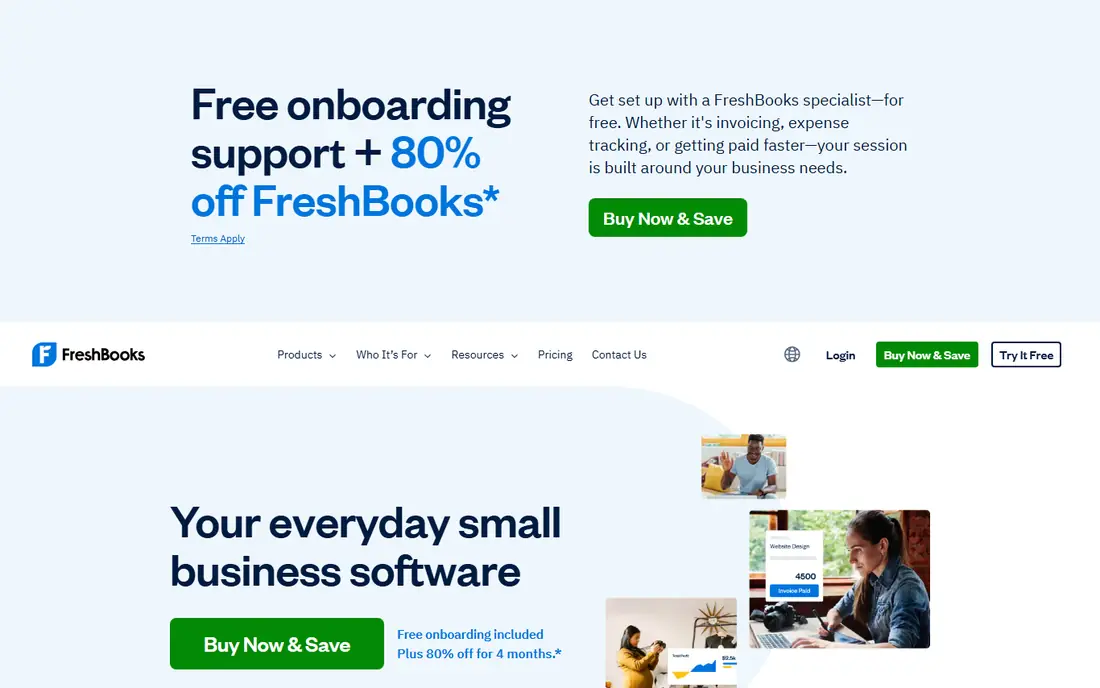
FreshBooks fits a solo contractor who bills by the job and wants to get paid without learning accounting first. Estimates turn into invoices, deposits can be requested, and billable hours flow straight onto the invoice. Lite starts at $23 per month for a small number of billable clients, which is enough for many one-person firms.
It is not a construction accounting system. If you need job costing by phase, committed costs or detailed work in progress reporting, you will outgrow FreshBooks. Treat it as a strong invoicing and cash flow tool, and move to QuickBooks Plus or a specialist when job margins become the main question.
- Clean invoicing and estimates that convert in a few clicks
- Time tracking included on all plans
- Client payments by card, Apple Pay and bank transfer
- No true double entry bookkeeping on lower tiers in some comparisons
- No inventory or deep job costing
- Client limits on the Lite plan
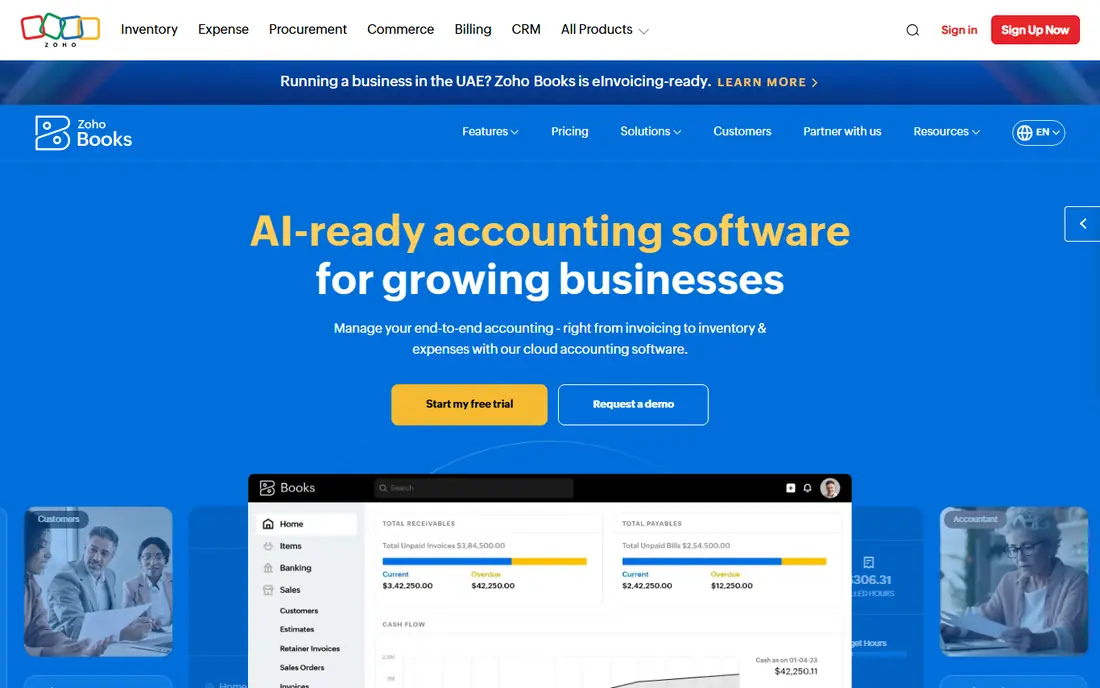
Zoho Books is the value pick for a contractor who wants real books without a high monthly bill. The free tier covers basic invoicing and accounting for very small firms, and paid tiers add inventory, projects and automation at prices that stay below QuickBooks in many cases. If you already use other Zoho apps, the shared contacts and workflow add to the appeal.
The trade-off is fit. Zoho Books is general accounting software, not a job costing system, so progress billing and construction reporting need workarounds. It suits a small firm with straightforward jobs, and it is a smart trial before committing to a specialist tool.
- Free plan for small businesses under the revenue limit
- Paid plans from $20 per month in many comparisons
- Inventory and project features on higher tiers
- Construction specific features are limited
- The free plan caps invoices per year
- Support and setup take more effort than QuickBooks for US firms
Wave is hard to beat on entry price, because core accounting and invoicing are free. A new contractor can send professional invoices, track income and expenses, and keep books tidy without a subscription. Pro at $19 per month in many comparisons adds features that a growing firm will want, while payroll remains a separate paid service.
Wave will not carry a construction firm far. There is no job costing, no progress billing workflow and no inventory depth, so it works best as a starting point or for a side business with simple jobs. Move on when you need to know profit by job, not just profit for the month.
- Free core invoicing and accounting
- Unlimited users on the paid Pro plan
- Simple setup for a new business
- No automatic bank import on the free Starter tier in current comparisons
- No inventory or project profitability
- Payroll and payments cost extra
Xero suits a contractor with a bigger office team, because you do not pay per user in the same way as QuickBooks. Bank rules, reconciliation and a large app marketplace help a firm that wants to connect estimating, time tracking or payroll tools around the core books. The top tier adds projects, which helps with basic job tracking.
The honest catch is price clarity. Published entry prices have varied between comparisons in 2026, so we list it as See website rather than risk a stale figure. Confirm the current tier, the project add-on and any payroll cost on the vendor page, and compare the total with QuickBooks Plus for your user count.
- Unlimited users on paid plans
- Strong bank reconciliation and app marketplace
- Projects available on the top tier
- Pricing has changed across sources, so check the current page before budgeting
- Inventory needs an add-on
- Construction job costing is not native
Knowify is the first specialist on this list that feels built for how contractors actually bill. It handles job budgets, purchase orders, change orders and AIA style progress billing, which are the features that general tools handle poorly. For a specialty contractor working on commercial or larger residential jobs, that workflow can save hours each month.
The price reflects that focus. At $99 per month billed annually for Core, Knowify costs more than FreshBooks or Zoho Books, and Advanced is higher again. It is worth it when billing accuracy and job cost control affect cash flow, and it is overkill when most jobs are small and paid on completion.
- Built for trade and specialty contractors
- Fixed price and AIA style billing
- Job costing, purchase orders and change orders in one place
- Core at $99 per month billed annually, or $149 monthly, is a jump from general tools
- Smaller firms may not need the full construction workflow
Foundation Software is a proper construction accounting platform, not a general tool with a construction label. Job costing, payroll, project management and reporting are designed around contracts, phases and labour, which is what a growing trade contractor needs when margins tighten. Firms that run multiple crews and jobs at once will feel the difference quickly.
Expect a quote and a demo rather than an online checkout. That is normal for this class of software, but it means budgeting takes longer and implementation needs planning. Shortlist Foundation when job costing is a daily job, not a month end report.
- Genuine construction job costing, payroll and project management
- Built for small to mid size trade contractors
- US construction focus
- Quote based pricing and a sales led setup
- More system than a solo contractor needs
Sage 100 Contractor, formerly Sage 100 Contractor, is aimed at established firms that need construction accounting rather than a prettier invoice. Job costing, payroll, estimating and project management sit in one system, and that depth matters when a firm runs many jobs with subcontractors, retainage and change orders. It is a workhorse, not a starter tool.
The buying experience is enterprise style, with a quote and implementation help. A small firm will find it heavy and expensive to run, while a mid size contractor with an office team will get value from the depth. If your accountant already supports Sage, that support is a real point in its favour.
- Genuine construction accounting with job costing and estimating links
- Long history with US contractors
- Handles complex multi job firms
- Quote based pricing
- Setup and training take time
- The interface feels dated next to cloud-first rivals
Buildertrend is the pick for a residential builder who spends as much time managing clients and schedules as managing books. It combines project scheduling, change orders, selections, messaging and a client portal, so homeowners can see progress without constant phone calls. That client side is where Buildertrend earns its keep.
It is not a direct replacement for QuickBooks on accounting depth, and many firms run both. Pricing is quote based, so get a written figure for your team size and feature set before comparing it with a pure accounting tool. For a remodeler juggling several homes at once, the project control may matter more than the accounting alone.
- Project management, scheduling, client communication and selections alongside financial tools
- Strong fit for residential builders
- Client portal keeps homeowners informed
- Quote based pricing, with third parties reporting a high monthly range
- More project platform than pure accounting software
How we picked these
We compared official pricing and feature pages, app store listings and public reviews, and we kept tools that are operating in October 2026. We included general accounting tools that many contractors actually use, plus construction specialists that add job costing, progress billing or project management. We did not invent prices, and we used See website where the vendor prices by quote or where published figures conflicted across sources.
How to choose for your firm
Start with how you bill. If most jobs are paid on completion, a general tool with good invoicing will do. If you bill by progress, retainage or AIA forms, shortlist Knowify, Foundation or Sage 100 Contractor first, because workarounds in a general tool will cost time every month. Next, count users and jobs. A solo contractor needs low cost and speed, while a firm with an office team needs user access, permissions and reporting that does not break as jobs multiply.
Then check payroll and accountant support. Payroll rules for crews, subcontractors and certified payroll are not a minor add-on, so confirm whether payroll is included, priced separately or handled by a connected app. Ask your accountant which system they prefer, because a tool they know will save fees at year end. Finally, run a real job through a trial, from estimate to invoice to payment, before you migrate old data.
A simple decision path
Choose FreshBooks, Wave or Zoho Books if you are solo and jobs are simple. Choose QuickBooks Online if you want the widest accountant support and are willing to pay for Plus for project tracking. Choose Knowify or Foundation when job costing, change orders and progress billing become weekly work. Choose Buildertrend when client communication and scheduling matter as much as the books, and keep QuickBooks or Xero alongside it for accounting depth.
Frequently asked questions
What is the best accounting software for construction companies?
QuickBooks Online is the safest general choice for small firms, while Foundation Software and Sage 100 Contractor are stronger for established firms that need true job costing. The right answer depends on whether you need project management, AIA billing or just clean books and invoicing.
What is the best accounting software for a small construction business?
For a small firm, QuickBooks Online Plus gives books plus basic project profitability, while Zoho Books and Wave keep costs lower for simpler jobs. If your jobs need progress billing, Knowify is a better specialist starting point than a general tool.
Is QuickBooks good for contractors?
Yes, for most small contractors, especially on Plus or Advanced where project profitability and inventory appear. The entry plan is limited to one user and lacks project tracking, so price the tier that matches your actual job tracking needs.
Do contractors need job costing software?
Not every contractor does. Solo firms with small, short jobs can manage with invoicing and monthly profit reports. Firms with multi week jobs, subcontractors, materials and change orders need job costing to know which jobs make money and which ones quietly lose it.
Can I use FreshBooks for construction accounting?
You can use FreshBooks for invoicing, estimates and time tracking, and many solo contractors do. It is not a job costing system, so you will need spreadsheets or a specialist tool once you need profit by job, phase or cost code.
What is the difference between Buildertrend and QuickBooks?
Buildertrend is a project management platform for builders, with scheduling, client communication and selections, plus financial tools. QuickBooks is accounting software first, with invoicing, bank reconciliation, payroll add-ons and tax reporting. Many residential builders use both together.
Sources we checked (9)
- https://quickbooks.intuit.com/pricing
- https://www.freshbooks.com/pricing
- https://www.zoho.com/books/pricing
- https://www.waveapps.com/pricing
- https://www.xero.com/pricing
- https://www.knowify.com/pricing
- https://www.foundationsoft.com
- https://www.sage.com/en-us/products/sage-100-contractor/
- https://buildertrend.com/pricing

Online Jobs is an independent blog about careers, online work, learning new skills and the tools that help people earn. More about us.
Keep reading
All posts
Who Is the Best Company to Get Travel Insurance
Compare the best travel insurance companies, including World Nomads, Allianz Travel, SafetyWing and AXA, with coverage types, limits and who each suits.

Top AI Financial Software
Searching for top AI financial software? We compared 9 AI finance tools for AP, spend, close, forecasting and bookkeeping to help teams choose wisely.
Quicken Alternatives
Compare the best quicken alternatives for Mac, Windows, and small business owners, from Monarch Money and YNAB to Copilot, Tiller, and Banktivity in 2026.