Best Accounting Software for Accountants in 2026: 8 Tools Compared


US firms on QuickBooks · Starting price: Free
How we put this together: we compare official feature and pricing pages, app store listings, privacy policies and public user reviews. Prices change, so check the provider's site before you pay.
Key takeaways
- QuickBooks Online Accountant and Xero HQ suit firms whose clients already use those platforms, with free accountant access for practices.
- Karbon suits mid-size firms where client work runs through email, thanks to triage, workflows, and client management in one place.
- TaxDome and Financial Cents suit firms that want practice management, portals, and billing without building a patchwork of apps.
- FreshBooks and Zoho Books suit smaller firms and solo accountants focused on invoicing and simple bookkeeping for clients.
- Practice tools add cost on top of client bookkeeping software, so compare total cost per staff member, not just one subscription.
Quick comparison
| Name | Who it suits | Starting price | Free option | |
|---|---|---|---|---|
| QuickBooks Online Accountant | US firms on QuickBooks | Free | Yes | Visit |
 Xero | Firms with many Xero clients | $25 per month | Free trial | Visit |
 Karbon | Email-led mid-size firms | $59 per user per month | Free trial | Visit |
 TaxDome | All-in-one firm platform | See website | Free trial | Visit |
 Financial Cents | Workflow and client tracking | $49 per user per month | Free trial | Visit |
 Canopy | Larger firms needing modules | See website | Free trial | Visit |
 FreshBooks | Small firms and invoicing | $23 per month | Free trial | Visit |
 Zoho Books | Low-cost bookkeeping | Free | Yes | Visit |
The best accounting software for accountants
Accountants need two things at once: bookkeeping software for clients, and practice software to manage clients, deadlines, documents, and billing. The tools below cover both sides, from accountant portals for QuickBooks and Xero to full practice suites. This article covers software choice only and is not tax or financial advice for any specific firm or client.
QuickBooks Online Accountant
Who it suits: US firms on QuickBooks
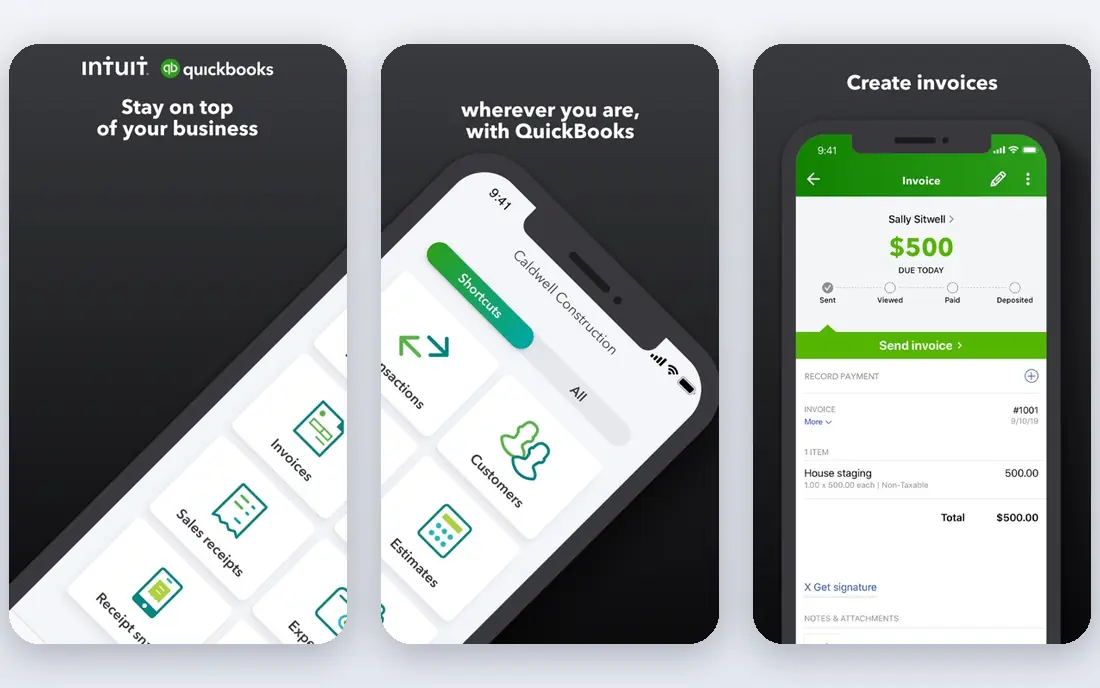
QuickBooks Online Accountant is the natural hub for US firms whose clients already use QuickBooks Online. Accountants can access client books, manage tasks, and use accountant-only tools from one dashboard, without paying for the accountant portal itself. That matters when a firm serves dozens of clients on the same platform.
The catch sits with clients, not accountants. Client subscriptions are paid, tiered by users and features, and have risen in price. Firms should also plan for the learning curve of advanced reporting and payroll add-ons. For US practices built around QuickBooks, though, no other portal matches its depth.
- Free for accountants
- Manages many clients in one dashboard
- Deep US tax and payroll links
- Client plans are paid and tiered
- Interface can feel crowded
- Price rises affect clients

Xero suits firms with international clients or many staff who need access without per-seat fees on client plans. Xero HQ helps practices track clients, jobs, and deadlines, while Hubdoc captures bills and receipts. Multi-currency handling and a large app marketplace make it flexible for varied client types.
US firms should check specifics before switching. Payroll in the US relies on third-party integrations, and some US tax features are less deep than QuickBooks. For firms serving global clients, or firms that value clean design and unlimited users, Xero remains a strong core platform.
- Unlimited users on client plans
- Xero HQ for practice management
- Strong multi-currency support
- US-specific features are thinner than QuickBooks
- Payroll needs third-party tools in the US
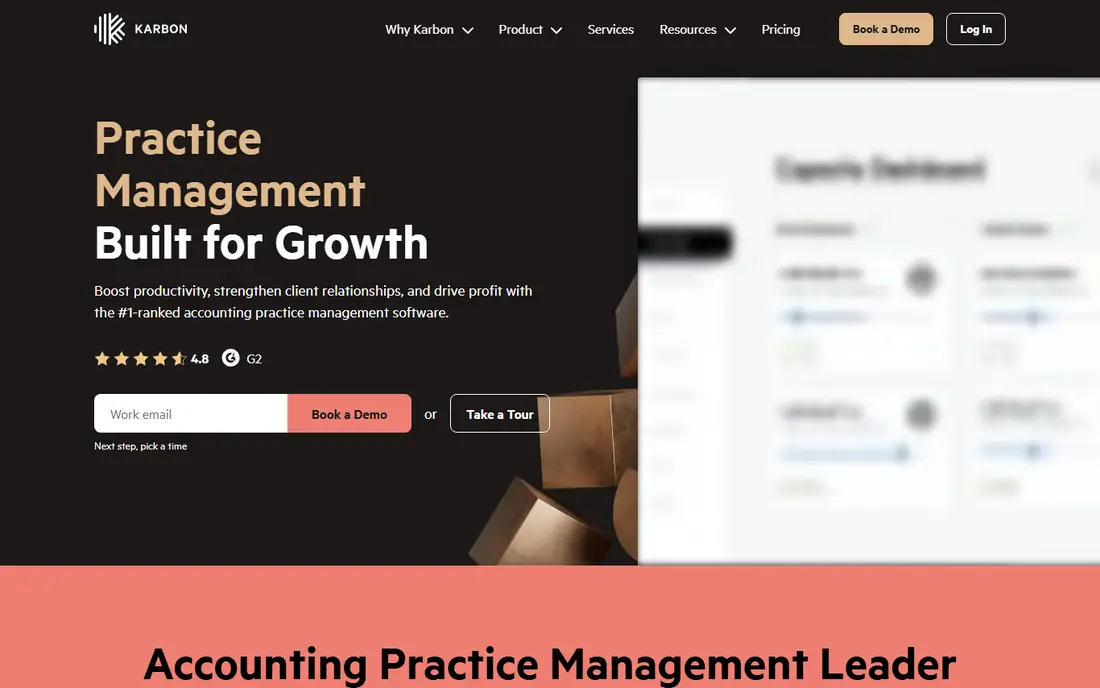
Karbon is built around a simple insight: much firm work arrives by email. Its shared inbox and triage view turn messages into tasks, assign owners, and track client jobs without leaving the inbox. Workflow templates, client management, and integrations with Xero, QuickBooks Online, and other firm tools keep work visible across a mid-size team.
Pricing is the honest catch. The entry Team plan caps templates and contacts, and growing firms often move to the Business tier at a higher per-user price. E-signatures also cost extra. For firms of ten or more people who live in email, Karbon earns its price. Smaller firms may find it more system than they need.
- Email triage into tasks
- Strong workflow templates
- Many integrations
- Higher tiers needed for full automation
- E-signatures cost extra
- Trial only, no free plan
TaxDome aims to replace several firm apps with one platform. Client portals, secure document exchange, CRM, workflows, e-signatures, and billing sit together, which suits tax and accounting firms that want clients in one secure place. That breadth reduces the patchwork of separate portal, workflow, and billing tools.
The platform uses annual billing, so firms should budget for a yearly commitment rather than a monthly trial that drifts. Setup also takes planning, especially for migrating client data and templates. Firms that commit to the full suite, though, get a coherent client experience that smaller point tools cannot match.
- Client portals and CRM in one place
- Workflow and billing tools
- Strong for tax firms
- Annual billing model
- Onboarding can take time
- Pricing needs a vendor check
Financial Cents focuses on the work itself: every client, every job, every step, assigned and visible. Managers can see bottlenecks, staff can see their workload, and recurring work can be templated for tax season and monthly close. That focus makes it easier to adopt than a full suite for firms that mainly need workflow control.
It is less of a complete client portal and billing platform than TaxDome, so firms that want everything in one place should compare both carefully. For firms whose main pain is tracking work and deadlines, Financial Cents offers a clear, focused solution at a mid-range per-user price.
- Clear workflow tracking
- Client and staff visibility
- Simpler than full suites for many firms
- Less portal depth than TaxDome
- Add-ons may be needed for full firm needs
Canopy offers practice management in modules, covering client management, workflow, documents, and billing, with firms choosing the pieces they need. That modular approach suits larger firms that want to build a system around their existing stack rather than replacing everything at once.
The trade-off is total cost. Base fees plus separate paid modules can add up, and training costs have been noted by reviewers. Get a written quote for your firm size and required modules before comparing Canopy with all-in-one rivals, and test document handling with real client files during trial.
- Modular practice tools
- Document and workflow options
- Suited to larger firms
- Modules and add-ons can raise total cost
- Pricing is not a simple list price
FreshBooks suits small accounting firms and solo accountants whose clients are service businesses. Invoicing is polished, time tracking feeds bills cleanly, and clients find the portal easy to use. For freelancers and small service firms, that simplicity often beats a heavier accounting suite.
It is not the best pick for clients with complex inventory, advanced reporting, or multi-entity needs. Extra users also add cost, so firms with many staff should compare total seat cost with Xero. For straightforward client bookkeeping and billing, FreshBooks remains an accessible choice.
- Polished invoicing
- Time tracking
- Easy for service clients
- Weaker for complex inventory and reporting
- Extra users cost more
Zoho Books offers genuine value for cost-conscious firms. The free plan covers full double-entry bookkeeping, invoicing, and bank reconciliation for businesses under a revenue threshold, and paid plans scale up with more users and features. Firms already using Zoho apps get extra benefit from shared contacts and data.
The US accountant ecosystem is smaller than QuickBooks or Xero, so firms that rely on a wide network of US integrations should check compatibility first. For small firms, startups, and firms serving Zoho-using clients, Zoho Books is a credible low-cost core platform.
- Free plan for small businesses
- Full double-entry bookkeeping
- Good Zoho ecosystem links
- Accountant ecosystem is smaller in the US
- Free plan has revenue limits
How we picked these
We compared official pricing pages, practice management features, and accountant portal tools for firms serving clients in 2026. We favoured tools that support multi-client management, workflows, portals, or bookkeeping at firm scale, rather than single-user bookkeeping apps alone. Where a vendor uses custom or annual pricing without a simple list price, we wrote See website instead of guessing a figure.
What to check before you choose
Start by listing your firm reality: how many clients, how many staff, which bookkeeping platforms clients already use, and where work currently gets stuck. A practice tool that fights your client platform will create double entry, while a tool that integrates with it will save hours each week. Run a trial with real clients, real deadlines, and real tax season workflows, not just sample data.
Next, compare total cost per staff member across a year, including client platform fees, practice tool seats, portal costs, e-signature credits, and onboarding. Ask vendors what happens to client data if you leave, how long migration takes, and what training is included. A cheaper seat price with weak migration support can cost far more in staff time during a busy season.
Client experience and security
Test the client portal from the client side. Can clients upload documents securely, sign forms, pay invoices, and see job status without calling your office? Check encryption, access controls, and audit trails, especially for tax documents. A portal clients avoid using will not reduce email volume, no matter how good the internal workflow looks.
Workflow and tax season readiness
Check recurring workflows, deadline tracking, and capacity views before tax season, not during it. Can you template monthly close and annual returns, assign work by capacity, and spot overdue clients at a glance? Firms that test those views with last season data will find gaps while there is still time to fix them.
Frequently asked questions
What is the best accounting software for accountants?
QuickBooks Online Accountant suits US firms on QuickBooks, Xero suits firms with global or multi-user clients, and Karbon suits mid-size firms where work runs through email. The best choice depends on your client platforms, firm size, and whether you need practice management or just bookkeeping access.
What is the best software for accounting firms?
Karbon, TaxDome, Financial Cents, and Canopy lead for practice management, covering workflows, portals, documents, and billing. TaxDome offers the broadest all-in-one suite, Karbon leads for email-led firms, and Financial Cents offers focused workflow tracking. Compare total cost and integration with your client bookkeeping platform.
What is the best accounting software for CPA firms?
CPA firms often pair a client bookkeeping platform such as QuickBooks Online or Xero with a practice tool such as Karbon or TaxDome. That pairing covers client books, firm workflows, secure portals, and billing in one system. Solo CPAs with simple clients may manage with FreshBooks or Zoho Books alone.
Is QuickBooks Online Accountant free?
Yes, the accountant portal itself is free for accountants and bookkeepers, while client QuickBooks Online subscriptions are paid. Accountants can manage multiple clients, access books, and use accountant tools from the portal. Client plan prices vary by tier and should be checked on the official QuickBooks pricing page.
How much does accounting practice software cost?
Practice tools in this list range from free accountant portals to around 49 dollars to 59 dollars per user per month for workflow platforms, with some vendors using custom or annual pricing. Always compare total yearly cost per staff member, including modules, signatures, and onboarding, before choosing.
Sources we checked (8)

Online Jobs is an independent blog about careers, online work, learning new skills and the tools that help people earn. More about us.
Keep reading
All posts
Top AI Financial Software
Searching for top AI financial software? We compared 9 AI finance tools for AP, spend, close, forecasting and bookkeeping to help teams choose wisely.

Quicken Alternatives
Compare the best quicken alternatives for Mac, Windows, and small business owners, from Monarch Money and YNAB to Copilot, Tiller, and Banktivity in 2026.

GoFundMe Alternatives
Looking for GoFundMe alternatives? We compared 8 fundraising platforms on fees, campaign types, donor tools and who each platform suits best in 2026 today.