Best PayPal Alternatives in 2026: 9 Options Compared

How we put this together: we compare official feature and pricing pages, app store listings, privacy policies and public user reviews. Prices change, so check the provider's site before you pay.
Key takeaways
- Stripe at 2.9 percent plus 30 cents is the best PayPal alternative for online stores and software businesses that want a customizable checkout.
- Square at 2.6 percent plus 15 cents in person is the best alternative for shops, restaurants and service businesses that sell face to face.
- Wise is the cheapest way to move money across currencies, with conversion fees from around 0.33 percent and real mid-market exchange rates.
- Zelle is free for most US bank customers, but it offers no buyer or seller protection, so it suits trusted clients only.
- PayPal charges 2.99 percent plus 49 cents for online card payments, so most alternatives here beat it on price for at least one use case.
Quick comparison
| Name | Who it suits | Starting price | Free option | |
|---|---|---|---|---|
 Stripe Stripe | Online stores and software | Free | Yes | Visit |
 Square Square | In-person retail and services | Free | Yes | Visit |
 Wise Wise | International transfers | Free | Yes | Visit |
 Payoneer Payoneer | Freelancers paid from abroad | Free | Yes | Visit |
 Venmo Venmo | Personal payments and small sellers | Free | Yes | Visit |
 Zelle Zelle | Free bank-to-bank transfers | Free | Yes | Visit |
 Skrill Skrill | Digital wallet transfers | Free | Yes | Visit |
 Google Pay Google Pay | Mobile checkout | Free | Yes | Visit |
 Apple Pay Apple Pay | Apple device checkout | Free | Yes | Visit |
The best PayPal alternatives
People leave PayPal for different reasons: high fees, account holds, limited international options, or simply a better fit for how they sell. No single alternative replaces all of PayPal, so the right choice depends on whether you sell online, in person, across borders, or person to person. We compared official pricing pages and feature documentation, and we focus on what each option actually costs to use.
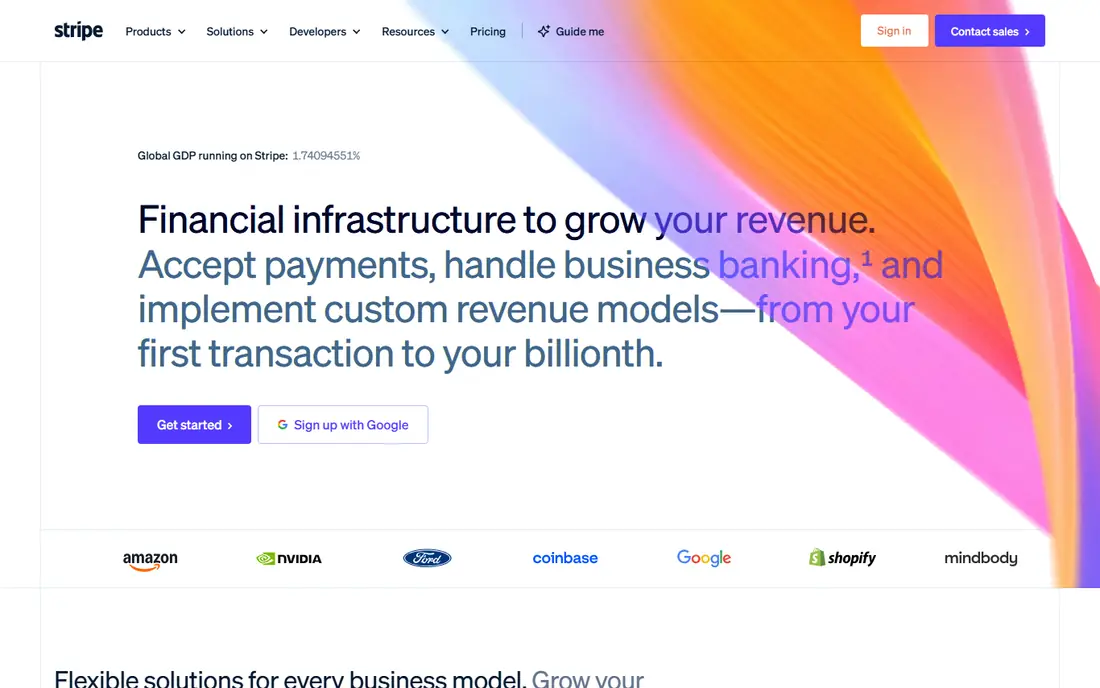
Stripe is the default PayPal alternative for online businesses. It powers checkout for millions of stores and software companies, with tools for subscriptions, invoicing, payment links and marketplace payouts. There is no monthly fee and no setup cost, and the dashboard gives detailed reporting on revenue, refunds and disputes.
The standard US rate for online card payments is 2.9 percent plus 30 cents, essentially the same as PayPal, so Stripe wins on flexibility rather than price. International cards add a 1.5 percent surcharge and currency conversion adds 1 percent. If you sell online and want control over checkout, Stripe is the strongest choice. If you want the lowest fee, pair it with Wise or Zelle for suitable payments.
- Powerful API and checkout tools
- Supports subscriptions, invoicing and marketplaces
- No monthly fee
- Online card rate of 2.9 percent plus 30 cents matches PayPal
- Setup needs more technical skill than Square
- International cards and currency conversion add surcharges
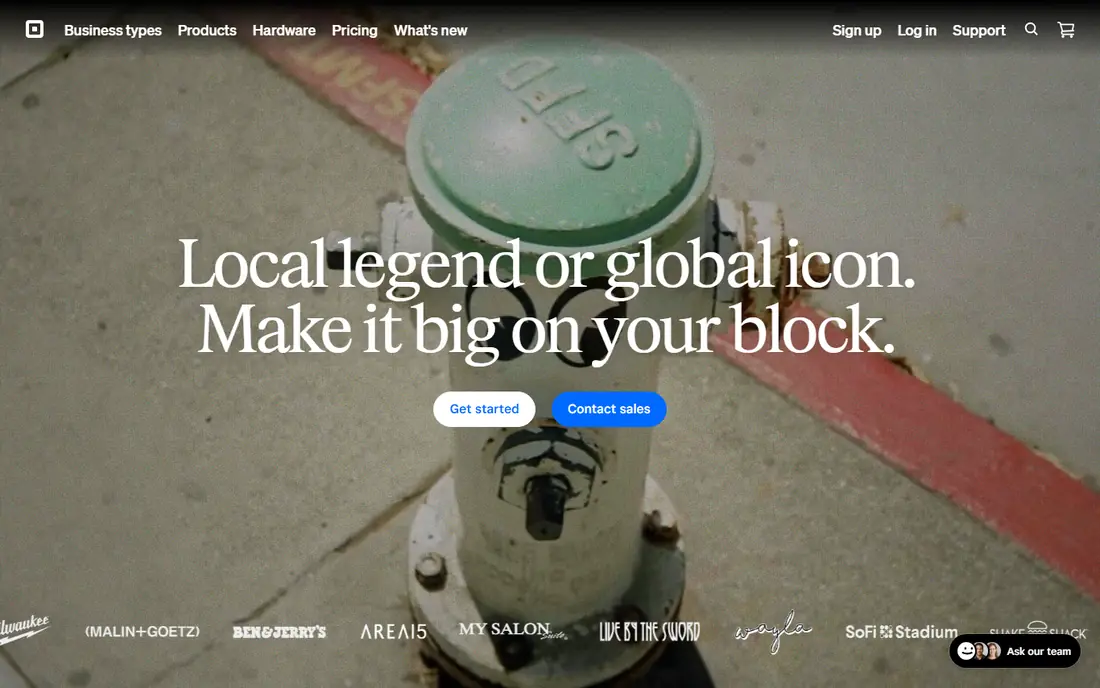
Square is the best PayPal alternative for businesses that sell face to face. The free point-of-sale app runs on a phone or tablet, card readers are inexpensive, and the same account handles online payments, invoices, appointments and inventory. For coffee shops, salons, market stalls and service businesses, Square replaces several tools at once.
In-person card payments cost 2.6 percent plus 15 cents, cheaper than PayPal's online rate, while online payments cost 2.9 percent plus 30 cents. Some sellers report account holds, as with any processor, so keep records clean. If your sales happen in person, Square is the obvious pick.
- Free point-of-sale app and hardware options
- In-person rate of 2.6 percent plus 15 cents
- Invoices, appointments and inventory included
- Online card rate is higher at 2.9 percent plus 30 cents
- Account holds can affect some sellers
- Advanced features sit behind paid plans
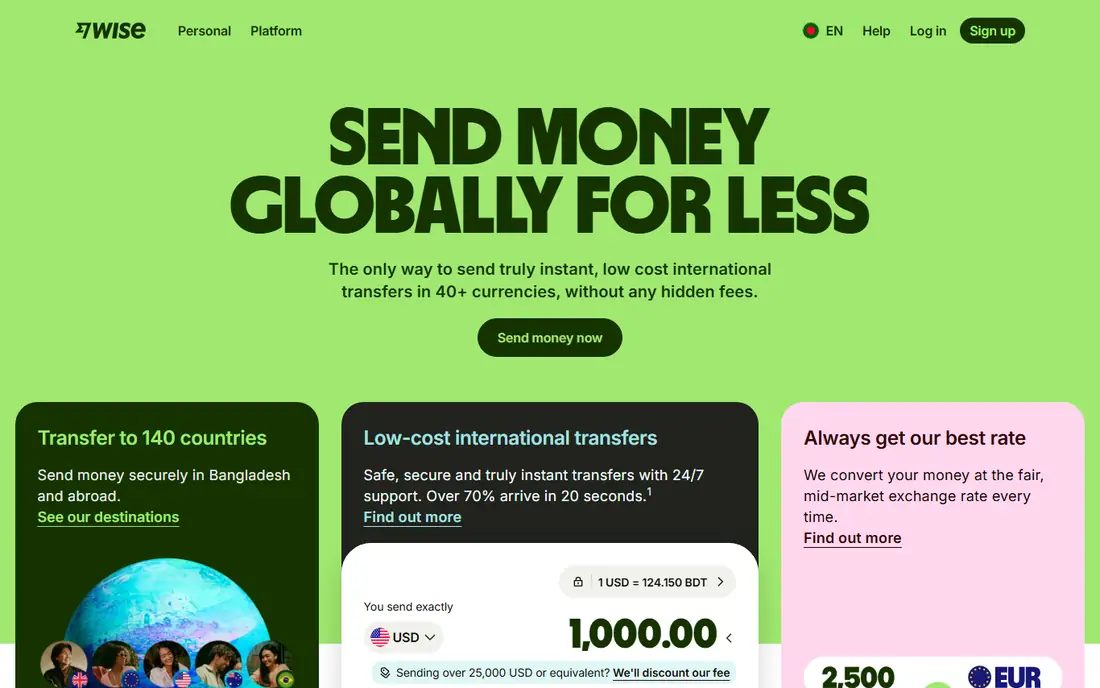
Wise, formerly TransferWise, is the cheapest serious way to send and receive money across currencies. You get local bank details in many currencies, hold balances in dozens of currencies, and convert at the real mid-market rate with a transparent fee from around 0.33 percent. For freelancers paid from abroad and businesses paying international suppliers, the savings against PayPal's conversion fees are large.
Wise is not a checkout processor: customers cannot pay you by card through Wise the way they can through Stripe. Use it for transfers, payouts and holding foreign currency, and pair it with a card processor for store checkout. For international money movement, nothing on this list beats it on price transparency.
- Real mid-market exchange rates
- Conversion fees from around 0.33 percent
- Multi-currency accounts with local bank details
- Not a card checkout processor for stores
- Transfer times vary by route
- Business features are thinner than a full bank
Payoneer is built for people who get paid across borders. Freelancers and sellers receive local bank details in major currencies, get paid by marketplaces and clients, and withdraw to a local bank or spend with a Payoneer card. Businesses use it for mass payouts to contractors and suppliers in many countries.
Receiving from another Payoneer balance or a local-currency account is often free, but card-funded payments cost up to 3.99 percent plus 49 cents, and withdrawals cost from 1.50 dollars for same-country transfers to a percentage for other corridors. An annual account fee can apply if less than 6,000 dollars is received in a year. For marketplace and freelance income, Payoneer is a practical PayPal replacement.
- Receiving accounts in multiple currencies
- Popular with marketplaces like Amazon and Upwork
- Mass payout tools for businesses
- Card-funded payments cost up to 3.99 percent plus 49 cents
- Withdrawal fees vary by corridor
- Annual card and account fees can apply
Venmo is the social payment app of choice in the US. Sending money from a bank account or Venmo balance is free for personal payments, and the social feed makes splitting bills and paying friends effortless. Small sellers can use a business profile, which charges 1.9 percent plus 10 cents per payment and adds purchase protections.
The rules matter: personal accounts are not allowed for business payments, and using one risks account limits. Credit card payments cost 3 percent. Venmo works best for personal transfers and small, local sellers. For full online checkout, Stripe or Square is the better tool.
- Huge US user base for personal payments
- Business profiles at 1.9 percent plus 10 cents
- Social feed helps small sellers get discovered
- Personal accounts must not be used for business
- Credit card payments cost 3 percent
- Purchase protection is narrower than PayPal
Zelle is the cheapest payment method on this list, because most participating US banks charge no fee to send or receive. Money moves directly between bank accounts, often within minutes, with no percentage taken. For freelancers with trusted, recurring clients, Zelle can save thousands a year compared with card processors.
The catch is protection: Zelle offers no buyer or seller protection, and transfers are difficult to reverse once sent. Use it only with clients you trust, confirm payments have settled before delivering work, and keep it out of first-time or high-risk transactions. For trusted relationships, it is unbeatable on price.
- Free for most US bank customers
- Money moves directly between bank accounts, often within minutes
- No percentage fee
- No buyer or seller protection
- Transfers are hard to reverse
- Business use depends on your bank's terms
Skrill is a digital wallet that lets you send and receive money by email across many countries and currencies. It is popular with freelancers and in regions where PayPal options are limited, and personal account fees are comparatively low for transfers and withdrawals.
Merchant accounts are a different story, with fees up to 3.9 percent plus a fixed fee for non-European merchants and possible monthly gateway fees. Some users also report accounts being converted to merchant status after receiving freelance payments. For personal transfers and as a backup wallet, Skrill is useful. For business checkout, Stripe or Square is usually cheaper and clearer.
- Send money by email in many countries
- Supports many currencies
- Useful where PayPal is restricted
- Merchant fees can reach 3.9 percent plus a fixed fee for non-European merchants
- Account conversion to merchant status surprises some users
- Withdrawal fees apply
Google Pay is not a payment processor but a checkout accelerator: customers pay with cards they have already saved to their Google account, in one tap, without typing details. Enabling it on a store is free, and it raises mobile conversion for Android shoppers in particular.
Your underlying processor, such as Stripe or Square, still charges its normal fee, so Google Pay saves time rather than money. It also only helps customers who use Google accounts. Add it alongside a processor rather than instead of one, and it will lift checkout completion at no extra cost.
- Free to enable on your store
- One-tap checkout with saved cards
- Huge Android user base
- Not a processor itself, so your processor's fees still apply
- Limited to Google ecosystem users
- No standalone seller account
Apple Pay mirrors Google Pay for the Apple world: customers confirm with Face ID or Touch ID and pay with a tokenized card, without sharing card details with the merchant. Enabling it is free, fraud protection is strong because card numbers are never exposed, and checkout completion on Apple devices is notably higher.
As with Google Pay, your processor still charges its fee, and Apple Pay only helps customers on Apple devices. Offer both wallets together and you cover nearly every mobile shopper. For Apple-heavy audiences, Apple Pay is an essential checkout addition.
- Free to enable
- Fast biometric checkout on iPhone, iPad and Mac
- Strong fraud protection with tokenized cards
- Only works for Apple device users
- Processor fees still apply
- No standalone seller account
How we picked these
We compared official pricing pages, fee schedules and feature documentation for payment options available to US businesses and consumers today. We favored services with transparent fees, real buyer or seller protections where claimed, and broad availability, and we checked that each official site belongs to the product. Fees vary by country, payment method and volume, so confirm the current rate on each provider's pricing page before switching.
What to check before you switch
Start with how you actually get paid. Card checkout needs Stripe, Square or a similar processor. International transfers need Wise or Payoneer. Trusted client payments can move to Zelle for free. Most businesses end up with two tools: one for card checkout and one for transfers.
Next, compare total cost on your real volumes, not just the headline rate. Include international surcharges, currency conversion, payout fees and chargeback costs. A processor that looks cheap at 2.6 percent can cost more than a 2.9 percent rival once conversion and payout fees are added.
Finally, check account policies before moving volume. Read the acceptable use terms, reserve policies and dispute processes, and keep PayPal active during the transition so customers always have a way to pay. Switching processors is easy; recovering from an unexpected account hold is not.
Frequently asked questions
What is the best alternative to PayPal for business?
Stripe is the best all-round business alternative for online sales, and Square is best for in-person sales. For international payments, Wise and Payoneer beat PayPal on conversion costs. Many businesses use Stripe for checkout and Wise for transfers together.
What are the best PayPal alternatives for freelancers?
Wise and Payoneer are best for freelancers paid from abroad, since both offer multi-currency receiving accounts with lower conversion costs than PayPal. Zelle is cheapest for trusted US clients, since most banks charge no fee. Stripe payment links also work well for invoicing clients by card.
Is there a free alternative to PayPal?
Zelle is free for most US bank customers, and Venmo personal payments from a bank account or balance are free. Wise and Payoneer accounts are free to open, though transfers and conversions carry small fees. No card processor is truly free, since card networks charge for every transaction.
What is the best alternative to PayPal for international payments?
Wise is the best international alternative, with real mid-market exchange rates and conversion fees from around 0.33 percent. Payoneer is best for freelancers receiving marketplace payouts in several currencies. Both are substantially cheaper than PayPal for cross-border money.
Does Stripe charge less than PayPal?
For online card payments, Stripe charges 2.9 percent plus 30 cents, while PayPal charges 2.99 percent plus 49 cents, so Stripe is slightly cheaper per transaction. The bigger savings come from Stripe's flexibility and lower add-on costs, though international surcharges apply on both platforms.
Can I use Zelle for business payments?
It depends on your bank. Several major banks offer Zelle to qualifying business clients at no transfer fee, but Zelle provides no buyer or seller protection and transfers are hard to reverse. Use it for trusted, recurring clients, and use a card processor for new or high-risk customers.
Sources we checked (9)

Online Jobs is an independent blog about careers, online work, learning new skills and the tools that help people earn. More about us.
Keep reading
All posts
Who Is the Best Company to Get Travel Insurance
Compare the best travel insurance companies, including World Nomads, Allianz Travel, SafetyWing and AXA, with coverage types, limits and who each suits.
Top AI Financial Software
Searching for top AI financial software? We compared 9 AI finance tools for AP, spend, close, forecasting and bookkeeping to help teams choose wisely.
Quicken Alternatives
Compare the best quicken alternatives for Mac, Windows, and small business owners, from Monarch Money and YNAB to Copilot, Tiller, and Banktivity in 2026.